Browser screen recording
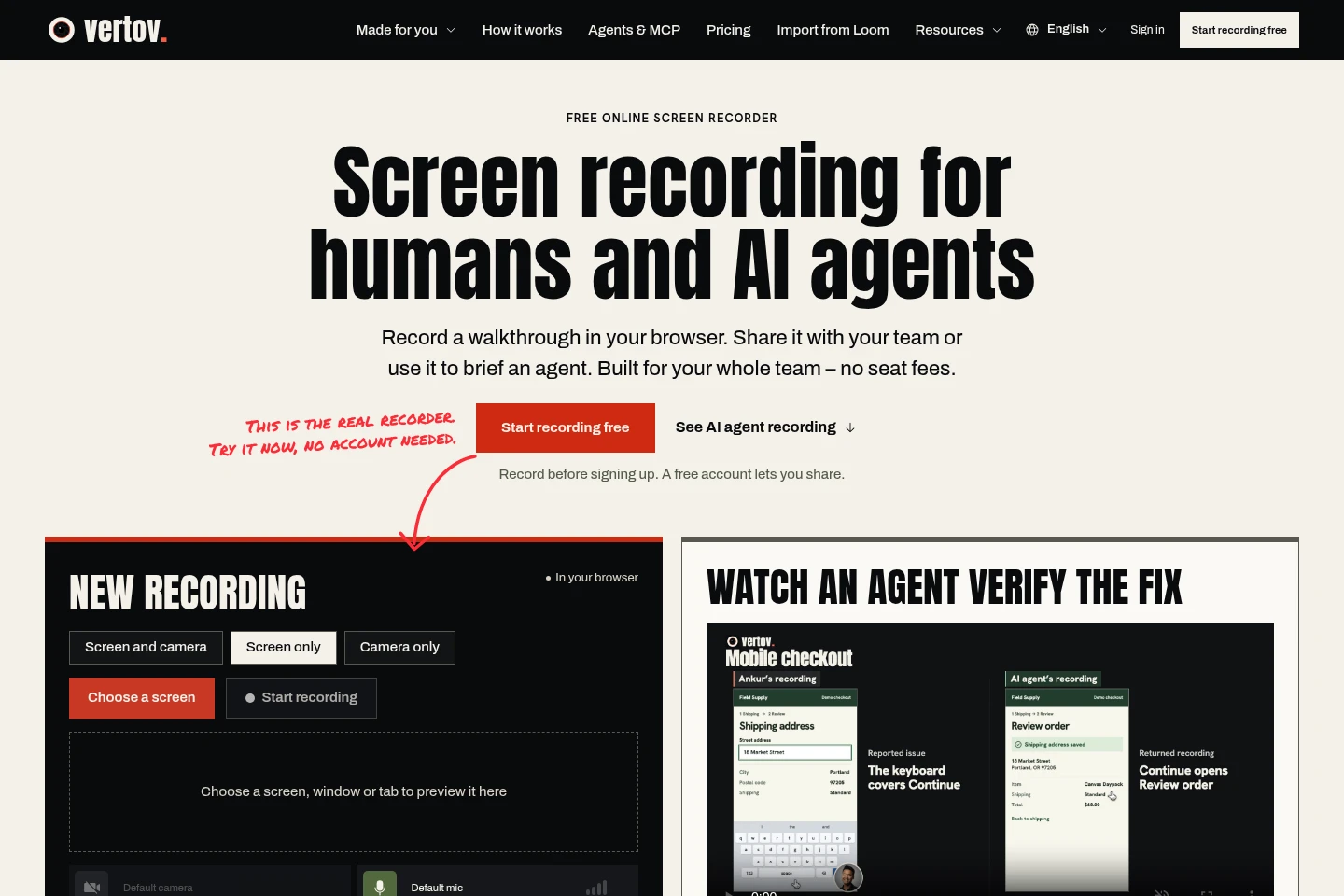
Records a screen, window or tab and outputs a video that can be shared. Choose screen-only, camera-only or screen and camera; drawing and pointer emphasis can also appear in the recording.
Transcript-based video editing
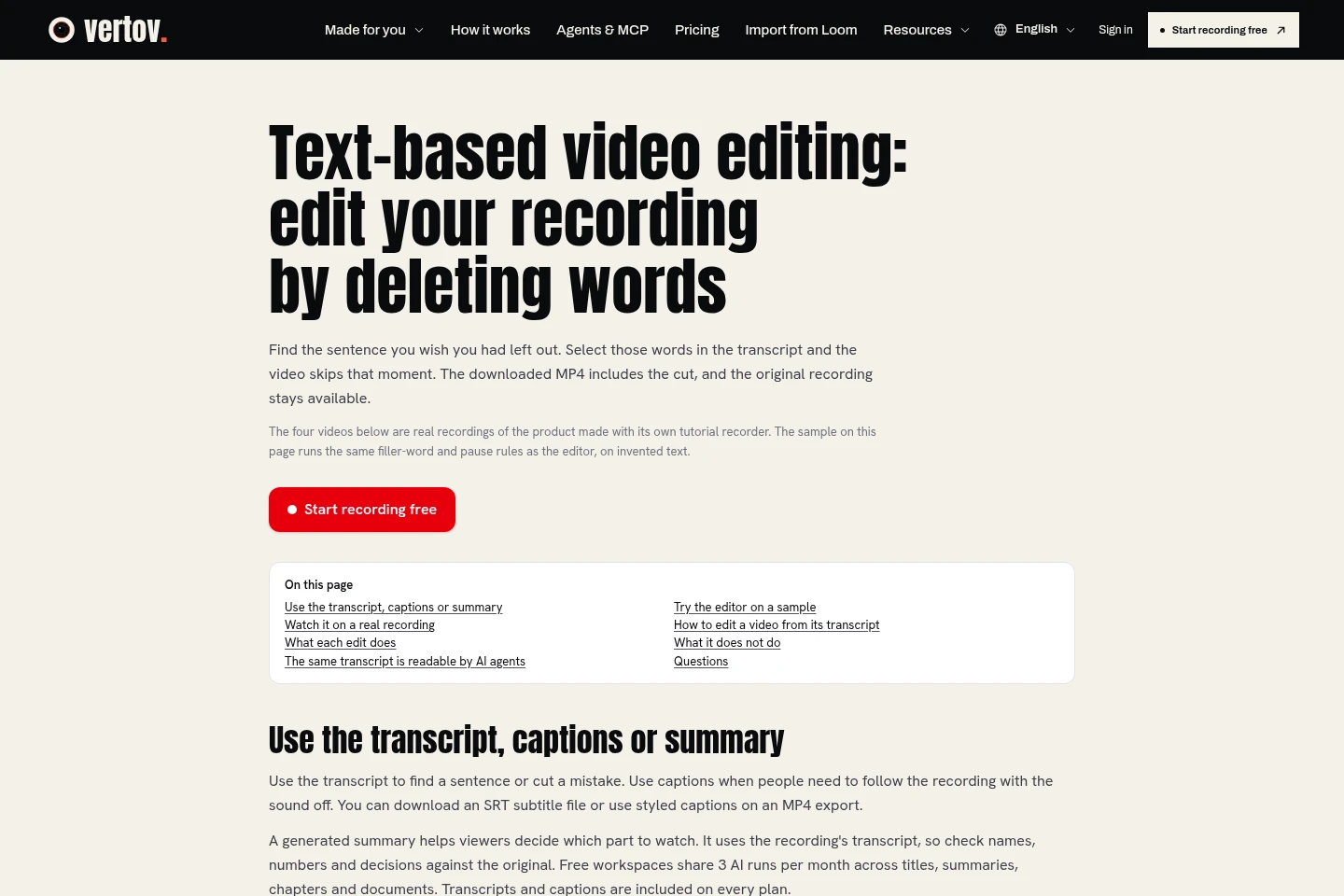
Cuts video moments by deleting their words from the transcript and outputs an edited recording. Transcripts and captions are included on every plan; the original recording remains available.
Video sharing and feedback
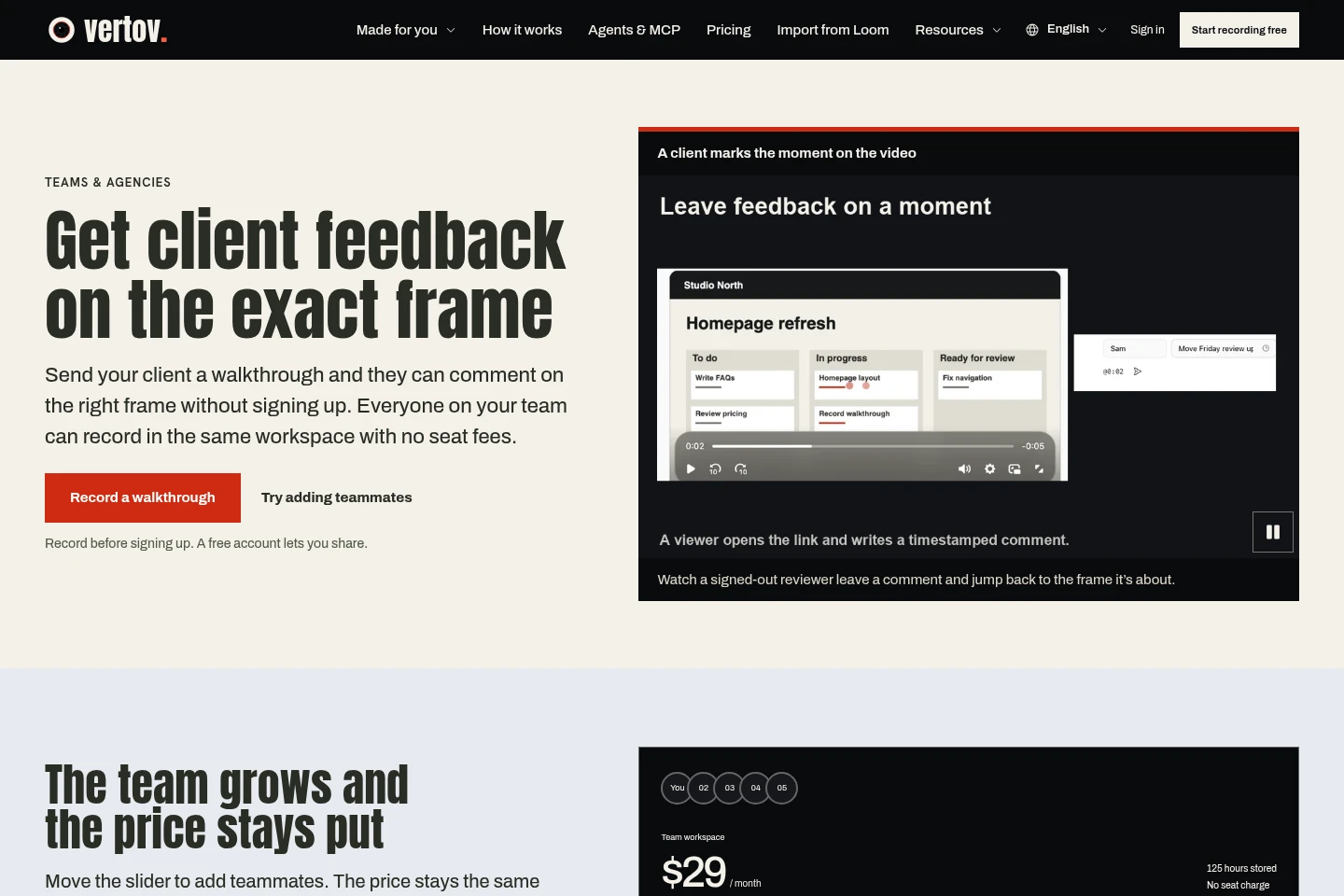
Creates a link for viewers to watch a recording and leave timestamped comments. Public link viewers can watch without an account; comments must be enabled, and workspace-only videos require membership.
Loom video import
Imports selected Loom recordings into a Vertov library. Paste up to 50 public links at a time; private videos require the Chrome extension and a Loom sign-in with access.
AI agent video workflows
Vertov lets AI agents work with screen recordings through hosted MCP and API integrations. Authorised agents can retrieve recording context, use visual briefs and upload recordings. Vertov also supports agent-created video tutorials: an agent operates a supported web application and produces a recorded walkthrough. This is separate from recording a user's personal desktop remotely.









Comments