



Picking the best AI video editors usually comes down to three practical bottlenecks that show up only after you upload footage: whether auto-captions are locked behind a monthly minute cap, whether text-based rough cuts actually delete pauses and bad takes, and whether the free tier slaps a watermark or a 720p ceiling on your final export.
Most comparison lists treat every AI video editor as interchangeable. In practice, their pricing models and technical limits diverge sharply. Some browser tools let you edit for free but charge per download or expire unused AI credits at the end of every month. Desktop editors can export clean 4K video at zero cost, yet either charge a one-time license for AI transcription or require a local NVIDIA GPU to run offline models at usable speed.
Every price, resolution cap, watermark rule, and AI feature in this guide was verified directly from each vendor's official pricing, product, and documentation pages in November 2026. Rather than inventing subjective test scores, we compare documented capabilities and hard paywall boundaries so you can match the tool to your actual workflow.
How We Evaluated These AI Video Editors
We selected nine tools spanning high-demand online editors, mainstream desktop NLEs, and an open-source local option, then checked four specific areas on each official site:
- Auto-captions and translation: Whether speech-to-text subtitles are included on free plans, how many languages are supported, and whether SRT export or styling is paywalled.
- Rough cuts and audio cleanup: Support for transcript-based editing, filler-word or silence removal, highlight clipping, and AI voice isolation or denoise.
- Export ceiling and watermarks: Resolution limits (720p, 1080p, 2K, 4K), watermark policies on free exports, and upload or storage caps.
- True 12-month cost: Monthly vs. annual billing, credit expiration rules, and one-time licenses compared against ongoing subscriptions.
- Best for fast social captions and cross-platform editing: CapCut — web, desktop, and mobile workflow with speech-to-text captions, transcript editing, and watermark-free online exports noted in its FAQ.
- Best for free unlimited auto-captions: Canva — unlimited auto-generated captions on Free and no watermark when using free assets.
- Best for pro text-based editing and multilingual captions: — full NLE with transcript-driven cuts, 20+ language caption translation, and AI audio cleanup.
- Best watermark-free 4K free editor (+ one-time AI upgrade): — free 4K 60fps 8-bit exports without watermarks, plus a $295 one-time Studio license for Neural Engine transcription and text editing.
- Best free open-source option with offline subtitles: Kdenlive — GPL desktop editor running local Whisper or VOSK speech-to-text with zero watermarks or credit caps.
Quick Comparison: Captions, Rough Cuts, Watermarks, and Pricing
Here is how the best AI video editors compare on captions, rough cuts, free export watermarks, and starting prices—whether you want to edit video online or install full desktop software.
| Tool | Platform | Auto-Captions | Rough Cuts & Text Editing | Free Export & Watermark | Starting Paid Price (Nov 2026) |
|---|---|---|---|---|---|
| CapCut | Web, Desktop, Mobile | Auto-captions, Speech-to-Text, translation | Transcript editing, filler-word removal, long-to-short | Online editor FAQ notes no watermark; free cap unspecified | Pro $19.99/mo ($179.99/yr) |
| Canva | Web, Desktop, Mobile | Unlimited auto-captions on Free & Pro | Manual on Free; AI Highlights & Auto-trim on Pro | MP4/GIF; no watermark with free assets (Pro assets watermarked) | Pro $18/mo ($144/yr) |
| Adobe Premiere Pro | Desktop, iPhone | Auto-transcription & captions in 20+ languages | Full Text-Based Editing & AI Assistant rough cuts | No free tier (free trial only) | $22.99/mo (annual, billed monthly) |
| DaVinci Resolve | macOS, Windows, Linux | Built-in captions; AI transcription on Studio | Text-based editing on Studio (Neural Engine) | Free up to 4K 60fps 8-bit, no watermark | Studio $295 one-time |
| CyberLink PowerDirector | Windows, macOS | AI Speech-to-Text auto-captions | AI Text-Based Editing, pause/stutter removal | Essential Free; select export & AI tools restricted | 365 $24.99/mo ($79.99/yr reg.) |
| InVideo | Web | AI captions & music | Transcript deletion, silence & "umm" removal | Manual timeline free; AI uses credits; free export cap unspecified | Starter $20/mo ($10/mo annual promo) |
| Vmaker AI | Web | Auto-subtitles in 75+ languages (20 min/mo Free) | Highlights, silence & filler-word removal | Watermarked; no free downloads ($3 per download) | Starter $24/mo ($18/mo annual) |
| Clideo | Web | Auto-subtitles via AI credits (10 credits/mo Free) | Manual timeline cut/split/merge only | Capped at 720p, watermarked, 500 MB upload, 14-day storage | Pro $12/mo ($9/mo annual) |
| Kdenlive | Linux, Windows, macOS, BSD | Local Whisper / VOSK auto-subtitles | Speech Editor text cuts; silence removal via VOSK only | Unlimited 4K+ via FFmpeg, zero watermarks | $0 (GPL open-source) |
Before uploading a 40-minute recording to an online free video editor, check two lines in the pricing table: download eligibility and credit rollover. Vmaker's Free (Lite) tier includes 20 minutes of auto-subtitles per month, yet excludes watermark-free exports and charges $3 per download. Clideo caps free exports at 720p with a watermark and drops stored files after 14 days. On paid credit plans like InVideo, unused monthly credits expire at the end of the billing cycle rather than rolling over.
The 9 Best AI Video Editors in Detail
1. CapCut — Best for Fast Social Captions and Cross-Platform Rough Cuts
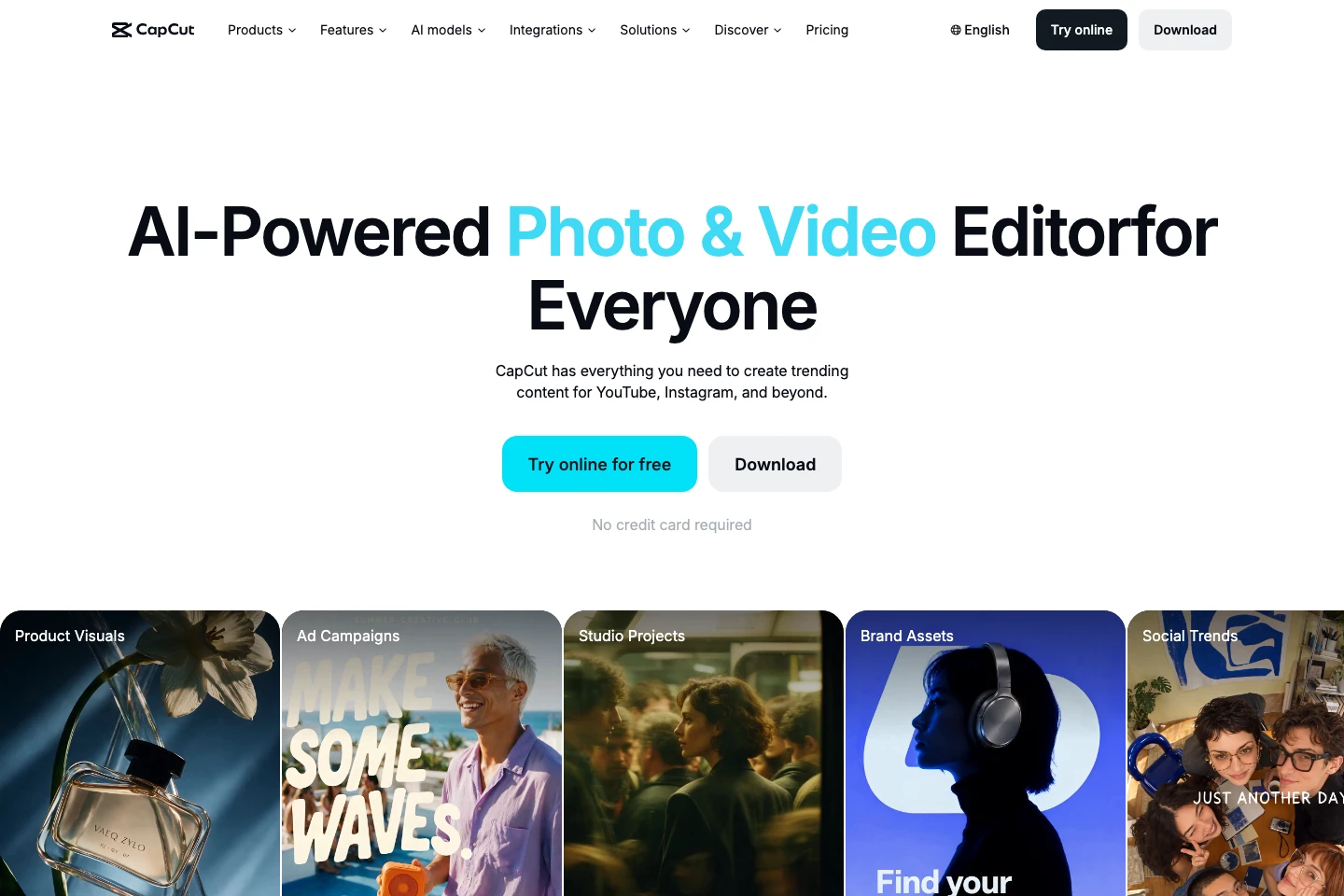
CapCut targets short-form creators and social teams that move between browser, desktop, and mobile—making it a frequent pick for anyone looking for an auto captions video editor or an AI content creation tool for daily clips. Its official AI editor pages highlight auto-captions, speech-to-text subtitle generation, video translation, transcript-based editing, filler-word removal, noise reduction, and long-to-short video conversion.
On pricing, CapCut lists a Free tier covering basic editing tools and free templates. Paid plans start with Pro at $19.99/month or $179.99/year (1,200 monthly AI credits, 1 TB cloud storage, and a 7-day free trial for new users), Teams at $12.49/seat/month or $107.50/seat/year (1,200 AI credits per seat and Brand Kit), and Ultra at $79/month or $900/year (8,645 monthly AI credits and exclusive AI tools). CapCut's online video editor FAQ states that users can export online projects without a watermark for personal or commercial use, though the pricing page does not publish a fixed resolution or monthly AI quota for Free accounts and notes that final pricing and feature availability vary by region and platform.
- Combines auto-captions, transcript editing, filler-word cleanup, and noise reduction in one cross-platform workspace.
- Online editor FAQ explicitly confirms watermark-free exports on the web creator.
- Teams plan ($12.49/seat/mo) undercuts individual Pro pricing for multi-seat brand workflows.
- Free tier omits published AI credit limits and locks premium templates, Pro effects, and 1 TB storage behind paid plans.
- Feature availability and final pricing vary by region, and generative video models carry separate per-second credit charges.
- Less suited to complex multi-camera or color-managed desktop post-production than Premiere Pro or DaVinci Resolve.
2. Canva — Best for Free Unlimited Auto-Captions and Branded Social Clips

If you already design thumbnails, slides, or social templates in Canva, its built-in video editor handles talking-head clips and AI product videos without forcing you into a separate NLE. Its standout free feature is unlimited auto-generated captions on both Free and Pro plans, with styling and animation presets.
Pricing is straightforward: Free ($0) includes 5 GB of cloud storage and exports to MP4 or GIF with no watermark as long as you stick to free elements (adding Pro stock footage or audio triggers watermarks). Canva Pro costs $18/month or $144/year (with a promotional $9/month rate for the first three months), while Canva Business runs $25/person/month or $250/person/year. Upgrading to Pro unlocks the heavier AI editing tools: AI Highlights and Auto-trim, AI background noise removal (Enhance Voice), AI video background removal, Magic Resize, and 10x the Free monthly AI allowance.
- Unlimited auto-captions on the Free tier with watermark-free exports when using free assets.
- Tight integration with brand kits, templates, and social aspect ratios for marketing teams.
- Clear upgrade path to Pro ($144/yr) for AI Auto-trim, voice enhancement, and background removal.
- Free plan is limited to manual timeline cutting and locks AI noise removal, video background removal, and Auto-trim behind Pro.
- Official pricing and editor pages do not specify an exact free export resolution cap or dedicated AI silence-removal tool.
- Shared monthly AI credit pools restrict Free and trial accounts from Ultra AI features.
3. Adobe Premiere Pro — Best for Pro Text-Based Editing and Multilingual Captions
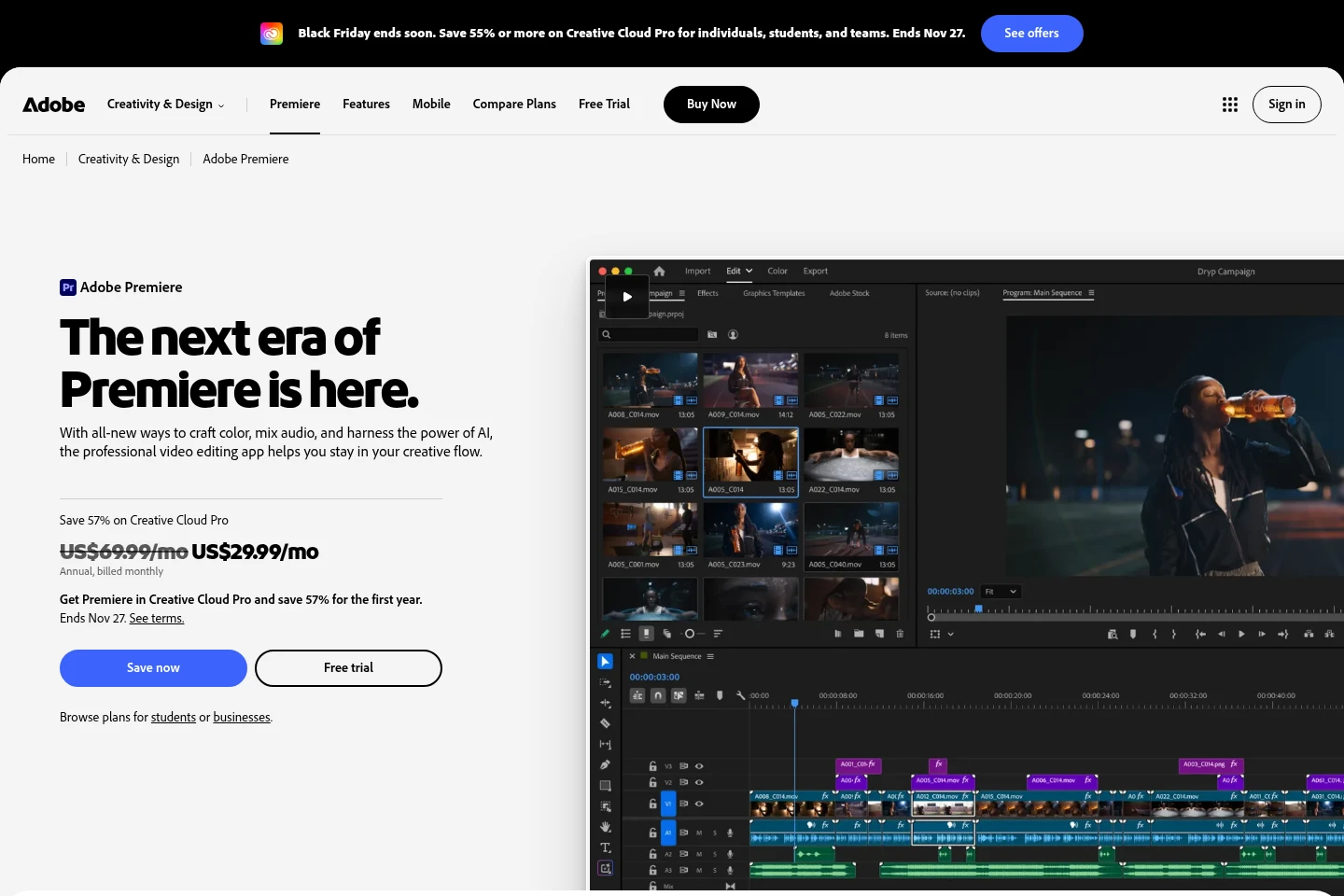
(branded on Adobe's site as Adobe Premiere) remains the default choice among the best video editing software options for agencies, YouTube production teams, and editors working across desktop and iPhone. Its Text-Based Editing lets you reorder, trim, and assemble dialogue-heavy footage by editing the transcript like a text document, while automated transcription generates and translates captions across 20+ languages.
Recent updates add an AI Assistant for sorting assets into bins, batch-renaming clips, identifying interview questions, and assembling rough cuts, alongside AI dialogue enhancement that splits overlapping voices into separate tracks and one-click subject masking. For B-roll gaps, Generative Extend and clip generation connect directly to Adobe Firefly, Kling, Google Veo, and Runway inside the timeline.
There is no permanent free edition—only a free trial with a 14-day refund window. The single-app Adobe Premiere plan costs $22.99/month on an annual, billed-monthly contract ($37.99/seat/month for teams), and Creative Cloud Pro (20+ apps) is regularly $69.99/month. Note that the Premiere plan includes 25 monthly generative credits; heavy generative video usage requires a separate Firefly credit plan.
4. DaVinci Resolve — Best Watermark-Free 4K Free Editor and One-Time Studio Upgrade
21 offers the most generous free desktop export terms in the industry: up to 4K Ultra HD (3840×2160) at 60 fps in 8-bit, with zero watermarks, no subscription, and no monthly credit meters on macOS, Windows, and Linux. The free version also includes built-in subtitle generation and closed captioning with SRT, VTT, TTML, and XML import/export.
The catch is where the AI automation lives. Blackmagic gates the DaVinci AI Neural Engine behind DaVinci Resolve Studio ($295 one-time purchase). Studio unlocks transcript-driven text-based editing, automatic clip transcription for subtitles, AI IntelliSearch across dialogue and faces, AI Magic Mask, Fairlight Voice Isolation, AI noise reduction, Smart Reframing, and 10-bit / 120 fps / >4K workflows. If you plan to edit for more than a year, a single $295 payment costs less than 13 months of a $22.99/month Premiere Pro subscription.
- Free desktop edition exports clean, watermark-free 4K 60fps 8-bit video with no usage caps.
- $295 one-time Studio license eliminates recurring subscriptions while unlocking local AI text editing and voice isolation.
- Full cross-platform support across macOS, Windows, and Linux.
- AI text-based editing, automatic transcription, Magic Mask, and Fairlight Voice Isolation require the $295 Studio upgrade.
- Steeper interface and heavier local GPU/RAM requirements than browser-based editors.
- Free edition limits full-screen playback to a single monitor and caps output at 8-bit 4K 60fps.
5. CyberLink PowerDirector — Best Budget Desktop Editor for AI Text Cuts and Audio Cleanup
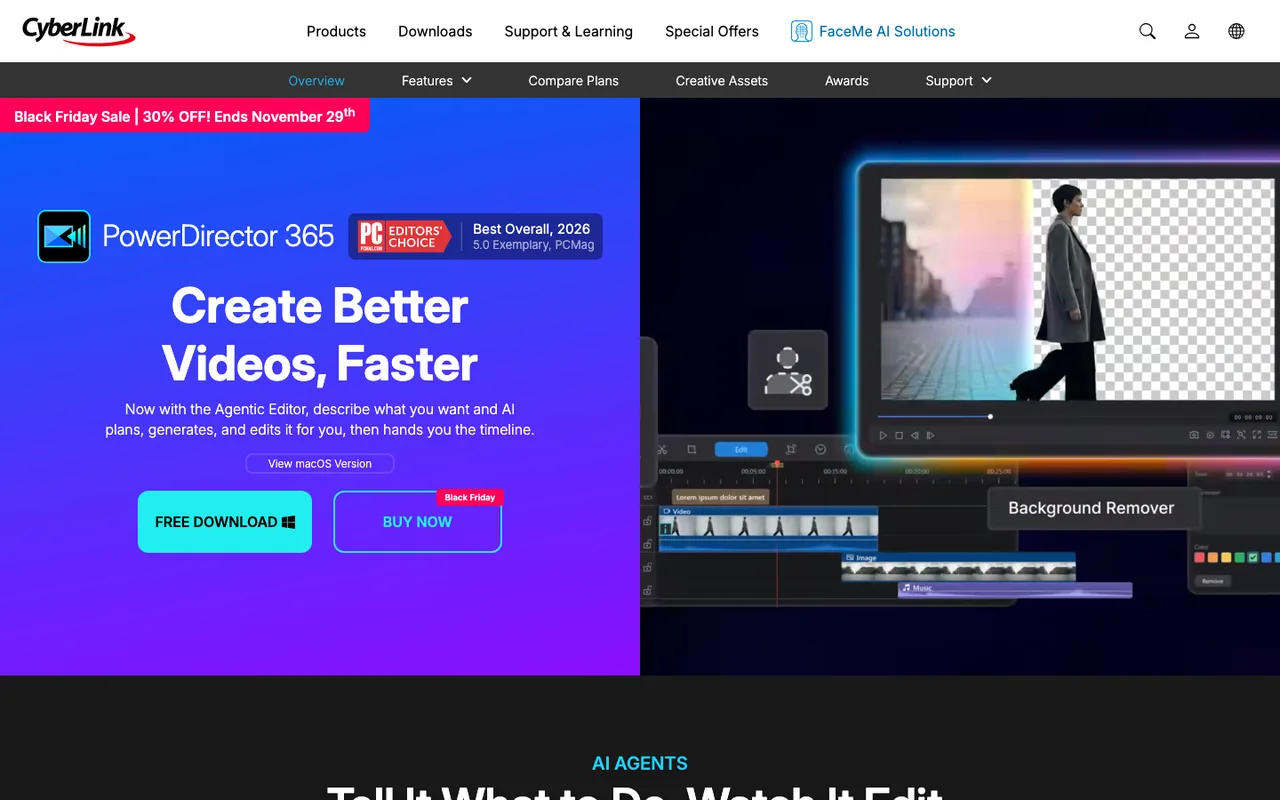
CyberLink PowerDirector bridges the gap between simplified web editors and heavyweight pro suites. On its official features page, PowerDirector includes AI Speech-to-Text auto-captions, AI Text-Based Editing with one-click removal of unneeded words, pauses, and stutters, AI Audio Denoise, AI Speech Enhancement, wind removal, green-screen-free AI background removal, and chat-driven Agentic Editor workflows.
CyberLink offers PowerDirector Essential (Windows) and a Mac Free download with no time limit on core editing tools, though advanced AI tools and select export options are restricted (CyberLink does not publish exact free watermark or resolution limits on its pricing page). Full access via PowerDirector 365 costs $24.99/month or $79.99/year regular ($54.99/year promotional on Windows) and includes 1,200 AI credits per year (100/month) plus 50 GB of cloud storage. Two important caveats from CyberLink's documentation: Windows and macOS subscriptions are not cross-compatible, and the one-time PowerDirector 2027 Ultimate license is Windows-only, includes no ongoing feature updates, and provides only 500 one-time GenAI credits valid for one year.
6. InVideo — Best Browser Editor for Transcript Cuts and AI Agent Workflows
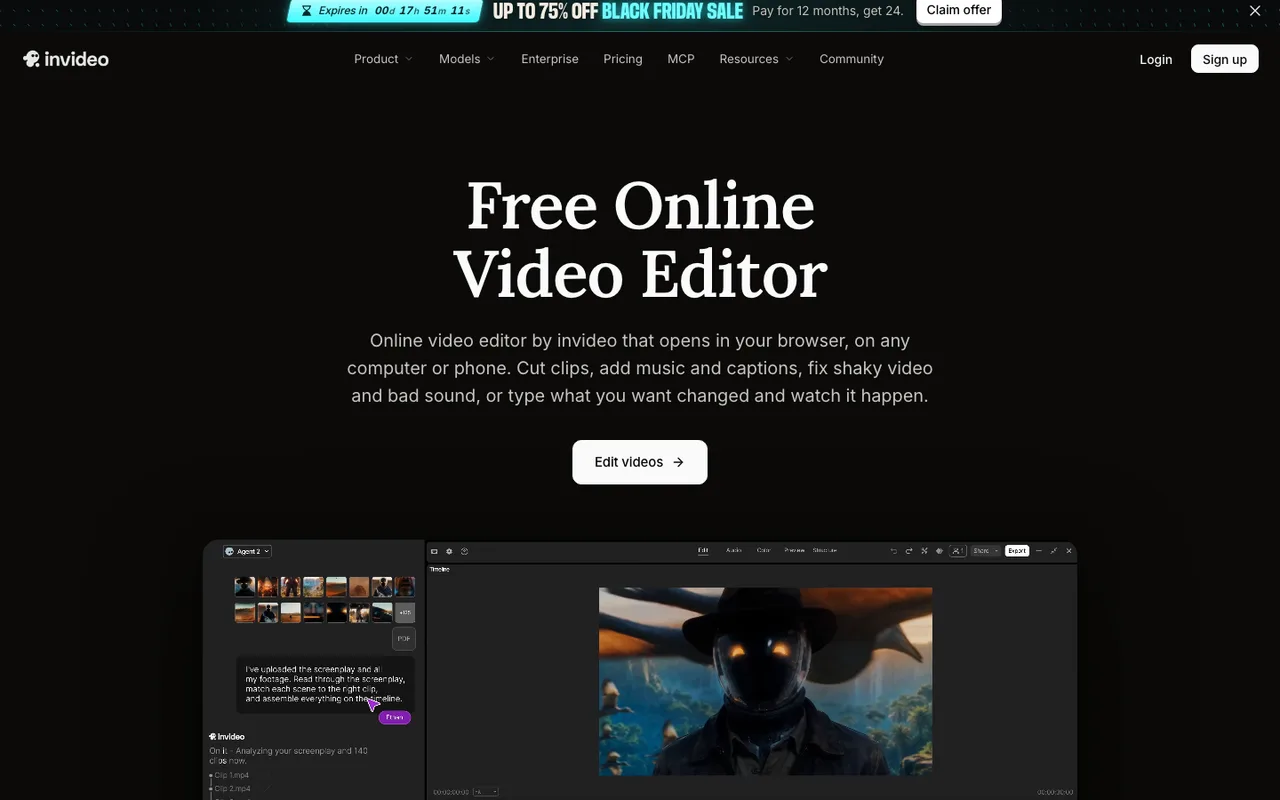
InVideo splits its online editor cleanly between manual work and credit-metered AI video automation. According to its online editor FAQ, manual timeline editing—cutting, trimming, arranging clips, text, and sharing—is free, while any AI action or agent-driven edit consumes monthly credits. For talking-head rough cuts, InVideo transcribes your footage so you can delete sentences directly from the text, strip pauses and "umms" in one pass, add captions, and apply AI voice isolation, de-noise, auto-leveling, and automatic music ducking.
Paid plans on InVideo's pricing page start with Starter at $20/seat/month (or $10/seat/month on annual promotional billing, 400 credits/month, 200 GB storage, Agent Two Lite only), Plus at $60/seat/month ($24/seat/month annual promo, 2,000 credits/month, 600 GB storage, plus 10 free guest seats), and Max tiers scaling from 5,000 to 10,000 credits/month. Paid plans explicitly include 4K export for your own footage, while free-tier export resolution and watermark terms are not listed on the pricing page.
- Transcript-based deletion strips sentences, silences, and filler words right inside the browser.
- Built-in voice isolation, de-noise, auto-leveling, and auto-ducking reduce audio post-work.
- Paid tiers support 4K export on uploaded footage and include guest seats on Plus and Max.
- Unused monthly AI credits do not roll over (except on Enterprise contracts), and credit pricing can change without notice.
- Pricing page does not list a dedicated Free plan tier or explicit free watermark/export limits.
- Starter restricts users to Agent Two Lite and excludes full access to higher-tier generative video models.
7. Vmaker AI — Best for Highlight Detection and 75+ Language Subtitles
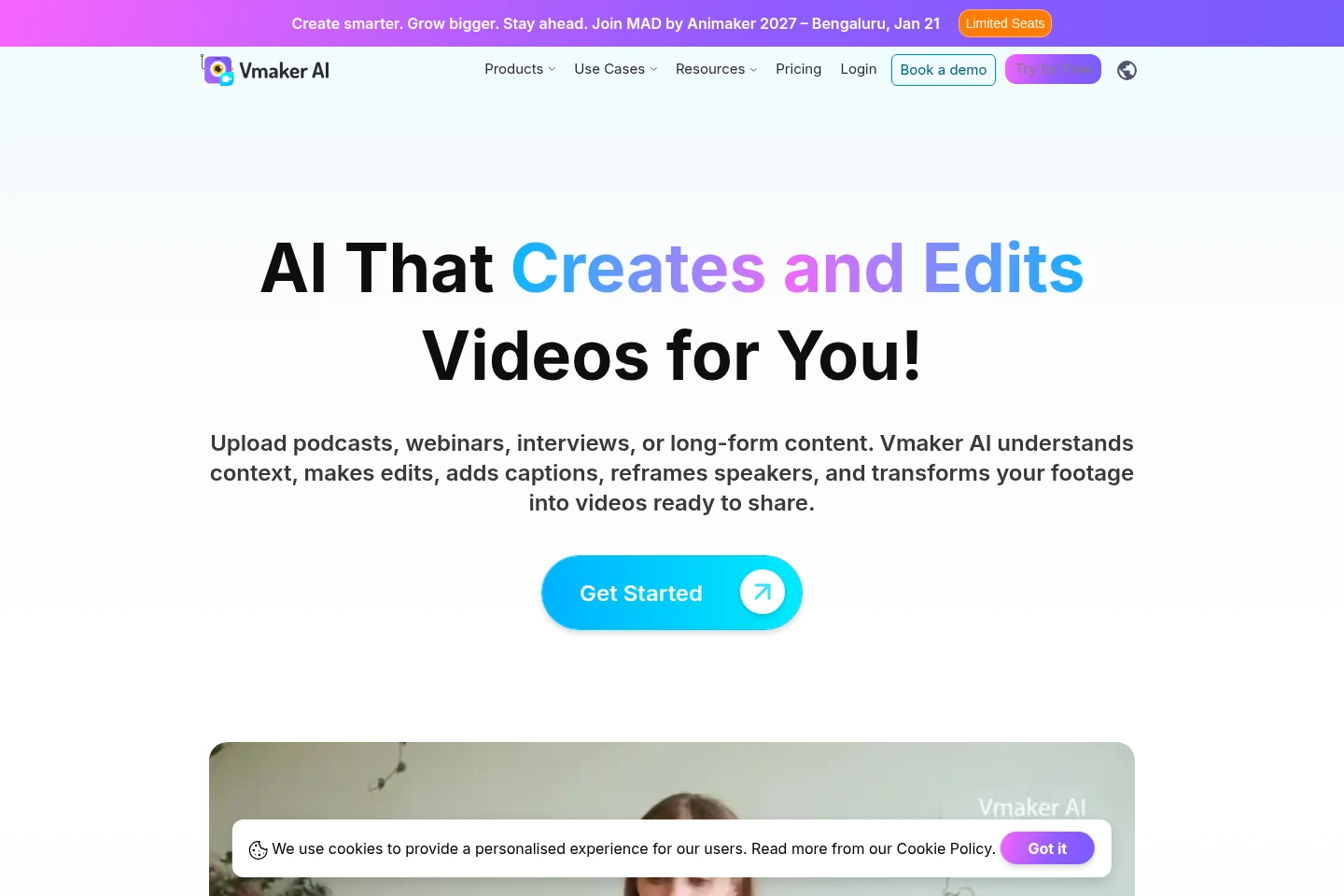
focuses on turning longer recordings into captioned social clips quickly in the browser. It supports auto-subtitles localized across 75+ languages, filler-word and silence removal, a Highlights Generator, and Long-to-Short Form AI repurposing.
The critical detail is the Free (Lite) tier's export wall. While Lite gives you 20 minutes/month of auto-subtitles, 5 Edit-with-AI credits/month, and 600 Long-to-Short credits, Vmaker's comparison table excludes watermark-free videos and included monthly exports on Lite—requiring $3 per download if you want to pull a finished file without upgrading. Paid plans unlock clean exports: Starter costs $24/month ($18/month billed annually) for 10 watermark-free 1080p downloads/month (up to 30 minutes each), 60 minutes/month of auto-subtitles, subtitle translation, and SRT downloads; Teams costs $39/month ($25/month annually) for 30 2K downloads/month (up to 45 minutes), 120 subtitle minutes, and unlimited background noise removal. Only Enterprise unlocks 4K exports.
8. Clideo — Best Lightweight Browser Tool for Quick Trims and Basic Subtitles
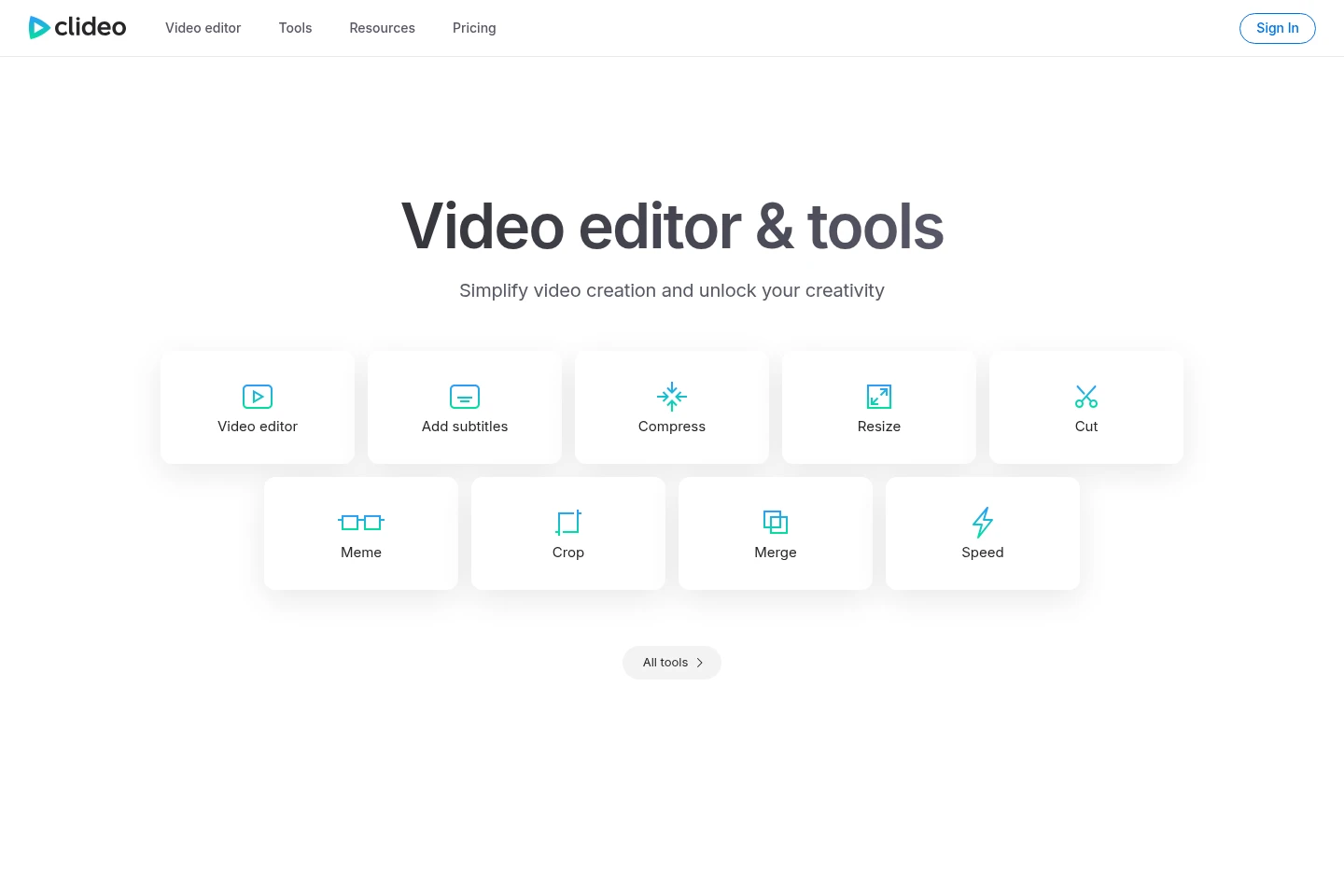
is built for fast, single-purpose browser edits—trimming, splitting, merging, speed changes, and basic auto-subtitles—rather than full AI rough-cut workflows. Its pricing page lists auto-subtitles, video/audio translation, and text-to-speech under a monthly AI credit allowance, while its editor does not list AI rough cuts, silence removal, or AI audio denoise.
Clideo's Free tier ($0) is tightly bounded: 720p maximum export, a Clideo watermark, 500 MB upload limit, 14-day file storage, and 10 AI credits/month. Unregistered users also cannot save projects to resume later; project saving requires a paid account. Clideo Pro starts at $12/month or $9/month billed annually ($108/year), removing the watermark and unlocking 4K exports, custom PNG watermarks, unlimited file sizes and storage, and 500 AI credits/month (with selectable credit tiers up to 100,000/month). It works well as a low-cost browser utility, not as a primary transcript-editing suite.
9. Kdenlive — Best Free Open-Source Editor with Offline Whisper and VOSK Captions
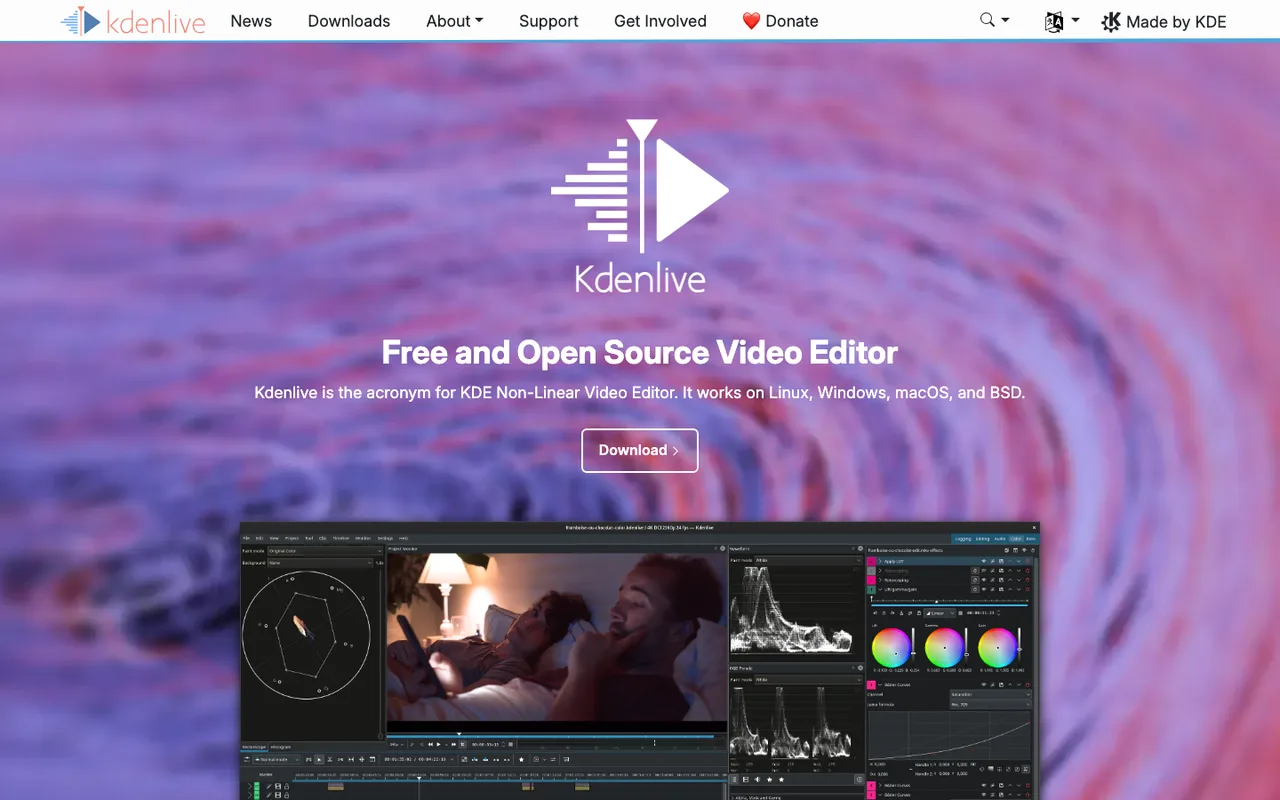
Kdenlive (version 26.08) is a GPL-licensed free open source video editor for Linux, Windows, macOS, and BSD. Because it renders locally through FFmpeg, there are no watermarks, no monthly credits, and no resolution paywalls—you can export HD, 4K, and custom project resolutions in H.264/H.265, Apple ProRes 422, MKV, WebM, or lossless formats.
Its built-in Speech Editor brings local AI captions and transcript-based rough cuts without sending footage to the cloud. You can run OpenAI Whisper (with automatic punctuation and English translation) or VOSK locally to generate subtitle tracks, search spoken dialogue, delete unwanted lines, and push selected transcript segments straight onto the timeline. Kdenlive also supports offline multilingual subtitle translation via Meta's SeamlessM4T and a SAM2 object-detection plugin.
Kdenlive's offline AI features are free, but they require initial setup and local hardware. You need Python 3 to download models (~2 GB for Whisper dependencies plus ~1.4 GB for the Turbo model; ~9–10 GB for SeamlessM4T). According to Kdenlive's official documentation, Silence Detection only works with the VOSK engine (not Whisper), GPU acceleration for Whisper and SAM2 requires an NVIDIA CUDA GPU (CPU fallback is much slower), and Flatpak sandboxing or Windows installations can add extra setup friction.
How to Choose the Right AI Video Editor in 3 Steps
Narrowing down the best AI video editors takes under two minutes if you filter on your non-negotiable limits first.
If you need an AI video editor without watermark in 4K at $0, start on desktop with DaVinci Resolve Free or Kdenlive. If you want to try an AI video editor free in the browser with clean exports on free stock assets, Canva Free and CapCut's online editor avoid the 720p watermark ceiling of Clideo Free and the $3/download wall of Vmaker Lite.
For long interviews, podcasts, or tutorials where you cut by deleting sentences, choose a tool with true transcript-based editing: Adobe Premiere Pro, DaVinci Resolve Studio, CyberLink PowerDirector, InVideo, CapCut, or Kdenlive's Speech Editor. If you mostly trim short clips and add captions over branded slides, Canva or Clideo Pro keeps the interface lighter.
Multiply monthly subscriptions by 12 before committing. Adobe Premiere Pro ($22.99/mo = ~$276/year) and CapCut Pro ($179.99/year) make sense if you rely on ongoing cloud models or team features. If you want predictable desktop ownership without recurring bills or expiring credits, DaVinci Resolve Studio ($295 once) or Kdenlive ($0) wins over any multi-year horizon.
Frequently Asked Questions
Which AI video editor exports in 4K without a watermark for free?
DaVinci Resolve Free exports up to 4K Ultra HD (3840×2160) at 60 fps in 8-bit with no watermark, and Kdenlive exports 4K and custom resolutions via FFmpeg with no watermark under the GPL license. Neither requires monthly credits. Keep in mind that DaVinci Resolve's AI transcription and text-based editing require the $295 Studio upgrade, whereas Kdenlive runs Whisper and VOSK locally for free.
Which online AI video editor offers free auto-captions without a watermark?
Canva Free includes unlimited auto-generated captions and exports without a watermark as long as your project uses free assets rather than Pro elements. CapCut's online video editor FAQ also states that its web editor exports without a watermark for personal and commercial use, though Pro templates and higher AI credit pools require a paid plan.
Is DaVinci Resolve Studio worth $295 over an Adobe Premiere Pro subscription?
If you edit regularly on desktop and want local AI transcription, text-based editing, and voice isolation without recurring fees, DaVinci Resolve Studio ($295 once) breaks even against Adobe Premiere Pro ($22.99/month annual plan) in roughly 13 months. Premiere Pro remains the better fit if your team relies on Creative Cloud apps, 20+ language caption translation, or integrated generative video models inside the timeline.
Which AI video editors support text-based rough cuts and silence removal?
Among the best AI video editors for dialogue-heavy footage, official documentation confirms transcript-based editing in Adobe Premiere Pro, DaVinci Resolve Studio, CyberLink PowerDirector, InVideo, CapCut, and Kdenlive (via Speech Editor). For automated silence or pause removal, InVideo, CyberLink PowerDirector, Vmaker AI, and Kdenlive (specifically with the VOSK engine) explicitly list silence or pause cleanup.
Can I run AI auto-captions offline without paying for monthly cloud credits?
Yes. Kdenlive runs OpenAI Whisper and VOSK locally at $0 with no internet connection required after downloading models, and DaVinci Resolve Studio runs its AI Neural Engine locally after a one-time $295 purchase. Both avoid monthly credit expiration, though local processing speed depends on your computer's GPU and RAM.
Sources & Verification
All pricing, export limits, watermark policies, and AI feature lists were verified directly from official vendor pages in November 2026:
- CapCut Pricing & AI Editor: capcut.com/pricing, capcut.com/tools/ai-video-editor, capcut.com/tools/online-video-editor
- Canva Pricing & Video Editor: canva.com/pricing, canva.com/video-editor
- Adobe Premiere & Creative Cloud Plans: adobe.com/products/premiere.html, adobe.com/creativecloud/plans.html
- Blackmagic Design DaVinci Resolve 21: blackmagicdesign.com/products/davinciresolve, davinciresolve/edit
- CyberLink PowerDirector (Windows & Mac): cyberlink.com PowerDirector Overview, Pricing, Mac Overview
- InVideo Pricing & Online Video Editor: invideo.io/pricing, invideo.io/make/online-video-editor
- Vmaker AI Pricing & Editor: vmaker.com/pricing, vmaker.com/ai-video-editor
- Clideo Pricing & Video Editor: clideo.com/pricing, clideo.com/video-editor
- Kdenlive 26.08 & Speech-to-Text Docs: kdenlive.org, docs.kdenlive.org Speech-to-Text

