Every humanizer homepage makes the same offer: try it free. Paste your text, click a button, and watch the robotic phrasing disappear. Then, somewhere around your third paragraph, a pop-up appears. Word limit reached. Upgrade to continue.
That moment raises a fair question. Is the paid version actually better, or are you just paying to remove a fence? This guide compares what a free AI to human text converter typically gives you with what the paid plans add, using published limits from real tools, so you can decide whether upgrading is worth it for the way you write.
Two Receipts, Side by Side
Think of it as two receipts for the same product. Here's what usually shows up on each.
| Item | Free plan | Paid plan |
|---|---|---|
| Words per run | Usually 80 to 500 | Often 1,000 to 2,000+, or unlimited |
| Daily or monthly cap | Common, sometimes very tight | Usually removed or much higher |
| Rewrite modes | One or two basic modes | Stronger modes, tones, custom styles |
| Account and history | Often no account, no saved history | Saved history, projects, file uploads |
| Extras | Rarely | Built-in detector scores, plagiarism checks, API access |
| Price | $0 | Roughly $5 to $39 a month |
That price range comes from Scribbr's 2026 roundup, which found free tiers capped at 80 to 400 words per run across the tools it reviewed, with paid plans mainly lifting those limits and adding extras. One detail from that roundup is worth remembering: the published prices didn't clearly line up with output quality.
Difference 1: How Much You Can Paste
This is the biggest practical gap. Free plans are built for a paragraph or two. QuillBot is a good example of how the line is drawn. Its help center says free users can process up to 125 words at once in its paraphraser, while Premium has no word cap. Its humanizer follows a similar pattern, with six free uses a day according to Scribbr.
Run the math and the limit becomes clear. Six uses of 125 words is 750 words a day. That's fine for emails and social posts. For a 1,500-word blog post, it's two days of work.
Not every free AI to human text converter is that strict, though. Some tools trade a smaller per-run limit for no total cap. A converter that takes 500 words per input with no daily ceiling will get through a long report in several passes, which suits people who don't mind working section by section.
Difference 2: The Strength of the Rewrite
Paid plans often unlock stronger modes. QuillBot's free paraphraser includes two of its nine modes, and Premium opens the rest along with custom modes. Many humanizers work the same way, keeping a lighter rewrite on the free tier and a deeper one behind the paywall.
Stronger isn't automatically better. A deeper rewrite changes more of your text, which also means more chances for a changed fact, a lost qualifier, or a sentence that drifts from your meaning. For professional content, a lighter mode plus your own edit often produces cleaner results than an aggressive mode alone.
Difference 3: Convenience Features
This is where paid plans earn their money for heavy users. History, saved projects, file uploads, side-by-side comparisons, and team seats don't change the words on the page. They change how long it takes to get there.
If you humanize one email a week, none of this matters. If you process twenty articles a month for clients, copying and pasting 500-word chunks becomes the real cost. That's the point where a paid AI to human text converter starts to pay for itself.
Difference 4: Bundled Checks
Some paid plans add a built-in AI detector score or a plagiarism check. These are handy, but treat the bundled detector score with caution. A tool grading its own output has every reason to show you a good number, and different detectors often disagree on the same text.
What Doesn't Change When You Pay
This is the part most comparison pages leave out. Upgrading to a paid AI to human text converter doesn't change three things:
- You still need to edit. No converter, free or paid, knows your facts, your audience, or your brand voice. Every output needs a read-through.
- Results still vary by text. Short inputs, technical writing, and academic prose are harder for every tool. A paid plan won't make a 100-word abstract read like a person wrote it if the tool struggles with that format.
- There's no guarantee against detection. Detectors update constantly. Any tool promising 100% undetectable output on every checker is promising something nobody can deliver.
A Quick Note on Privacy
Free tools have to pay for themselves somehow, and some do it through data. Before you paste client work, unpublished research, or anything confidential into any AI to human text converter, check its privacy policy for how long it stores your text and whether it uses inputs to train models. Paid plans sometimes offer stronger data terms, but don't assume it. Read the policy either way.
Should You Upgrade? Five Questions
- How many words do you process a week? Under about 3,000, a good free AI to human text converter will usually cover you. Above 10,000, caps and copy-pasting start to cost real time.
- How long are your typical pieces? If you mostly write emails and posts, a per-run limit of a few hundred words is fine. For long guides, look for a high per-run limit or no total cap.
- Do you edit afterward anyway? If yes, a lighter free mode plus your own pass may match a paid deep mode.
- Do you need workflow features? History, file uploads, team accounts, and an API are the clearest reasons to pay.
- Have you tested your own writing? Run the same sample through two or three free tiers first. The best tool for your content isn't always the most expensive one.
Getting the Most From a Free Plan
If you decide to stay free, a few habits stretch the limits a long way:
- Fix the draft before you convert it. Cut filler and repetition first, so you aren't spending words on sentences you'll delete.
- Convert only the stiff parts. Intros, transitions, and summaries usually need the most help. Data-heavy sections often need the least.
- Split at headings. Processing section by section keeps each chunk under the limit and makes it easier to check for changed facts.
- Pick a cap structure that fits you. A small per-run limit with no daily ceiling often works better for long content than a bigger box with a monthly cap.
The Bottom Line
A free AI to human text converter is enough for most people who write in short bursts and edit their own work. Paid versions mainly buy you volume, convenience, and a few extra modes. They don't buy you a finished article.
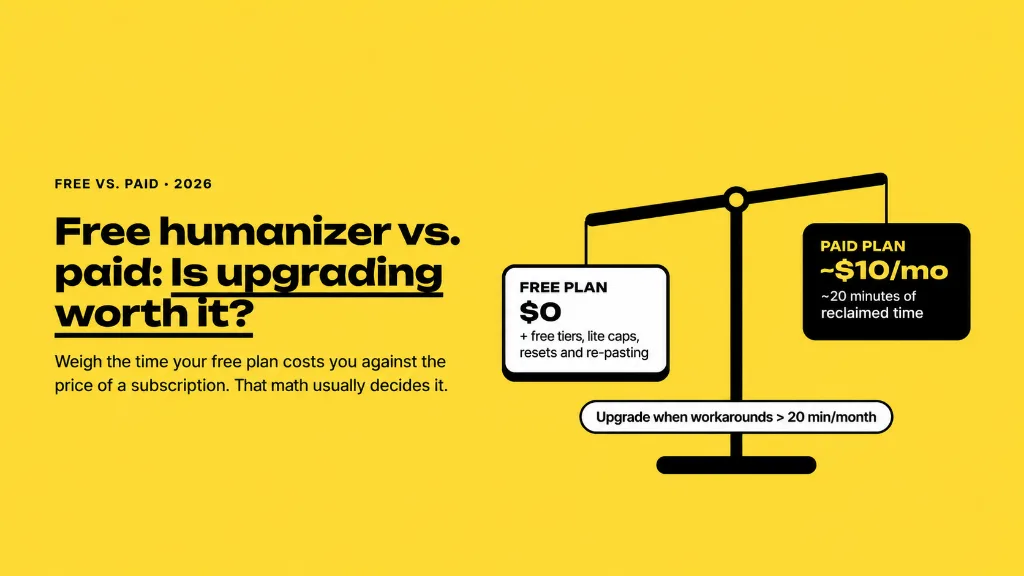
So start free, test with your own writing, and upgrade only when a limit is costing you more time than the subscription would. That's the honest answer to free versus paid: pay for the workflow you need, and keep the final edit for yourself.