
Reverse Video Search - Turn any video clip into a full trail of evidence to find original sources, reposts, and hidden context keywords miss
Launched on Sep 11, 2026Reverse Video Search is a media investigation tool that traces uploaded or linked video footage back to its earliest known upload by analyzing keyframes, audio, transcripts, on-screen text, and watermarks. It is built for creators, journalists, brands, researchers, and legal teams that need to verify viral video context, locate unauthorized reposts, and document provenance for copyright or fact-checking workflows.
Supported File Uploads
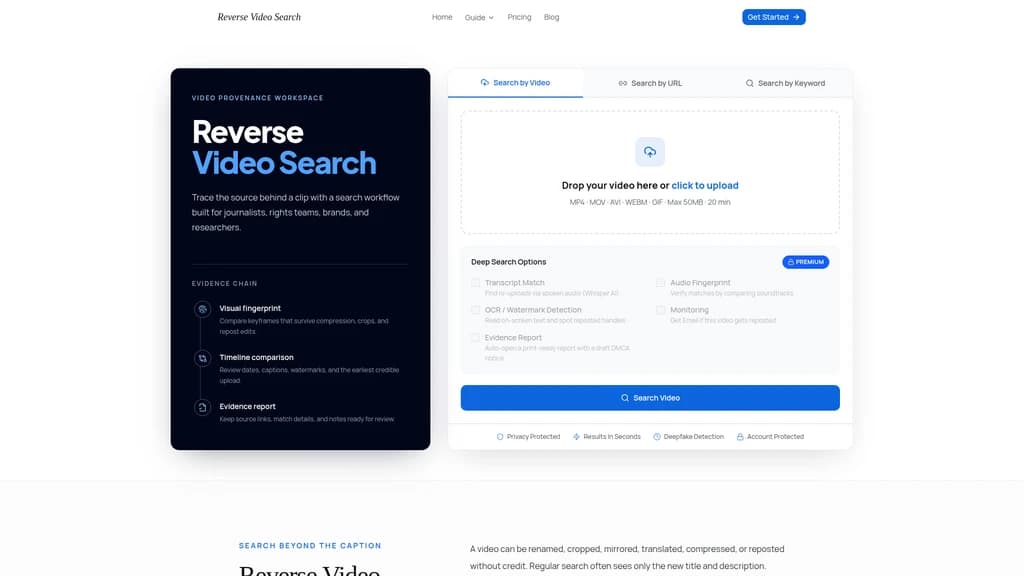
The platform accepts MP4, MOV, AVI, WEBM, and GIF files, with a maximum file size of 50MB and maximum runtime of 20 minutes per upload. Users can also start a search using a public URL link to the target footage, or descriptive keywords if a local file is unavailable.
Core Search Signals
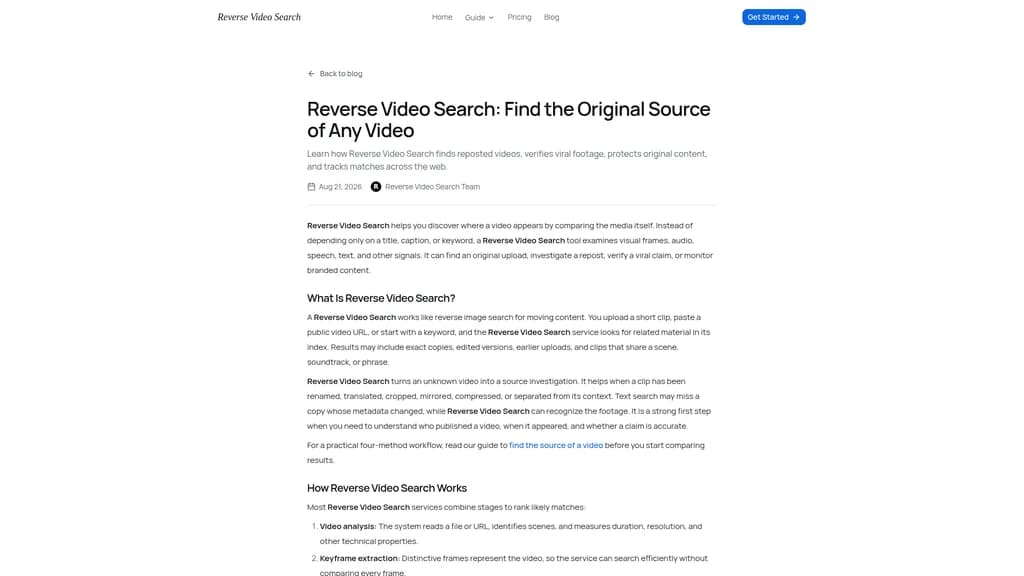
Reverse Video Search uses multiple independent matching methods to reduce false positives and surface connections keyword-only search tools cannot find:
Visual fingerprinting: Matches keyframes and near-duplicate scenes even after footage is resized, compressed, cropped, or mirrored.
Audio fingerprinting: Identifies matching soundtracks, speech, and interview segments that have been edited into different clips.
Transcript matching: Powered by Whisper AI, this feature locates reposts by matching spoken audio across different uploads.
OCR and watermark detection: Reads on-screen text, logos, usernames, and subtitles to connect reposted content to the original uploading account.
Premium Features
Paid plan users unlock additional functionality beyond basic reverse search:
Automatic ongoing monitoring that sends email alerts when a new repost of a tracked video is indexed.
Pre-formatted, print-ready evidence reports that include source URLs, timestamps, thumbnails, and a draft DMCA notice for rights enforcement.
Deepfake detection capabilities to flag modified or manipulated footage.
Standard Workflow
The tool follows a four-step structured investigation process to minimize manual effort:
Upload a clear, distinct clip, paste a public video URL, or enter descriptive keywords for the footage.
The system extracts keyframes, audio tracks, and on-screen text signals for analysis.
The platform cross-references these signals against its indexed database of public web pages, then ranks matches by similarity, upload date, source credibility, and confidence score.
Users review all returned source links, compare publication timelines and edit history, and save the compiled evidence report before taking further action such as contacting a rights holder or publishing a fact check.
Target Use Cases
Reverse Video Search is designed for four primary user groups:
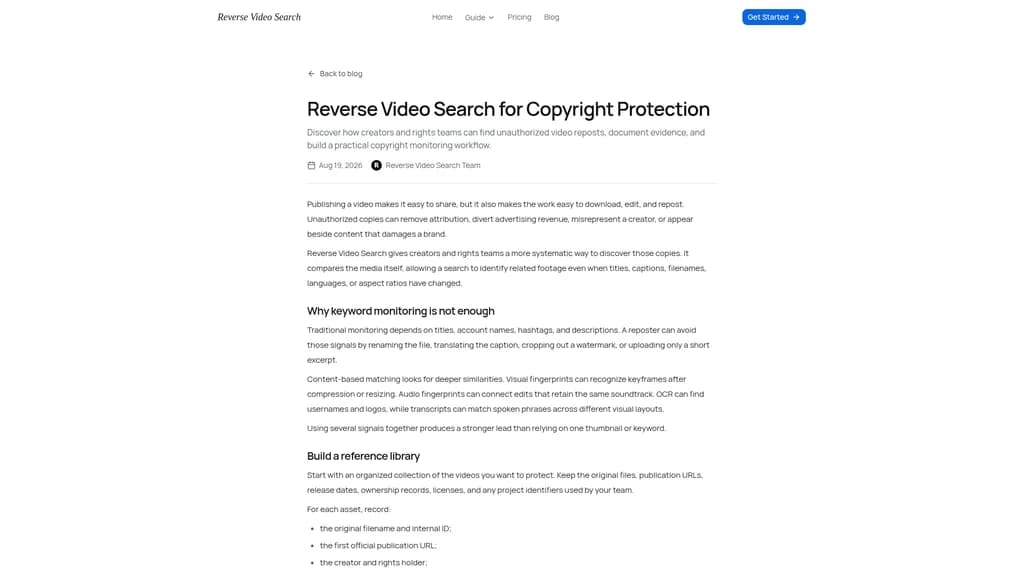
Creators: Locate unauthorized reposts of original tutorials, films, livestreams, and social clips to request attribution or initiate licensing discussions.
Journalists: Trace viral footage to its earliest public upload to verify if the clip's stated date, location, or accompanying caption is misleading.
Brands and agencies: Monitor campaign assets, influencer deliverables, and brand logos to find modified ads, fake endorsements, and unapproved reposts across platforms.
Researchers and legal teams: Build organized, searchable provenance records with source URLs, upload dates, thumbnails, edit notes, and other evidence for compliance or copyright cases.
Important Limitations
The tool cannot access private social media accounts, deleted posts, geographically restricted content, or pages that have not been crawled and indexed by its search system. Every returned match should be treated as a lead, not a final verdict. Users must independently confirm full ownership, context, and origin of any footage before taking formal action.
Pricing Plans
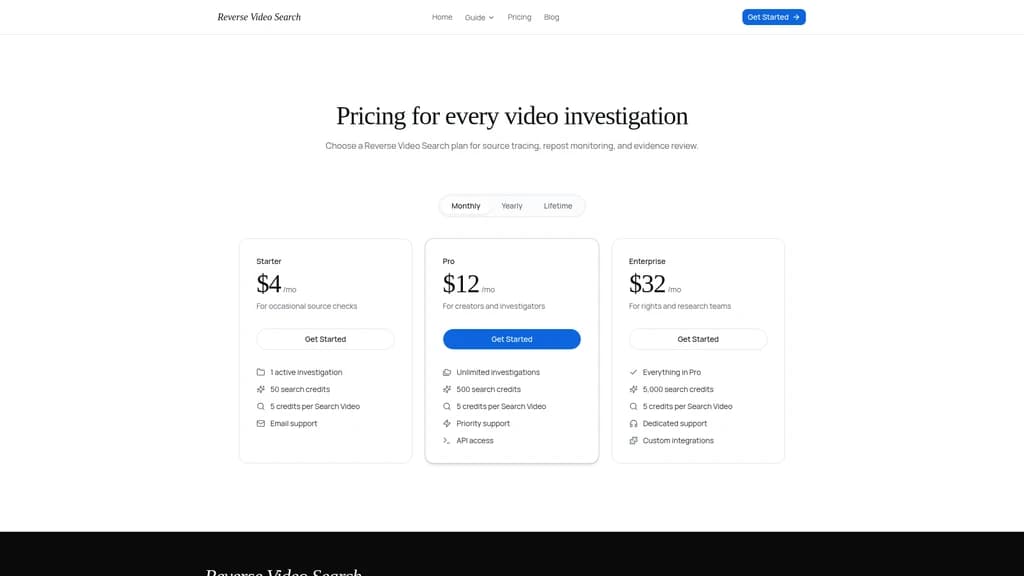
Three monthly subscription tiers are available:
Starter ($4/month): For occasional source checks, includes 1 active investigation, 50 total search credits, 5 credits consumed per full video search, and email support.
Pro ($12/month): For independent creators and investigators, includes unlimited active investigations, 500 total search credits, priority support, and API access.
Enterprise ($32/month): For rights and research teams, includes all Pro features, 5000 total search credits, dedicated support, and custom integration options.
Related Content
PopNow
PopNow is an AI media studio that lets users create videos, images, and audio using top-tier AI models, with no required subscription. It offers one-tap video effects, tools for AI influencers, short films, ads, photo restoration, and product photo generation. The platform is designed for content creators, social media users, small business owners, and anyone needing AI-generated media for personal or commercial projects.
UGCLive
UGCLive is a browser-based AI video editor and toolset built specifically for user-generated content creators. It lets users analyze viral social media videos, generate scripts, edit footage by removing pauses and filler words, and create timed captions for vertical short-form content. The platform includes 37 free tools for tasks like hook generation, caption writing, aspect ratio checking, and UGC rate calculation, alongside paid subscription plans for higher usage limits and unbranded exports. It is designed for TikTok, Instagram Reels, and YouTube Shorts creators looking to streamline their content workflow and manage brand deal opportunities.
Photo to Video
Photo to Video (photo2video.ai) animates still photos into short AI videos: upload an image, add an optional prompt, and get a natural-motion clip ready for TikTok, Reels or Shorts. Free to start, no editing skills needed.
Pixo
Pixo is an AI film crew tool that lets users generate full videos through conversational interactions with AI agents. It turns video ideas into structured scripts and production plans, generates detailed storyboards, manages consistent visual assets, and assembles final edited videos on a timeline. The product is built for YouTube creators, marketing teams, musicians, educational content creators, and enterprise training teams. Users can review and adjust individual shots before rendering without restarting their entire project, and access free supporting tools including script generators and voice cloning.
Comments