Photo to Video AI
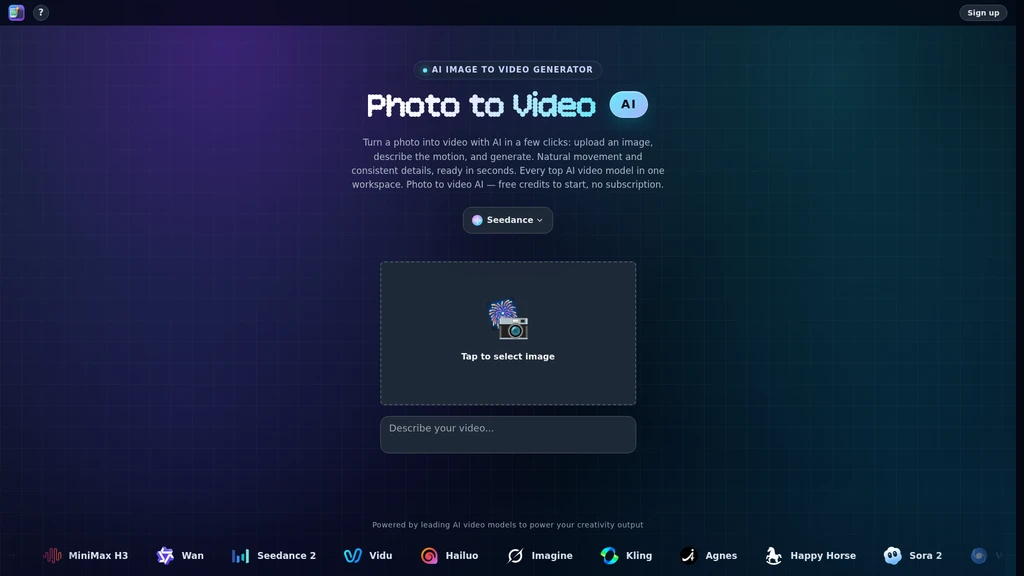
Photo to Video AI is an AI-powered tool that transforms still photos, illustrations, or text prompts into animated video clips, with native support for a full suite of leading AI video models in a single workspace. The tool is built to add natural motion, directed camera movement, and cinematic styling to static inputs without requiring traditional video editing workflows.
Core Capabilities
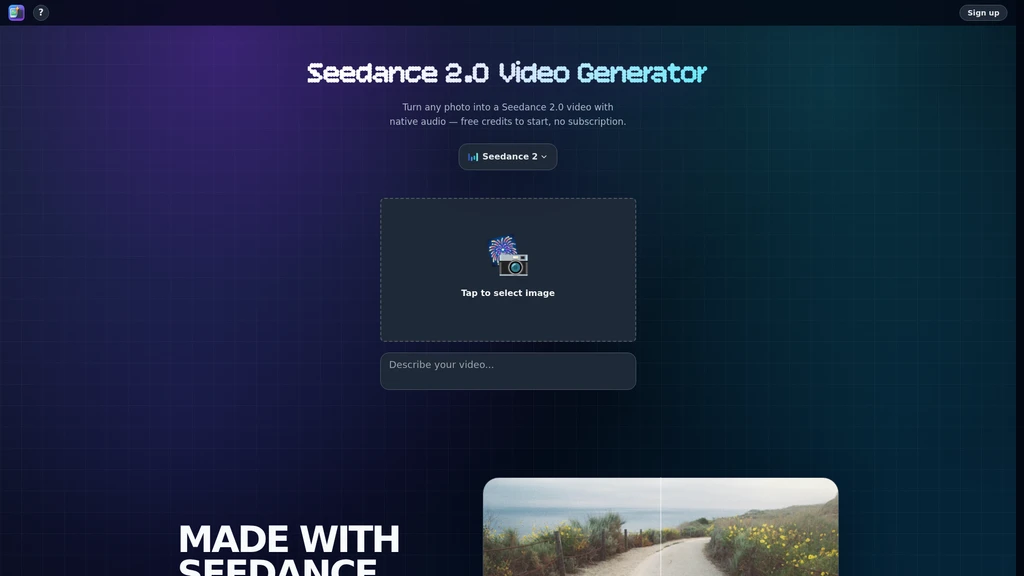
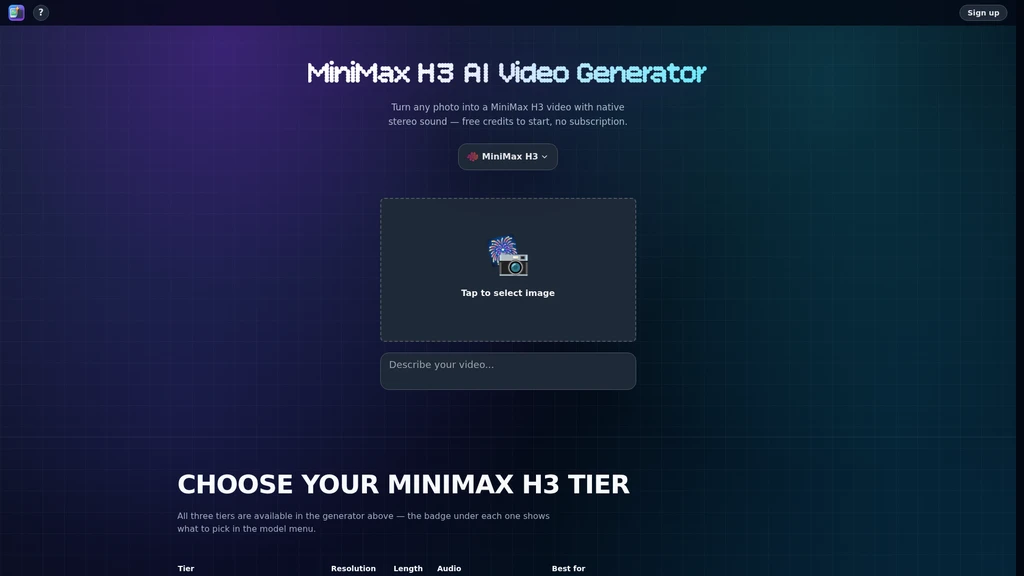
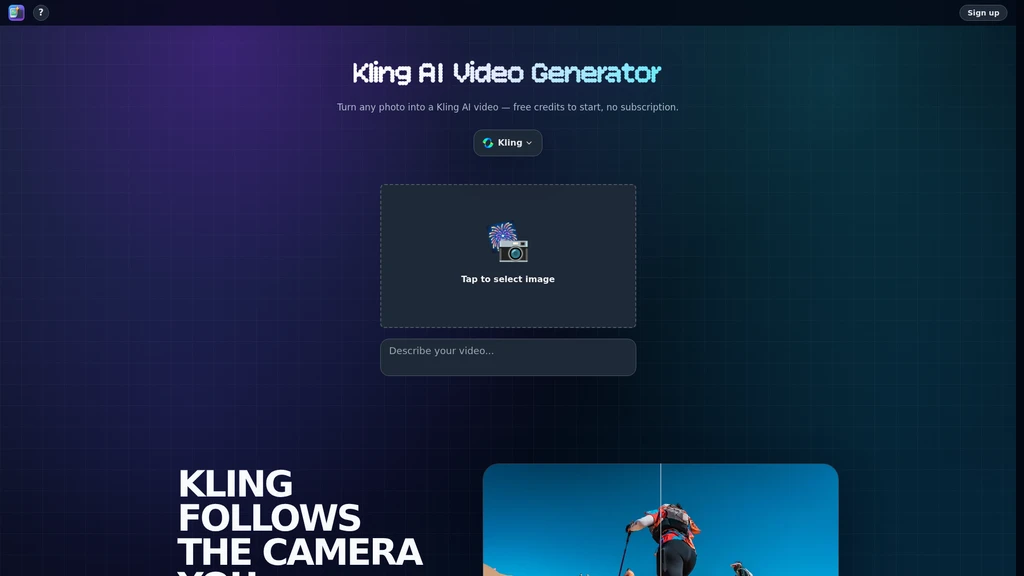
The platform supports conversion of still photos, illustrations, and plain text prompts directly into animated video clips, with built-in detail preservation for original assets. It hosts 13 leading AI video models: Seedance, MiniMax H3, Kling, Wan 3.0, Seedance 2, Vidu, Hailuo, Imagine, Agnes, Happy Horse, Sora 2, Veo, and LTX 2.5. Users can switch between models for individual shots and compare generated results side by side to match their desired output style.
Users can animate a wide range of asset types including portraits, old photos, artwork, and product shots while retaining all original fine details. The tool supports fully directed camera movement controls, including push-in, close-up, orbit, and handheld effects to match specific shot framing preferences. Additional motion controls include natural, realistic movement for faces, hair, and water, plus the ability to animate or swap backgrounds while keeping subject edges clean. A dedicated 360-degree subject spin feature generates a full rotating loop of a product from a single static image, ideal for showcase use cases.
The platform allows users to upload up to eight reference images to guide video consistency across multi-shot sequences, ensuring uniform shape, color, and composition from frame to frame. Finished clips can be upscaled to 4K resolution, and all exports are available in standard MP4 format. No timeline editing functionality is required to produce final clips.
Supported Workflows
The standard generation workflow requires only three steps: upload a still image, add an optional motion description prompt, select a preferred AI model, and initiate generation. For users animating old family photos, the workflow supports uploading scanned physical photos and adding simple prompts to trigger natural portrait motion such as blinking, smiling, or subtle head movement.
For product creators, the 360 spin workflow generates a seamless rotating loop from a single product shot to display every angle for e-commerce listings. Creative professionals building multi-shot sequences can upload multiple reference images to maintain consistent visual identity across clips, and test different AI models for individual shots to match specific cinematic or stylistic requirements. Users can also generate full motion lifestyle scenes by placing a subject from an original photo into a new animated setting, with automatically matched lighting and perspective.
Target Audiences
Photo to Video AI is designed for users across all skill levels, including beginners with no prior video editing experience. Additional core audiences include creative professionals looking to streamline motion asset production, users animating old family photos to preserve memories, product creators building listings and digital showcases, portrait animators working with headshots and vintage imagery, and general content creators producing short-form motion assets for distribution.
Pricing Structure
New accounts receive free credits to start using the tool at no initial cost. There is no mandatory subscription required to access the platform. Each individual video generation consumes a set number of credits, with no recurring billing obligations.
Known Limitations
Video generation speed varies depending on the selected AI model: faster models can produce clips in seconds, while most standard generations take 1 to 2 minutes to complete. Maximum clip length is determined entirely by the chosen AI model, with no universal fixed duration across all outputs. The platform does not include any timeline editing functionality, so users looking to perform precise clip trimming or sequential timeline assembly will need to use separate external tools. Maximum supported resolution settings also vary by individual AI model, with 4K upscaling available for compatible outputs.




Comments