UGCLive
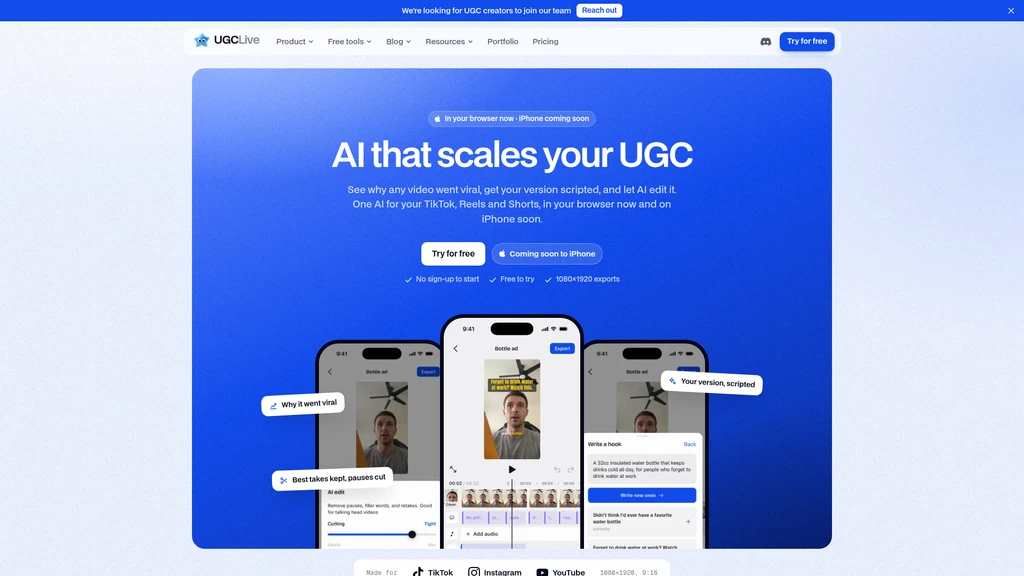
UGCLive is a browser-based AI-powered video editor and toolset built exclusively for user-generated content creators, designed to streamline short-form content workflows from viral research to brand deal management. An iPhone app is scheduled for upcoming release, with full functionality accessible today via any modern web browser.
Core Capabilities
The platform combines AI analysis, script generation, automated editing, and creator business tools into a single workflow tailored for vertical short-form content:
Analyze public TikTok, Instagram Reels, or YouTube Shorts videos and accounts to identify viral drivers, relative performance metrics, hook effectiveness, and aggregated comment sentiment
Generate UGC video scripts based on observed viral content patterns, including structured hooks, line-by-line talking points, suggested shot lists, and platform-optimized captions
Automatically edit recorded footage by cutting pauses, filler words, and failed takes, while retaining the highest quality take of each line, and generating word-timed captions synced to audio
Create A/B/C distinct hook versions of a single edited video to test performance across different opening angles
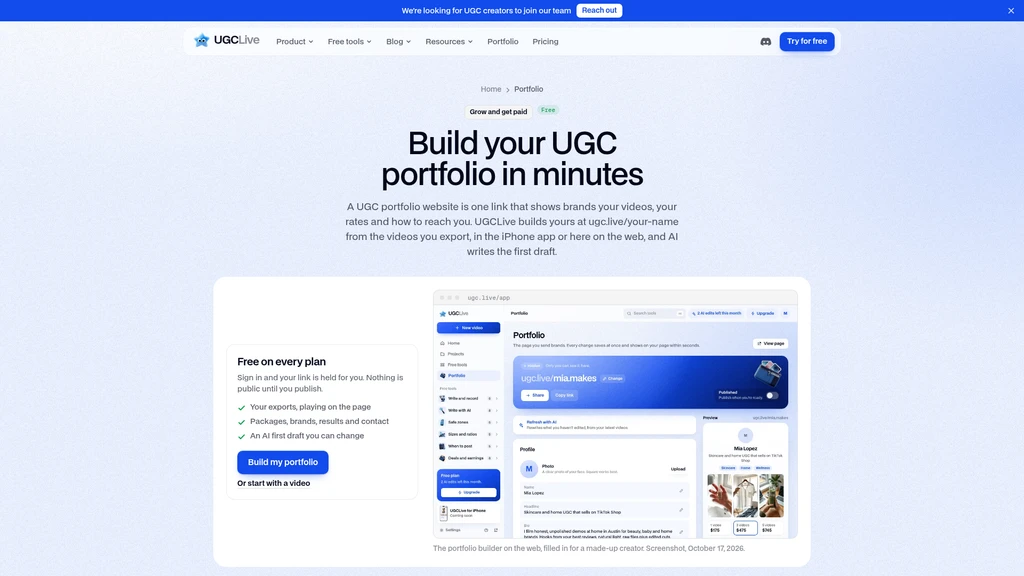
Build a public UGC portfolio page to showcase finished work and list service rates for brand booking inquiries
Integrate a built-in teleprompter for script reading during on-camera filming sessions
Export finished videos in 1080×1920 vertical resolution optimized for TikTok, Instagram Reels, and YouTube Shorts
Provide a full manual editing timeline for granular adjustments to cuts, speed, overlays, and assets
Calculate estimated TikTok Shop earnings and TikTok Creator Rewards payouts
Generate customizable UGC contracts, brand pitch emails, media kits, and creative briefs for brand partnership work
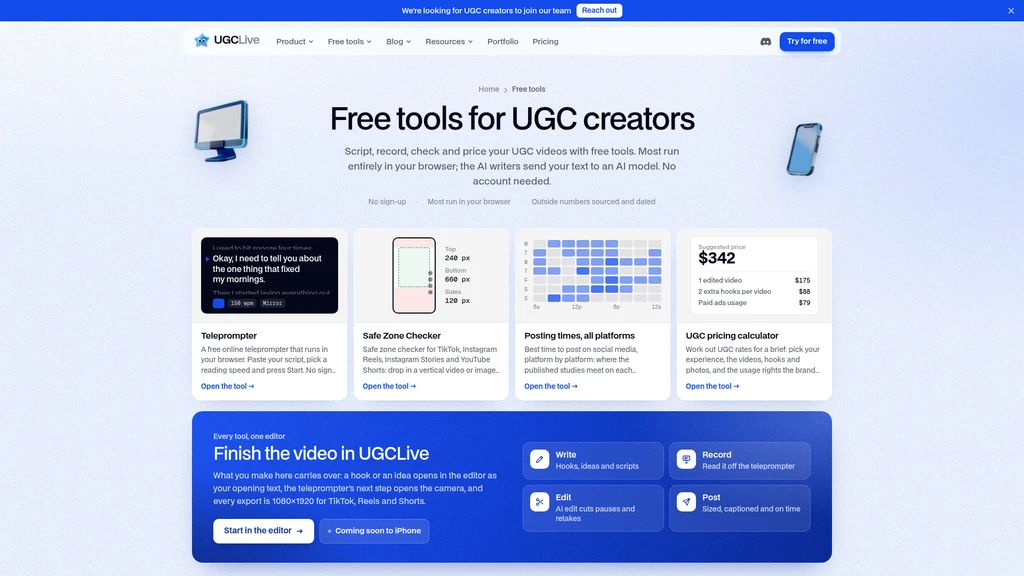
In addition to its core editing and analysis features, UGCLive hosts 37 standalone free tools that require no sign-up to use, including AI hook generators, caption writers, hashtag finders, platform-specific safe zone checkers, aspect ratio calculators, time zone adjusted posting time guides, UGC pricing calculators, and portfolio templates.
Supported Workflows
UGCLive is structured to support end-to-end UGC content creation without requiring users to switch between multiple separate tools:
Research phase: Paste a link to any public short-form video or creator account to generate a full performance report that breaks down why the content performed well, and surfaces 8 original content ideas aligned to that account's niche.
Scripting phase: Convert any viral pattern analysis directly into a custom script for the user's own product or niche, which can be loaded immediately into the built-in teleprompter for recording.
Editing phase: Upload raw recorded footage to run the AI edit pass, which automatically cleans up mistakes and adds captions, then use the manual timeline to make any final adjustments to B-roll, text, music, or timing.
Testing and publishing phase: Generate multiple A/B/C hook variants of the final edit to test different opening angles, then export the 1080×1920 file for manual upload to social platforms.
Brand management phase: Use the included business tools to calculate fair service rates, draft pitch emails, generate contracts, and host a public portfolio to attract new brand partnership opportunities.
Target Audiences
UGCLive is built specifically for users creating short-form UGC content, including:
Independent UGC creators of all experience levels
Full-time professional creators
Small creator teams producing content at scale
TikTok, Instagram Reels, and YouTube Shorts creators
UGC creators who regularly collaborate with brands on paid content deals
Pricing and Plans
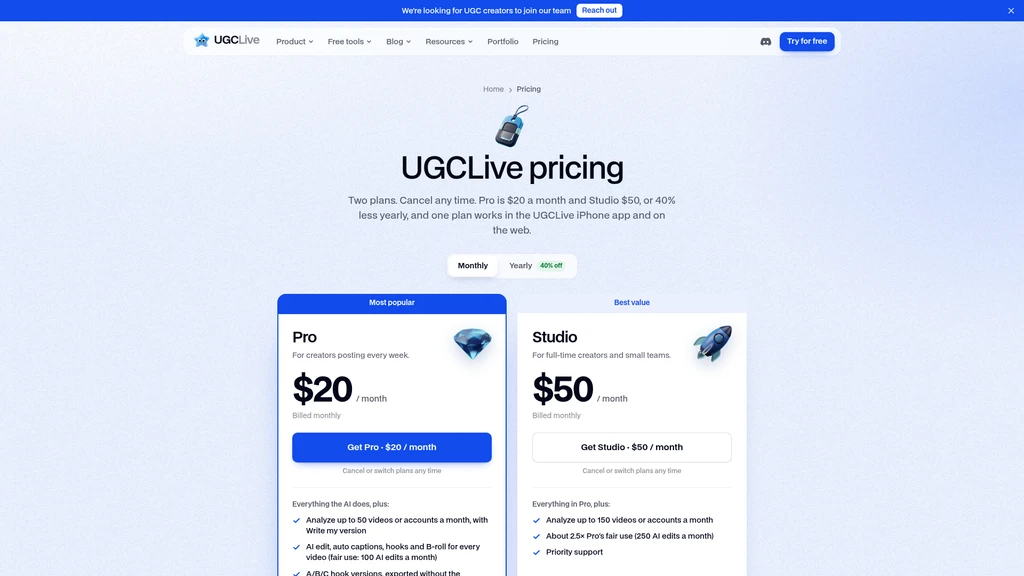
UGCLive operates on a freemium model, with all 37 standalone free tools available to users with no payment required. Two paid subscription tiers unlock higher usage limits and unbranded exports:
Pro plan: Priced at $20 per month, or $12 per month when billed annually. Includes analysis of up to 50 videos/accounts per month, 100 AI edits per month, unbranded A/B/C hook exports, and an unbranded public portfolio page.
Studio plan: Priced at $50 per month, or $30 per month when billed annually. Includes all Pro plan features, plus analysis of up to 150 videos/accounts per month, 250 AI edits per month, and priority support.
All listed prices are in USD, with applicable local tax added at checkout. Subscriptions can be canceled or switched between tiers at any time with no penalty.
Known Limitations
The platform has the following documented constraints:
The native iPhone app is not yet released, and is listed as coming soon
No native Android app is available, so Android users must access all features via their device's web browser
Instagram and YouTube performance reports do not include shares or saves data, as those platforms do not expose those metrics via public links
There is no native direct posting integration to social media platforms; users must manually upload exported video files to their respective social accounts after export.




Comments