BrickBookmark
Local-first open-source browser bookmark manager with no registration
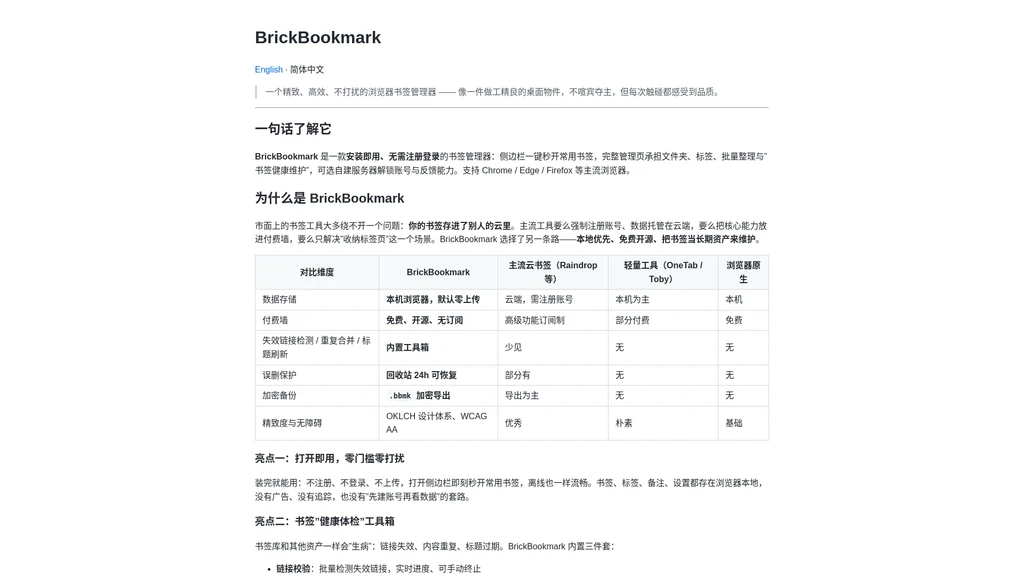
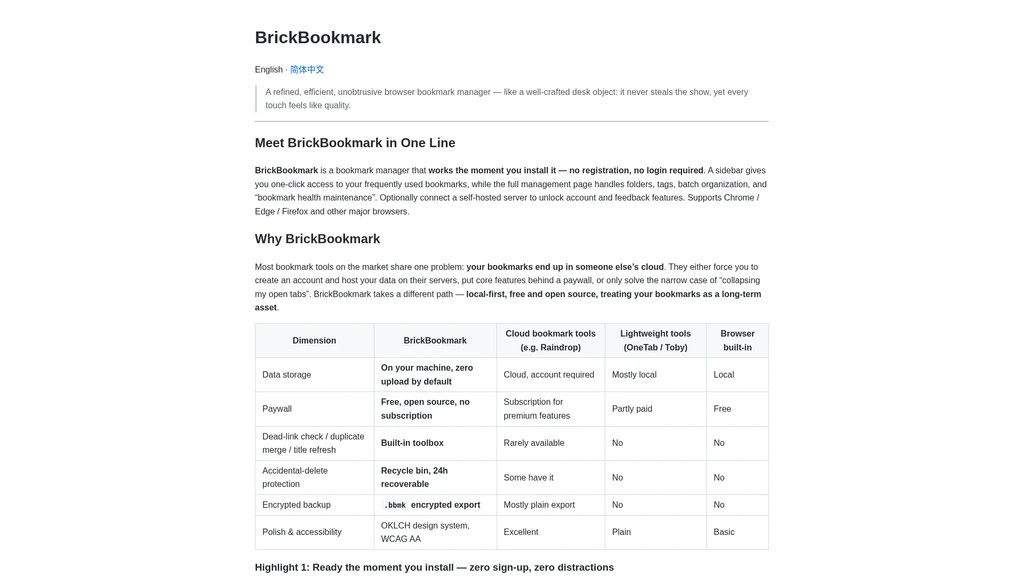
BrickBookmark is a free, local-first open-source browser bookmark manager that requires no registration or login, with all core functions stored locally in the user's browser. It supports Chrome, Edge, and Firefox browsers, and is designed to help users maintain a well-organized, private bookmark library without relying on cloud-hosted services.
Core Capabilities
BrickBookmark includes a full set of bookmark management and maintenance tools built to run locally by default:
One-click opening of frequently used bookmarks via a dedicated browser sidebar, with full functionality accessible offline
Full management workflows for folders, tags, and batch organization, including bulk move, bulk tag assignment, and bulk deletion
Built-in bookmark health maintenance toolkit: broken link detection with real-time progress tracking and manual termination, duplicate URL detection and merging that preserves associated tags and notes, and batch webpage title and icon refreshing
24-hour trash recovery for accidentally deleted bookmarks, with options to restore items or permanently delete them
Encrypted .bbmk proprietary backup format for secure local storage and restoration, plus standard HTML import/export for cross-browser migration
Multi-view display for bookmarks and folders (list, grid, folder tree), global full-text search, and four configurable sorting options
Multi-color marking for folders, full tag management (creation, editing, merging), and tag-based filtering
Dark/light mode support, automatic bilingual (Simplified Chinese and English) detection that follows browser language settings, and full keyboard navigation support
Minimal browser extension permission requirements, with no unnecessary access to user data outside of explicit bookmark management use cases
Supported Workflows
BrickBookmark is structured to support end-to-end bookmark management without mandatory external connections:
Initial setup: Install the extension directly, no account creation or onboarding steps required. All existing browser bookmarks can be imported via standard HTML format in one operation.
Daily access: Use the sidebar to open frequently used bookmarks in one click without navigating through nested native browser menus.
Library organization: Use the full management page to sort bookmarks, assign tags, color-code folders, and run batch organization operations for large collections.
Routine maintenance: Run the bookmark health toolkit on a schedule to detect broken links, merge duplicate entries, and refresh outdated page titles to keep the entire library usable.
Backup and migration: Export a full encrypted .bbmk backup for local safekeeping, or export to standard HTML to move your full bookmark library between Chrome, Edge, and Firefox installations.
Accidental deletion recovery: Access the 24-hour trash bin to restore any bookmarks removed in the last day, eliminating the risk of permanent data loss from misclicks.
Intended Audience
BrickBookmark is built specifically for the following user groups:
Users who prioritize local data storage for bookmarks and do not want their personal bookmark collections uploaded to third-party cloud servers by default
Users seeking a fully free, open-source bookmark manager with no hidden costs or locked core features
Users who need dedicated tools to maintain a large, long-term bookmark library and resolve common issues like broken links and duplicate entries
Users who want to avoid cloud-based bookmark services that require mandatory account registration and data hosting on external servers
Regular users of Chrome, Edge, or Firefox browsers who want more robust bookmark management than the native browser tools provide
Pricing
BrickBookmark is fully free and open-source. There are no subscription fees, no paywalls for core functions, and no in-app purchases required to access the full standard bookmark management and health maintenance feature set.
Known Limitations
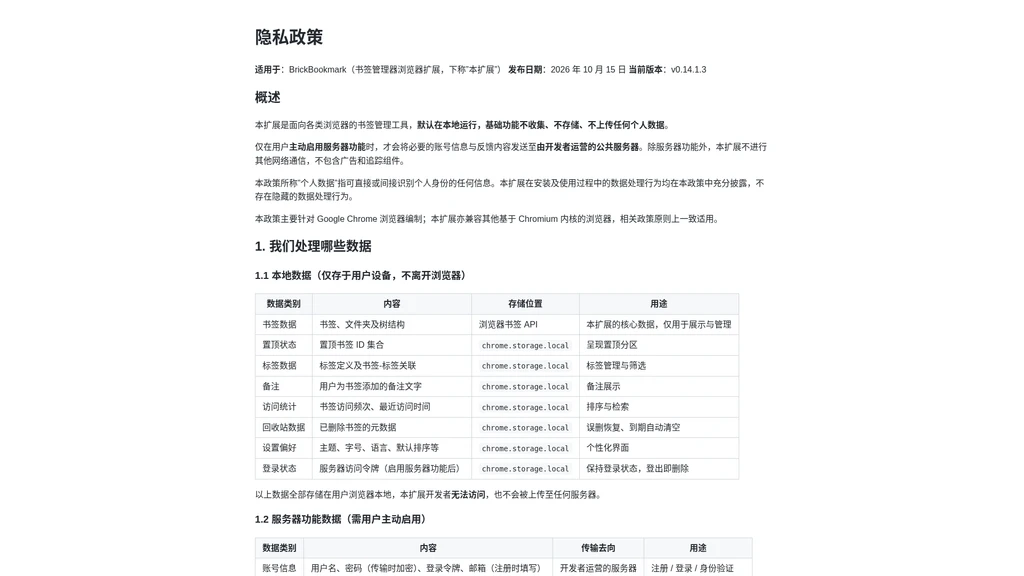
The optional self-hosted server functionality that enables account and feedback capabilities is not enabled by default, and requires the user to actively turn it on in settings.
The optional server is deployed in Hong Kong, China, which means that when the server functionality is enabled, relevant user data will be subject to potential cross-border data transmission. No personal data is transmitted when the optional server features are not in use.
All core data is stored locally in the browser by default, so users are responsible for creating their own encrypted .bbmk backups to prevent data loss if the browser or extension is uninstalled without prior export.
The broken link detection and title refresh features only run when explicitly triggered by the user, and will send requests to the target web pages to retrieve updated status and metadata.




Comments