
- Monthly visits
- 0
- 2026-10
- Monthly growth -100%
Prompt Blaze - Store prompts, chain AI tasks, and run them from webpages
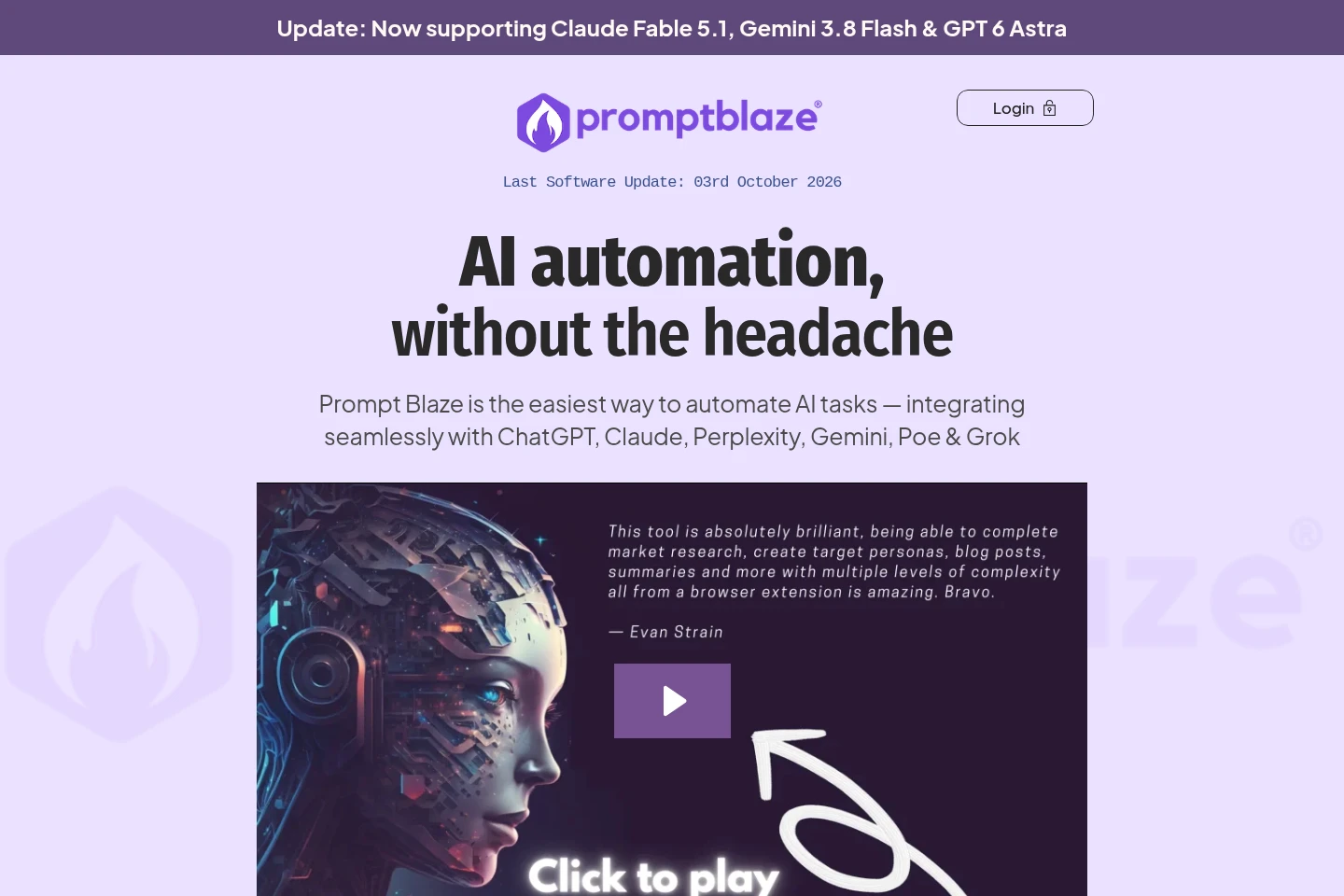
Prompt Blaze is a browser extension for storing and organizing text prompts, linking them into multi-step AI workflows, and running them with webpage context. It supports customizable quick replies and webhook integrations with Zapier, Make, and N8N. Prompts and workflows are stored in the browser, not on Prompt Blaze servers.
- LLM Developer Tools
- Prompt Management
- Workflow Automation
- AI prompt chaining
- browser prompt manager
- webpage AI workflows
Capabilities
Local prompt storage
Stores and organizes text-based prompts in browser storage. Users can categorize prompts, drag and drop them, and export or import their data; prompts do not automatically sync between devices.
Multi-step prompt chaining
Links multiple prompts into an ordered workflow and passes data between steps with placeholders such as {{text}}. Users can run a complete chain or an individual step; no coding is required.
Webpage context execution
Runs prompts using selected text and page details as context. Users can launch a prompt from a webpage’s right-click menu, with placeholders such as {{title}} and {{URL}} inserted into the prompt.
Customizable quick replies
Displays a quick-reply menu after text is highlighted in supported AI chat interfaces. Users can select preset actions or add custom replies, and connect webhook integrations with Zapier, Make, and N8N.
Pricing
Prompt Blaze is paid through a one-time purchase rather than a recurring subscription. Compare the included prompt storage, chains, replies, webhooks, support, tutorials, and bonus chains when considering the plan.
| Plan | Price | Included features and limits |
|---|---|---|
| Unlimited | $49 one-time payment |
|
Use cases
Organize reusable AI prompts
When users need to reuse prompts while browsing, they can store, categorize, and access text-based instructions in the extension. Prompts can be exported or imported, but local storage does not automatically sync across devices.
Run multi-step AI prompt workflows
When a task requires multiple AI instructions in sequence, users can link prompts into a chain and pass results between steps with placeholders. They can run the full sequence or an individual step without writing code.
Apply webpage text to AI prompts
When working with text on a webpage, users can highlight it and launch a prompt from the right-click menu. Prompt Blaze can pass the selected text and page details into an AI workflow.
Limitations
Prompts and workflows are stored in the browser locally and do not automatically sync across devices; users can transfer them using export and import.
The product runs as a browser extension; the listed compatible browsers include Chrome, Firefox, Brave, Edge, and other Chromium-based browsers.
Who it is for
People who reuse and organize text prompts while working with AI chat tools
AI chat users who want to create text-based, multi-step workflows without coding
People who want to use selected webpage text as context for AI prompts
FAQ
Where are prompts and workflows stored?
They are stored in the browser’s local storage, not on Prompt Blaze servers. They do not automatically sync between devices, but users can export and import them.
Does Prompt Blaze require coding skills?
No. Users create and manage workflows with text-based prompts; the product says no coding skills or API knowledge are required.
Which browsers are compatible with Prompt Blaze?
Prompt Blaze is available as an extension for Chrome, Firefox, Brave, Edge, and other Chromium-based browsers.
How does prompt chaining work?
Users link prompts in sequence and pass data between steps using placeholders such as {{text}}. They can run a complete chain or individual steps, and tutorials are included.
Is there a recurring fee?
No. The listed Unlimited plan costs $49 as a one-time payment and includes lifetime access and future updates.
Comments