

- Monthly visits
- 0
- 2026-10
IDEALCUT.ai - Edit video, make ID photos and photocards, convert files with no upload
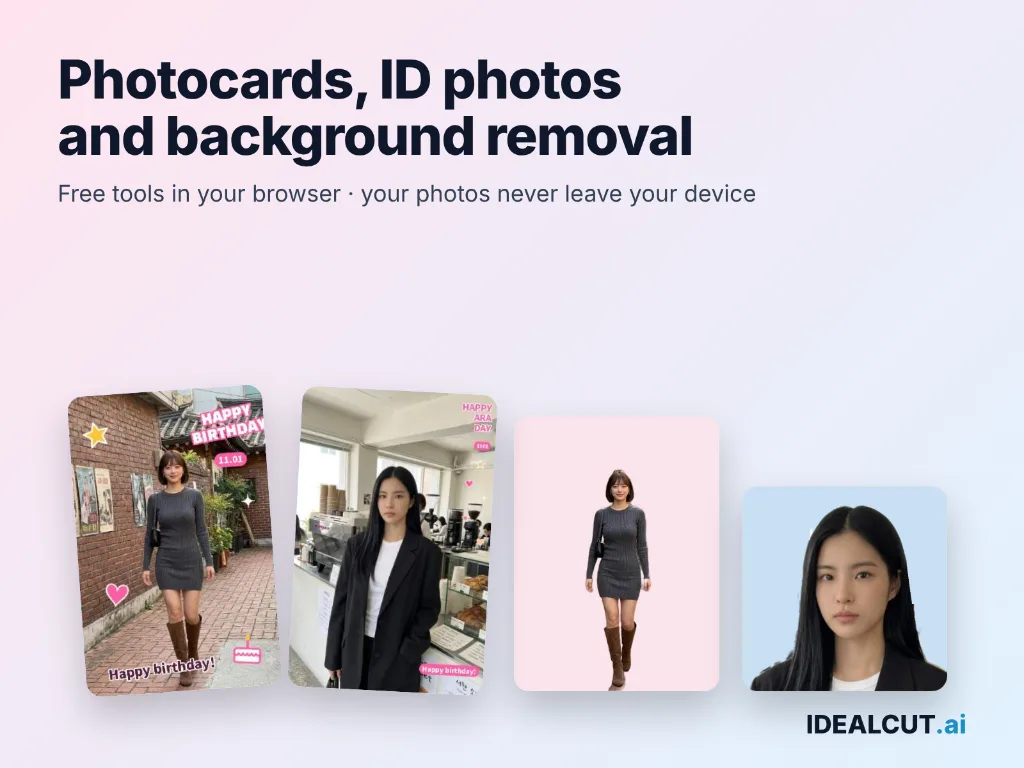
IDEALCUT.ai is a free set of photo, video and file tools that run in your browser. Your files are not sent to a server, and no sign-up is needed. Edit short videos and save them as MP4, compress a video to the exact MB you choose, make passport and ID photos, decorate photocards and K-pop birthday cards, remove photo backgrounds, and convert images, audio, video and PDFs. Available in 7 languages on desktop and in mobile Chrome and Safari.
- Featured
- AI Image
- Photo Editors
- file converter
- video compressor
- image background removal
0Views
Capabilities
Video editor for Shorts and Reels
Cut and join clips, add captions, stickers, frames and music, then save as MP4. Ready-made templates for vertical fancams and 15-second birthday videos. No install, and it works in phone browsers on iPhone and Android too (speed depends on your device).
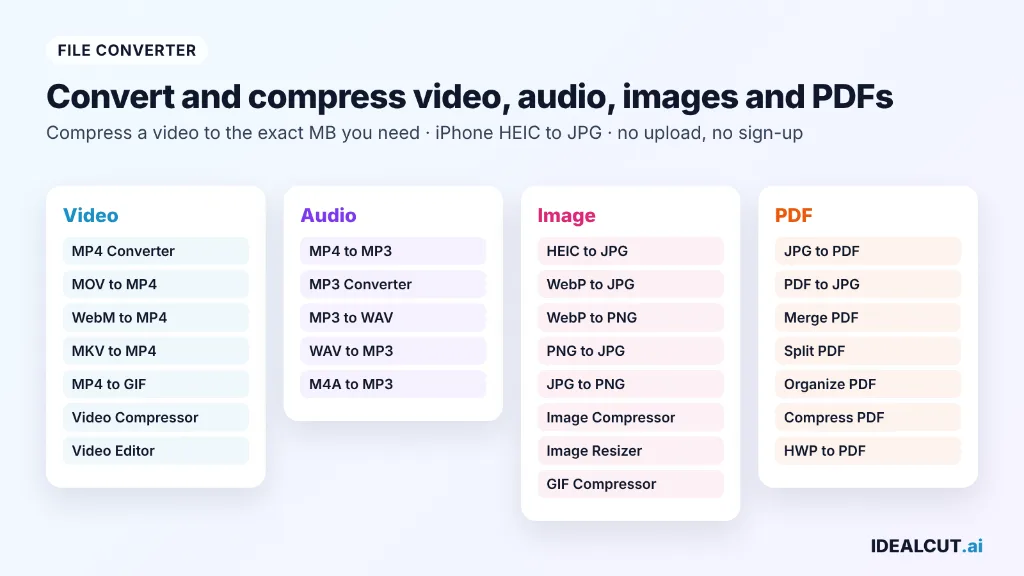
Compress a video to the exact size you need
Pick a target size in MB, or half or a quarter of the original, and the video comes out just under it. Also converts MP4, MOV, WebM and MKV and turns short clips into GIFs.
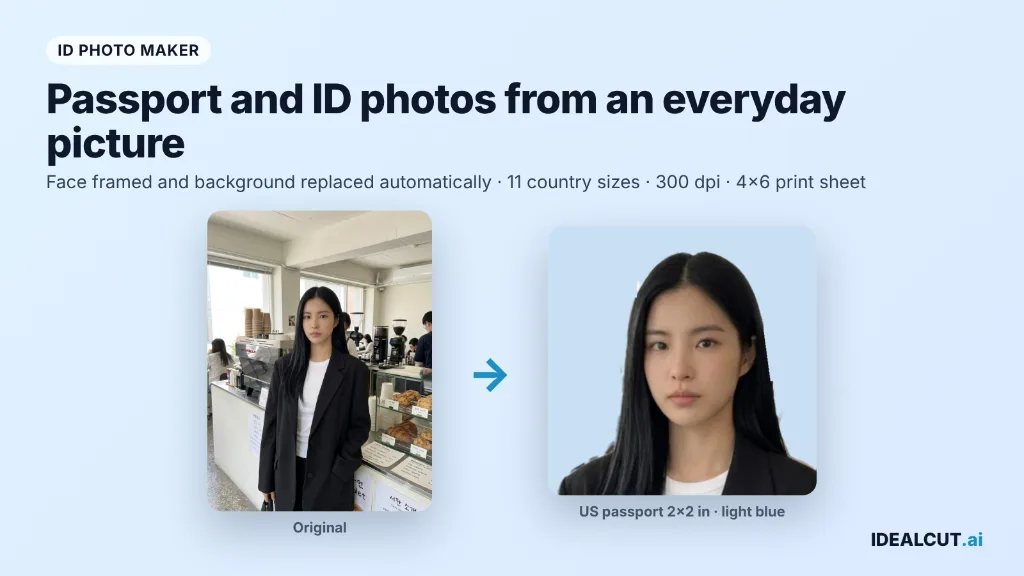
Passport and ID photo maker
Turn an everyday photo into a passport or ID photo: the face is framed and the background replaced automatically. 11 country sizes or your own size, any background color, 300 dpi download or a 4x6 print sheet.
Photocard and birthday card maker
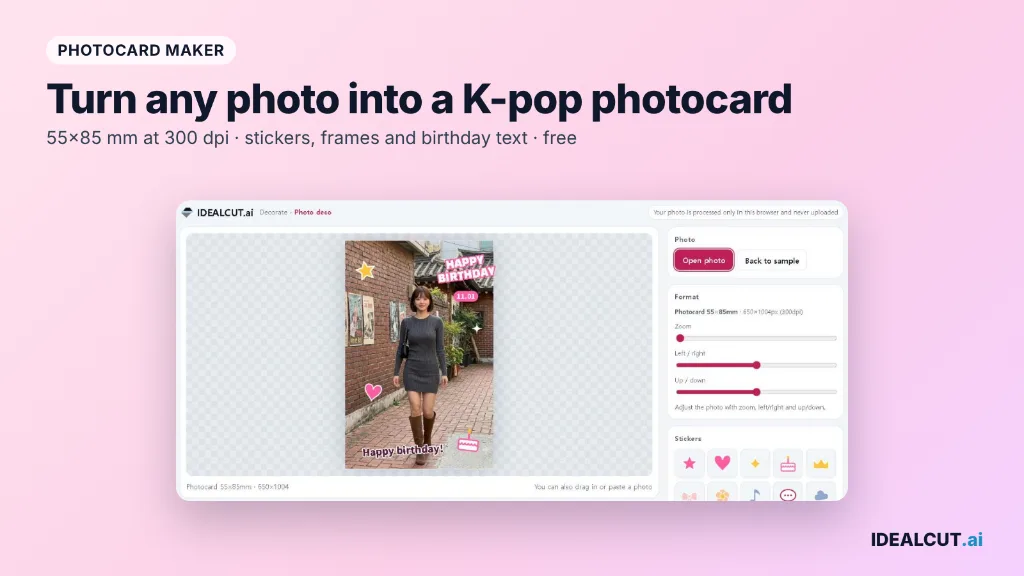
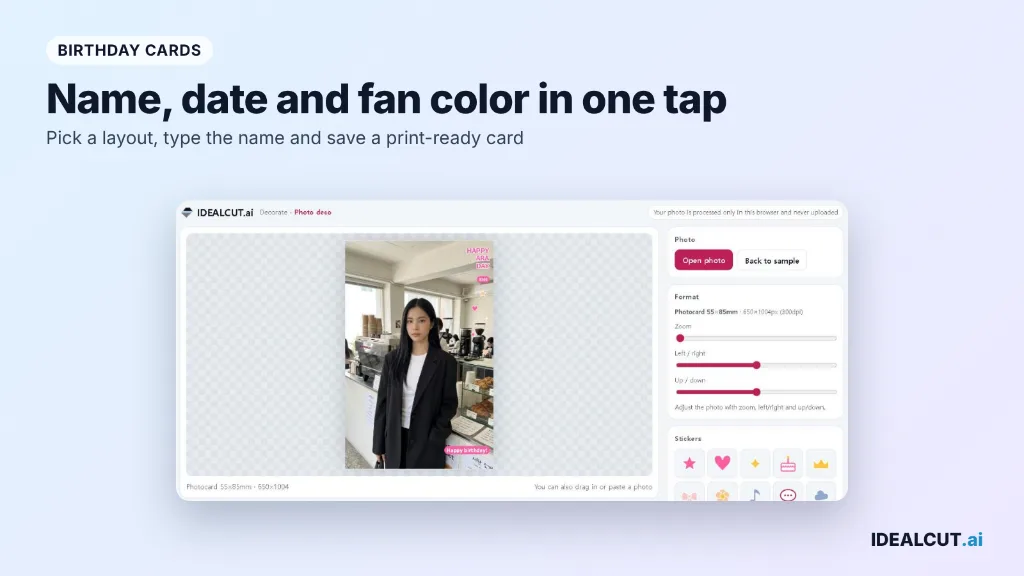
Decorate photocards, polaroid frames, photo strips and stickers, and make K-pop birthday cards with your bias's name, date and fan color. Print-ready sizes and phone-friendly sizes.
Background remover and image converter
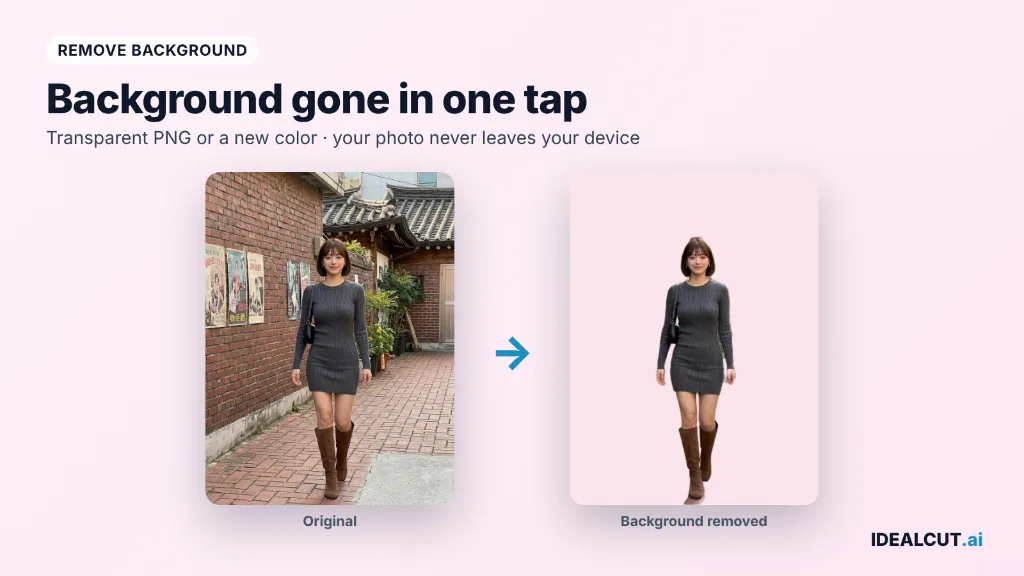
Remove photo backgrounds in one tap and download a transparent PNG. Convert and compress HEIC, WebP, PNG, JPG and GIF, turn iPhone photos (HEIC) into JPG, and save many files at once as a ZIP.
Audio and PDF tools
Turn iPhone videos and voice memos into MP3 and extract audio from a video. Merge, split, compress and reorder PDFs, and open Korean HWP documents.
Pricing
All tools are free to use, with no paid plans or hidden charges.
No sign-up or account is needed to use any tool.
Use cases
Fix incompatible media files
You have a media file that will not open or play on your target device, such as an iPhone HEIC photo or MOV video on a Windows PC. You use the matching format conversion tool to turn it into a widely supported format that works on all devices.
Reduce oversized file attachments
Your video, image, or PDF file exceeds the maximum allowed size for email or chat app attachments. You use the corresponding compression tool to shrink the file to a specified target size while keeping acceptable quality for sharing.
Make ID photos and photocards at home
You need a passport or ID photo, or want to decorate a photocard of your bias. You add a photo, pick the size or frame, and save the finished image while the photo stays on your device.
Edit and reorganize PDF documents
You have a PDF file with unwanted pages, or multiple separate PDFs you need to combine into one document. You use the PDF organize, merge, or split tools to adjust the document structure locally in your browser.
Limitations
In-app browsers inside messaging apps may block processed file downloads
The MP4 to GIF tool supports a maximum of 30 seconds of input video at a time
Longer video files may process more slowly on mobile devices
The video editor does not save your work in progress, so export your video before closing the tab
Who it is for
Users needing private local media processing without file uploads
Casual users converting incompatible mobile media files for desktop playback
Users creating ID photos and custom decorative photo assets for personal use
K-pop fans making photocards, birthday cards and fancam edits
FAQ
Are my files really never uploaded to a server?
Yes, all conversion and editing operations run entirely inside your local browser, so no files are ever sent to any external server.
Can I use these tools on my mobile phone?
Yes, you can use the tools in Chrome or Safari on mobile devices, though longer videos will process faster on a desktop or laptop computer.
Can I compress a video to a specific size?
Yes. Choose a target size in MB, or half or a quarter of the original, and the video is compressed to just under that size.
Do I need to log in to use the tools?
No. No sign-up, account or login is needed for any tool.
Can I make a passport or ID photo?
Yes. Add a photo, pick your country's size or enter your own, choose a background color, and download a 300 dpi photo or a 4x6 print sheet.
Comments