Monthly visits
2,631
2026-10
Monthly growth +991.7%

WebTaskTools - Free browser tools for files, media, text, and images

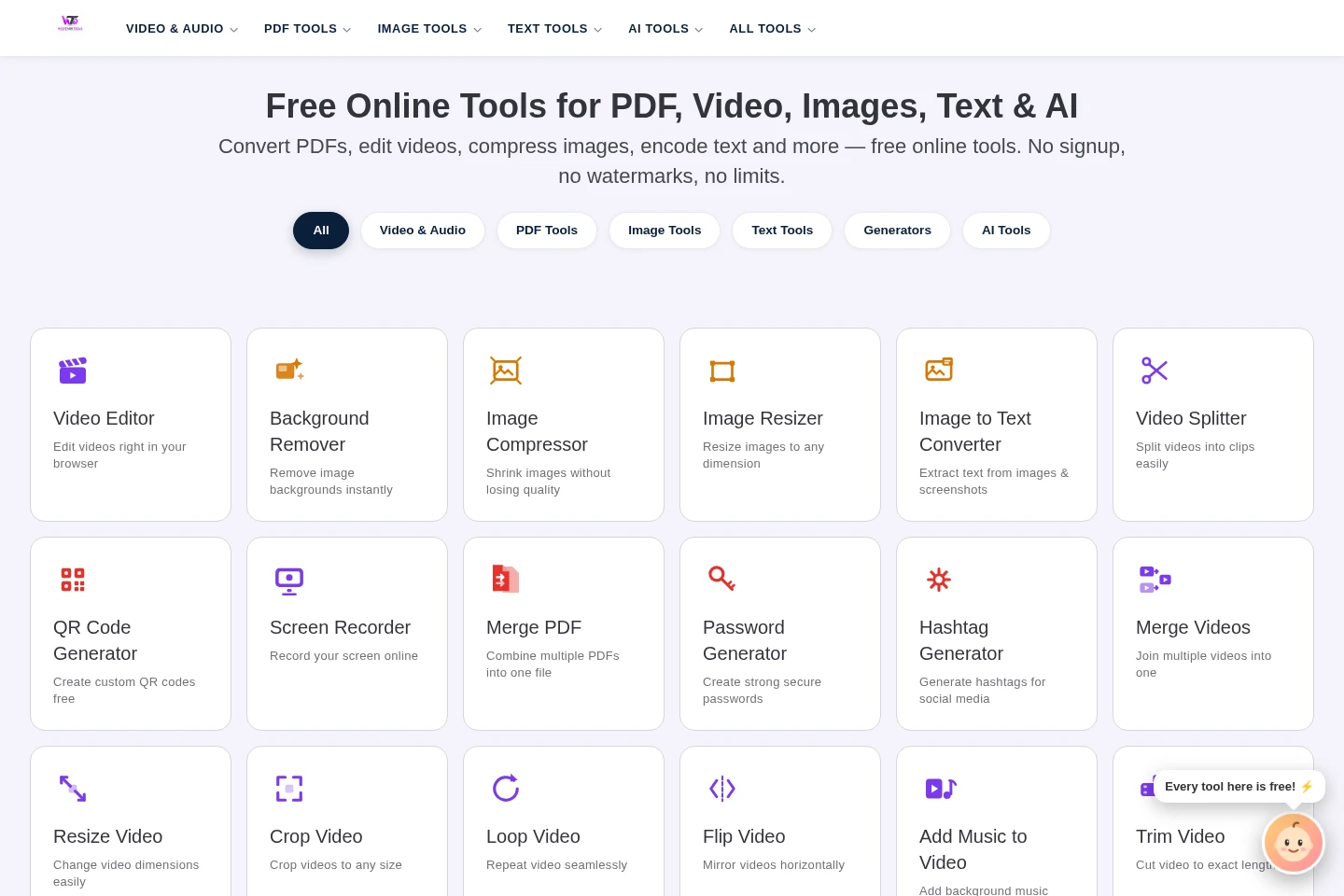
WebTaskTools provides free online utilities for PDF, video, image, and text tasks, including file conversion, editing, compression, generators, and AI-assisted tools. Users choose a tool, provide a file or text, adjust available settings, and download the result. The homepage says no signup is required and downloads have no watermarks.

Visit WebsiteUpdate this product

0Views

Capabilities

PDF file tools

PDF tools convert, merge, split, compress, rotate, and edit PDF files. Users select a tool, provide a PDF or images for conversion, and download the resulting file.

Video and audio tools

Video tools edit, convert, compress, resize, trim, merge, and split videos, and can extract audio or add music. Users work with video files in the browser and download the output.

Image processing tools

Image tools resize, compress, upscale, remove backgrounds, convert formats, and extract text from images. Users provide an image and download the processed result; the site says many file tools process files in the browser.

Text and AI tools

Text tools generate or improve text, convert text to speech, and provide AI image generation and other AI-labelled tools. Users enter text or prompts and receive generated or transformed output.

PricingFree

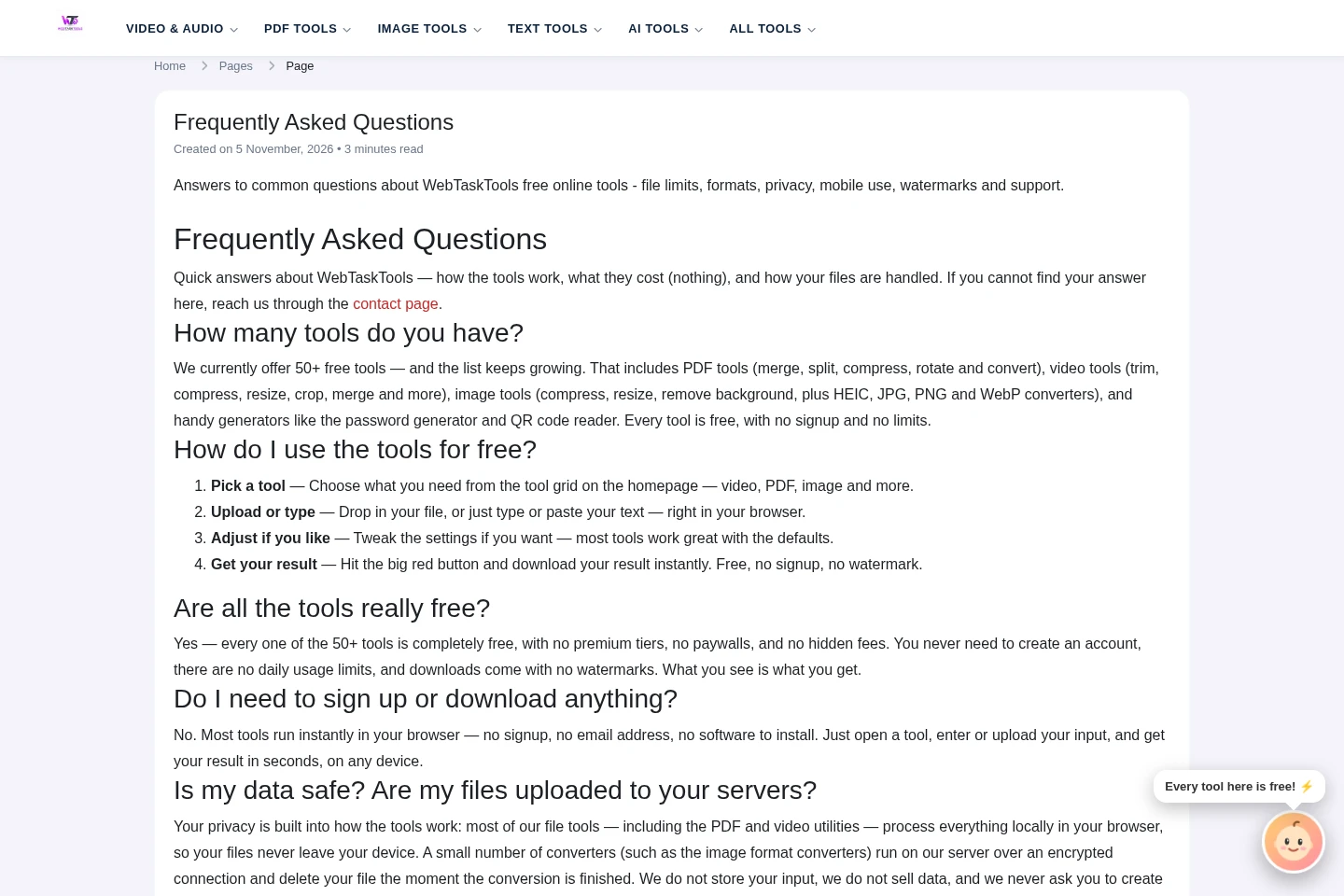
The supplied pages describe WebTaskTools as free to use, with no signup, premium tiers, paywalls, or daily usage limits. Compare tools by the file or task they support; no paid plan pricing is listed.

PlanPriceIncluded features and limits
Free

Free

  • All tools are described as free to use.

  • No account signup is required.

  • The homepage says there are no daily usage limits.

  • Downloads are described as having no watermarks.

Use cases

Convert and edit common files online

When a PDF, video, or image needs a format change or a simple edit, users choose the matching tool, provide the file, and download its converted or edited output.

Generate text and media from prompts

When users need draft text, an image, speech, captions, or voice-over, they can select an offered generator, enter text or a prompt where required, and obtain generated output.

WebTaskTools alternatives

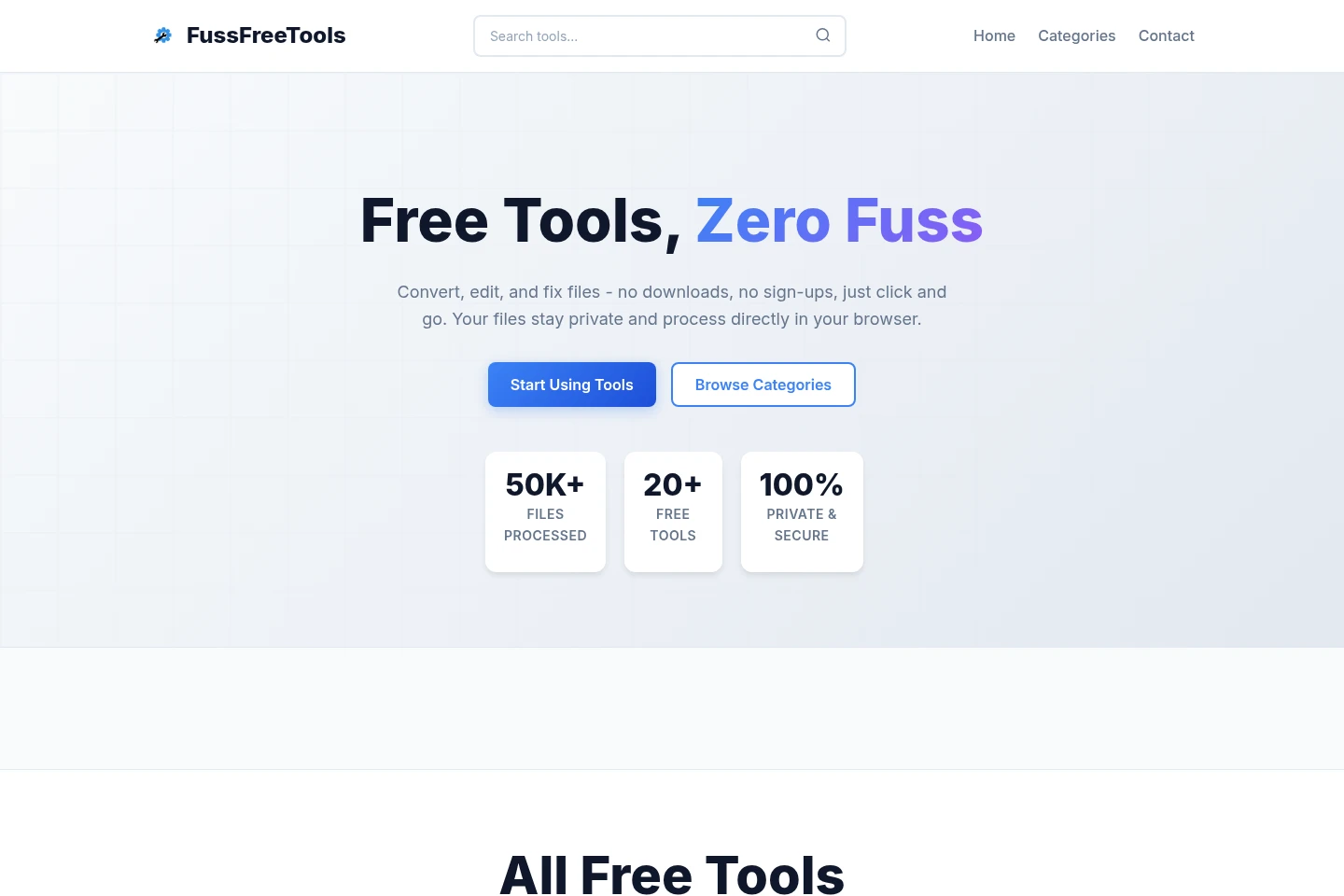
FussFreeTools

Free browser tools for files, text, images, and everyday tasks

FussFreeTools offers free online tools for editing and converting PDFs, processing images, working with text, and generating QR codes, barcodes, and passwords. Tools run in the browser without sign-ups or downloads. The site also includes classroom utilities and AI name and text generators.

  • Cloud
  • Free
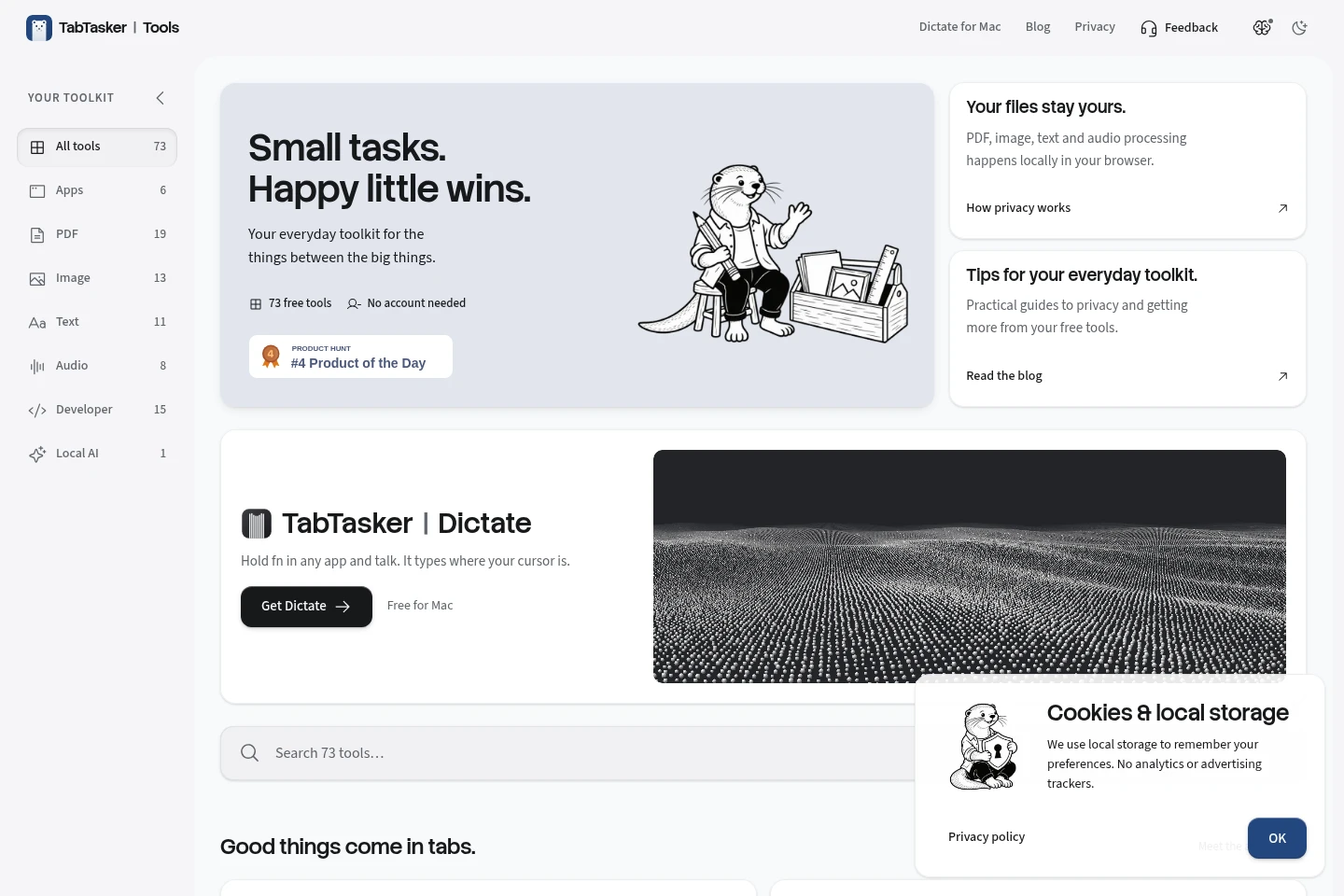
  1. TabTasker

    Free browser tools for everyday tasks

    Free
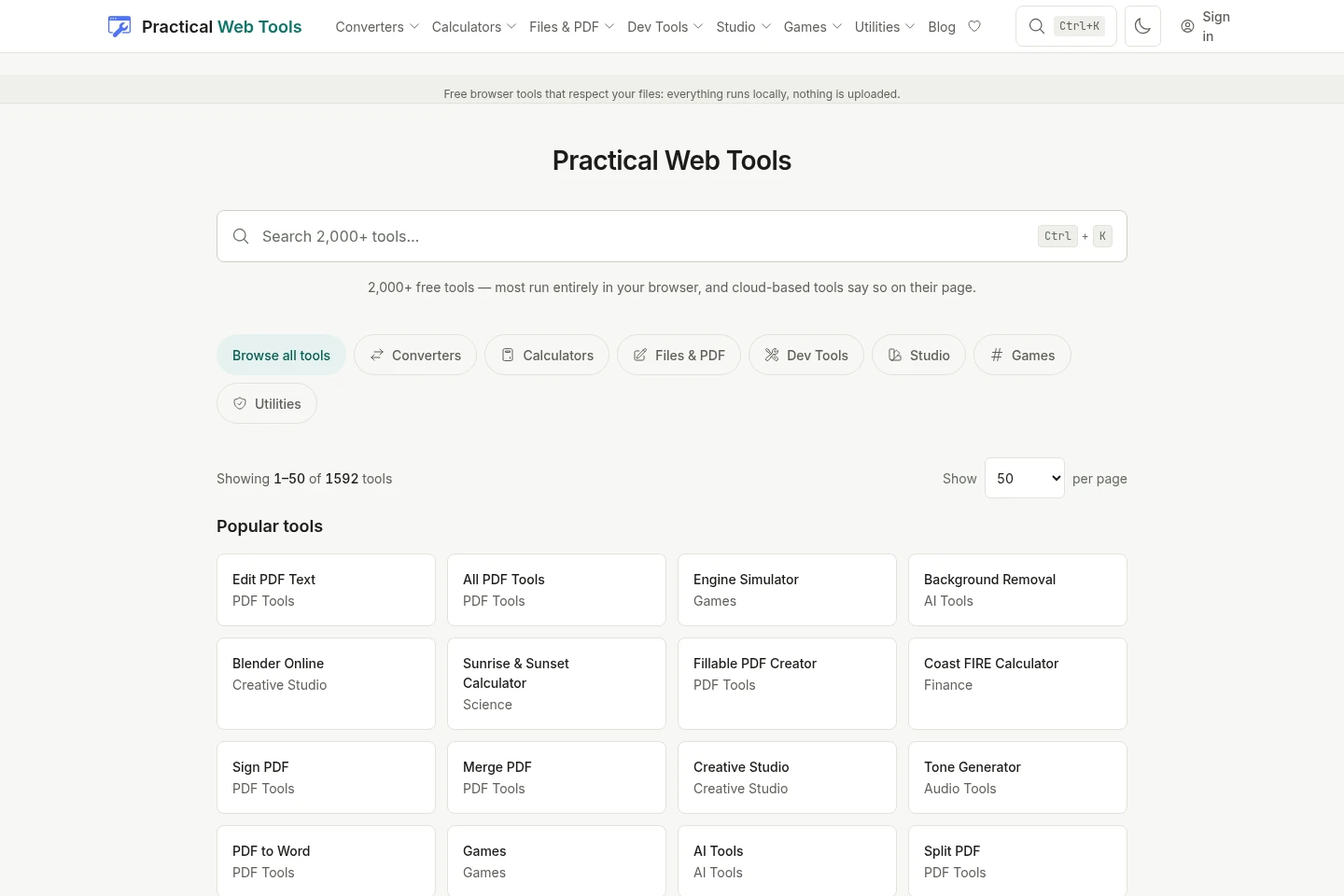
  2. Practical Web Tools

    Browser-based tools for files, calculations, and everyday tasks

    Free
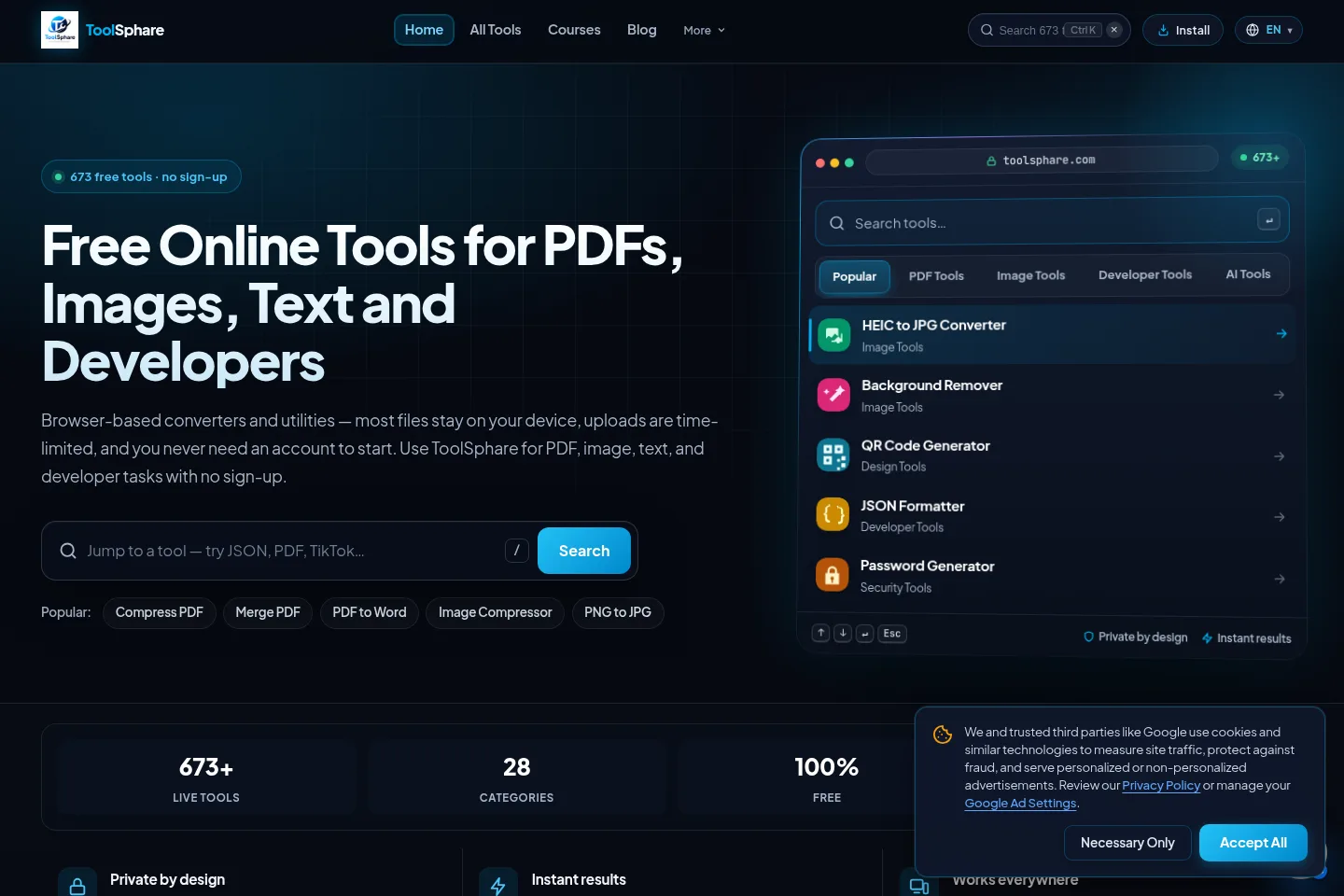
  3. ToolSphare

    Free browser-based tools for everyday digital tasks

    Free · Free
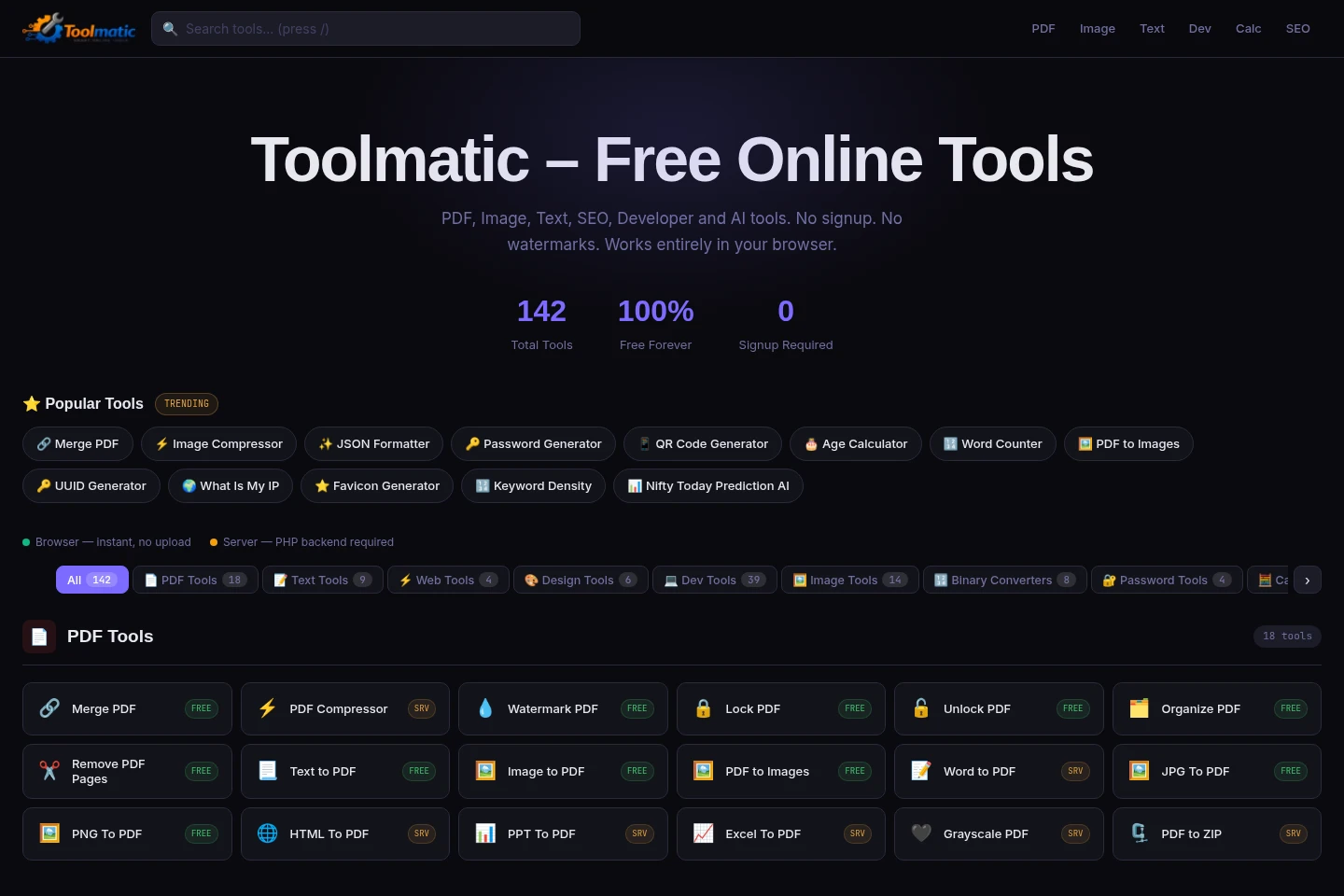
  4. Toolmatic

    Free browser-based tools for everyday file, text, and developer tasks

    Free
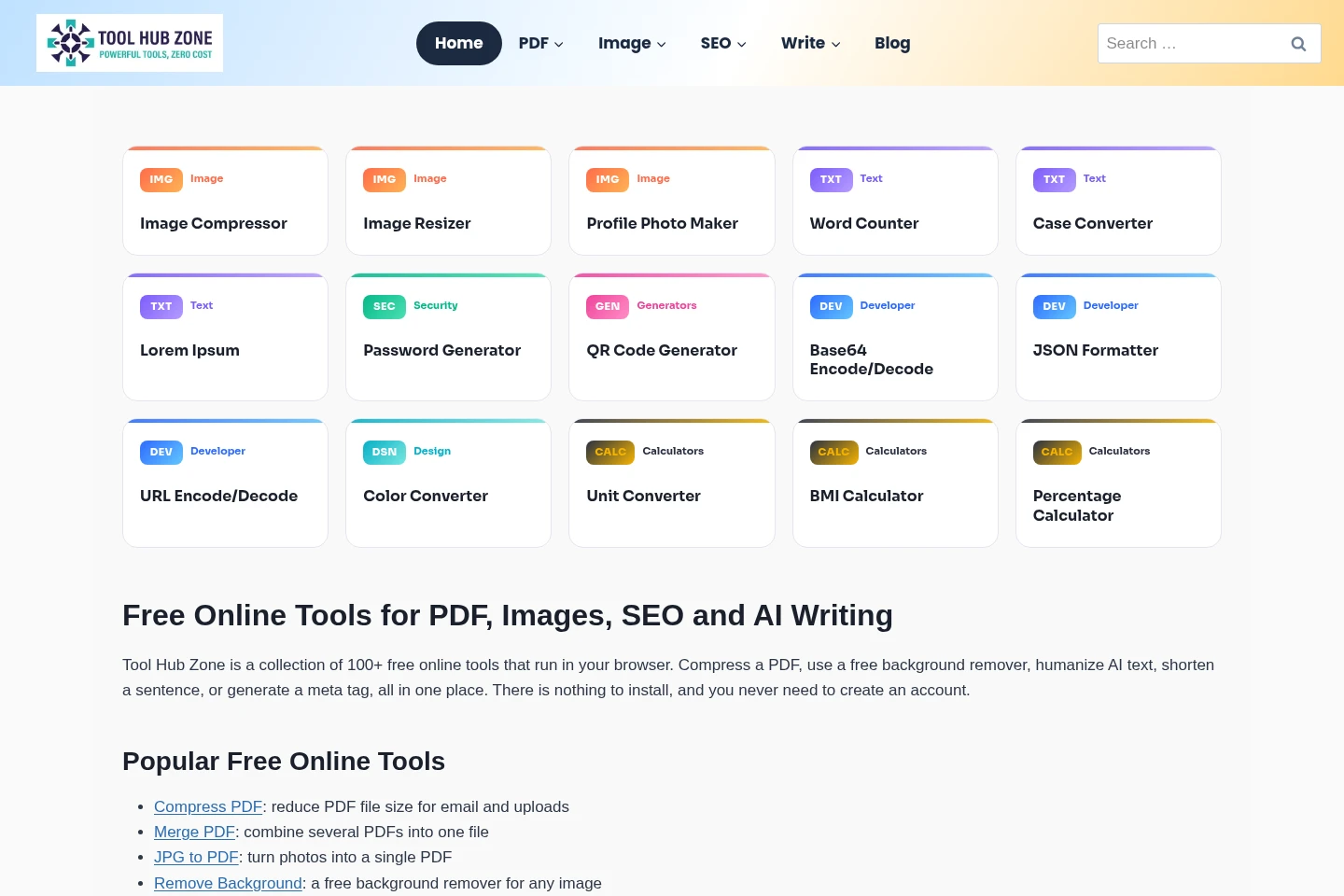
  5. Tool Hub Zone

    Free browser tools for files, images, writing and SEO

    Free · Free

Who it is for

  • People who need free browser-based file conversion and editing without creating an account

  • People preparing videos, images, or text with online editing and generation utilities

FAQ

Do I need to sign up or download anything?

The homepage says no signup is required and describes the tools as online. It instructs users to select a tool, upload a file or enter text, then download the result.

Are the tools free to use?

The homepage says all tools are free, with no premium tiers, paywalls, hidden fees, daily usage limits, or watermarks. No paid plans or fees are listed in the supplied evidence.

Are uploaded files sent to the server?

The site says many tools process files in the browser and are not uploaded to its server. This statement applies to many tools, not necessarily every tool.

Comments

Please sign in to leave a comment.
No comments yet. Be the first to share your thoughts!