

- Monthly visits
- 2,657
- 2026-09
- Monthly growth +725.2%
TabTasker - Free browser tools for everyday tasks
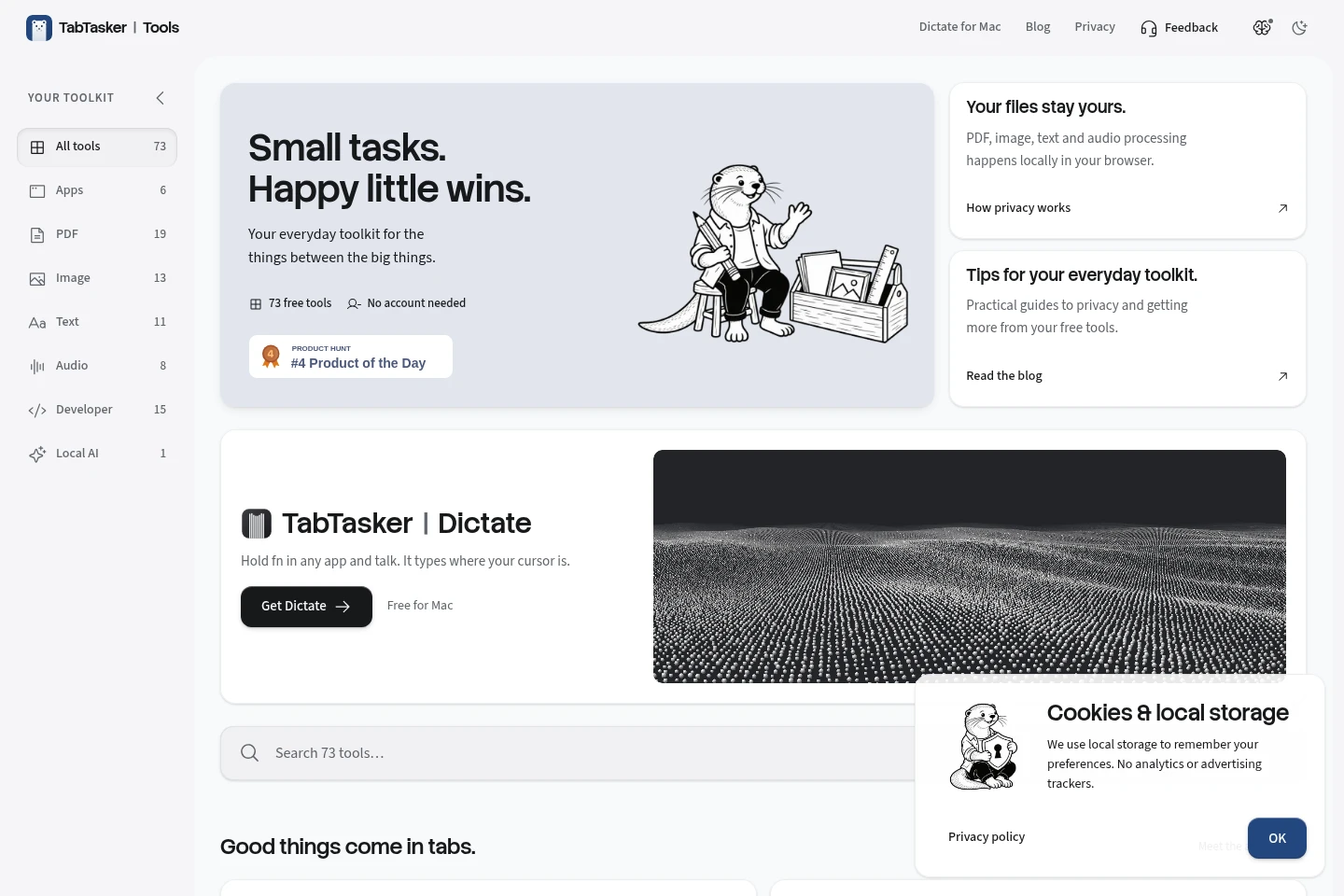
TabTasker brings 73 free tools for PDF, image, text, audio, developer and other everyday tasks into one browser-based toolkit. Many tools process files locally in the browser, and the site says no account is needed. The collection also includes browser-based apps such as file sharing, video calls and local AI chat.
- AI Chatbots
- AI Assistants
- File Organization
- Paraphrasing Tools
- free PDF tools
- browser image editor
- local AI chat
Capabilities
Browser-based file tools
Process PDF, image and audio files with browser-based tools. Depending on the tool, users can edit, convert, compress, combine or extract information from files, with local processing stated for many tools.
Text and developer utilities
Work with text and common developer data in the browser. Tools include text cleanup, conversion, JSON validation, URL parsing, regex testing and code execution in TypeScript.
Browser apps and local AI
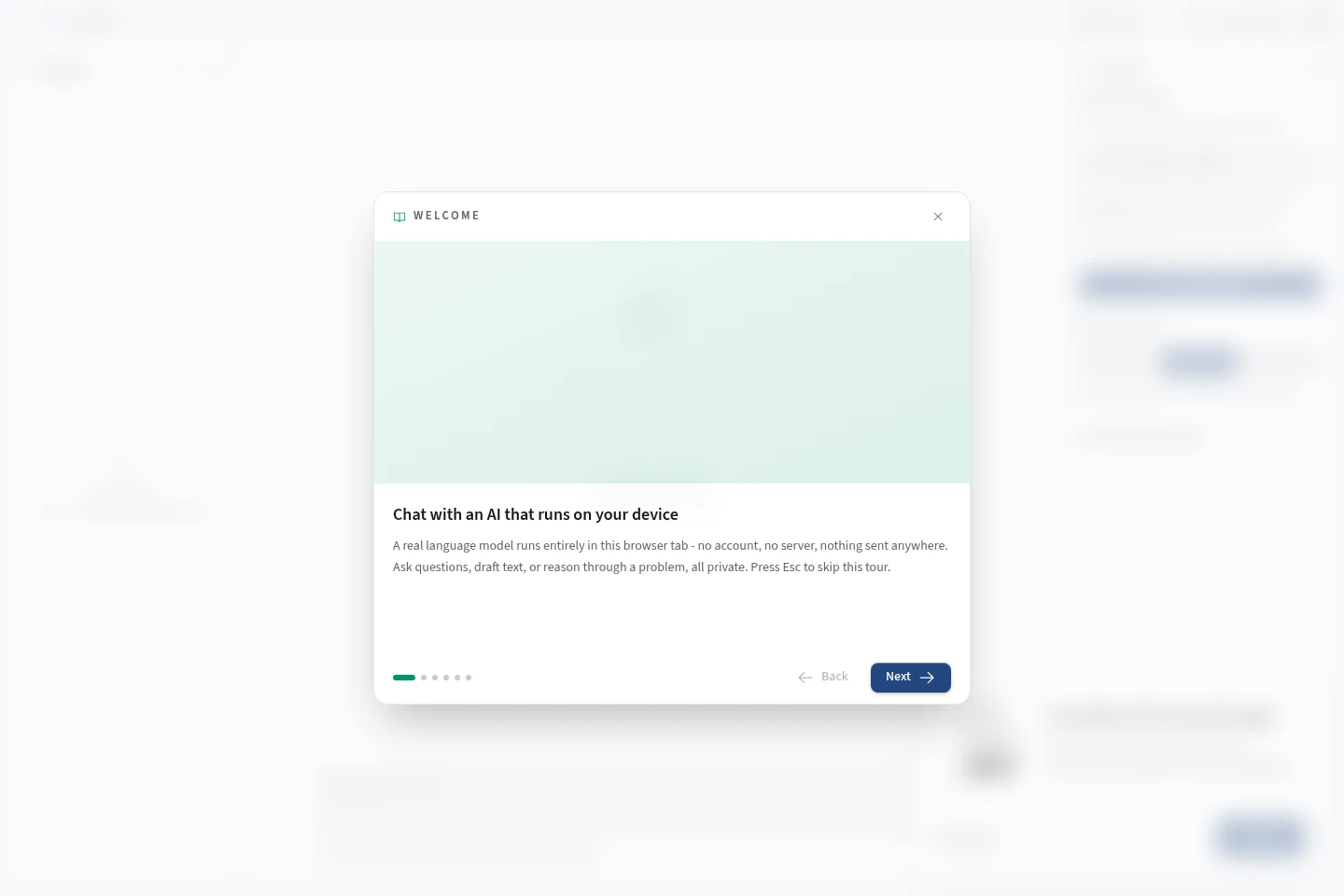
Use browser apps for tasks such as file sharing, video calls and local AI chat. The Local AI tool runs a language model in the browser, with conversations stored on the device.
Pricing
The homepage presents TabTasker’s 73 tools as free to use, with no account needed. No paid plans or separate billing choices are listed in the supplied pages.
Use cases
Edit and convert everyday files
When a PDF, image or audio file needs a quick change, choose a relevant TabTasker tool to edit, convert, compress, combine or extract information. Many tools process files locally in the browser.
Clean text or inspect developer data
When text or common data needs formatting or checking, use browser utilities such as Text Cleaner, JSON Formatter, URL Encode/Decode or Regex Tester to transform it or inspect its structure.
Share files or meet from a browser
When people need to exchange a file or start a small video call, use File Share or Video Call from the browser. File Share works browser to browser, and Video Call supports up to four people with one link.
Chat with an AI model on-device
When a user wants to chat without sending messages to a server, open Local AI, choose a model and send messages in the browser. Conversations are stored on the device; a model must be loaded to start.
Limitations
Local AI chat requires a model to be chosen and loaded before a conversation can start.
Video Call supports up to four people using one link.
Local processing is stated for many tools, but the pages do not establish it for every tool.
Who it is for
People who need quick browser tools for everyday file, text, audio or image tasks
Developers and other users who need small utilities to format, inspect or transform data
People who prefer local browser processing for supported files or on-device AI conversations
FAQ
Do I need an account to use the tools?
No account is needed for the tools described on the homepage. The homepage presents 73 tools as free to use.
Are files uploaded to a server?
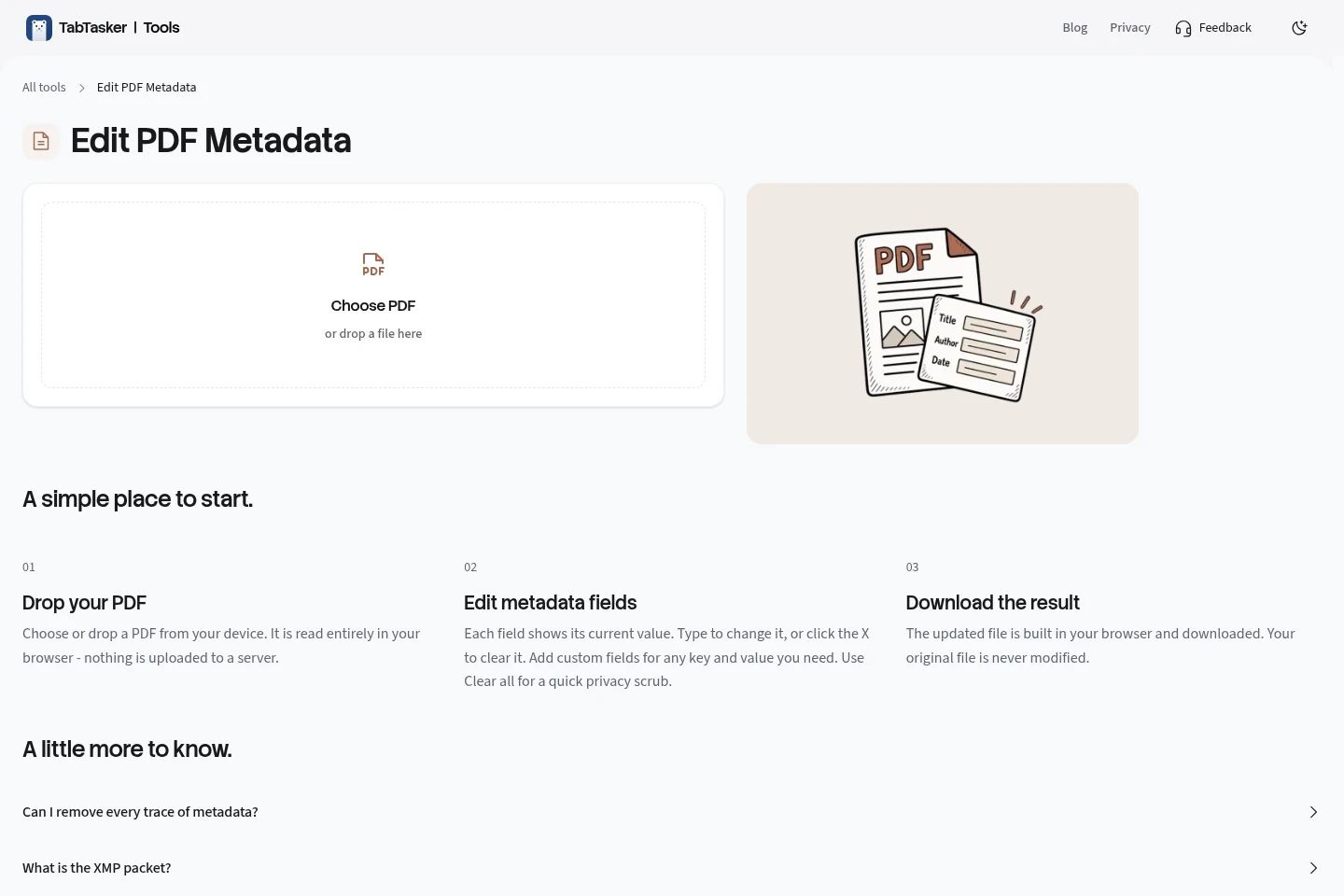
For Edit PDF Metadata, no: the PDF is read and updated in the browser, and the result is downloaded. The homepage says PDF, image, text and audio processing happens locally, but does not make that claim for every tool.
How do I start a Local AI chat?
Choose and load a model, then enter a message in the browser. The page says conversations stay on the device and nothing is sent to a server.
How many people can join a Video Call?
Up to four people can join with one link, according to the homepage.
What tools are included?
The homepage lists 73 tools across Apps, PDF, Image, Text, Audio, Developer and Local AI categories. Examples include PDF editing, image conversion, text cleanup, audio transcription and JSON formatting.
Comments