Monthly visits
12,664
2026-10
Monthly growth +1,683.7%

Practical Web Tools - Browser-based tools for files, calculations, and everyday tasks

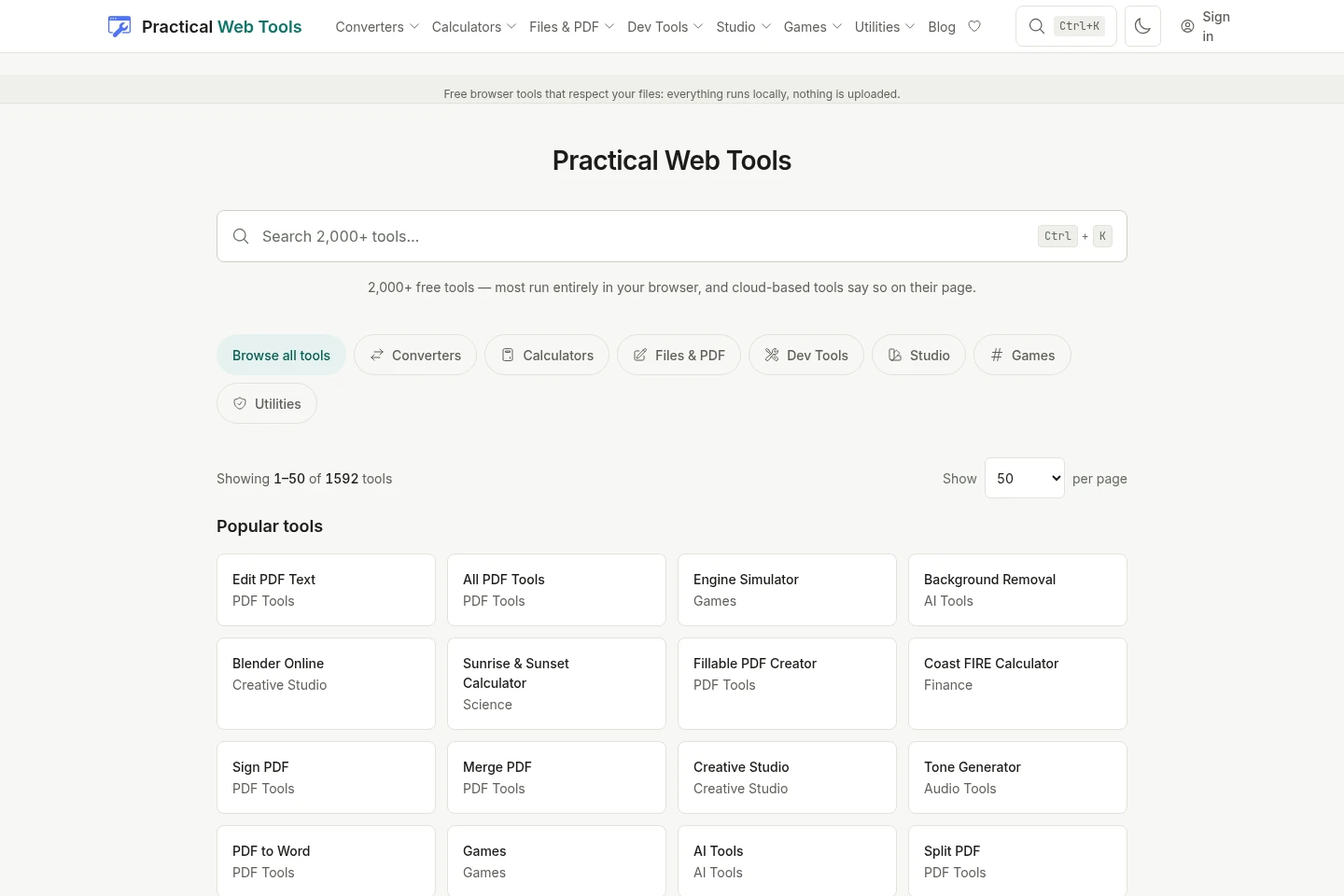
Practical Web Tools offers browser-based file converters, PDF editing tools, calculators, developer utilities, games, and other utilities. The homepage describes more than 2,000 free tools, with most running entirely in the browser. It says users can access the tools without signing up and that conversions have no watermarks.

  • Software
  • free online file converters
  • browser PDF editing tools
  • online calculators
Visit WebsiteUpdate this product

0Views

Capabilities

File conversion

Convert files between formats using browser-based tools. Available converters cover video, audio, images, documents, eBooks, archives, cooking measures, units, and PDFs.

PDF editing

Work with PDF files using tools for merging, splitting, editing, signing, and creating fillable PDFs. The site also lists PDF conversion and other file tools.

Calculators

Calculate values with tools covering finance, mathematics, statistics, health, and science. Listed examples include mortgage, loan, compound-interest, BMI, and percentage calculators.

Developer utilities

Use browser-based developer tools for code, data, web tasks, comparisons, diagrams, productivity, and SEO. Listed tools include a Python editor, JSON editor, Mermaid editor, and text comparison.

General utilities

Use utilities for text, time and dates, random generation, audio, and other tasks. Examples include a password generator, QR code generator, word counter, and date calculator.


PricingFree

The homepage describes the tools as free and provides no paid plan prices or billing terms. Compare the available tool categories and the specific task each tool supports.

Use cases

Convert files between formats

When a file needs to be used in a different format, choose a converter such as PDF to Word, MKV to MP4, HEIC to JPG, or MP3 to WAV. The site provides converters for several file types and says conversions have no watermarks.

Merge, sign, or edit PDF files

When a PDF needs changes or signatures, use the Files & PDF tools to merge, split, edit, sign, or create a fillable PDF. The homepage lists these tasks and related PDF conversion tools.

Calculate figures for everyday tasks

When a calculation is needed, browse calculators for finance, math, statistics, health, or science. Examples on the site include mortgage, loan, compound-interest, BMI, and percentage calculations.

Alternatives

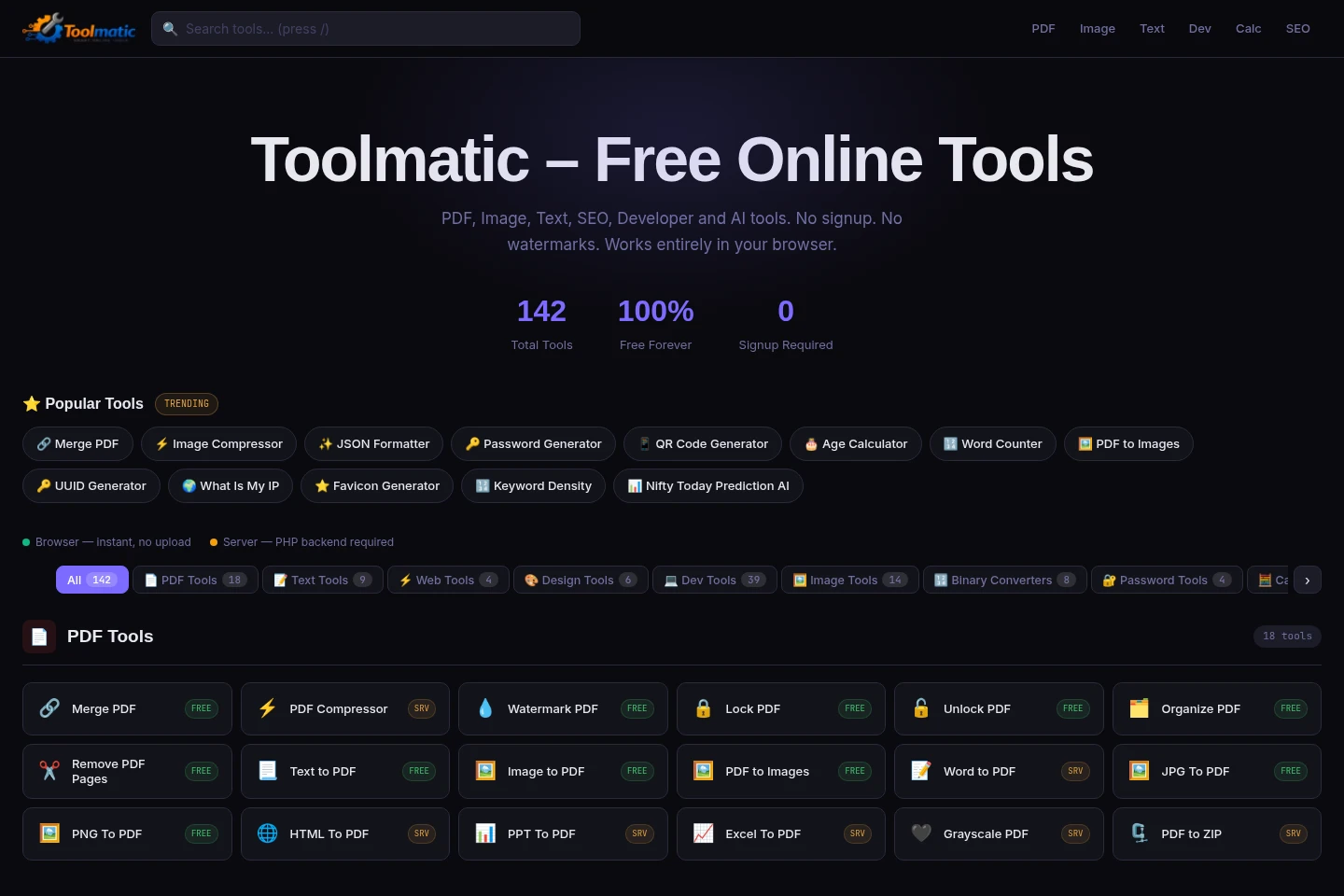
Toolmatic

Free browser-based tools for everyday file, text, and developer tasks

Toolmatic is a collection of free online tools for PDF and image conversion, text editing, SEO, calculations, and development. Tools run in the browser or, where indicated, use a PHP backend. The homepage says no signup is required and lists 142 tools across multiple categories.

  • Cloud
  • Free
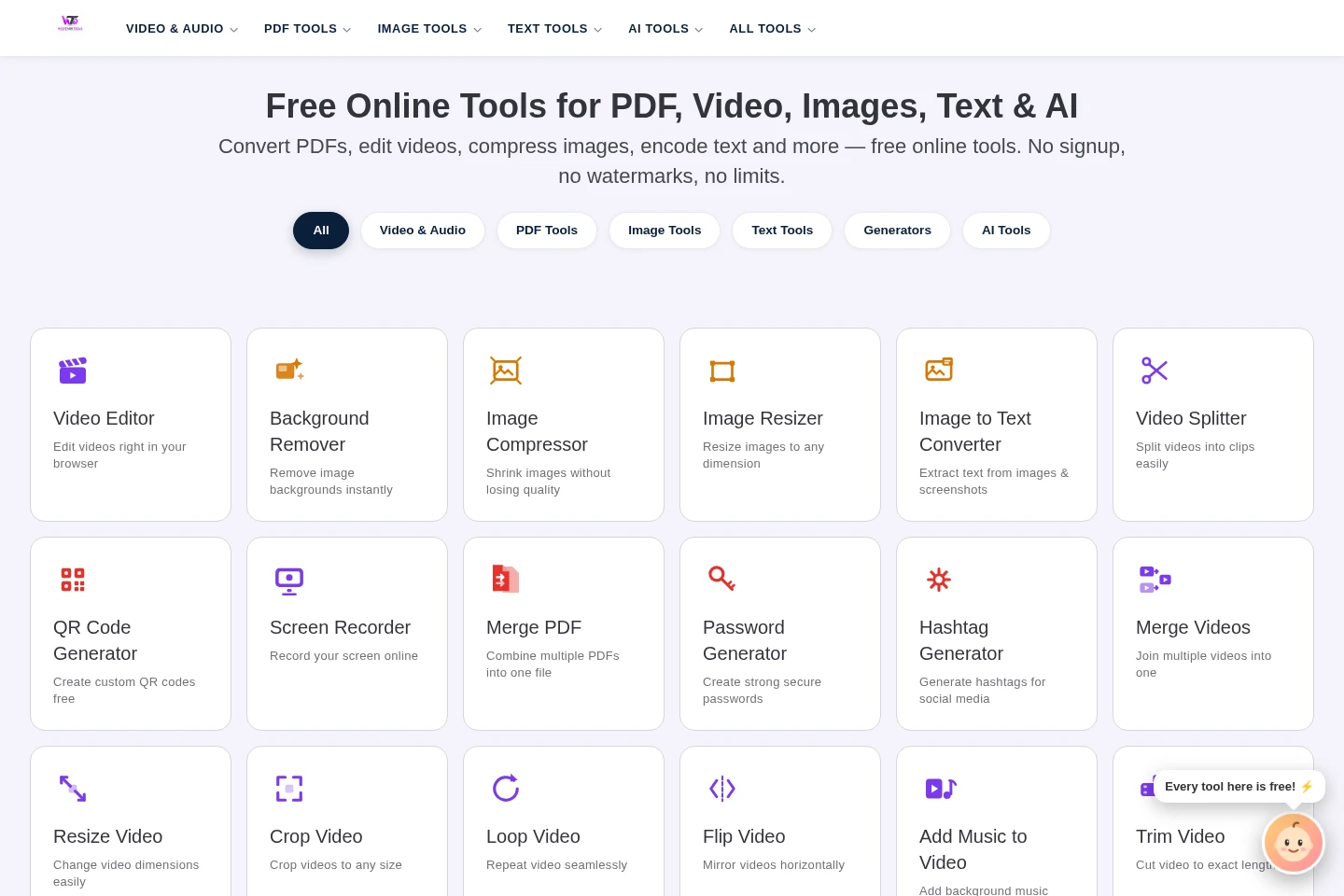
  1. WebTaskTools

    Free browser tools for files, media, text, and images

    Free · Free
  2. Smart Super Tools

    Free browser tools for everyday tasks and developer workflows

    Free · Free; 2,000 requests/month
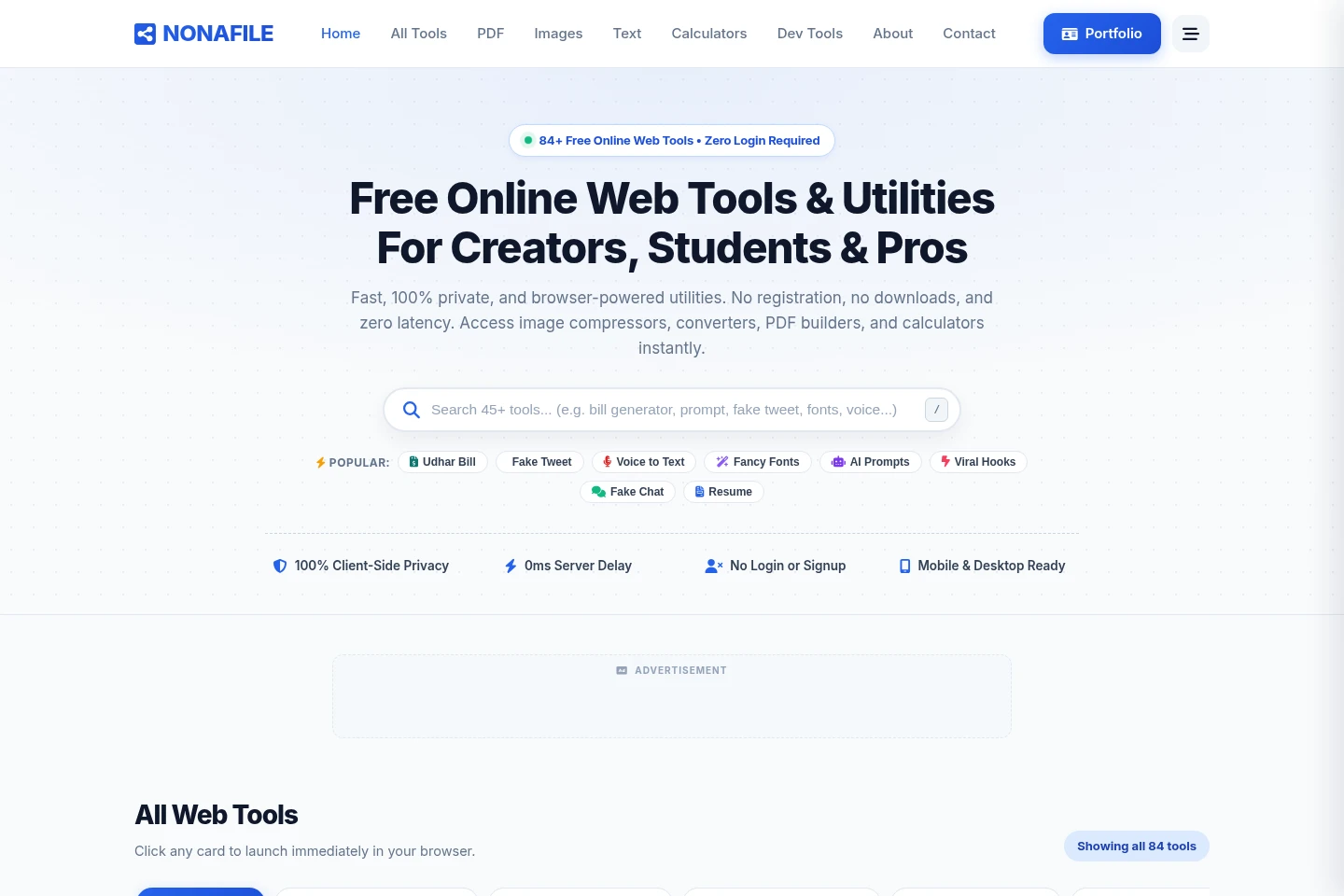
  3. NonaFile

    Free browser-based tools for everyday tasks

    Free
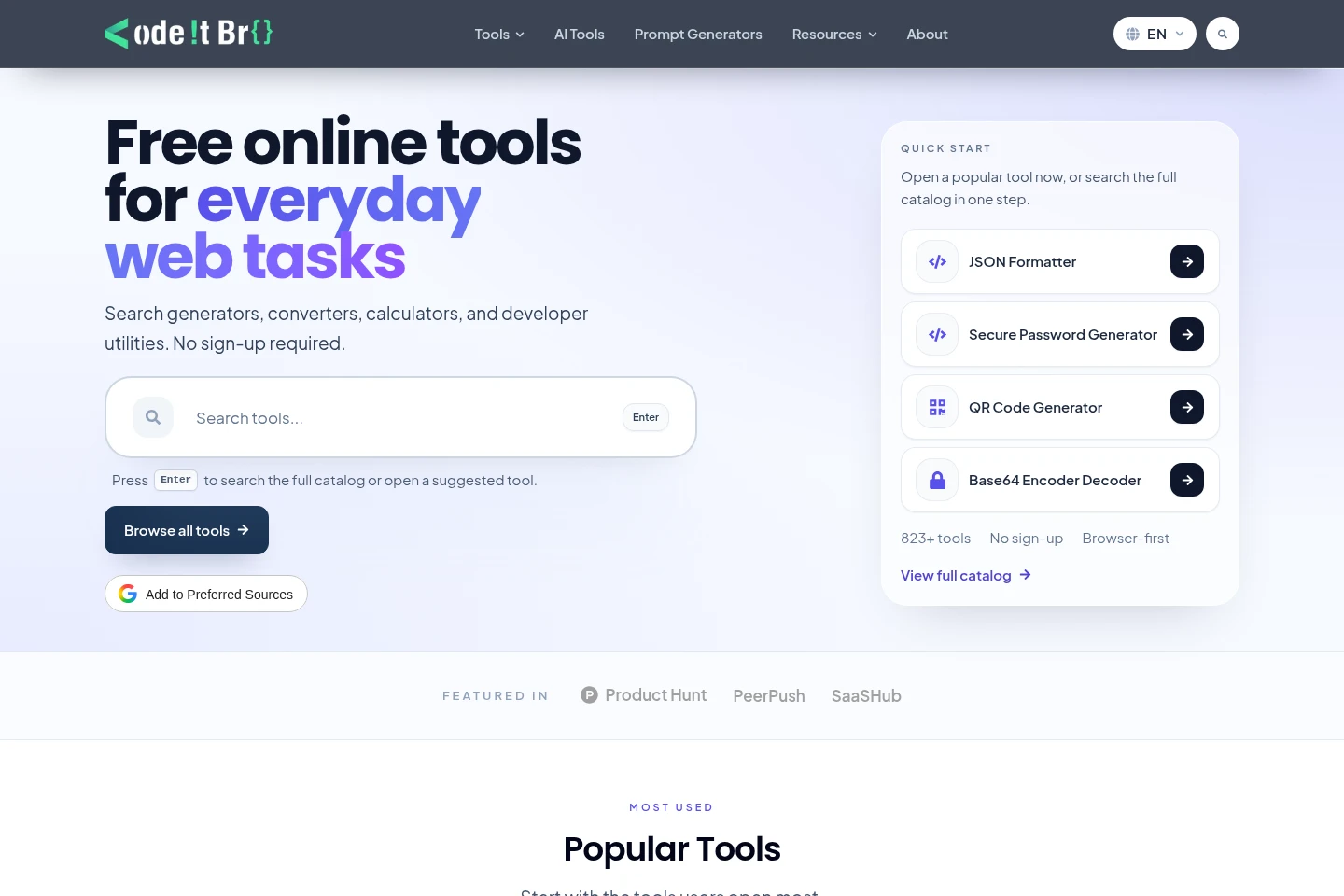
  4. CodeItBro

    Free browser-based tools for everyday web tasks

    Free
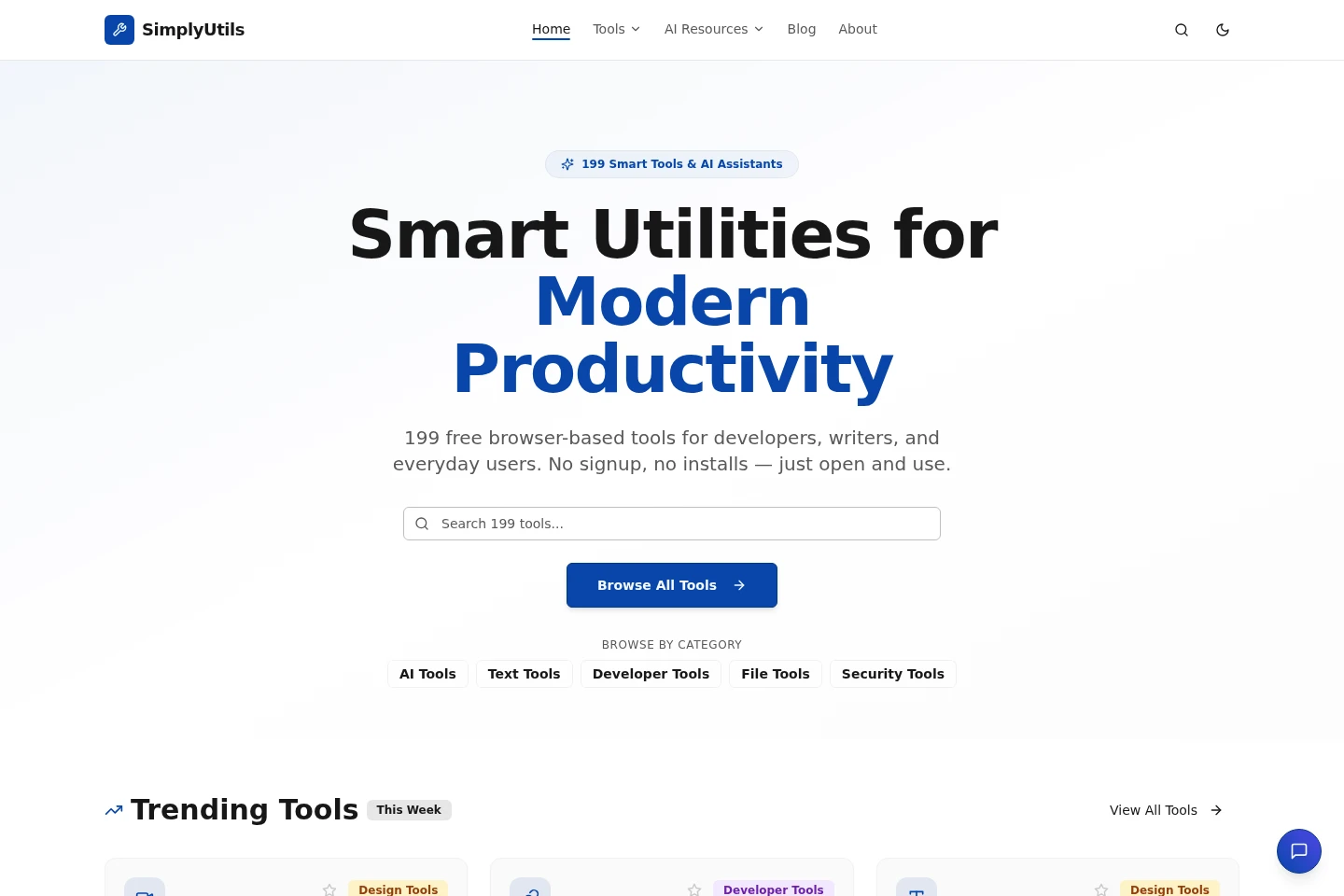
  5. SimplyUtils

    Free browser tools for text, files, data, and everyday tasks

    Free

Who it is for

  • People who need browser-based file conversion or PDF editing without signing up

  • People looking for calculators covering finance, math, health, statistics, or science

  • Developers looking for browser-based code, data, comparison, or diagram utilities

FAQ

Do I need to create an account to use the tools?

No signup is required, according to the homepage. The site also provides a sign-in link, but the homepage describes its tools as accessible without signing up.

Do file conversions add watermarks?

The homepage says conversions have no watermarks. This statement applies to conversions; it does not establish conditions for every other tool.

Do the tools run in the browser?

Most of the tools run entirely in the browser, according to the homepage. The site does not say that every tool runs this way.

What kinds of tools are available?

The site lists file converters, PDF and image tools, calculators, developer utilities, games, and general utilities. Examples include format converters, a Python editor, and finance and health calculators.

Comments

Please sign in to leave a comment.
No comments yet. Be the first to share your thoughts!