Monthly visits
12,107
2026-10
Monthly growth +756.8%

Video Cutter AI - Turn long videos into captioned short clips with AI

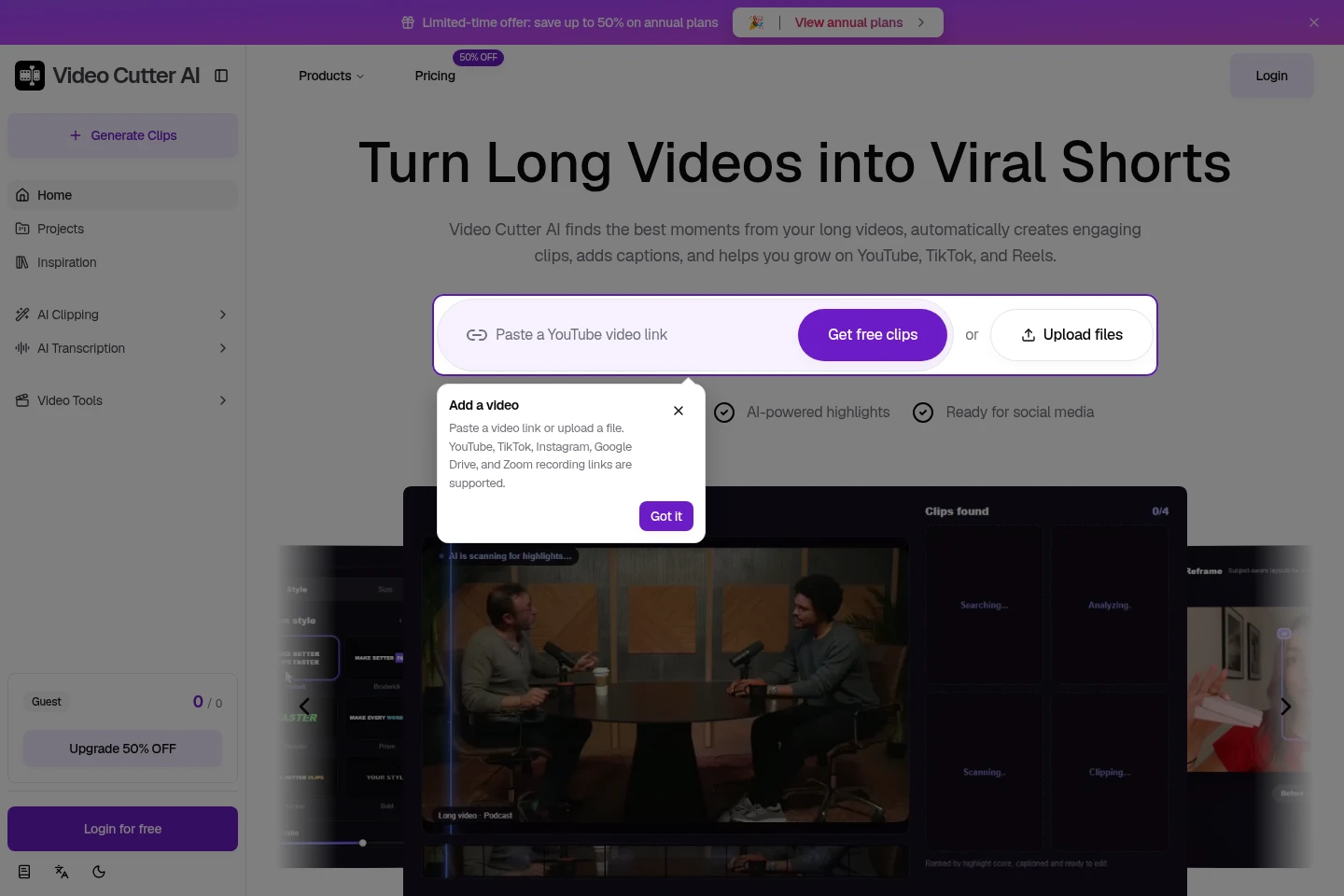
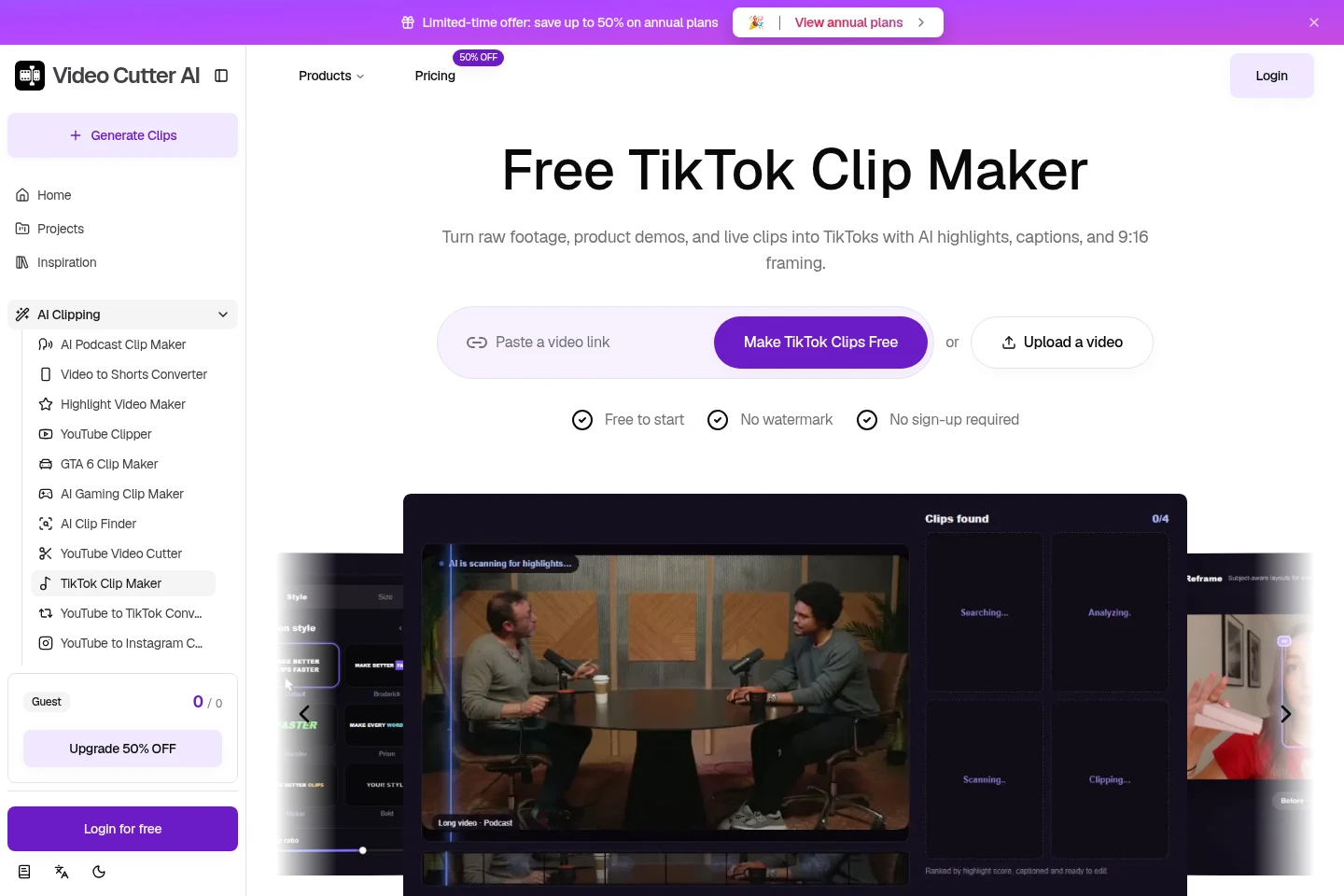
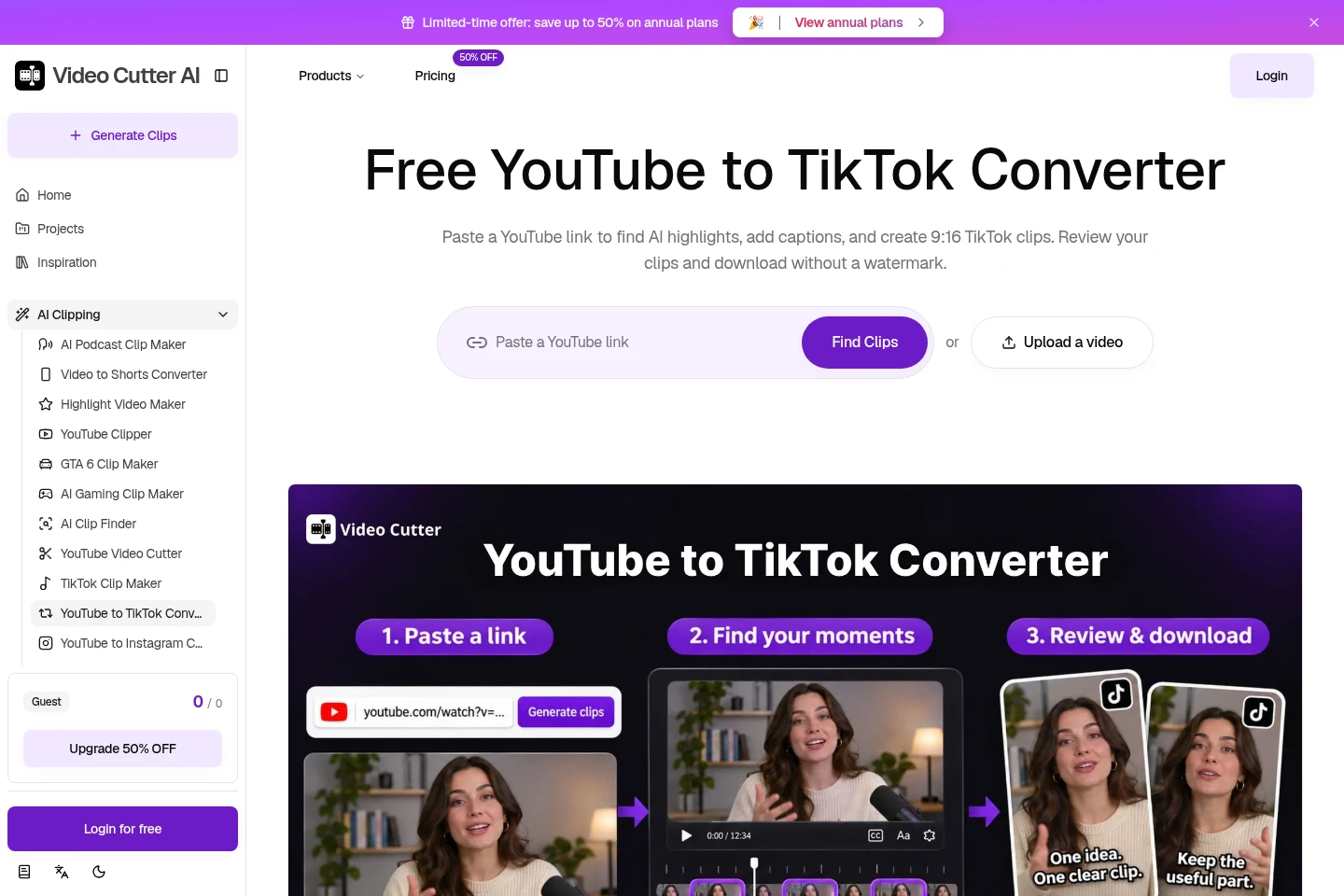
Video Cutter AI is an online video repurposing tool that finds highlights in long videos and creates short clips. Upload a file or paste a YouTube link, then review AI-selected moments, add captions, and reframe footage for vertical formats such as TikTok, YouTube Shorts, and Instagram Reels. Editing options and export limits depend on the plan.

Visit WebsiteUpdate this product

0Views

Capabilities

AI highlight clipping

AI analyzes an uploaded video or YouTube video link and selects moments for short clips. Review the suggested clips before using them; the Free plan has watermarked exports and does not allow trimming or extending clips.

Caption and subtitle editing

The tool adds captions to generated clips and provides caption styles and word-level editing. TXT, SRT, and VTT exports are listed on Basic; available options depend on the plan.

Vertical video reframing

Reframe landscape footage for vertical short-video formats, with smart reframing and aspect-ratio presets listed on Basic. Review the crop to check that the desired subject remains in frame.

Start a clipping job by uploading a video or, where supported, pasting a YouTube link. The Free plan accepts videos up to 3 hours and 2.5 GB, and allows one concurrent video job.

PricingFreemium

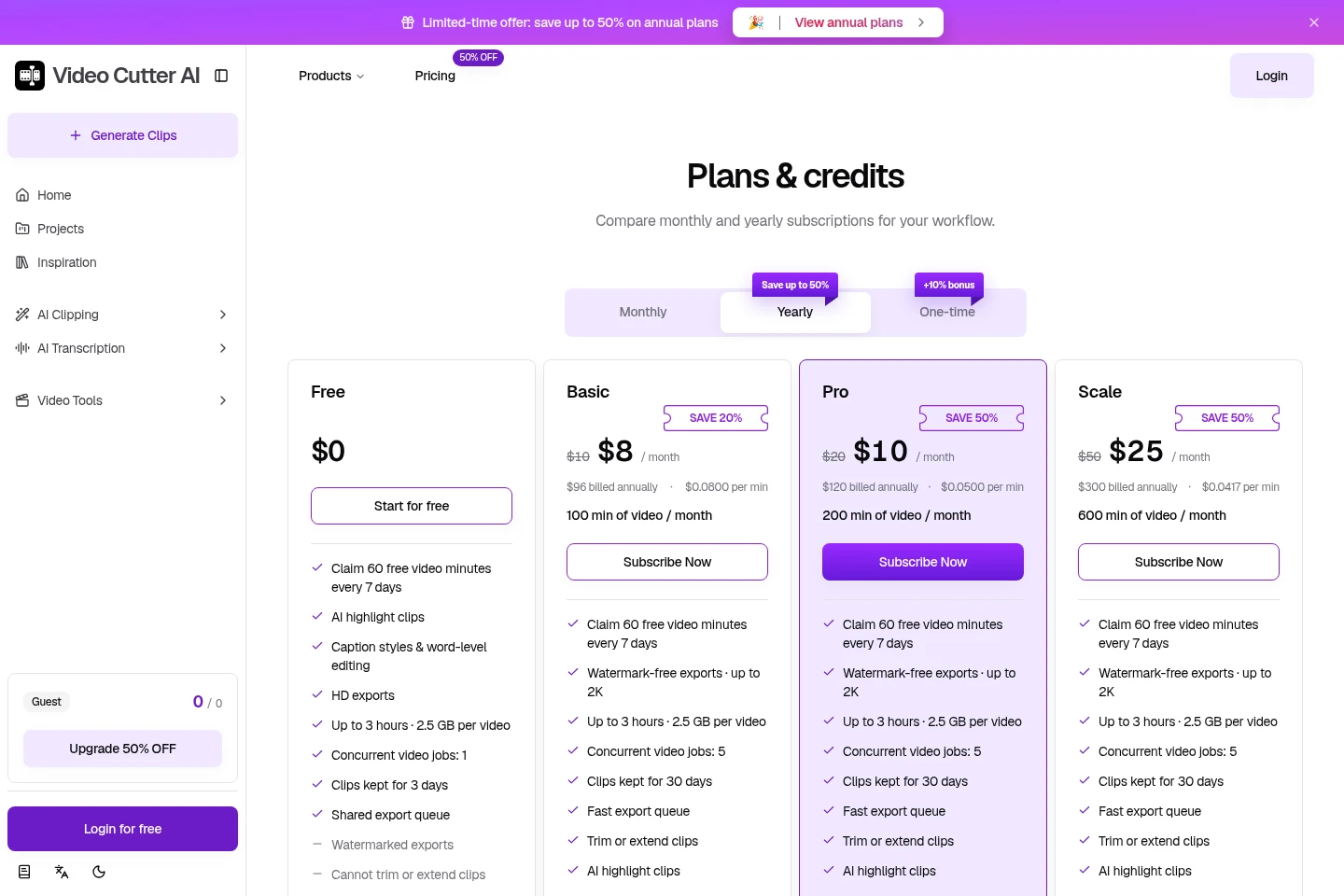
Video Cutter AI offers a free tier and paid subscriptions; compare monthly video minutes, export limits, clip retention, and editing features. Basic is shown at $8 per month with annual billing, while Pro and Scale show annual-billing amounts on the supplied pricing page.

PlanPriceIncluded features and limits
Free

$0

  • Claim 60 free video minutes every 7 days.

  • Up to 3 hours and 2.5 GB per video.

  • One concurrent video job; clips kept for 3 days.

  • Watermarked exports and shared export queue.

  • Cannot trim or extend clips.

Basic

$8/month; $96 billed annually

  • 100 minutes of video per month.

  • Watermark-free exports up to 2K.

  • Five concurrent video jobs; clips kept for 30 days.

  • Fast export queue; trim or extend clips.

  • TXT, SRT, and VTT export; download multiple clips.

Pro

$10/month equivalent; $120 billed annually

  • 200 minutes of video per month.

  • Annual billing is listed at $120.

  • Pricing page lists $0.0500 per minute.

Scale

$25/month equivalent; $300 billed annually

  • 600 minutes of video per month.

  • Annual billing is listed at $300.

  • Pricing page lists $0.0417 per minute.

The pricing page says checkout is unavailable on this site. Monthly and yearly subscriptions auto-renew; subscription credits are issued each subscription month and are valid for that month. Annual discounts are shown, but the page does not state that the displayed annual totals are paid monthly.

Use cases

Turn long recordings into short clips

When a podcast, webinar, interview, or other long video needs shorter social posts, upload the recording or paste a supported YouTube link. AI identifies candidate highlights and prepares clips for review, so the user can select moments without manually searching the entire recording.

Prepare vertical clips for social platforms

When footage is landscape but a vertical short is needed, use reframing to create a 9:16-style crop and add captions to the clip. Review the framing and captions before exporting for destinations such as TikTok, YouTube Shorts, or Instagram Reels.

Limitations

  • The Free plan keeps clips for 3 days, uses a shared export queue, and adds a watermark to exports.

  • The Free plan allows one concurrent video job and does not allow clips to be trimmed or extended.

  • The Free plan accepts videos up to 3 hours and 2.5 GB per video.

  • Basic, Pro, and Scale list monthly video-minute quotas; the supplied pricing page says checkout is unavailable on the site.

Alternatives

AiVideoCut

Transform videos into viral short clips effortlessly

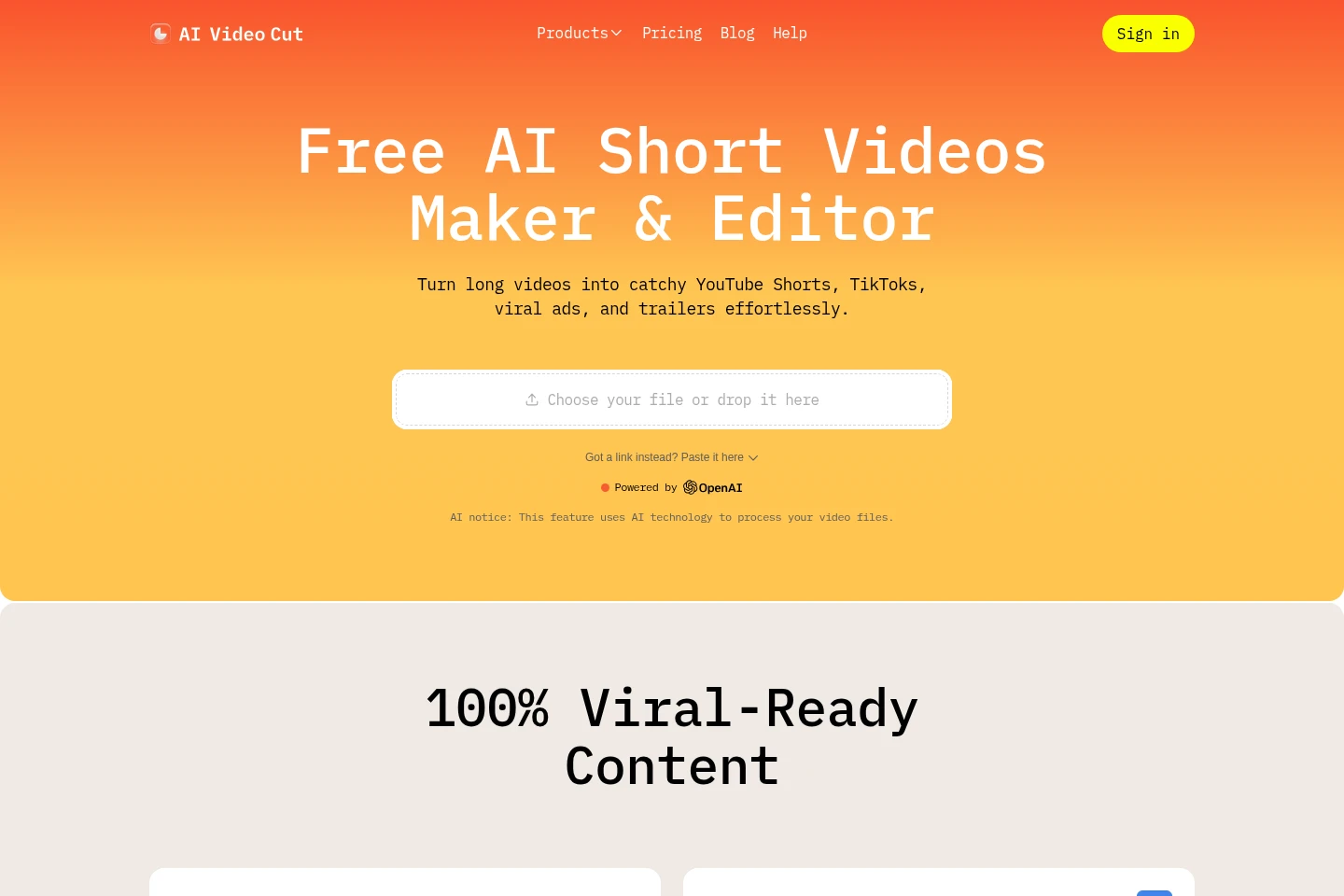
AiVideoCut transforms your long videos into stunning short clips optimized for social media platforms like YouTube Shorts and TikTok. Enjoy a hassle-free editing experience with our AI tools designed to cut video content seamlessly. The platform supports various video formats and lengths, making it adaptable to your needs. With captivating templates, smart cropping features, and automatic caption generation, AiVideoCut is perfect for anyone looking to enhance their digital content. Additionally, it supports different languages, ensuring that your videos can reach global audiences. Elevate your video editing game and drive engagement with our user-friendly tools.

  • Freemium
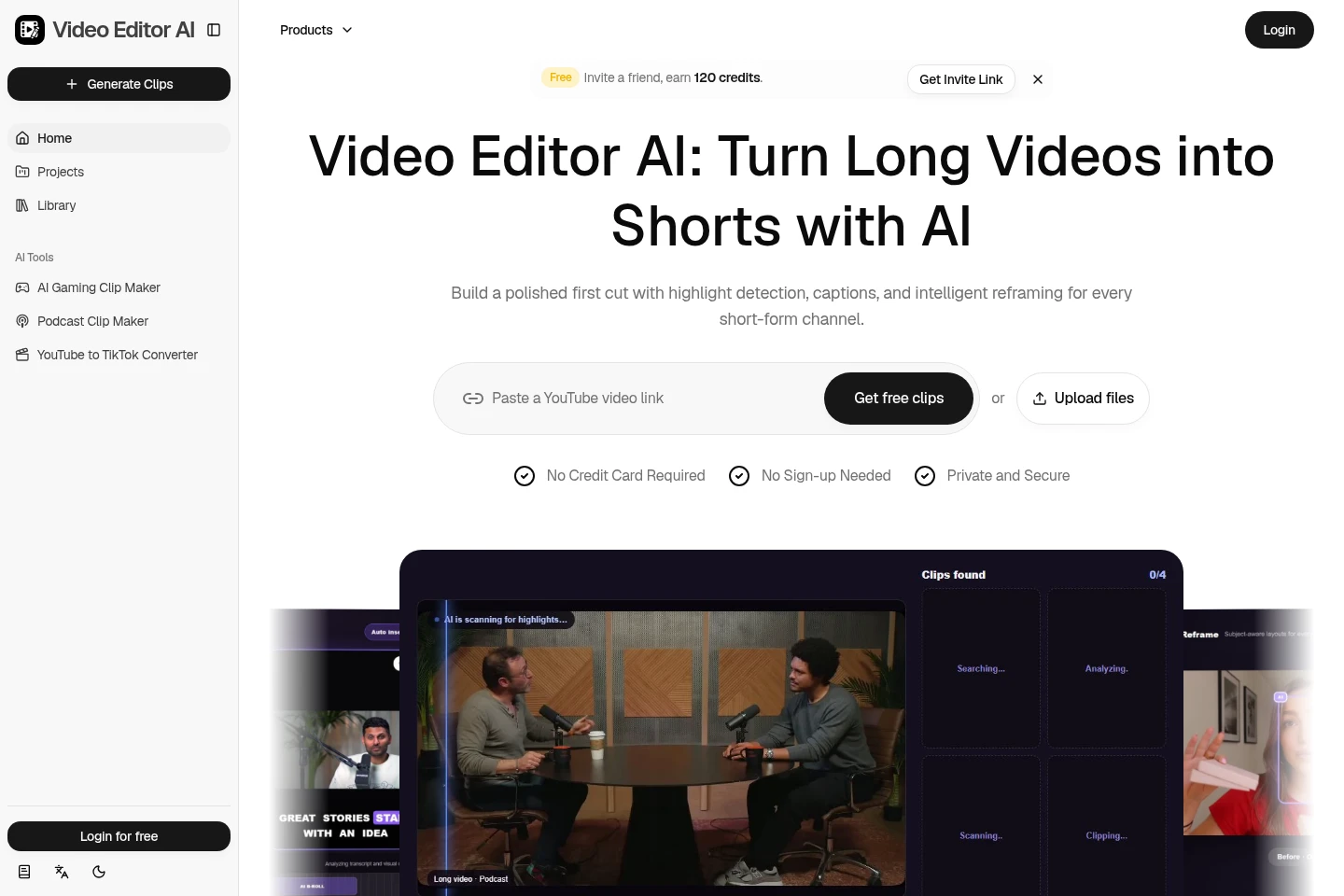
  1. Video Editor AI

    Turn long videos into captioned, reframed short clips

    Free
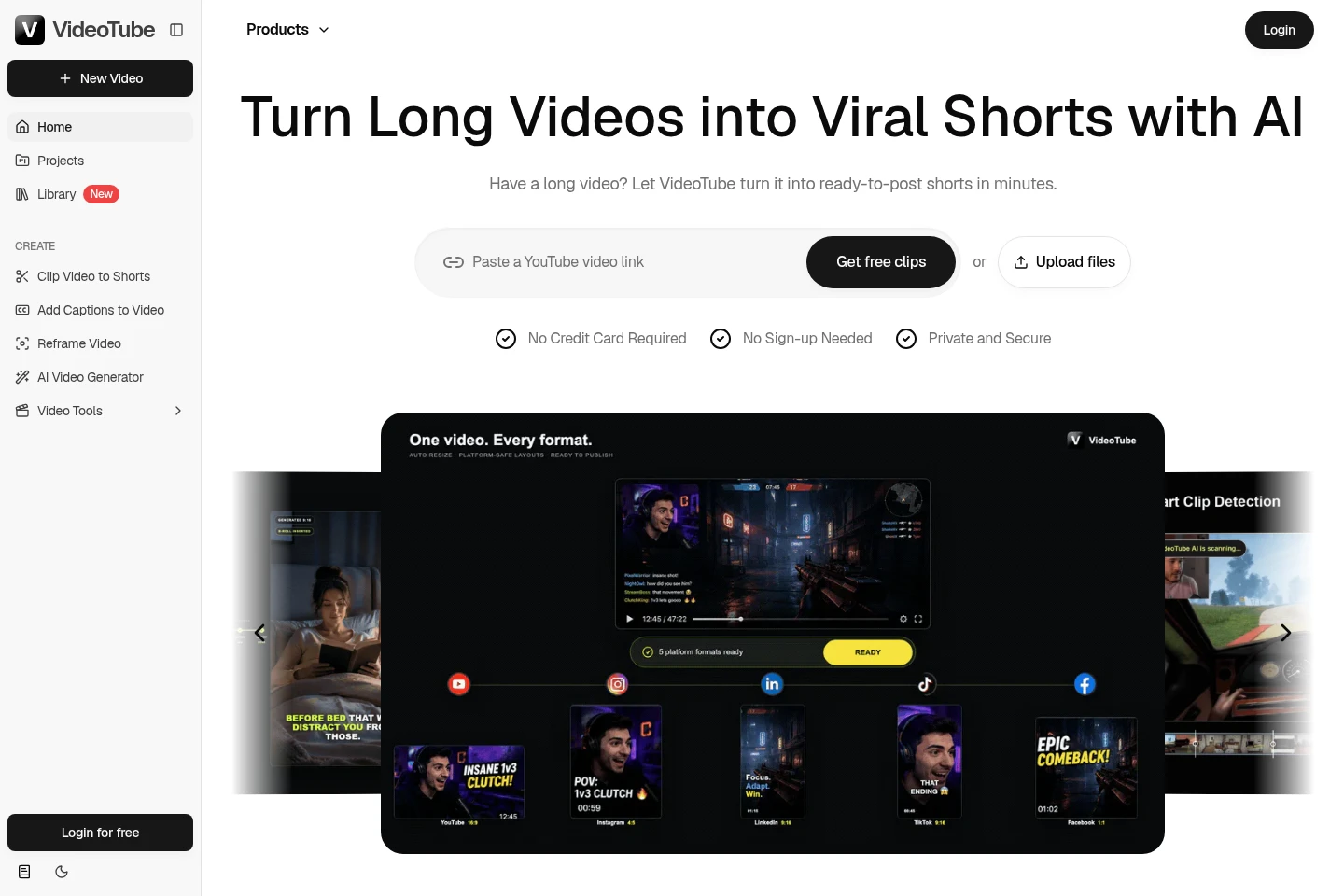
  2. VideoTube

    Turn long videos into captioned vertical clips

    Contact Sales
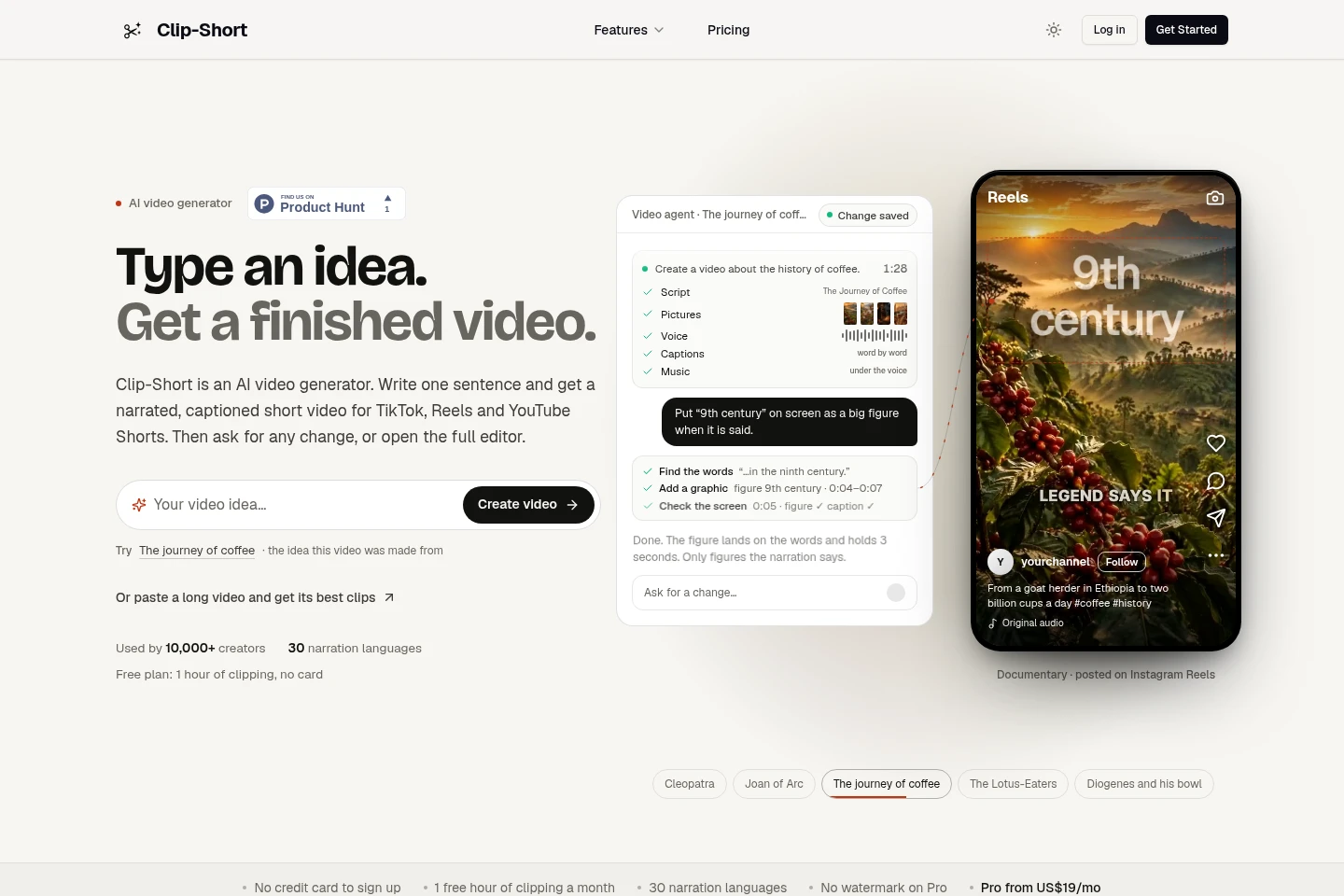
  3. Clip-Short

    Turn ideas and long videos into captioned short-form clips

    Free · US$0, ongoing
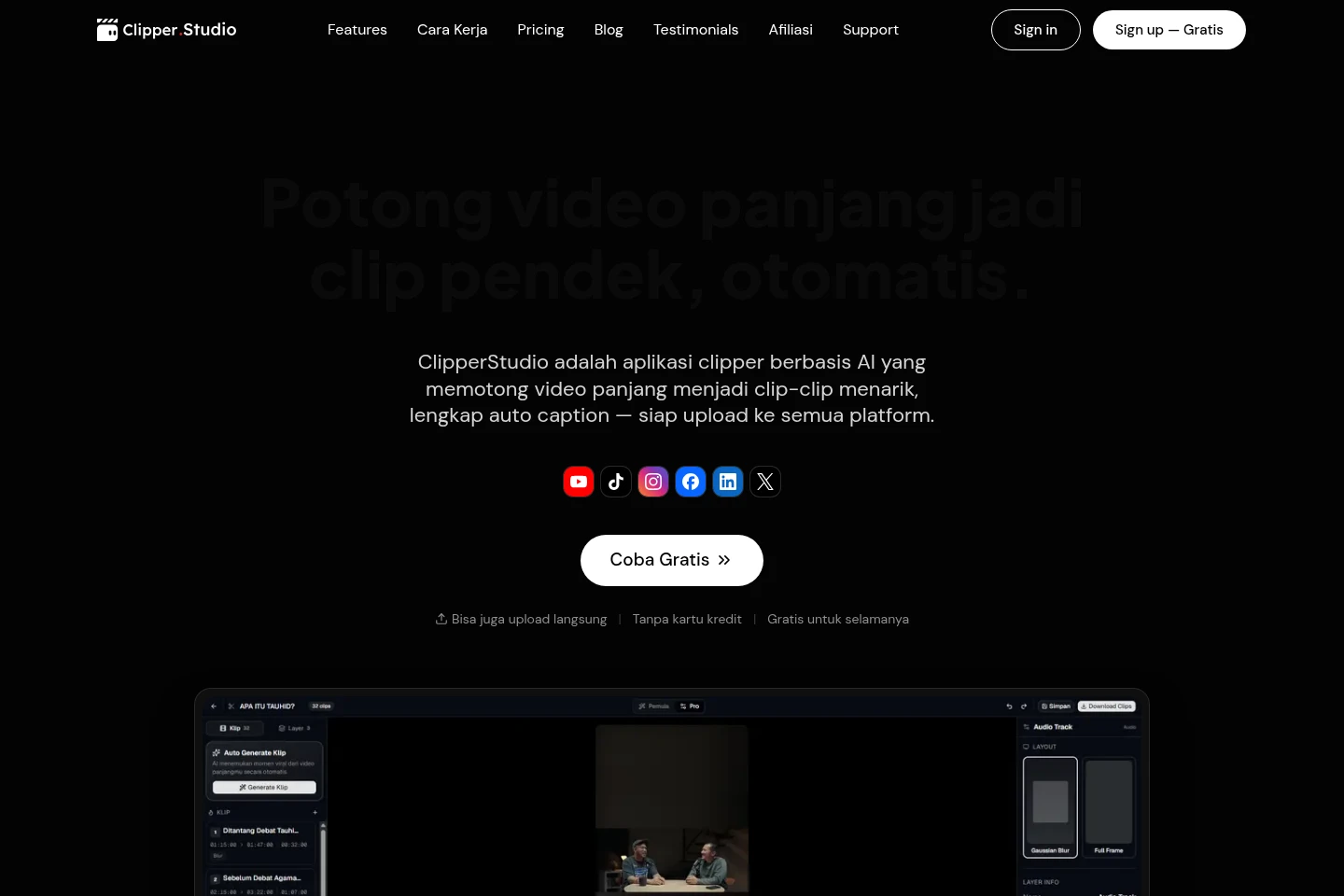
  4. ClipperStudio

    Turn long videos into short clips with AI

    Starter · Rp 25.000/month
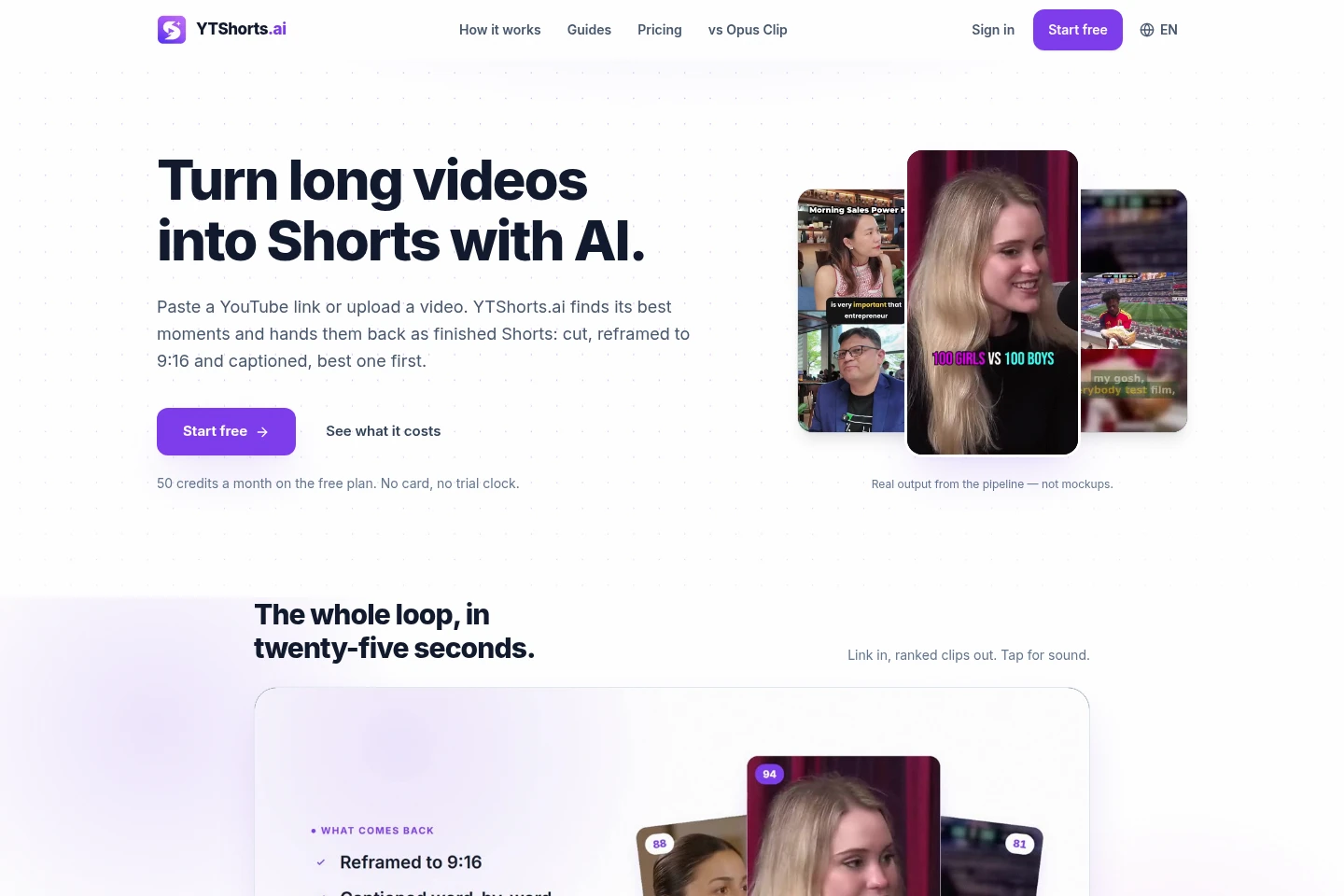
  5. YTShorts.ai

    Turn long videos into ranked, captioned vertical Shorts

    Free · $0/mo, free forever

Who it is for

  • Video creators who want to repurpose longer recordings into short social clips.

  • Podcasters and webinar hosts who need to find shareable moments in recorded episodes or sessions.

  • Social media marketers who adapt interviews, product demonstrations, and webinars into short posts.

FAQ

Can I use a YouTube video as the source?

Yes. The homepage and YouTube-to-TikTok tool offer YouTube-link input. You can also upload a video file; use only footage you are entitled to process.

What happens to a video after I upload it?

AI analyzes the video for highlights and prepares short clips for review. The Free plan keeps clips for 3 days; Basic lists 30 days. The supplied page does not specify retention for every plan.

Can I edit the generated clips?

Yes, but options depend on the plan. Basic lists trimming or extending clips, timing adjustments, and word-level caption editing; the Free plan does not allow trimming or extending clips.

Are exports watermarked?

Free exports are watermarked. Basic lists watermark-free exports up to 2K; the supplied pricing details do not state export watermark conditions for every other plan.

Does Video Cutter AI have a free plan?

Yes. Free costs $0 and allows users to claim 60 free video minutes every 7 days. Credits are valid for 7 days from claiming, and the plan includes watermarked exports and a shared export queue.

Comments

Please sign in to leave a comment.
No comments yet. Be the first to share your thoughts!