

- Monthly visits
- 15,315
- 2026-10
- Monthly growth +2,684.5%
Clip-Short - Turn ideas and long videos into captioned short-form clips
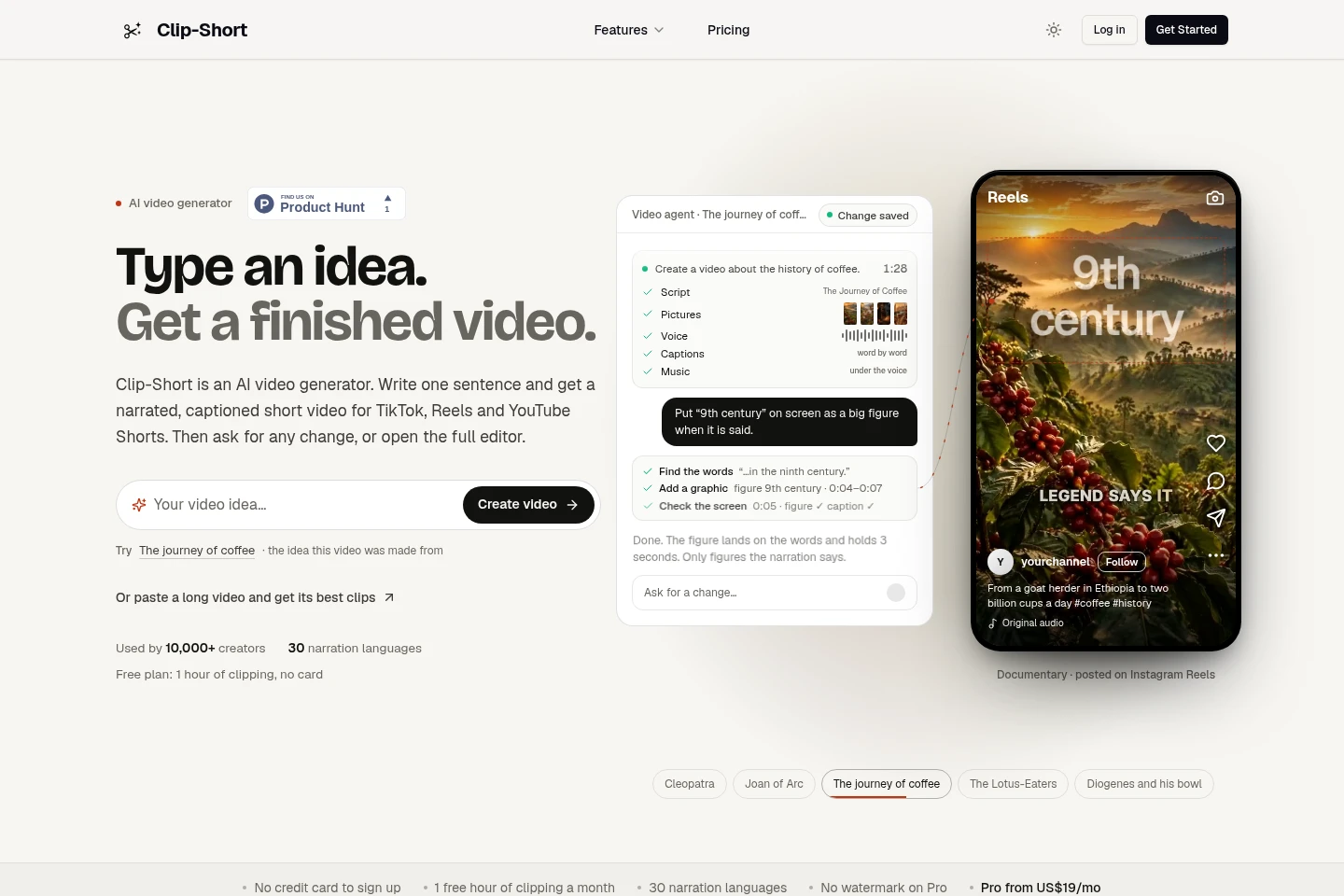
Clip-Short is an AI video creation and editing service. Its AI Agent turns a written idea into a narrated, captioned video, while AI Clipping finds and scores moments in a YouTube link or uploaded video, then reframes and captions them. Users can edit and export videos in several aspect ratios. A free plan includes one hour of AI Clipping each month.
- AI Video
- Short Video Generators
- Clip Makers
- AI video generator
- long video clip maker
- captioned short videos
Capabilities
AI Agent video creation
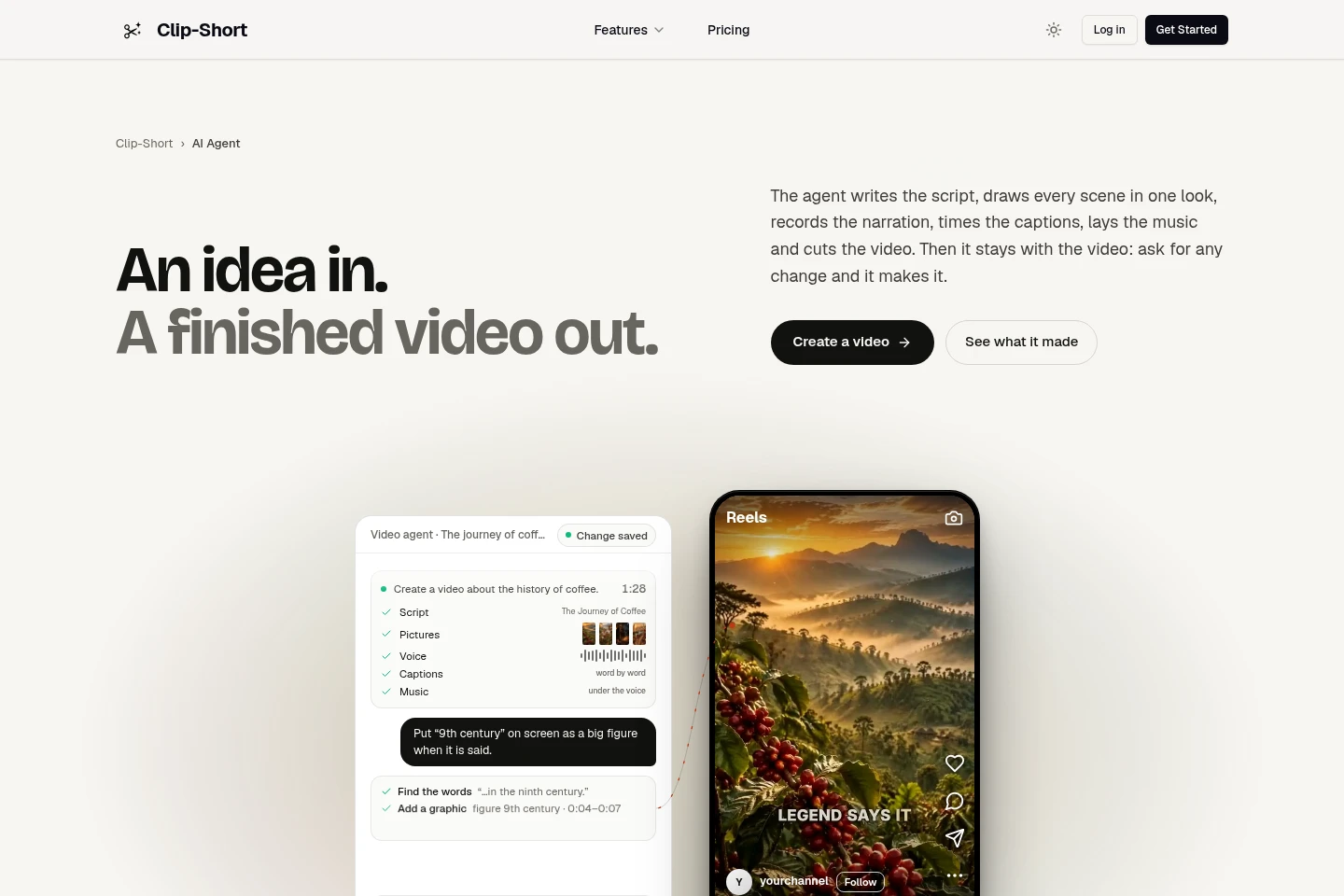
The AI Agent turns a written idea into a narrated, captioned video. It writes a script, creates scene visuals, adds narration and music, and assembles the edit; changes that require a new image or voice are shown for approval first.
AI video clipping
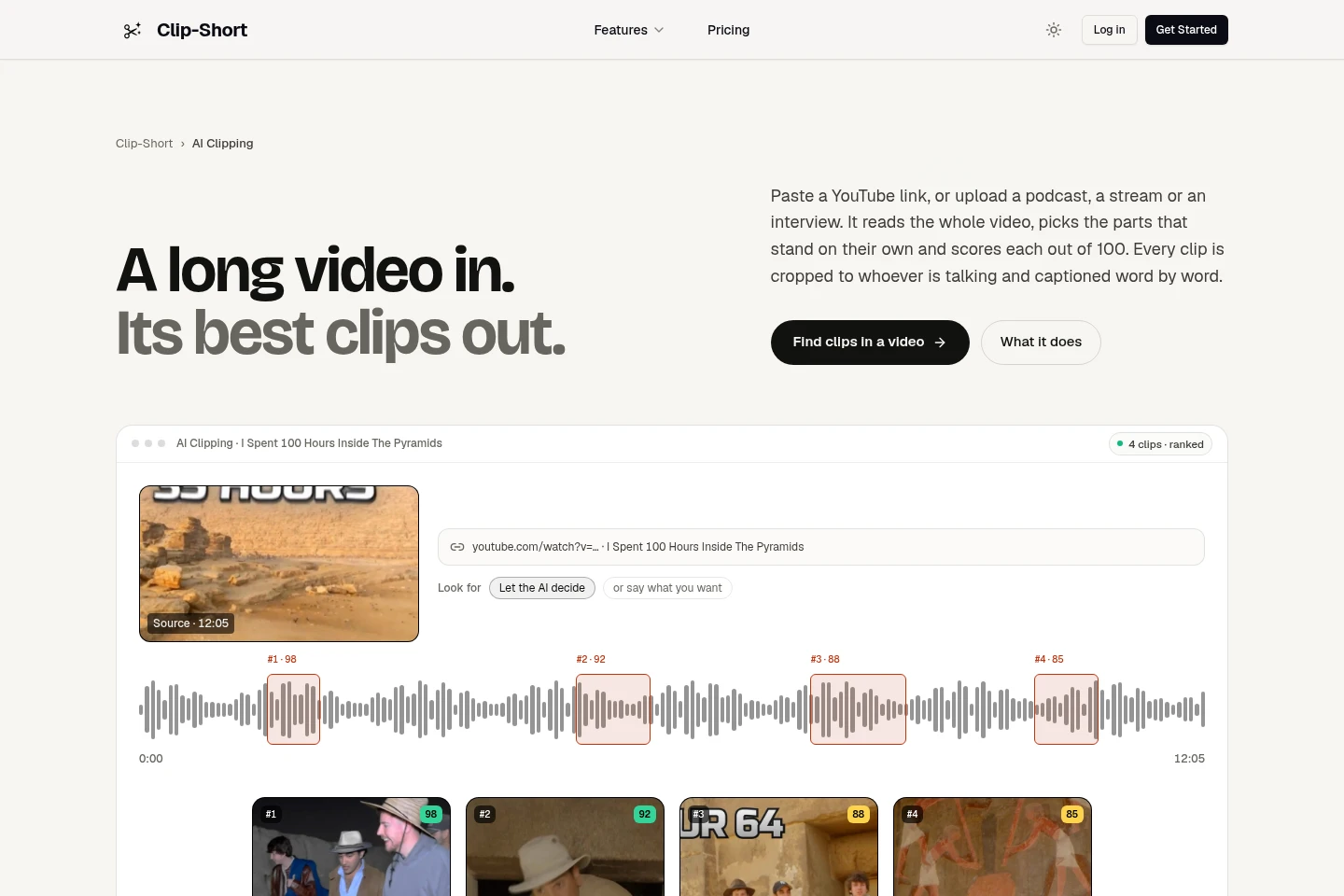
AI Clipping finds and scores standalone moments from a long video and outputs short clips with captions. Provide a YouTube link or upload a video, choose how many clips to find, and optionally describe what to look for.
Captions and reframing
The editor adds captions and adjusts video framing for several aspect ratios. Captions can be corrected before export, and reframing can keep the speaker in frame.
Video editing and export
The browser editor lets users adjust a video and export the result. It includes caption styling and video editing tools, with downloads and cloud storage listed across plans.
Pricing
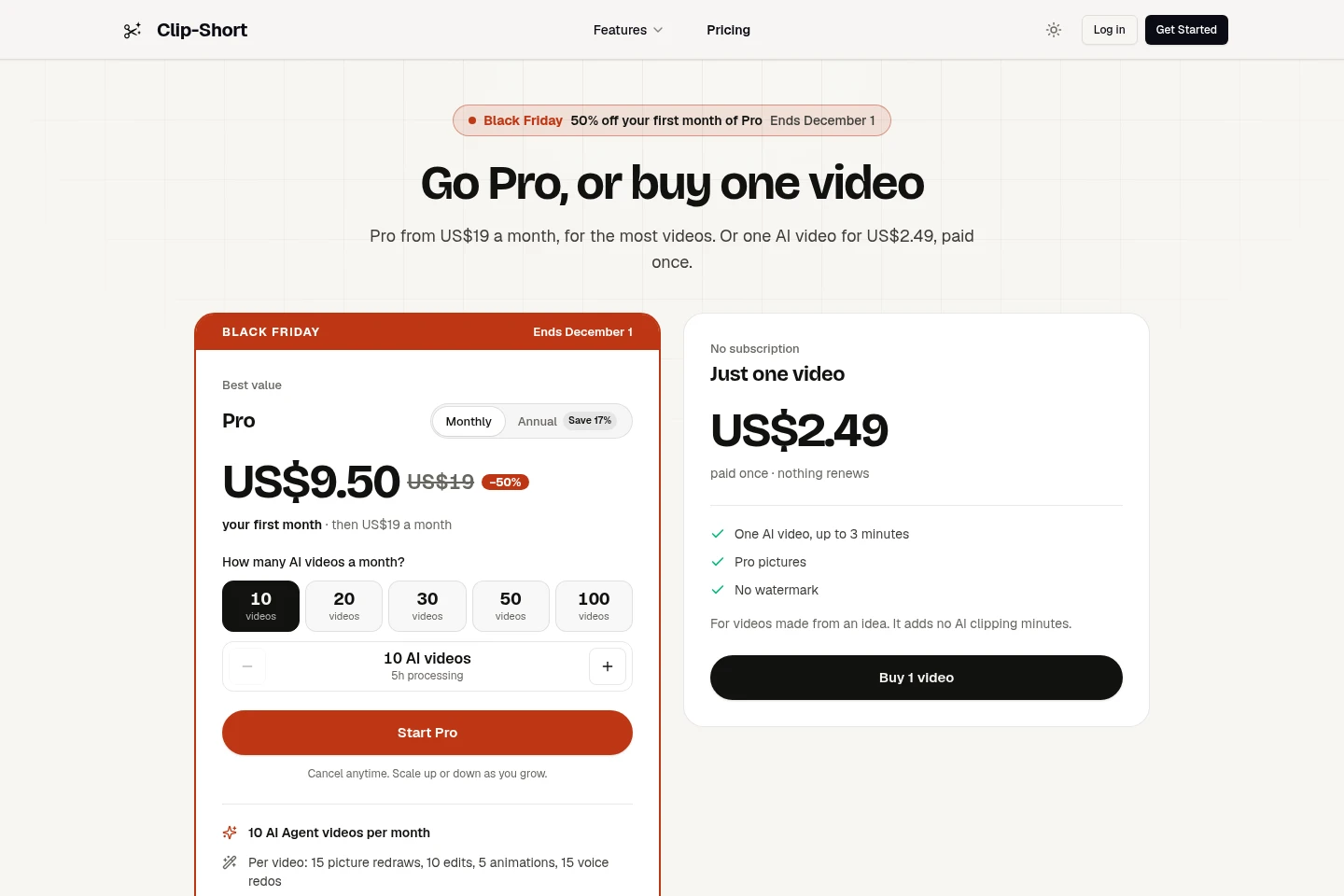
Clip-Short offers a free plan, recurring Pro subscriptions billed monthly or yearly, and a one-time video purchase. Compare included AI videos, processing minutes, per-video limits and watermark terms when choosing.
| Plan | Price | Included features and limits |
|---|---|---|
| Free | US$0, ongoing |
|
| Pro, monthly | US$19 per month per bundle |
|
| Pro, yearly | US$190 per year per bundle |
|
| One Pro video | US$2.49, paid once |
|
Prices vary by country and currency. Pro prices are per bundle; selecting 2 to 10 bundles multiplies the price. Yearly plans receive their minutes and videos monthly.
Use cases
Create a narrated short video from an idea
When a creator has a topic but no finished video, they can enter a written idea for the AI Agent. It drafts the script, creates scenes, narration and captions, then assembles a video that can be reviewed and edited.
Find and prepare clips from a long video
When a podcast, stream, interview or other long video needs shorter excerpts, users paste a YouTube link or upload a file and choose a clip count. AI Clipping scores candidate moments, reframes them, adds captions and provides editing and export.
Edit and export a social video
When a video needs a platform-specific shape or corrected captions, users edit it in the browser, change framing and caption styling, then export a downloadable file. Available aspect ratios include 9:16, 1:1, 4:5 and 16:9.
Limitations
The Free plan includes no AI Agent videos; AI video creation requires choosing Pro or buying a one-time video.
Reframe accepts source videos up to 30 minutes long.
The Free plan includes 60 minutes of AI Clipping per month; each Pro bundle includes 300 minutes per month.
Unused minutes and AI videos roll over on Pro only, capped at one month's worth; yearly-plan allocations arrive monthly.
Who it is for
Creators making short-form videos for social channels
Podcasters and streamers turning recordings into clips
Social media managers preparing captioned videos for multiple platforms
FAQ
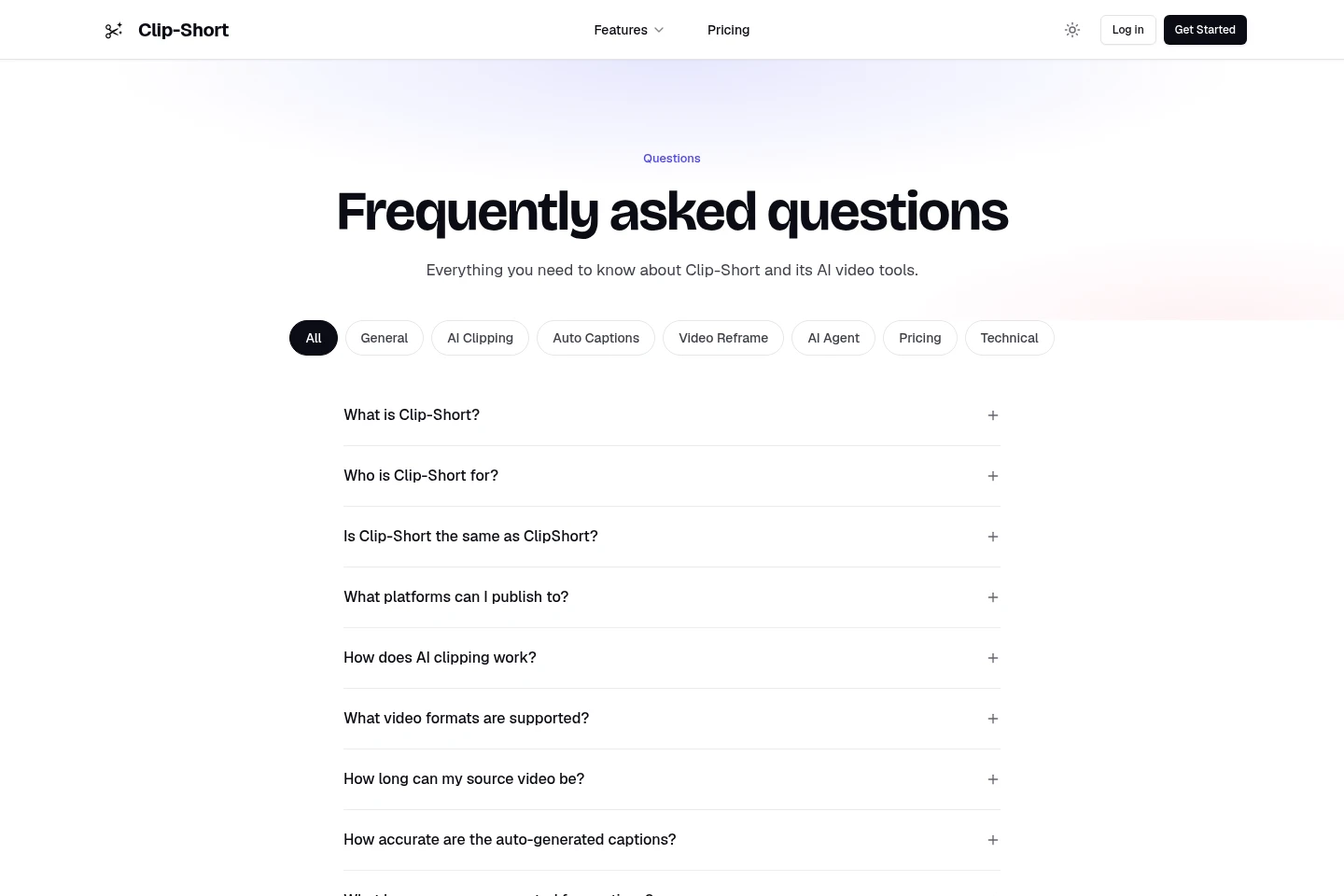
What is Clip-Short?
Clip-Short is a set of AI video tools for short-form video. It includes AI clipping, auto captions, reframing, an AI Agent that creates videos from ideas, and a browser video editor.
How does AI clipping work?
Paste a YouTube link or upload a video. AI Clipping analyzes it, selects and scores moments, then prepares clips with framing and captions that users can edit and export.
What video formats can I use?
You can use MP4, MOV, WebM and most other video files, or provide a YouTube link.
How long can a source video be?
AI Clipping uses minutes according to the source video's length: Free includes 60 minutes monthly and each Pro bundle includes 300. Reframe accepts videos up to 30 minutes.
Are captions translated?
No. Captions are written in the language spoken in the video, rather than translated. The FAQ lists English, Spanish, Portuguese, French, German, Italian and Arabic among supported caption languages.
What does the Free plan include?
Free costs US$0 and includes 60 minutes per month of AI Clipping, Auto Caption and Reframe, plus the full editor. It has a small watermark, requires no card to sign up and includes no AI Agent videos.

Comments