Monthly visits
1,402
2026-10
Monthly growth +719.9%

Scanonix - Online tools for PDF, image, and AI document workflows

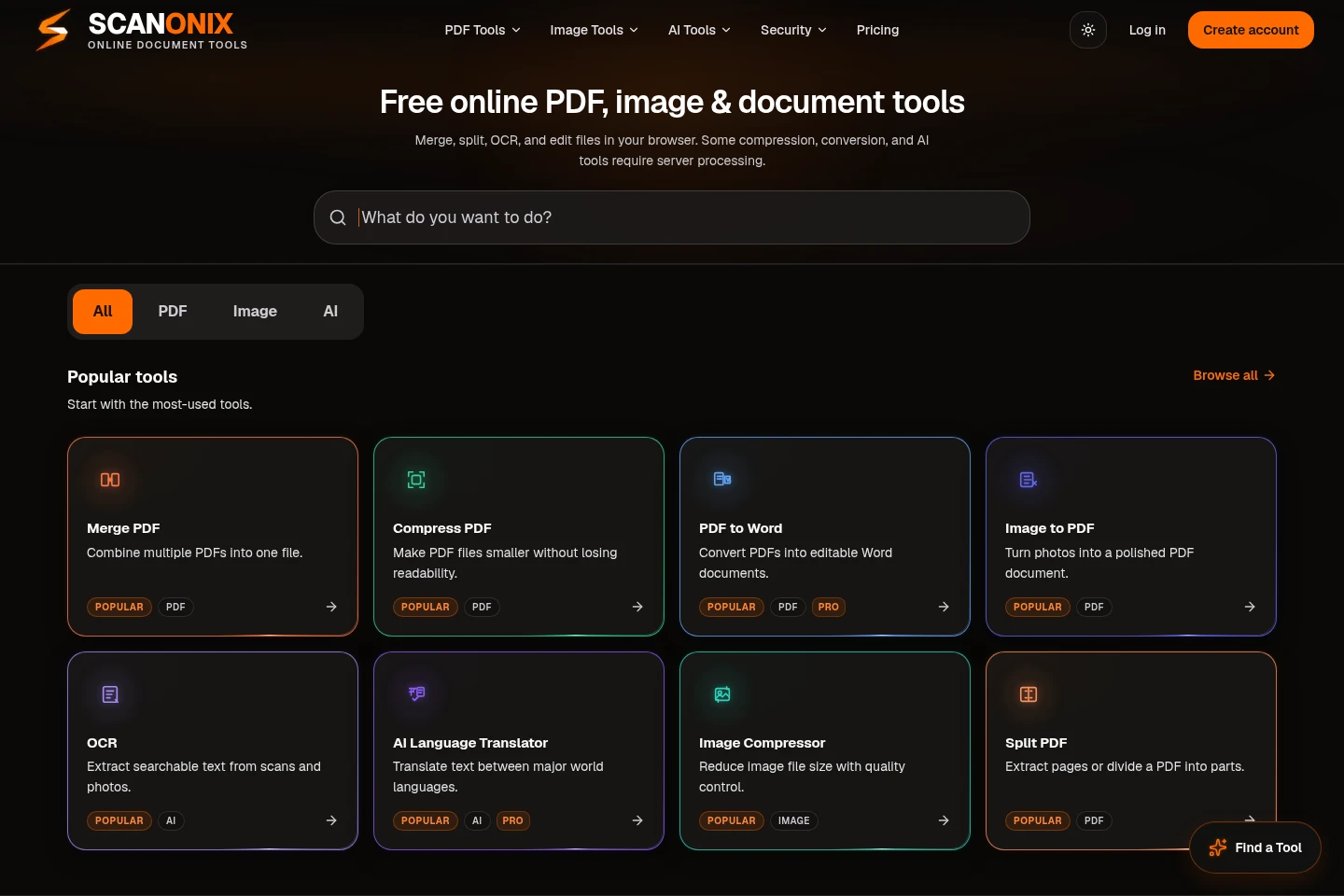
Scanonix provides browser-based tools for working with PDFs, images, and documents. Users can merge, split, convert, compress, edit, and scan files with OCR, alongside AI tools for tasks such as translation. Some compression, conversion, and AI tools use server processing. A free plan and paid Pro and Business plans are listed.

Visit WebsiteUpdate this product

0Views

Capabilities

PDF file tools

PDF tools combine, split, compress, convert, edit, and secure PDF files. Users provide PDF files and can perform tasks such as rearranging pages, adding signatures, filling forms, and protecting or redacting documents; some tools are Pro features.

Image editing and conversion

Image tools resize, edit, compress, and convert image files into other formats. Users provide supported images and can adjust dimensions or quality and export formats such as JPG, PNG, WEBP, and SVG.

OCR text extraction

OCR extracts searchable text from scans, photos, and PDF documents. Users provide an image or document for text recognition; the homepage lists OCR among its tools.

AI document tools

AI tools provide functions including translation, rewriting, and summaries. Users provide text or documents for AI processing; the homepage identifies some AI tools as Pro and notes some AI tools require server processing.

Website and file scanning

Scanning tools provide basic website and file scanning, with expanded security scans listed for Pro. The pricing page describes 500 expanded security scan operations per month for Pro.


PricingFreemium

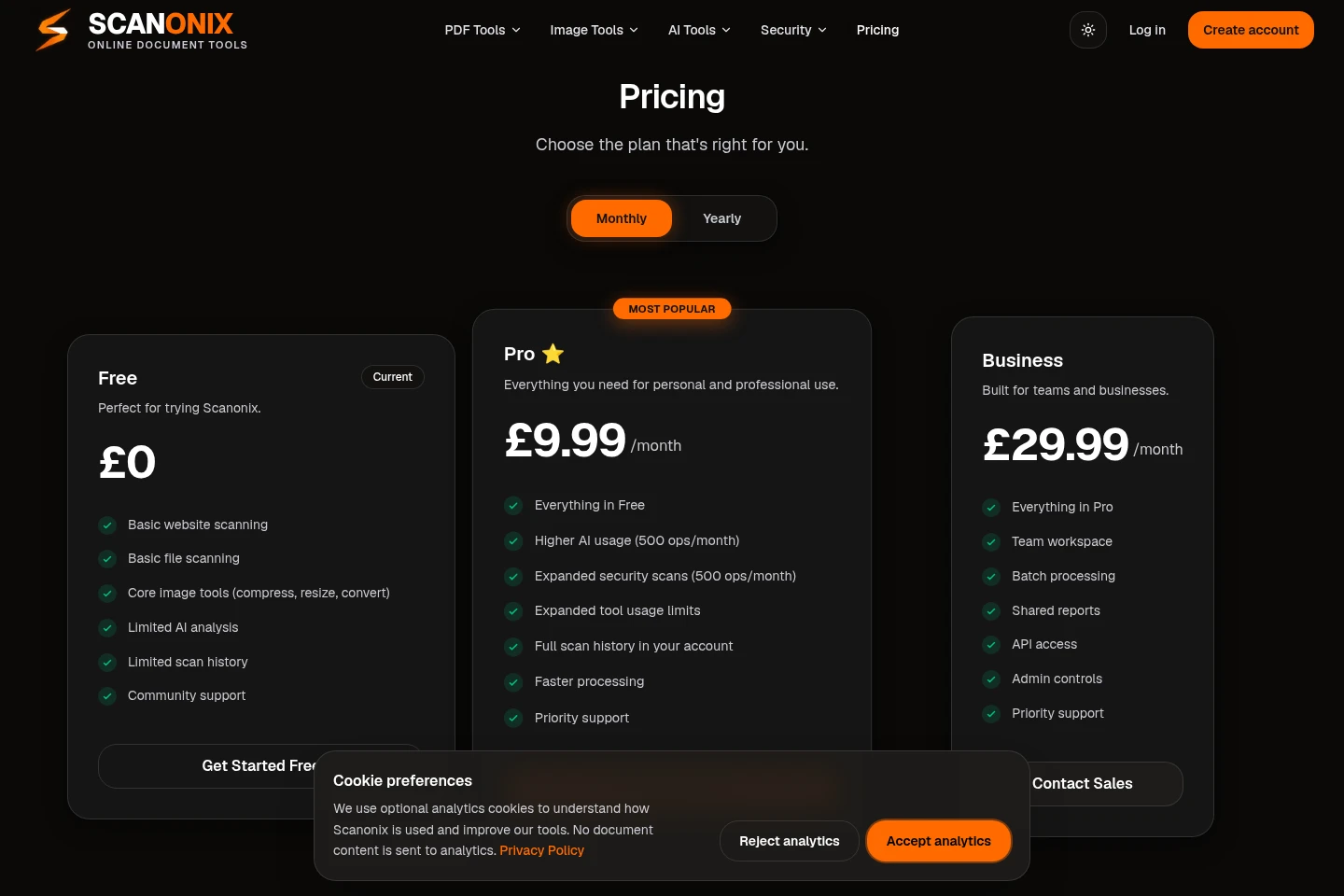
Scanonix offers a free plan and paid monthly subscriptions. Compare included tools, AI and security operation limits, history, and team features to choose a plan.

PlanPriceIncluded features and limits
Free

£0, monthly billing

  • Basic website scanning and basic file scanning

  • Core image tools: compress, resize, and convert

  • Limited AI analysis and limited scan history

  • Community support

Pro

£9.99/month

  • Higher AI usage: 500 operations per month

  • Expanded security scans: 500 operations per month

  • Expanded tool usage limits and full scan history

  • Faster processing and priority support

Business

£29.99/month

  • Includes everything in Pro

  • Team workspace, batch processing, and shared reports

  • API access and admin controls

  • Priority support

Use cases

Combine or reorganize PDF documents

When several PDF files or pages need to be prepared as one document, users can merge files, split pages, rotate or reorder them, and download the resulting PDF.

Convert and resize image files

When images need another format or specified dimensions, users can choose a conversion or resizing tool, provide an image, and export the converted or resized file.

Find text in scanned documents

When a scan or photo contains text that needs to be searchable, users can submit the image or PDF to OCR and obtain extracted searchable text.

Translate text with AI tools

When text needs translation, users can use the AI Language Translator to translate between major world languages; the tool is listed as Pro on the homepage.

Limitations

  • The Image Upscaler is not currently available, and new upscales are turned off.

  • Some compression, conversion, and AI tools require server processing rather than processing only in the browser.

  • The Free plan has limited AI analysis and limited scan history.

  • The Free plan does not list the expanded security scans, team workspace, batch processing, shared reports, or API access included in higher plans.

Alternatives

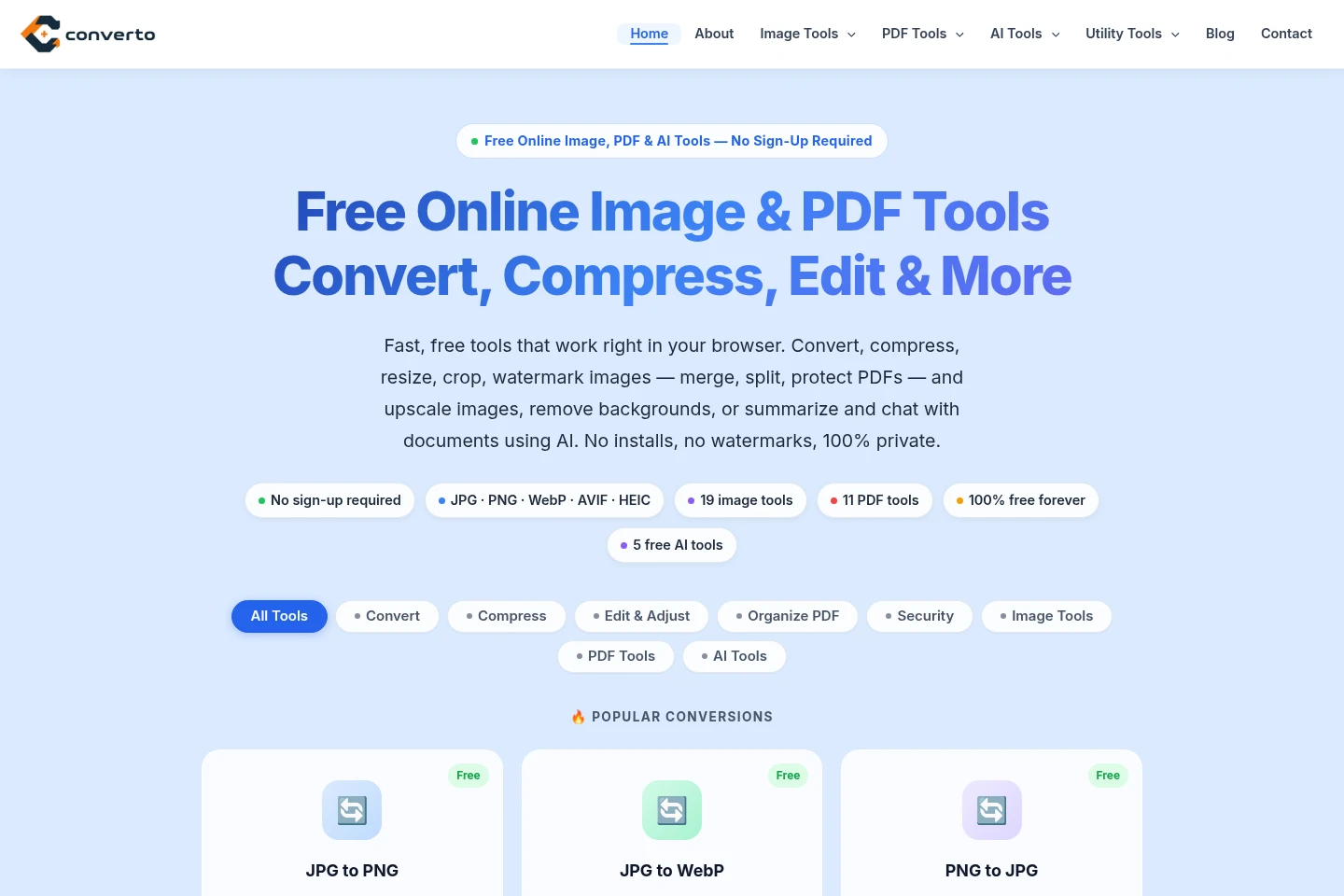
FreeConverto

Free browser tools for images, PDFs, and AI tasks

FreeConverto provides browser-based tools to convert, compress, resize, and edit images; convert and organize PDFs; and summarize or query documents with AI. Most tools process files in the browser, while some named conversions and AI tools use secure server processing. The pages describe the tools as free and say no sign-up is required.

  • Cloud
  • Free
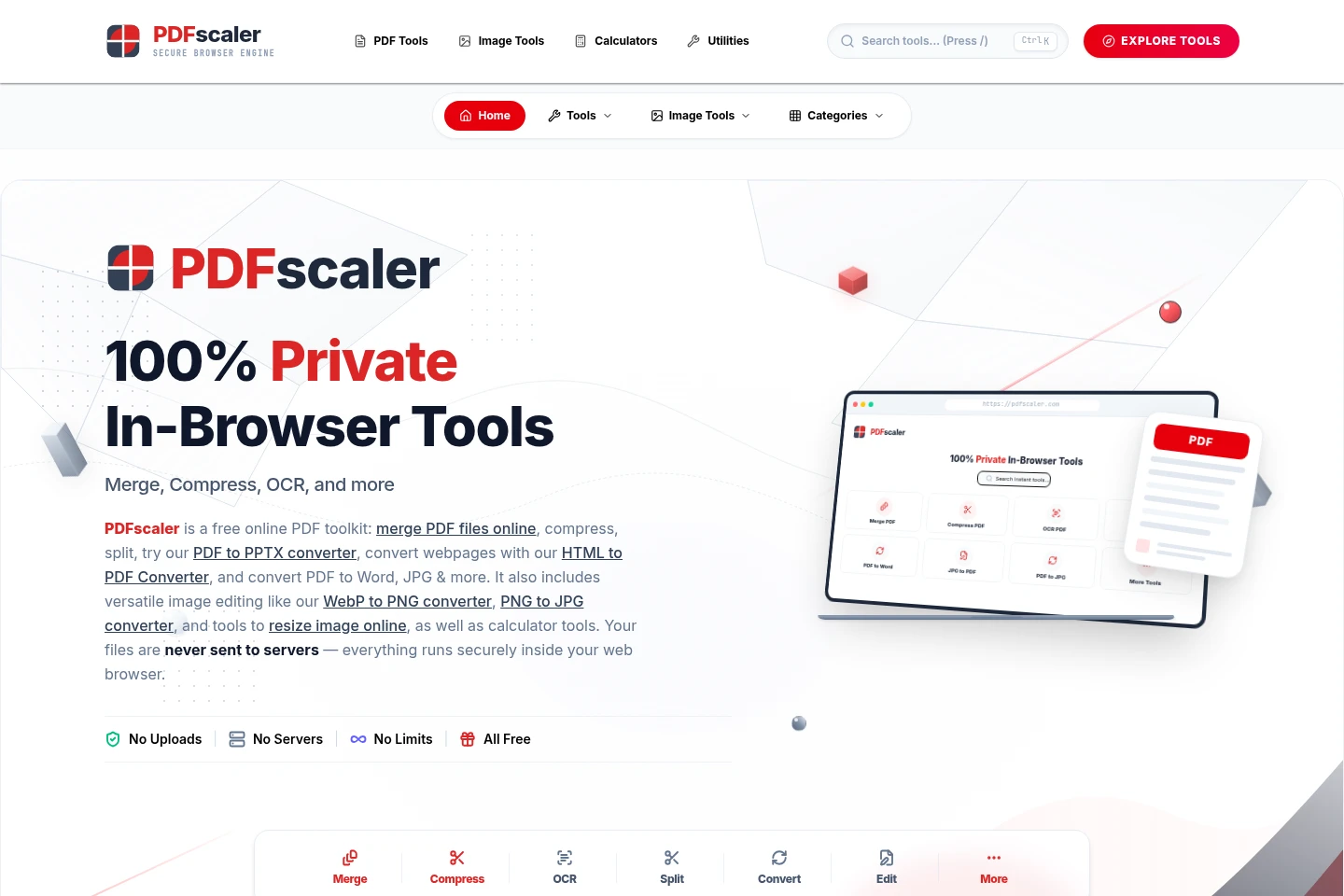
  1. PDFscaler

    Free PDF, image and utility tools that run in your browser

    Free
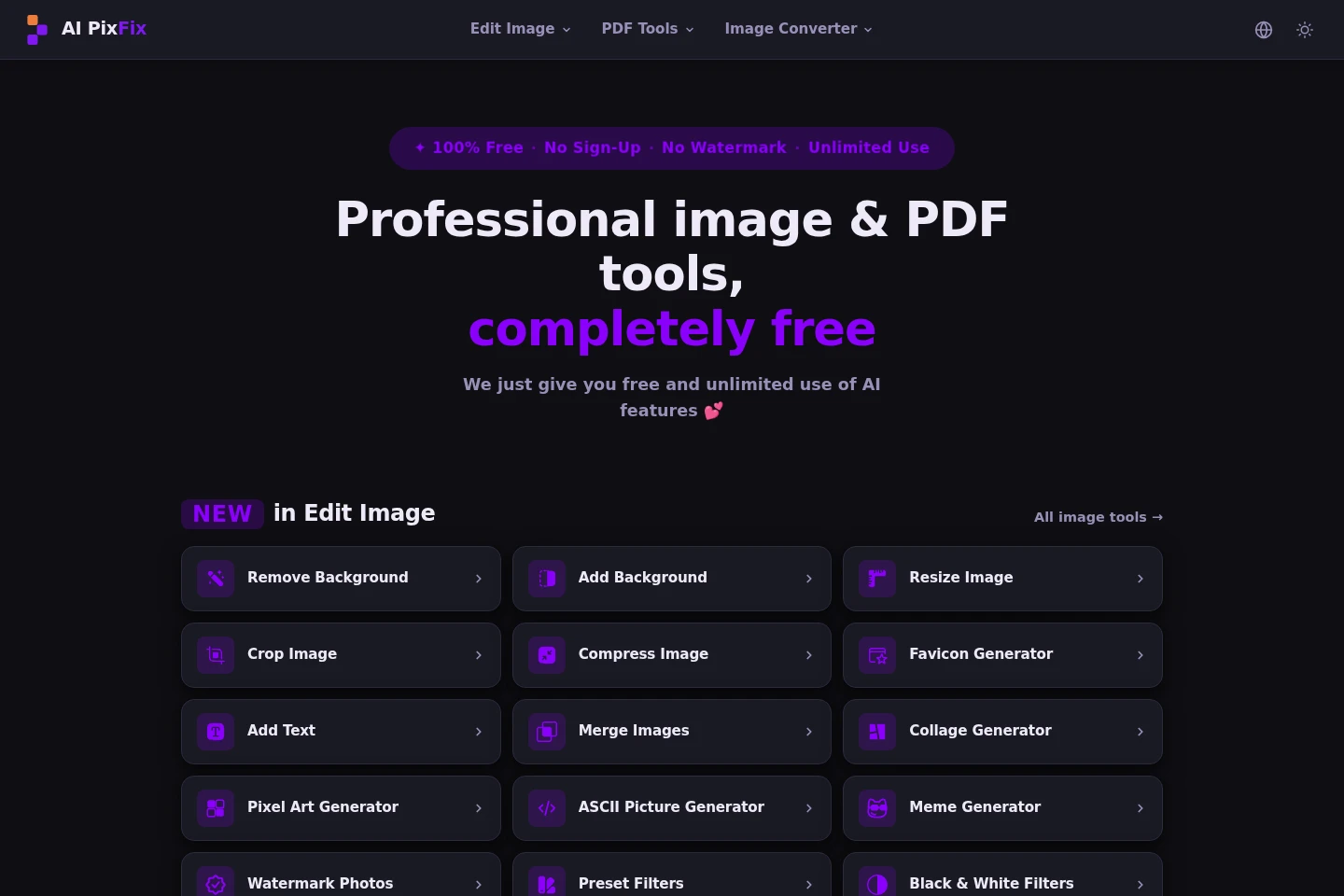
  2. AI PixFix

    Free browser-based tools for images and PDFs

    Free
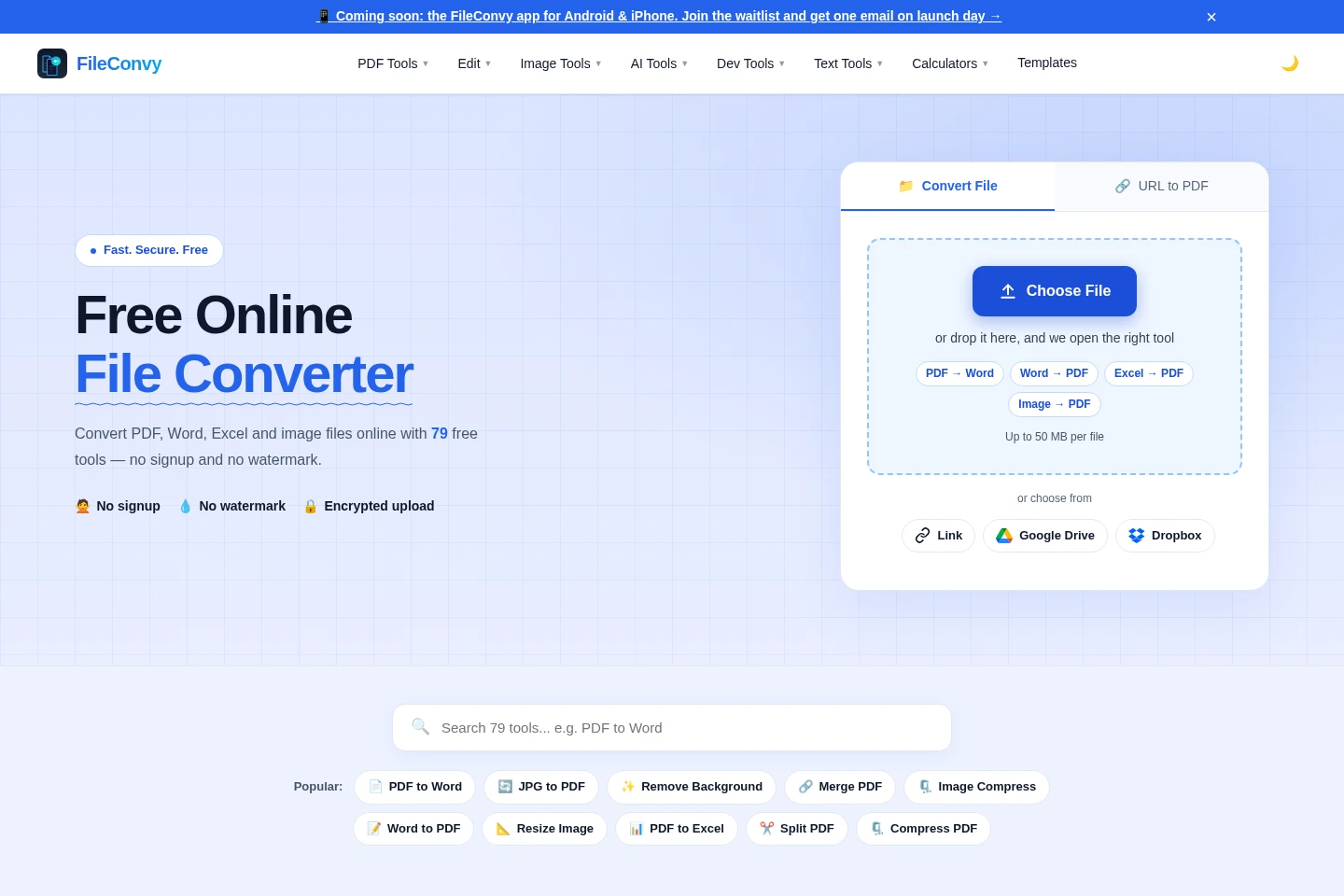
  3. FileConvy

    Convert and edit files with free online tools

    Free
  4. OneClickPDF

    Browser-based tools to edit, convert, and protect PDFs

    Freemium
  5. Free AI Tool For That

    Browser-based AI tools for images, audio, and text

    Free

Who it is for

  • People who need browser-based tools to edit, convert, or organize PDF files

  • People who need to resize, edit, compress, or convert image files

  • Teams needing shared document workflows, batch processing, reports, and admin controls

FAQ

What kinds of tools does Scanonix offer?

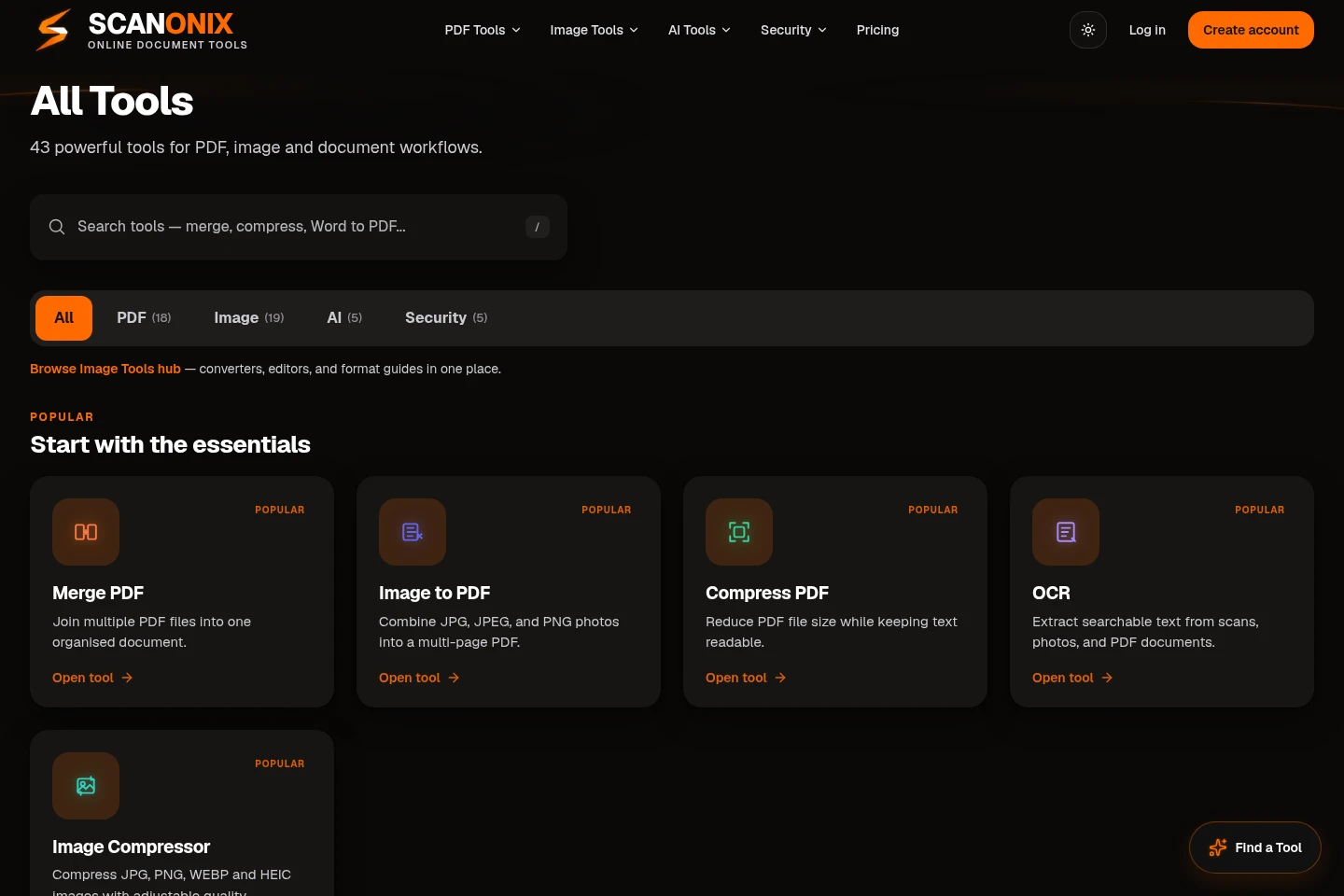
Scanonix offers online tools for PDFs, images, and AI document tasks. Examples include merging and splitting PDFs, image conversion, OCR, and AI translation.

Can Scanonix process files in the browser?

Yes. The homepage describes browser-based file tools, and the tools page identifies some operations as processed locally. Some compression, conversion, and AI tools require server processing.

What does the Free plan include?

The Free plan costs £0 with monthly billing and includes core image tools, basic website and file scanning, limited AI analysis, limited scan history, and community support.

How much do Pro and Business cost?

Pro is £9.99 per month and Business is £29.99 per month. Pro includes 500 AI usage operations and 500 expanded security scan operations monthly; Business adds a team workspace, batch processing, shared reports, API access, and admin controls.

Is the Image Upscaler available?

No. The tools page says the Image Upscaler is not currently available and that new upscales are turned off.

How can I contact Scanonix support?

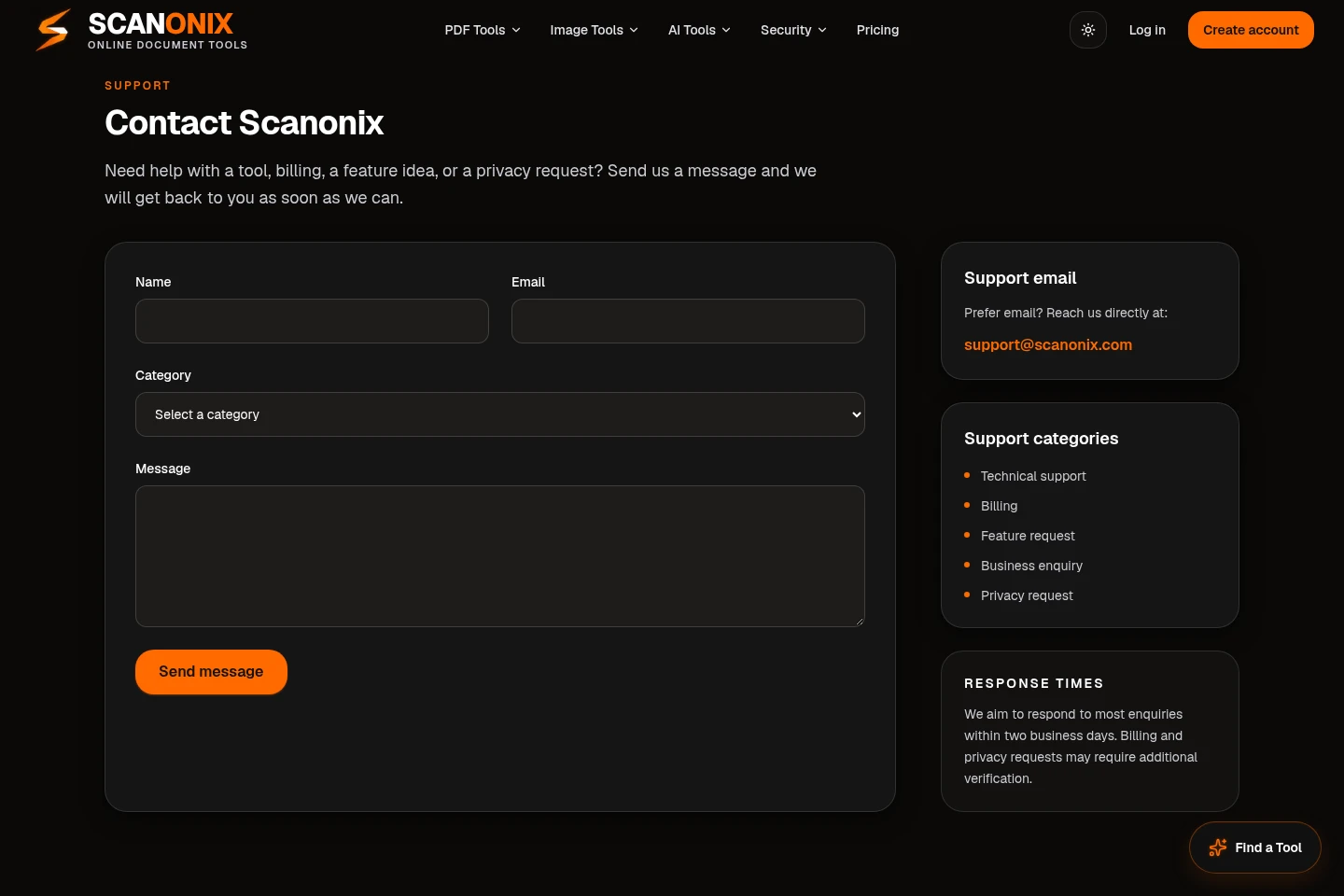
You can use the contact form or email [email protected]. Scanonix aims to respond to most enquiries within two business days; billing and privacy requests may require additional verification.

Comments

Please sign in to leave a comment.
No comments yet. Be the first to share your thoughts!