

- Monthly visits
- 2,803
- 2026-09
- Monthly growth +599%
PDFscaler - Free PDF, image and utility tools that run in your browser
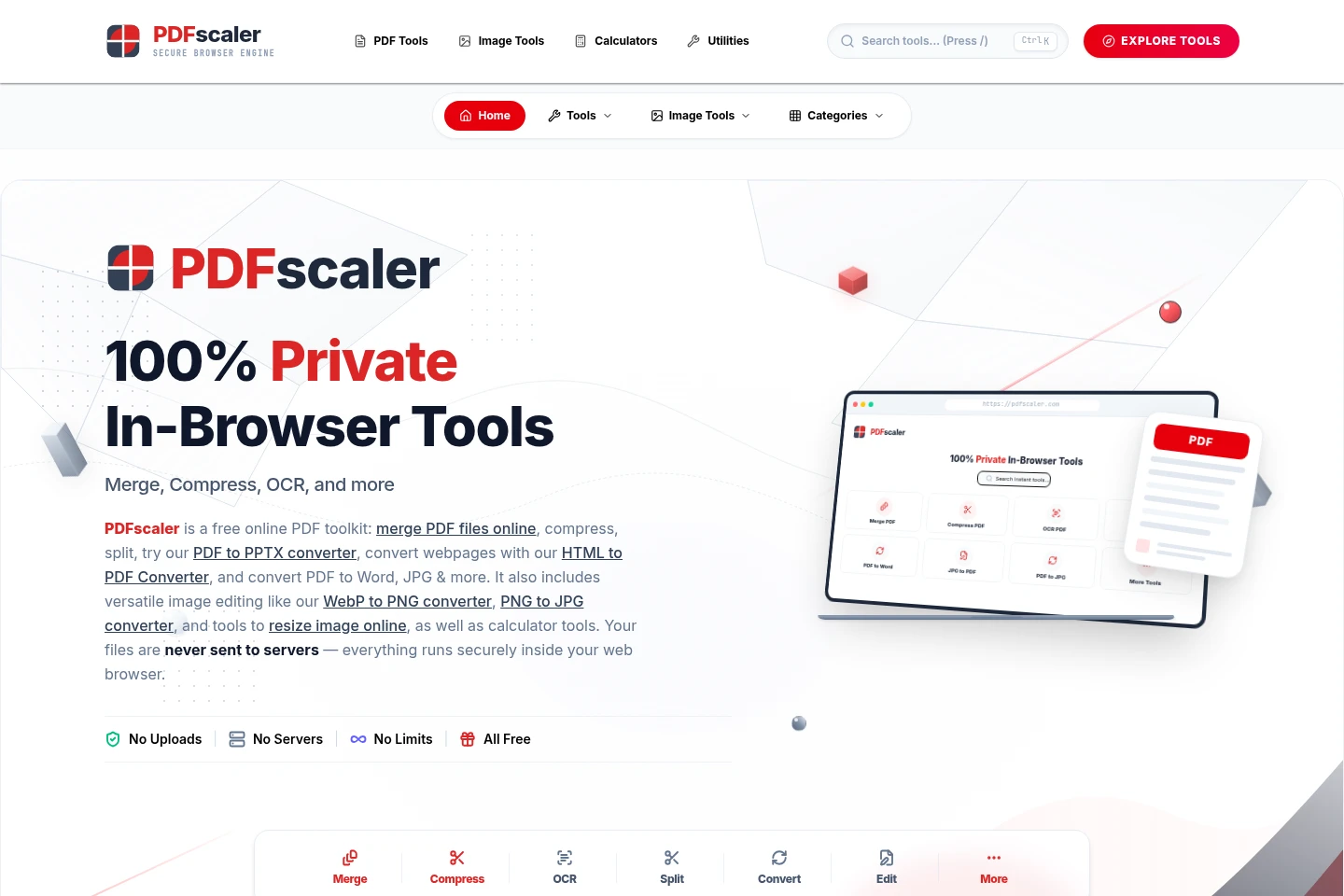
PDFscaler provides browser-based tools for merging, splitting, compressing, editing and converting PDFs, plus image editing, OCR, image translation, calculators and utilities. Processing runs locally in browser memory; the site says files are not uploaded to servers. Tools are free to use without signup.
- AI Productivity
- Chat with PDF
- OCR
- Photo Editors
- free online PDF tools
- browser image editor
- PDF converter
Capabilities
PDF processing and conversion
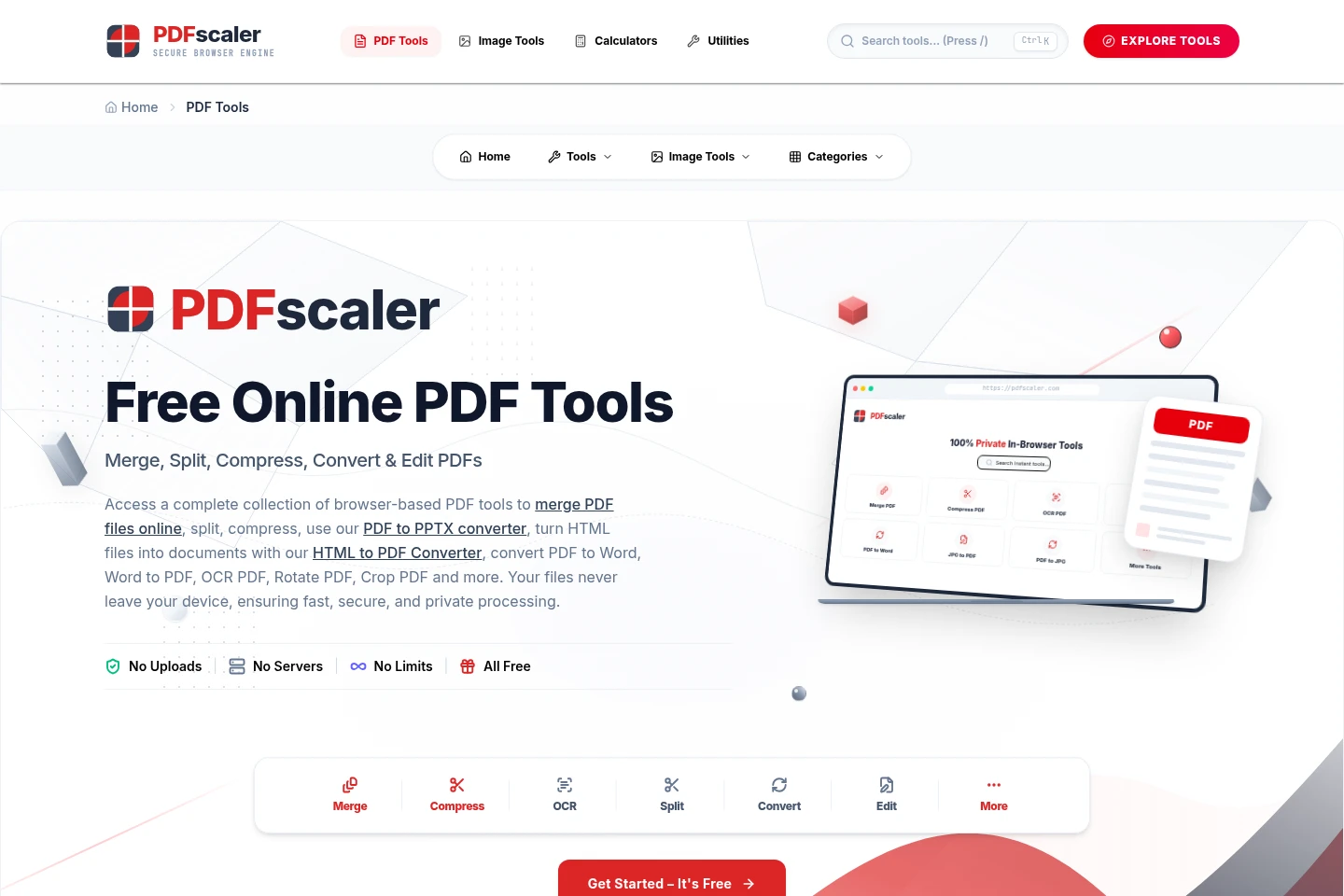
Merge, split, compress, edit, OCR and convert PDF files, producing updated PDFs or other document formats. Choose a browser tool and select a file from your device; processing runs locally in browser memory.
Image editing and conversion
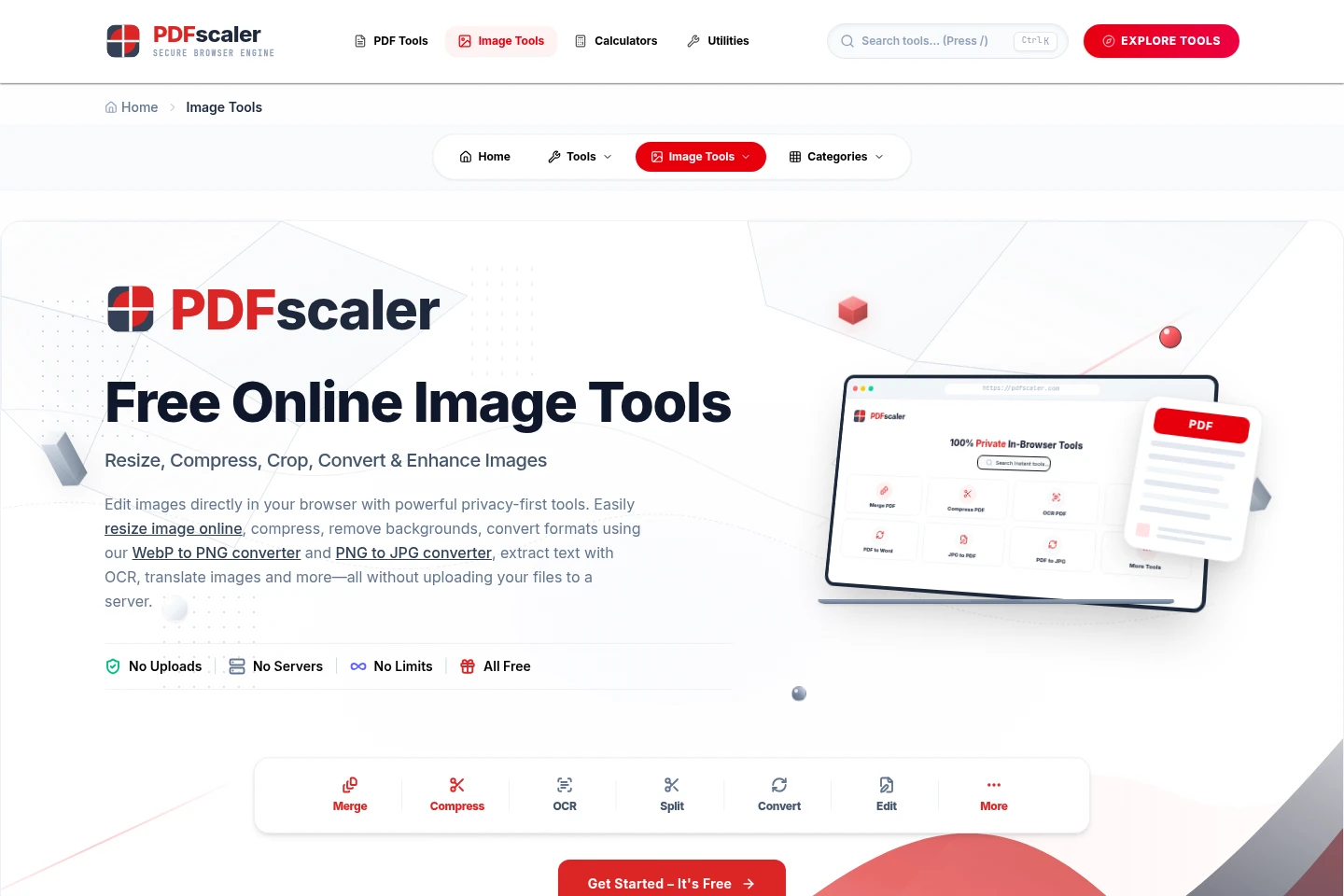
Resize, crop, compress, blur, merge and convert images, producing edited images in supported formats. Select an image and use the relevant browser tool; the site says files remain on the device.
Image text extraction and translation
Extract text from images with OCR and translate image text, producing text results. The listed OCR and translation tools use Gemini AI; select an image in the relevant browser tool.
Calculators and text utilities
Calculate values such as loan EMI, compound interest, currency conversion, BMI and age, or process text with counting and case-conversion utilities. Enter the required values or text in the selected tool.
Pricing
PDFscaler is free to use, with no subscription or payment required. There are no paid plans to compare; the listed tools are available without signup.
Use cases
Edit or convert a PDF document
When a PDF needs rearranging, reducing in size, annotating or converting, choose a corresponding PDFscaler tool and select the file from your device. The browser tool processes it locally and provides a result to download or copy.
Prepare or convert image files
When an image needs resizing, cropping, compression or a format change, open the matching image tool and select the file. Processing takes place in the browser, and the resulting image can be downloaded.
Extract or translate text in an image
When text is contained in an image, use Image to Text for OCR or Image Translator for translation. Select the image in the relevant tool; the site identifies these as Gemini AI tools.
Calculate values or format text
When a calculation or basic text transformation is needed, open a calculator or utility and enter the requested values or text. Available examples include EMI, currency conversion, word counting and case conversion.
Limitations
File processing is described as taking place locally in browser memory; the site says files are not uploaded to its servers.
Who it is for
People who need to edit, combine, compress or convert PDF documents in a browser.
People who need to resize, edit, convert or extract text from image files.
People who need browser-based calculators or simple text utilities without creating an account.
FAQ
Is PDFscaler free to use?
Yes. The site says all tools are free, with no signup, payment blocks, subscription walls or watermarks.
Are files uploaded or stored on servers?
No. The site says files are processed locally in browser memory and are not uploaded or stored; browser memory is erased when the session is closed.
Do I need to install software or create an account?
No. The tools run in the browser, and the site says no software installation or signup is required.
Can I use PDFscaler on a mobile device?
The site says its tools work on mobile screens and touch tablets, as well as other devices.
Comments