Monthly visits
4,909
2026-10
Monthly growth +109%

FileConvy - Convert and edit files with free online tools

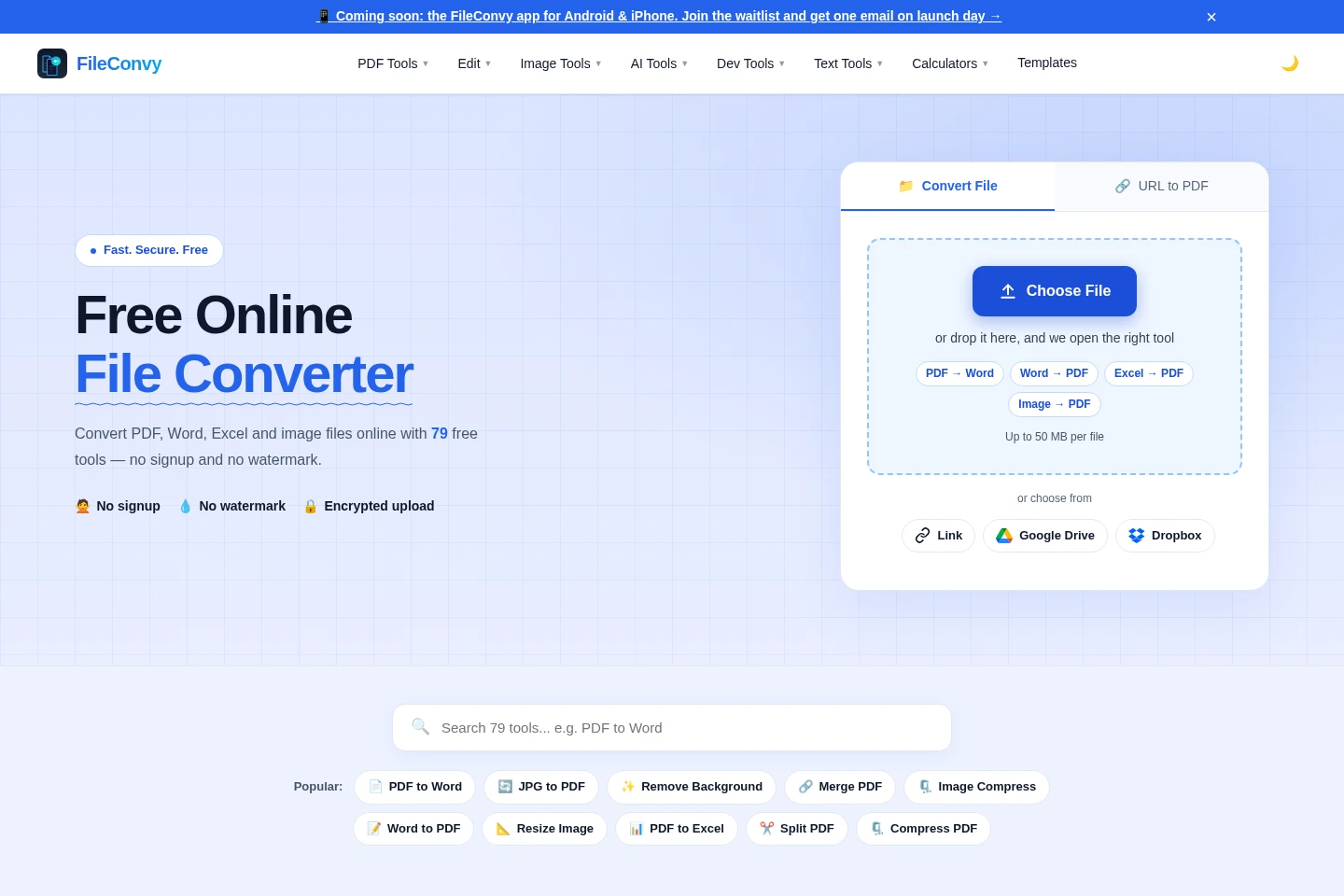
FileConvy provides browser-based tools for converting, merging, splitting, compressing and editing PDF and image files, along with text and developer utilities, calculators and templates. Upload a file or choose a tool; files are processed to produce your result and automatically deleted afterward.

Visit WebsiteUpdate this product

0Views

Capabilities

File conversion

Convert files between supported document and image formats, with the result provided online. Choose a tool or upload a file; the homepage lists PDF, Word, Excel and image conversions, with a 50 MB per-file limit.

PDF editing tools

Merge, split, compress, convert and edit PDF files through browser-based tools. Select the relevant PDF tool and provide a file to produce the requested output.

Image processing tools

Compress, resize, convert and enhance images using online tools. Upload an image to use functions such as background removal or text extraction.

AI image tools

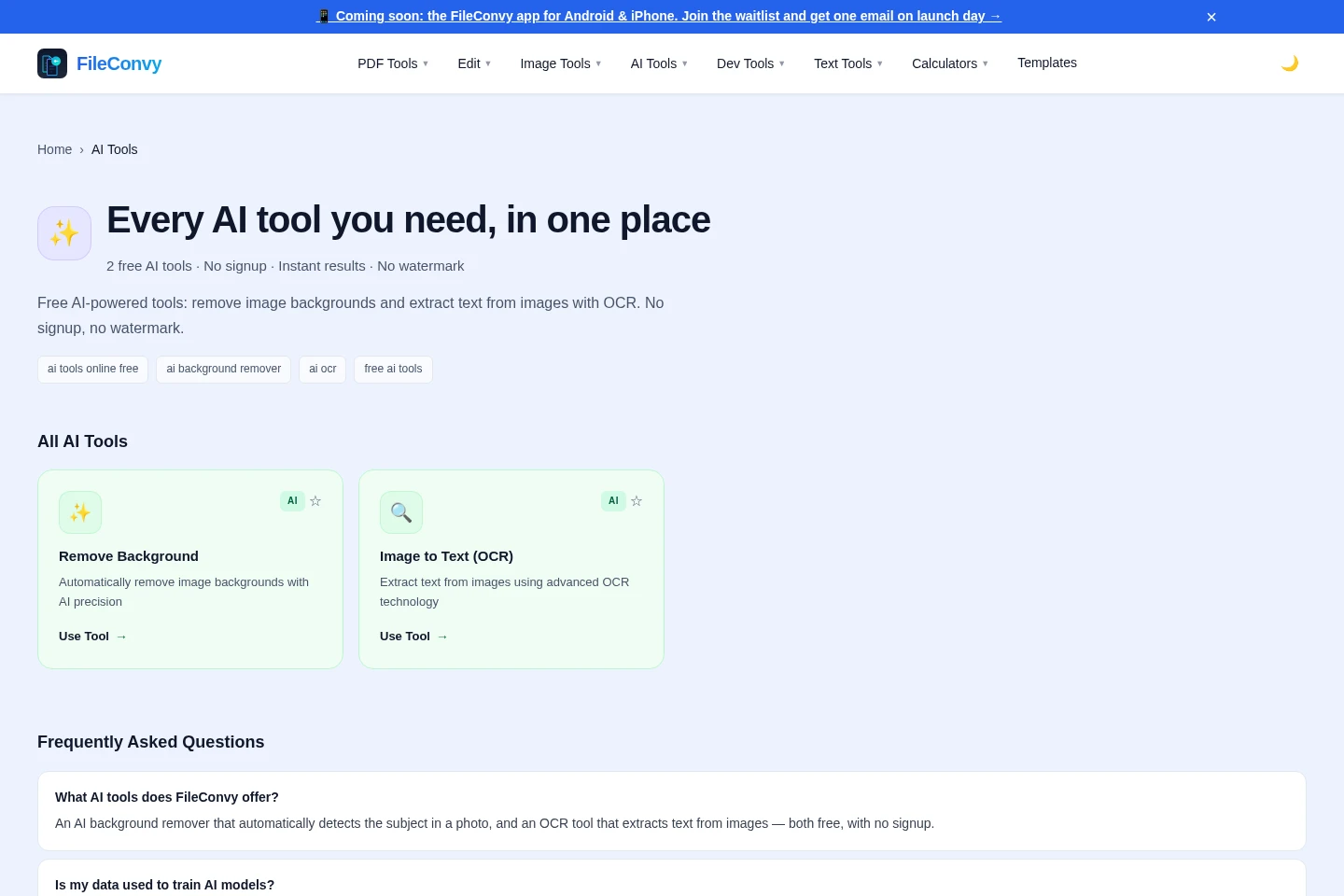
Remove image backgrounds and extract text from images with AI-powered tools. The background remover detects the subject in a photo, while the OCR tool returns text from an uploaded image.

Developer utilities

Use online utilities for tasks including JSON formatting, Base64 encoding, regular expressions and hashing. Choose a utility and enter or upload the relevant input.


PricingFree

The listed tools are free to use, and the site does not present paid plans. Choose a tool based on the file task, such as PDF conversion, image processing or OCR.

Use cases

Convert documents and images between formats

When a document or image is needed in another supported format, choose a conversion tool or upload the file to open the relevant tool. FileConvy produces the converted result online; the homepage states a limit of 50 MB per file.

Merge, split, compress, or edit PDFs

When PDF pages or file size need adjustment, choose the corresponding PDF tool and provide the document. The tool returns a merged, split, compressed, converted or edited PDF, depending on the selected operation.

Extract text or remove a photo background

When text needs to be taken from an image or a photo background removed, use Image to Text (OCR) or Remove Background. The OCR tool extracts text, and the background tool automatically detects the subject; both are listed as free AI tools requiring no signup.

Limitations

  • The homepage states a maximum upload size of 50 MB per file for its file-upload workflow.

  • The Android and iPhone app is marked as coming soon, so it is not presented as currently available.

  • Uploaded files are automatically deleted after processing and are used only to produce the requested result; they are not used to train AI models.

Alternatives

ChangeMyFile

Free online tools to convert and edit files

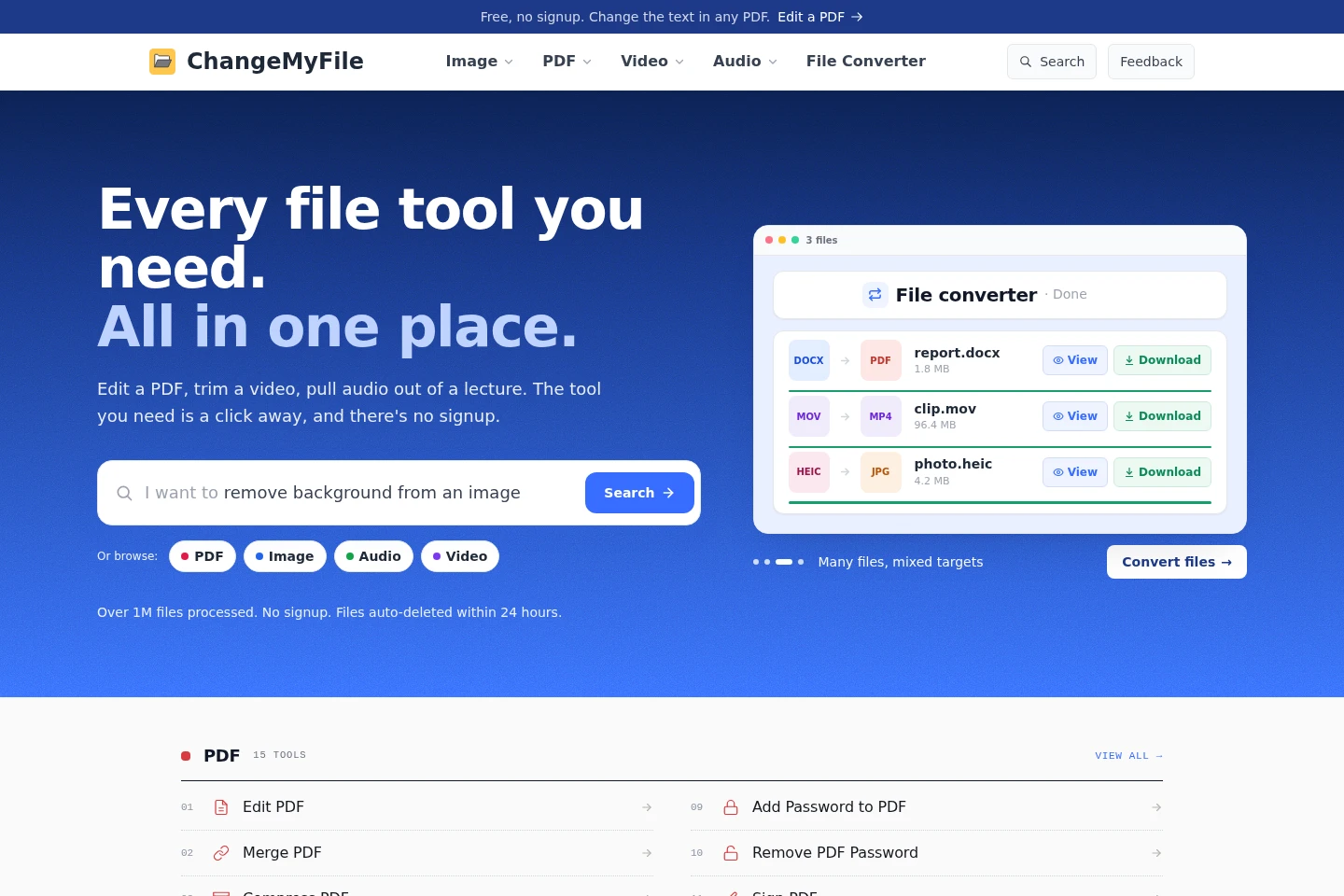
ChangeMyFile provides free online tools for PDF, image, audio, and video files, with no account required. Convert between more than 870 format pairs, compress and edit files, record and transcribe audio, and sign or password-protect PDFs. Some tools run in the browser; uploaded files are deleted within a day.

  • Cloud
  • Free
  1. FreeConverto

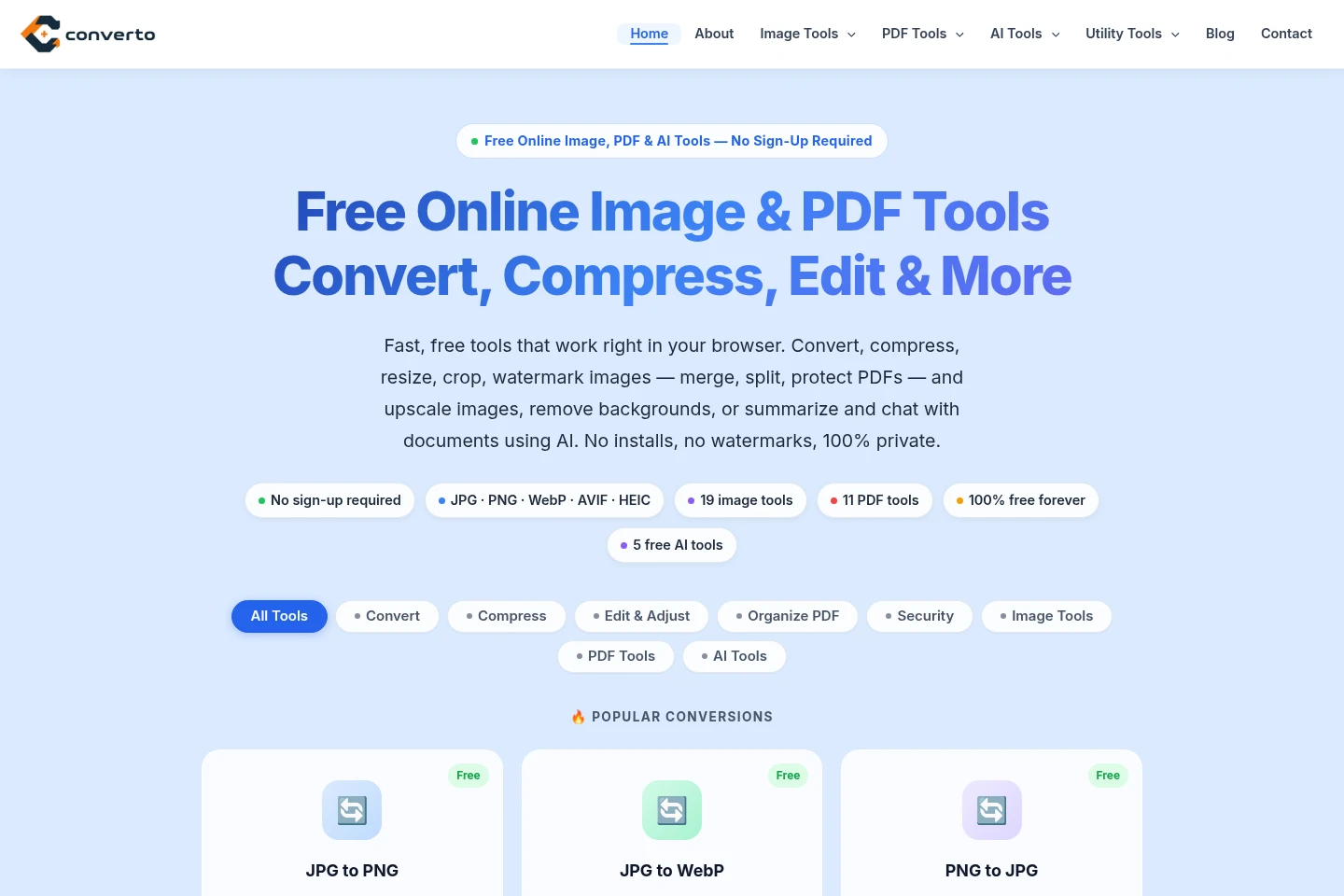
    Free browser tools for images, PDFs, and AI tasks

    Free
  2. Convertilo

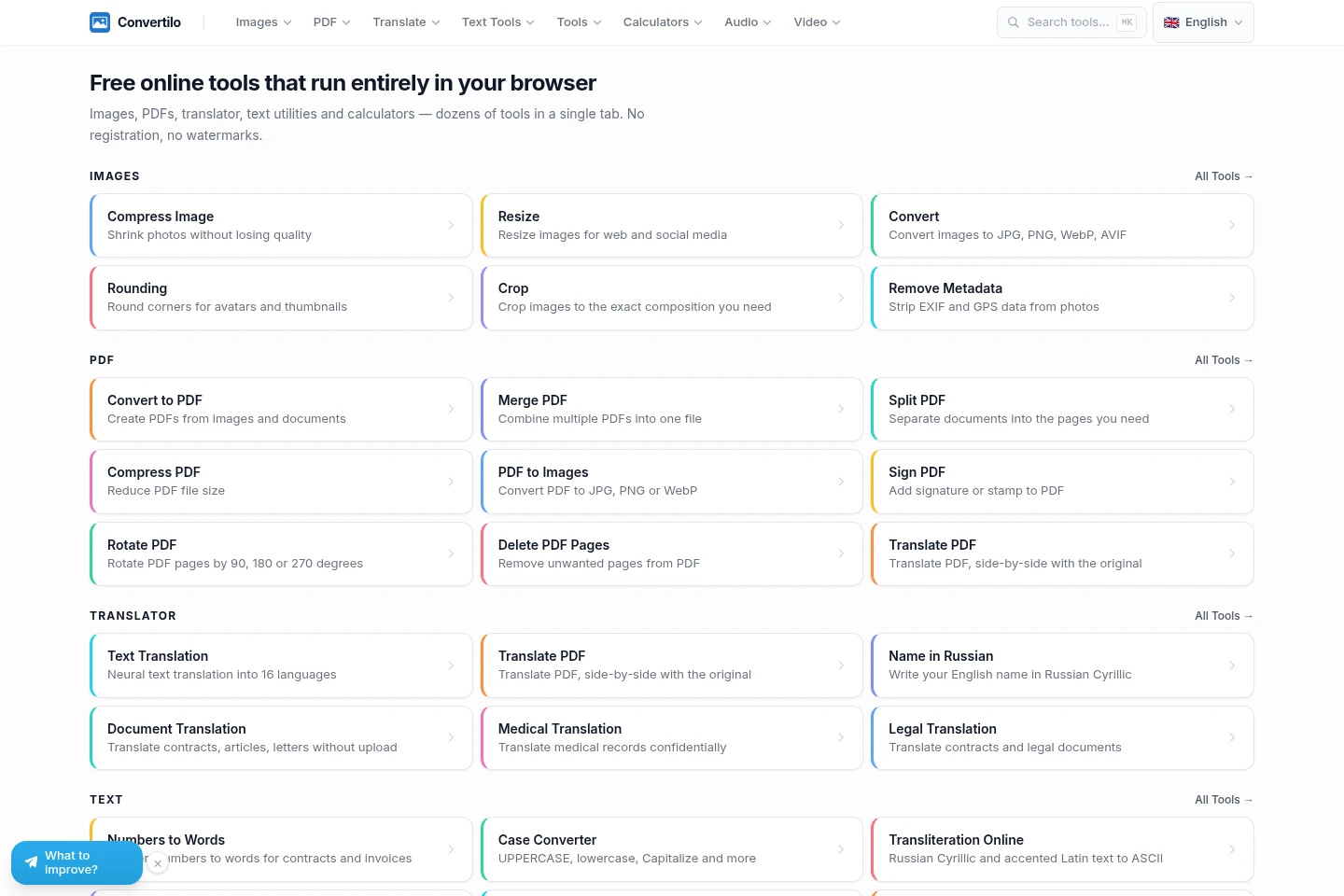
    Free image, PDF and browser-based tools

    Free
  3. File Content Conversion

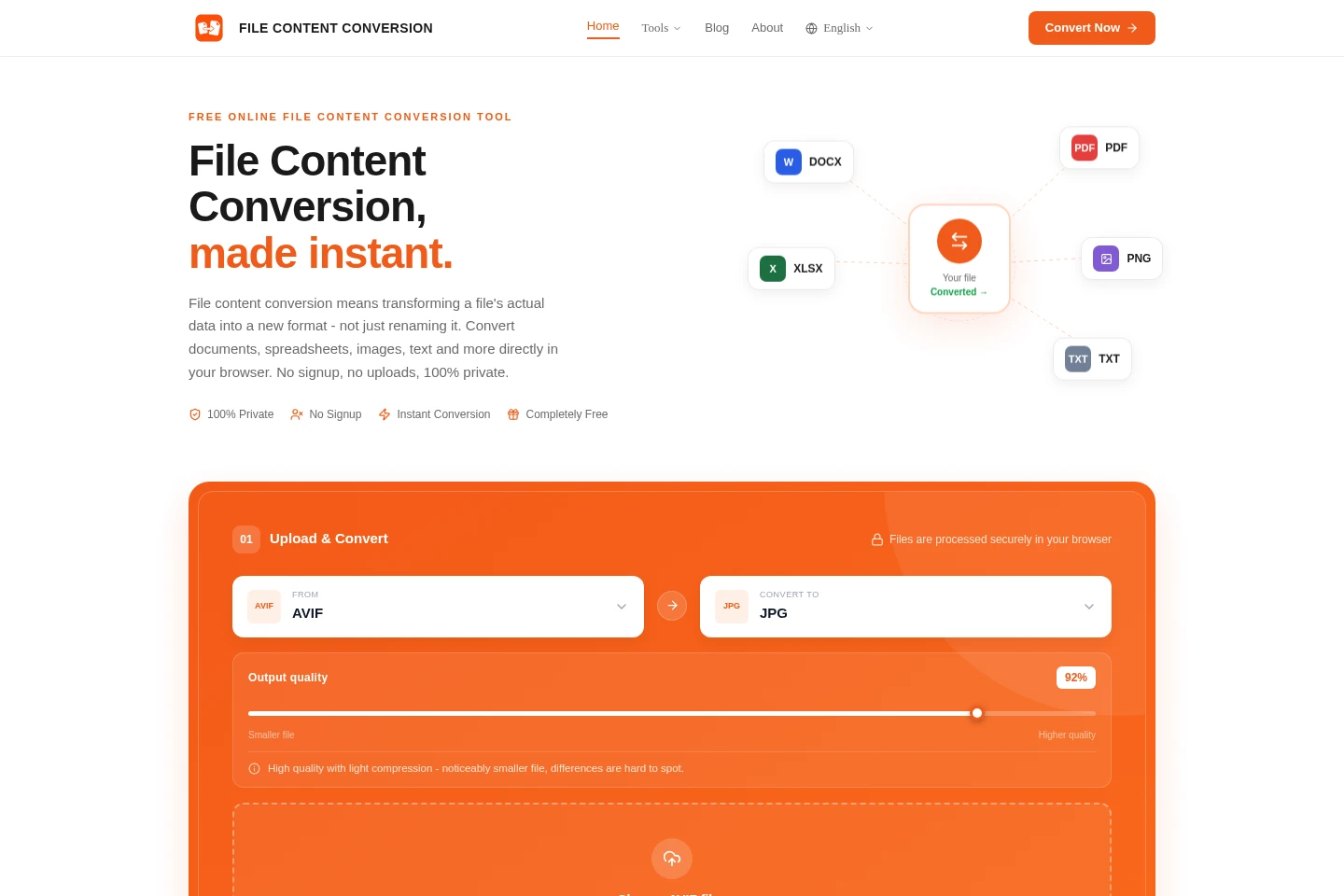
    Free unlimited browser-based file content conversion

    Free
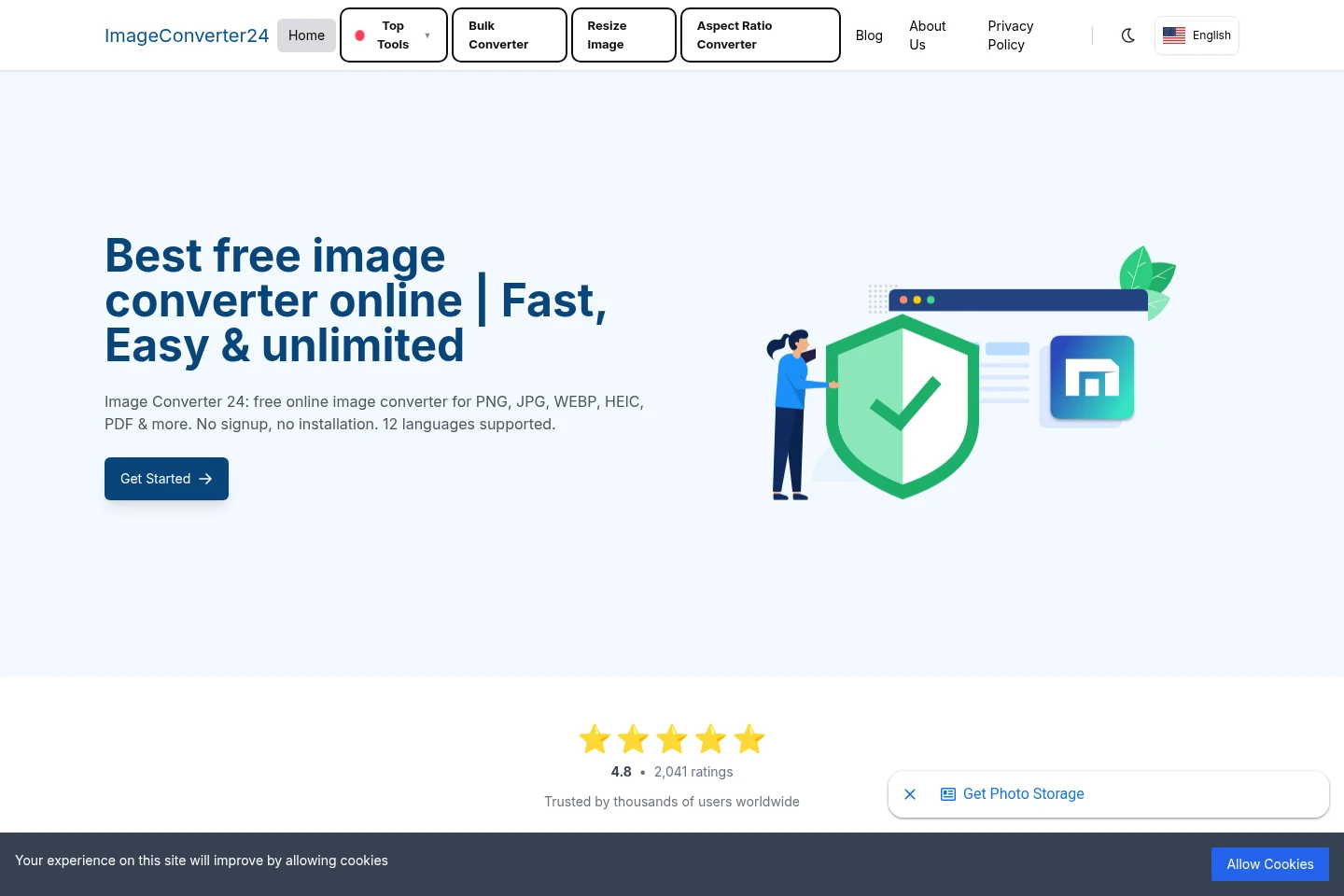
  4. ImageConverter24

    Convert, resize, and merge images online for free

    Free
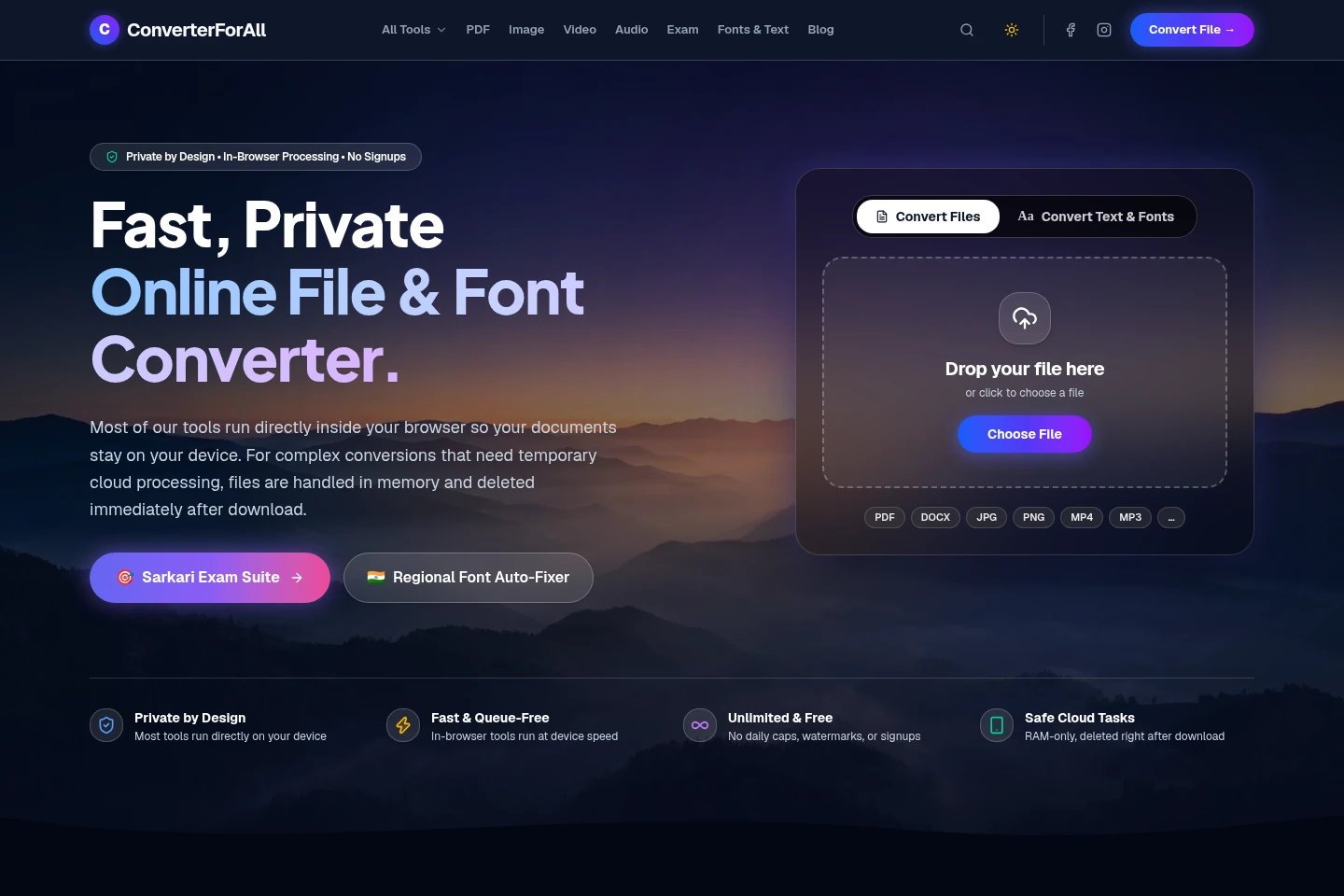
  5. ConverterForAll

    Free browser tools for files, fonts, media, and documents

    Free

Who it is for

  • People who need to convert or adjust documents and images online

  • People preparing PDFs or extracting text and subjects from images

  • People needing browser-based developer utilities, text tools or everyday calculators

FAQ

What kinds of tools does FileConvy provide?

FileConvy offers online PDF, image, text and developer tools, calculators and templates. Examples include file conversion, PDF merging, image resizing, JSON formatting and OCR.

Does FileConvy offer AI tools?

Yes. Its listed AI tools remove image backgrounds and extract text from images using OCR. The AI tools page describes both as free and usable without signup.

Are uploaded files used to train AI models?

No. The AI tools page says uploaded files are used only to produce the result and are automatically deleted afterward; it says they are never used for training.

Is a FileConvy mobile app available?

The Android and iPhone app is marked as coming soon. The site offers a waitlist and says it will send one email on launch day.

How large can an uploaded file be?

The homepage states a limit of up to 50 MB per file for its upload workflow. The supplied page does not specify different limits for individual tools.

Comments

Please sign in to leave a comment.
No comments yet. Be the first to share your thoughts!