

- Monthly visits
- 2,646
- 2026-09
- Monthly growth +621%
Pipie - CI/CD notifications and visibility for GitHub and GitLab
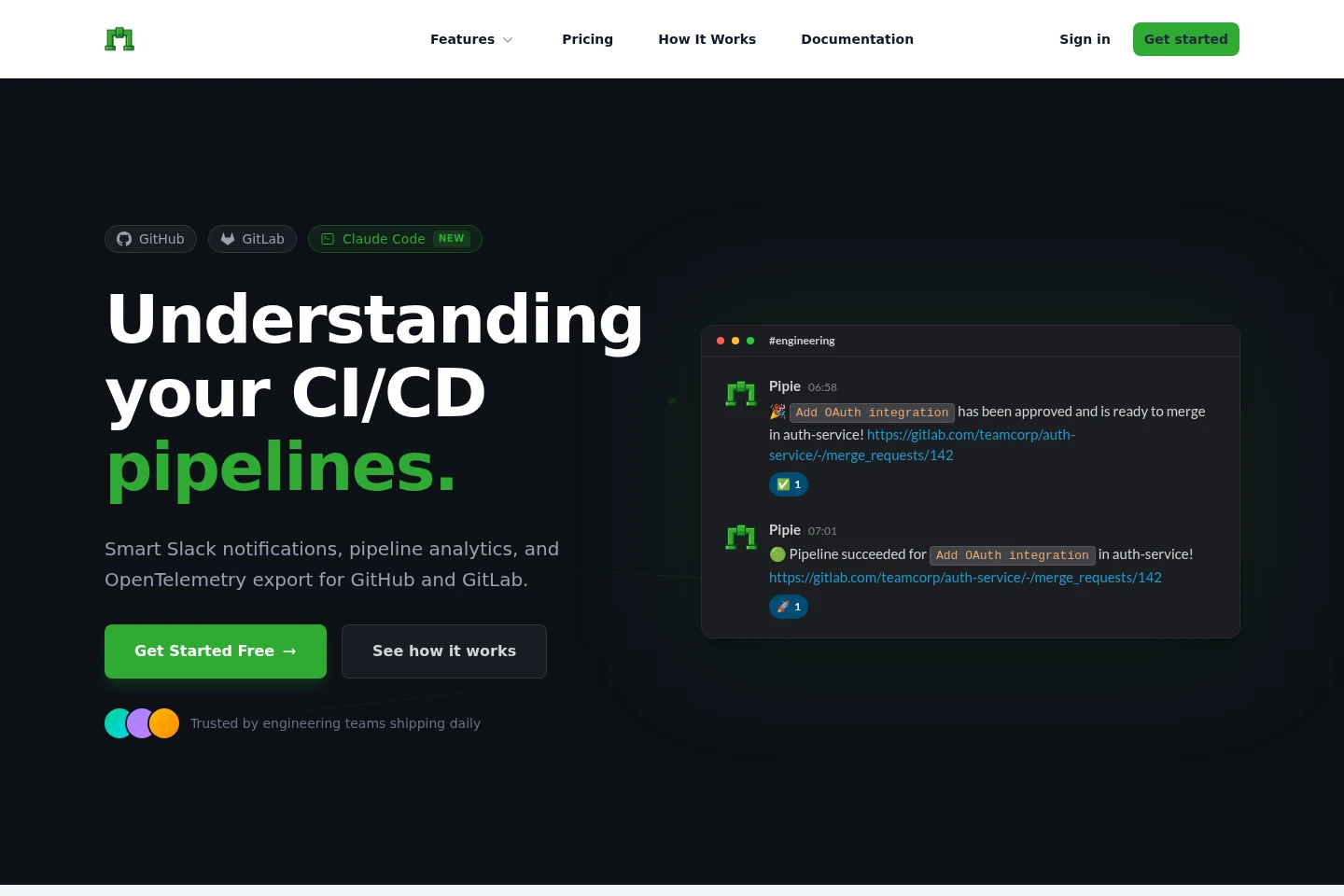
Pipie connects GitHub and GitLab workflows with Slack notifications for pipelines, merge requests, and reviews. It offers Lua-based notification rules, contributor-based plans, and a self-hosted option. The site also describes pipeline analytics and OpenTelemetry export, while marking analytics as coming soon.
- AI Agents
- Workflow Automation
- MCP Servers
- Software
- GitLab Slack notifications
- GitHub Actions alerts
- CI/CD pipeline monitoring
Capabilities
Pipeline notifications
Pipeline notifications send GitHub Actions and GitLab CI/CD status updates to Slack. Connect a supported repository platform to receive pipeline and job events, including success or failure updates.
Reviewer notifications
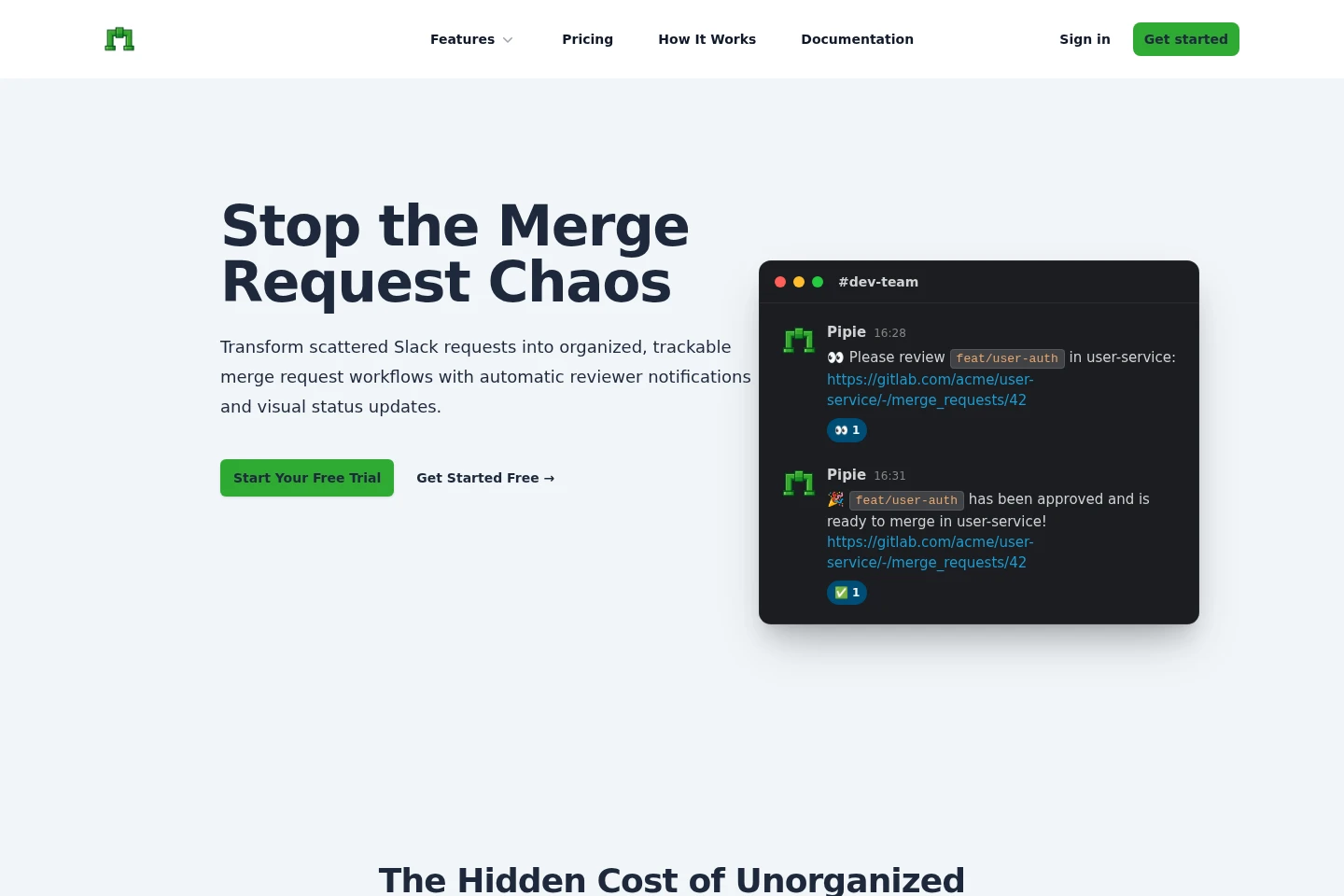
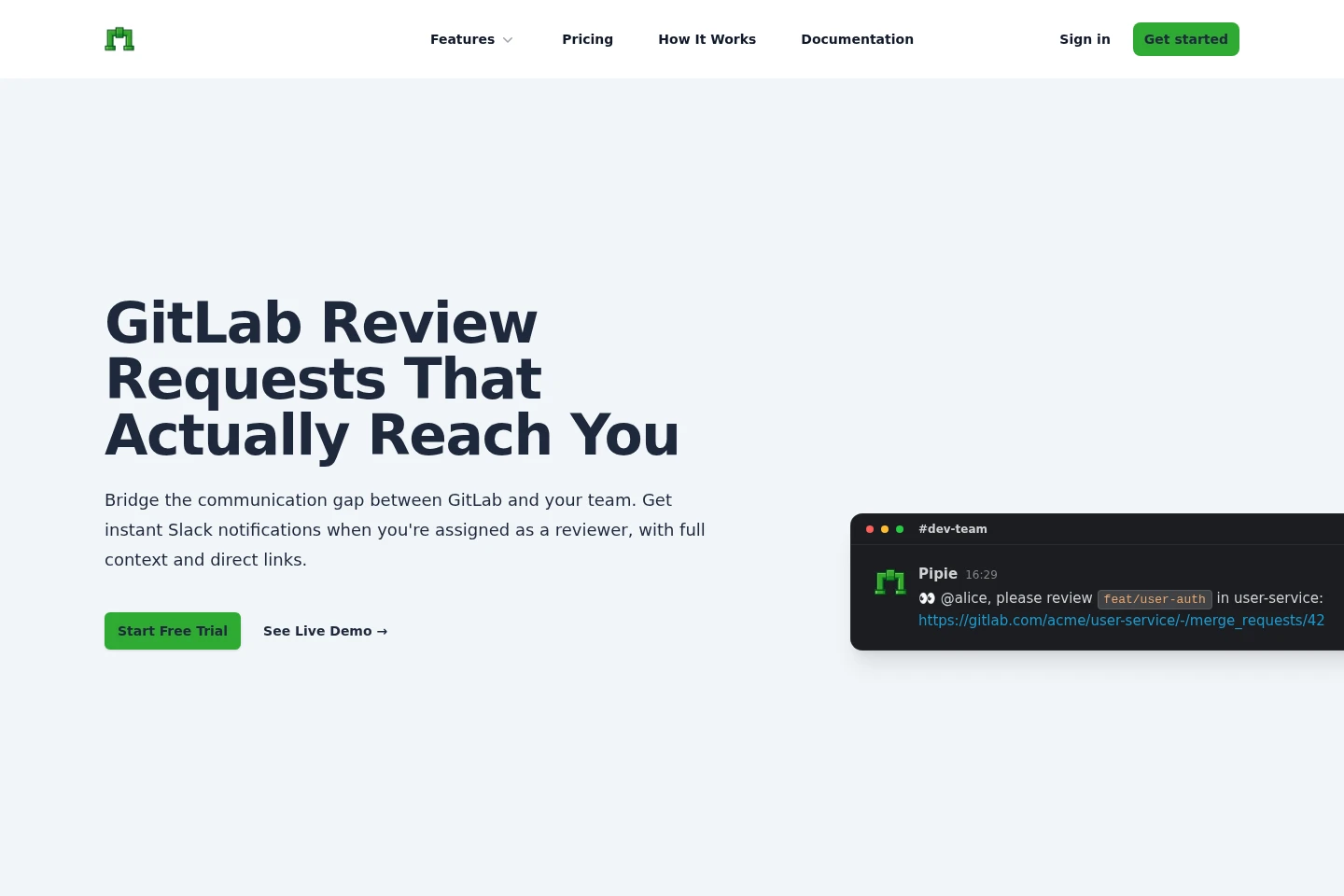
Reviewer notifications alert assigned reviewers in Slack and include merge request context and direct links. They support GitLab review assignments and GitHub pull request reviewer notifications.
Lua notification rules
Lua notification rules filter events before they reach Slack. Configure rules using branch, author, status, and other listed variables; the site describes cross-repository filtering and personal or team notifications.
OpenTelemetry export
OpenTelemetry export sends CI/CD events as traces to OTLP-compatible backends. The site lists OTLP HTTP/JSON and Protobuf and names Honeycomb, Datadog, and Grafana; availability is not specified consistently across pages.
Pricing
Pipie offers a free plan, fixed-price monthly subscriptions, and a custom-priced Self-Hosted option. Compare contributor limits, extra-contributor charges, support, and deployment model when choosing.
| Plan | Price | Included features and limits |
|---|---|---|
| Pro Plan | $30 per month |
|
| Business Plus Plan | $150 per month |
|
| Self-Hosted | Custom pricing |
|
The pricing page also describes a Free plan with core features and unlimited GitLab notifications to Slack. It does not provide a price-card amount for that plan. The stated monthly prices are shown without an annual-payment condition.
Use cases
Track CI pipeline status in Slack
When developers need build updates without repeatedly checking GitHub or GitLab, connect the repository platform to Pipie and route pipeline events to Slack. The team receives status notifications, including pipeline success or failure updates.
Notify developers about review assignments
When a merge request or pull request needs review, use Pipie to send an assignment notification to the relevant reviewer in Slack. Notifications include context and direct links so the recipient can open the work item.
Filter CI/CD alerts by team rules
When a team receives events from multiple repositories, configure Lua-based notification rules to filter by fields such as branch, author, or status. Pipie sends the resulting relevant notifications to Slack.
Limitations
Pipeline Analytics is marked as coming soon on the homepage, so its described charts and analysis are not established as currently available.
Pro Plan includes up to 15 contributors; each extra contributor is listed at $1.50.
Business Plus Plan includes up to 100 contributors; each extra contributor is listed at $1.
Self-Hosted pricing is custom, and the page directs interested customers to contact Pipie.
Who it is for
Engineering teams using GitHub or GitLab and Slack that need CI and review updates routed to their team channels.
Developers and code reviewers who need timely Slack alerts for pipeline events and assigned merge requests or pull requests.
FAQ
Is Pipie free to use?
Yes. The pricing page says the Free plan includes core features and unlimited GitLab notifications to Slack, with no credit card required and no hidden fees.
How long does setup take?
The pricing page says setup takes less than five minutes. It describes connecting a Slack workspace, authenticating with GitLab, and then receiving notifications.
Can I change my plan later?
Yes. The pricing page says upgrades take effect immediately, while downgrades take effect at the end of the current billing period.
What happens to my data after cancellation?
Webhook configurations and settings remain accessible for 30 days after cancellation. The pricing page says data can be exported or the account reactivated during that period.
What does Self-Hosted include?
Self-Hosted is deployed on the customer's own servers and has custom pricing. The page lists data sovereignty, custom SLAs, and unlimited contributors.
Comments