
- Monthly visits
- 5,161
- 2026-09
- Monthly growth +84.1%
QB Sync Made Easy - Sync Salesforce and QuickBooks records in real time
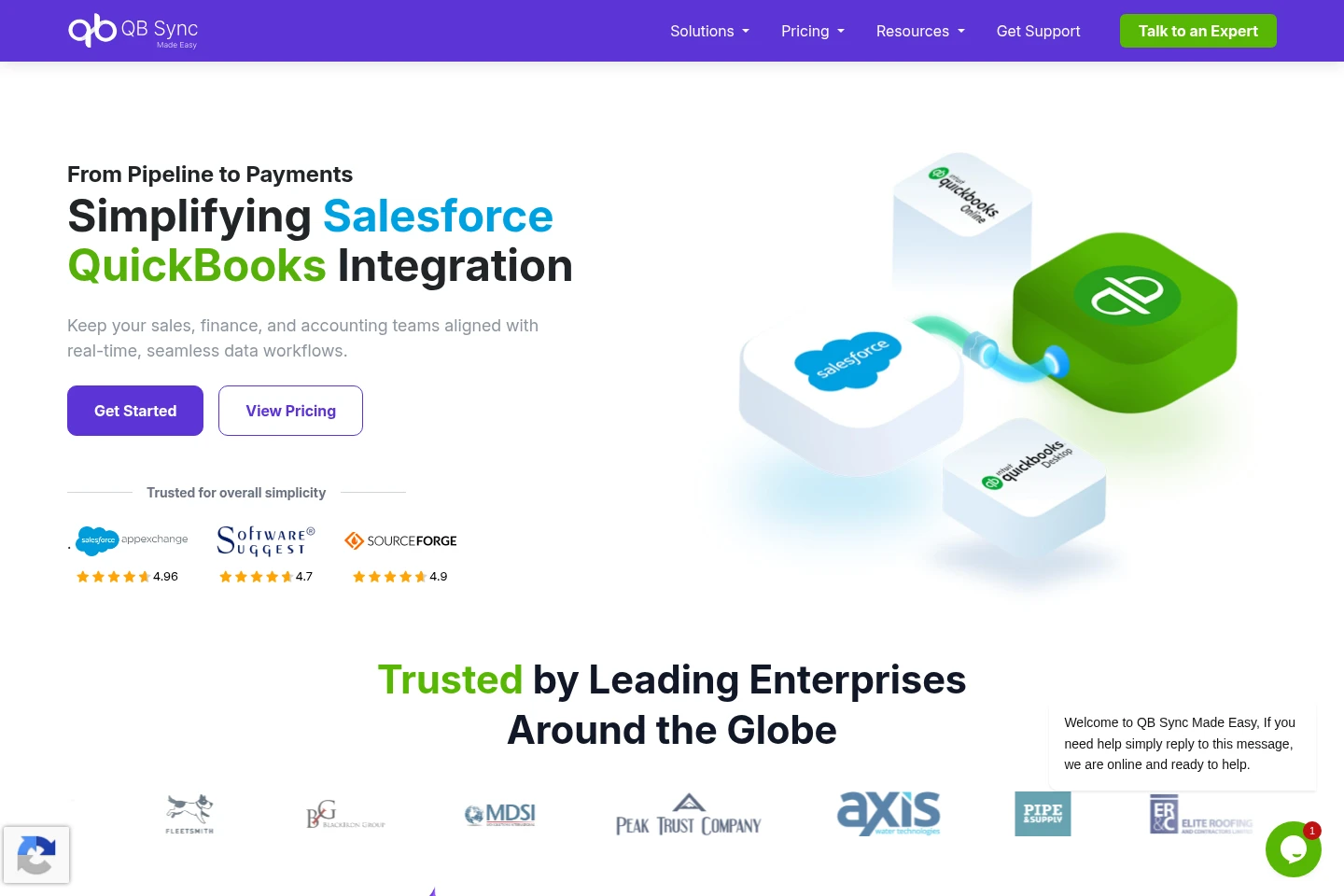
QB Sync Made Easy connects Salesforce with QuickBooks Online to synchronize customer, invoice, payment, and financial records. It supports historical and real-time sync, with bidirectional updates available on Pro. Additional features include AI-powered record matching, custom object mapping, and workflow automation. The Basic Free plan provides QuickBooks-to-Salesforce sync; some capabilities are paid or available as add-ons.
- AI Agents
- Workflow Automation
- Data Cleaning
- Salesforce QuickBooks integration
- QuickBooks data sync
- AI record matching
Capabilities
Salesforce and QuickBooks sync
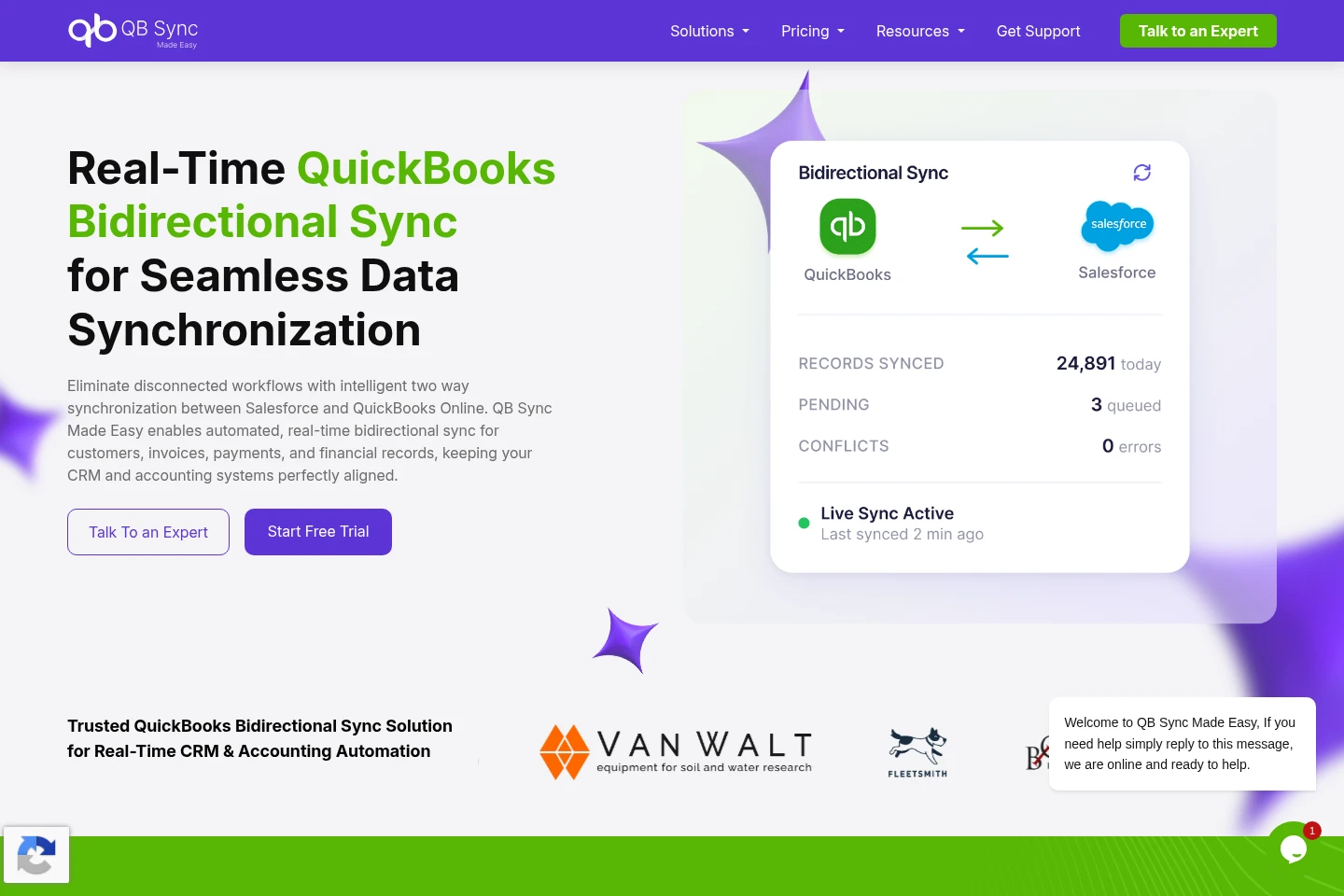
Synchronizes customer, invoice, payment, and financial records between Salesforce and QuickBooks Online. It supports historical and real-time QuickBooks-to-Salesforce sync; Pro adds bidirectional updates from Salesforce to QuickBooks.
AI-powered record matching
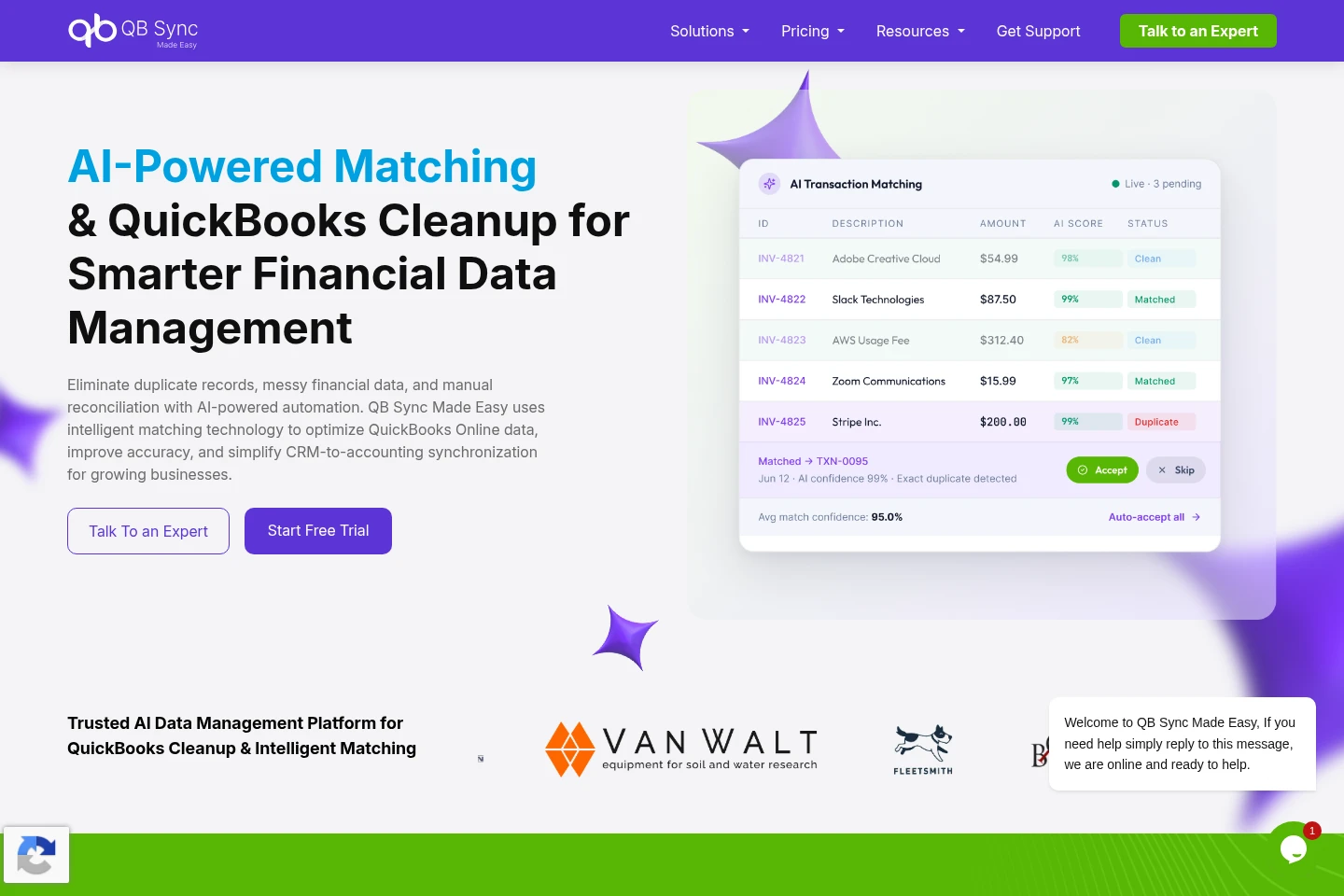
Matches records across QuickBooks and Salesforce to help identify duplicates. Pro includes automated matching and a manual matching interface for reviewing and linking unmatched records.
Custom object and field mapping
Maps QuickBooks fields to Salesforce objects and fields, including custom objects. The pricing page lists dynamic mapping and custom objects as an add-on rather than an included Pro feature.
Sync-triggered workflow automation
Automates Salesforce and QuickBooks workflows through sync events. The Flow Feature can trigger Salesforce Flows automatically when QuickBooks sync events occur and is included with Pro.
Pricing
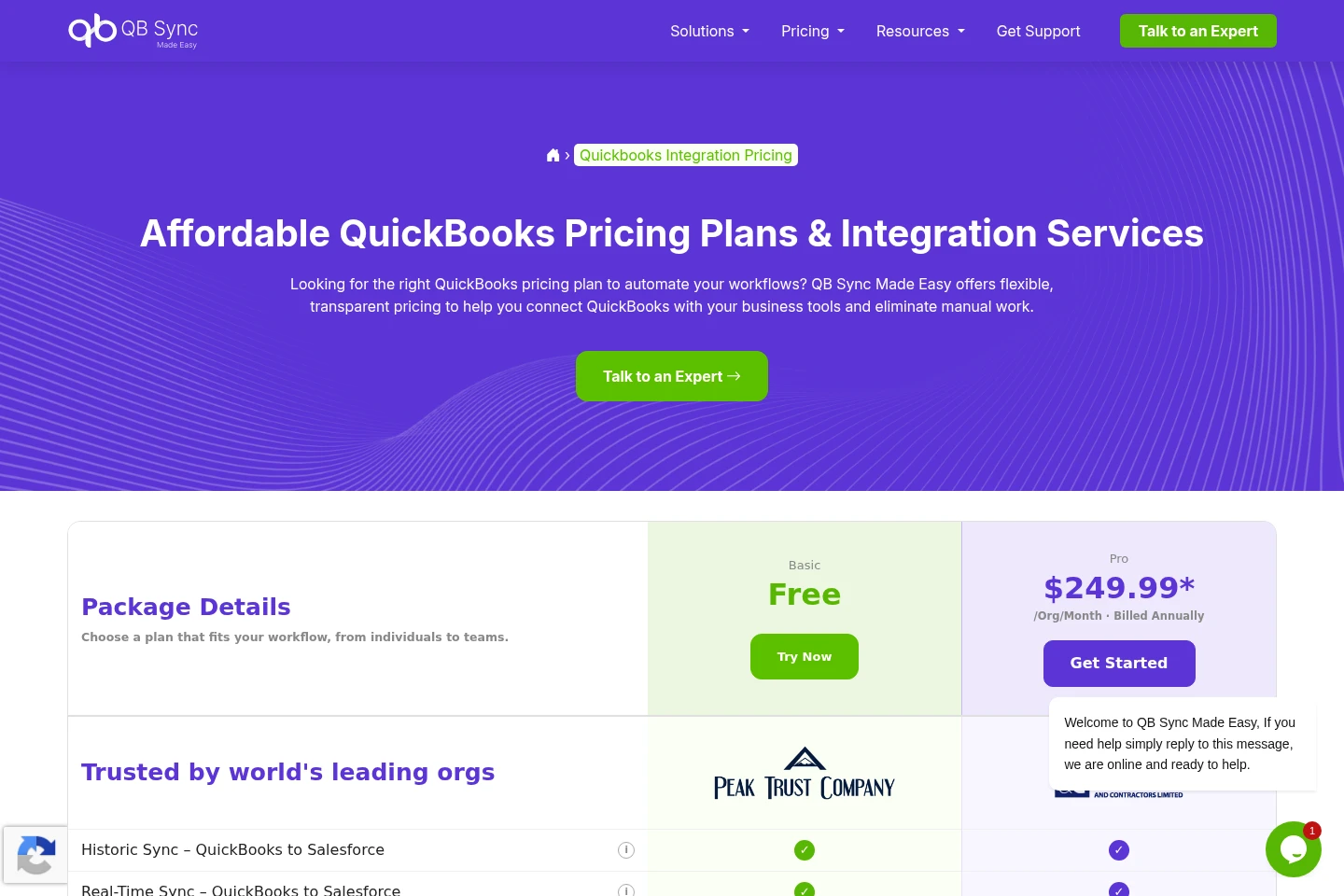
The listed plans are Basic Free and Pro. Compare sync direction, matching and workflow features, and add-ons; Pro is a recurring subscription billed annually.
| Plan | Price | Included features and limits |
|---|---|---|
| Basic Free | Free |
|
| Pro | $249.99 per org per month, billed annually |
|
Use cases
Keep Salesforce and QuickBooks records aligned
When customer, invoice, payment, or financial records need to remain consistent across CRM and accounting systems, use the integration to sync supported data. Basic Free syncs from QuickBooks to Salesforce; Pro also supports updates from Salesforce to QuickBooks.
Match and review records across both systems
When records need matching or duplicate review, Pro uses AI-powered matching and provides a manual matching interface. The tools match records between Salesforce and QuickBooks and help users link unmatched records.
Map QuickBooks data to custom Salesforce objects
When standard Salesforce objects do not represent the required data structure, use dynamic mapping to map QuickBooks fields to custom Salesforce objects and fields. This capability is listed as an add-on.
Limitations
Basic Free syncs QuickBooks data to Salesforce; Salesforce-to-QuickBooks data sync is listed only for Pro.
QuickBooks Project data sync, Multi-Org Custom Sync, and Dynamic Mapping & Custom Objects are marked as add-ons on the pricing page.
The listed Pro price is $249.99 per org per month, billed annually; the page does not specify add-on prices.
Who it is for
Sales and finance teams that need Salesforce and QuickBooks records synchronized
Administrators configuring data mappings and sync workflows between Salesforce and QuickBooks
FAQ
Which systems does QB Sync Made Easy connect?
It connects Salesforce and QuickBooks Online. The listed sync features cover customer, invoice, payment, and financial records.
Does the Basic Free plan support bidirectional sync?
No. Basic Free lists QuickBooks-to-Salesforce sync; Salesforce-to-QuickBooks data sync is listed for Pro.
How much does the Pro plan cost?
Pro is listed at $249.99 per org per month, billed annually. The pricing page lists certain additional capabilities as add-ons without stating their prices.
Can the integration map custom Salesforce objects?
Yes. Dynamic Mapping & Custom Objects is listed as an add-on. The feature maps QuickBooks fields to custom Salesforce objects and fields.
Can I test the integration before using live data?
The FAQ describes testing with a QuickBooks sandbox company. It also links to setup guidance for creating a sandbox company.
Comments