

- Monthly visits
- 2,306
- 2026-09
- Monthly growth +1,024.9%
PipeVoice - Free Windows voice typing and screen reading
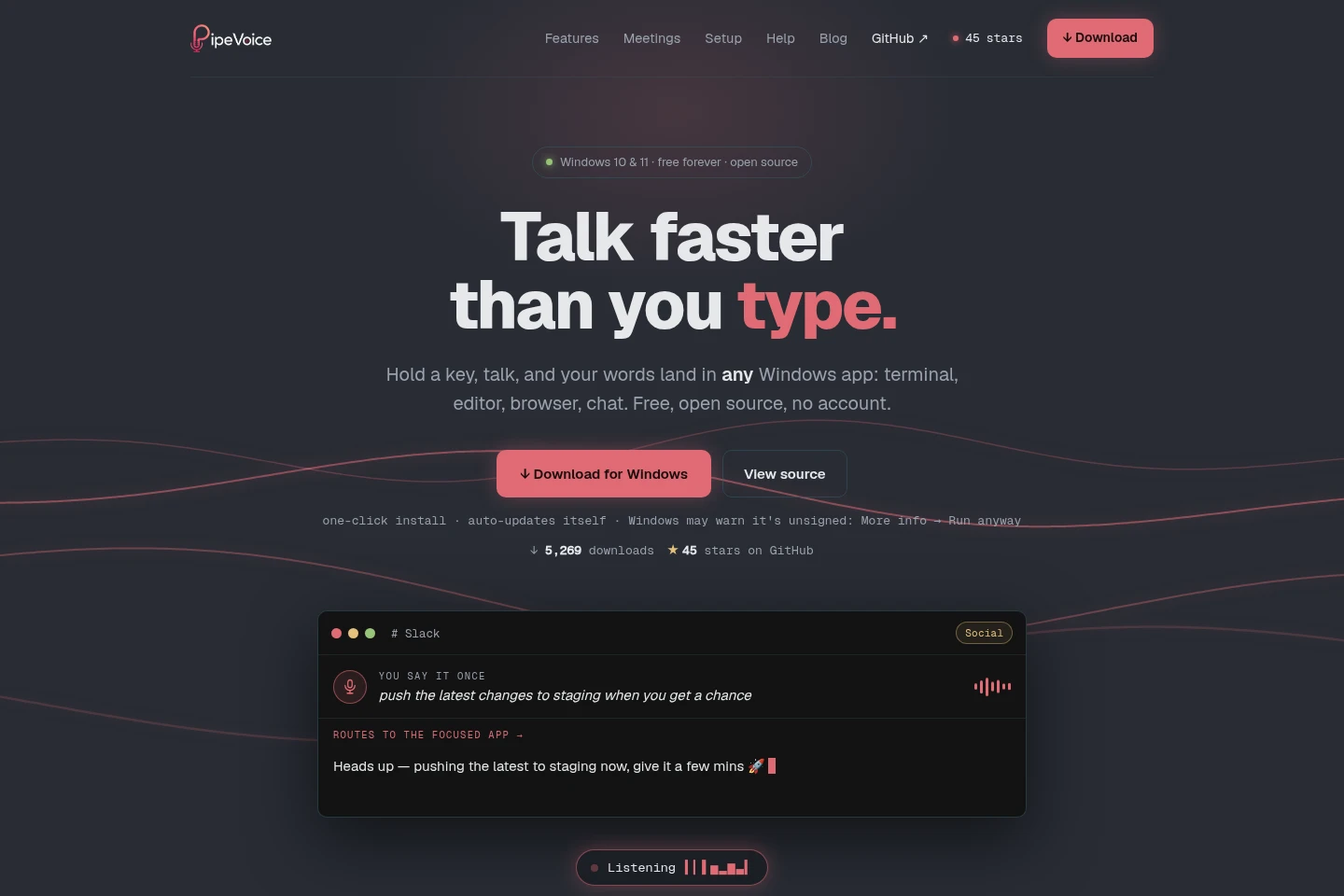
PipeVoice is an open-source app for Windows 10 and 11 that turns speech into text in the focused app using a hotkey. It can use cloud providers with your own keys or run transcription and text polishing locally with Whisper and Ollama. Additional tools read selected screen text aloud, capture meeting audio as separate streams, and record bugs.
- AI Productivity
- Voice Dictation
- Text to Speech
- Windows voice typing
- offline speech to text
- screen text reader
Capabilities
Hotkey voice dictation
Transcribes speech and types the resulting text into the focused Windows app, or copies it to the clipboard. Hold a configurable hotkey while speaking; transcription can use a selected cloud provider with your own key or local Whisper.
App profiles and Voices
Applies per-app settings and named text-polishing presets to dictation. PipeVoice detects the focused window and can select its profile automatically; users can also bind a Voice to a hotkey.
Screen text read-aloud
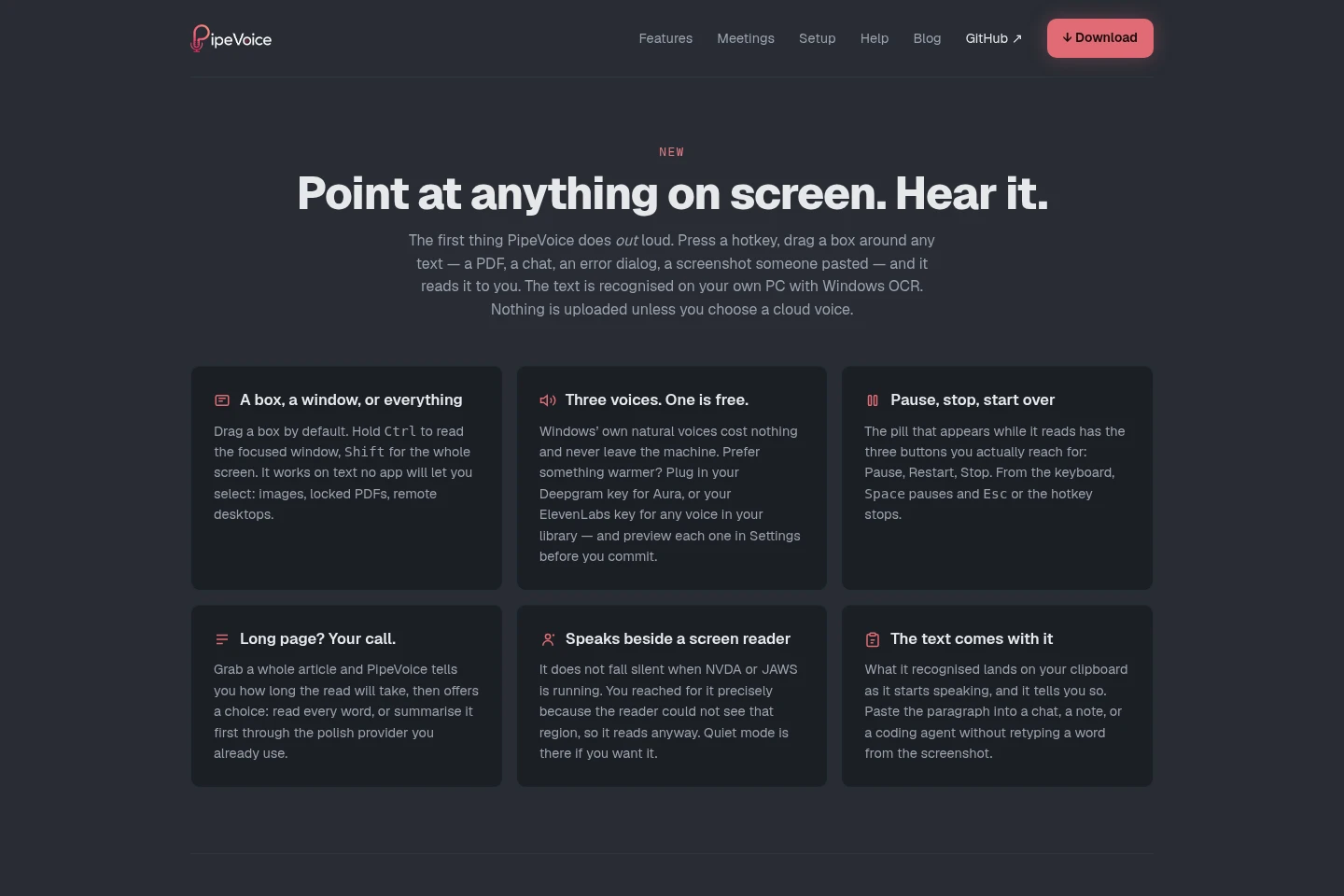
Recognizes selected on-screen text with Windows OCR and reads it aloud. Use a hotkey to select a region, window, or screen; Windows voices work locally, while Deepgram or ElevenLabs voices require your own key.
Separate meeting audio capture
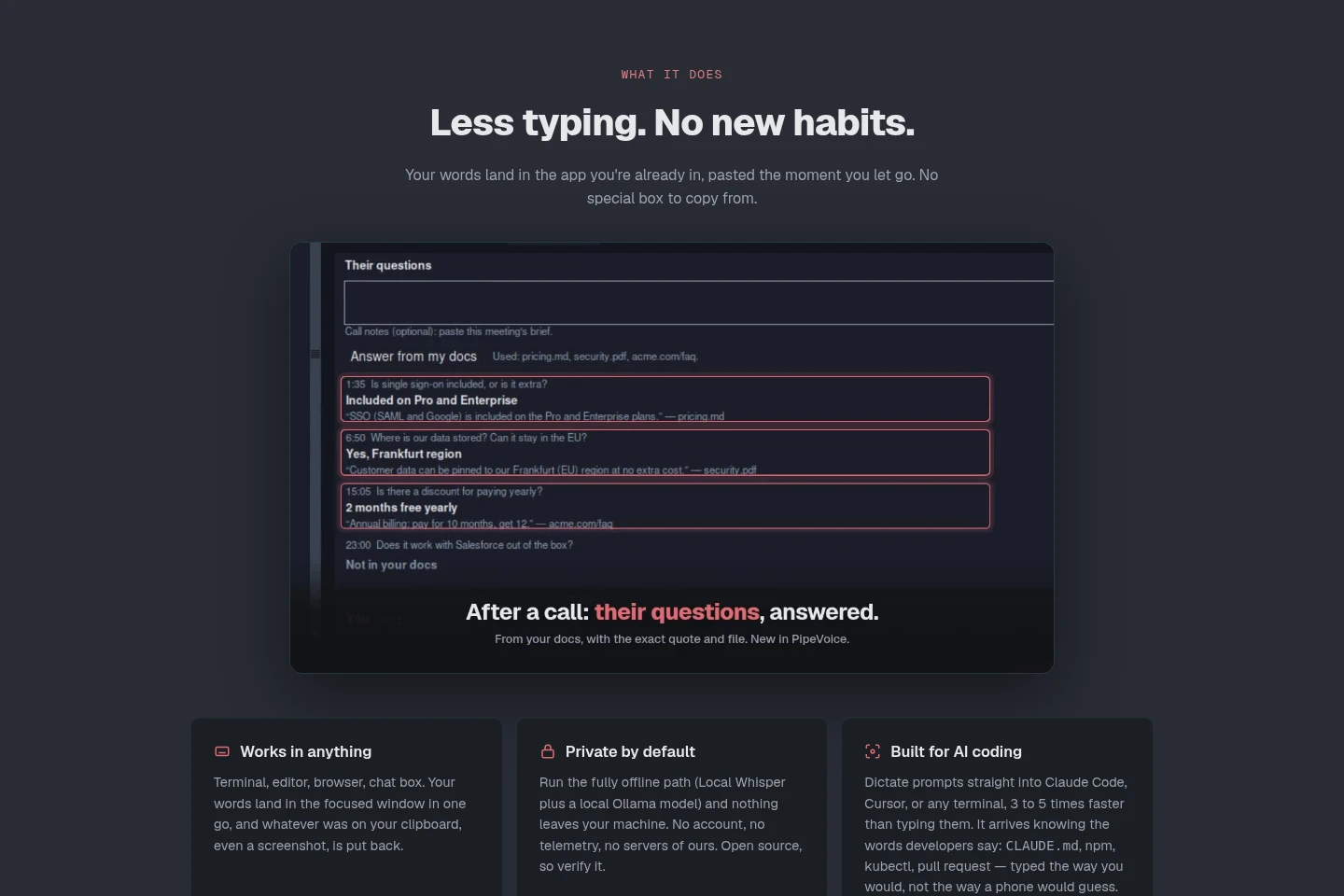
Captures microphone audio and computer audio as separate streams. This feature is presented for keeping the two sides of a call distinct.
Bug recording
Records a selected screen area while the user describes a problem by voice. Start it with a hotkey and drag a box around the issue.
Pricing
The core app is free, with no recurring PipeVoice charge stated for the available offering. Choose transcription and polishing providers based on whether you want free options, your own paid provider key, or fully local offline processing.
| Plan | Price | Included features and limits |
|---|---|---|
| Free | Free forever |
|
The site says users pay cloud providers directly when using their own keys. It describes managed-key Pro as coming later, not as currently available.
Use cases
Dictate text into Windows apps
When typing into a terminal, editor, browser, or chat is inconvenient, hold a hotkey and speak. PipeVoice transcribes the speech and places the text in the focused app, or copies it to the clipboard with a separate hotkey.
Read text visible on the screen
When text cannot be selected normally, such as in an image or locked PDF, use a hotkey to select the relevant region, window, or screen. Windows OCR recognizes the text and PipeVoice reads it aloud.
Record and describe a screen bug
When reporting an issue visible on screen, press a hotkey, select the area, and describe the problem. PipeVoice records the selected region along with the spoken explanation.
Limitations
The downloadable application is for Windows 10 and 11; the site says it does not run on phones.
Cloud transcription or polishing sends data to the provider selected by the user, rather than keeping that processing fully offline.
Deepgram and ElevenLabs read-aloud voices require the user's own provider key; Windows voices are included locally.
Who it is for
Windows users who want to dictate text into the apps they already use
People who need voice transcription and text polishing to run locally on their PC
Windows users who need on-screen text read aloud, including text they cannot select
FAQ
Does PipeVoice cost anything to use?
The core app is free. Users can run Local Whisper with Ollama offline, use free Gemini or OpenRouter options, or provide their own Groq or Deepgram key and pay that provider directly. A managed-key Pro plan is described as coming later.
Can PipeVoice work fully offline?
Yes. Pair Local Whisper for transcription with a local Ollama model for polishing. This setup needs no provider key or internet connection, and processing stays on the PC.
Can I read text aloud from an image or locked PDF?
Yes. Select a screen region, focused window, or whole screen with a hotkey; Windows OCR recognizes the text and PipeVoice reads it aloud. Windows voices run locally; cloud voices require a provider key.
Does PipeVoice run on phones?
No. The supplied product page identifies PipeVoice as a Windows app for Windows 10 and 11, not phones.
Comments