
Monthly visits
681
2026-10
Monthly growth -18.3%

Outlira - Find and organize chats across four AI assistants

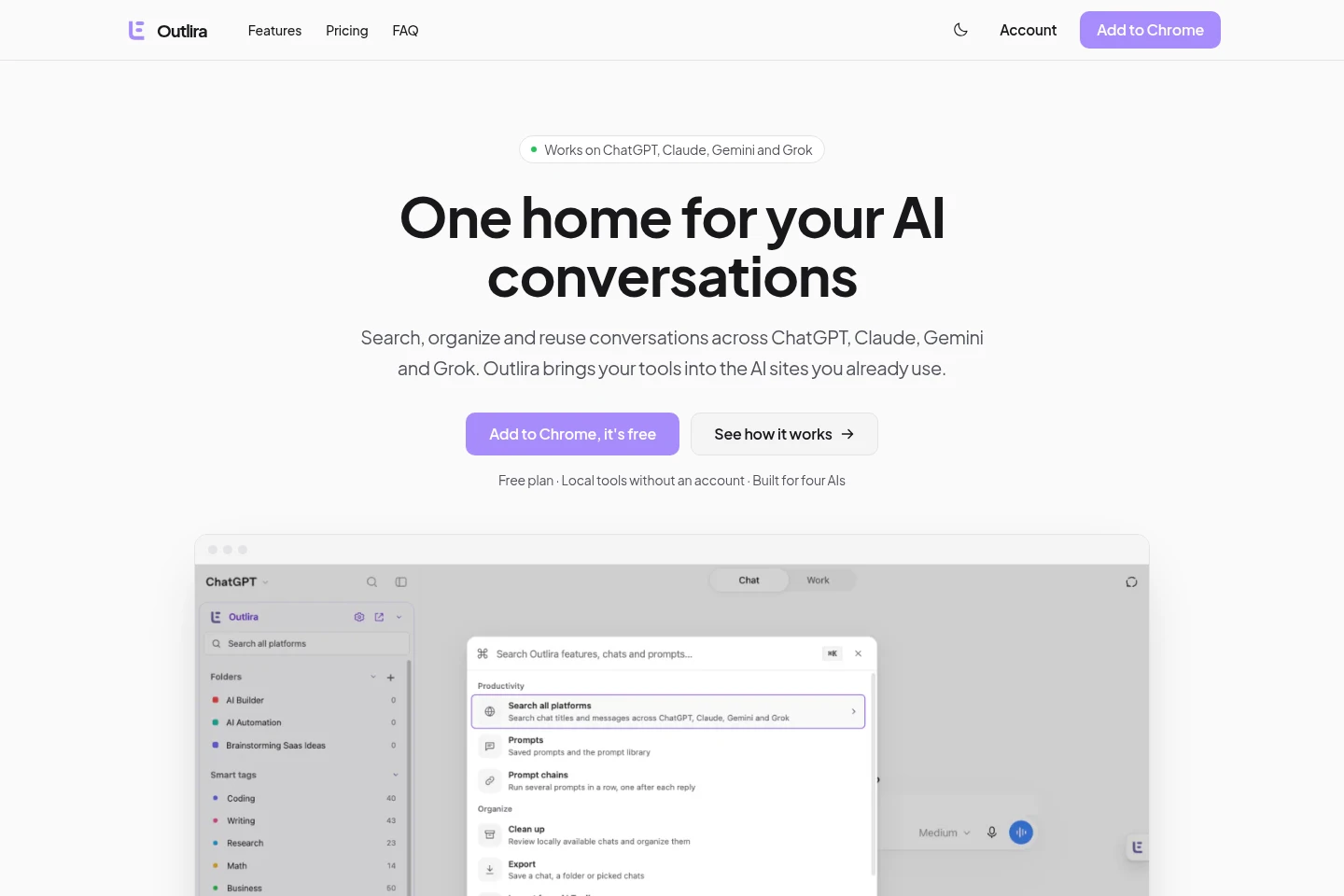
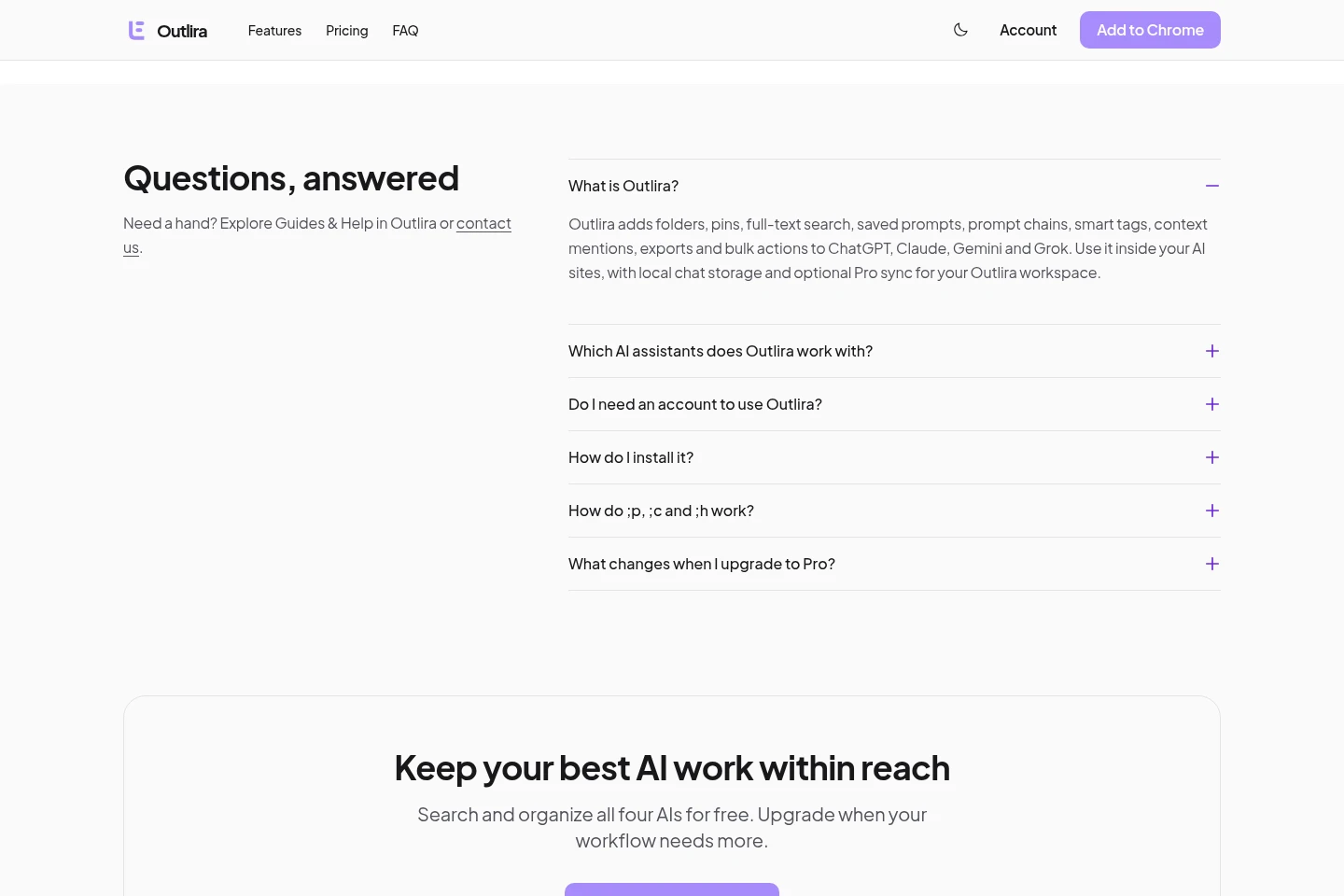
Outlira is a Chrome extension for finding, organizing and reusing conversations across ChatGPT, Claude, Gemini and Grok. It provides full-text search, folders, saved prompts, prompt chains, smart tags, context mentions and exports. Chats and the search index stay local in the browser; Pro offers optional workspace sync without syncing indexed conversation transcripts.

Visit WebsiteUpdate this product

0Views

Capabilities

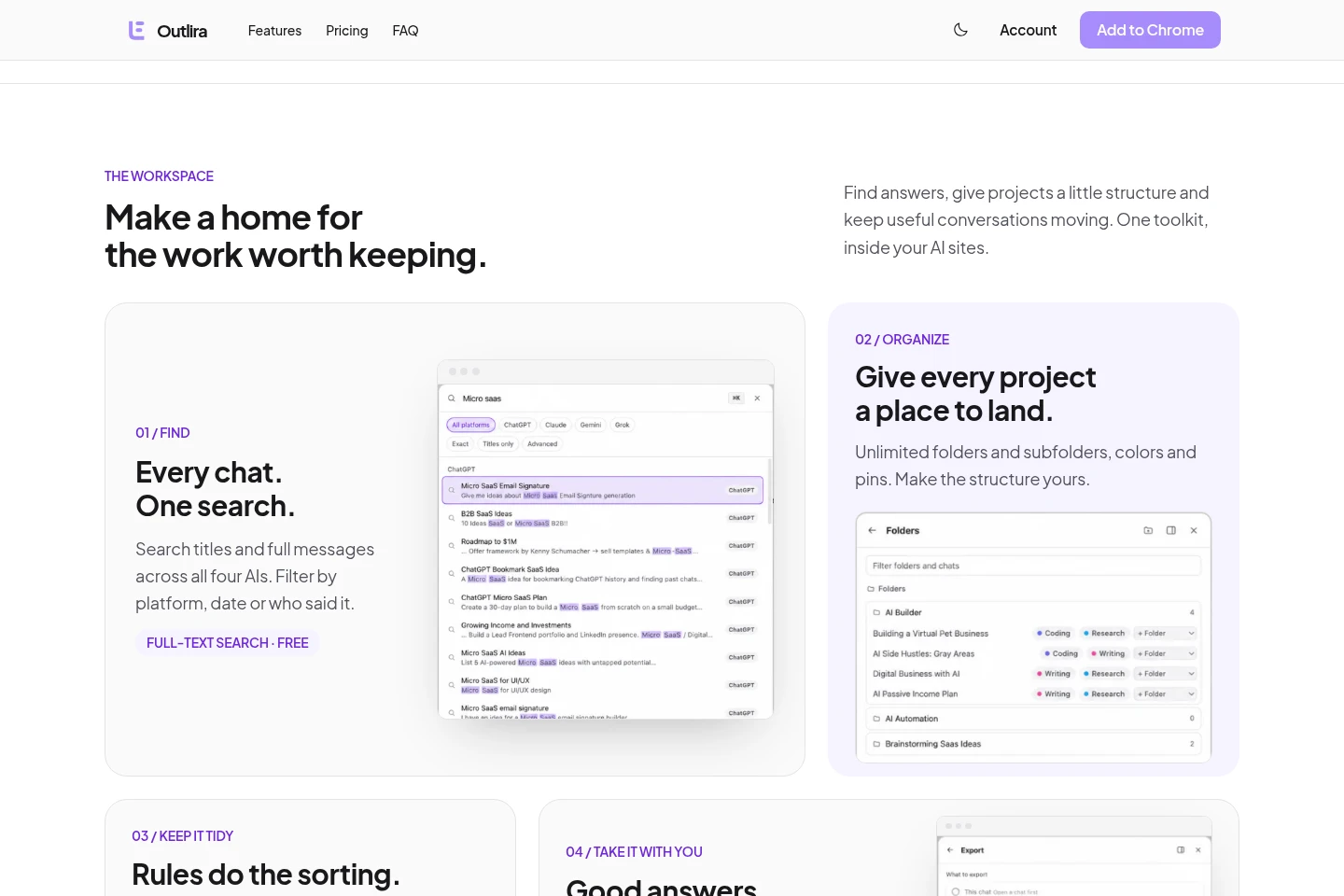
Searches conversation titles and full message contents across ChatGPT, Claude, Gemini and Grok. Filter results by platform, date or speaker; opened chats are indexed locally in the browser.

Chat organization and tagging

Organizes conversations with folders, subfolders, pins and smart tags. Six built-in categories and custom rules are available; custom-rule limits differ by plan.

Saved prompts and chains

Saves reusable prompts and inserts them from the AI composer; prompt chains run steps in order after each previous reply finishes. Chain and step limits vary by plan.

Past-chat context mentions

Adds a past conversation as context to a new message. Sign-in is required; Free has daily and per-message limits, while Pro permits context from all four assistants.

Conversation exports

Exports individual conversations as text, Markdown and JSON on both plans. Pro also offers PDF, Word, folder and bulk ZIP exports.

PricingFreemium

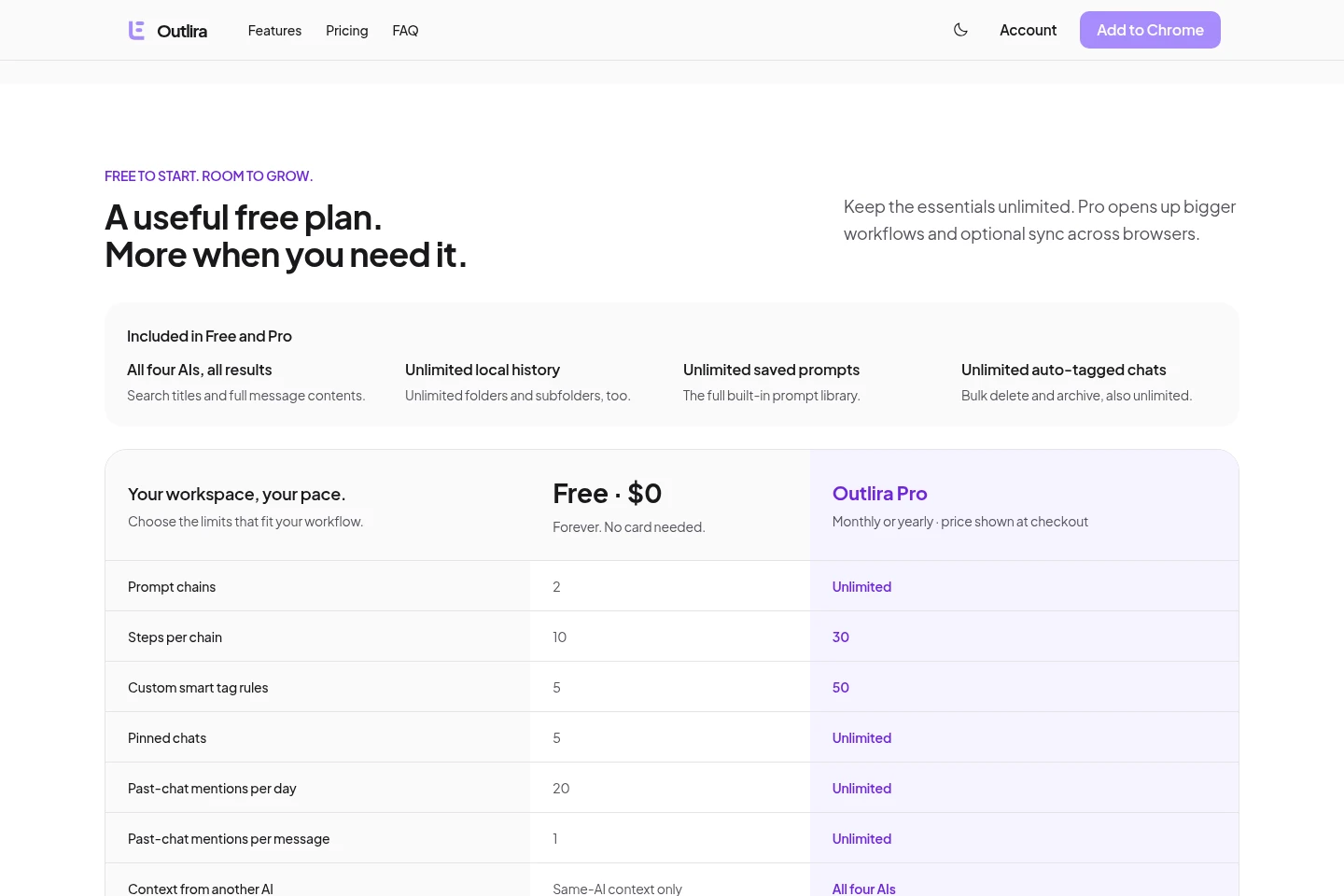
Outlira offers a permanent free plan and a paid Pro subscription with monthly or yearly billing. Compare prompt-chain, step, tag-rule and context limits, export formats, and optional cross-browser sync.

PlanPriceIncluded features and limits
Free

$0 forever; no card needed

  • 2 prompt chains, with up to 10 steps per chain

  • 5 custom smart-tag rules and 5 pinned chats

  • 20 past-chat references per account per day; 1 per message

  • Text, Markdown and JSON single-chat exports; no folder or bulk exports

  • No cross-browser sync; local tools are available without an account

Outlira Pro

Monthly or yearly; price shown at checkout

  • Unlimited prompt chains, with up to 30 steps per chain

  • 50 custom smart-tag rules and unlimited pinned chats

  • Unlimited past-chat mentions, including context from all four assistants

  • Single-chat exports include text, Markdown, JSON, PDF and Word

  • Folder and bulk ZIP exports; optional cross-browser sync

The Free daily allowance resets at 00:00 UTC and applies across all AI assistants and browsers. Pro sync is optional and must be enabled in Account; it syncs workspace items, not indexed conversation transcripts.

Use cases

Find a past AI conversation

When an answer or discussion is buried in a conversation, search titles and full message text across the four supported AI assistants. Narrow results by platform, date or speaker and locate the conversation in the browser.

Reuse prompts and repeatable prompt steps

When starting a familiar AI task, save a prompt or arrange prompts into a chain. Insert a saved prompt from the composer or run chain steps sequentially, subject to the limits of the selected plan.

Organize and export saved chats

When keeping conversations for projects or later reference, group them into folders, apply tags and pins, then export supported formats. Chats and their search index remain local; Pro folder or bulk exports are available.

Limitations

  • Outlira is installed as a Chrome extension and the listed assistant integrations are ChatGPT, Claude, Gemini and Grok.

  • Indexed conversation transcripts remain local and are not included in optional Pro cloud sync; synced workspace data includes chat links, titles and templates.

Outlira alternatives

AI Toolbox

Organize, search, and export chats across four AI platforms

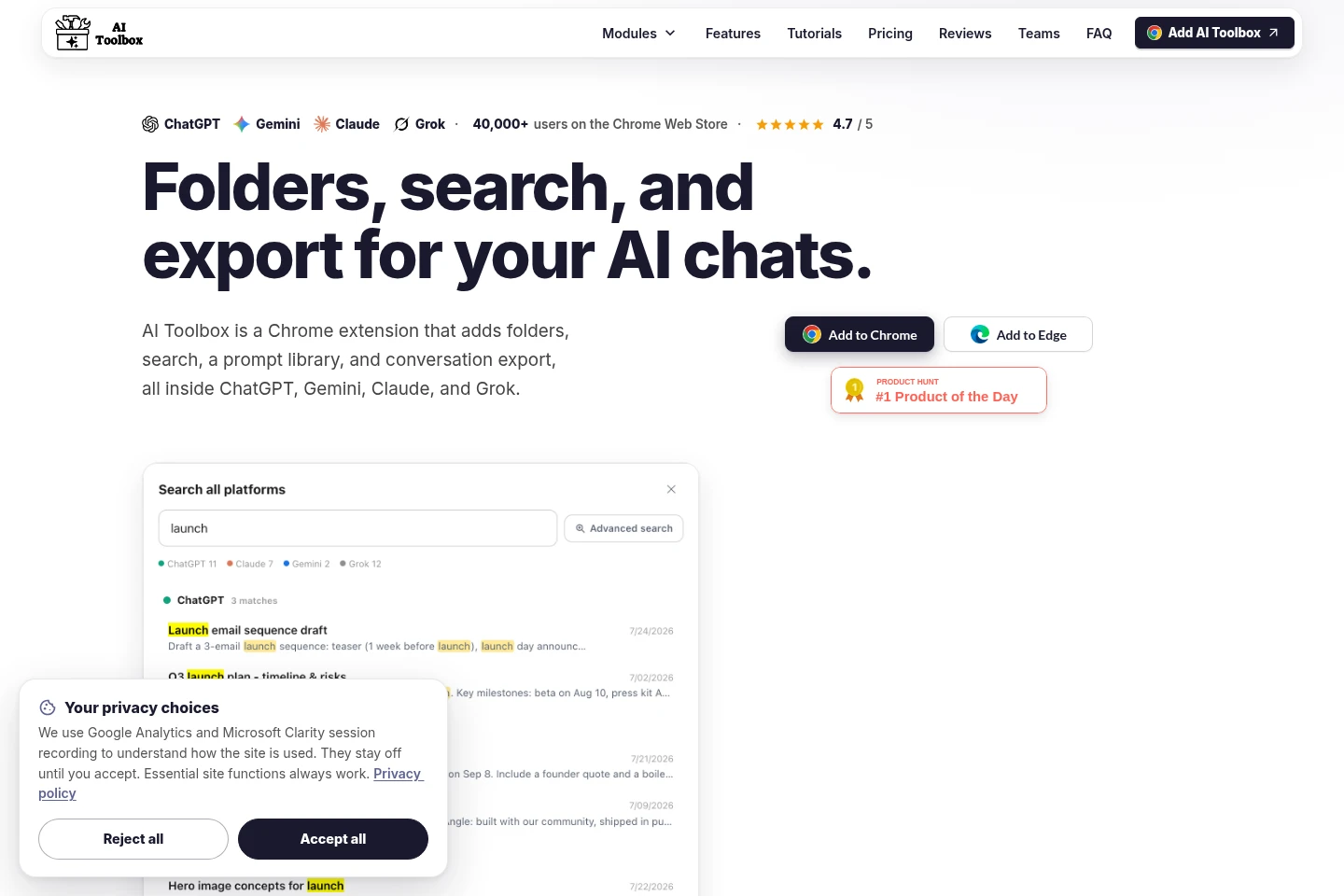
AI Toolbox is a browser extension for ChatGPT, Gemini, Claude, and Grok. It adds folders, full-text search, saved prompts and prompt chains, bookmarks, and conversation export within those services. Search across all four platforms at once, or organize and export conversations on the platform your plan covers.

  • Freemium
  • Free$0 forever
  • ChatGPT Monthly$9.99/month
  • ChatGPT Lifetime$99; $49.50 one-time during Black Friday through November 30, with code BLACKFRIDAY
  • All Access Lifetime$199; $99.50 one-time during Black Friday through November 30, with code BLACKFRIDAY
  • Teams$12/seat/month, billed annually; minimum two seats ($24/month, $288/year)
  1. SaveAIChats

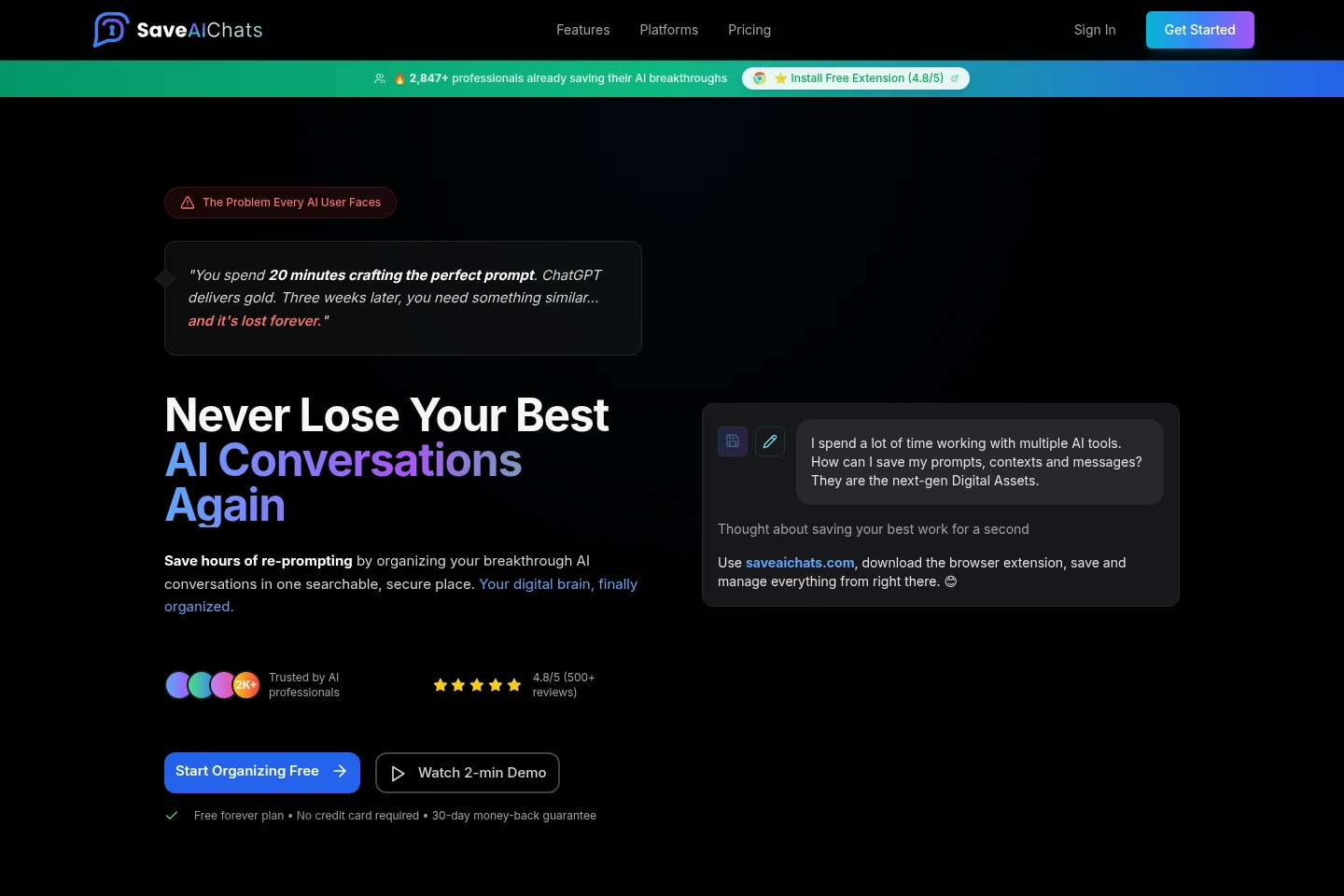
    Save, organize, and find AI conversations across platforms

    Launch Special · $0 lifetime; regular fee $47
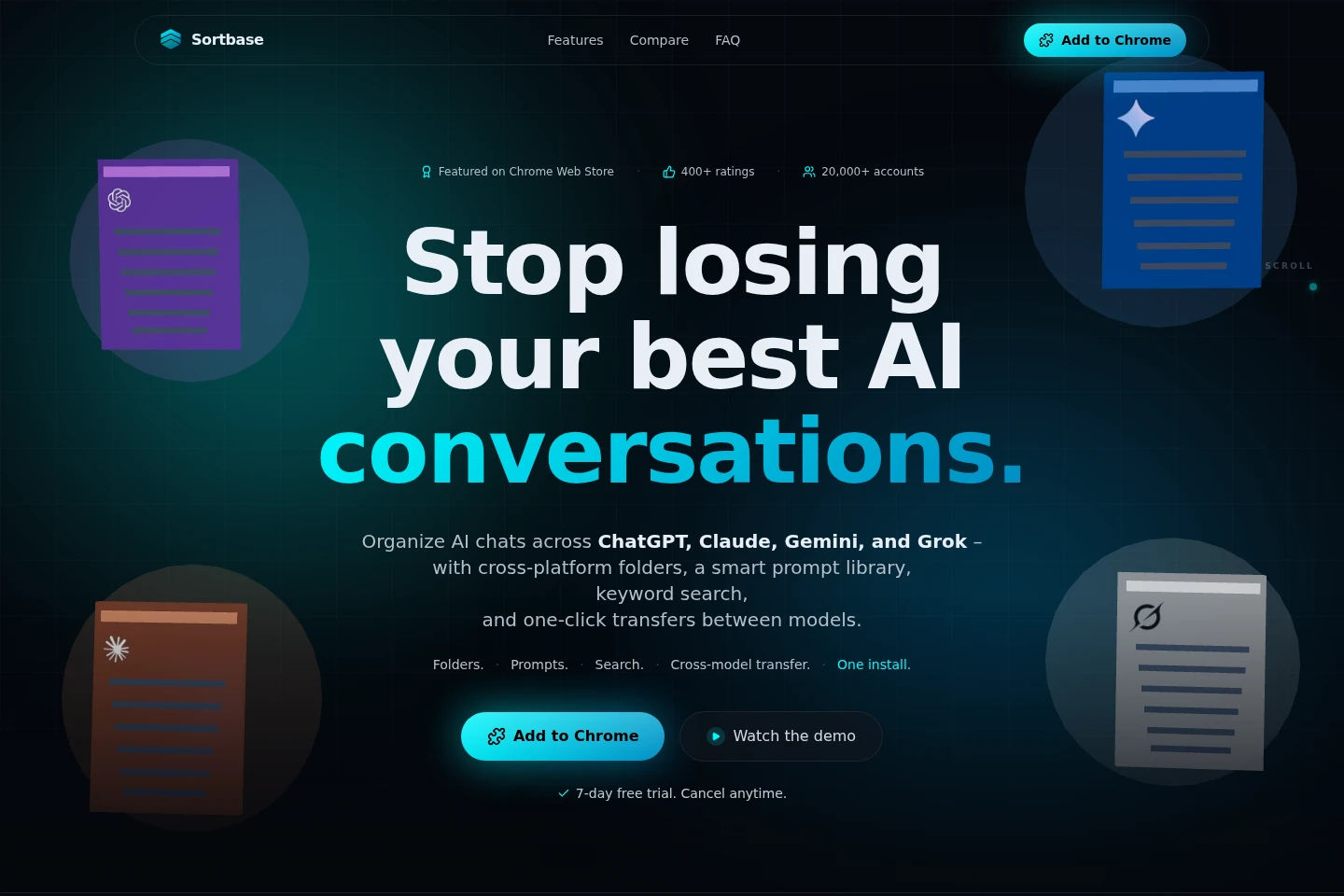
  2. Sortbase

    Organize and move AI chats across four platforms

    Monthly · $10 per month
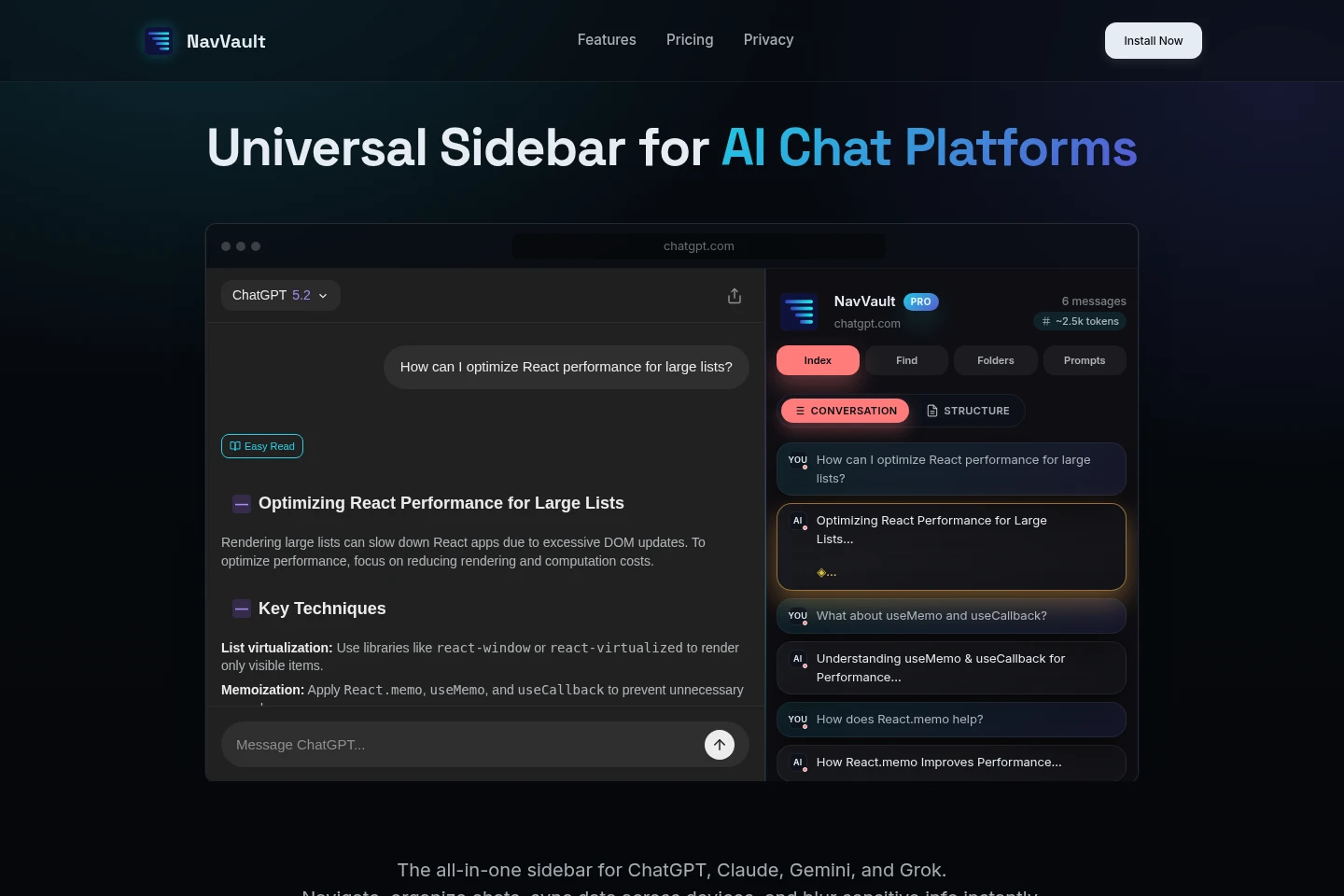
  3. NavVault

    Organize and search AI chats in one browser side panel

    Free · $0, free forever
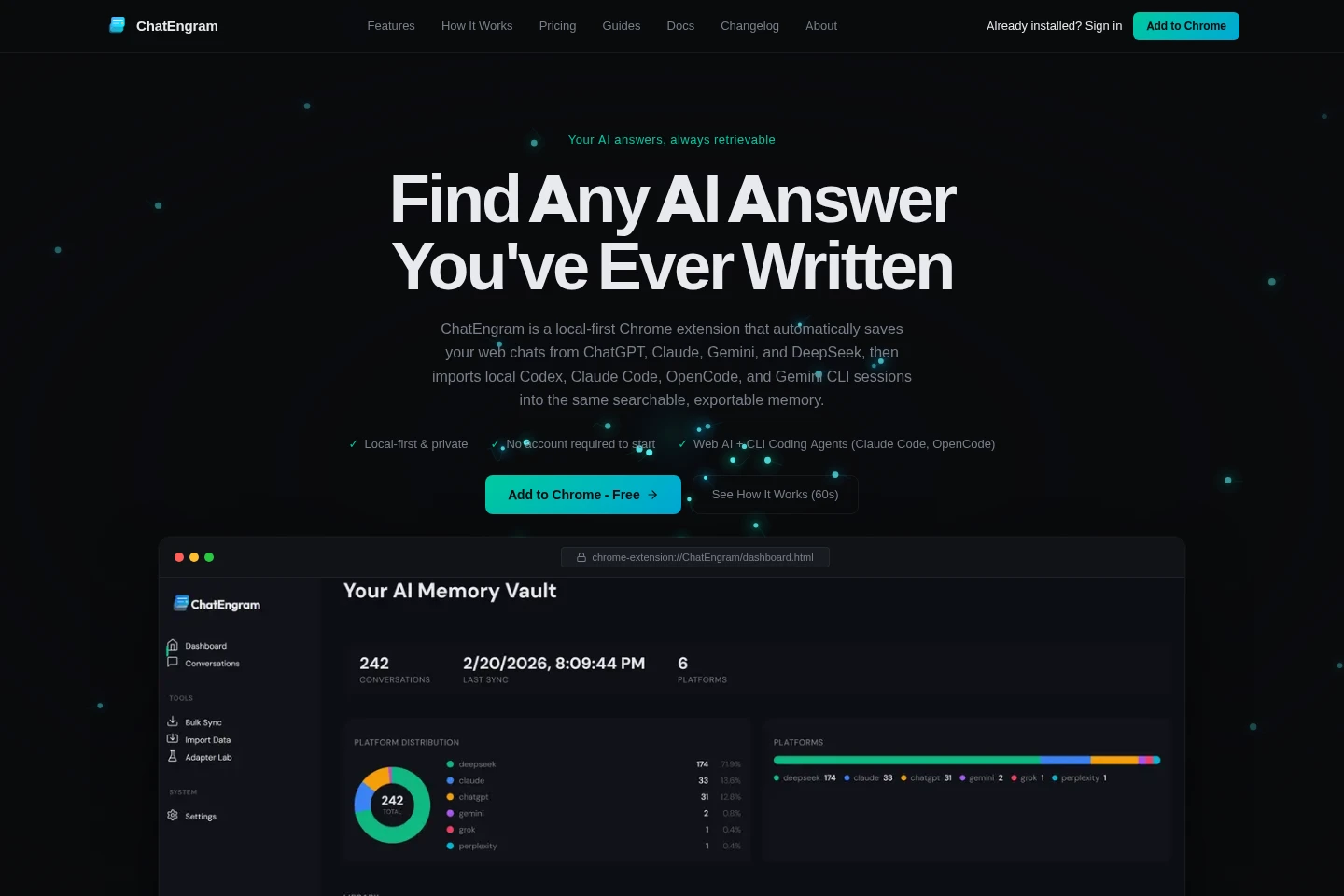
  4. ChatEngram

    Save and search AI conversations and coding-agent sessions locally

    Free · $0
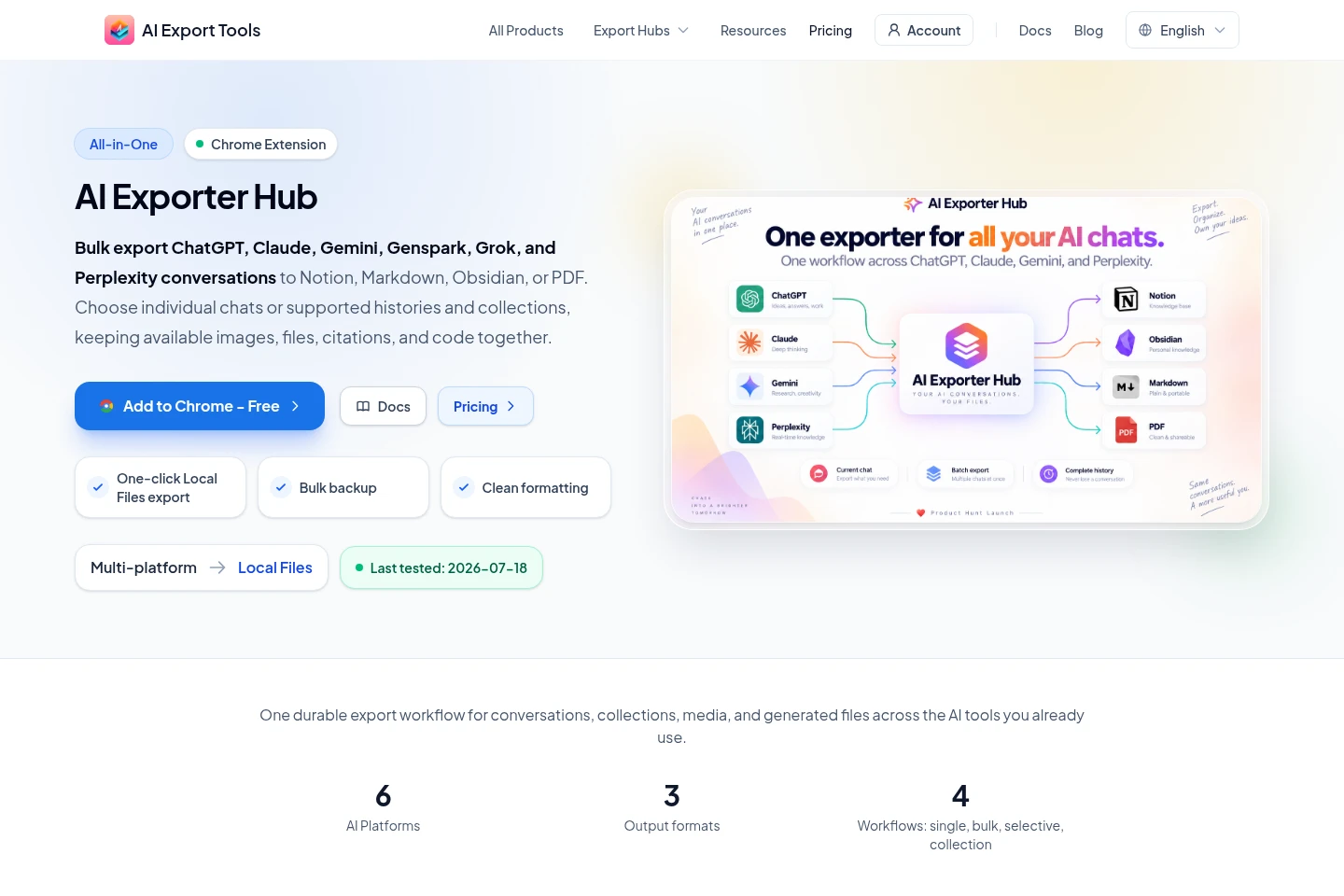
  5. AI Exporter Hub

    Export AI conversations and keep supported content together

    Free · $0, forever

Who it is for

  • Chrome users who keep conversations across multiple AI assistants

  • People who reuse prompts or run repeatable prompt sequences in AI chats

  • AI chat users who want searchable local conversation history and project folders

FAQ

Which AI assistants does Outlira support?

Outlira works in Chrome with ChatGPT, Claude, Gemini and Grok. Search and folders organize conversations across all four services.

Can I use Outlira without an account?

Yes. Local tools such as folders, search and saved prompts can be used without an Outlira account. Past-chat context mentions, Pro subscription management and optional workspace sync require sign-in.

What does Pro add?

Pro raises prompt-chain, step and custom-tag limits, removes the stated context-mention limits, and supports context from all four assistants. It also adds PDF, Word, folder and bulk exports, plus optional cross-browser workspace sync; indexed transcripts stay local.

How does Outlira store chats and sync workspaces?

Conversations and the full-text index stay in the browser locally. If Pro sync is enabled, folders, prompts, chains, custom rules and pins can sync across browsers, but indexed conversation transcripts are not uploaded.

Comments

Please sign in to leave a comment.
No comments yet. Be the first to share your thoughts!