

- Monthly visits
- 2,799
- 2026-09
- Monthly growth +489.3%
ChatEngram - Save and search AI conversations and coding-agent sessions locally
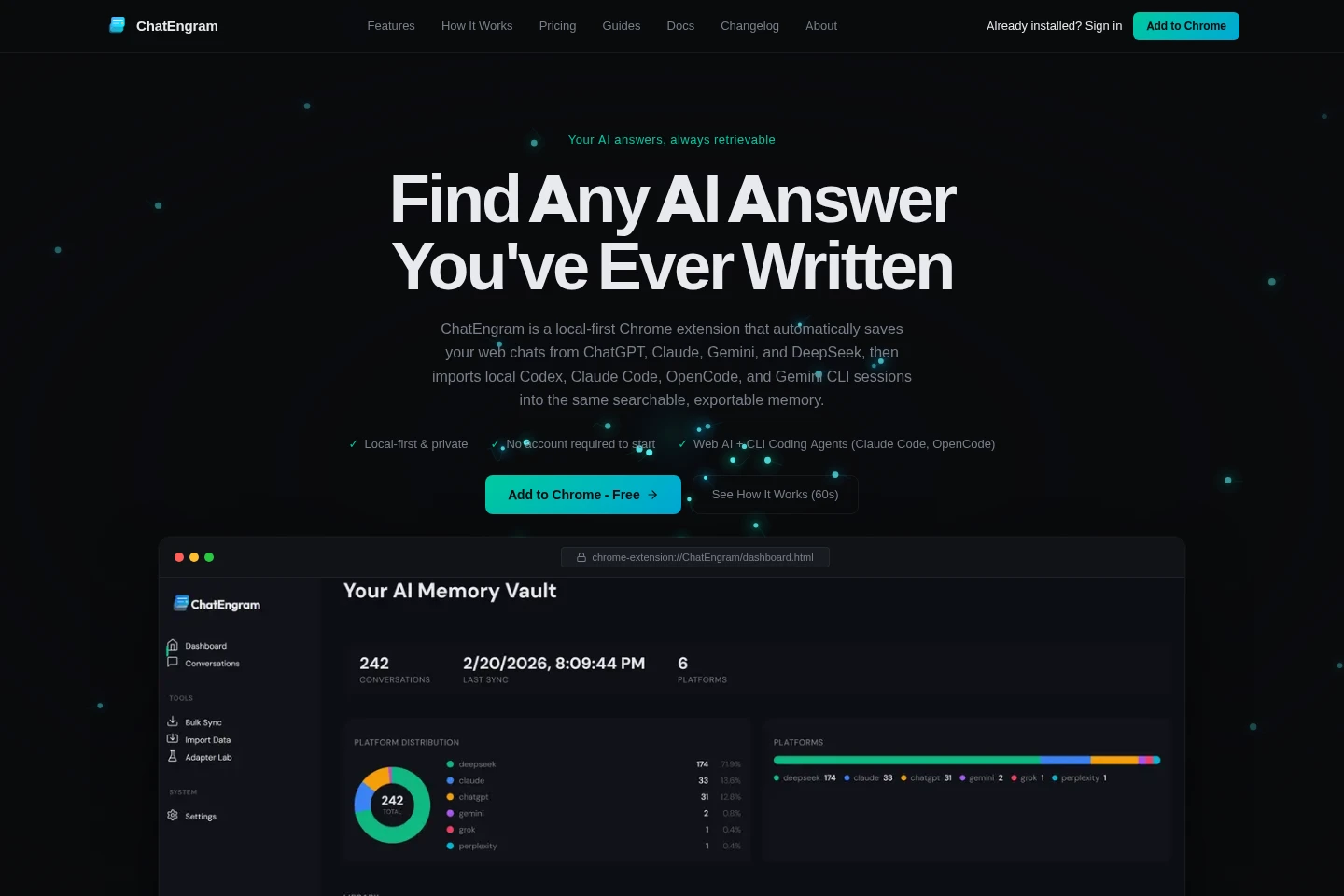
ChatEngram is a Chrome extension that captures conversations from supported AI websites and imports selected local coding-agent sessions. It indexes them for full-text search, then lets users export or optionally sync conversations to tools such as Obsidian and Notion. Data is stored locally by default; cloud sync is optional.
- AI Productivity
- AI Chat Organizers
- AI chat history search
- coding agent session manager
- AI conversation export
Capabilities
Automatic chat capture
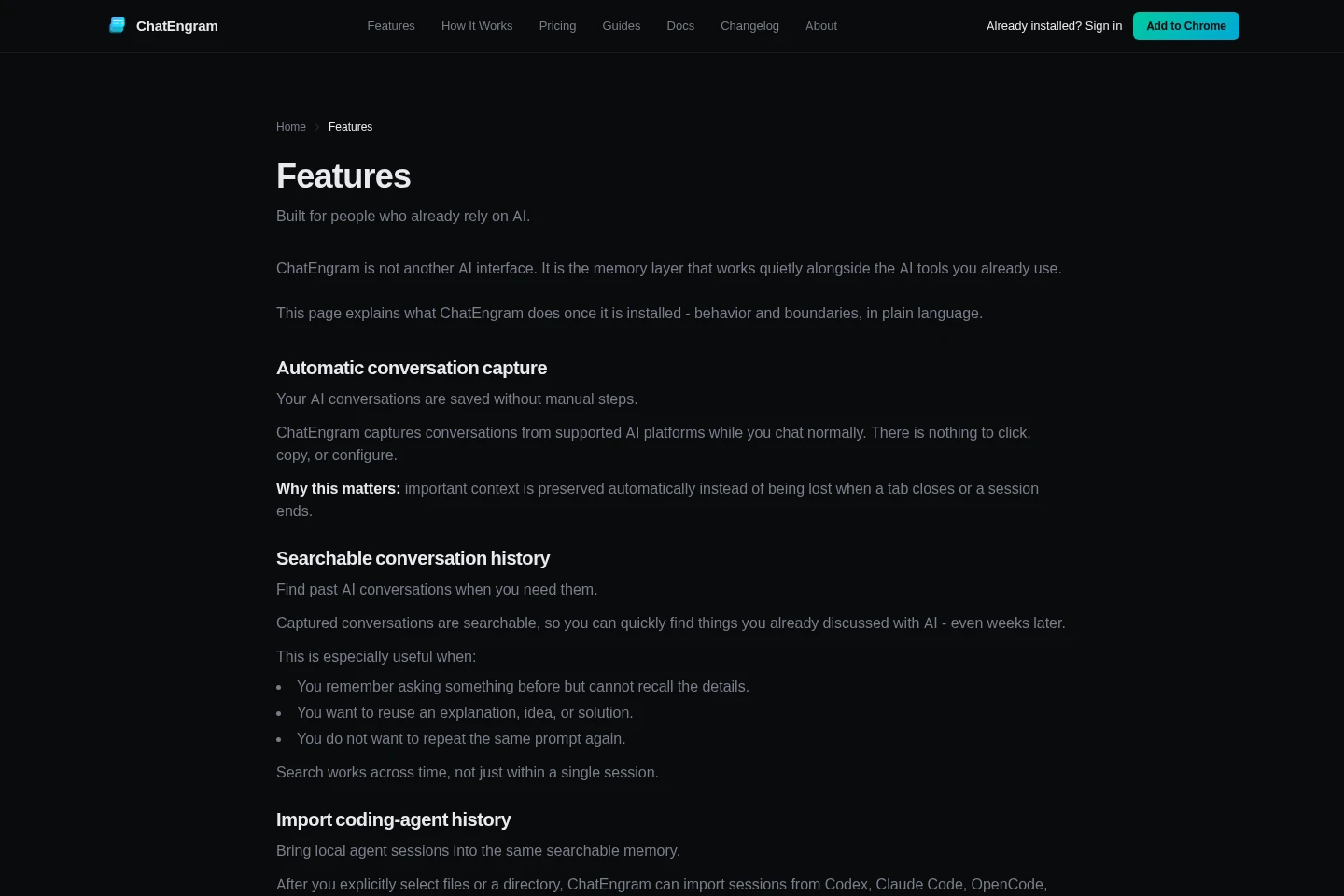
Automatically saves conversations while you use supported AI websites. Capture runs in the background without copy-pasting or manually exporting chats.
Coding-agent import
Imports selected local session files or directories into the searchable history. Supported agents include Codex, Claude Code, OpenCode, and Gemini CLI; imports are processed locally.
Full-text history search
Searches captured conversations and imported agent sessions using a local index. Pro adds global search across platforms; Free includes basic in-conversation search.
Export and integrations
Exports conversations and optionally syncs them to supported destinations. Pro includes batch export without a watermark, Notion sync, and local file sync.
Pricing
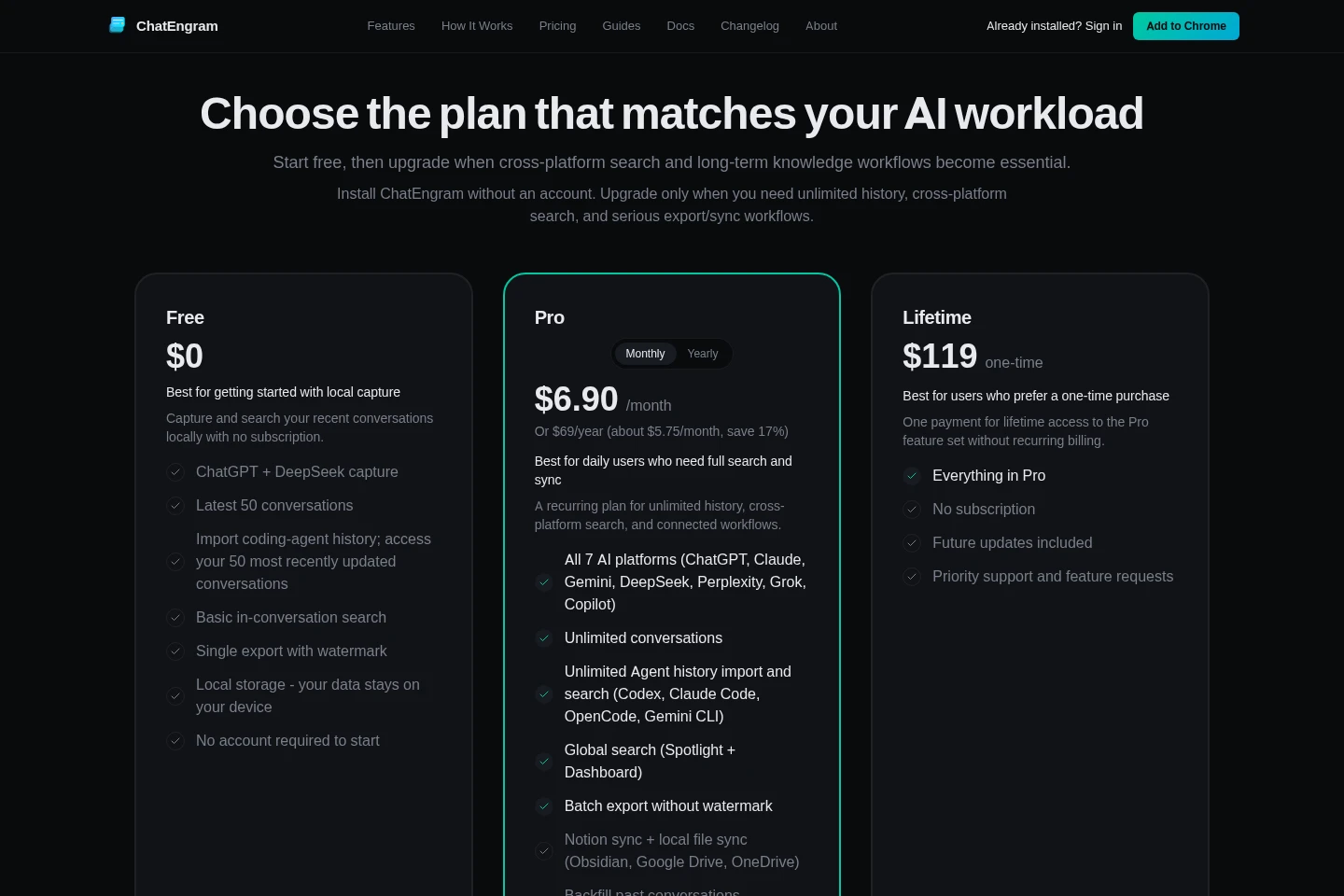
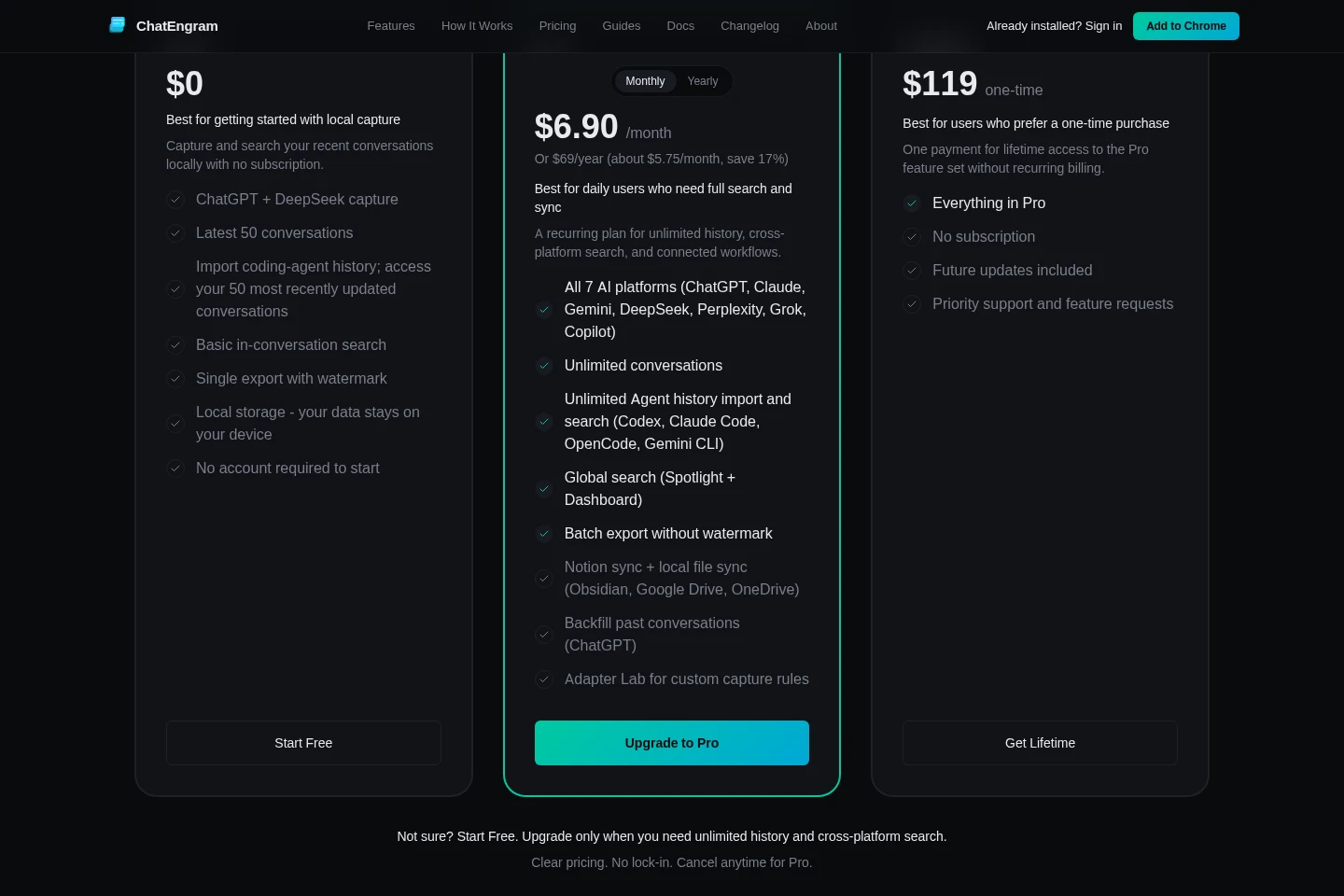
ChatEngram offers a free plan, recurring Pro billing, and a one-time Lifetime purchase. Compare platform access, conversation limits, search, export, integrations, and whether you prefer recurring or one-time payment.
| Plan | Price | Included features and limits |
|---|---|---|
| Free | $0 |
|
| Pro | $6.90/month or $69/year |
|
| Lifetime | $119 one-time |
|
The annual Pro payment is $69 per year, described as about $5.75 per month and a 17% saving. If an account receives a Pro trial, it lasts up to 14 days and then reverts to Free unless subscribed. China users unable to pay by card through Stripe Checkout can contact support to arrange Alipay or WeChat payment.
Use cases
Find an answer from an earlier AI chat
When a previous explanation or solution is hard to locate in an AI provider's own history, search ChatEngram's saved conversations. The local index lets users retrieve captured discussions across time.
Search past coding-agent sessions
When useful commands or decisions are buried in terminal-agent logs, select supported local session files or folders to import them. Search the imported history alongside captured web chats.
Export or sync AI conversations
When conversations need to be kept outside the browser, export them or configure an integration. Supported destinations include Obsidian, Notion, Google Drive, and OneDrive, with features varying by plan.
Limitations
Coding-agent history is imported only after users explicitly select files or a directory; the extension does not automatically scan the home directory.
Conversation content is stored locally by default; external services receive it only when users configure an integration or optional sync.
The Free plan captures ChatGPT and DeepSeek and limits access to the latest 50 conversations; other listed web platforms require Pro or Lifetime.
A Pro trial may be included after sign-in for up to 14 days; it is not guaranteed for every account.
Who it is for
People who use multiple AI assistants and want one searchable conversation history
Developers using local coding agents who need to revisit session logs and tool-call history
AI users who want to export or optionally sync conversations to their existing note and file tools
FAQ
Where does ChatEngram store conversation data?
Captured conversations are stored locally in the browser by default. Optional cloud sync is available when enabled in Pro, and configured integrations send content to the selected service.
Which AI platforms and agents can it capture or import?
The Free plan captures ChatGPT and DeepSeek. Pro and Lifetime include seven web platforms: ChatGPT, Claude, Gemini, DeepSeek, Perplexity, Grok, and Copilot; local imports support Codex, Claude Code, OpenCode, and Gemini CLI.
Do I need an account to start?
No. Core capture works without an account, and the Free plan does not require one to start. Signing in may provide an account with a Pro trial of up to 14 days.
What happens when a Pro trial ends?
If an account receives a Pro trial, it switches back to the Free plan when the trial ends unless the user subscribes.
Can ChatEngram automatically scan coding-agent folders?
No. Users must explicitly select session files or a directory to import; the extension does not automatically scan the home directory.
Comments