Monthly visits
30,666
2026-10
Monthly growth +1,451.1%

Nsketch AI - Generate and edit AI images, videos, and voice content

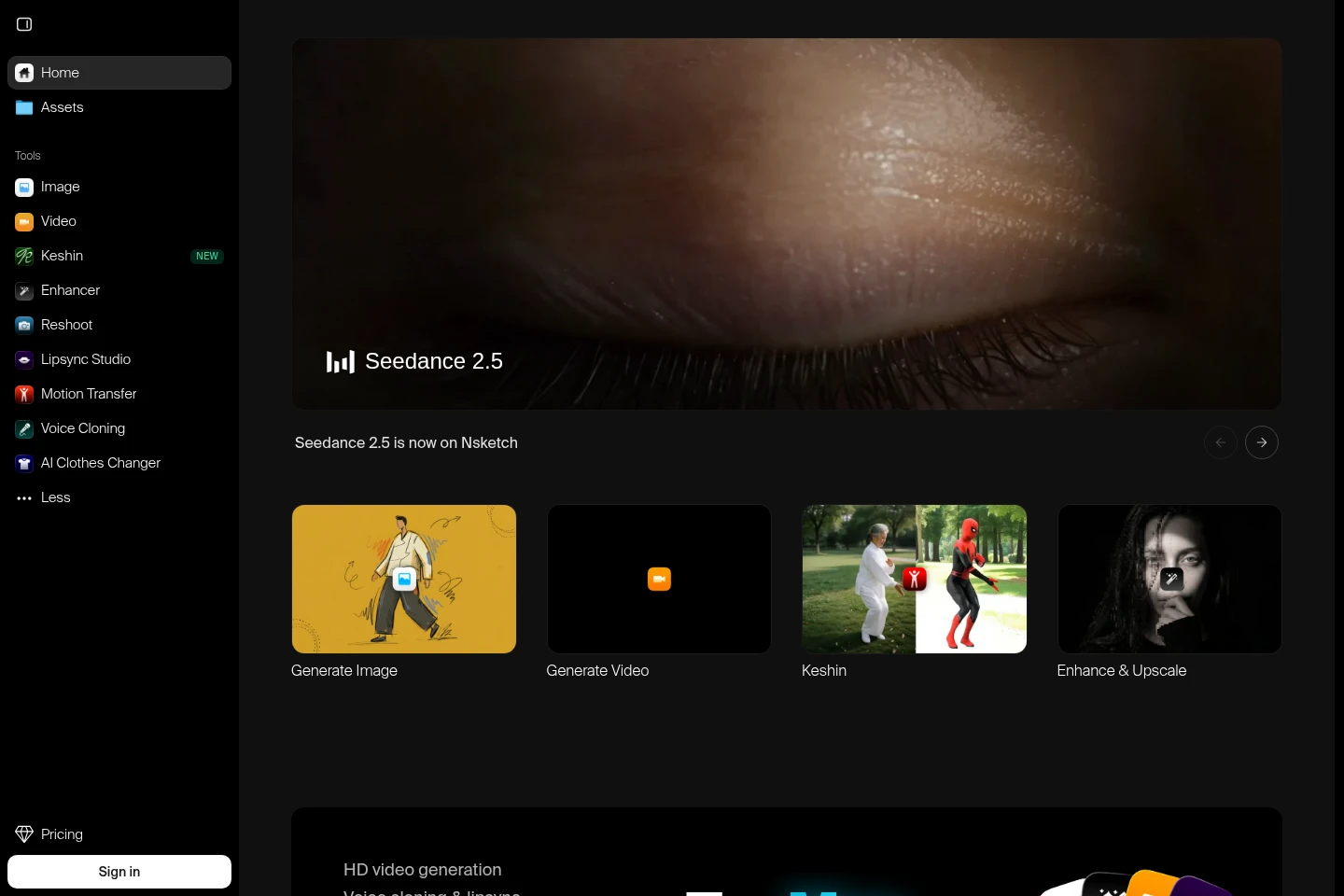
Nsketch AI is a web-based creative studio for generating images and videos with AI models. It also offers image editing and enhancement, video tools such as motion transfer and lipsync, text-to-speech and voice cloning, and ready-made Keshin templates. Plans use monthly credits, with optional one-time credit packs.

Visit WebsiteUpdate this product

0Views

Capabilities

AI image generation

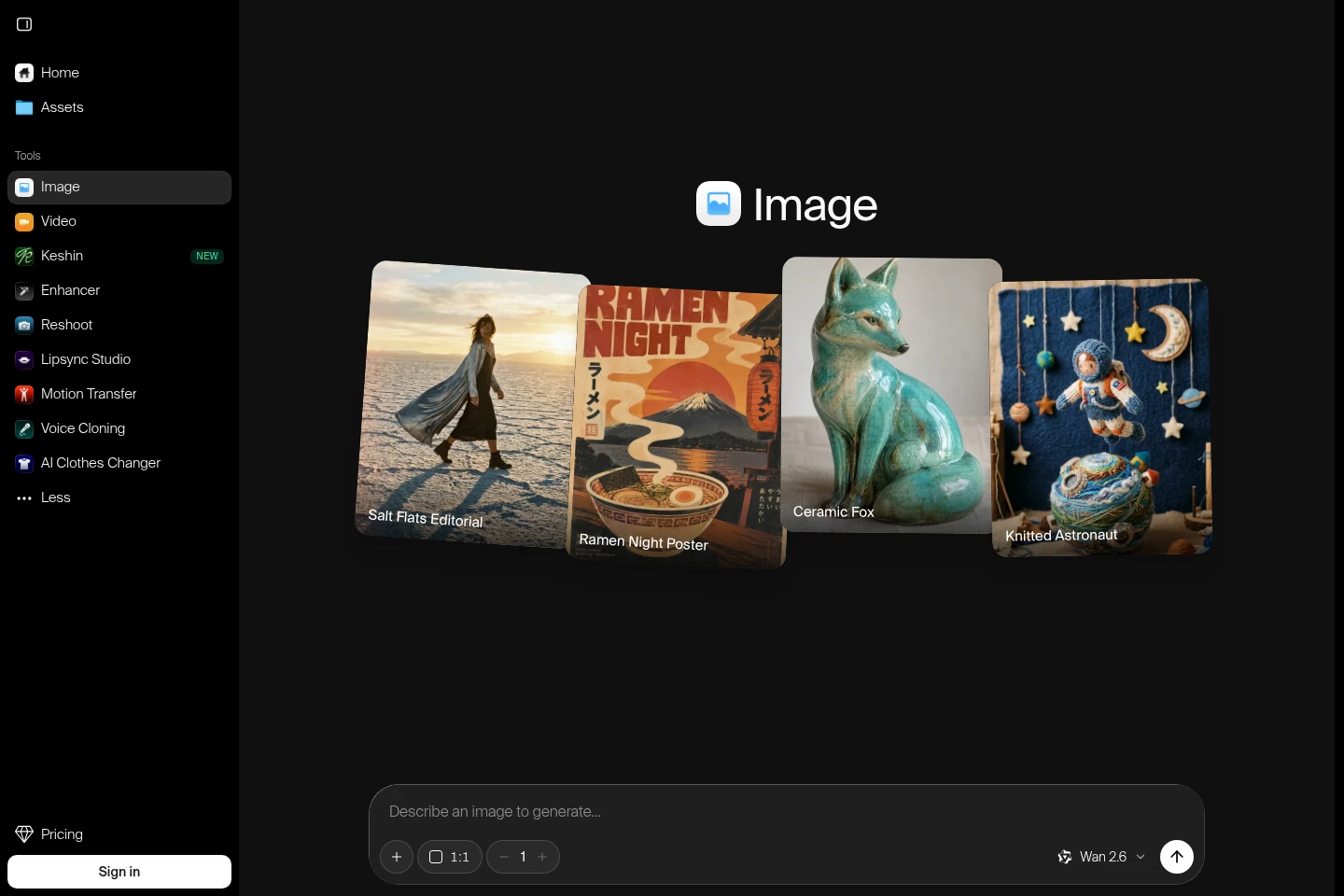
Generate images from text prompts using selectable AI models and settings. The image tool exposes aspect ratio and resolution options, while the credit cost depends on the selected model and settings.

AI video generation

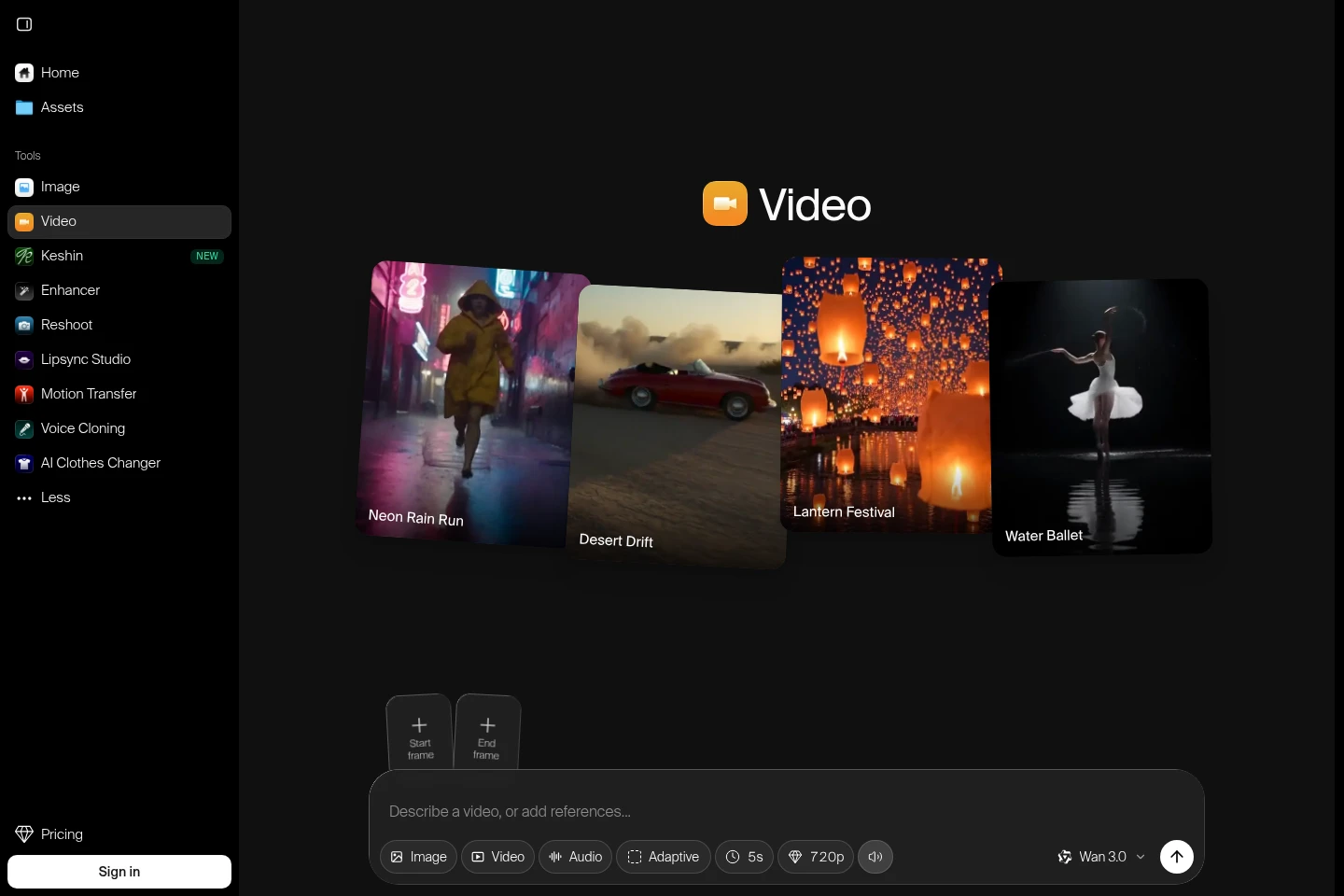
Create videos from text or images with available AI models. Settings include duration and resolution, and some video-edit workflows use reference clips; credit use varies with the model and configuration.

Image editing and enhancement

Edit and upscale images through the available image tools. Enhancement options include 2K, 4K, and 8K outputs, with the applicable credit use depending on the chosen operation.

Text-to-speech and voice cloning

Generate speech and use voice-cloning tools. Subscription plans specify included TTS or voice-cloning time, and the available allowance differs by plan.

Lipsync and motion transfer

Use dedicated tools for lipsync and motion transfer. The pricing comparison lists these as separate tools with model-specific usage allowances.

Keshin templates

Create trend-style content using ready-made Keshin templates. The site lists templates for video trends, sports, dance, and other themes.


PricingFreemium

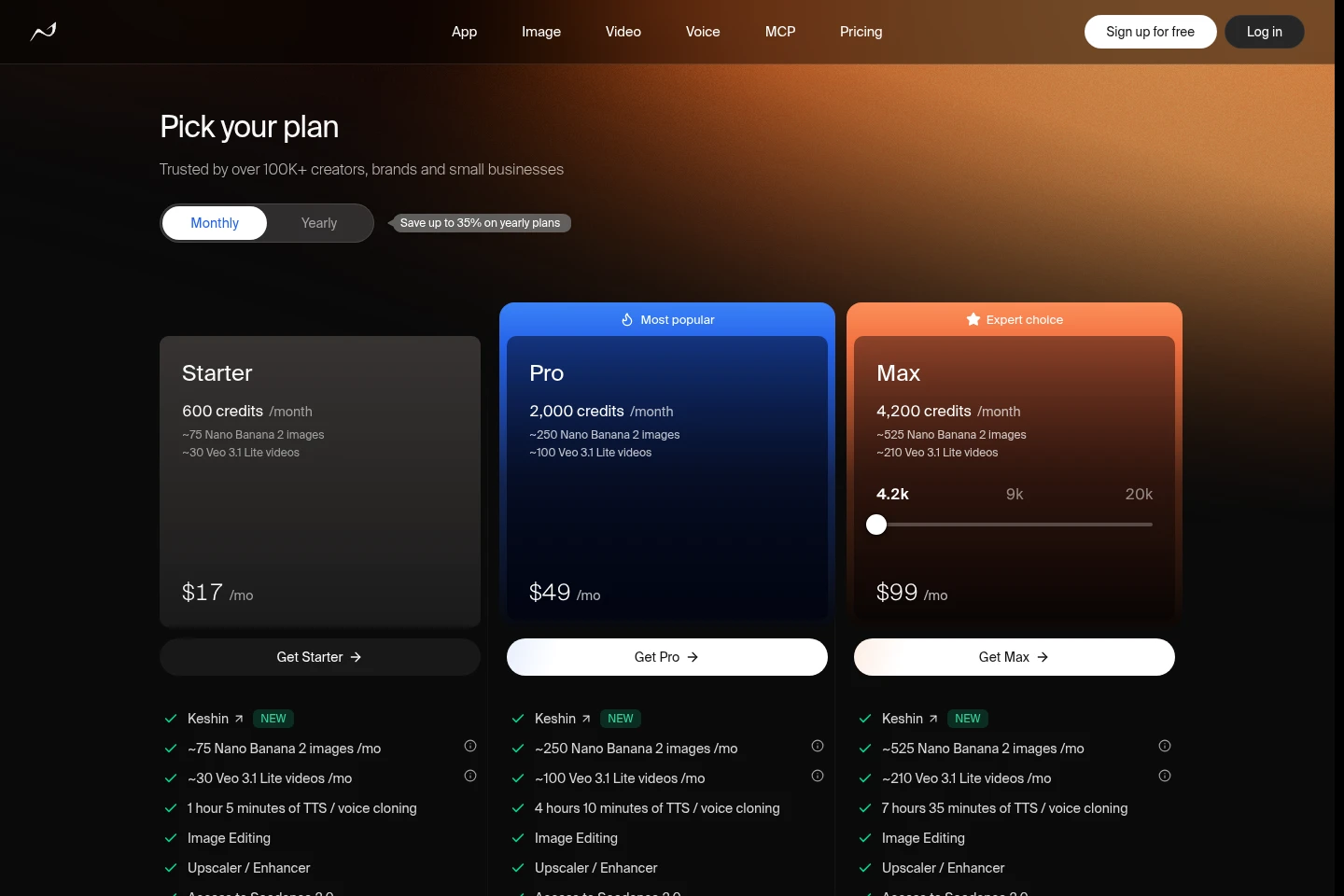
Nsketch AI offers a free tier and paid recurring plans, with monthly or yearly billing options. Compare monthly credits, included generation allowances, concurrent generations, queue priority, and Max's available credit sizes.

PlanPriceIncluded features and limits
Starter

$17/mo

  • 600 credits per month

  • About 75 Nano Banana 2 images or 30 Veo 3.1 Lite videos

  • 2 concurrent generations

  • Standard queue priority

  • Includes commercial use

Pro

$49/mo

  • 2,000 credits per month

  • About 250 Nano Banana 2 images or 100 Veo 3.1 Lite videos

  • 6 concurrent generations

  • Fast queue priority

  • Includes commercial use

Max

$99/mo; 4,200 credits/month shown

  • 4,200 credits per month shown; FAQ also lists 9,000 and 20,000 credit sizes

  • About 525 Nano Banana 2 images or 210 Veo 3.1 Lite videos at the 4,200-credit size

  • 8 concurrent generations

  • Fastest queue priority

  • Includes commercial use

Mini Pack

One-time purchase; price not stated

  • 90 credits

  • Credits are added immediately

  • Credits never expire

  • Subscription required

Starter Pack

One-time purchase; price not stated

  • 250 credits

  • Credits are added immediately

  • Credits never expire

  • Subscription required

Pro Pack

One-time purchase; price not stated

  • 900 credits

  • Credits are added immediately

  • Credits never expire

  • Subscription required

Mega Pack

One-time purchase; price not stated

  • 3,000 credits

  • Credits are added immediately

  • Credits never expire

  • Subscription required

The pricing page offers monthly and yearly billing and says yearly plans save up to 35%. The displayed subscription amounts are monthly prices; yearly prices are not specified in the supplied page text. Subscription credits reset each billing cycle.

Use cases

Create images from text prompts

When a user needs a generated visual, they can enter a prompt in the Image tool, choose available model and output settings, and submit a generation. The resulting image is available as an account asset.

Generate videos from text or images

When a user needs a short video, they can use the Video tool with text or image inputs and select model settings such as duration and resolution. Credit use is based on the selected model and configuration.

Enhance or upscale images

When an existing image needs editing or a higher-resolution output, users can open the enhancement tools and choose an available operation, including 2K, 4K, or 8K enhancement. The operation uses credits.

Make template-based trend content

When a user wants to make content based on a listed trend, they can choose a Keshin template and use it to create the associated content. The homepage lists templates across several themes.

Limitations

  • Subscription credits reset at each billing cycle and do not roll over; credits from one-time packs do not expire.

  • Generation totals shown in the comparison table use each model's lowest-cost available configuration; actual usage varies with settings and reference media.

  • Seedance video-edit requests count both the reference clip and output duration toward usage.

  • Max is offered in three monthly credit sizes: 4,200, 9,000, or 20,000 credits.

  • One-time credit packs require an active subscription.

Alternatives

Krea AI

Generate, edit, and enhance images and videos with AI

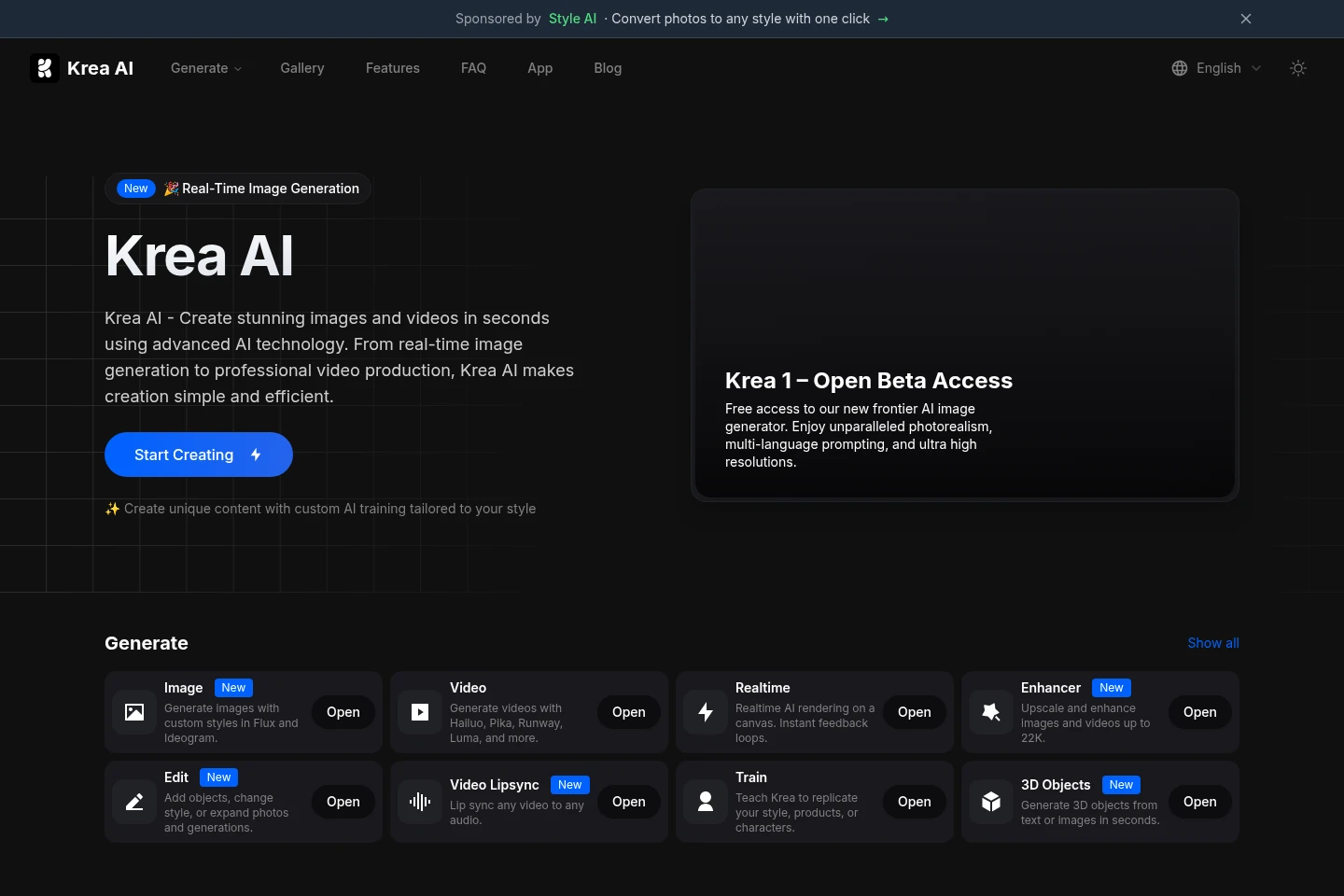
Krea AI is an AI-powered creative tool for generating, editing, and enhancing images and videos. Users can create images from text prompts or sketches, generate videos from text or images, make changes on a real-time canvas, and train models on sample images to reproduce a style. Image and video enhancement tools upscale visual content.

  • Cloud
  • Freemium
  1. Xelta AI

    Create AI images, videos, audio, and creative campaigns

    Flexible Pay As You Go · $6 or $12
  2. AISnapEdit

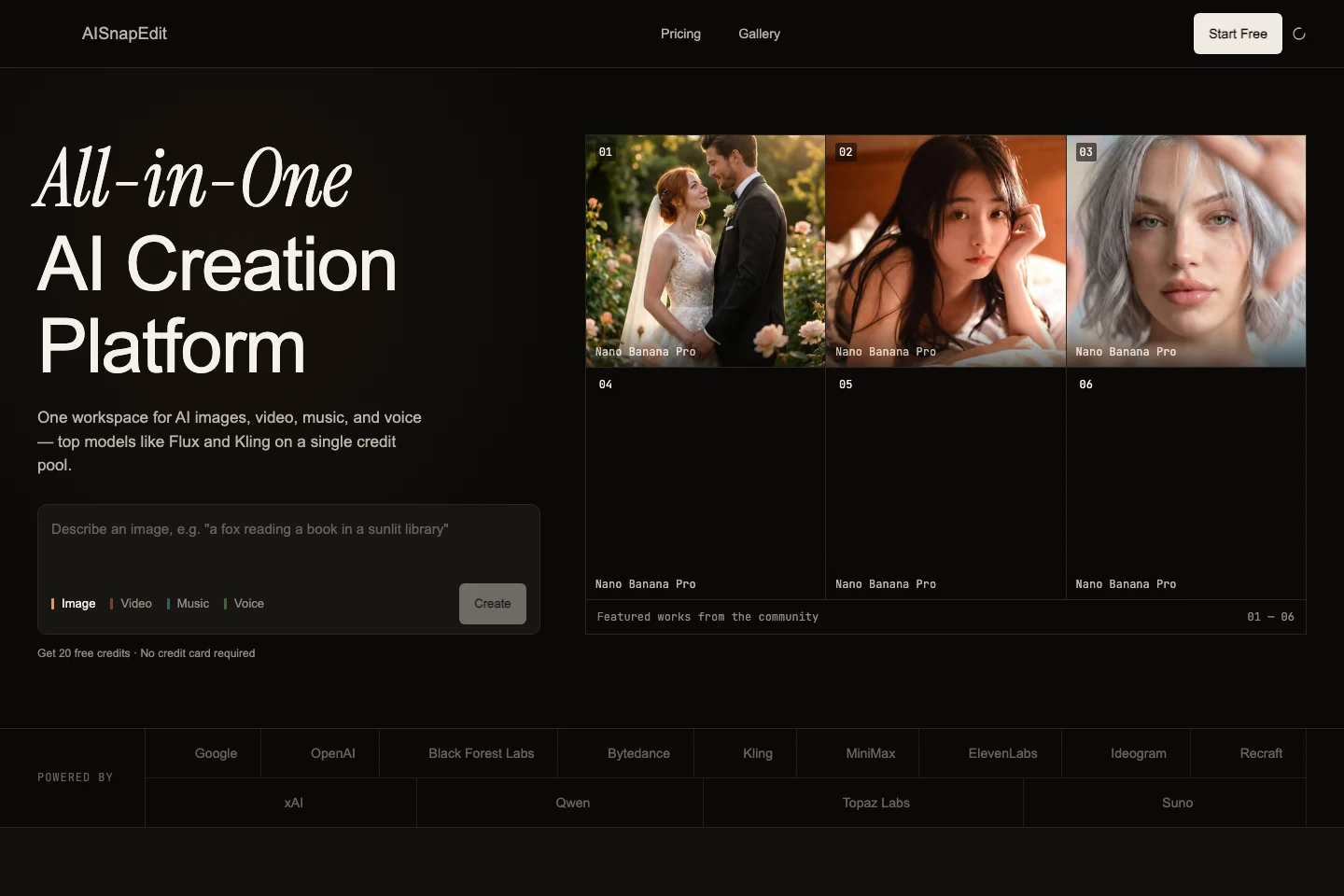
    All-in-one AI creation studio for images video and music

    Freemium
  3. Laike AI

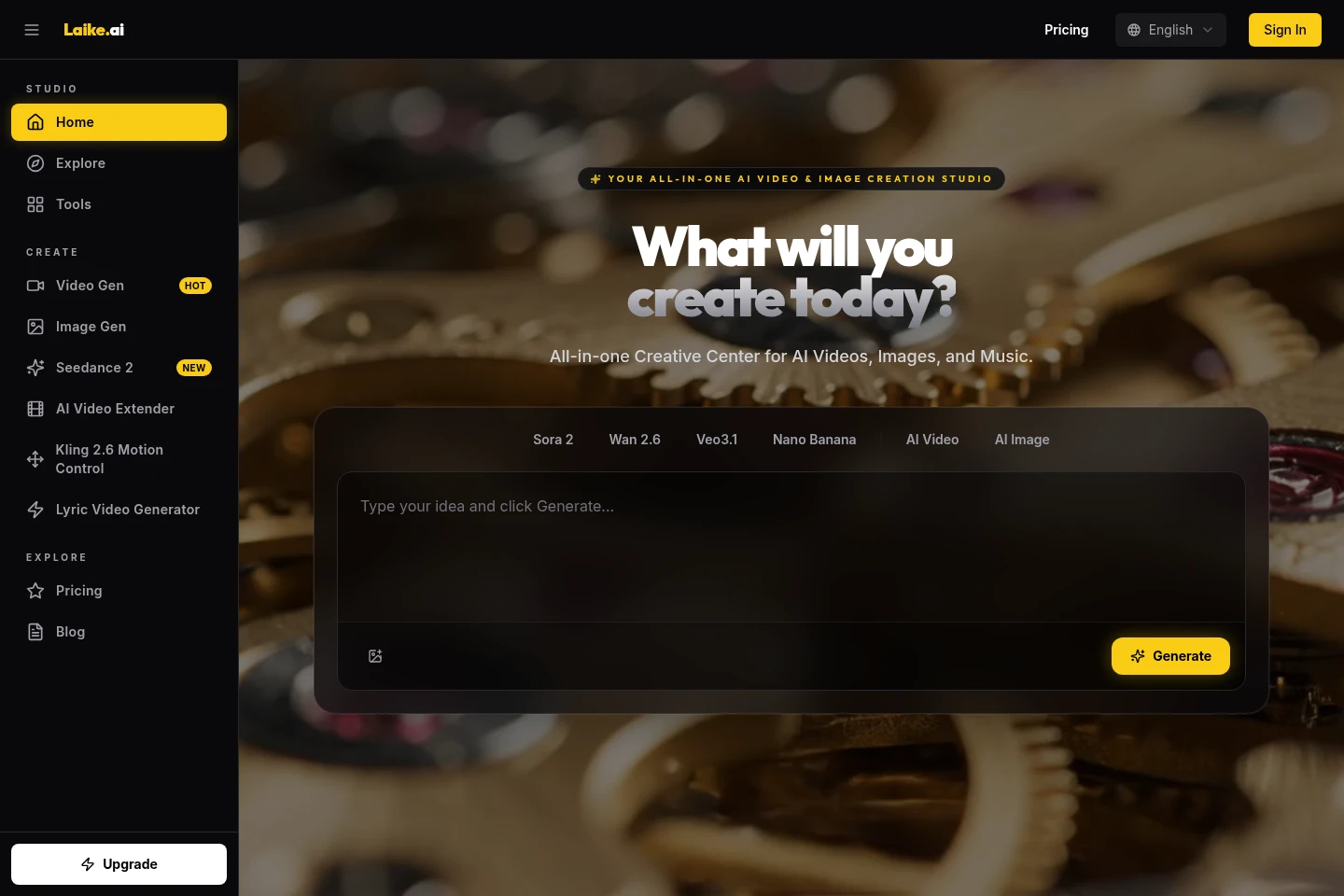
    Generate and transform AI videos and images in one studio

    Pro · Pro: $19.90/month, billed yearly; listed regular price $39.90
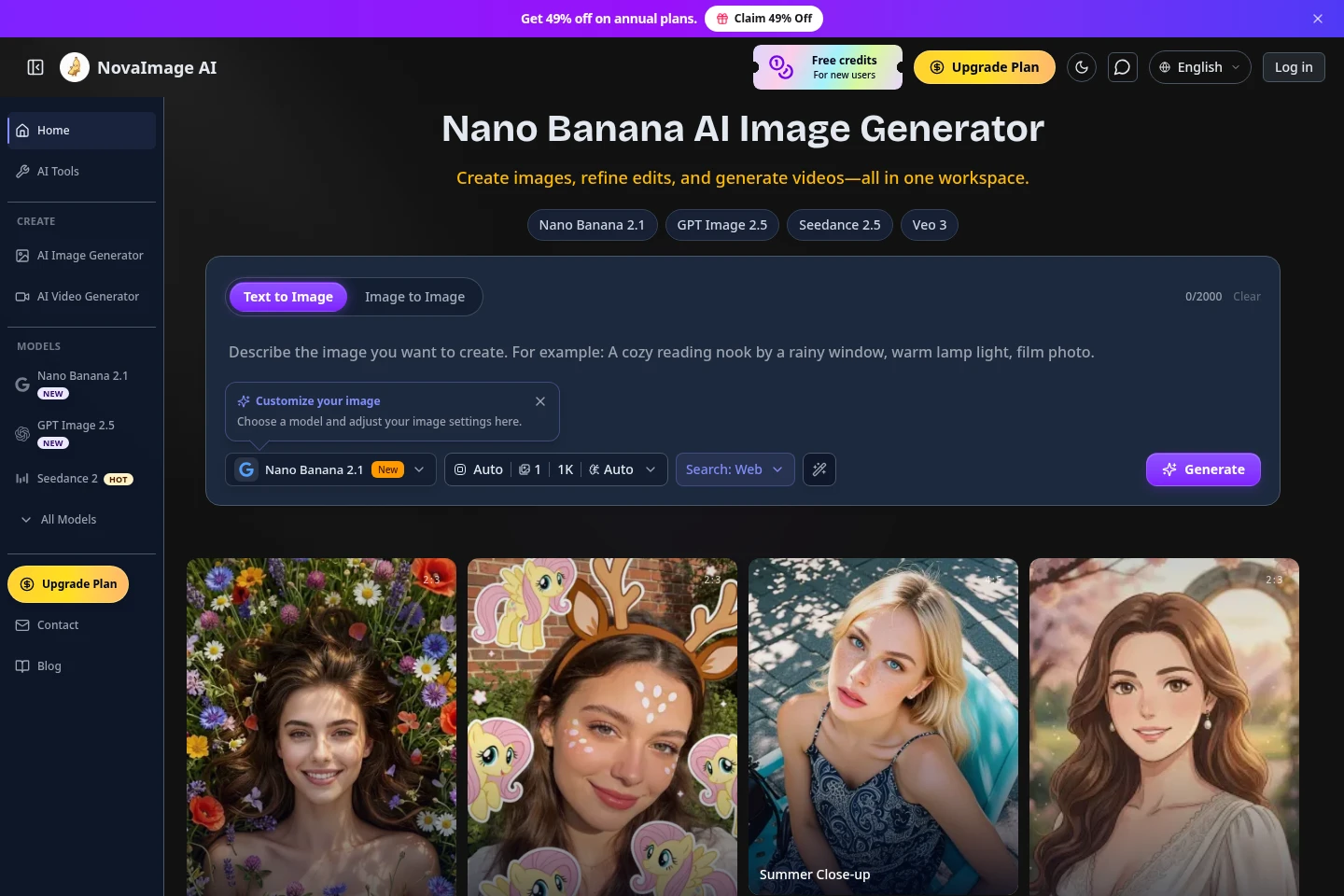
  4. NovaImage AI

    Create, edit, upscale, and animate visual content with AI

    Starter · $9.9 USD one-time
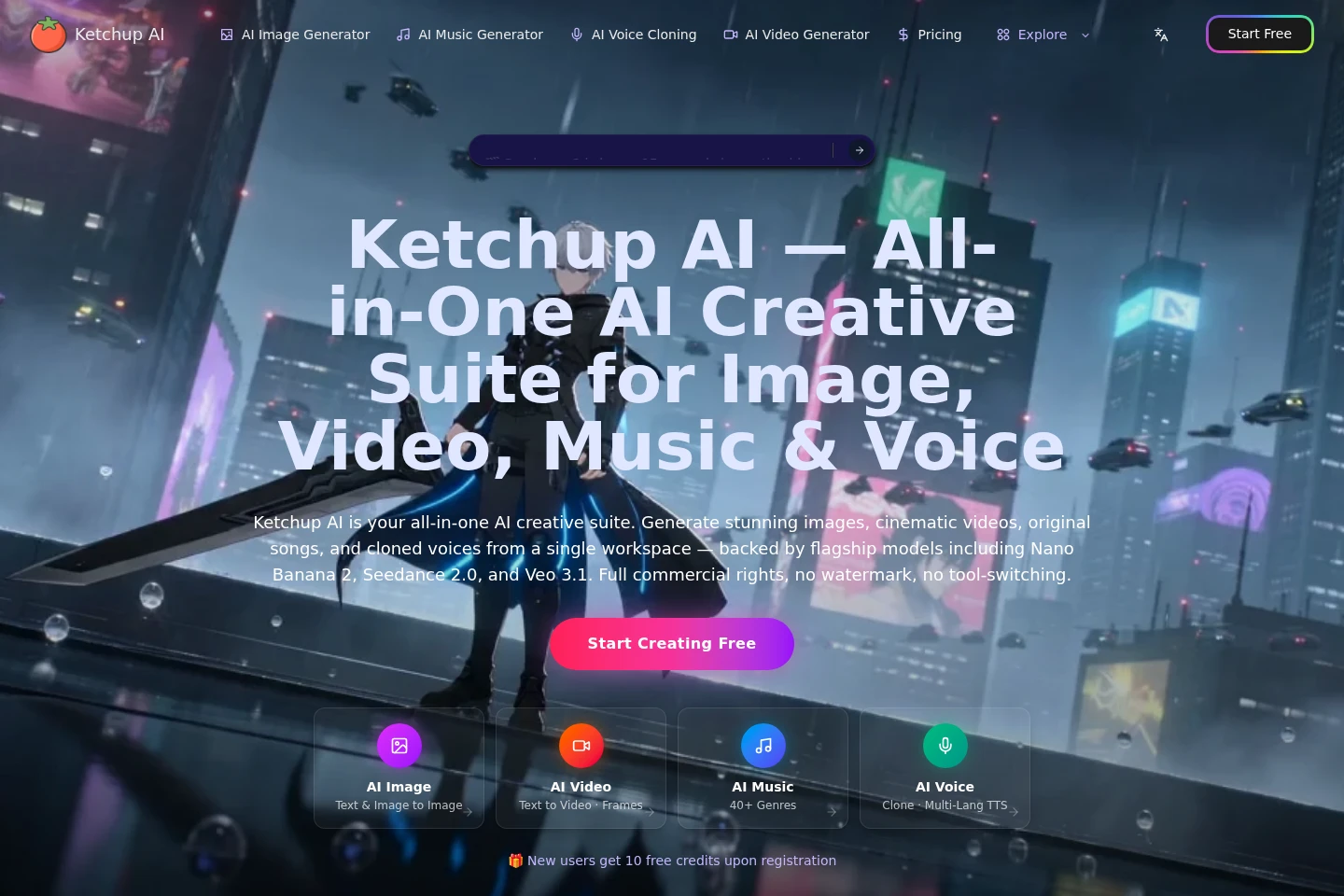
  5. Ketchup AI

    Create images, videos, music, and voice in one AI workspace

    Basic · $9.90 per month

Who it is for

  • Creators who need AI-generated images, videos, or other visual content

  • People making trend-based or template-led short-form video content

  • Creative professionals who need image enhancement, editing, lipsync, or motion-transfer tools

FAQ

How do the plans differ?

Starter, Pro, and Max include image, video, editing, enhancement, TTS, and commercial-use features. Higher tiers provide more monthly credits, more concurrent generations, and higher queue priority; Max has three credit sizes.

How are generation credits used?

Credits are deducted according to the selected model and settings, including resolution, duration, audio, and reference media. Comparison-table generation counts use each model's lowest-cost available configuration, so actual use can vary.

Do credits carry over between billing cycles?

Subscription credits reset at each billing cycle and do not roll over. Credits purchased as a one-time pack are added immediately and never expire.

Can I cancel or change my subscription?

You can cancel at any time; the plan remains active until the current billing period ends. Upgrades take effect immediately with prorated price differences, while downgrades take effect at the next renewal.

Do the subscription plans allow commercial use?

Yes. Starter, Pro, and Max include commercial use for generated images, videos, and other outputs.

What can I do if I run out of credits?

You can buy a one-time credit pack, upgrade to a plan with a larger allowance, or wait for subscription credits to reset. New generations require enough credits for the selected model and settings.

Comments

Please sign in to leave a comment.
No comments yet. Be the first to share your thoughts!