
Monthly visits
945
2026-10

NENE Video - Turn scripts, screenshots, logos, and data into motion graphics videos

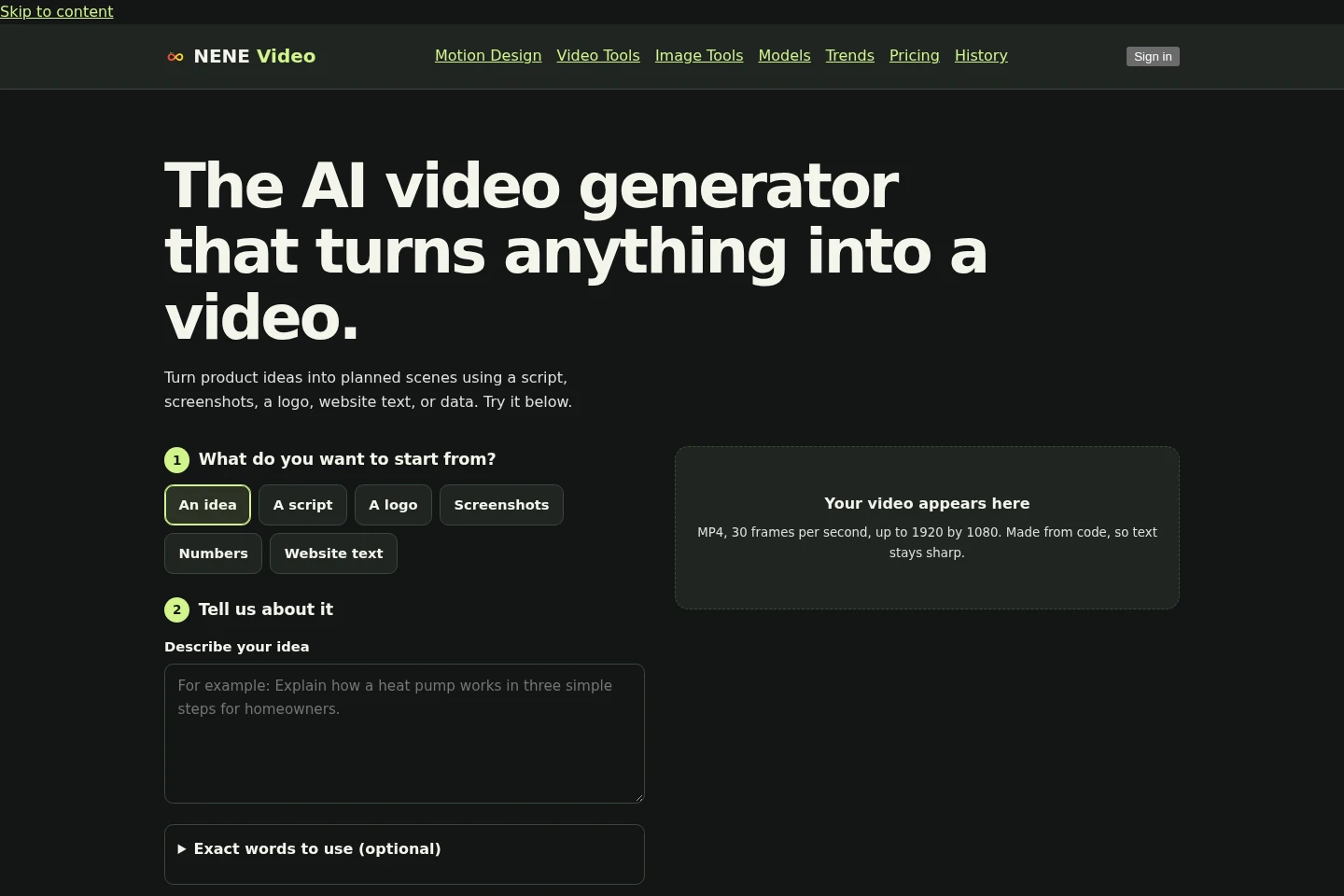
NENE Video creates motion graphics and AI-generated clips from scripts, pasted website text, screenshots, logos, data tables, or prompts. Its code-rendered studio previews a storyboard and exports silent MP4 motion graphics, while separate model tools generate clips with their own durations, resolutions, and credit prices. Credits are available through annual subscriptions with monthly allowances or one-time packs.

Visit WebsiteUpdate this product

0Views

Capabilities

Code-rendered motion graphics

Creates silent MP4 motion graphics from scripts, pasted website text, screenshots, logos, or data tables. The studio first builds a storyboard for scripts and website text; exports are up to 1080p at 30 frames per second.

AI model video generation

Generates clips from text prompts or supported image inputs through separate model pages. Duration, resolution, audio, input options, and credit cost depend on the selected model.

Logo animation

Turns a PNG or SVG logo file into an animated intro or outro. The price is shown on the tool button, and the studio supports logo animations from 10 to 30 seconds.

Data chart animation

Turns a table of numbers into an animated chart while keeping the figures as entered. Provide column names on the first line and one data row per line, separated by commas, tabs, or semicolons.

Video and image tools

Provides separate tools to animate portraits, create talking-photo clips, upscale videos or images, remake clips, and convert photos into printable coloring pages. Each tool displays its own price.

PricingFreemium

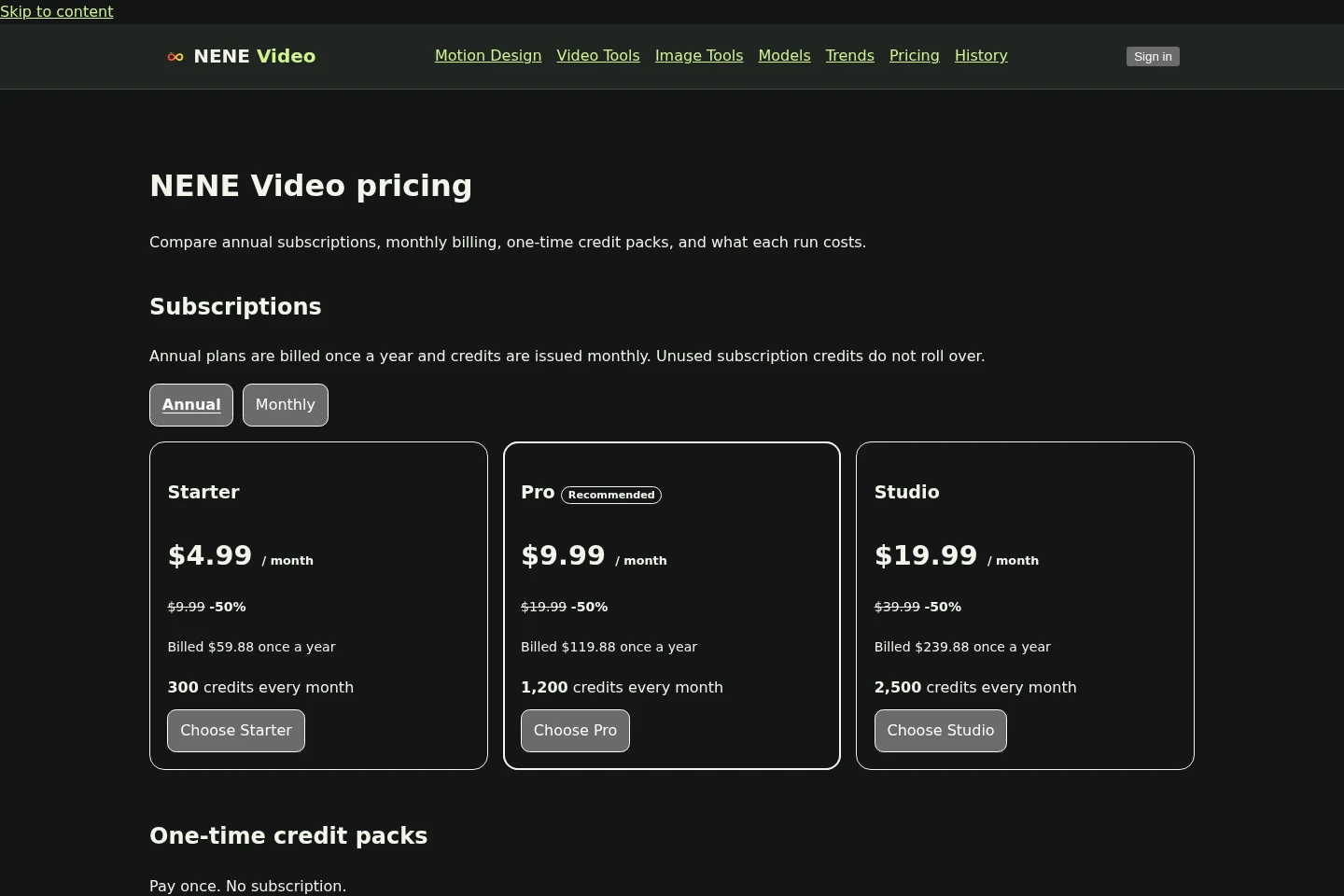
NENE Video offers paid annual subscriptions with monthly credit allowances and one-time credit packs. Compare monthly credit amounts, annual payment totals, pack quotas, and the credit cost shown for each tool.

PlanPriceIncluded features and limits
Starter

$4.99/month; $59.88 billed yearly

  • 300 credits issued each month.

  • Unused subscription credits do not roll over.

  • The page shows a 50% discount against $9.99/month.

Pro

$9.99/month; $119.88 billed yearly

  • 1,200 credits issued each month.

  • Unused subscription credits do not roll over.

  • The page shows a 50% discount against $19.99/month.

Studio

$19.99/month; $239.88 billed yearly

  • 2,500 credits issued each month.

  • Unused subscription credits do not roll over.

  • The page shows a 50% discount against $39.99/month.

Starter pack

$19.99 one time

  • 450 credits.

  • Pack credits do not expire.

  • Credits work for every video and image tool.

Pro pack

$49.99 one time

  • 2,400 credits.

  • Pack credits do not expire.

  • Credits work for every video and image tool.

Studio pack

$129.99 one time

  • 8,000 credits.

  • Pack credits do not expire.

  • Credits work for every video and image tool.

Prices are in USD. Annual subscriptions are charged once per year and issue credits monthly; unused subscription credits do not roll over. One-time pack credits do not expire.

Use cases

Create a motion video from a script

When a product or idea needs a short, precisely worded video, provide a script or pasted website text and review the storyboard before rendering. The studio turns it into scenes with typography, shapes, and charts, then saves a silent MP4.

Animate product screenshots into a walkthrough

When a walkthrough should retain the exact appearance of an interface, upload up to four screenshots. The studio uses zooms, highlights, and callouts in the scenes and exports the resulting motion graphics as an MP4.

Make an animated logo intro or outro

When a video needs branded opening or closing motion, provide a PNG or SVG logo file. NENE Video turns it into an animated intro or outro, with the specific price displayed on the tool button.

Turn a table into an animated chart

When figures need to appear in a video without being changed, paste a table with column names on its first line and one row per line. The studio creates an animated chart that retains the figures as entered.

Limitations

  • The motion-graphics studio exports silent MP4s; audio-bearing clips are offered through separate model pages, with model-specific inputs and prices.

  • The studio cannot open a website address directly; website content must be pasted, and a supplied address is used only as a label.

  • Up to four screenshots can be added to a project; the page says they stay in the browser and are not uploaded.

  • Credits are charged for each video or change, even if the result is not kept; the amount can be less than the maximum quoted cost.

  • Annual subscription credits are issued monthly and unused subscription credits do not roll over.

  • Purchased one-time pack credits do not expire.

NENE Video alternatives

Easymotion

Create AI motion graphics from prompts, images, and data

Easymotion is a browser-based AI tool for creating motion graphics and short videos from chat prompts, static images, and spreadsheet data. It can generate map animations, charts, flowcharts, and product visuals, then export them in video formats including MP4, transparent MOV, and GIF. Users can also edit text, colors, and images or start from templates.

  • Cloud
  • API
  • Freemium
  • BasicBasic: $10/month
  • PlusPlus: $20/month; first month $16 with code NEW20
  • ProPro: $60/month
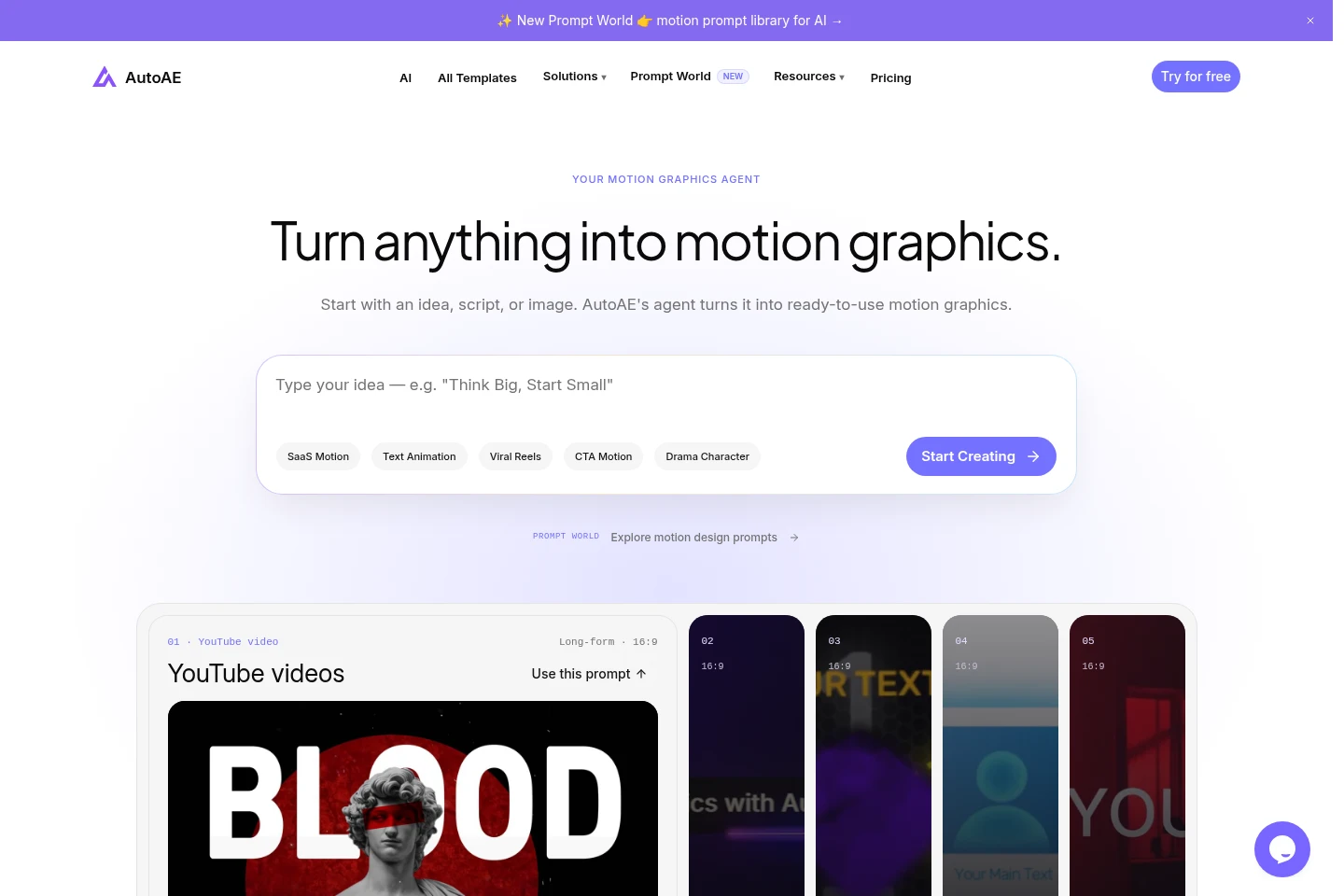
  1. AutoAE

    Create editable motion graphics from prompts and templates

    Free · Free
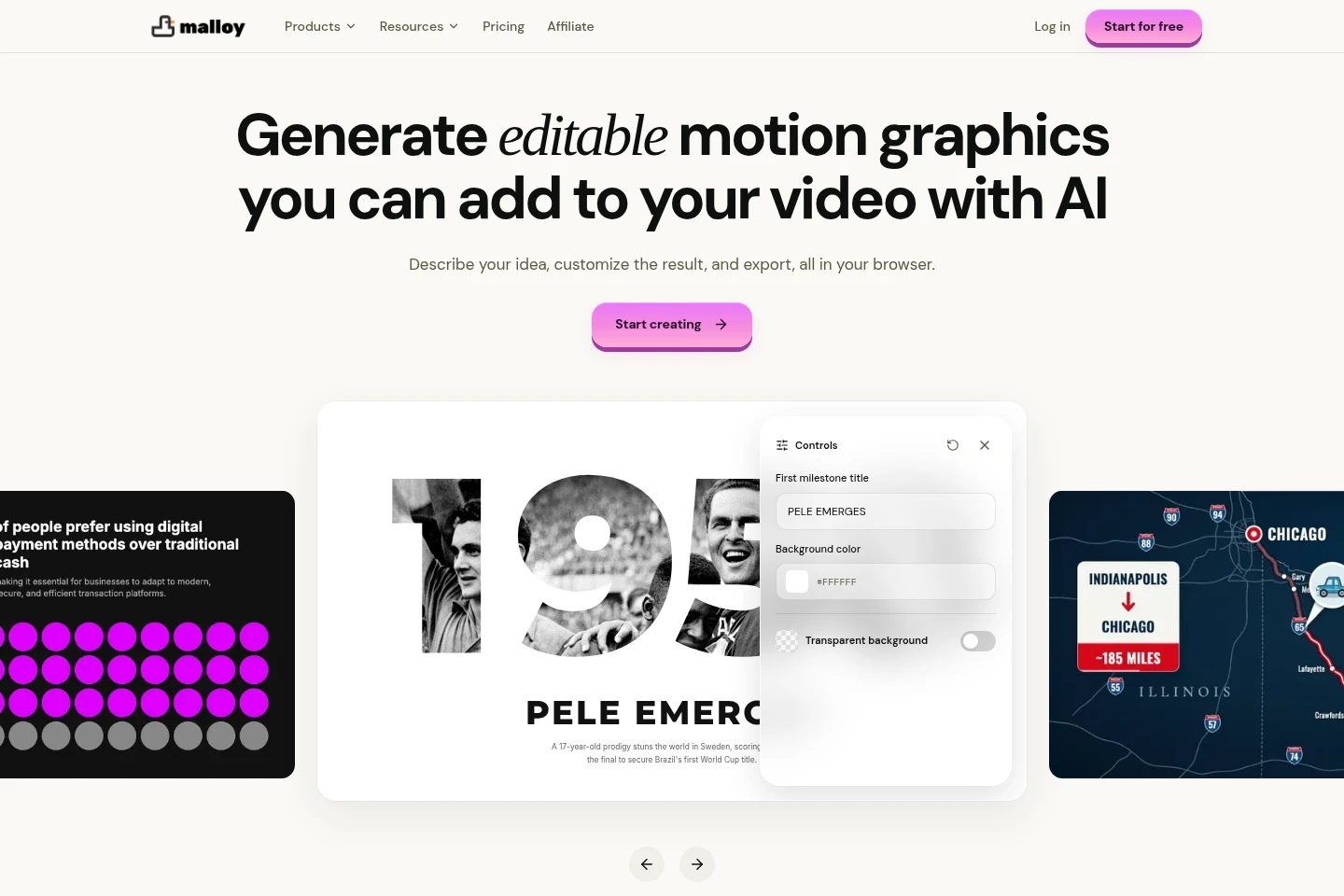
  2. Malloy Studio

    Create editable AI motion graphics for videos in your browser

    Malloy Studio · $29 monthly; $19/month billed annually at $228
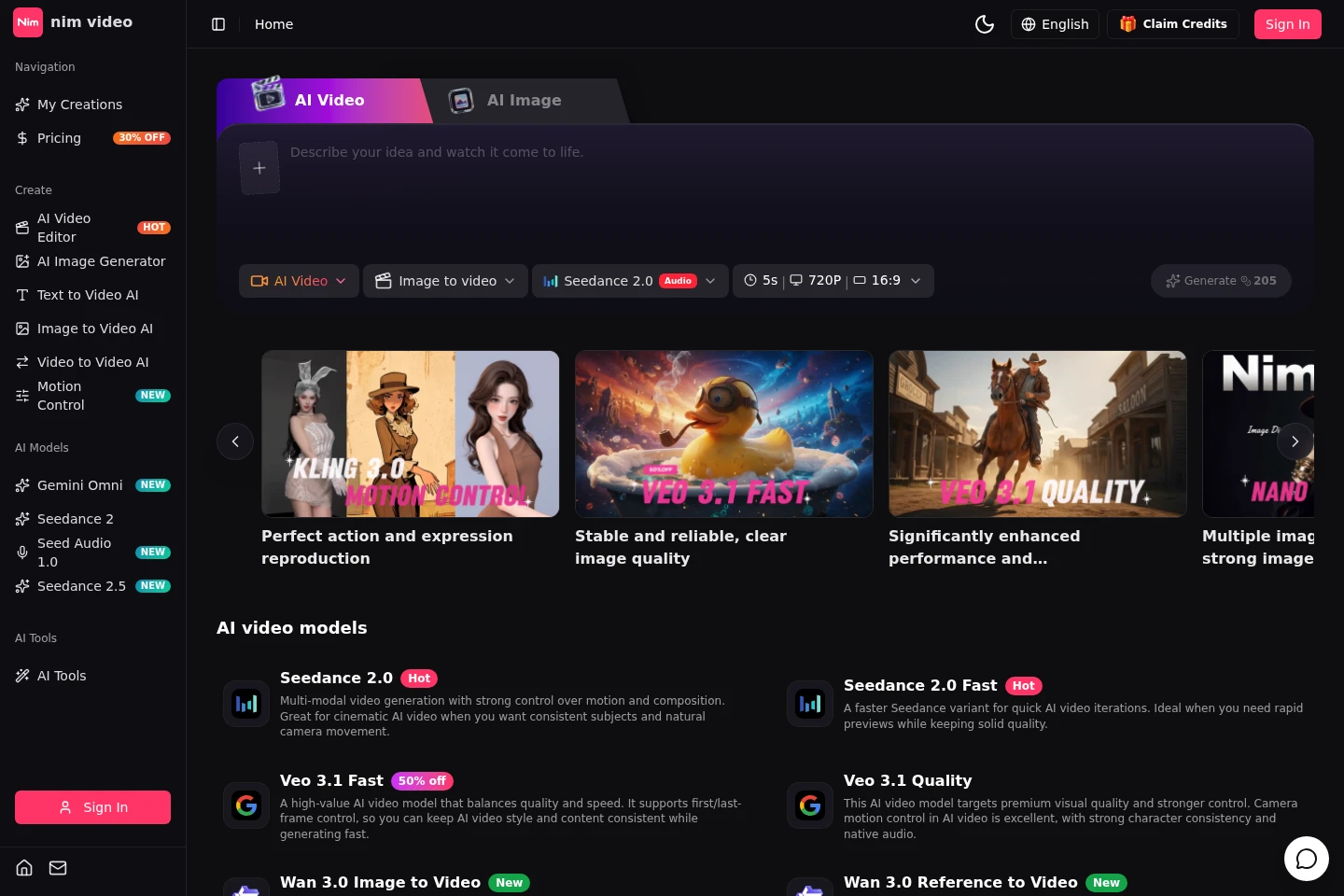
  3. Nim Video

    Generate and edit AI video and images in one online studio

    Free · $0
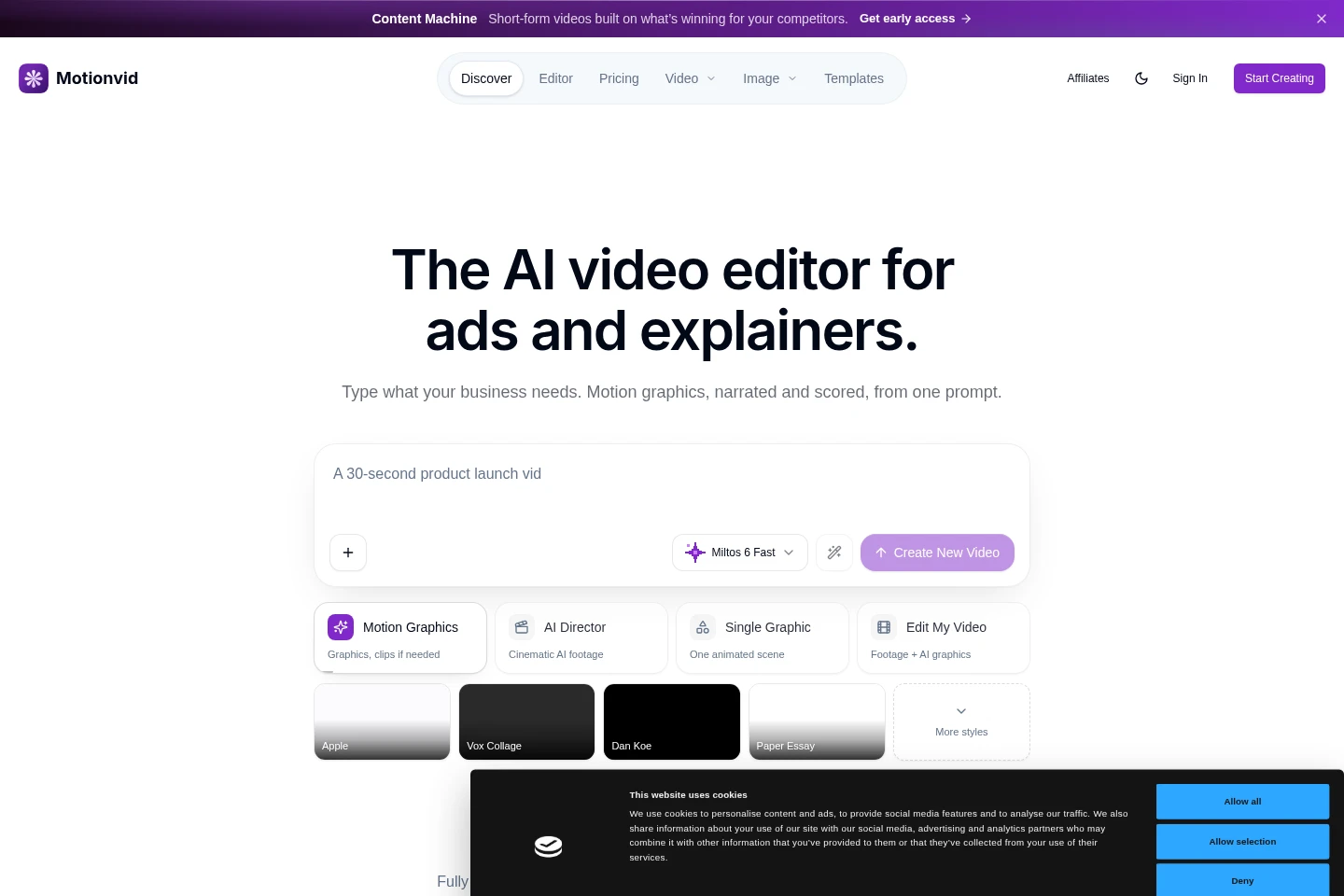
  4. MotionVid

    Create animated videos and motion graphics with AI

    Paid
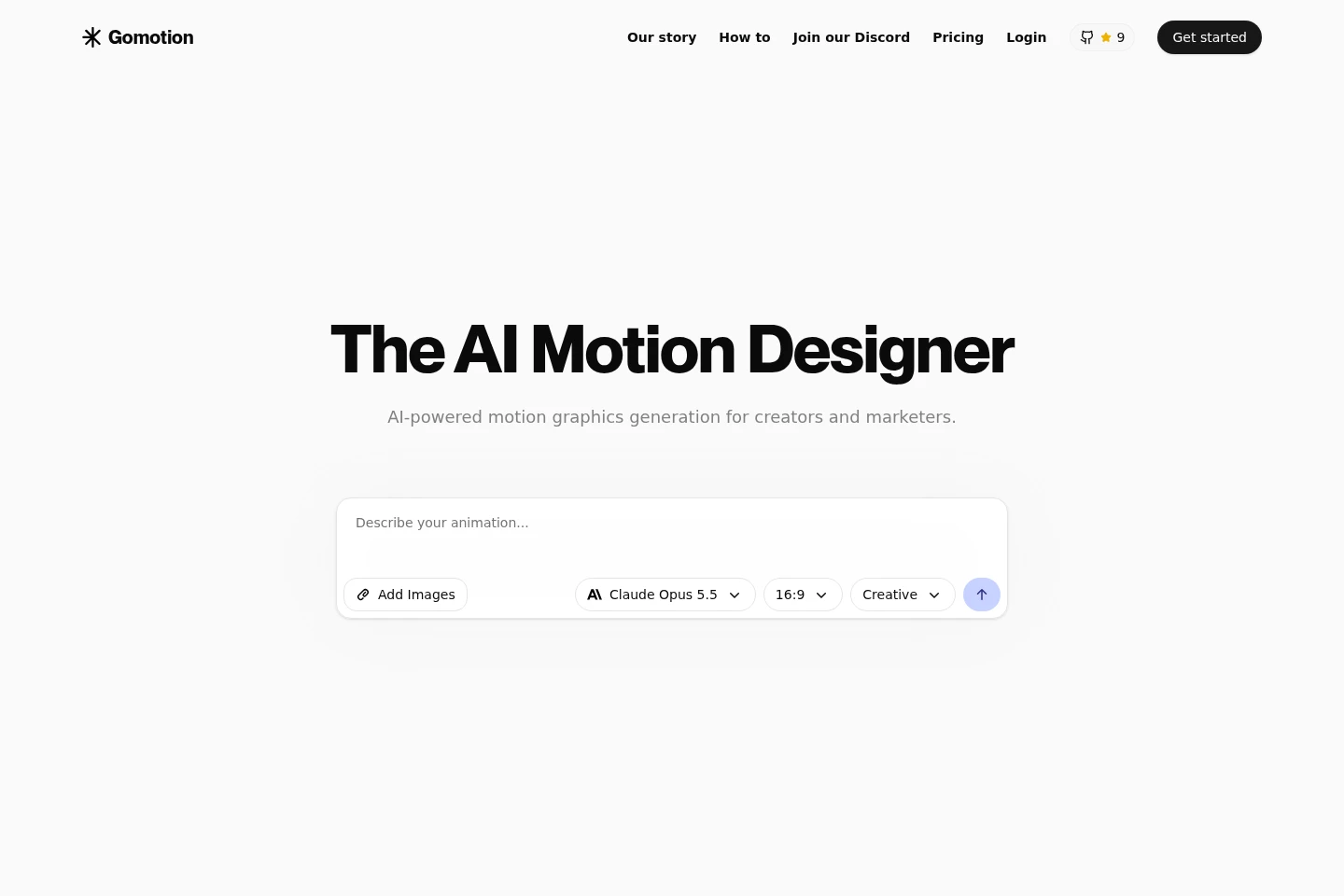
  5. GoMotion

    Turn prompts, scripts, and brand assets into motion videos

    Contact Sales

Who it is for

  • Product marketers and creators who need branded motion videos with exact copy, colors, or figures.

  • People creating product walkthroughs who need to animate screenshots without altering the interface.

  • Presenters who need animated charts that preserve numbers from a supplied table.

FAQ

What should I include in a motion video brief?

Include the audience, exact copy or figures, aspect ratio, and the order in which elements should appear. The brief guides the storyboard and scenes.

How does the motion-graphics studio differ from the model pages?

The studio draws motion graphics in code, keeping typography, brand colors, and timing exact, and lets you check the storyboard before rendering. Model pages generate footage and character movement from prompts; their clip features and prices vary by model.

Can I generate a video with NENE Video now?

Yes. The studio creates 10-, 15-, or 30-second motion-graphics videos and saves silent MP4s in the browser. They cost 19, 24, or 32 credits respectively; each model, trend, and image tool shows its own price.

How are subscription credits issued?

Annual subscriptions are billed once a year and issue credits monthly. Unused subscription credits do not roll over.

Do one-time credit packs expire?

No. Credits purchased in a one-time pack do not expire, and the packs work across video and image tools.

Comments

Please sign in to leave a comment.
No comments yet. Be the first to share your thoughts!