
Monthly visits
898
2026-10
Monthly growth -75.1%

MyToolster - Local browser tools for text, media, data, color, and images

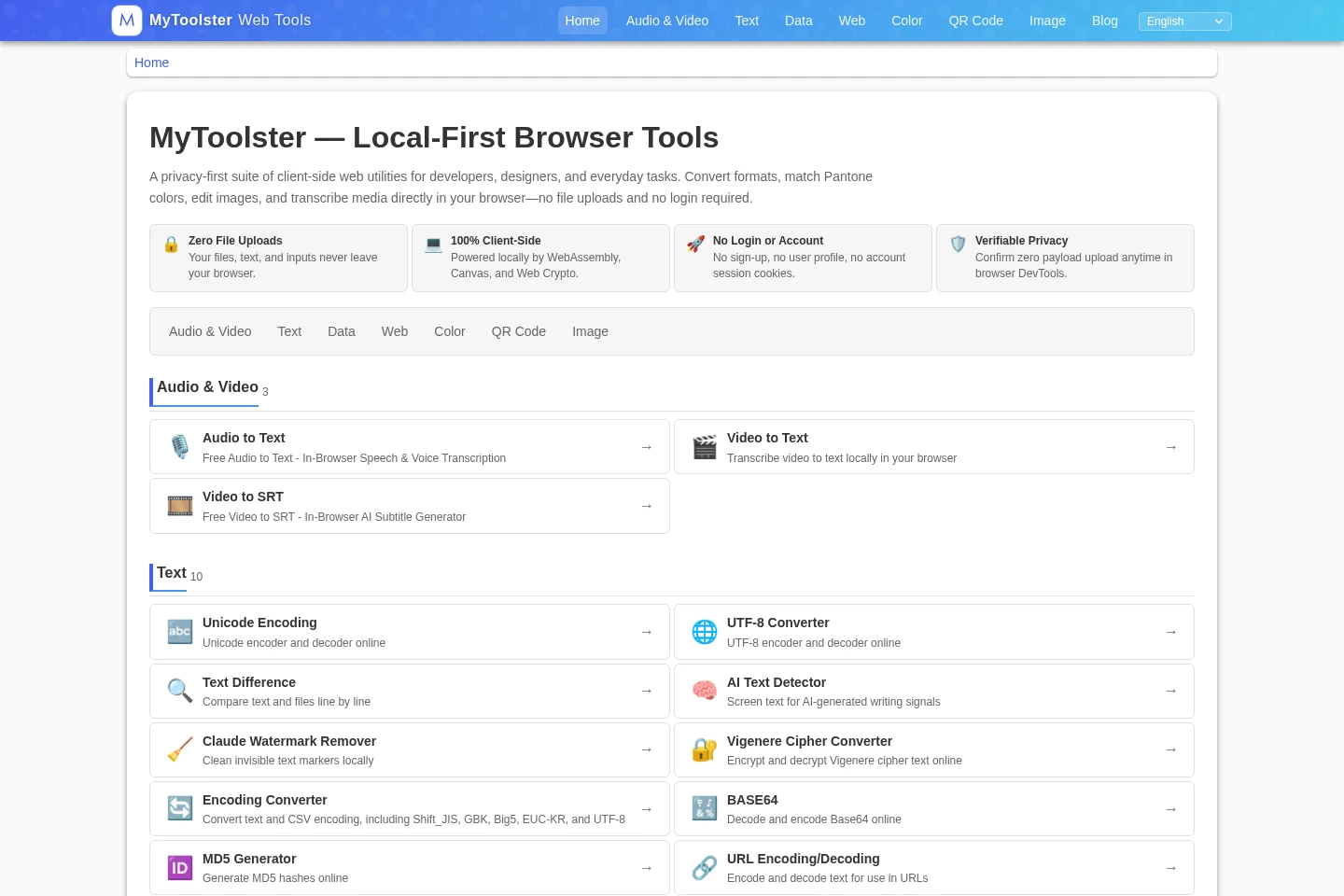
MyToolster is a collection of browser-based utilities for developers, designers, and everyday tasks. It converts text and data formats, handles color and QR code tasks, edits images, and transcribes audio or video. The tools process inputs on the device rather than uploading user files, and no login is required.

Visit WebsiteUpdate this product

3Views

Capabilities

Browser-based utility collection

The collection converts, validates, compares, and generates text, data, web, and color values, as well as QR codes and images. Users select a tool and enter text, codes, or other supported inputs; processing runs client-side without a login.

Local media transcription

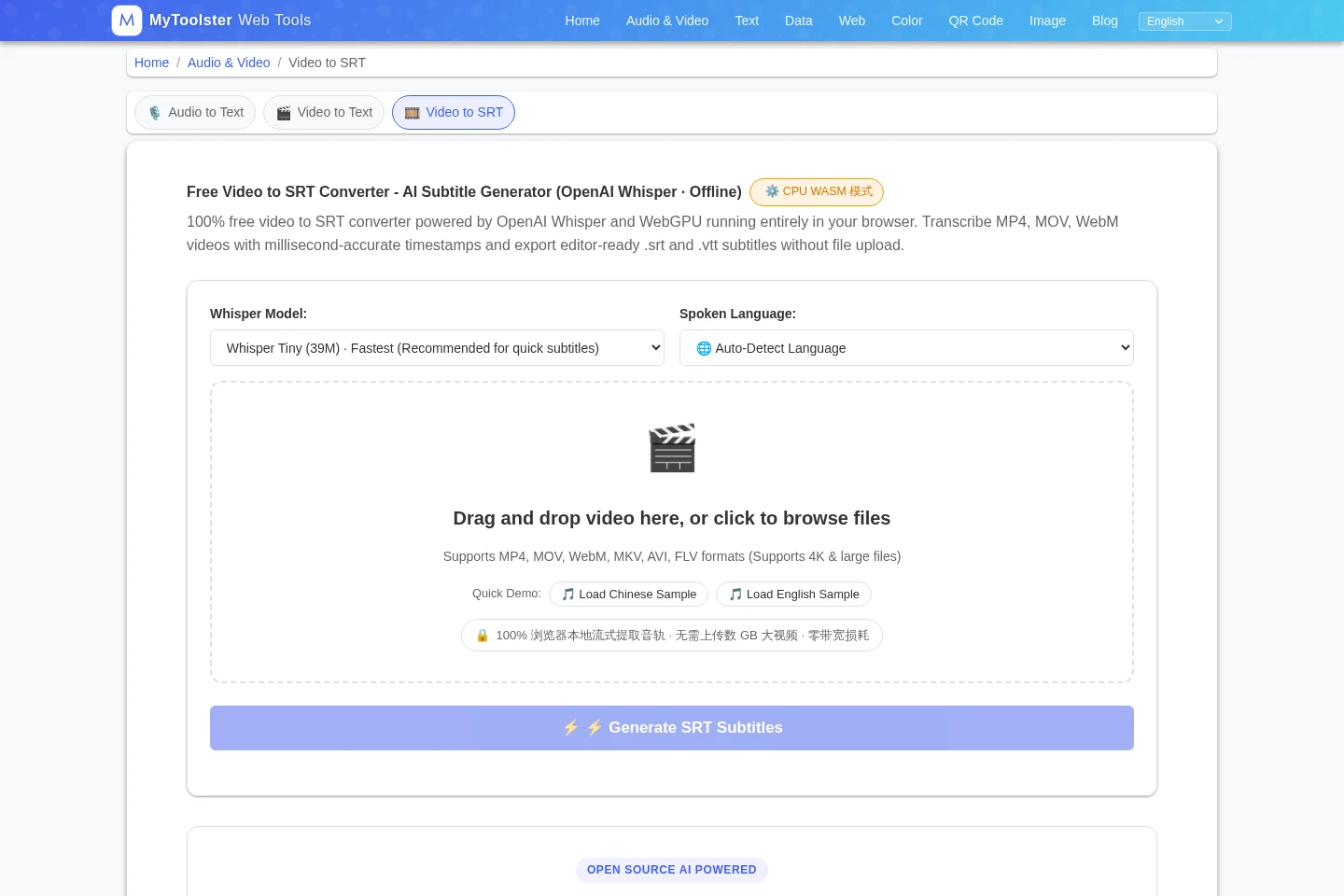
Audio and video tools transcribe media in the browser and can export subtitle files. Users choose a file and spoken language; video transcription supports SRT and VTT output, with processing performed locally and no media upload.

AI-like text screening

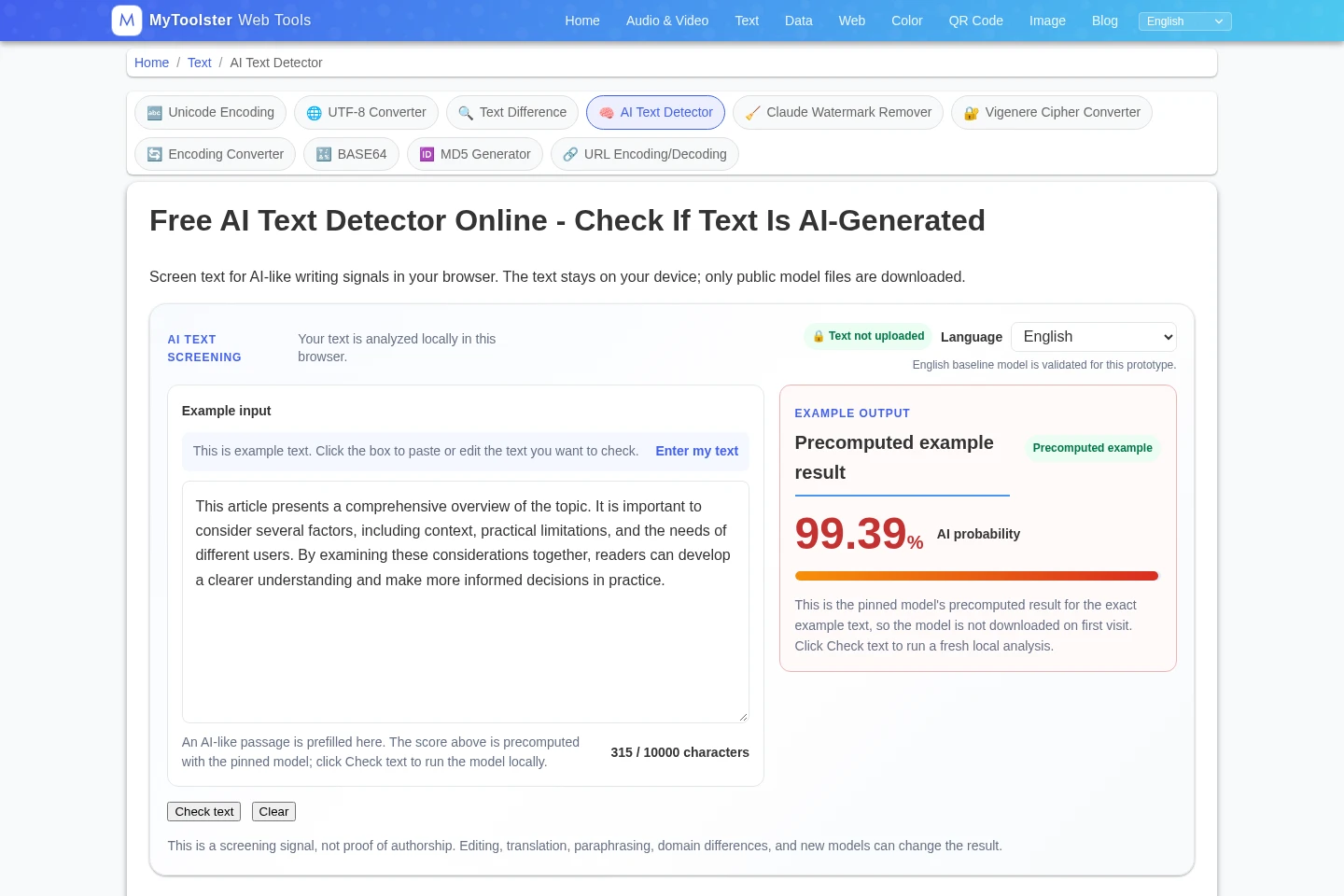
The detector analyzes entered text locally and returns an AI-like signal. Users paste text and select a language; the model is loaded on demand, and the result is a screening signal rather than proof of authorship.

PricingFree

MyToolster’s homepage describes the browser utilities as free to use; no paid plan or recurring billing is listed in the supplied pages. Compare the capabilities and input limits of each individual tool where stated.

Use cases

Convert and validate text and data formats

When working with text, structured data, encodings, or web values, users choose a relevant browser utility and provide the input. The tool converts, formats, validates, or compares it locally and displays the result.

Create subtitles from a video file

When preparing a video for editing or viewing with subtitles, users select a supported local video, choose or detect its spoken language, and generate subtitles. The browser produces downloadable SRT or VTT output without uploading the video.

Screen text for AI-like writing signals

When reviewing a passage, users paste the text, choose its language, and run the detector in the browser. It returns a model-based signal for consideration alongside other evidence, not a determination of who wrote the text.

Limitations

  • The AI text detector’s English baseline is validated for its prototype; Traditional Chinese and Japanese signals are marked experimental because they have not been separately validated.

  • The AI text detector requires enough text for context; its instructions recommend at least 120 characters, and the result is a model signal rather than proof of authorship.

  • The video subtitle tool requires the browser to load its model before first use; offline generation is available after the model has been cached.

Alternatives

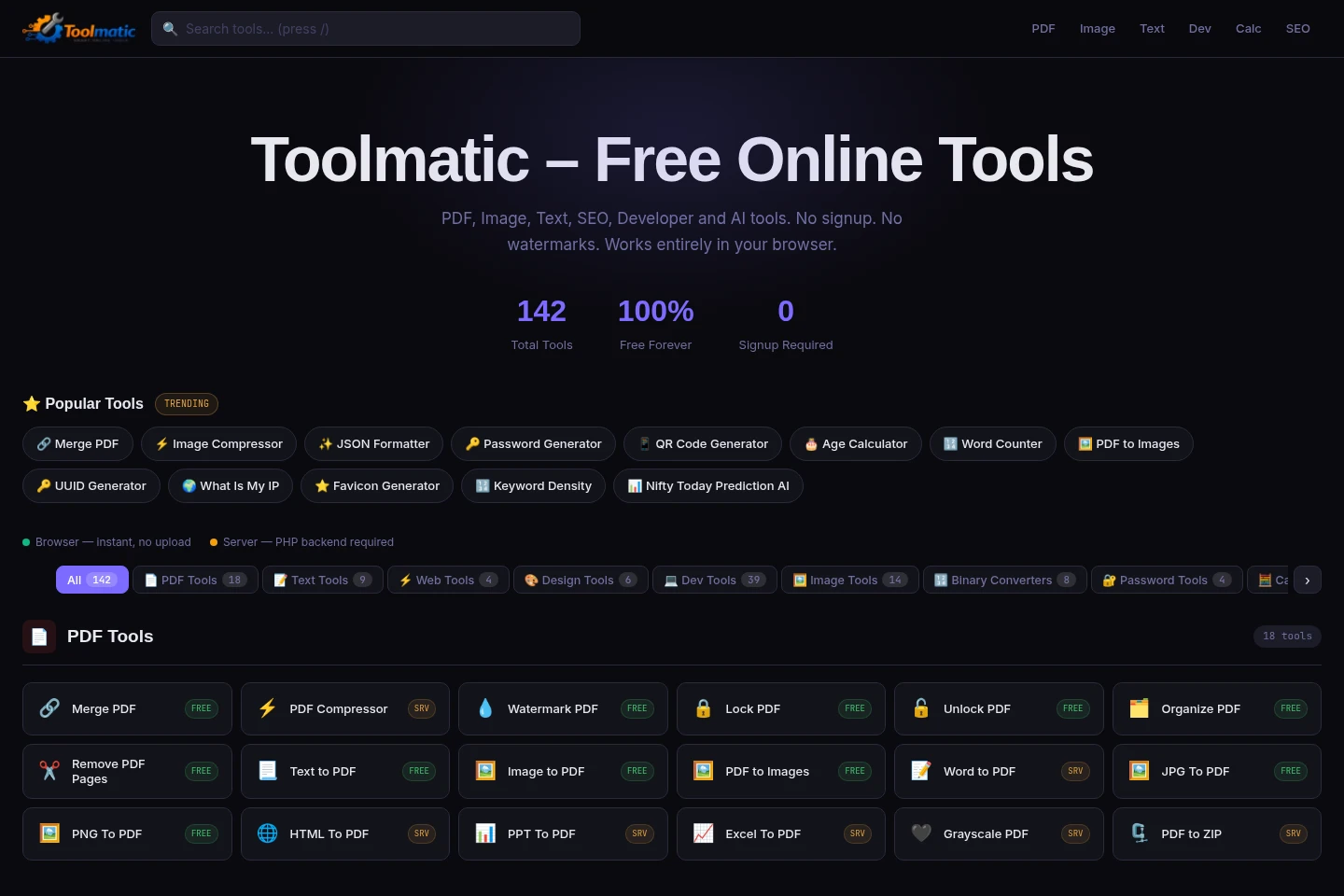
Toolmatic

Free browser-based tools for everyday file, text, and developer tasks

Toolmatic is a collection of free online tools for PDF and image conversion, text editing, SEO, calculations, and development. Tools run in the browser or, where indicated, use a PHP backend. The homepage says no signup is required and lists 142 tools across multiple categories.

  • Cloud
  • Free
  1. EditTools

    Browser-based tools for editing files and data

    Free
  2. SimpleClickLab

    Free browser tools that keep processing on your device

    Free · Free
  3. LovableTools

    Free browser-based utilities for text, images, security, and more

    Free
  4. TabTasker

    Free browser tools for everyday tasks

    Free
  5. MU Tools

    Free browser tools for files, text, color, and data

    Free

Who it is for

  • Developers who need quick browser utilities for text, data, encoding, and web values

  • Designers who need color matching, image editing, and image-to-color tools

  • Video editors who want locally generated subtitles in SRT or VTT format

  • People reviewing text who want a local AI-like writing signal with stated limits

FAQ

Are files or text uploaded to MyToolster?

No. The described tools process user inputs locally in the browser and do not upload user files or text to application endpoints. The site says only standard aggregate site analytics are used for maintenance.

Which subtitle formats can the video tool export?

It exports SRT and VTT subtitle files. The video page describes support for MP4, MOV, WebM, MKV, AVI, and FLV inputs.

Can video subtitles be generated offline?

Yes, after the model has been cached on first launch. The video subtitle page says generation can then run offline in the browser.

Does the AI text detector prove who wrote a passage?

No. It returns a model-based AI-like signal, not proof of authorship. Editing, translation, paraphrasing, domain differences, and newer models can affect the result.

Which languages does the AI text detector interface support?

The detector page lists English, Simplified Chinese, Traditional Chinese, and Japanese for its interface. It says Traditional Chinese and Japanese detection remain experimental.

Comments

Please sign in to leave a comment.
No comments yet. Be the first to share your thoughts!