AI image generation
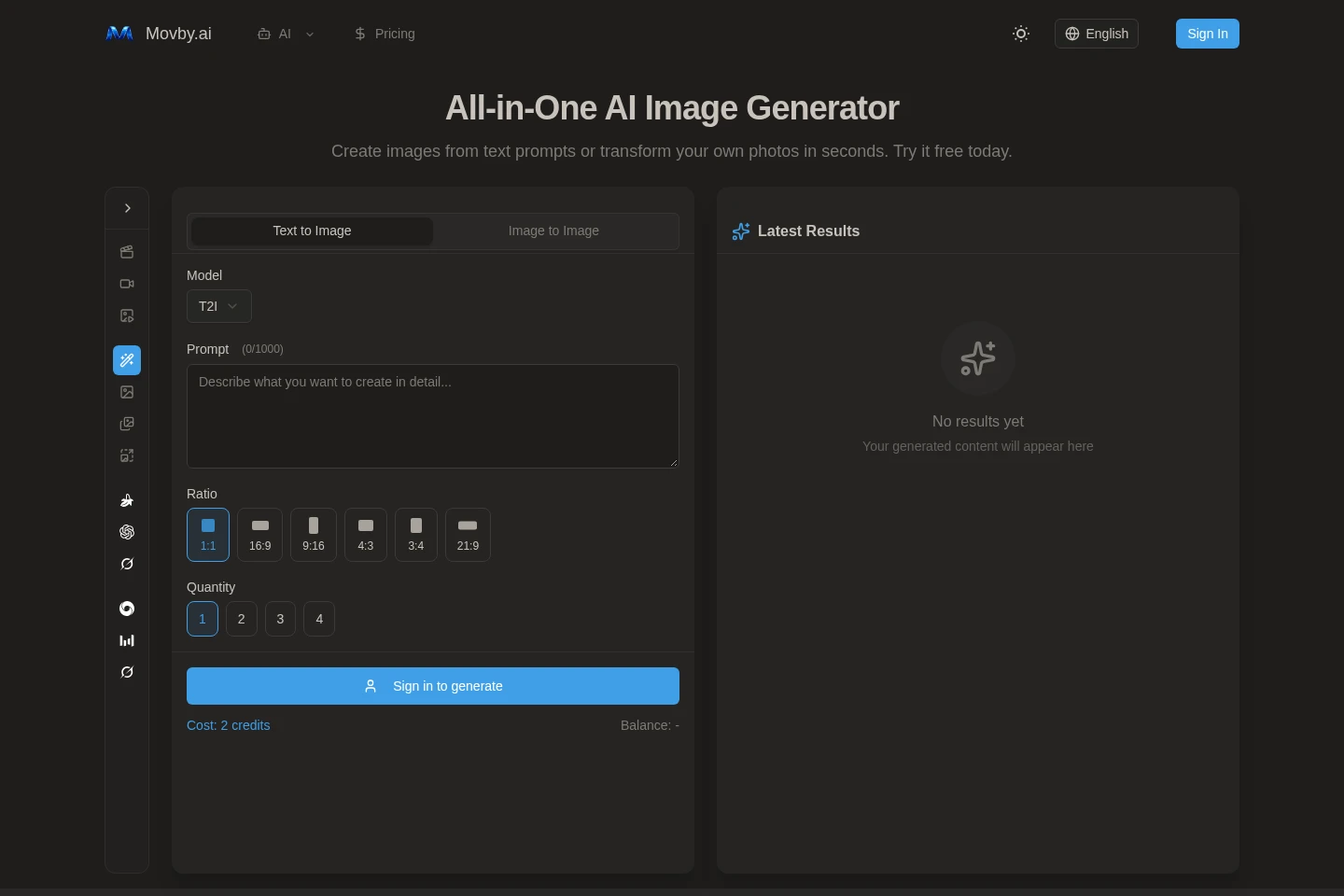
Create images from text prompts or edit existing pictures, producing downloadable image results. Choose Text to Image or Image to Image, select a model, set options such as aspect ratio and quantity, and provide a prompt or reference images.
AI video generation
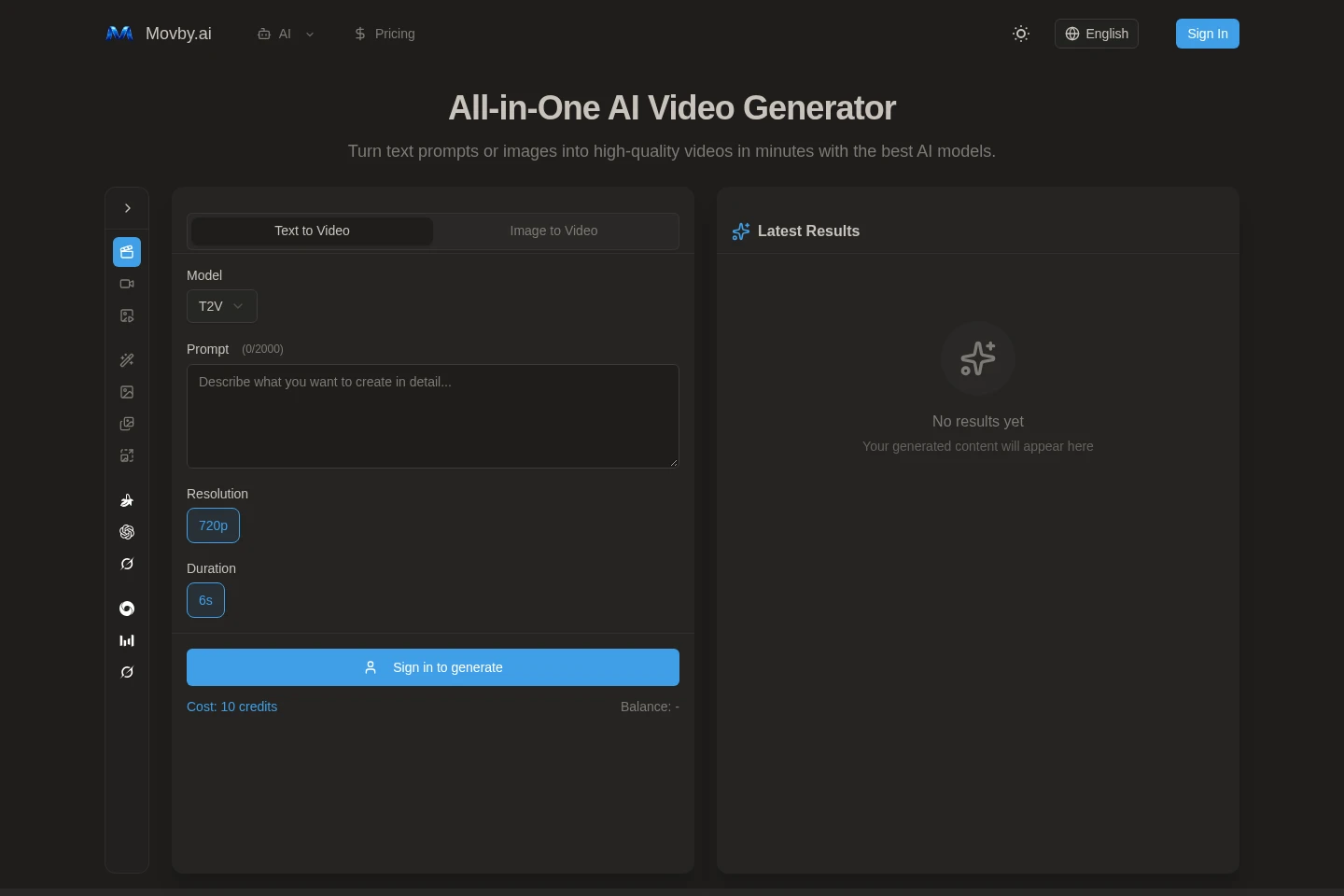
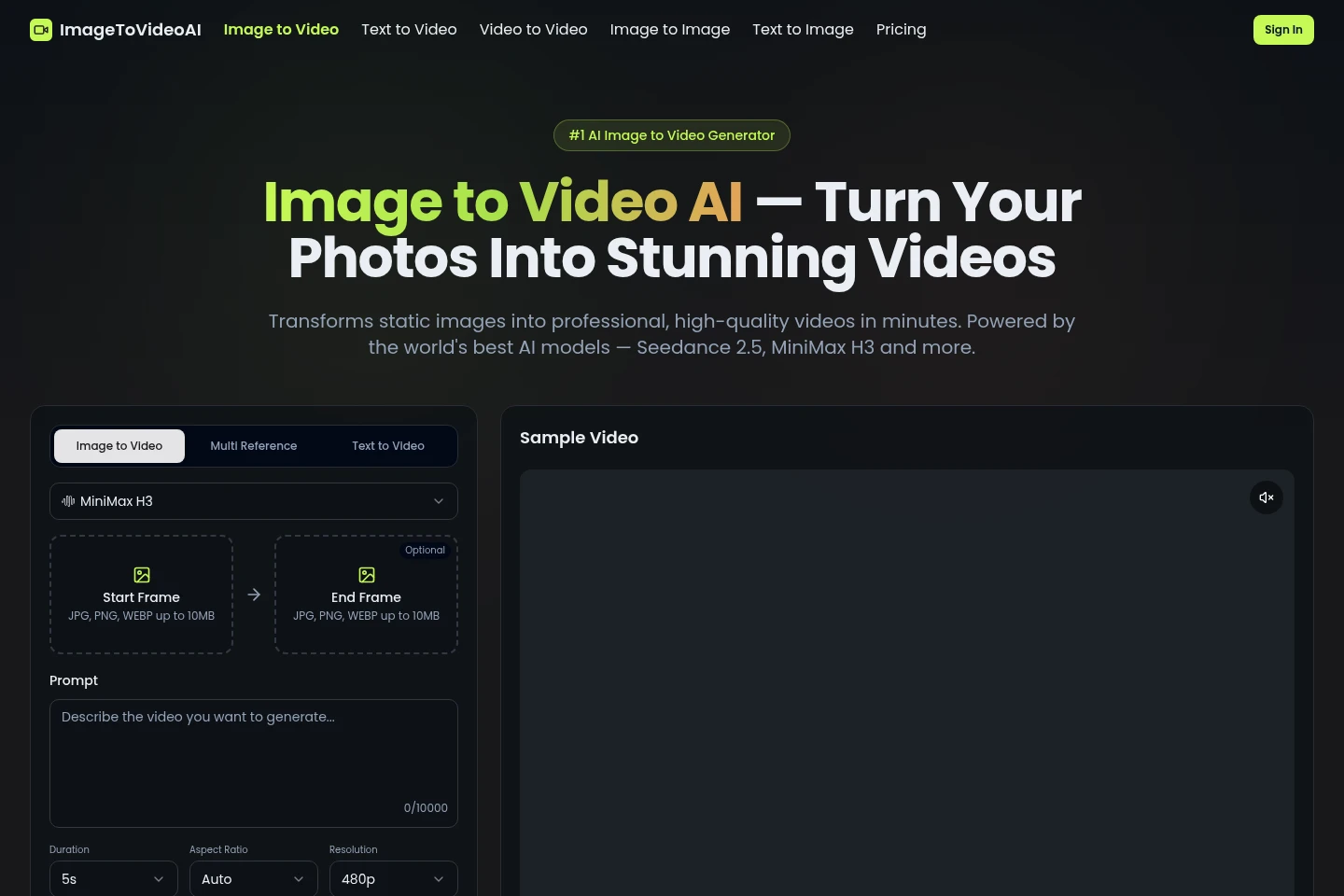
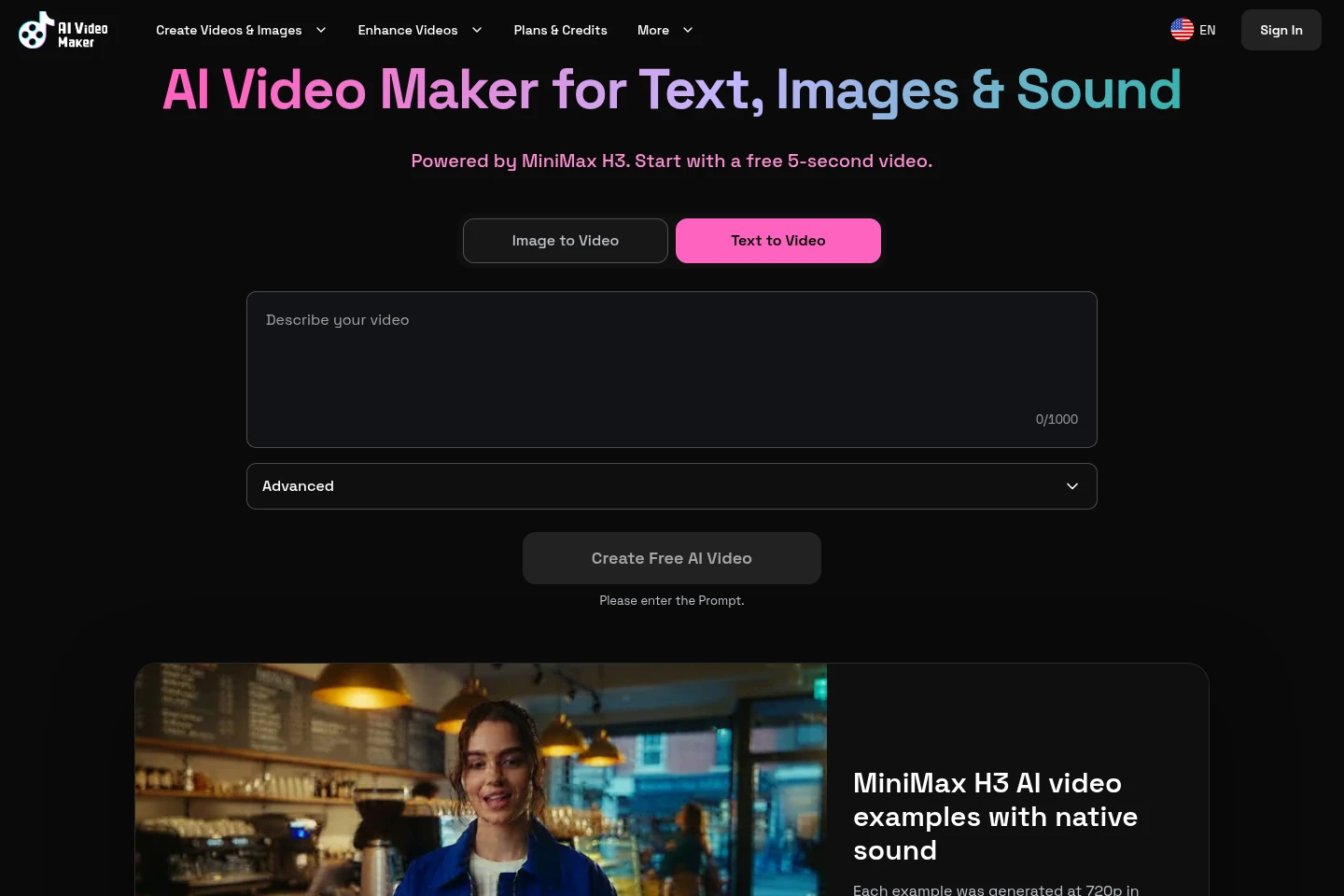
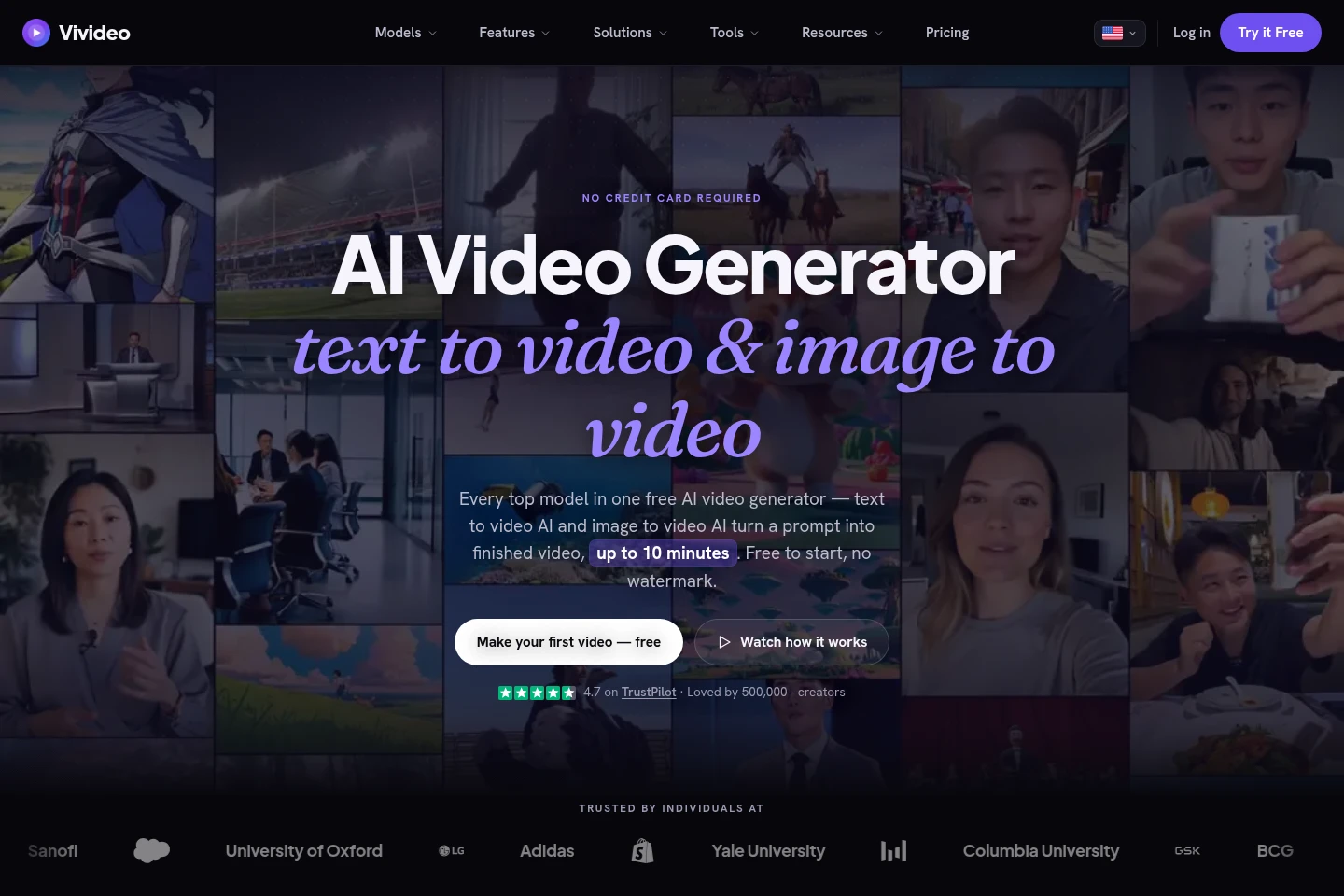
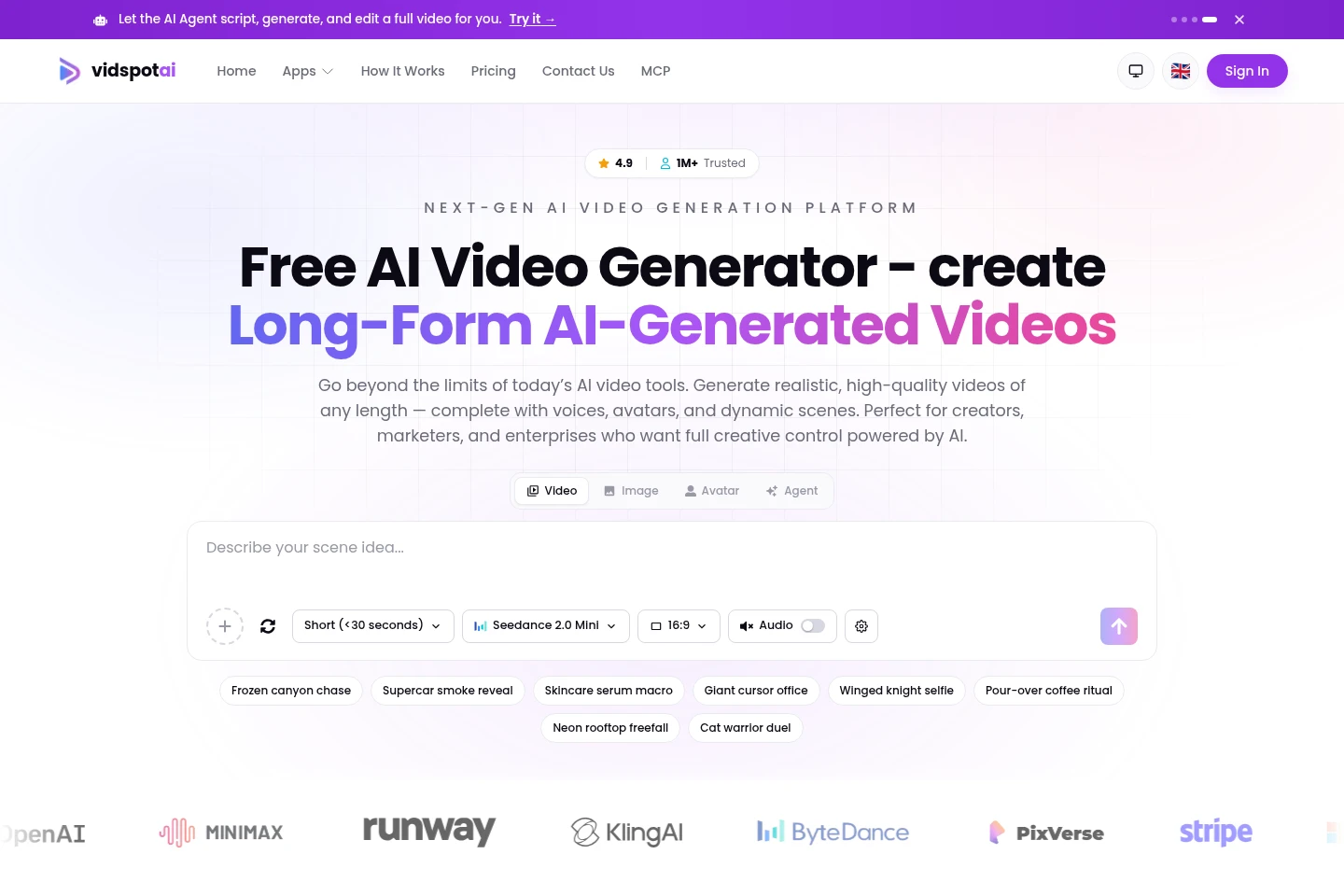
Generate downloadable videos from text prompts or uploaded images. Choose Text to Video or Image to Video, select a model, set options such as aspect ratio, resolution, and duration, and provide a prompt and, for image mode, a start image with an optional end image.
Multiple AI models
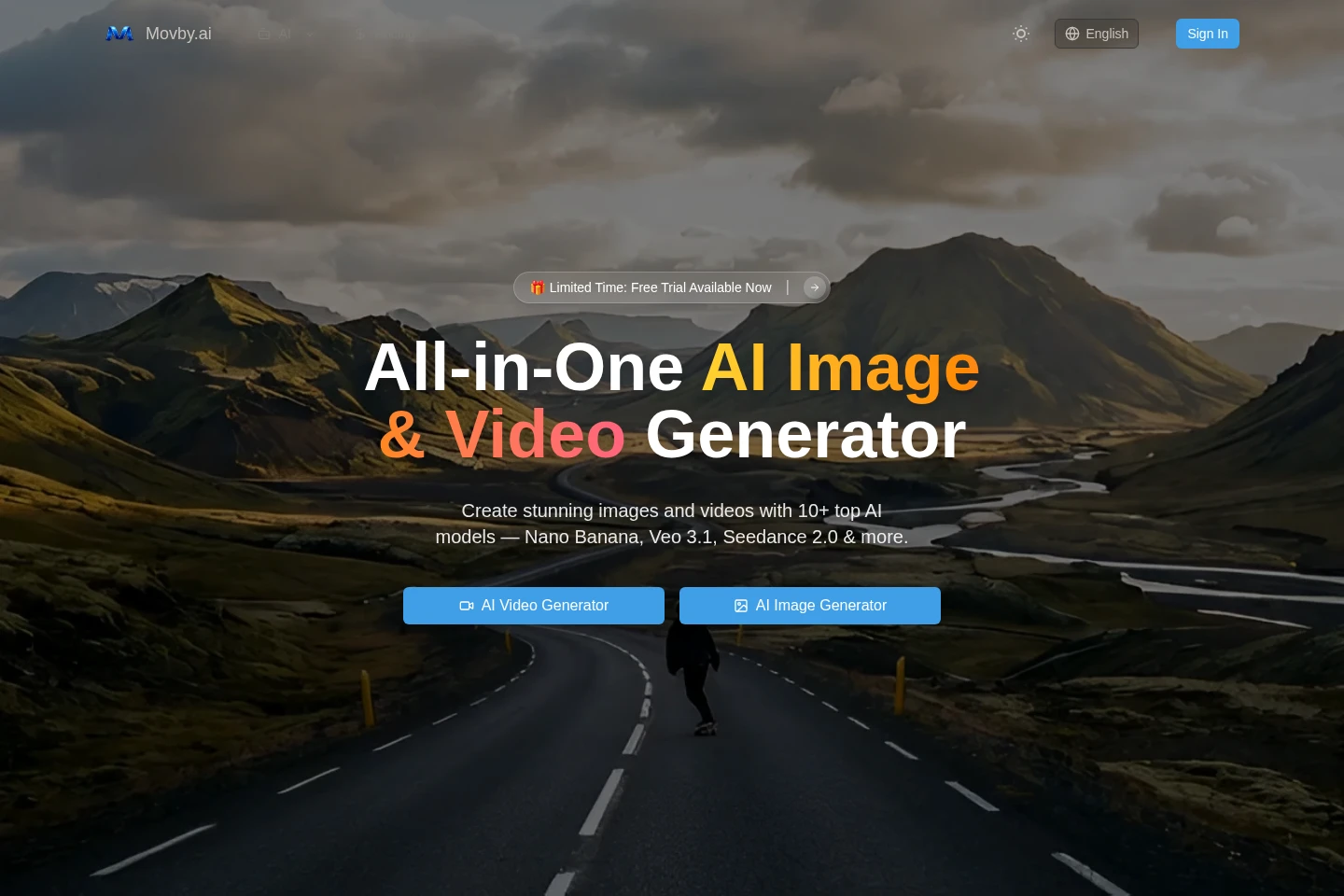
Select from image and video generation models available in one platform. The listed choices include models such as Nano Banana, Veo 3.1, Seedance 2.0, Kling, Flux, and Grok Imagine; availability can vary by generation type.
Generation settings
Adjust generation parameters before creating an image or video. Available controls include aspect ratio, resolution, duration, and image quantity, depending on the generation mode.
Cloud gallery
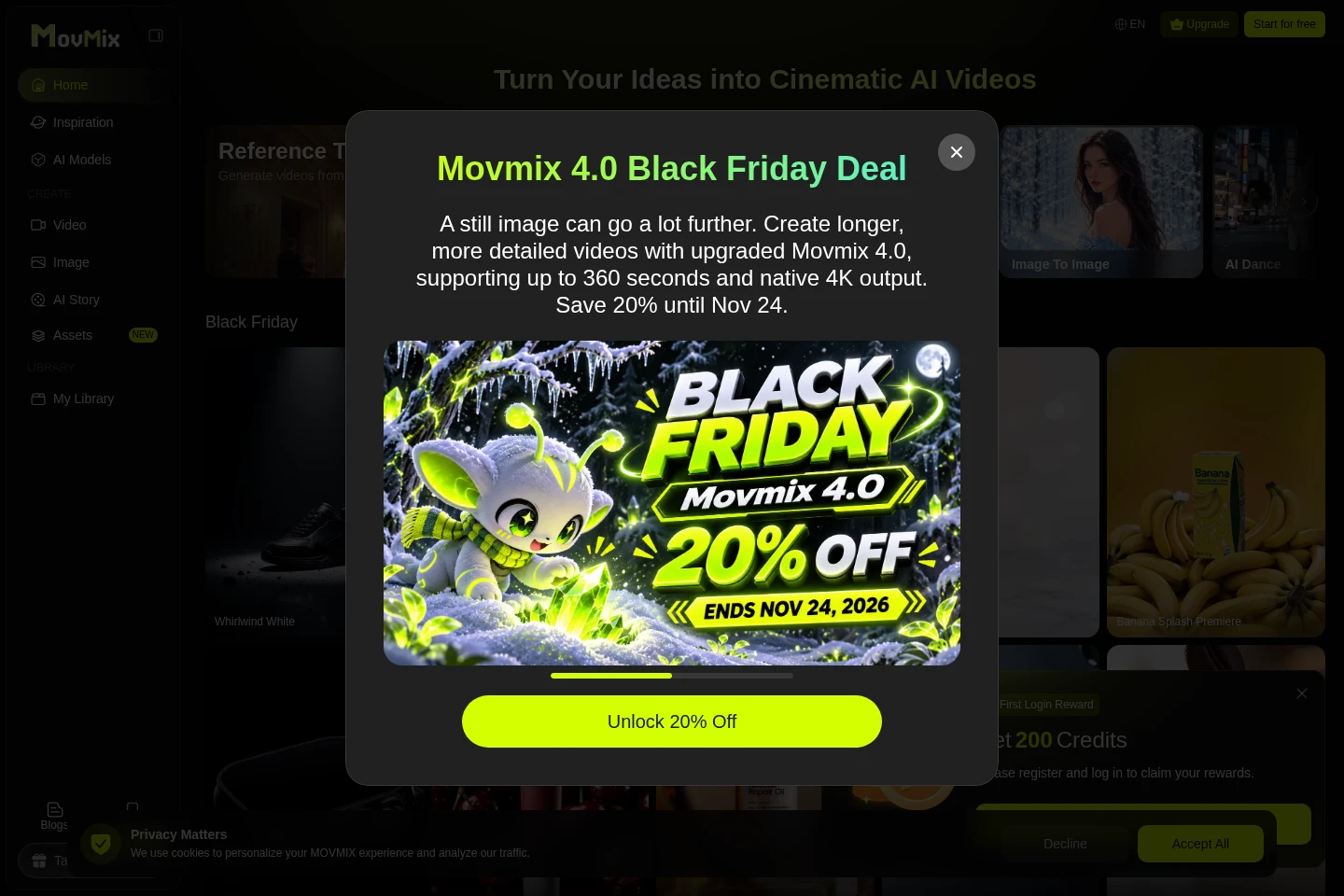
Save creations in an online gallery for later access. The homepage describes saved creations and generation history as available anytime.






Comments