

- Monthly visits
- 94,873
- 2026-10
- Monthly growth +4,358.3%
Movmix - Create AI images and videos from prompts and reference images
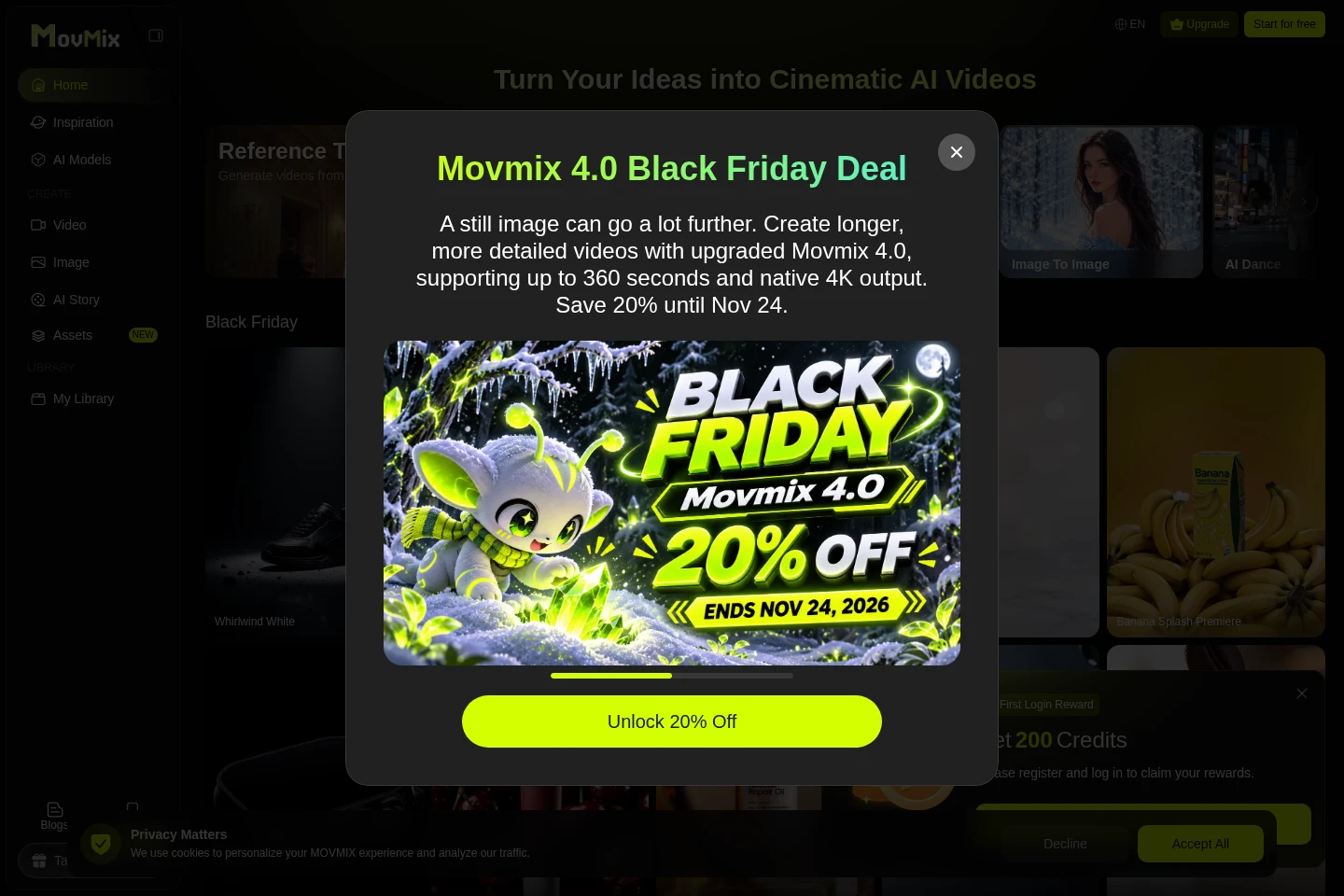
Movmix is a browser-based AI creation platform for generating images and videos. It offers text-to-image and image-to-video workflows, selectable AI models, prompts, output settings, and an image library. Users can also explore tools for text-to-video, image editing, video extension, and AI story generation.
- AI Video
- Video Generators
- Image Generators
- Storybook Generators
- AI image generator
- AI image to video
- AI video generator
Capabilities
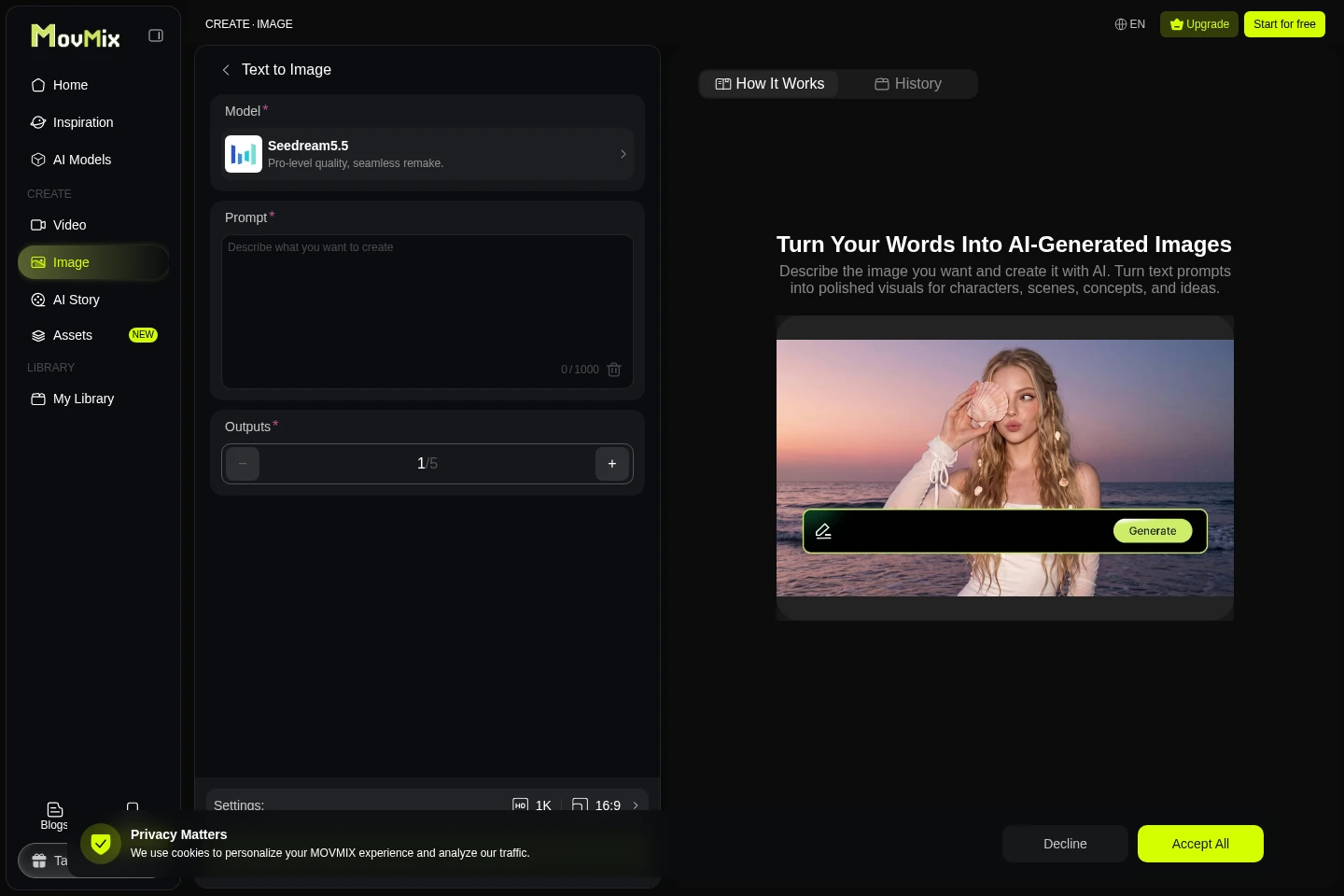
Text-to-image generation
Generates images from a written prompt. Users choose an available model and output settings, with prompt and output controls shown on the generator page.
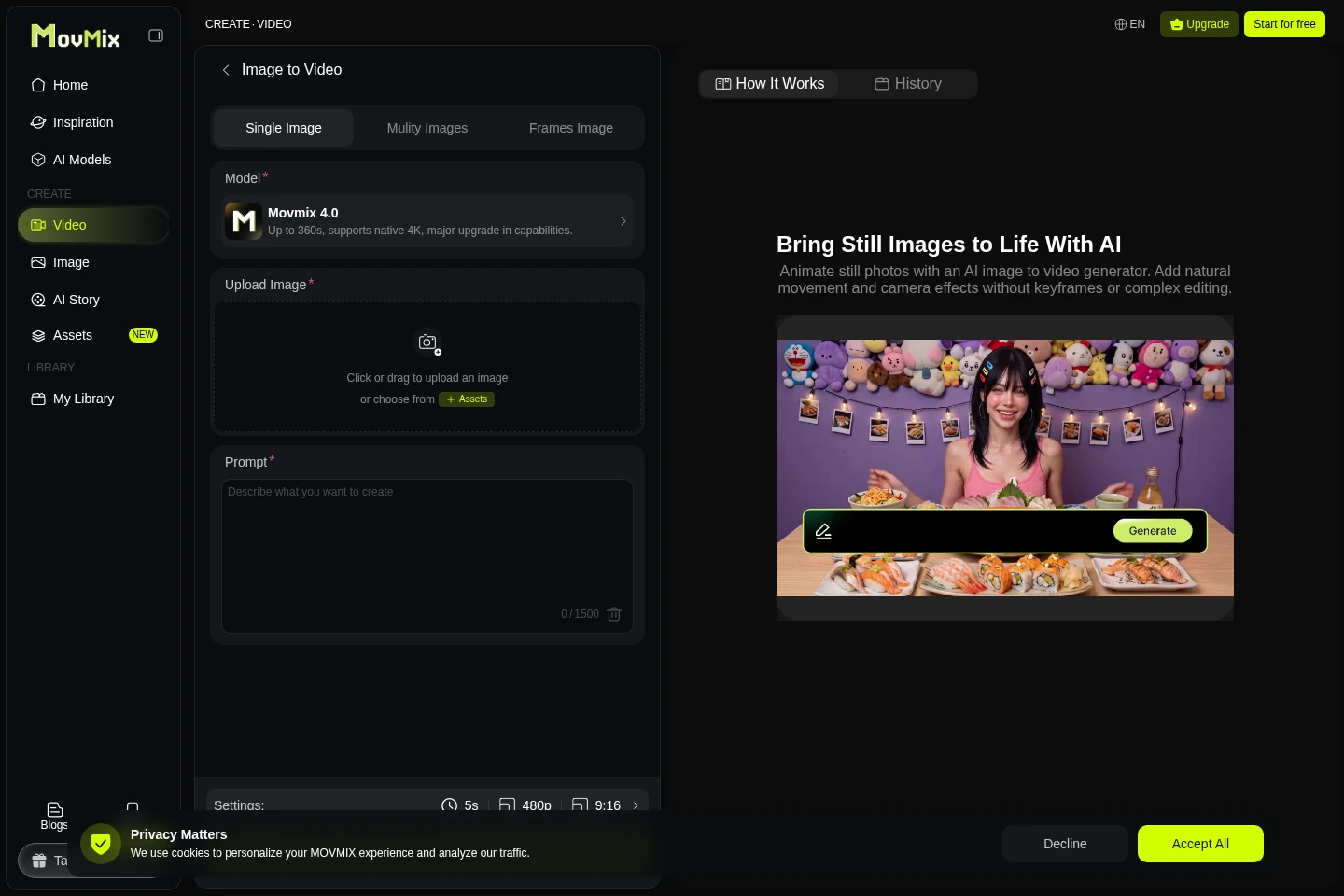
Image-to-video generation
Turns uploaded still images into video clips using a prompt. Users can select among models and configure generation settings; available models and durations vary.
Image-to-image generation
Provides an image transformation workflow listed among Movmix's creation tools. The homepage links to the tool, but the supplied pages do not detail its inputs or controls.
AI story generation
Creates stories, cinematic storyboards, and AI videos from ideas in one workflow. The homepage links to the AI Story Generator.
Pricing
The supplied pages do not provide a complete purchasable plan and price list. Compare the plan terms in Movmix before choosing; the FAQ describes membership benefits and subscription cancellation.
Use cases
Create images from written visual ideas
When a user has a concept but no reference photo, they can describe the subject, setting, and desired look in a prompt, select a model and output settings, and generate an image to review.
Animate still images into video clips
When a user has a photo, illustration, or other still image, they can upload it, add a prompt, select an available model and settings, and generate a video with motion and camera effects.
Develop stories and cinematic storyboards
When a user wants to build a visual story from an idea, the AI Story Generator combines story creation, cinematic storyboards, and AI video generation in one linked workflow.
Limitations
The image-to-video generator requires an uploaded image and a prompt before generation.
Available AI models depend on the user's region, membership tier, and content policy.
Commercial use is permitted only when the user owns the rights to the input content; copyrighted or restricted materials should not be used.
Generation can fail or take longer during high traffic, with complex prompts, or when content filters apply.
Who it is for
Visual creators who need to generate images or animate existing artwork
Video makers who want browser-based AI tools for creating or extending clips
People developing visual stories who need story, storyboard, and AI video tools
FAQ
What are Credits used for?
Credits are used for image and video generation. The FAQ says membership makes each generation cheaper.
Can I cancel a subscription at any time?
Yes. Cancellation stops automatic renewal immediately, but benefits already paid for remain available through the end of the current billing period.
Do generated images and videos remain after cancellation?
Yes. The FAQ says generated videos and images remain saved in the user's library after cancellation.
Which AI models are available?
Movmix connects to multiple models, including Seedream 4.0, Nano Banana, Hailuo02, and Kling. The exact models depend on region, membership tier, and content policy.
Can I use generated creations commercially?
Yes, if you own the rights to the input content. The FAQ advises against using copyrighted or restricted materials.
How can I contact support?
Email [email protected]. The FAQ says the team usually responds within 24 hours on business days.

Comments