

- Monthly visits
- 558,701
- 2026-09
- Monthly growth +14.6%
KikiVoice - Clone voices, create speech, and change audio online
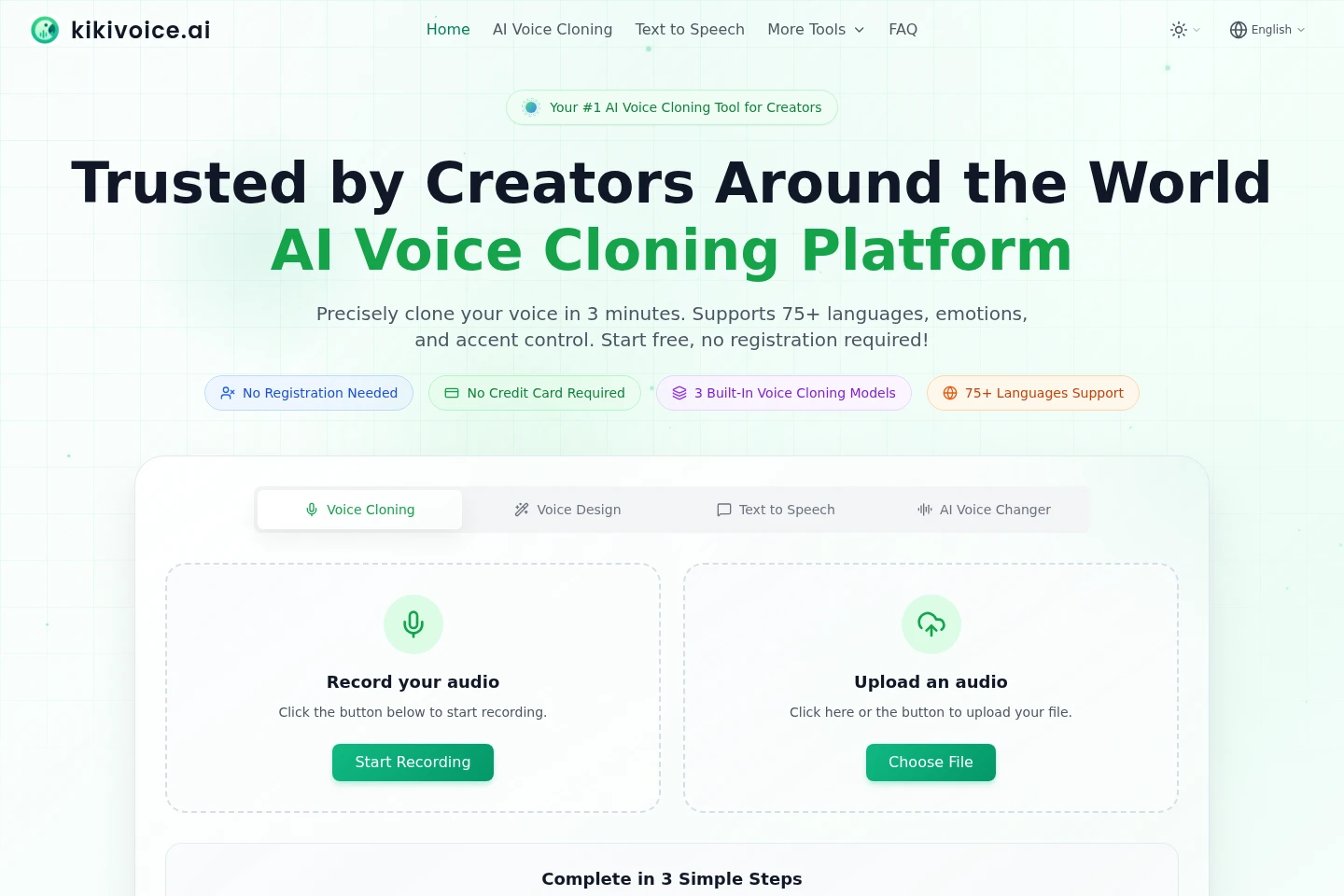
KikiVoice is an online AI voice workspace with voice cloning, text-to-speech, voice design, and voice changing tools. Users can upload or record audio, enter text, choose from built-in voices and models, and generate or convert speech. The pages describe support for more than 75 languages and a free plan with weekly credits.
- AI Audio
- Text to Speech
- Voice Cloning
- Voice Changers
- AI voice cloning
- text to speech voices
- online voice changer
Capabilities
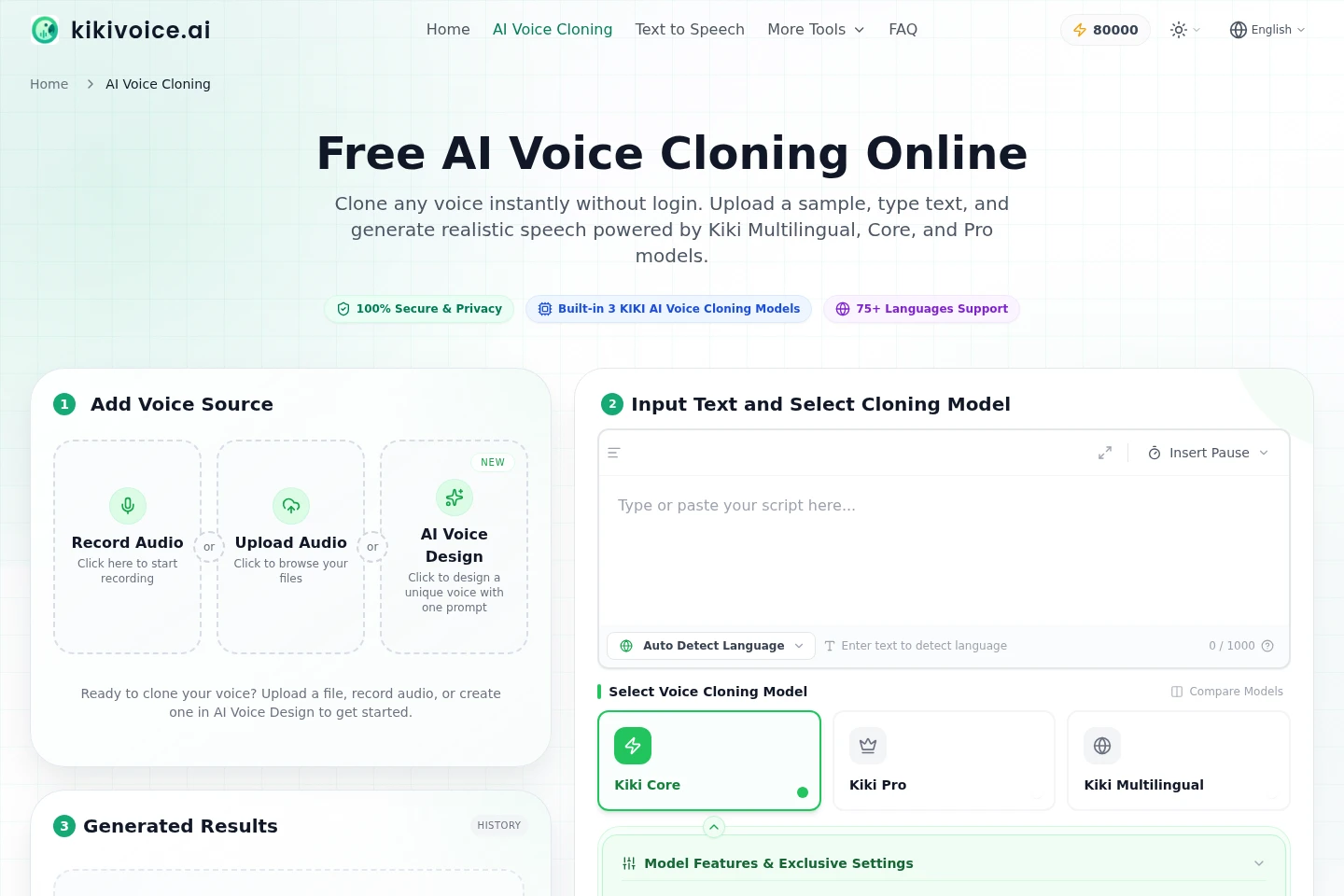
AI voice cloning
Creates speech using a voice modeled from an audio sample. Users upload or record audio, enter text, and select a cloning model; the page specifies authorized samples and models with different features.
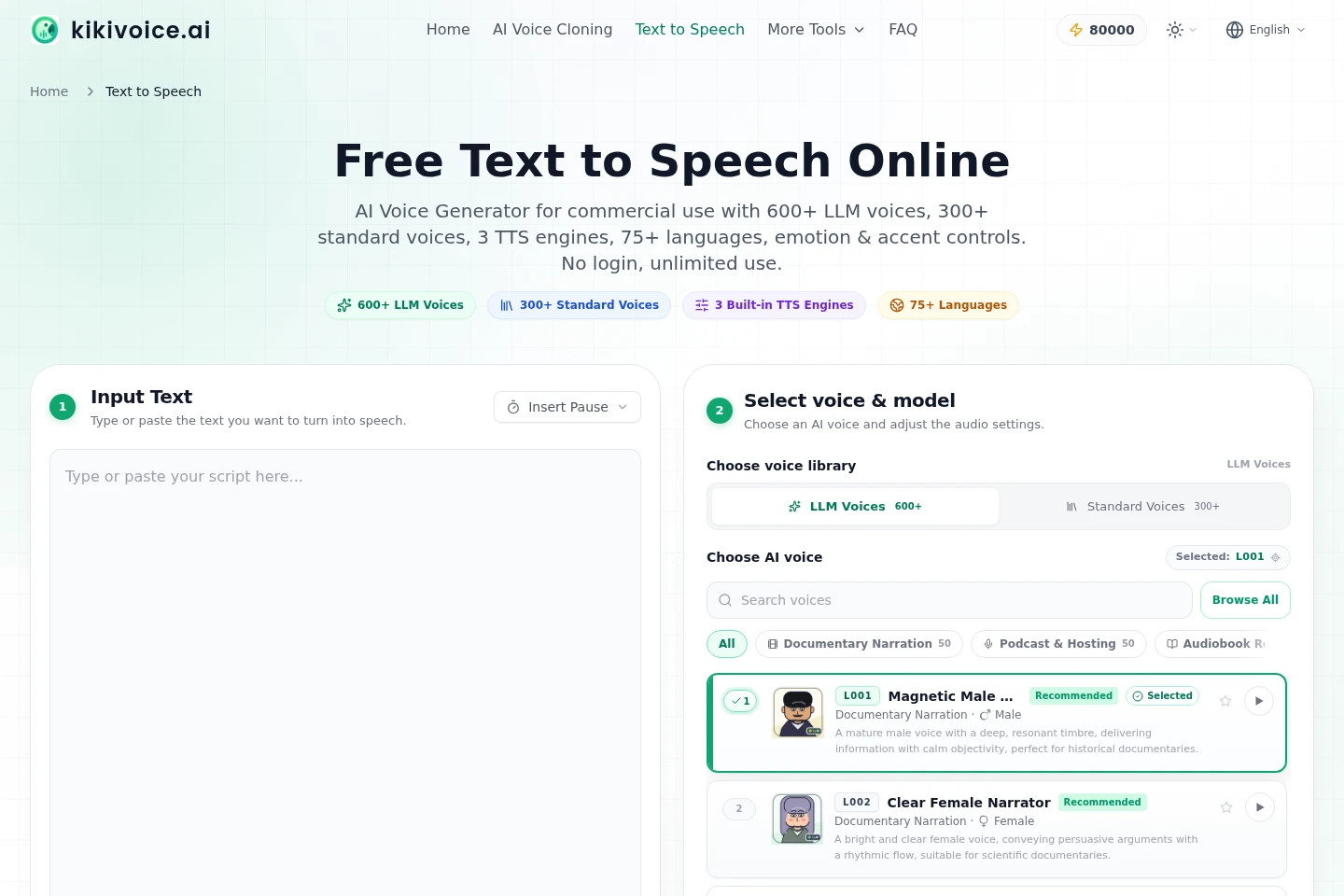
Text-to-speech generation
Converts entered text into generated speech using a selected voice. Users choose among LLM and standard voices, built-in TTS engines, and language options; the pages describe more than 75 languages.
Descriptive voice design
Generates an original voice from a written description without relying on a real voice sample. Users describe the voice they want and use the resulting voice for generated speech.
Audio voice changing
Converts recorded or uploaded speech into another voice. Users select a library voice or add a voice sample; conversion supports up to six minutes of audio per request.
Pricing
KikiVoice lists a free plan with weekly credits and no signup or credit card required. Compare the weekly credit allowance, rollover rule, and model-specific conversion limits when choosing how to use the tools.
| Plan | Price | Included features and limits |
|---|---|---|
| FREE PLAN | Free |
|
Use cases
Create a voiceover from written text
When a creator needs spoken audio from a script, they enter text, choose a voice and TTS engine, and generate speech. The service lists language and voice choices, including more than 75 languages.
Generate speech in a sampled voice
When a user has an authorized voice recording, they upload or record a sample, enter text, and select a cloning model. KikiVoice generates speech using the modeled voice, with model-specific text-length limits.
Convert a recording to another voice
When a user wants to change the voice in recorded speech, they upload or record audio and choose a library voice or their own voice sample. The conversion supports up to six minutes per request and aims to retain delivery characteristics.
Limitations
The free plan grants 80,000 credits per week, and unused credits do not roll over.
A single free voice-cloning conversion supports a model-dependent text length, generally in the 500–2,000 character range.
Voice changer conversions are limited to six minutes of audio per request.
The 80,000-credit offer described for October–December 2026 includes a limited-time bonus and requires completing a survey to earn additional bonus credits.
Who it is for
Content creators needing generated or cloned speech for audio and video projects
People producing narration, dubbing, podcasts, or voice performances
Creators preparing spoken content in multiple languages or accents
FAQ
Do I need to register to use KikiVoice?
No registration or credit card is required to start using the listed tools. The pages describe opening the online workspace and trying the tools directly.
How many credits does the free plan include?
The free plan provides 80,000 credits per week. Credits reset weekly, and unused credits do not roll over; conversion consumes credits.
How long can text be for one voice-cloning conversion?
The free tier supports a model-dependent range of about 500–2,000 characters per conversion. Kiki Core and Kiki Multilingual usually support longer text than Kiki Pro.
Can I upload a script file?
The FAQ says text input is currently supported. It recommends splitting long scripts into suitable character lengths, generally within the 500–2,000 character range depending on the chosen model.
Can I use multiple voice clones?
Yes. The FAQ says users can create and manage multiple voice clones without a stated limit.
How do I contact support?
For product questions or technical support, contact [email protected] or use the website contact form.
Comments