

- Monthly visits
- 9,291
- 2026-10
- Monthly growth +598.6%
ToMotion AI - Turn text, documents, and images into narrated animated videos
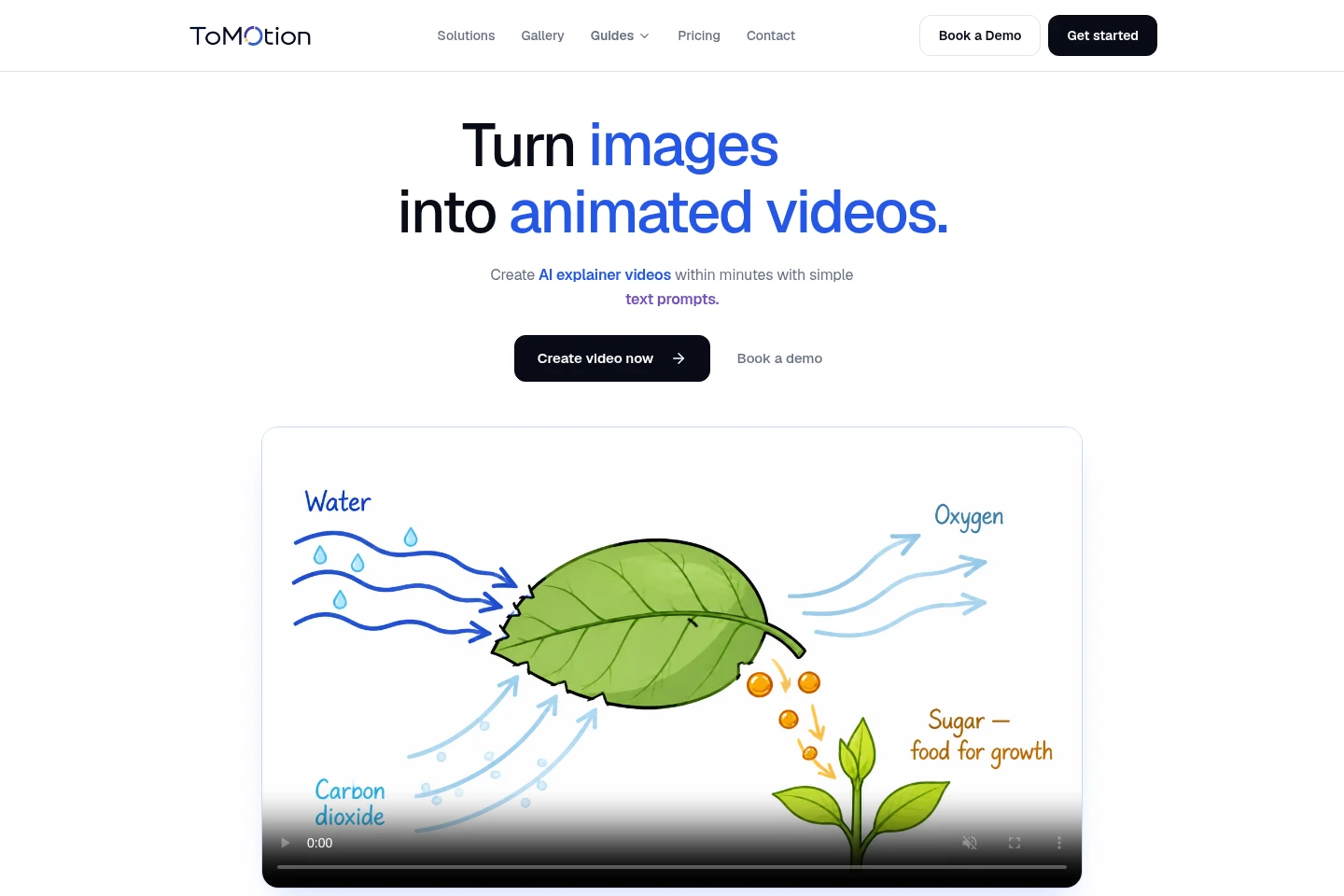
ToMotion AI creates animated explainer videos from prompts, scripts, lesson notes, documents, presentations, and reference images. It generates scenes, narration, and animation in one workspace, with options to review scripts, edit frames, choose visual styles, and create horizontal or vertical videos. Paid credit packs include watermark-free downloads and commercial use.
- AI Video
- Animation Generators
- Video Generators
- Text to Speech
- Education
- AI explainer video generator
- text to animated video
- AI narrated video maker
Capabilities
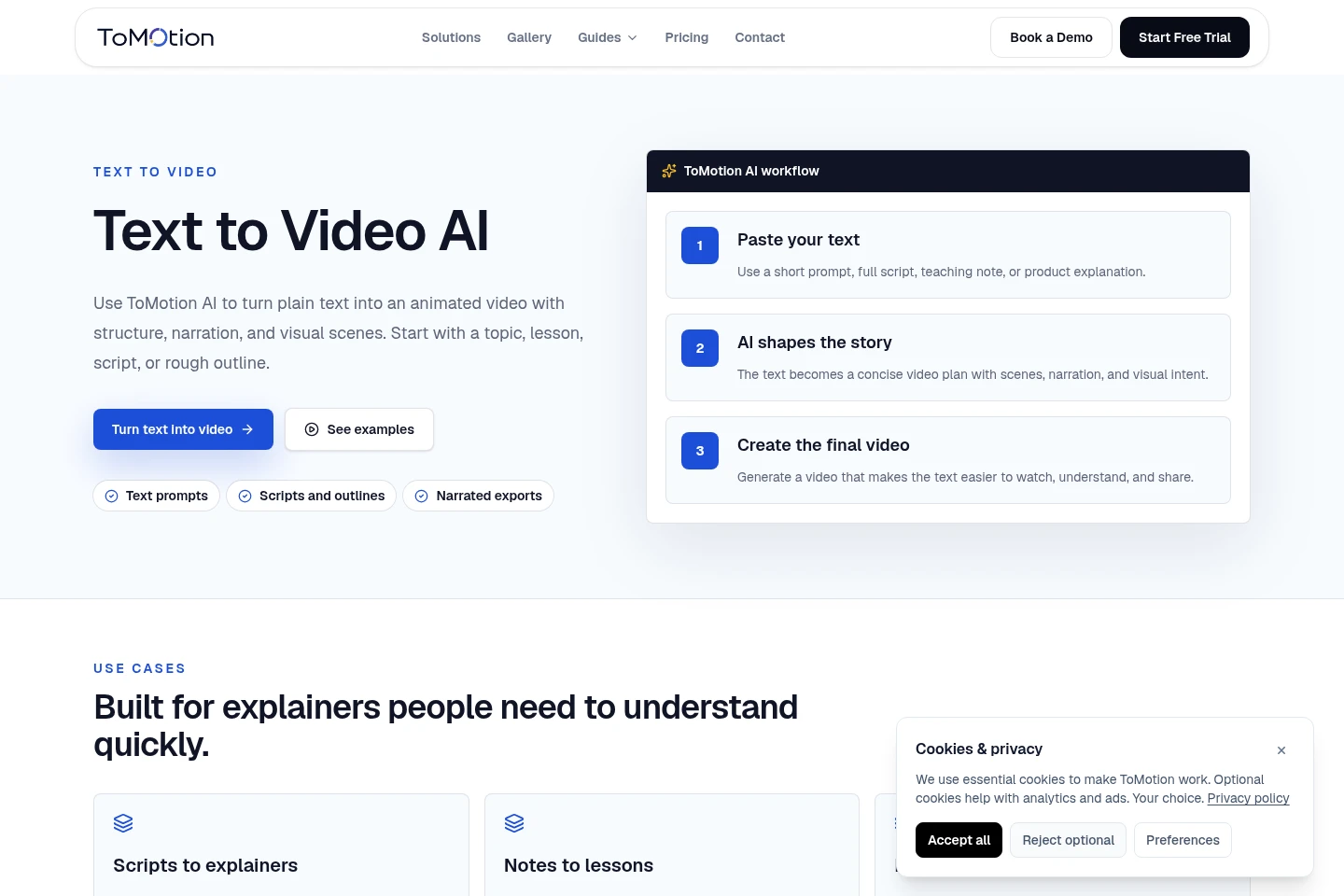
Text-to-video generation
Turns prompts, scripts, lesson notes, and outlines into animated videos with scenes and narration. Users supply text, then generate and preview the resulting video in the workspace.
Document and image inputs
Uses documents, presentations, and reference images as source material or visual guidance. Users provide the material alongside a topic to shape the generated scenes and narration.
Script review
Lets users review and refine a video script before generation. The available plan feature comparison states this is included with Creator and higher plans.
Prompt-based frame editing
Applies described changes to video frames through prompt-based editing. Paid credit packs list frame editing, while the FAQ specifies Business and higher plans for frame-by-frame editing.
AI narration and language options
Adds AI narration and supports video creation in multiple languages. The site describes speech in 40+ languages, and Scale lists up to 10 language variants from one submission.
Pricing
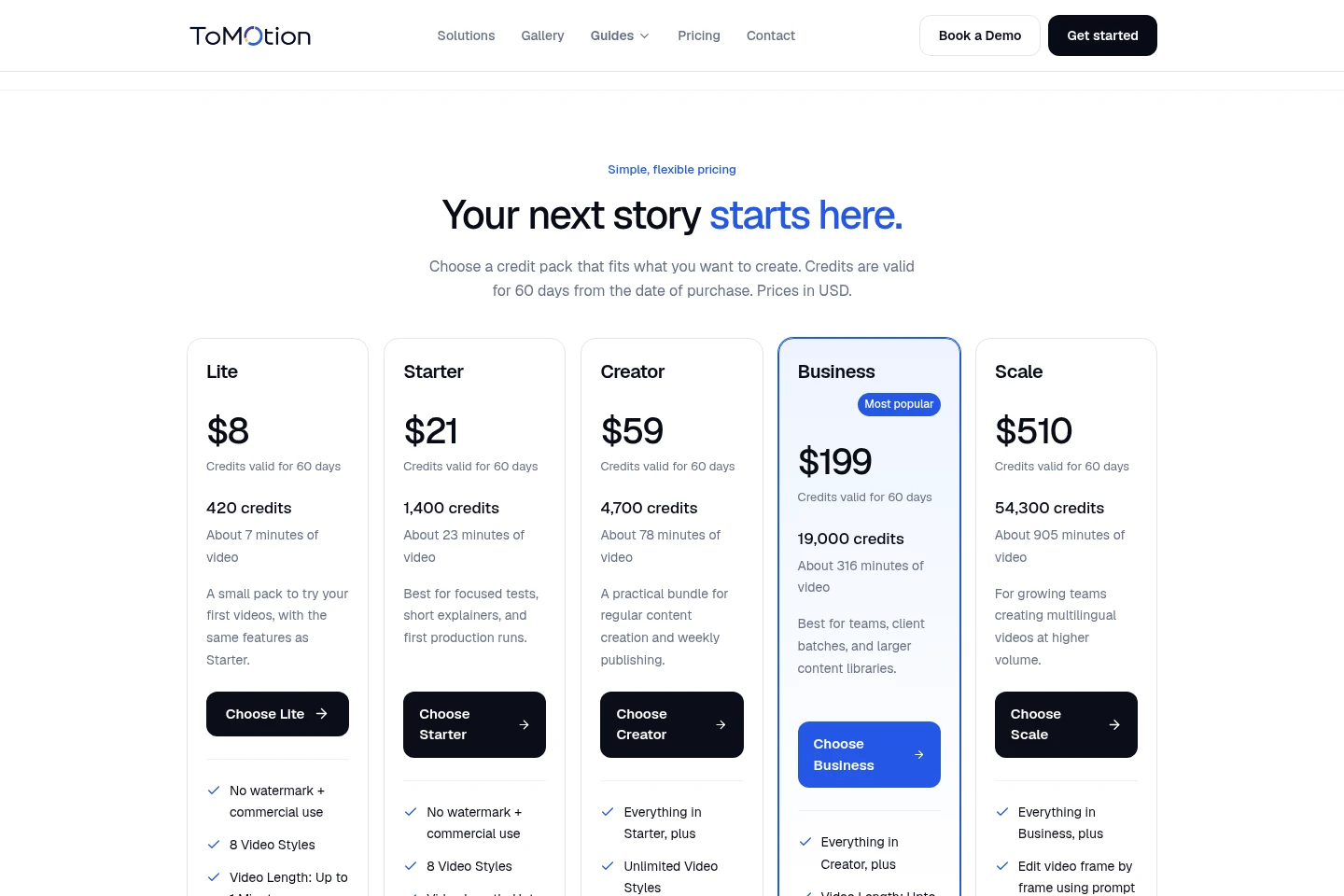
ToMotion AI sells paid credit packs with one-time listed prices; credits expire after 60 days. Compare credit quantity, video-length limits, editing and voice features, and support to choose a pack.
| Plan | Price | Included features and limits |
|---|---|---|
| Lite | $8; credits valid 60 days |
|
| Starter | $21; credits valid 60 days |
|
| Creator | $59; credits valid 60 days |
|
| Business | $199; credits valid 60 days |
|
| Scale | $510; credits valid 60 days |
|
| Enterprise | Custom pricing |
|
Approximate video minutes assume standard quality at 1 credit per second without paid voice add-ons. High quality uses 2 credits per second; ElevenLabs voices add 0.2 credits per second. The generation estimate is shown before creation.
Use cases
Create animated educational lessons
When teachers or students need to explain lesson notes or complex topics, they can provide notes or a prompt and generate a narrated animated explanation. The result can be previewed and downloaded.
Make narrated training videos
When a team needs to present training notes, SOP summaries, or internal instructions, users can turn the text into scenes with narration and animation. The generated video can be reviewed in the workspace.
Produce product explainer videos
When a business needs to explain a product or idea, users can provide a script, outline, document, or image reference. ToMotion AI builds a narrated animated video that can be edited and exported.
Create short-form social videos
When a creator needs a video for social platforms, they can start with a topic or script and generate an explainer in a vertical 9:16 format. The site names Reels, Shorts, and TikTok as examples.
Limitations
Purchased credits expire 60 days after purchase, so unused credit balances are not described as permanently available.
High-quality generation uses 2 credits per second; the approximate video-minute estimates use standard quality at 1 credit per second.
ElevenLabs voices add 0.2 credits per second, which changes the credits required for a generated video.
The FAQ places script review in Creator and higher plans, and prompt-based frame-by-frame editing in Business and higher plans.
Who it is for
Teachers and students creating animated explanations of lessons and complex topics
Trainers and teams turning training notes or internal instructions into narrated videos
Creators and marketers producing explainers, product stories, or social videos
Founders and businesses that need to explain products, services, or ideas visually
FAQ
What can I turn into a video?
You can start with an idea, script, lesson notes, documents, presentations, or a reference image. ToMotion AI uses the supplied material to build scenes, narration, and animation around the topic.
How do credits work?
Approximate video-minute estimates use standard quality at 1 credit per second without paid voice add-ons. High quality uses 2 credits per second, and ElevenLabs voices add 0.2 credits per second; the estimate appears before generation.
How long are purchased credits valid?
Purchased credits are valid for 60 days from the purchase date. Credit packs are available to buy when more credits are needed.
Can I review the script and edit the video?
Script review is included with Creator and higher plans. Prompt-based frame-by-frame editing is included with Business and higher plans, according to the plan comparison and FAQ.
Can I download videos and use them commercially?
Paid credit packs include downloadable videos, commercial use, and watermark-free exports. Videos can be created in horizontal 16:9 or vertical 9:16 formats.
Can I keep my videos private?
Yes. Videos can remain private in your library, or you can choose to publish selected videos to the public gallery.
Comments