

Monthly visits
29,208
2026-10
Monthly growth +1,153.6%

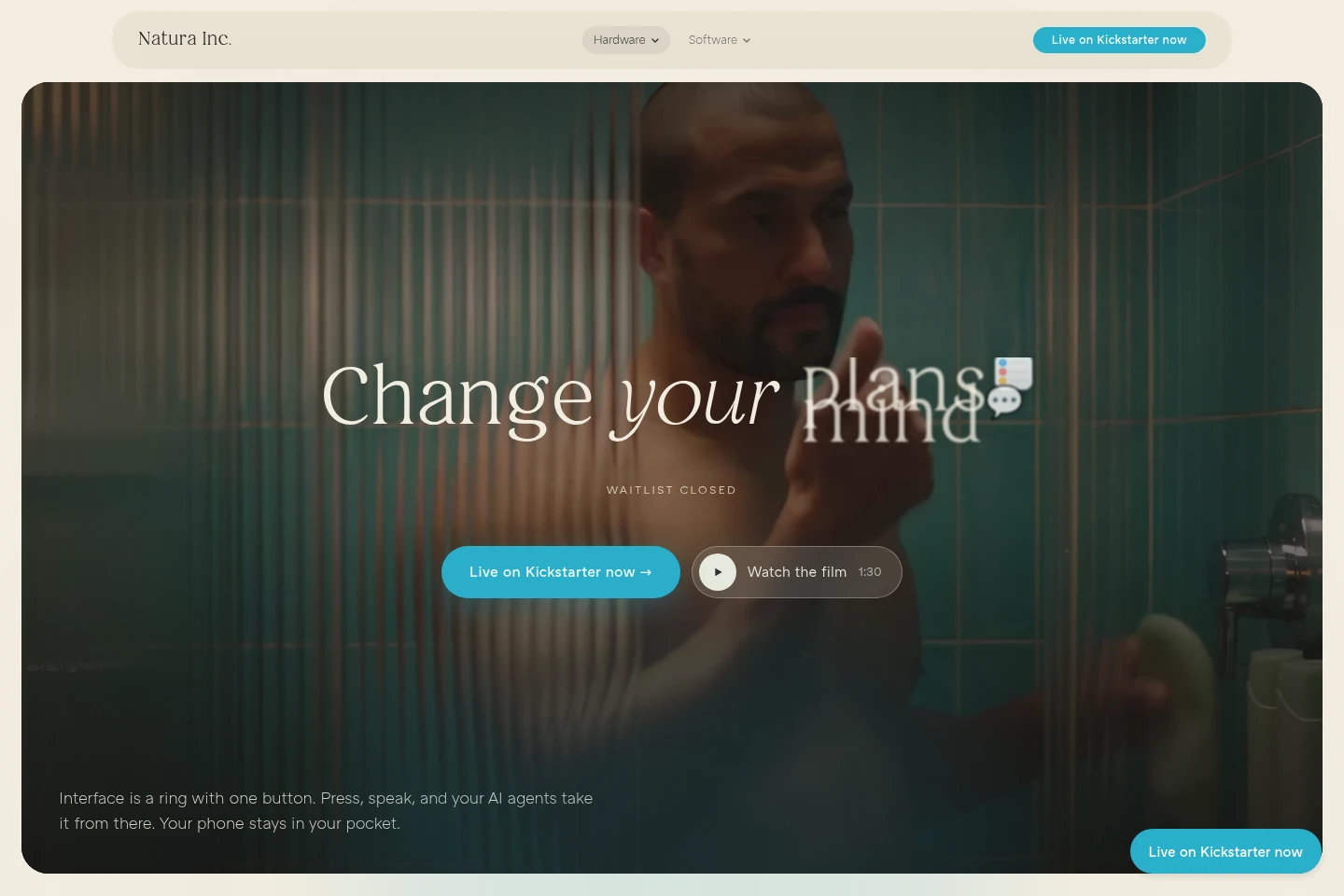
Interface - A smart ring for voice requests to your AI agents

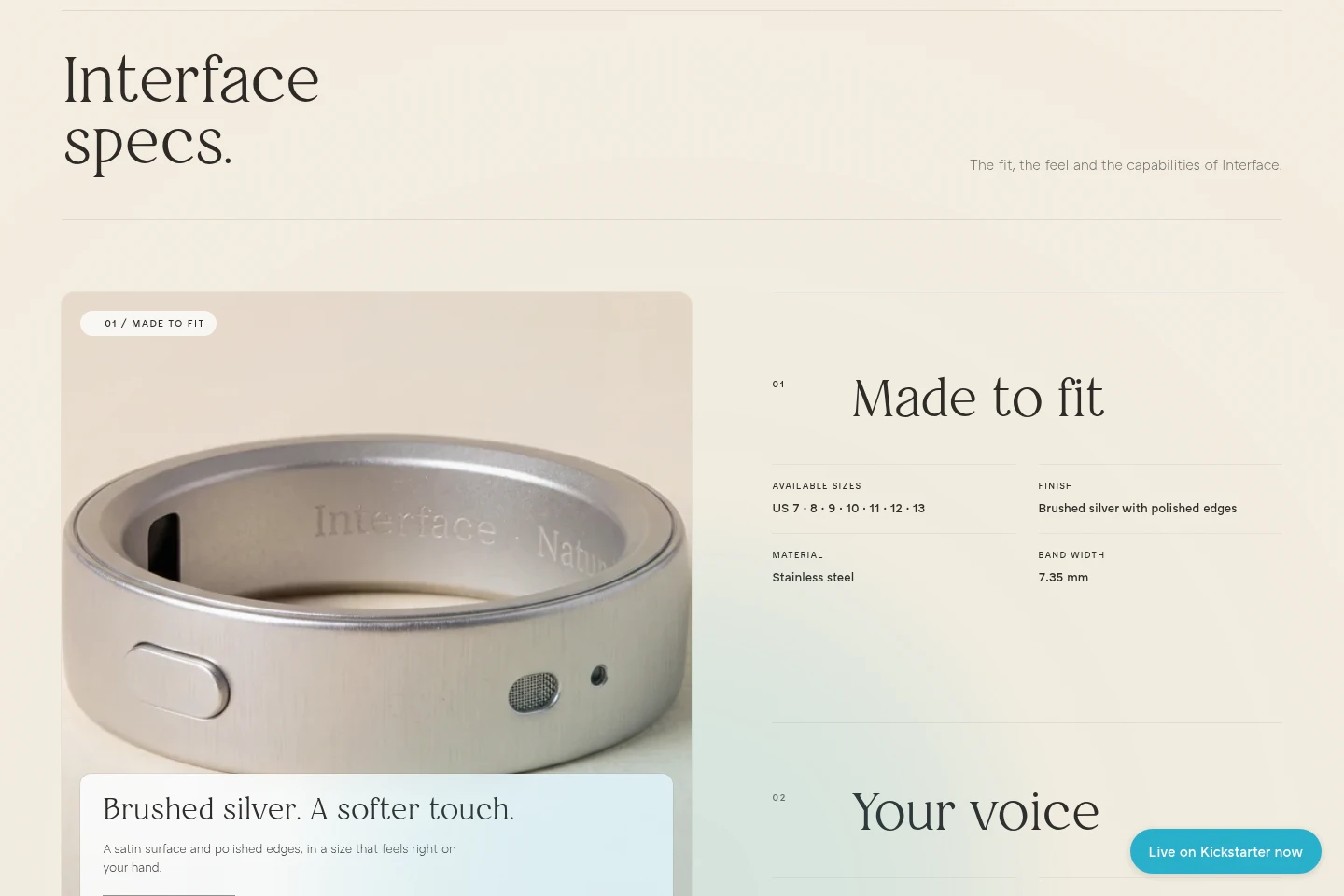
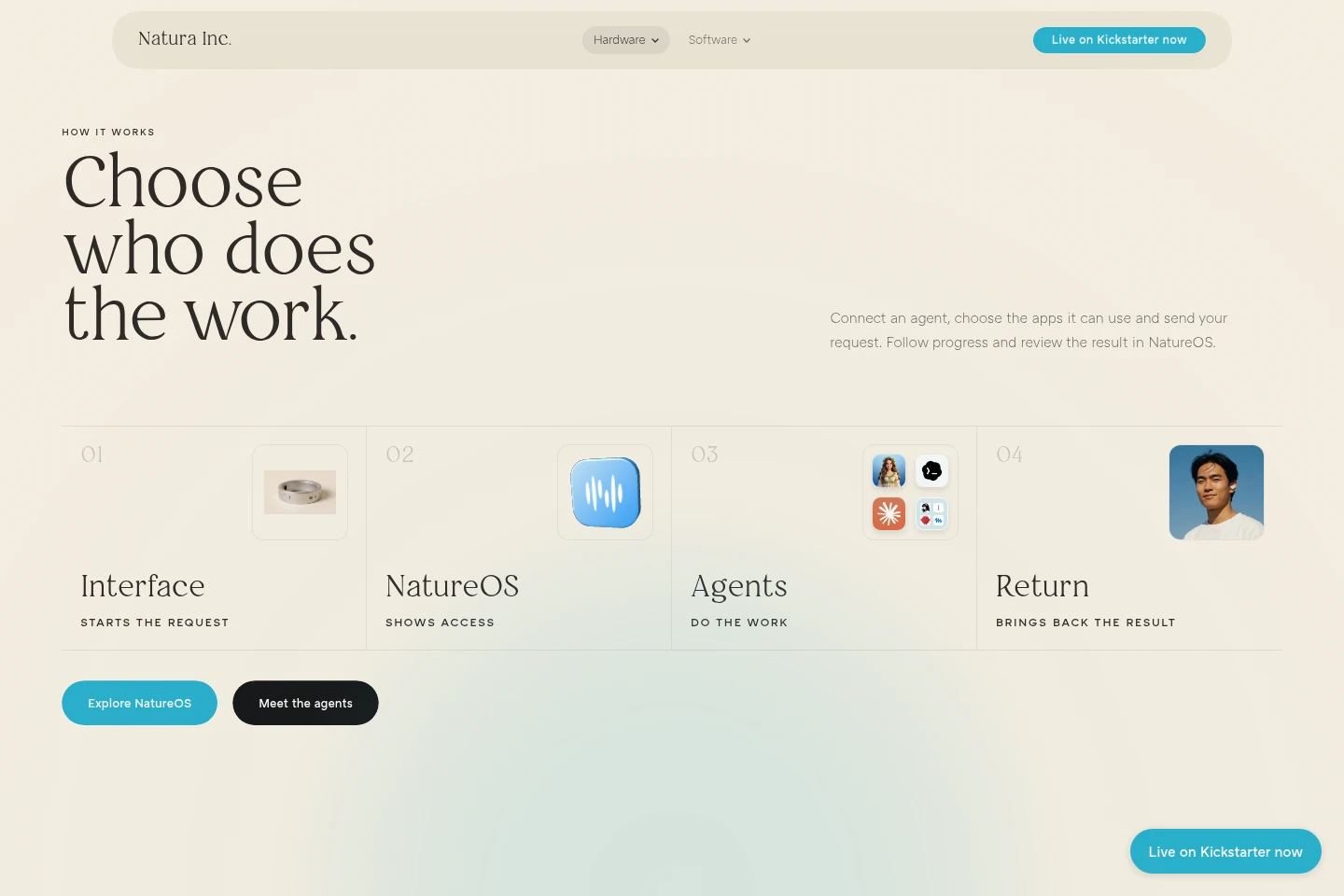
Interface is a one-button smart ring that sends spoken requests to connected AI agents through NatureOS. Use it to dictate notes, capture meeting recordings, or ask an agent to plan and handle tasks. Choose which apps an agent can use, then follow progress and review results in NatureOS. Interface is presented on Kickstarter; the waitlist is closed.

Visit WebsiteUpdate this product

0Views

Capabilities

Voice requests to agents

Send spoken requests to connected AI agents through NatureOS. Press and hold the ring button, speak, and release; select an agent and choose which apps it may use in NatureOS.

Meeting recording and notes

Record conversations and return to their notes, decisions, next steps, transcript, speaker identification, and recap in NatureOS. Double-click to start a longer recording and double-click again to stop.

Dictated voice notes

Capture a spoken thought as a note and return to it later in NatureOS. Users can also let connected agents reorganize saved thoughts.

Health and activity sensing

The ring is designed to track heart rate, resting heart rate, HRV, sleep stages, steps, daily activity, and skin temperature. These health features are being validated and final capabilities are not confirmed.

Pricing

No product price or paid plan is stated on the supplied page. Interface is presented on Kickstarter, while the waitlist is closed; compare campaign availability and terms there.

Use cases

Send a task to a connected AI agent

When you want an agent to plan, find something, or handle a task without taking out your phone, press and hold the ring button, speak, and release. NatureOS sends the request to your chosen agent, within the apps you allowed, and shows progress and results.

Record a conversation and revisit its notes

When you need a record of a meeting, double-click to start a longer recording and double-click again to stop. NatureOS saves the conversation with a transcript, identified speakers, a recap, decisions, and next steps.

Save a thought as a voice note

When a thought comes to mind and you want to keep it for later, bring the ring close to your mouth and dictate a note. It is saved in NatureOS for later review, and agents can reorganize saved thoughts.

Limitations

  • Health tracking features, including heart, sleep, movement, and temperature readings, are still being validated; final capabilities will be confirmed before release.

  • The final water-resistance rating has not yet been confirmed.

  • Interface pairs with a phone; details about which functions work without a connection will be confirmed before pre-orders.

  • The waitlist is closed; the page directs prospective buyers to Kickstarter for the product campaign.

Alternatives

VoiceGenie

AI voice agents for calls, support, and customer workflows

VoiceGenie is a hosted voice AI platform for automating outbound calls and contact-center workflows. Configure agents with voices, languages, scripts, and templates; connect CRMs, calendars, and telephony; and use live-call actions such as booking meetings, updating records, sending SMS, or transferring to a human. Post-call reports include conversation data and analytics.

  • Cloud
  • API
  • Paid
  • EnterpriseCustom pricing; contact sales
  1. AgentVoice

    Custom AI voice agents for calls and follow-up workflows

    Contact Sales
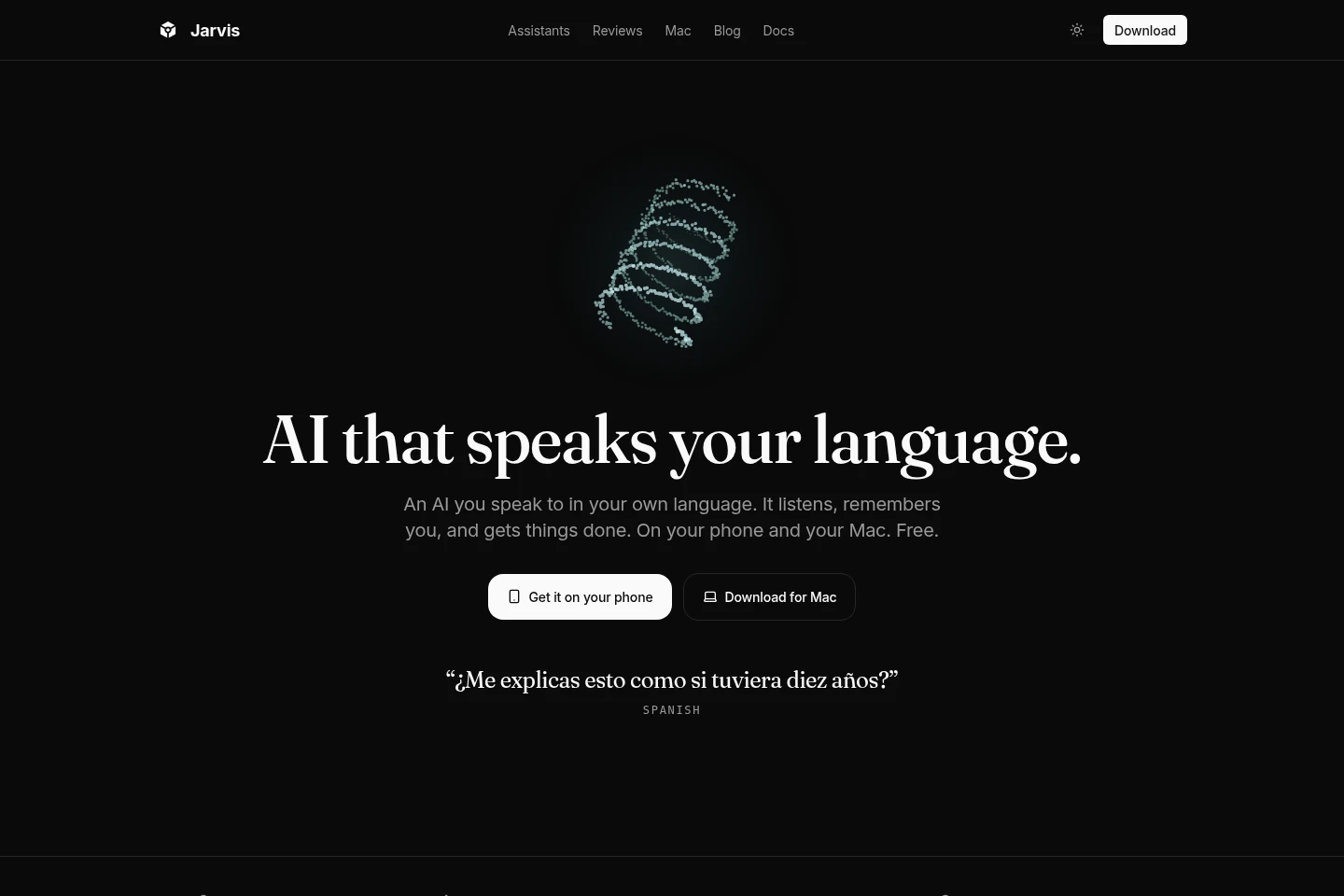
  2. Jarvis

    A voice assistant for phone and Mac

    Free
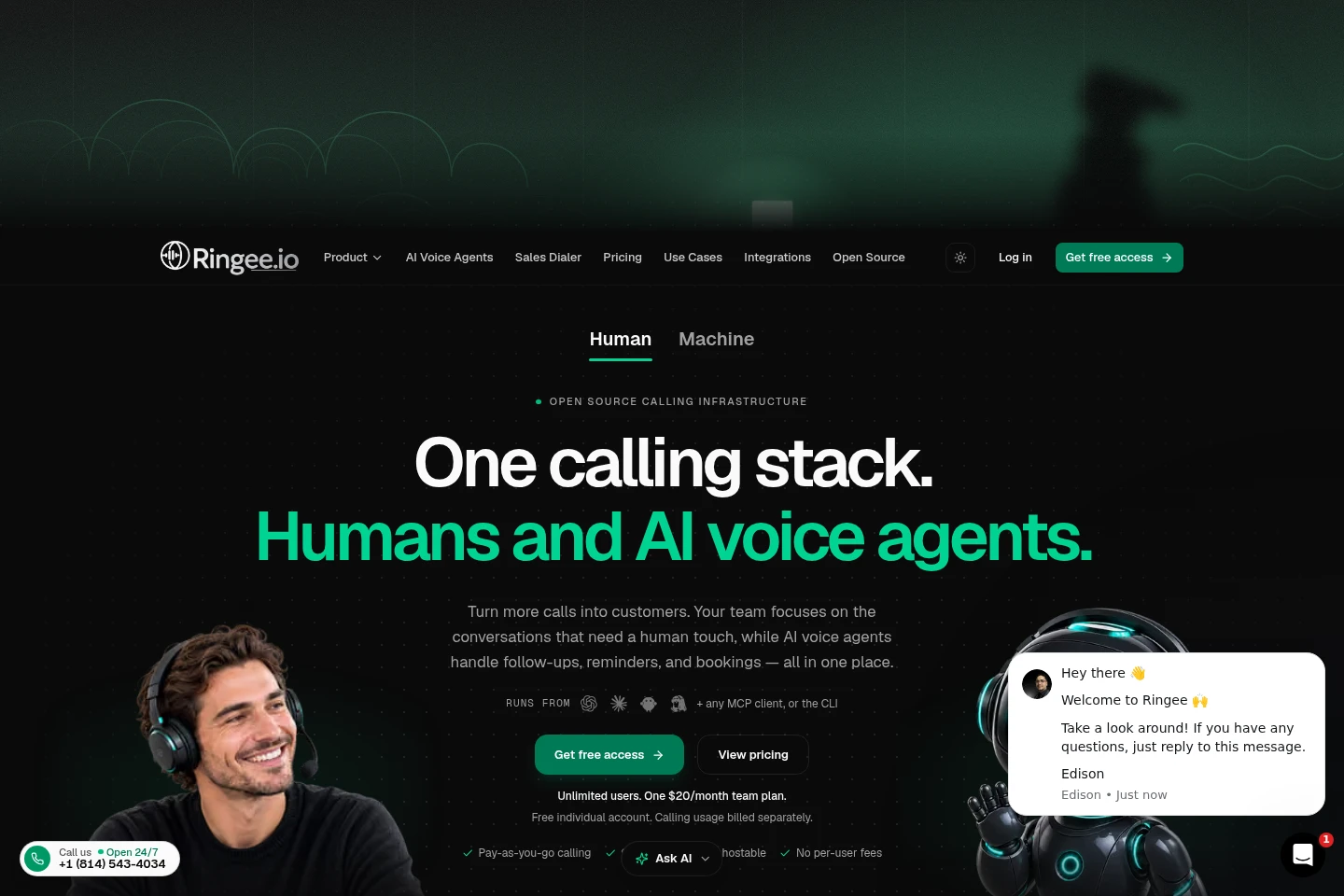
  3. Ringee

    Browser calling, team dialers, and AI voice agents

    Freelancer · $0/month; free forever
  4. Aico Link

    A hardware AI agent that sees and operates your phone

    Contact Sales
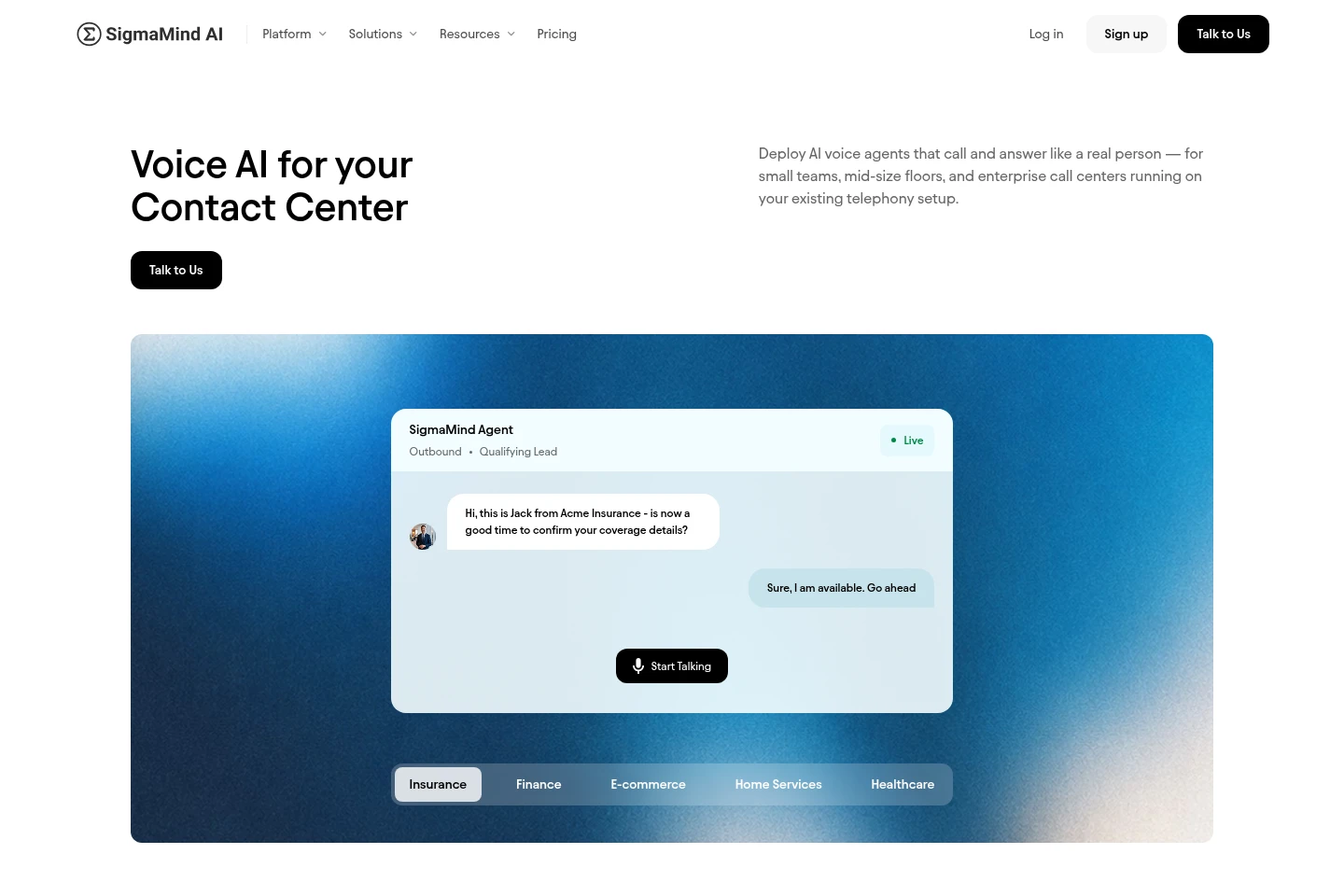
  5. SigmaMind AI

    AI voice agents for inbound and outbound call operations

    Pay as you go · $0.096 per minute; $0.006 per message

Who it is for

  • People who want to send spoken requests to connected AI agents

  • People who want to record conversations and revisit transcripts and decisions

  • People who want to capture thoughts as voice notes and review them later

FAQ

What happens when I press the button?

Press and hold, speak, then release. NatureOS sends the request to your chosen agent and asks you to review any action that needs approval.

How does the result return?

Depending on the task, you can hear a reply through headphones, follow an update on your iPhone lock screen, or open the full result in NatureOS.

Can Interface record meetings?

Yes. Double-tap to start recording and double-tap again to stop. The meeting is saved with a full transcript, identified speakers, and a recap.

Is Interface always listening?

No. Recording starts only when you use the button.

Do I need my phone nearby?

Interface pairs with your phone. Details about what works without a connection will be confirmed before pre-orders.

Which finger is Interface designed for?

It is designed for the index finger, with the button facing your thumb.

Comments

Please sign in to leave a comment.
No comments yet. Be the first to share your thoughts!