

- Monthly visits
- 9,713
- 2026-09
- Monthly growth +31.4%
graficai - AI image editing and content tools for e-commerce catalogs
graficai is an AI-powered workspace for preparing e-commerce product images and creating visual content. It supports batch background removal, resizing, compression and format conversion, as well as AI image generation and editing. Users can organize images in a library, optimize them, and publish or export assets for online stores.
- AI Image
- Photo Editors
- Background Removers
- Image Upscalers
- E-commerce
- AI product image editor
- bulk image background remover
- e-commerce image optimization

Capabilities
Batch image editing
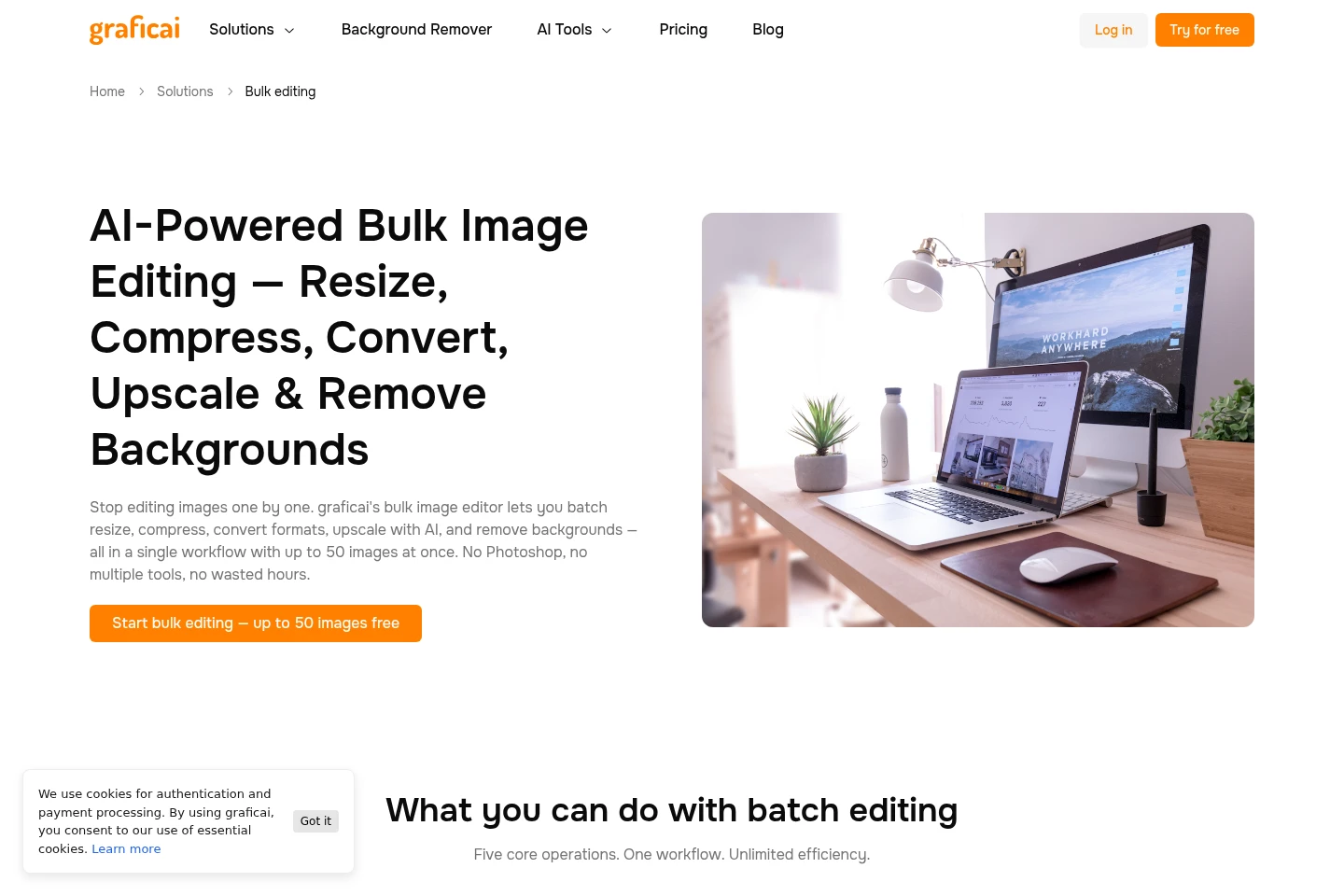
Edit batches of up to 50 images with resize, compression, format conversion, AI upscaling, or background removal. Upload JPG, PNG, WebP, or AVIF files from a device or the image library, choose operations and settings, then download files individually or in a ZIP.
AI image generation and editing
Generate and modify product visuals using AI tools for backgrounds, retouching, variations, face swaps, virtual try-on, and pose changes. Choose a tool and provide an image, model photo, reference, or prompt as applicable; credit costs vary by operation.
Image optimization
Compress and convert images to reduce file size and prepare assets for web use. Choose lossy or lossless compression and formats such as WebP, AVIF, PNG, or JPEG; bulk optimization supports up to 50 images.
Image library and catalog workflows
Store, search, and organize images in folders, then prepare product assets for listings. Users can import product data through CSV, map images to products, and export image names and public URLs.
Canvas editing
Select or draw areas on a canvas to direct AI edits to specific parts of an image. Combine visual selections with e-commerce editing tools to change or refine product imagery.
Pricing
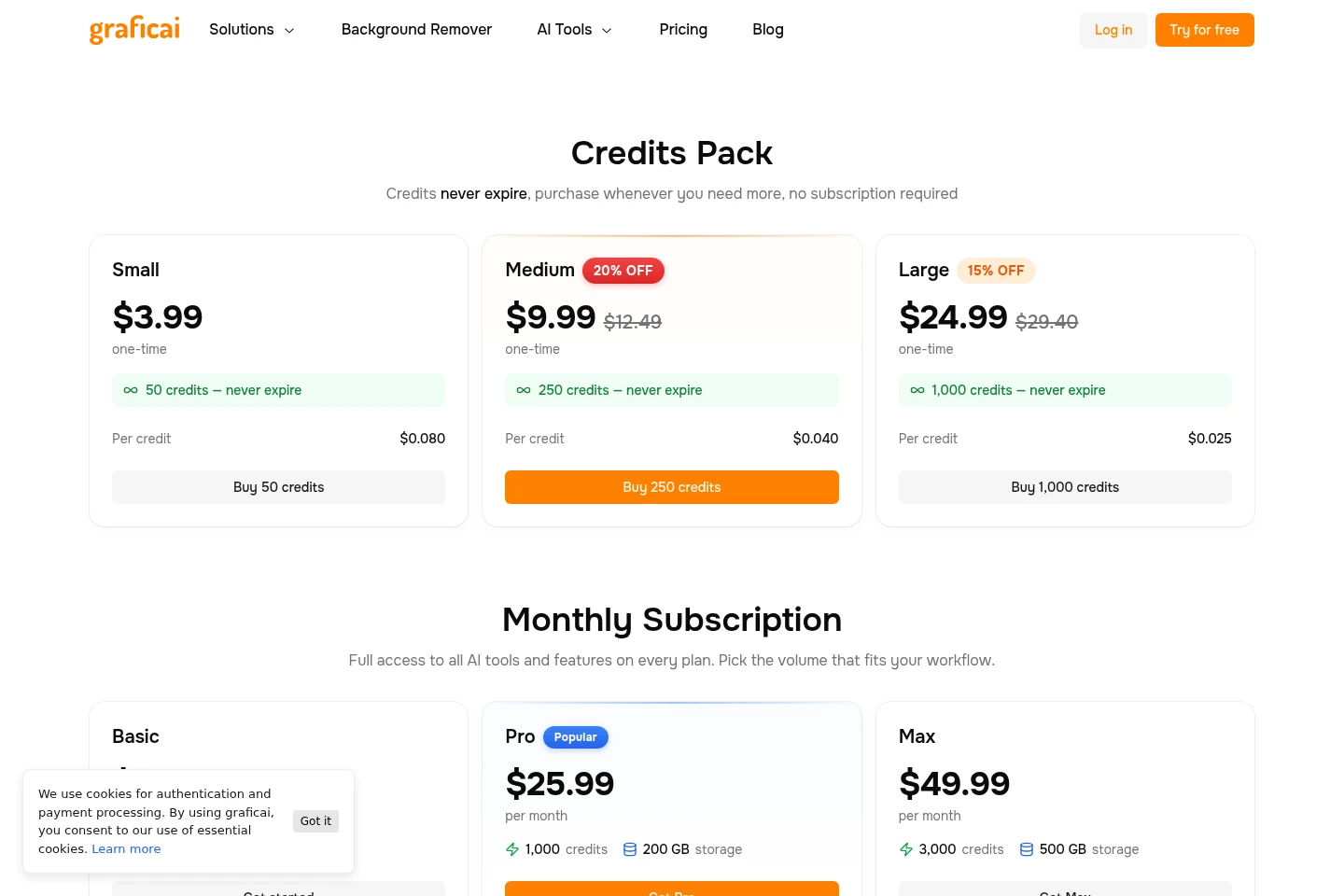
graficai offers one-time credit packs and recurring monthly subscriptions. Compare pack size or monthly credits, storage, stated image and video volumes, and any listed support benefits to choose an option.
| Plan | Price | Included features and limits |
|---|---|---|
| Small | $3.99 one-time |
|
| Medium | $9.99; shown against $12.49 |
|
| Large | $24.99; shown against $29.40 |
|
| Basic | $7.99 per month |
|
| Pro | $25.99 per month |
|
| Max | $49.99 per month |
|
Credit amounts are consumed by image operations; the pricing page gives operation-specific costs. Monthly subscription credits are listed by plan, but the supplied page does not establish whether unused monthly credits roll over.
Use cases
Prepare product images for marketplace listings
When product photos need consistent dimensions or marketplace-ready backgrounds, upload a batch and apply resizing, background removal, or white-background processing. Export the resulting images individually or as a ZIP for listings.
Optimize images for an online store
When store images need smaller files or web-compatible formats, choose compression settings and convert images to formats such as WebP or AVIF. Optimize one image or batches of up to 50, then use the resulting assets on a site.
Create or revise product visuals
When a catalog needs new scenes or image adjustments, use AI tools to generate backgrounds, retouch photos, create variations, upscale images, or perform other listed edits. Provide the image or prompt required by the chosen tool and spend credits according to the operation.
Limitations
Batch operations support up to 50 images at a time; the stated cap applies to each batch.
Image-processing operations consume credits, with credit amounts varying by tool and operation.
Credit packs are one-time purchases, while Basic, Pro, and Max are monthly subscriptions.
CSV-based product mapping and public image URLs are described, but the supplied pages do not name a specific direct store-publishing integration.
Who it is for
E-commerce sellers preparing product photos for online listings
Catalog operators managing batches of product images across store channels
Store content teams creating and optimizing product visuals for websites
FAQ
What can graficai do with product images?
graficai can remove backgrounds, resize, compress, convert formats, upscale, and edit images with AI tools. Available tools also include scene generation, retouching, variations, virtual try-on, face swap, and pose changes.
How many images can I process in one batch?
Bulk operations can process up to 50 images at a time. The batch workflow accepts JPG, PNG, WebP, or AVIF images uploaded from a device or selected from the graficai library.
Can graficai create videos for products?
The homepage describes promotional video creation, and subscription plans list video processing limits. Basic includes up to 100 seconds, Pro up to 666 seconds, and Max up to 2,000 seconds.
What is the difference between the subscription plans?
Basic, Pro, and Max differ in monthly price, credits, storage, stated image-processing ranges, video limits, and included support. Max also lists priority support and early access.
Can I buy credits without a subscription?
Yes. Small, Medium, and Large credit packs are one-time purchases and do not require a subscription. Their credits never expire, according to the pricing page.
Do unused subscription credits carry over?
The pricing page lists a question about monthly credit rollover, but the supplied page content does not include its answer. The page separately states that credits in purchased credit packs never expire.
Comments