
Monthly visits
1,222
2026-10

Genjutsu AI - Recast videos with reference images and preserved motion

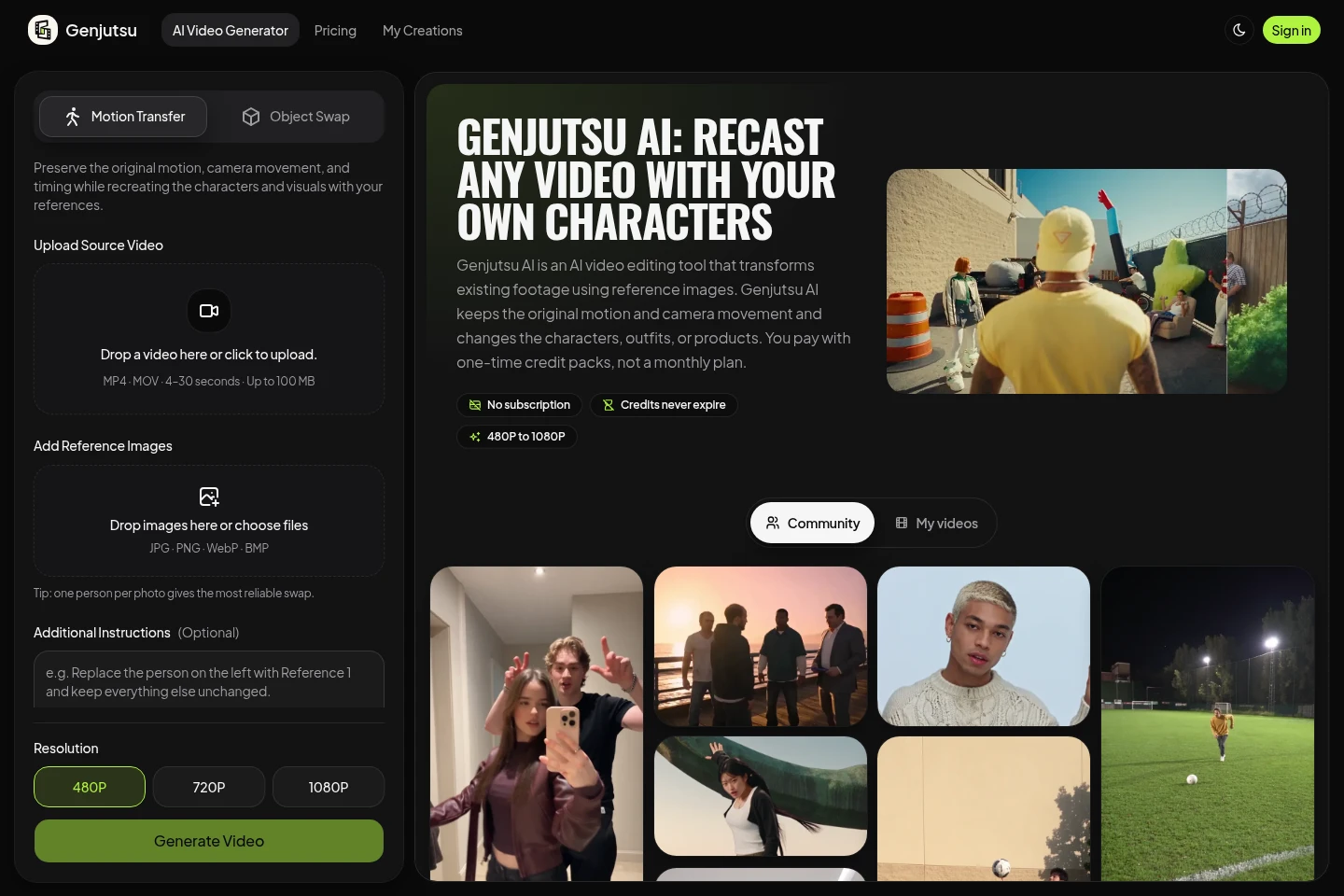
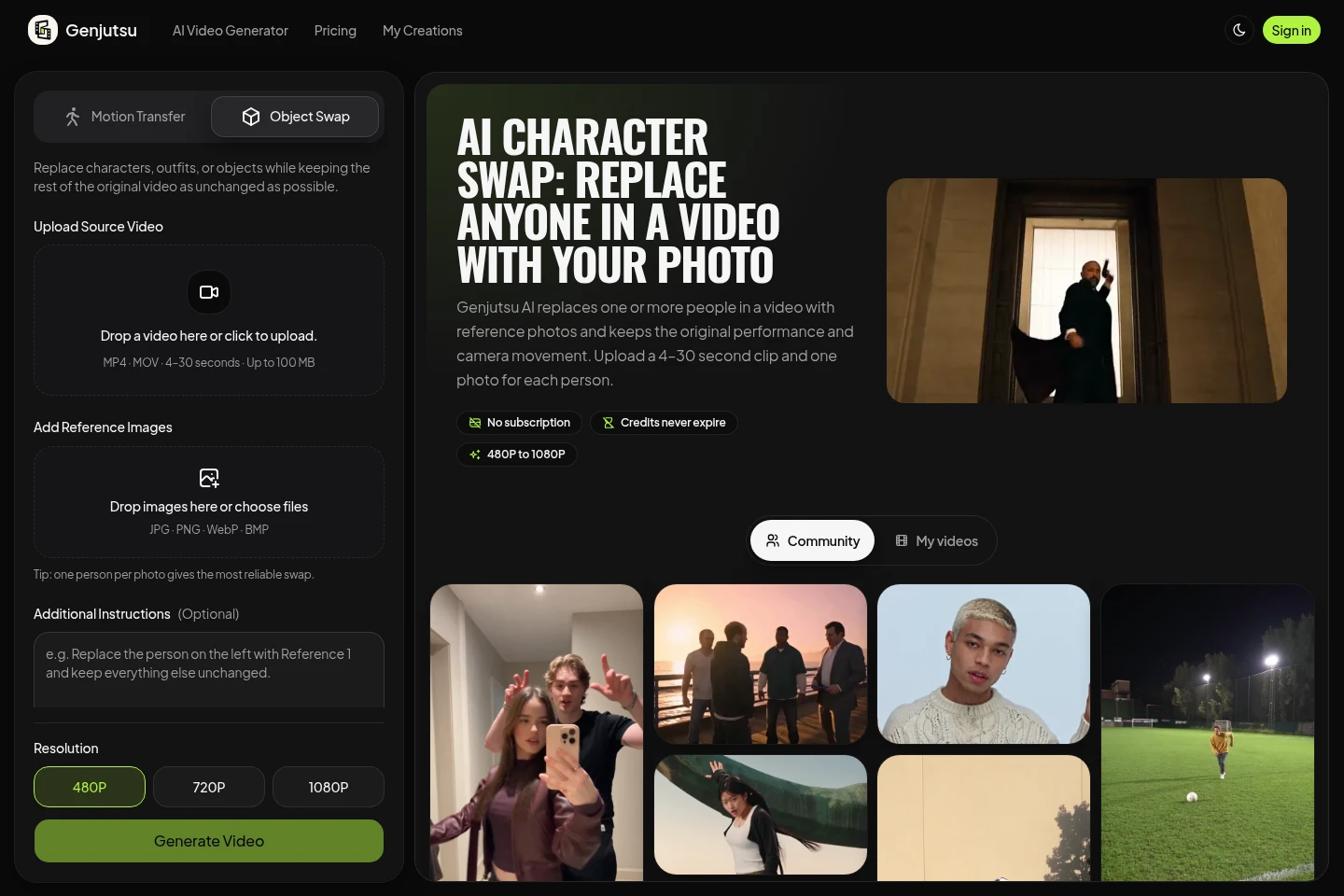
Genjutsu AI edits existing videos using reference images. Motion Transfer rebuilds characters and visuals while following the source motion, timing, and camera; Object Swap changes a selected person, outfit, product, or object while keeping the rest of the scene as close to the source as possible. Upload an MP4 or MOV clip from 4 to 30 seconds, add up to 20 images, choose 480P, 720P, or 1080P, and pay with one-time credits.

Visit WebsiteUpdate this product

0Views

Capabilities

Motion Transfer

Rebuilds people and visuals in a source video from reference images while retaining its motion, timing, and camera movement. Upload an MP4 or MOV clip of 4–30 seconds, up to 100 MB, and up to 20 images; choose 480P, 720P, or 1080P.

Object Swap

Replaces a selected person, outfit, product, or object while keeping the rest of the scene close to the source. Provide an MP4 or MOV clip of 4–30 seconds, up to 100 MB, and reference images; output is available at 480P, 720P, or 1080P.

Multi-person replacement

Replaces multiple people in one video and retains their original movements, lip sync, and timing. Add one reference image for each person, up to 20 images, and identify who matches each image when needed.

Credit-based video generation

Generates videos using credits charged per second of source footage, with rates determined by resolution. The cost is displayed before generation; length is rounded up to a whole second, reference images add no charge, and failed-generation credits are returned automatically, subject to status confirmation for temporary connection issues.

Pricing

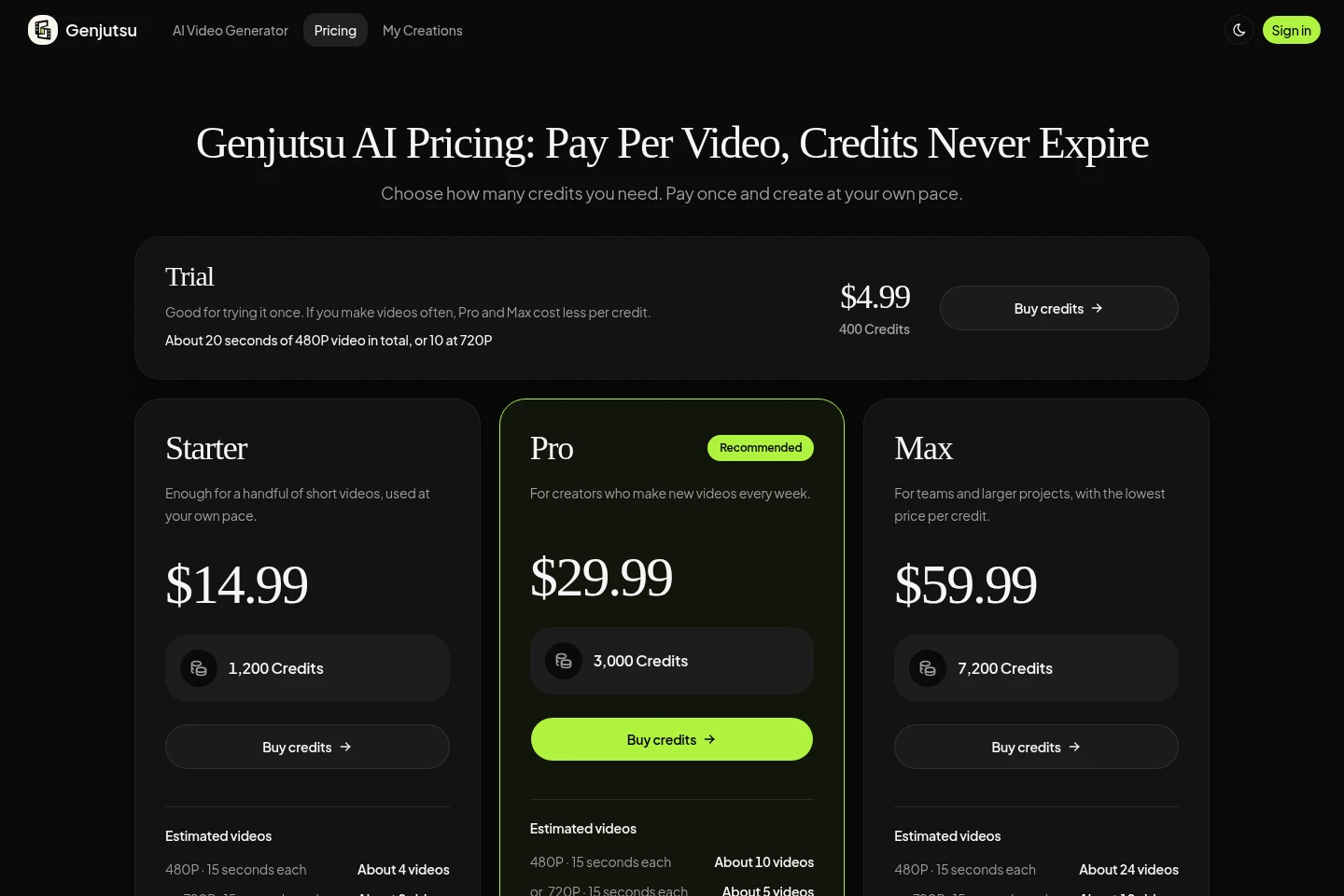
Genjutsu AI is paid through one-time credit-pack purchases, with no recurring subscription and credits that do not expire. Compare the credits included and the estimated video lengths at each resolution to choose a pack.

PlanPriceIncluded features and limits
Trial

$4.99, one-time

  • 400 credits per pack

  • About 20 seconds at 480P or 10 seconds at 720P

  • New accounts also receive one free, watermarked five-second 1080P preview

Starter

$14.99, one-time

  • 1,200 credits per pack

  • Estimated videos: about four at 480P, two at 720P, or one at 1080P

  • Displayed estimates use clips of 15 seconds at 480P and 720P, and 8 seconds at 1080P

Pro

$29.99, one-time

  • 3,000 credits per pack

  • Pricing page estimates about 10 videos and about five videos at lower resolutions

  • About 15 videos at 1080P are not stated; the page lists about 10 and about five video estimates without clearly labeling all resolutions

Max

$59.99, one-time

  • 7,200 credits per pack

  • Pricing page estimates about 24, 12, and three videos across its listed estimates

  • Lowest price per credit according to the pricing page

The generator shows the exact credit cost before generation. Credits are charged per second of source video, with length rounded up to the next whole second; reference images add no charge. Failed-generation credits are returned automatically, though a temporary connection issue may require status confirmation.

Use cases

Replace a person in an existing video

When a video needs a different person while retaining its performance, upload the source clip and a clear reference photo. Use Object Swap to change that person or Motion Transfer to rebuild the scene around the original movement; the credit cost appears before generation.

Change outfits while keeping the original movement

When the person and movement should remain but the clothing should change, provide the source clip and photos showing the desired outfits. Motion Transfer retains the walk and camera movement while changing the clothes.

Replace a product or object in a video

When a shot should feature a different product, prop, vehicle, or object, upload a source clip and a clear image of the target. Object Swap places the selected item in the shot while keeping the original motion.

Create a pet or multi-person video from a clip

When a dance or group clip should feature different people or pets, upload the clip and one clear reference image for each subject. Genjutsu AI swaps multiple subjects while retaining the source movement; up to 20 reference images are accepted.

Limitations

  • Source clips must be MP4 or MOV, 4–30 seconds long, and no larger than 100 MB.

  • A video accepts up to 20 reference images in JPG, PNG, WebP, or BMP formats.

  • Fast motion, tiny subjects, and subjects heavily blocked by objects can reduce accuracy.

  • Generated motion follows the source closely but is not guaranteed to match it frame for frame.

  • Higher output resolutions use more credits per second; video length is rounded up to the next whole second for billing.

Genjutsu AI alternatives

Motion Control AI

Transfer reference-video movement to animated characters

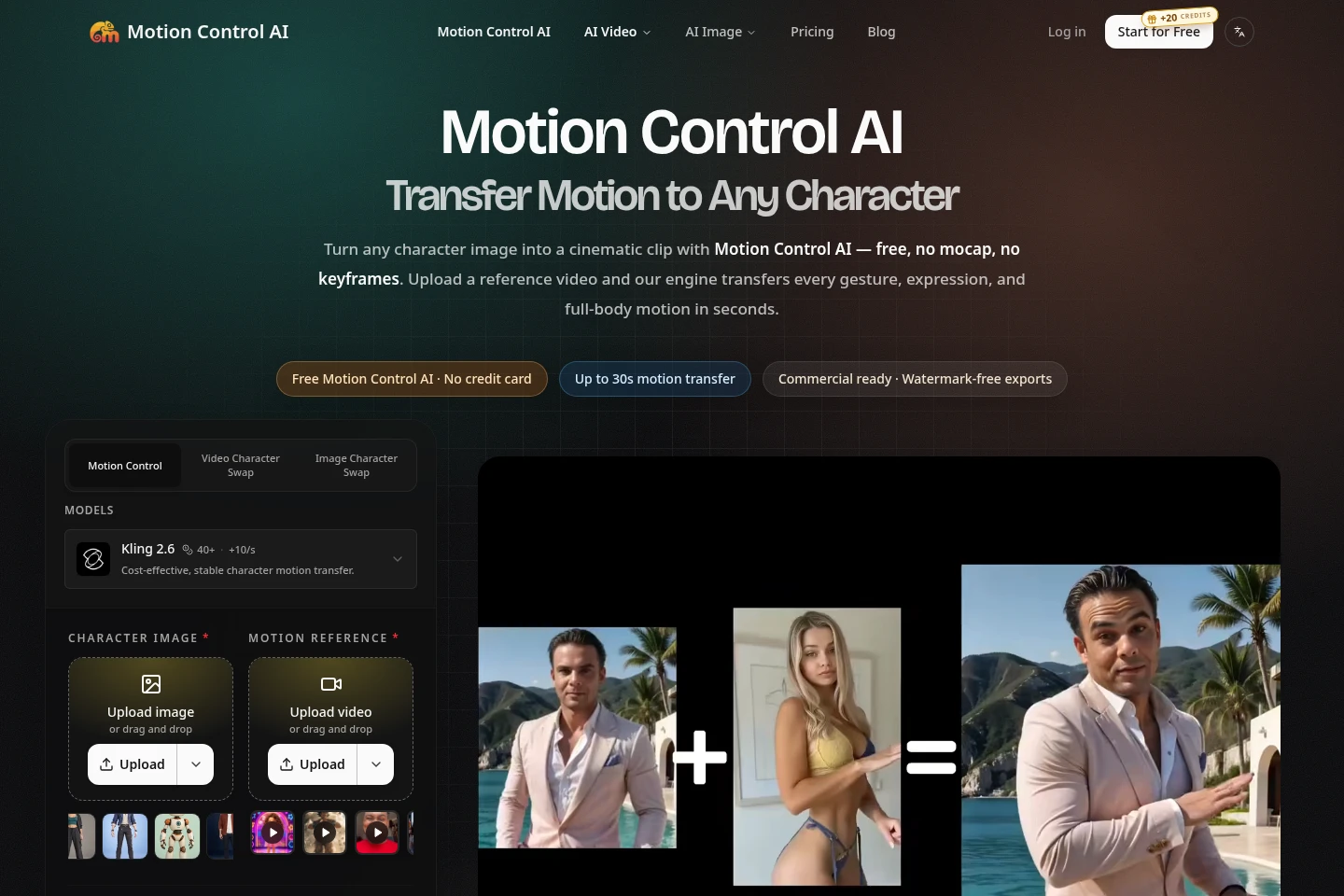
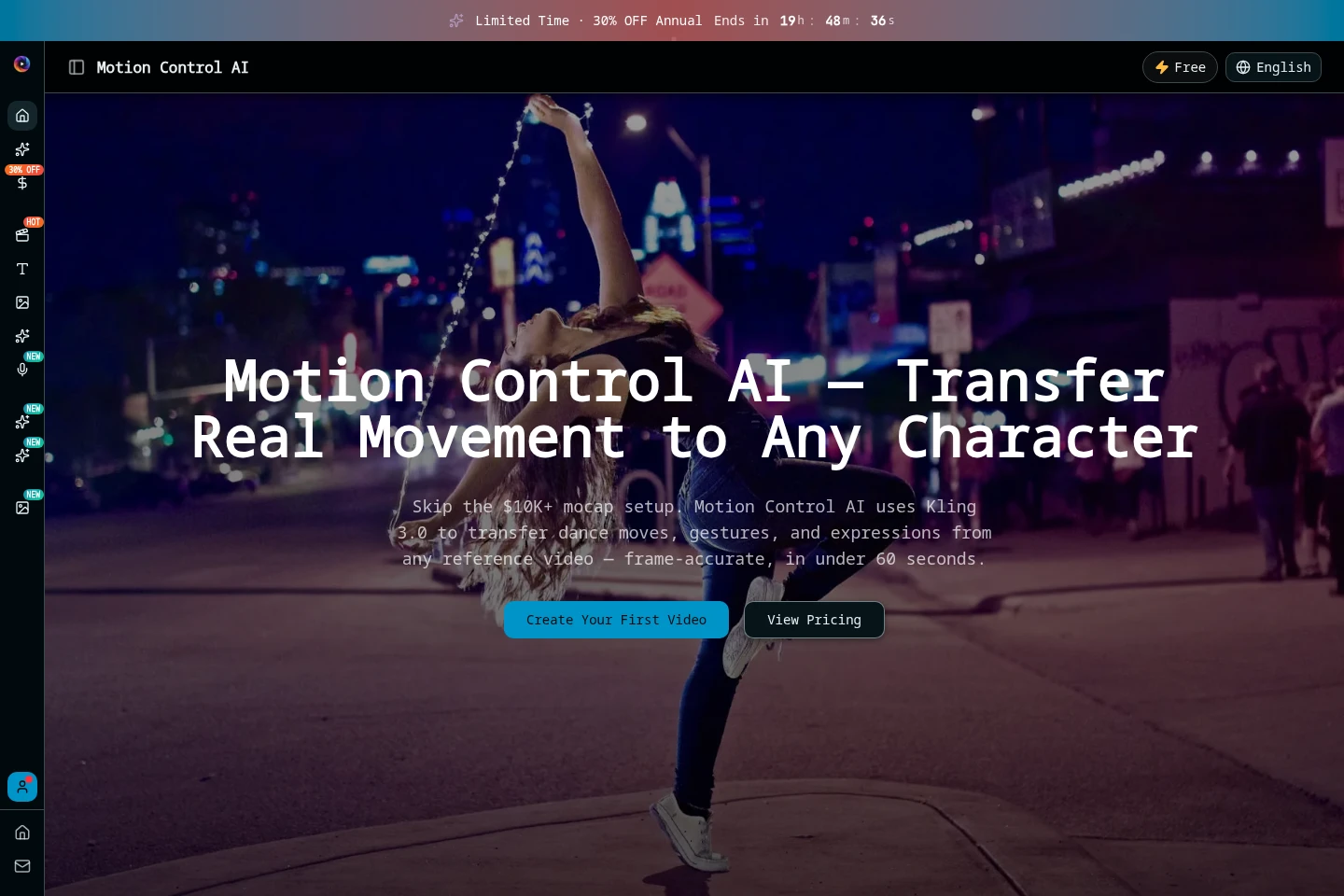
Motion Control AI is a browser-based suite for generating and editing AI video. Its motion-control workflow transfers movement from a reference video to a character image, including body motion, hand gestures, and facial expressions. Other tools create video from text or images, transform existing video, and synchronize character lip movements with audio. Plans determine available models, credits, output quality, privacy, and commercial rights.

  • Cloud
  • Freemium
  • Free$0
  • Basic$167.9/year
  • Pro$419.9/year
  • Business$839.9/year
  • Pro Pack$49.9 for 30 days
  • Business Pack$89.9 for 30 days
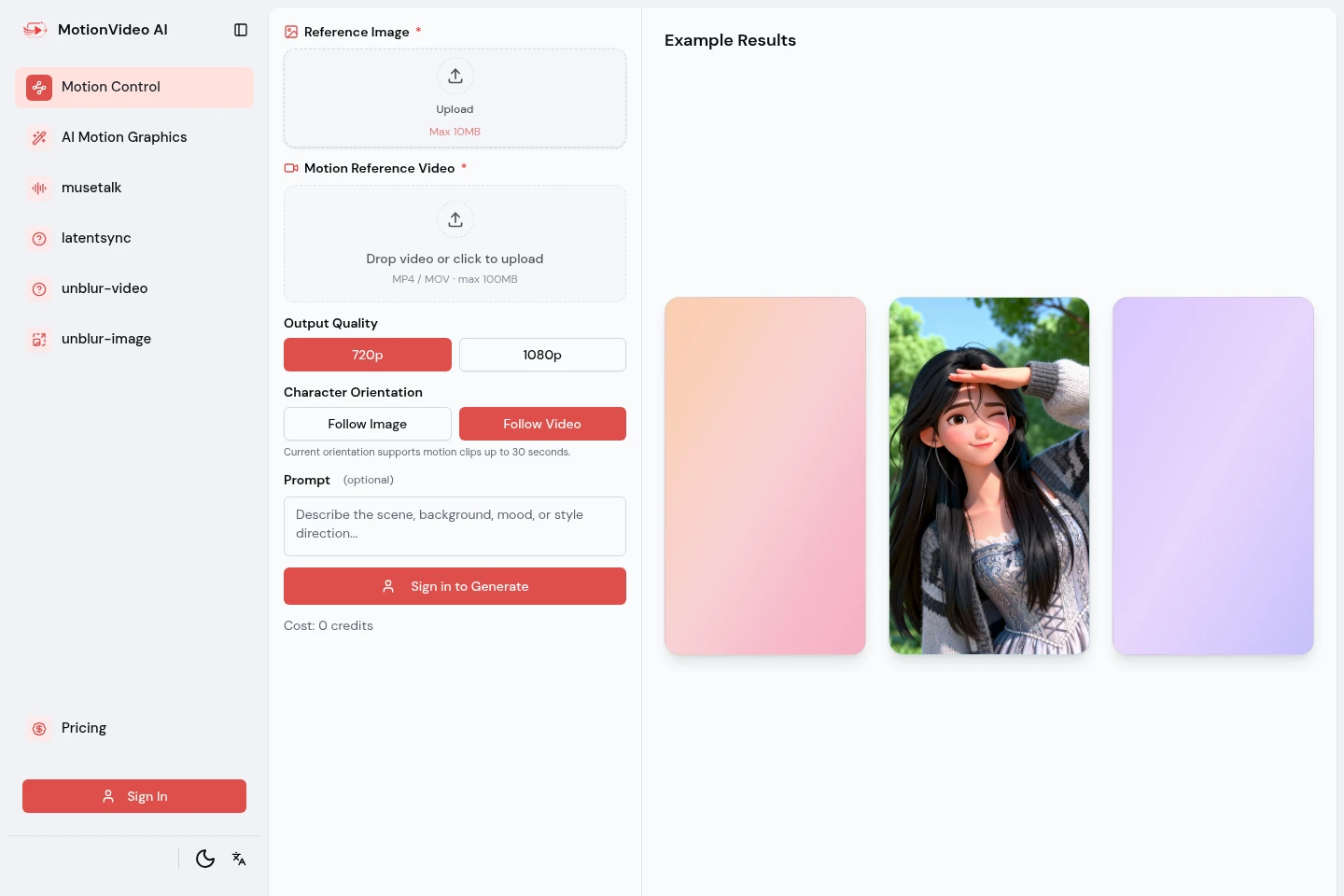
  1. MotionVideo AI

    Animate a subject image using motion from a reference video

    Starter · $19 monthly; $15.20/month annually
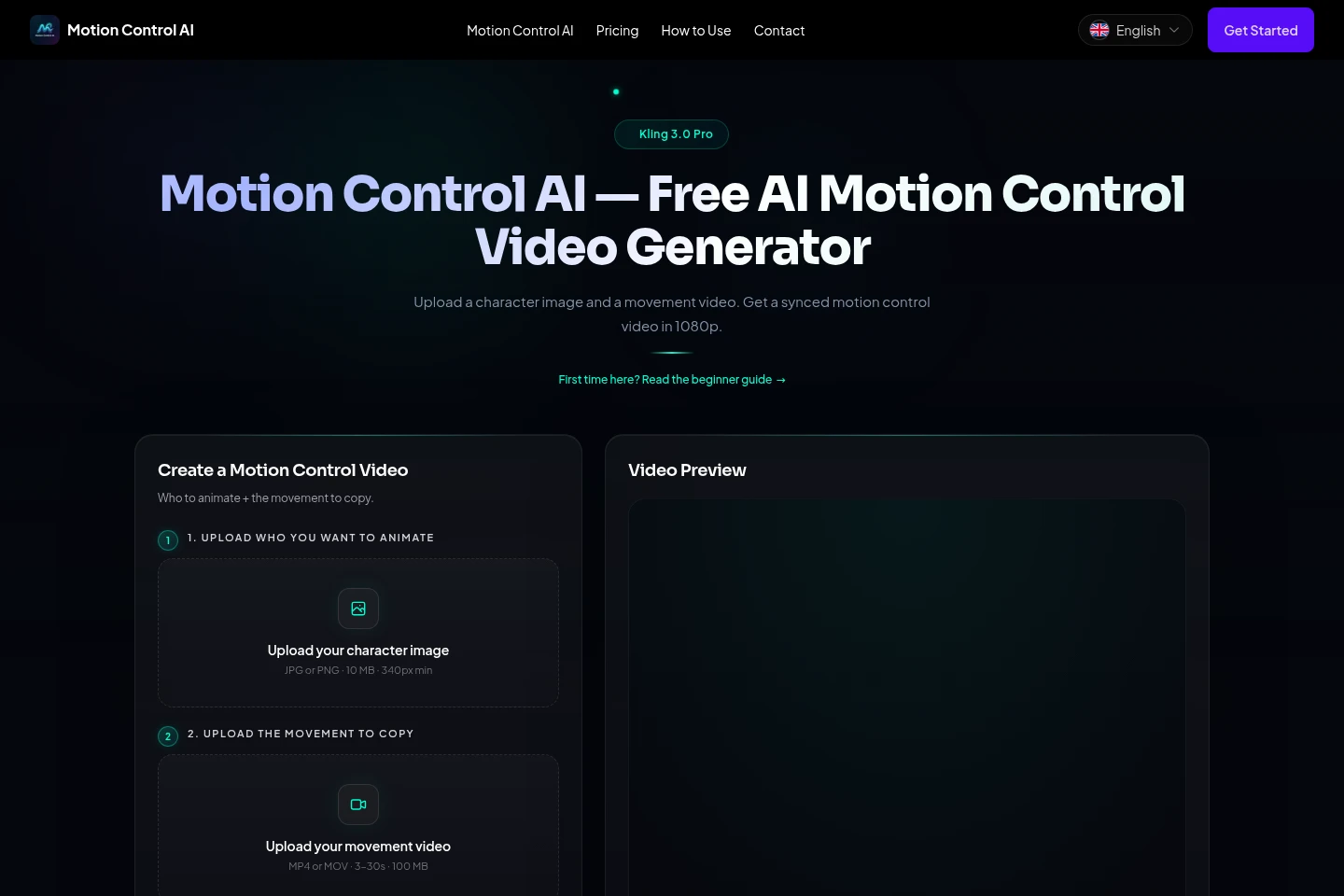
  2. Motion Control AI

    Transfer reference-video movement to character images

    600 credits · $118.8 USD annually
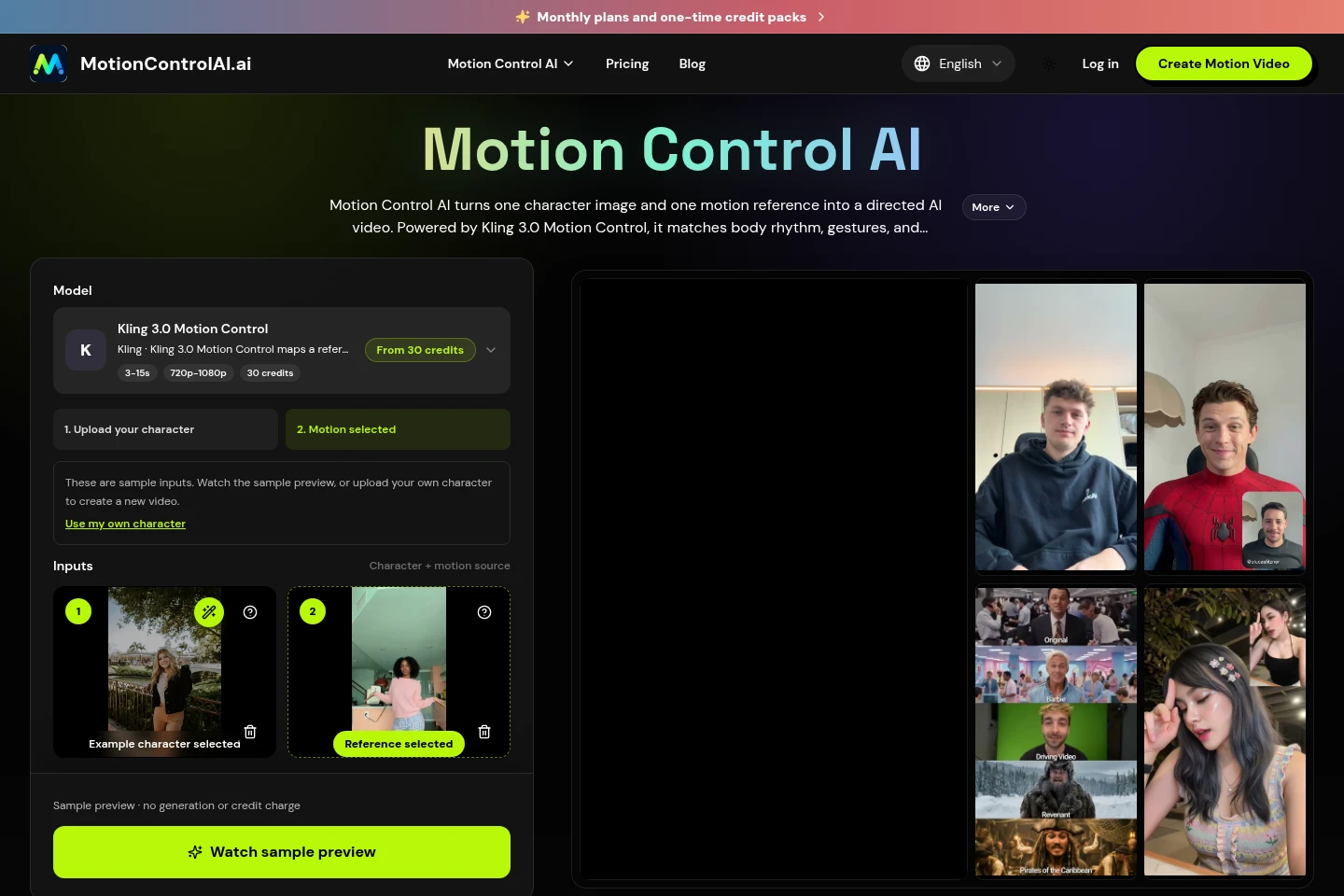
  3. Motion Control AI

    Turn a character image and motion reference into an AI video

    Try It Pack · $3.99 USD one-time
  4. Motion Control AI

    Transfer reference-video motion onto character images

    Credit pack · $9.9 one-time
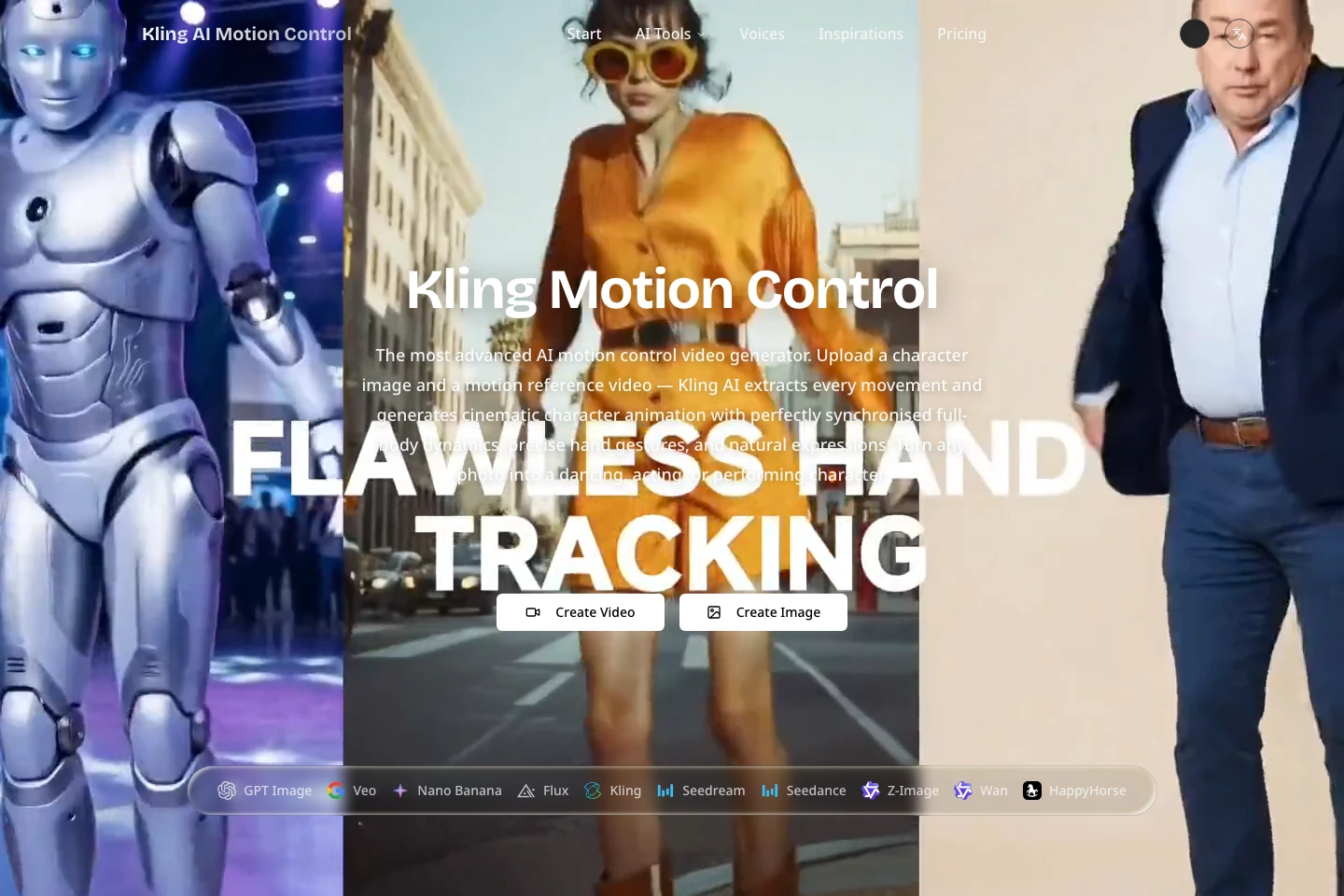
  5. Kling AI Motion Control

    AI-powered motion transfer for frame-perfect video generation

    Freemium

Who it is for

  • Video creators who want to recast footage using their own reference images

  • People making short social videos with changed characters, outfits, products, or objects

  • Teams creating video variations with one-time credits instead of a recurring subscription

FAQ

Does Genjutsu AI require a subscription?

No. Credits are sold as one-time packs, can be purchased again when needed, and do not expire.

Does a new account get a free preview?

Yes. Each new account gets one watermarked 1080P preview of the first five seconds of a video using the account’s own footage and photos; full videos use credits.

How are video credits calculated?

Credits are charged per second of source video at a rate based on resolution. Video length is rounded up to the next whole second, reference images do not add a charge, and the exact cost is shown before generation.

What happens if video generation fails?

Credits charged for a failed generation are returned automatically. A temporary connection issue may require confirmation of the task status first.

Comments

Please sign in to leave a comment.
No comments yet. Be the first to share your thoughts!