

- Monthly visits
- 13,440
- 2026-09
- Monthly growth +28%
Motion Control AI - Transfer reference-video motion onto character images
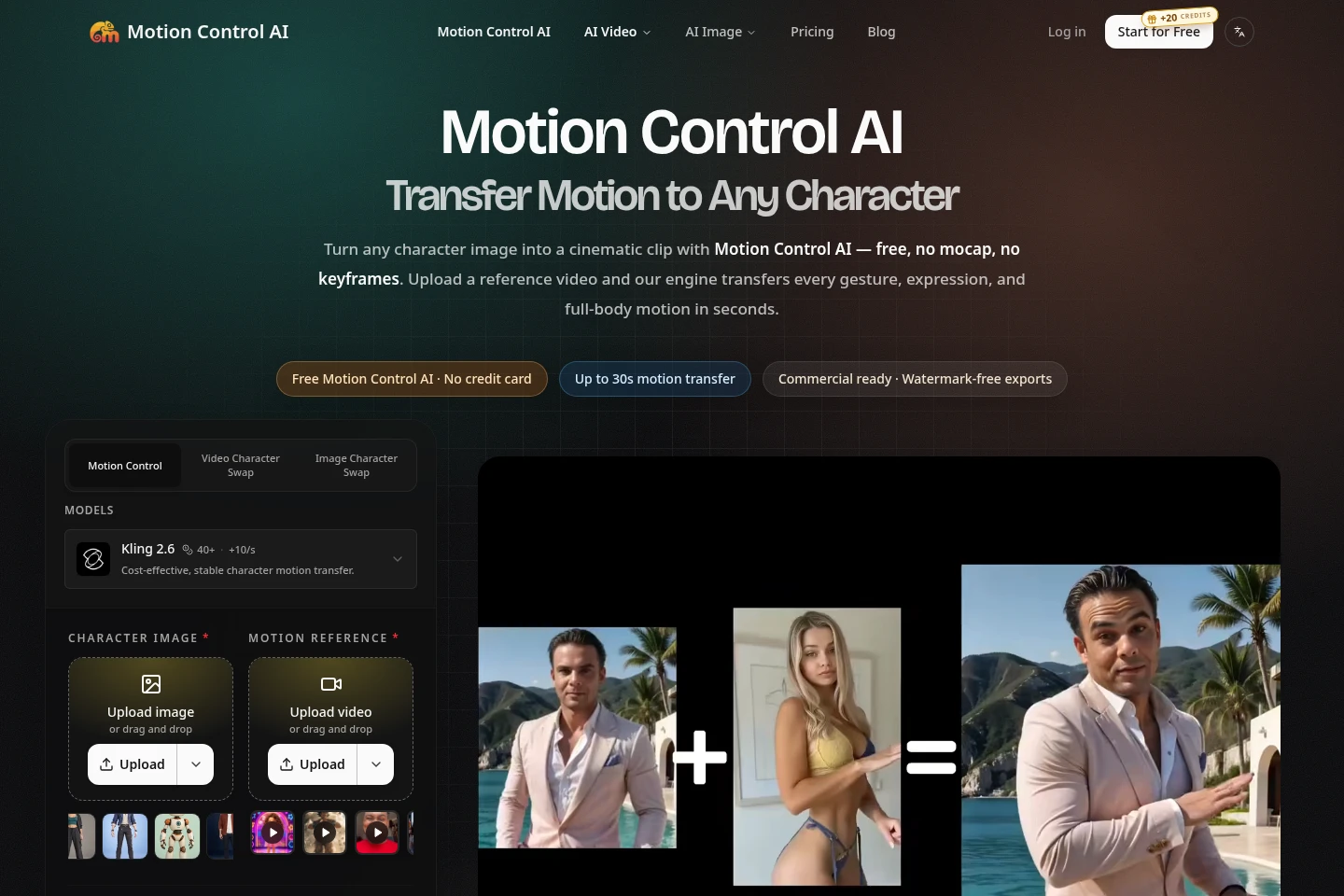
Motion Control AI is a browser-based generator for character videos and other AI images and videos. Upload a character image and a reference video to transfer body motion, gestures, and expressions; other available workflows include text-to-image, image-to-image, text-to-video, and image-to-video generation. Outputs can be downloaded without a watermark, and paid plans include commercial-use rights.
- AI Video
- Motion Transfer
- Video Generators
- Image Generators
- motion transfer video generator
- AI character animation
- reference video to character

Capabilities
Reference-video motion transfer
Transfers body movement, gestures, and expressions from a reference video onto a character image and generates a character video. Upload a PNG, JPG, or WEBP character image and a reference video of up to 30 seconds; the workflow extracts pose and timing without requiring manual rigging or keyframes.
Image and video generation
Generates images and videos from text, images, video, or motion-control inputs and returns downloadable media. Choose an available model and workflow; credit costs and output vary by model and settings.
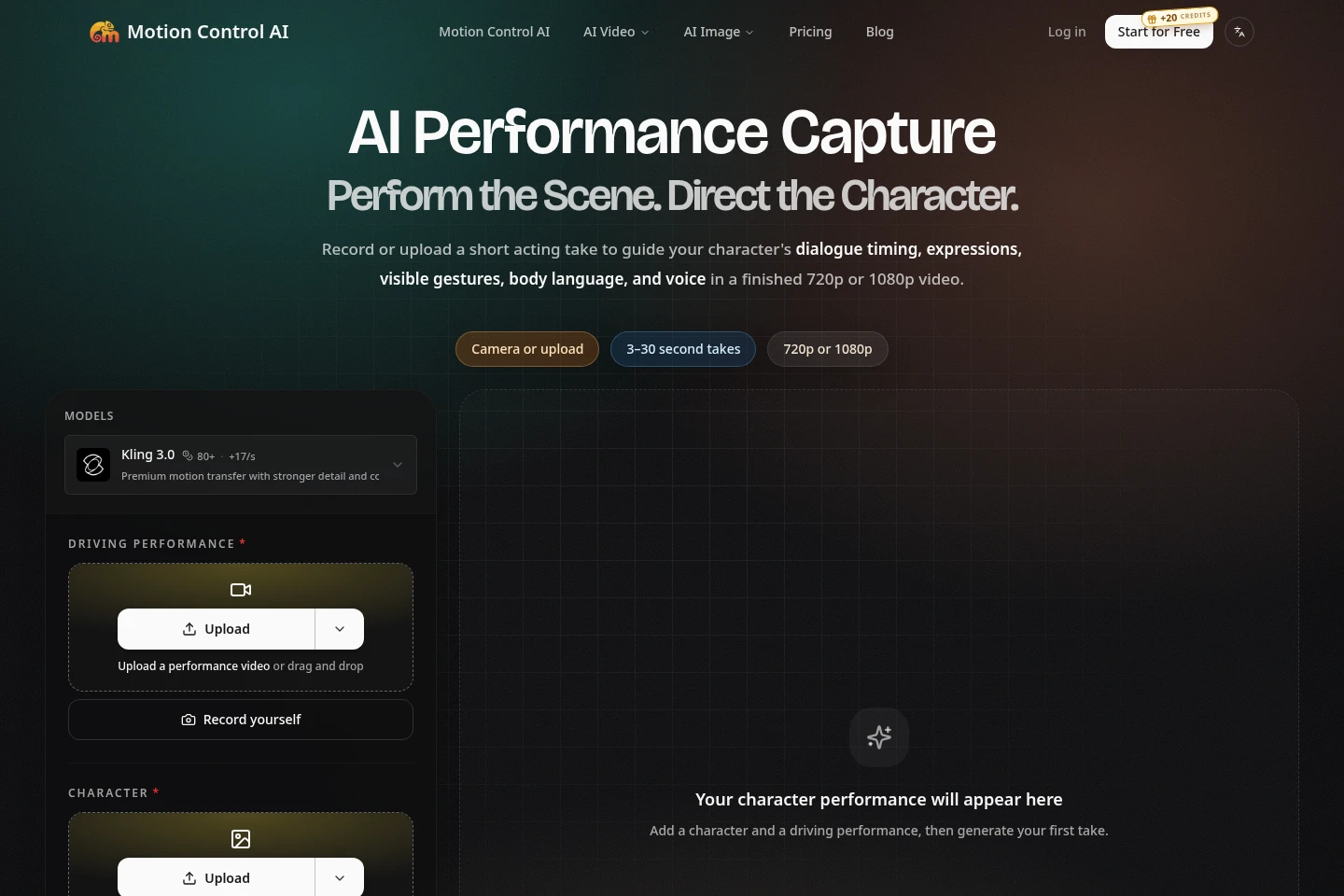
AI Performance Capture
Uses a recorded or uploaded performance to guide a character video's dialogue timing, expressions, gestures, body language, and voice. Provide a character image and a continuous 3–30 second take; facial, hand, background, and motion details may vary.
Pricing
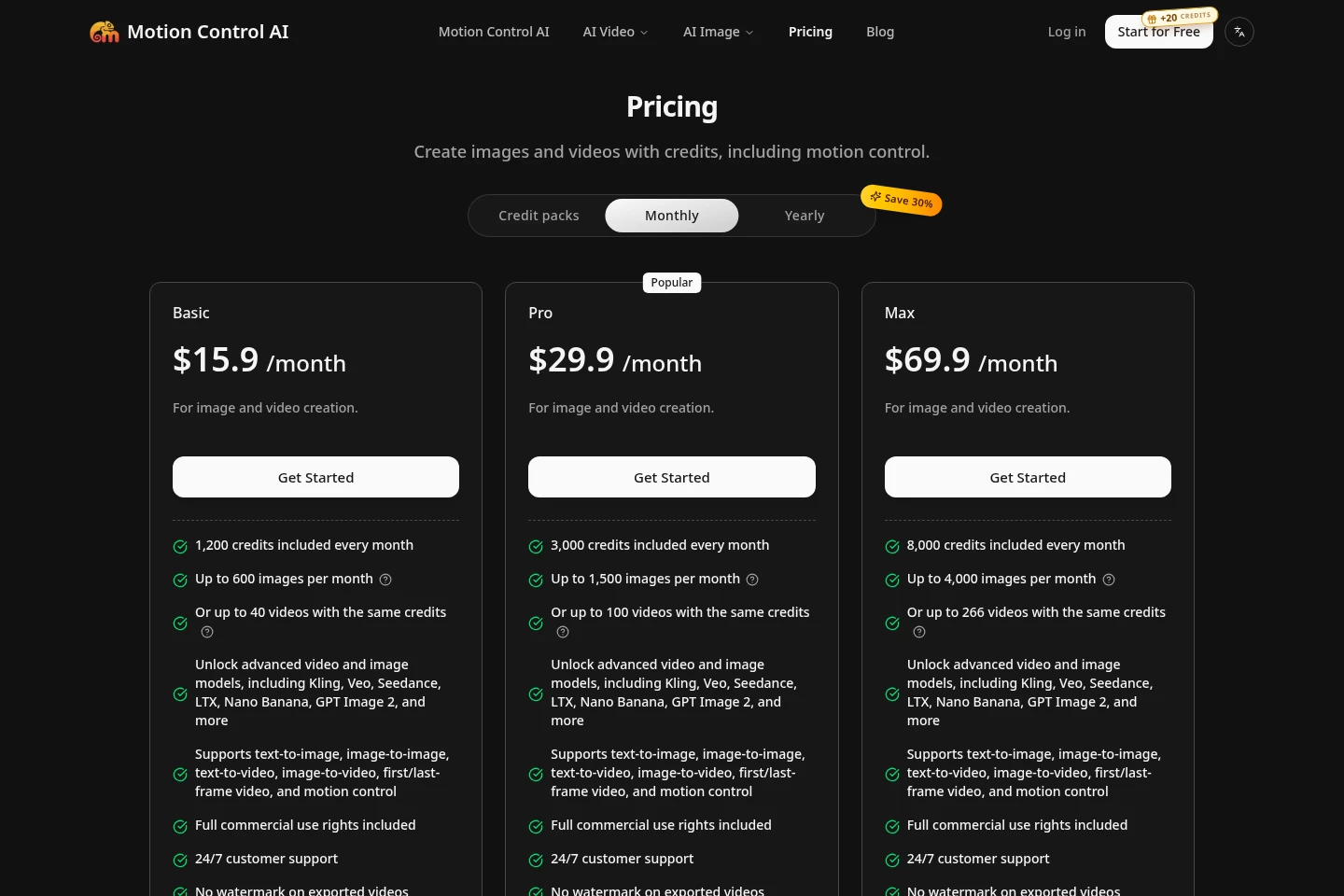
Paid subscriptions are billed monthly, and credit packs are one-time purchases valid for 30 days. Compare included credits and the model-dependent image or video output estimates to choose an option.
| Plan | Price | Included features and limits |
|---|---|---|
| Credit pack | $9.9 one-time |
|
| Basic | $15.9/month |
|
| Pro | $29.9/month |
|
| Max | $69.9/month |
|
Image and video output estimates are based on named example models and settings. Actual output varies by model and settings; the same credit balance may yield different counts.
Use cases
Animate a character using reference footage
When a creator wants to apply movement from existing footage to a character, they upload the character image and a reference video of up to 30 seconds. The generator transfers visible motion and produces a character video for download.
Create a character video from an acting take
When a scene needs spoken delivery and visible performance, users record or upload a 3–30 second take and add a character image. The take guides timing, expressions, gestures, and audio for a generated character-led video.
Generate images and videos with AI models
When users need other image or video formats, they select a supported workflow such as text-to-image, image-to-image, text-to-video, image-to-video, or first/last-frame video. Credits are used for generation, and results depend on the chosen model and settings.
Limitations
Reference-video motion transfer accepts reference footage up to 30 seconds; longer clips exceed the stated input limit.
AI Performance Capture requires a continuous take of 3–30 seconds; on mobile, browser-side trimming may be unavailable.
Generated performance details, including facial, hand, background, and motion details, can vary by take and model.
Image and video credit consumption varies by model and settings, so example output counts are not guaranteed across workflows.
Commercial-use rights are included for paid-plan outputs; the pages do not state the same rights for free-plan outputs.
Who it is for
Video creators who need to animate characters from reference footage
Performers and independent filmmakers directing character-led scenes
Brand and course creators making character or avatar videos
FAQ
Does Motion Control AI offer a free trial?
You can create an account and try it with the current sign-up credit offer. The sign-in dialog shows the available offer, and the editor displays your credit balance and generation cost before you generate.
How do I cancel or change a subscription?
Manage cancellation or change your plan from the billing page. The pricing page says plans can be changed at any time.
What is the refund policy?
The stated refund policy is 7 days. Any usage already consumed may be deducted, and the difference is refunded.
How are payments processed?
Stripe Checkout processes payments for subscriptions and credit packs. The listed payment methods are Visa, Mastercard, Apple Pay, Google Pay, and UnionPay; payment details are handled by Stripe rather than stored on the service's servers.
Are generated videos watermark-free?
The pricing page lists watermark-free exports for credit packs and paid plans. Paid-plan outputs also include commercial-use rights.
Comments