

- Monthly visits
- 2,256
- 2026-09
- Monthly growth +24.7%
Flux 3 Video Generator - Generate multimodal videos and images from prompts and references
Flux 3 Video Generator is a browser-based workspace for generating AI video and images. Create video from text, images, clips, keyframes, and audio direction, or generate and edit still images with text and references. Choose models, duration, resolution, and aspect ratio, then review and refine outputs using credits that do not expire.
- AI Video
- Video Generators
- Image Generators
- E-commerce
- Flux 3 video generator
- AI image generation
- text to video
Capabilities
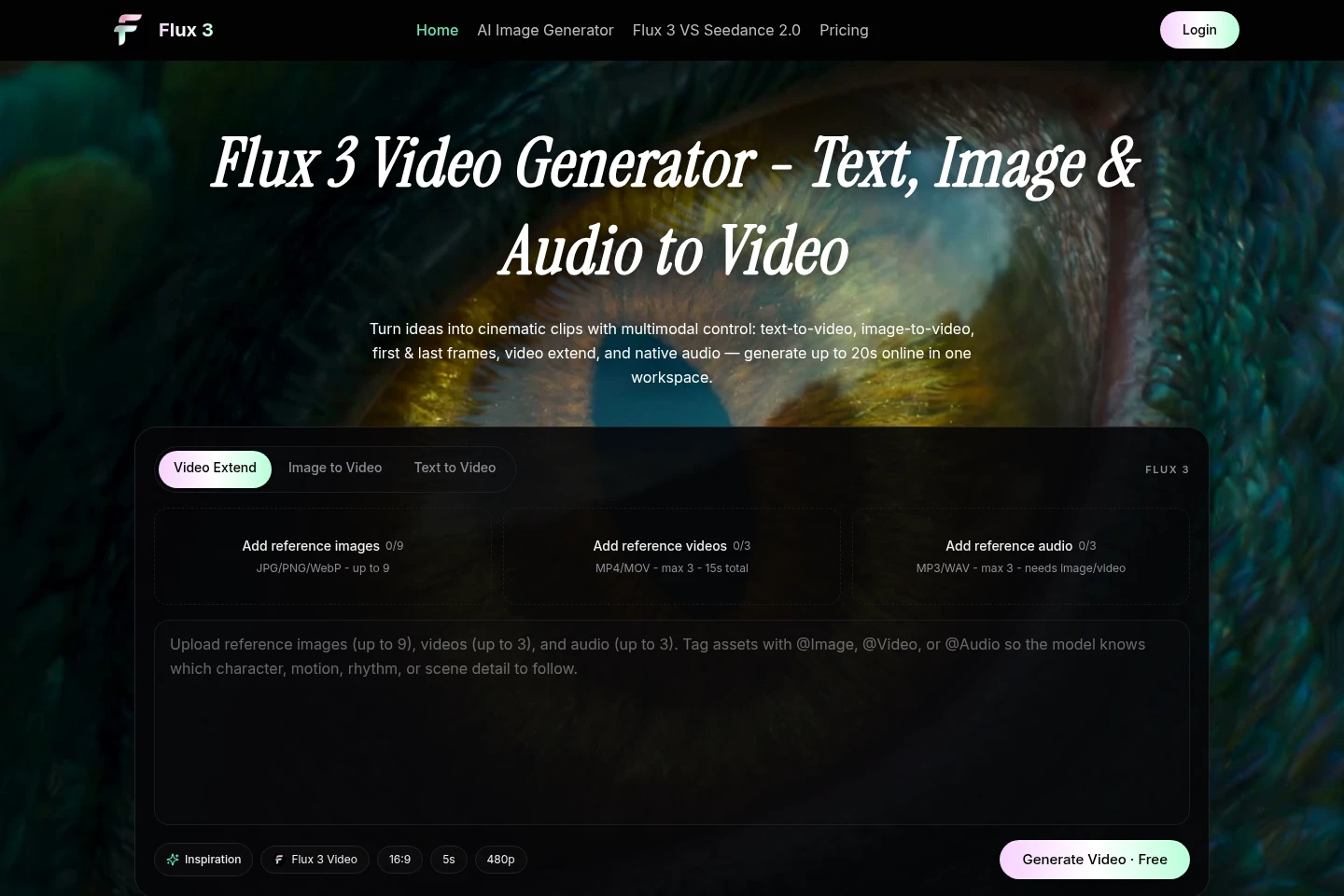
Multimodal video generation
Generate AI video from text, images, video references, keyframes, and audio direction. Select a generation mode and model, provide prompts or supported references, and set duration and resolution.
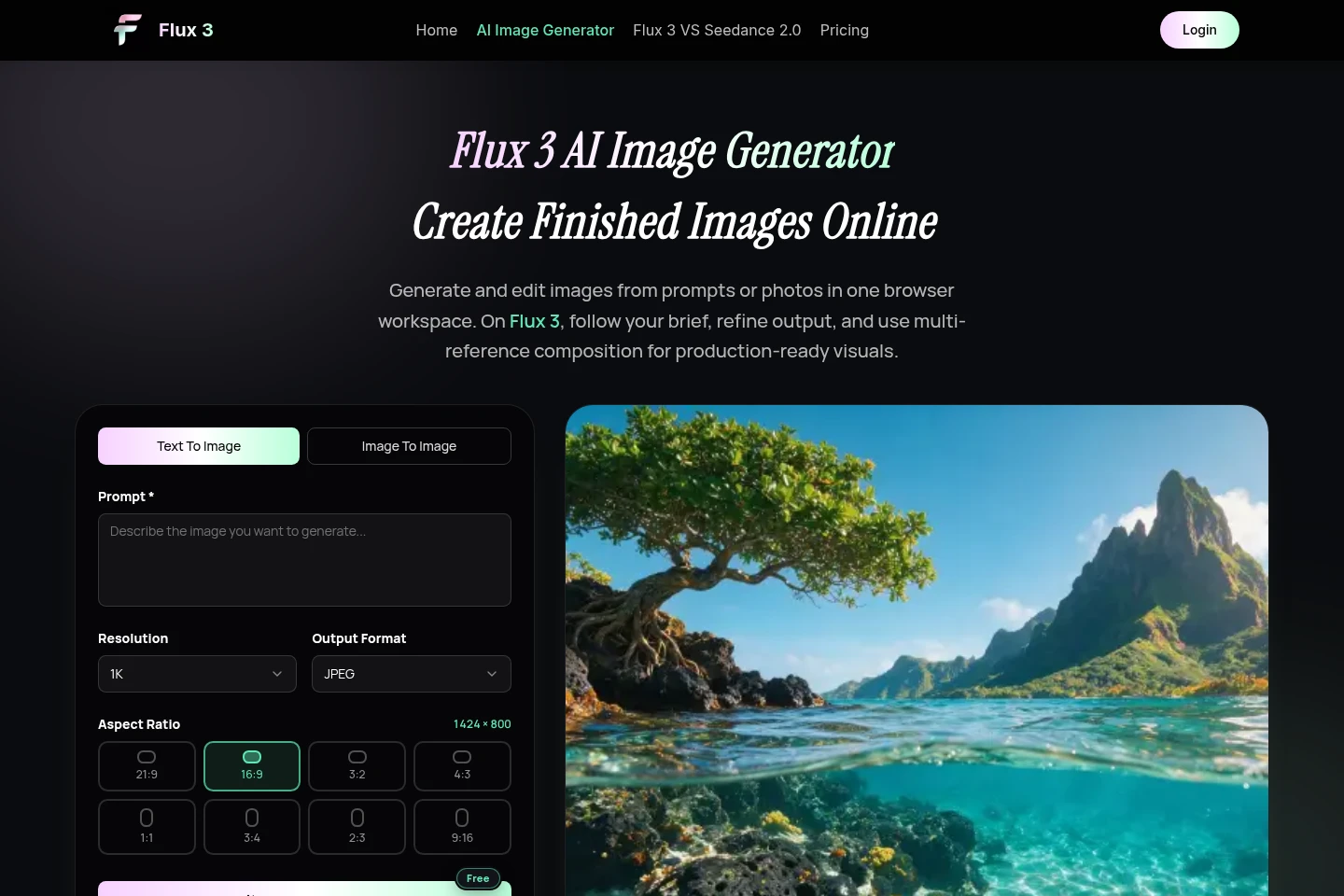
Image generation and editing
Generate and edit still images from text prompts or photos in the browser workspace. Choose text-to-image or image-to-image, add references, select 1K or 2K output, aspect ratio, and format.
First and last frame control
Create video transitions between specified starting and ending frames. Describe the two states, motion between them, and elements to keep consistent; this mode is available for video generation.
Audio and dialogue direction
Add audio direction to video prompts, including ambience, sound effects, music mood, dialogue language, and speaker tone. Audio references can be uploaded with image or video references.
Pricing
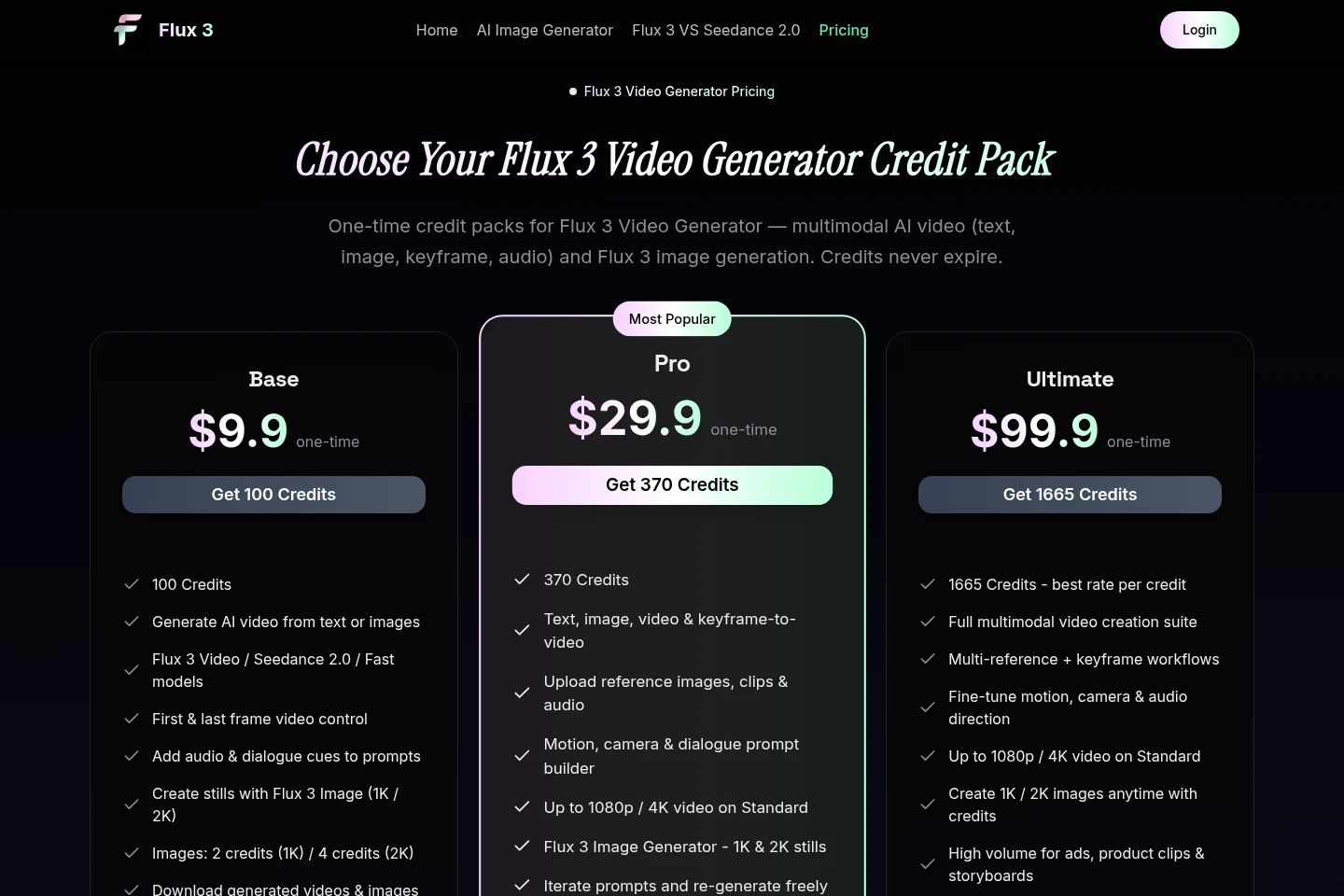
Flux 3 is paid through one-time credit-pack purchases, with no recurring subscription. Compare pack price and credit balance alongside included models, generation modes, image output costs, and queue priority.
| Plan | Price | Included features and limits |
|---|---|---|
| Base | $9.9 one-time |
|
| Pro | $29.9 one-time |
|
| Ultimate | $99.9 one-time |
|
Credits do not expire. Video credit cost varies by duration, model, and resolution; image generation costs 2 credits at 1K and 4 credits at 2K.
Use cases
Create video from a written scene brief
When starting with an idea rather than existing visual assets, enter a written brief and describe the subject, action, setting, camera, and sound. Choose text-to-video and refine the prompt and settings before generating a clip.
Animate an existing image or product photo
When a still image already establishes the subject or visual style, use image-to-video and describe what should remain fixed and what should move. Add camera and audio direction, then generate a clip based on the image.
Create a transition between two visual states
When a scene needs a defined beginning and ending, provide first and last frames and describe the change between them. Specify which elements should remain consistent, then generate a video transition.
Generate or revise still images
When creating visual assets for a campaign, product scene, or layout, generate from a text prompt or upload a photo for image-to-image editing. Add references, choose output settings, and refine the image before downloading.
Limitations
Video cost depends on clip duration, model, and resolution; the listed credit packs do not specify a fixed number of video generations.
The listed image generation cost is 2 credits per 1K image and 4 credits per 2K image.
Reference uploads are limited to 9 images, 3 video clips totaling up to 15 seconds, and 3 audio files; audio references require an image or video.
The pricing page describes typical video clips as 4–15 seconds, while the homepage states that clips can be up to 20 seconds.
Who it is for
Marketers creating short campaign and social video concepts
Ecommerce creators preparing product imagery and motion concepts
Filmmakers and storyboard artists planning scenes and visual references
Creative agencies and teams reusing prompt patterns across campaigns
FAQ
Is Flux 3 billed as a monthly subscription?
No. The available plans are one-time credit packs, not recurring subscriptions. Buy credits once and use them for video or image generation.
Do purchased credits expire?
No. Credits from one-time purchases do not expire and remain in your account until used for video or image generation.
What can I spend credits on?
Credits cover video generation and Flux 3 AI Image Generator outputs. Video cost varies with duration, model, and resolution; still images cost 2 credits at 1K and 4 credits at 2K.
What video resolutions and clip lengths are available?
Mini and Fast support 480p–720p, and Standard supports up to 1080p or 4K. The pricing FAQ says typical clips are 4–15 seconds; the homepage describes generation up to 20 seconds.
Which payment methods are accepted?
PayPal checkout accepts Visa, Mastercard, American Express, Discover, JCB, and other major cards.
Comments