


SeaArt AI - AI creative platform for images videos and characters
Launched on Feb 23, 2025SeaArt AI is an all-in-one AI creative platform combining text-to-image, video generation, AI characters, and audio creation. Whether you're an artist, designer, or content creator, you can generate stunning visuals without any technical background. The platform supports Stable Diffusion models, ComfyUI workflows, and offers a vibrant community for sharing and remixing. Your AI-generated art is fully yours to commercialize.
What Is SeaArt AI?
If you've ever felt frustrated by jumping between multiple tools just to create a single piece of AI-generated content, you're not alone. Artists, designers, and content creators everywhere face the same challenge: tool fragmentation, steep learning curves, and unclear copyright ownership. That's exactly why SeaArt AI exists.
SeaArt AI is an all-in-one AI creative platform that brings together image generation, video creation, audio production, character chat, and community sharing under one roof. Whether you're a professional designer looking to speed up your workflow or a hobbyist exploring AI art for the first time, this platform lets you create stunning visual content without writing a single line of code.
What makes SeaArt AI stand out is its beginner-friendly approach. You don't need technical expertise to generate professional-quality images from text prompts, create dynamic videos from static images, or chat with AI-powered virtual characters. Everything is designed to feel intuitive from the moment you sign up.
The platform has earned recognition from industry leaders. Forbes included SeaArt AI in its a16z Top 100 Gen AI Consumer Apps list, while Google Cloud features it as a customer case study. Microsoft has also listed SeaArt AI among its supported platforms. These endorsements from major tech companies speak to the platform's reliability and innovation in the AI creative space.
:::card{type="summary" title="TL;DR"}
- AI Image Generation: Create images from text prompts using Checkpoint, LoRA, Pony models and more
- AI Video Generation: Transform text or images into dynamic videos with Kling, Sora 2, Vidu, Wan AI
- AI Character Interaction: Chat with or create immersive AI characters for roleplay experiences
- ComfyUI Workflow: Visual node-based system for fine-tuned control over every generation step
- Community Creation: Share作品, remix others' creations, and participate in official challenges :::
---
What Can SeaArt AI Do for You?
Let's walk through the core capabilities that make SeaArt AI a powerful creative companion.
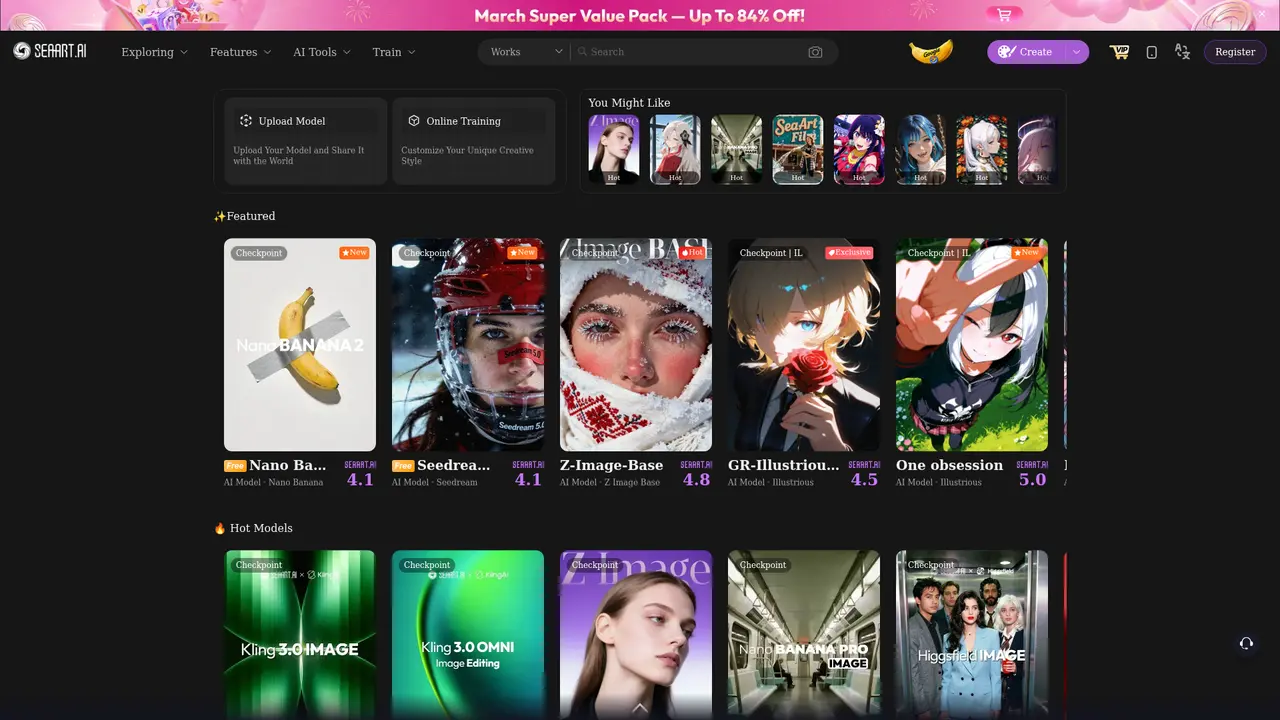
AI Image Generation is where it all begins. You simply type a text prompt describing what you want to see—say, "a cyberpunk cityscape at sunset with neon lights"—and SeaArt AI brings your vision to life. The platform supports multiple model types including Checkpoint, LoRA, and Pony, giving you flexibility in style and output. Notable models include Nano Banana Pro, Flux AI, and Seedream 5.0, each offering unique artistic capabilities from anime styles to photorealistic results.
::::grid :::card{type="advantages"}
- All-in-one platform: Image, video, audio, and character chat in one place—no switching between tools
- Beginner-friendly: No technical background required; intuitive interface gets you creating in minutes
- Commercial ownership: You fully own everything you create; use it for business, prints, or products without restrictions
- Diverse model selection: Access to Stable Diffusion variants, Flux AI, Kling, and more for different artistic needs
- Active community: Millions of creators share inspiration, remix ideas, and participate in challenges
- Mobile support: iOS and Android apps let you create on the go ::: :::card{type="disadvantages"}
- Learning curve for advanced features: While basic generation is simple, ComfyUI workflows and custom model training require time to master
- Credit-based system: Free tier has daily limits; heavy users need SVIP membership for unlimited creation
- Internet required: Being a cloud-based platform means you need a stable connection to generate content ::: ::::
AI Video Generation takes your creativity further. You can create videos from text descriptions or transform existing images into dynamic motion. The platform integrates powerful models like Kling 3.0, Sora 2, Vidu, and Wan AI. Special features like Earth Zoom Out and Reference to Video let you add cinematic effects and maintain consistency across frames.
AI Character Interaction opens the door to immersive virtual experiences. Browse popular characters like Arthur Pendragon or Lucía Mendoza, or create your own AI companion with custom personality traits. These characters engage in natural conversations, making them perfect for creative storytelling or entertainment.
Swift AI Tools handle quick editing tasks: face swapping, filters, image upscaling, background removal, virtual makeup, and even virtual try-on for e-commerce. These tools work in seconds without requiring complex settings.
AI Audio Generation converts your text into natural-sounding speech. You can choose from various voice tones or train custom voice models for personalized audio content—perfect for audiobooks, narrations, or podcasts.
ComfyUI Workflow is designed for advanced users who want granular control. This visual node-based system lets you adjust every parameter of the generation process, from prompt weighting to iteration optimization. It's like having a professional editing suite at your fingertips.
Model Training lets you create custom Stable Diffusion models tailored to your specific style. Whether you need Quick Training for fast results or detailed Image LoRA and Video LoRA training, SeaArt AI provides the computing power and tools—without you needing expensive hardware.
---
Who Is Using SeaArt AI?
SeaArt AI serves a wide range of creators. Here's how different users are putting the platform to work:
Social Media Content Creators face the constant pressure of producing high-quality visual content on a tight schedule. With SeaArt AI's Text to Image feature, you can generate professional-grade images in minutes—just type your idea, select a style, and export. Use AI Filters to instantly enhance photos with trendy effects. This means more time focusing on your content strategy and less time struggling with design tools.
:::card{type="tip" title="🚀 Start here"} Explore Text to Image at: https://www.seaart.ai/ai-image :::
Indie Game Developers often struggle with limited budgets for art assets. SeaArt AI changes the game by generating unique characters, environments, and objects in minutes. Need a consistent style across your game? Train a custom LoRA model to maintain visual coherence without hiring a full art team.
:::card{type="tip" title="🚀 Start here"} Train custom models at: https://www.seaart.ai/lora_train :::
Creative Enthusiasts seeking fun AI interactions find exactly what they're looking for in AI Characters. Whether you want to chat with existing personas like キャ멒リア or create your own virtual character for roleplay, the immersive conversation system delivers engaging experiences.
:::card{type="tip" title="🚀 Start here"} Meet AI Characters at: https://www.seaart.ai/character :::
Business Professionals need commercial-grade visuals without enterprise budgets. Here's the game-changer: SeaArt AI grants you full commercial ownership of everything you create. Use generated images for marketing materials, product designs, print publications, or sell them directly—without royalties or restrictions.
:::card{type="tip" title="📜 Your rights"} All creations are 100% yours to commercialize. See Terms of Service for details. :::
Video Content Creators are embracing Image to Video to transform static visuals into dynamic storytelling. Create short clips for social media, explainer videos, or creative animations without expensive equipment or editing software.
:::card{type="tip" title="🚀 Start here"} Create videos at: https://www.seaart.ai/ai-video :::
E-commerce Sellers use Virtual Try-on Clothes to showcase products on diverse models without costly photo shoots. Generate unlimited product display images in different settings—all from a single product photo.
:::card{type="tip" title="🚀 Start here"} Try AI Tools at: https://www.seaart.ai/ai-tools :::
---
Getting Started in Minutes
One of SeaArt AI's strongest points is how quickly you can go from sign-up to your first creation. Here's how to begin:
Creating Your Account takes less than a minute. You can register with your email address or use existing social media accounts for quick access. The platform supports multiple languages including English, Japanese, and Chinese, making it accessible globally.
Free Daily Credits let you explore the platform without any upfront investment. New users receive complimentary credits that can generate several images, giving you a real taste of what SeaArt AI can do before considering any paid plans.
Your First Creation follows a simple three-step process: Enter a text prompt describing what you want, choose a model that matches your style preference, and hit generate. Within seconds, your AI-generated image appears. You can then save it to your collection or share it directly to the community for feedback.
Mobile Creation is fully supported through iOS and Android apps. Download from the App Store or Google Play to create on the go. The mobile experience mirrors the web platform's functionality, so your workflow stays consistent whether you're at your desk or traveling.
Learning Resources abound for those wanting to dive deeper. The official documentation at docs.seaart.ai offers detailed tutorials covering everything from basic prompts to advanced ComfyUI workflows. Video tutorials on YouTube walk you through specific features, while the Creator Academy provides structured learning paths for different skill levels.
:::card{type="tip" title="💡 Pro Tip"} Start with the free credits to explore the interface and test different models. Once you're comfortable with basic generation, upgrading to SVIP unlocks faster processing, higher quality outputs, and unlimited creations—making it worthwhile if you plan to use SeaArt regularly. :::
---
Plans and Pricing
SeaArt AI offers flexible options to match different usage levels, from casual experimentation to professional production.
Plan Comparison
| Plan | Price | Core Features | Best For | |------|-------|---------------|----------| | Free | $0/day | Daily free credits, basic image generation, community access | New users exploring the platform | | SVIP Trial | $0.10/24 hrs | Full platform access, fast generation, 10 concurrent tasks | Users wanting to test premium features | | SVIP Membership | 50% off regular price | Unlimited generation, fast queue, high-quality output, 10 concurrent tasks, priority LoRA training, permanent history | Regular creators and professionals |
Free Plan provides enough capability for newcomers to understand the platform. You'll receive daily credits that refresh automatically—enough to create several images and try basic features. It's perfect for evaluating whether SeaArt AI fits your creative needs.
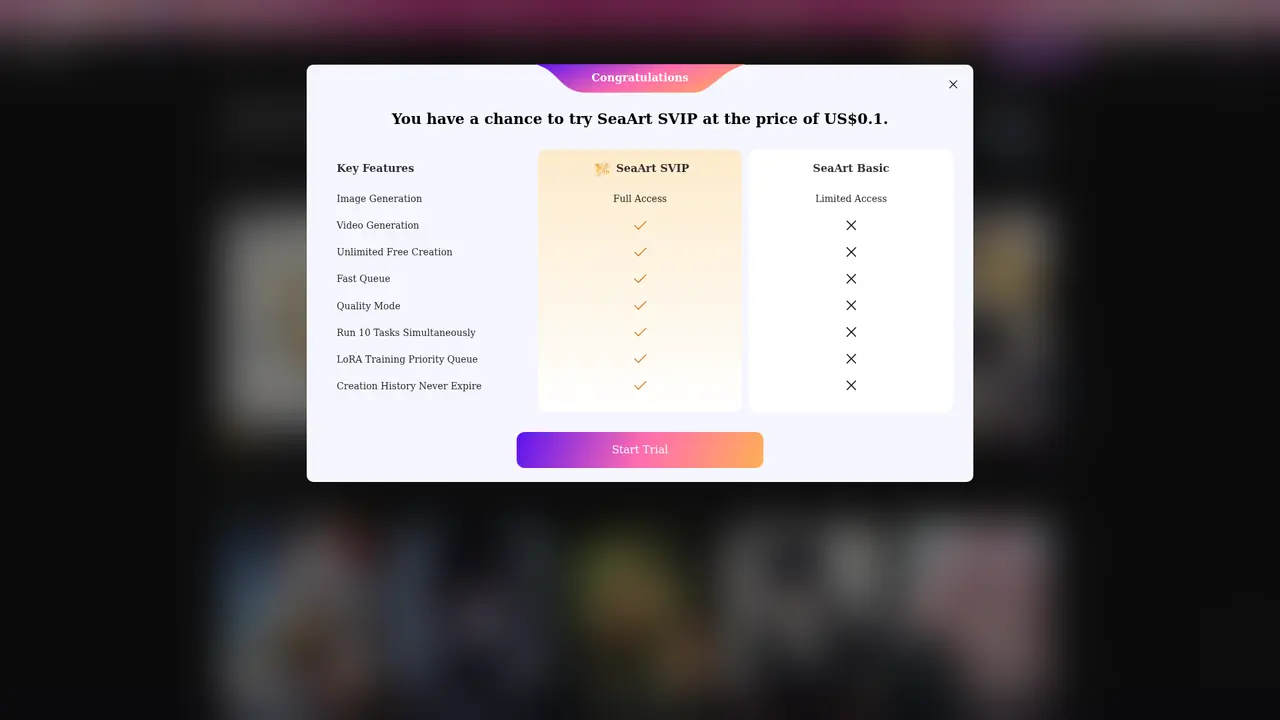
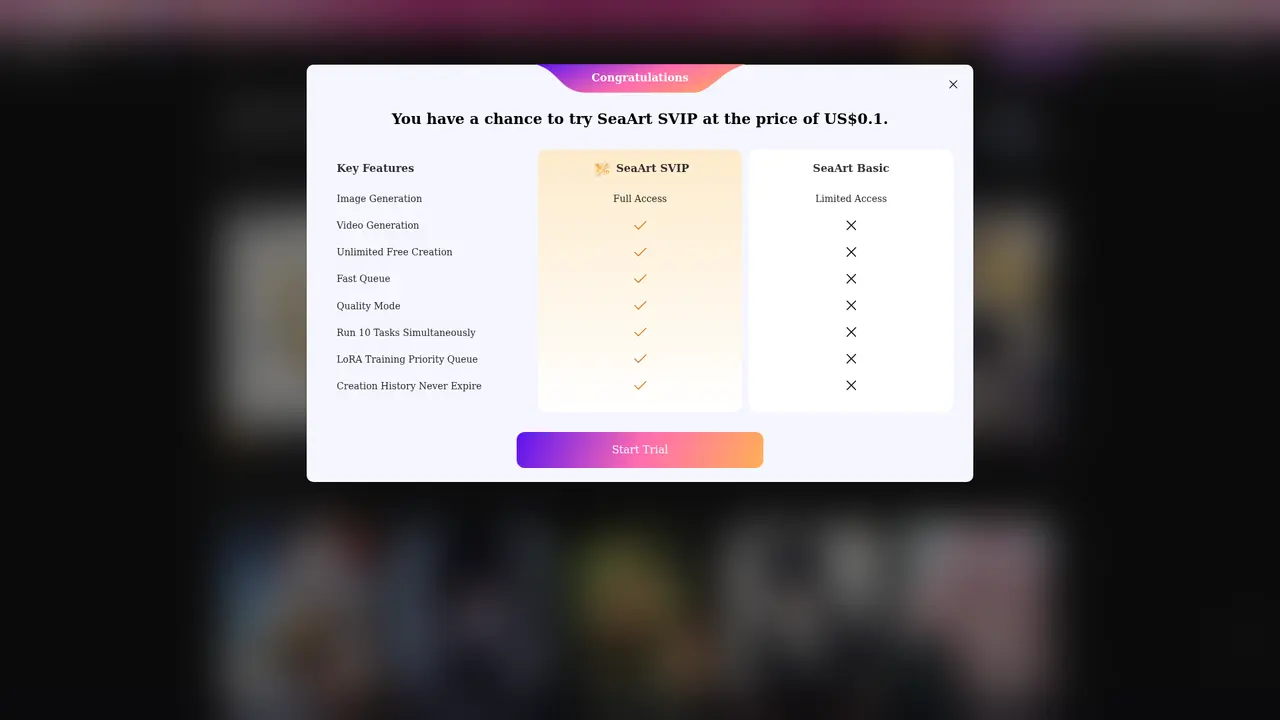
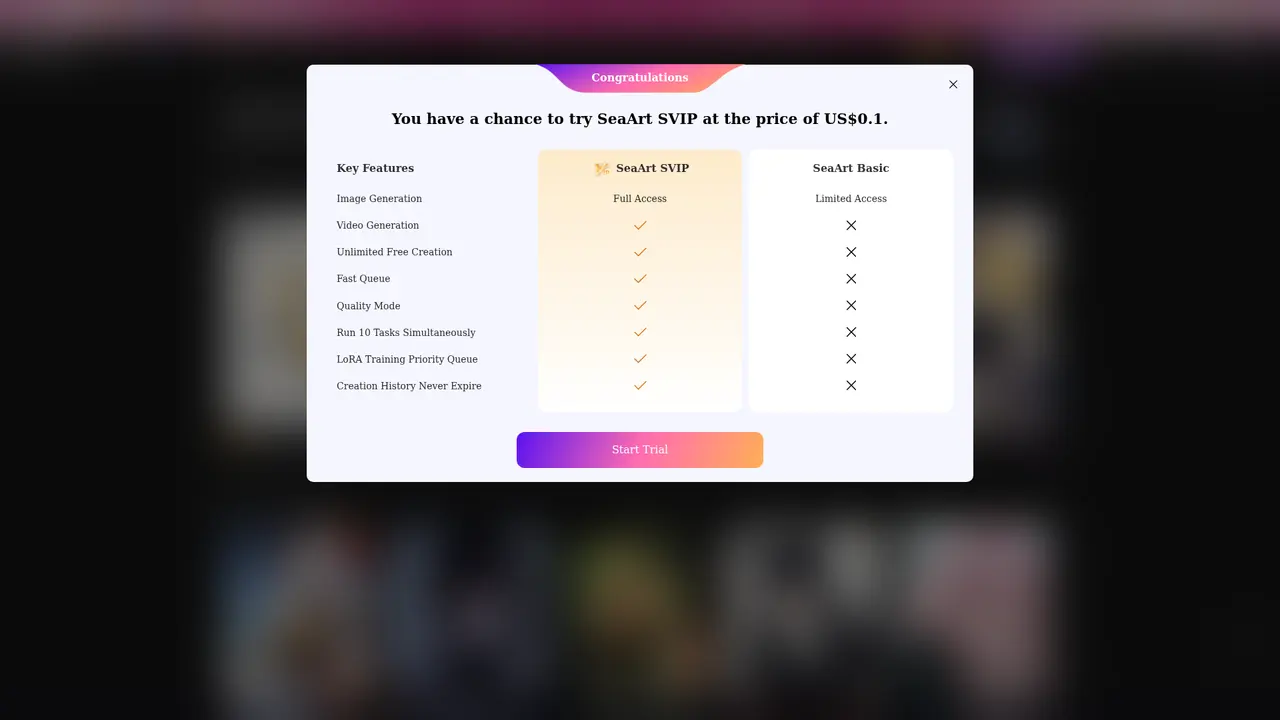
SVIP Trial at just $0.10 for 24 hours is essentially a risk-free way to experience everything the platform offers. During this period, you access all premium features including fast generation speeds and the ability to run multiple tasks simultaneously.
SVIP Membership (currently at 50% discount) transforms SeaArt AI into a professional creative workstation. Key benefits include Massive Stamina for unlimited generation, Fast Generation for quicker results, High-Quality Output mode for better resolution, and the ability to run up to 10 tasks in parallel. LoRA training gets priority queue processing, and your creation history is preserved permanently.
Commercial Rights apply to all plans—you maintain complete ownership of everything you create on SeaArt AI. There's no distinction between free and paid users when it comes to copyright. Sell your creations, use them in client projects, or incorporate them into products without restrictions.
---
Frequently Asked Questions
:::card{type="faq" title="Is SeaArt AI completely free?"} Yes, SeaArt AI provides free daily credits that allow you to create AI-generated art without paying anything. The free version gives beginners and professionals alike plenty of opportunities to explore and create. Paid SVIP plans are available for users who need more generation capacity, faster processing, and advanced features. :::
:::card{type="faq" title="Can SeaArt generate AI art from photos?"} Absolutely. SeaArt AI accepts image uploads, not just text prompts. When you upload a photo, the AI analyzes its visual elements and can reverse-engineer prompt suggestions for further customization. You can then apply different models, use AI filters, or blend the image with other elements to create unique artwork. :::
:::card{type="faq" title="Can I sell or commercially use AI-generated art from SeaArt?"} Yes, you have full commercial rights to everything you create on SeaArt AI. The platform grants users complete ownership of their AI-generated artwork, with no restrictions on commercial use—whether you're selling prints, using images in client projects, or incorporating them into products. :::
:::card{type="faq" title="What can I create with SeaArt AI?"} You can generate images from text prompts or uploaded photos, create videos from text or images, produce audio from text using AI voice synthesis, and interact with AI characters through chat. The platform supports the entire creative workflow from concept to final output. :::
:::card{type="faq" title="Is my data and content safe on SeaArt?"} Your privacy is respected on SeaArt AI. You have full control over whether your content remains private or gets shared with the community. The platform implements security measures to protect your data, and you can adjust visibility settings for each piece of content you create. :::
:::card{type="faq" title="Can I control the specific details of generated images?"} Yes, SeaArt AI offers multiple levels of control. Use ComfyUI Workflow for fine-grained adjustments to every generation parameter. Apply Swift AI Tools for targeted edits like face swapping, upscaling, or background removal. Or train custom AI models for maximum control over style and output consistency. :::
:::card{type="faq" title="Can I train and run custom models on SeaArt?"} Yes, SeaArt AI lets you train and run Stable Diffusion-based custom models directly online. You're not limited to existing styles—the platform provides the tools and computing power needed to train models on your own datasets. Once trained, these models are hosted on SeaArt's servers, so you can use them without requiring expensive local hardware. :::
Related Content

Copy.ai Review 2026: AI Copywriting Made Easy
Our honest Copy.ai review for 2026. We test Content Agents, AI Workflows, pricing ($29-$249/mo), and compare it to Jasper and Writesonic. Find out if it's worth it for your marketing team.

Rytr Review 2026: Is This Budget AI Writer Worth It?
Our hands-on Rytr review for 2026. We test features, pricing, content quality, and compare it to Jasper & ChatGPT. Find out if Rytr is the best budget AI writing tool.

Word Changer - Free AI tool to rewrite and improve your writing instantly
Writing always using repetitive words or need to avoid plagiarism? Word Changer is a free AI writing assistant that instantly rewrites any text with richer vocabulary and appropriate tone. Get multiple versions with one click, adjust formality level, check readability - all for free!

Unite - AI-powered platform for romantic fantasies and dream couple moments
Explore romantic fantasies and create special moments for your dream couple. This AI-powered platform lets you generate personalized romantic content and experience exclusive AI-created romantic experiences.
Comments