

- Monthly visits
- 2,597
- 2026-09
- Monthly growth +347%
Flookup Data Wrangler - Clean and match spreadsheet data inside Google Sheets
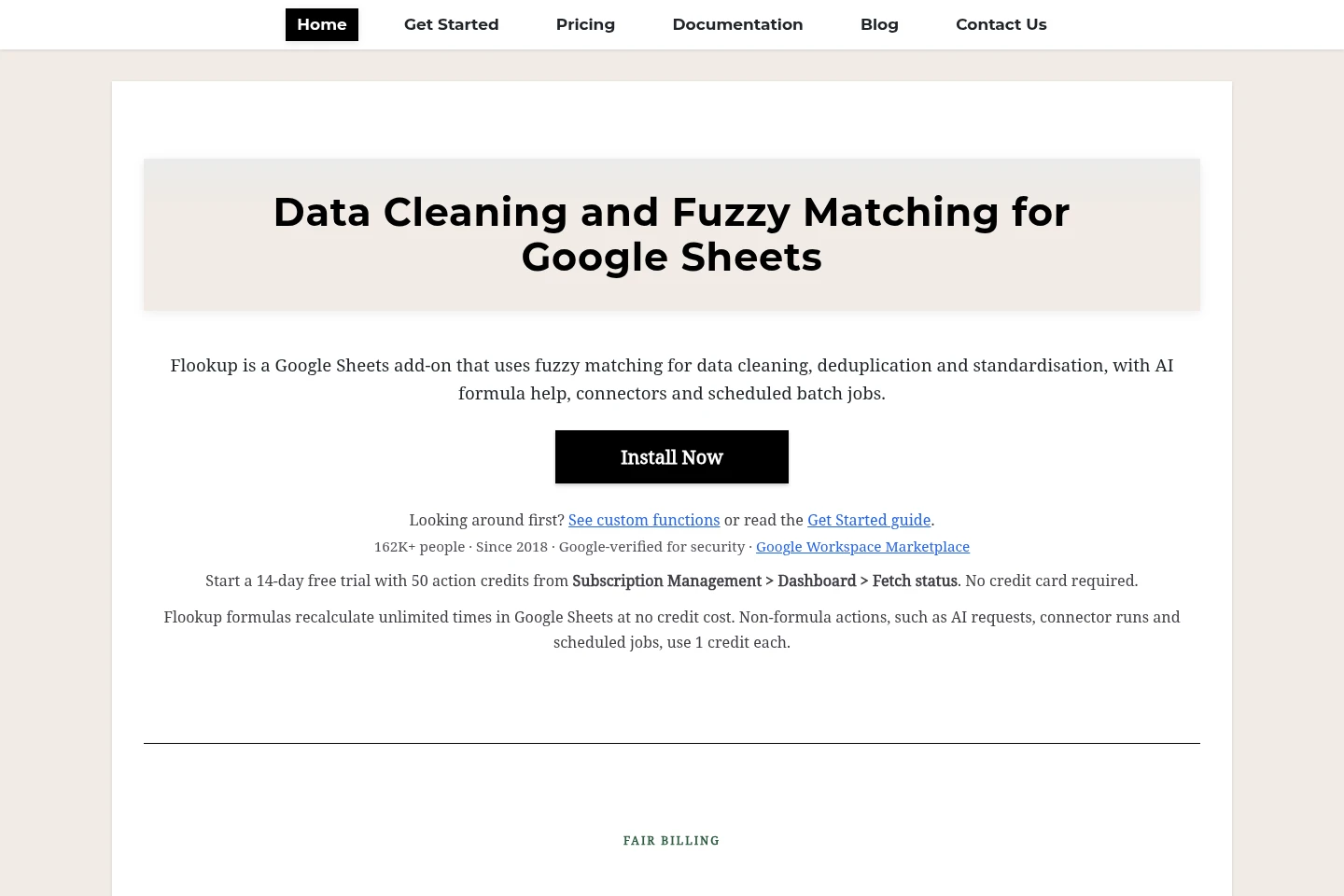
Flookup Data Wrangler is a Google Sheets add-on for cleaning and matching spreadsheet records. It supports fuzzy matching, deduplication, column profiling, enrichment and standardisation, along with scheduled jobs, connectors and optional AI-assisted tools. Custom functions run in the sheet, and explicit actions use action credits on metered passes.
- AI Data Tools
- Data Cleaning
- Excel Assistants
- Workflow Automation
- Google Sheets data cleaning
- fuzzy matching add-on
- spreadsheet deduplication
Capabilities
Fuzzy matching
Compares spreadsheet values and identifies similar records that exact matching misses. It can reveal spelling, phonetic and other variations, with similarity scores available for comparing values.
Deduplication and standardisation
Finds near-duplicate rows and standardises spreadsheet data. Users can remove duplicates, merge similar rows while keeping the best value from each, or apply cleaning operations from the Google Sheets sidebar.
Data connectors
Moves data between Google Sheets and supported external sources. Connectors can bring Airtable, SQL or Salesforce records into a staging sheet and write changed rows back to Airtable or SQL; Salesforce is read-only.
Scheduled cleaning
Runs scheduled deduplication and standardisation jobs, with intervals from every 15 minutes to daily. Scheduled jobs use action credits for explicit actions on metered passes.
Sheets AI Assistant
Uses a plain-language description of a spreadsheet problem to provide formulas or execute an action. AI features require the user's own Google Gemini or OpenAI key and are optional.
Pricing
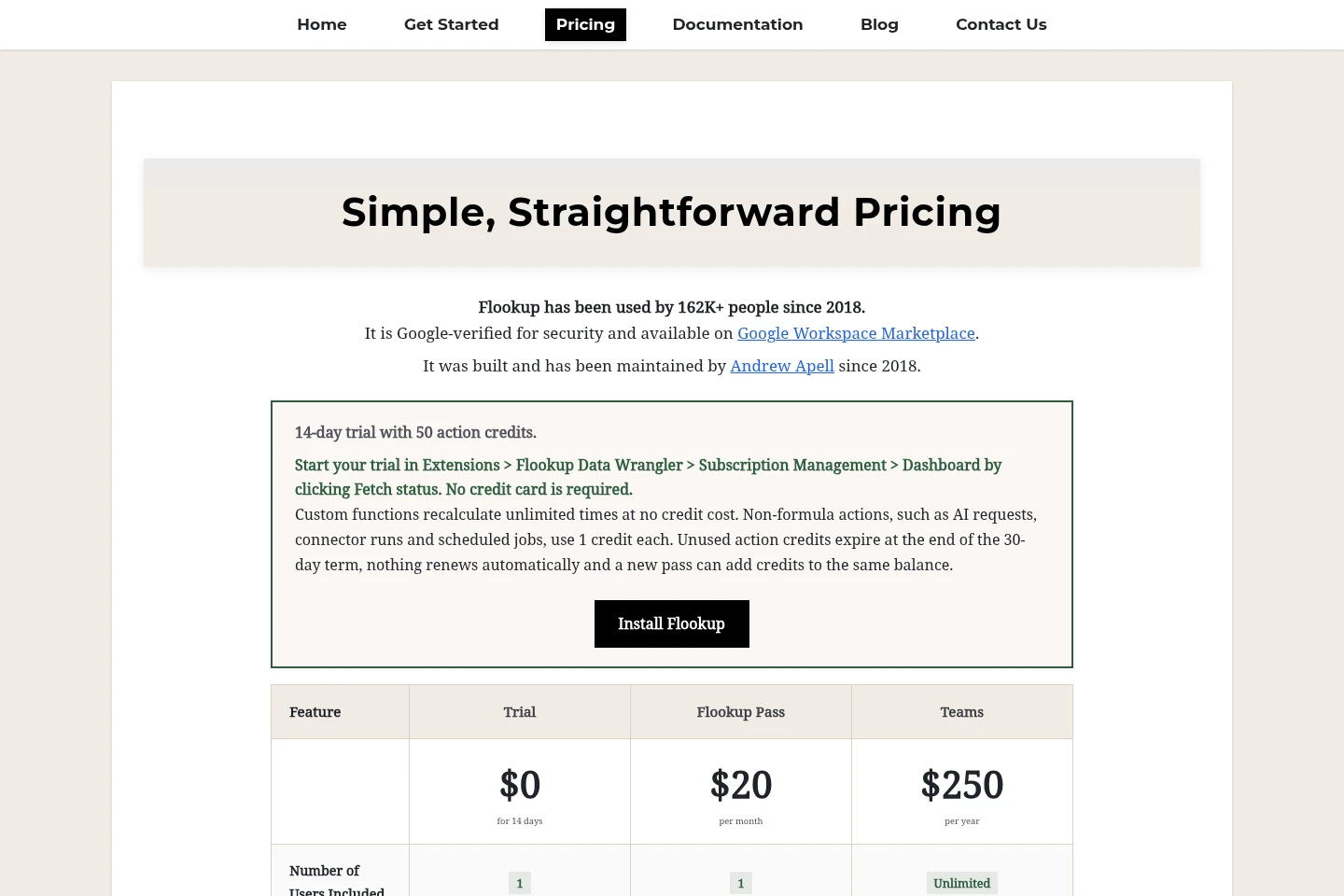
Flookup offers a 14-day Trial and one-time paid options. Compare rows per run, action credits, included users, connector and AI access, and support when choosing; Teams has a three-seat minimum.
| Plan | Price | Included features and limits |
|---|---|---|
| Trial | $0 for 14 days |
|
| Flookup Pass | $19 one-time payment |
|
| Teams | $29 per seat, one-time payment |
|
Custom functions run as sheet formulas and are not metered by recalculation. Explicit actions consume credits. Nothing renews automatically; additional passes bought with the same email add credits to the balance. AI features use the user's own Google Gemini or OpenAI key, with no extra Flookup charge.
Use cases
Deduplicate spreadsheet records
When a spreadsheet contains repeated records with spelling or phonetic variations, run deduplication to find near-duplicates that exact matching misses. The add-on can remove duplicates or merge similar rows while retaining the best value from each.
Clean and standardise spreadsheet data
When records need consistent values before a report, migration or upload, use the cleaning tools in the Google Sheets sidebar. They support fuzzy matching, profiling and standardisation, with custom functions also available as sheet formulas.
Reconcile external data with Sheets
When records come from Airtable, SQL or Salesforce, pull them into a staging sheet for cleaning and deduplication. Changed rows can be written back to Airtable or SQL; Salesforce data is read-only.
Limitations
A single pass covers one Google account; each editor who runs Flookup on a shared sheet needs a separate pass or a Teams seat.
Users need edit access to the spreadsheet because view-only access does not allow the add-on to write results.
Salesforce connector access is read-only; changed rows can be written back to Airtable or SQL, not Salesforce.
The Trial provides 5,000 rows per run and 50 action credits for 14 days; after it ends, custom functions and explicit actions require a pass.
Custom functions are subject to Google Sheets execution limits, and their formula recalculations are not metered as action credits.
AI features require the user's own Google Gemini or OpenAI key; the core cleaning tools work without an AI key.
Who it is for
Spreadsheet users who clean and match inconsistent records
Data analysts and operations staff reconciling customer, supplier or product lists
Researchers, academics and librarians matching names or cleaning catalogue and collection records
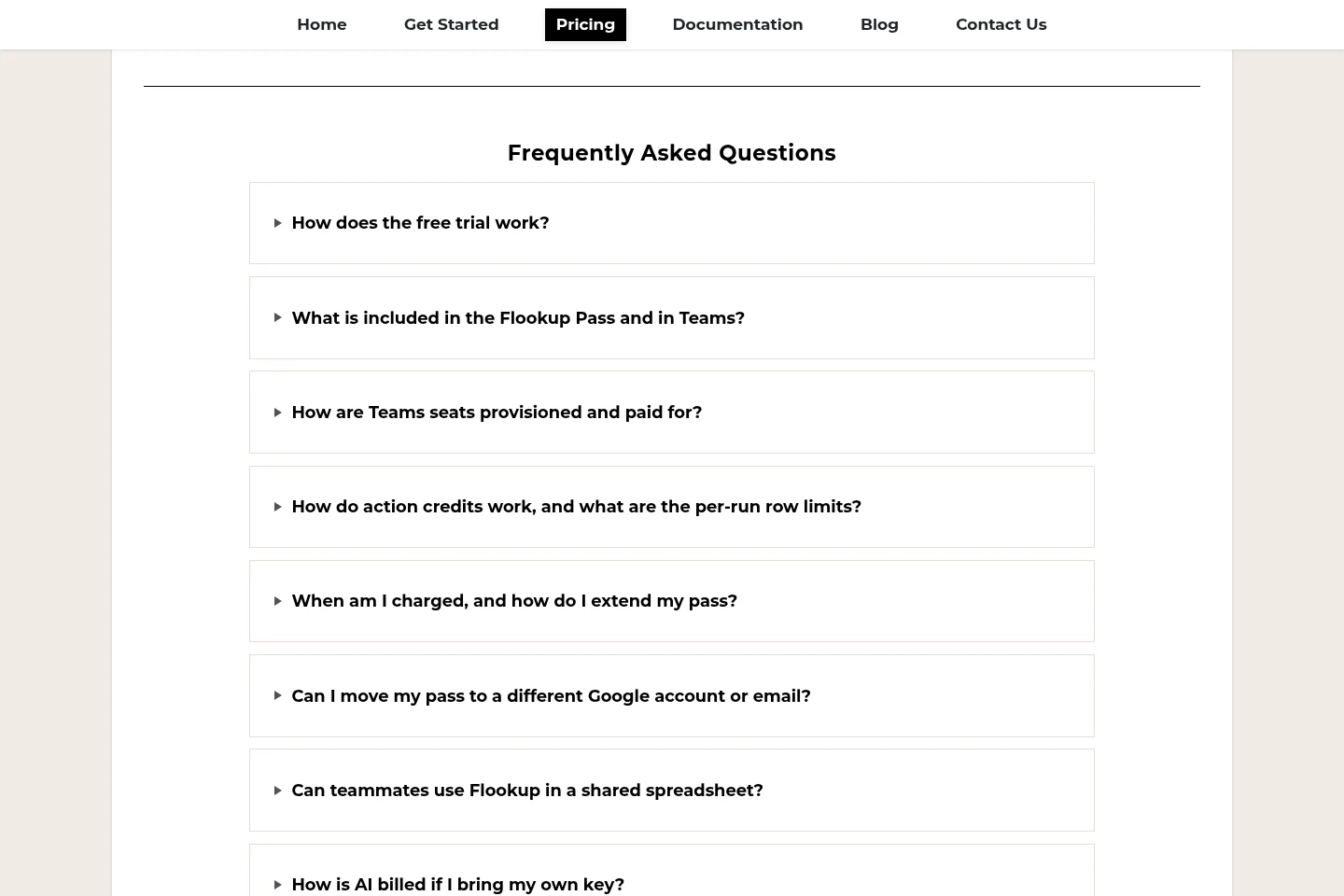
FAQ
What does the 14-day trial include?
The Trial lasts 14 days and includes 50 action credits, up to 5,000 rows per run, and access to custom functions, the Sheets AI Assistant, Data Connectors and scheduled batch jobs. No credit card is required to start.
Do Flookup passes renew automatically?
No. Flookup Pass and Teams are one-time payments, with no automatic renewal. Unused action credits do not expire, and a later pass bought with the same email can add credits to the existing balance.
How are action credits used?
Explicit actions use credits, including AI Assistant requests, connector actions or runs, and scheduled jobs or runs. Custom functions are not metered when their sheet formulas recalculate; a run that stops early still uses one credit.
Can I use Flookup with a shared Google Sheet?
Yes, but a pass covers one Google account. Each editor who runs Flookup needs their own pass or a Teams seat; viewers do not need a pass.
What are the row limits and connector restrictions?
The row limit applies per run, not to the whole plan. Trial runs allow up to 5,000 rows; Flookup Pass allows 25,000 rows per run, and Teams allows 25,000 rows per seat. Salesforce is read-only, while changed rows can be written back to Airtable or SQL.
Comments