

- Monthly visits
- 2,259
- 2026-09
- Monthly growth +926.8%
ChatSnapAI - Export, review, and back up AI conversations locally
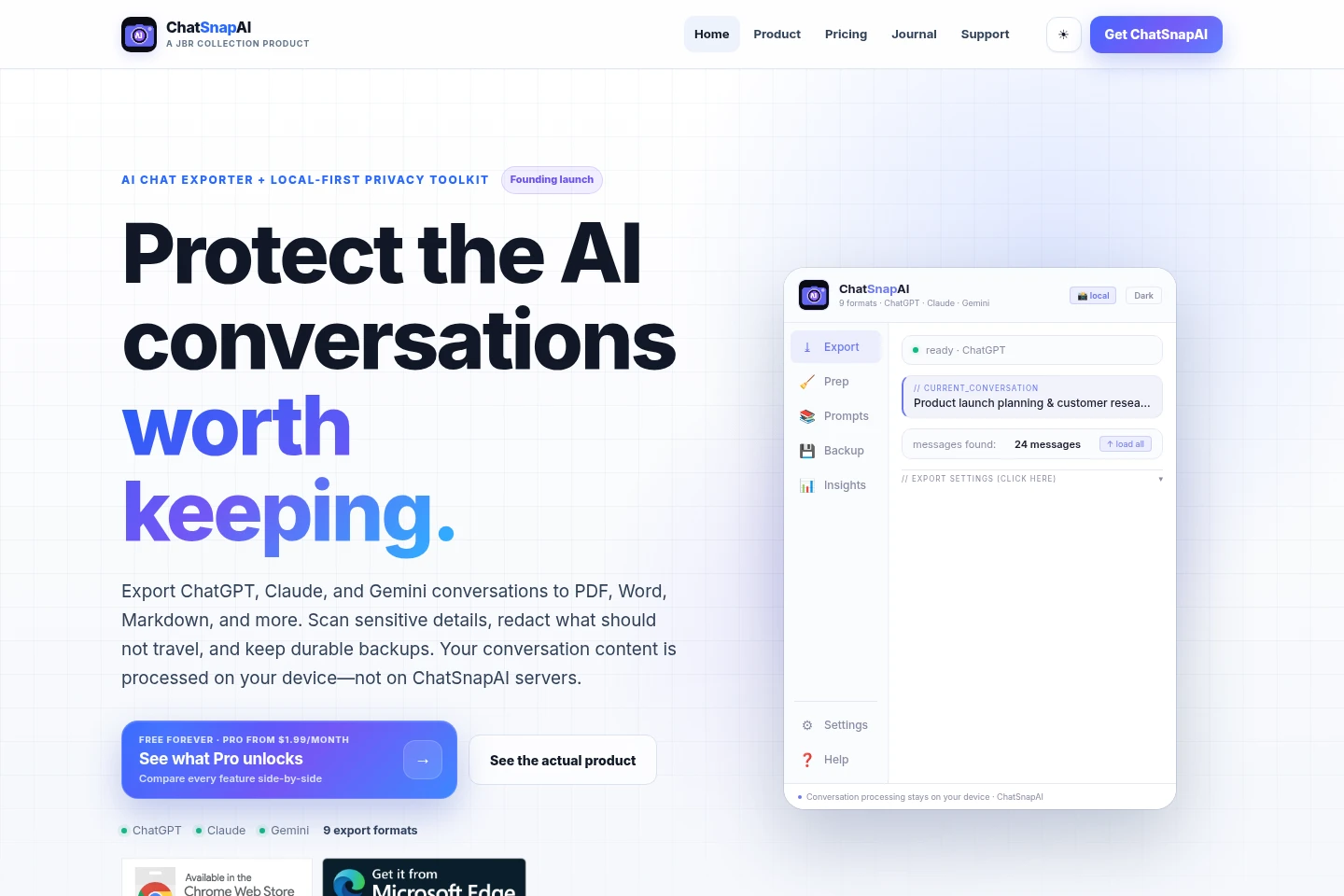
ChatSnapAI is a Chrome and Microsoft Edge extension for exporting supported ChatGPT, Claude, and Gemini conversations. Select full chats or specific messages, scan for sensitive patterns, redact selected details, and save files in nine formats. Conversation processing and export generation happen on your device; Pro license validation uses a separate service.
- AI Productivity
- AI Chat Organizers
- Data Redaction
- File Organization
- AI chat exporter
- ChatGPT conversation export
- local AI chat backup
Capabilities
Conversation export
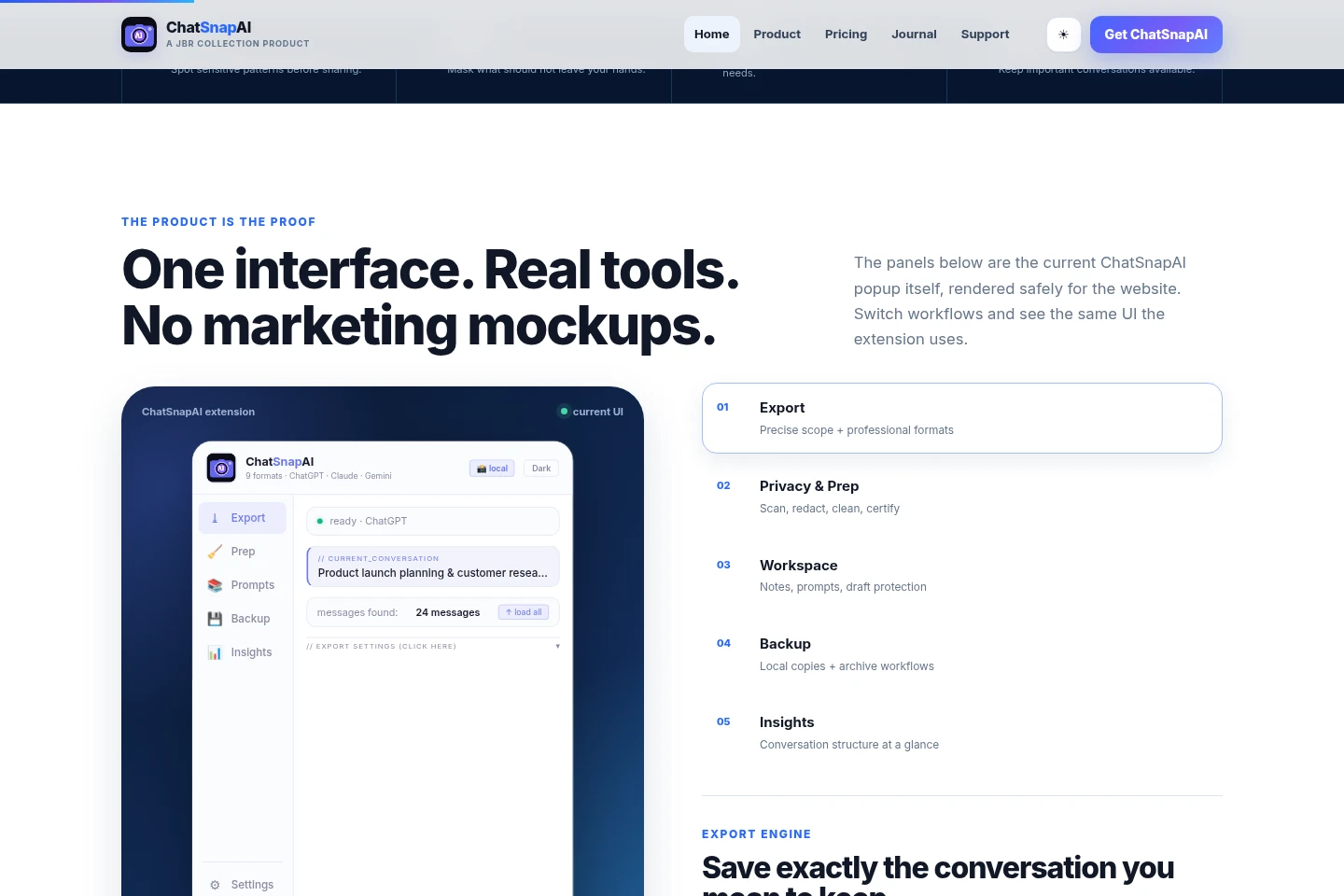
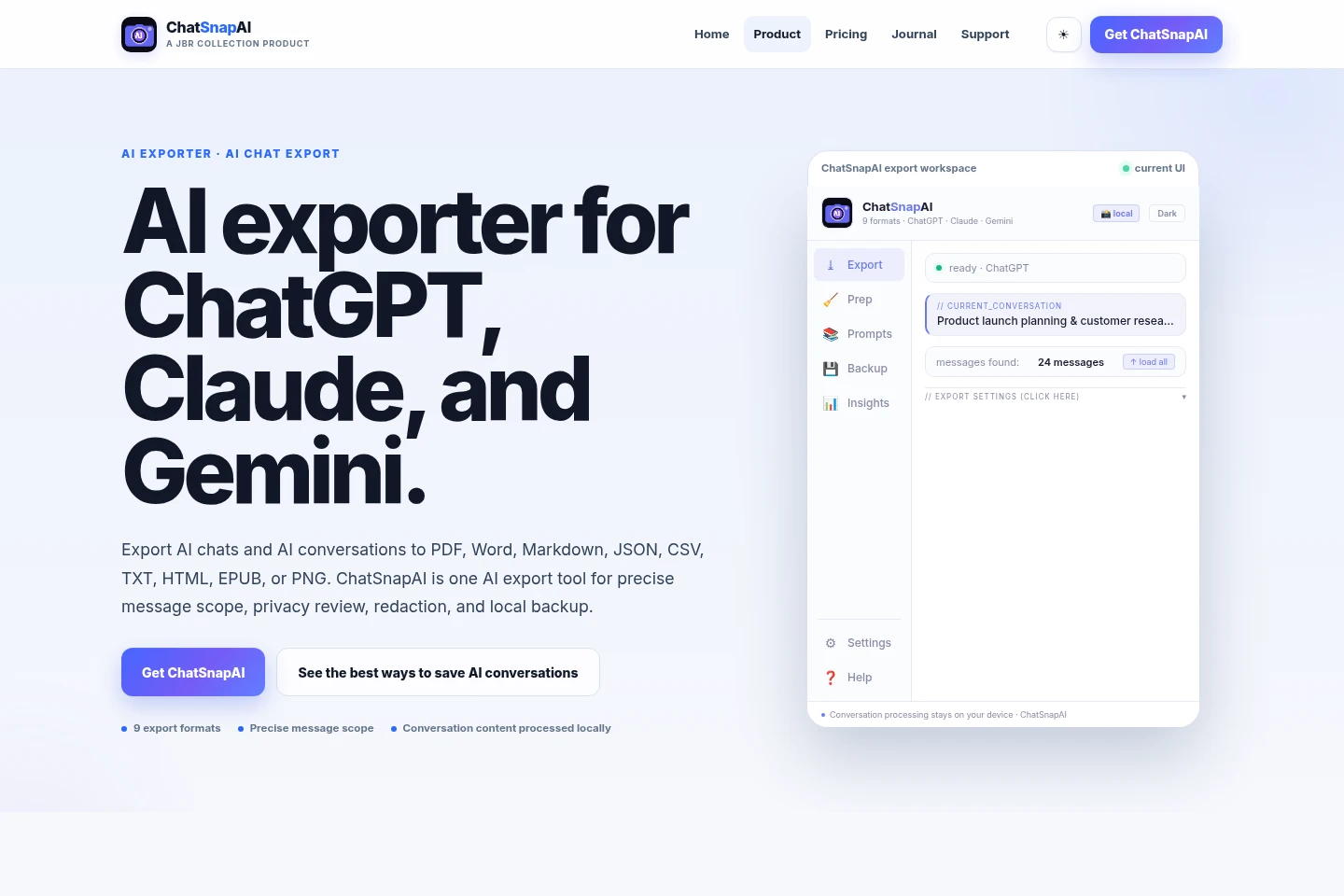
Export supported ChatGPT, Claude, and Gemini conversations into files. Choose a full conversation, prompts, responses, ranges, or individual messages, then save in PDF, Word, Markdown, JSON, CSV, TXT, HTML, EPUB, or PNG.
Privacy scan and redaction
Identify sensitive patterns and locally mask selected details before sharing a conversation. Review scan detections and, with Pro, choose a redaction profile and apply masks to selected information.
Conversation workspace tools
Keep notes, prompts, and draft protection alongside supported AI conversations. Use Sticky Notes, Prompt Library, Draft Guardian, history, and conversation-aware tools within the extension.
Backup and archive
Create local copies of important conversations and preserve them for later use. Free includes manual backups; Pro adds auto and bulk backups and an encrypted archive.
Pricing
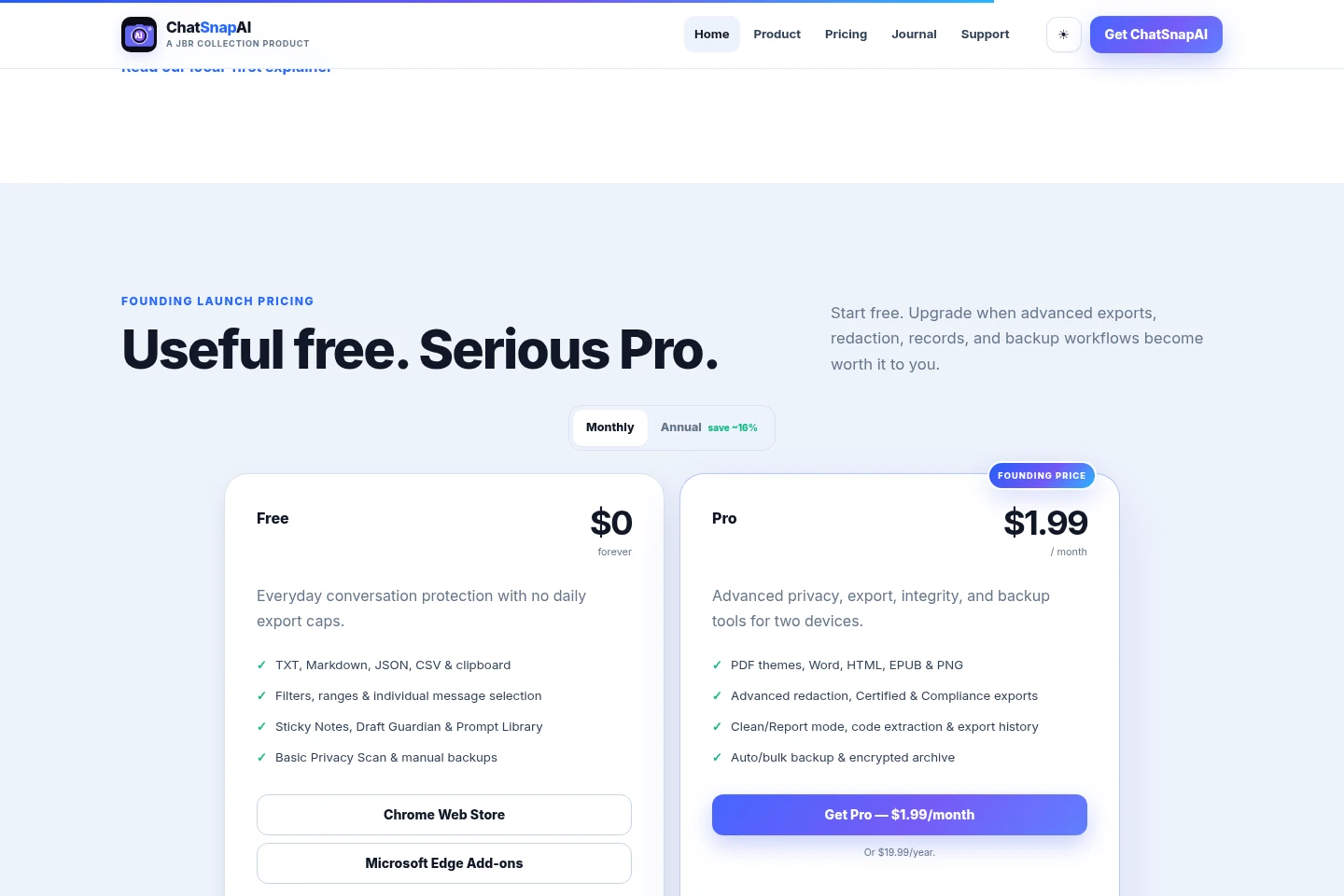
ChatSnapAI offers a permanent free plan and a paid Pro subscription billed monthly or annually. Compare export formats, privacy and record tools, backup features, and the two-device limit when choosing a plan.
| Plan | Price | Included features and limits |
|---|---|---|
| Free | $0 forever |
|
| Pro | $1.99/month or $19.99/year |
|
The Pro annual option is billed yearly at $19.99, described as equivalent to about $1.67 per month. The site labels current pricing as founding launch pricing.
Use cases
Save an AI conversation as a reusable file
When a ChatGPT, Claude, or Gemini conversation needs to be kept, choose the complete chat or only selected messages and export it in a suitable format. The generated file is saved locally for sharing, archiving, printing, or reuse.
Review and redact a conversation before sharing
When preparing a conversation for another person, run Privacy Scan to identify sensitive patterns and review the detections. Pro users can select a redaction profile and mask chosen details locally before exporting.
Back up conversations for later reference
When an AI conversation needs a durable local copy, use manual backup, available on Free, or Pro auto and bulk backup workflows. Pro also offers an encrypted archive for preserving conversation records.
Limitations
The exporter supports ChatGPT, Claude, and Gemini; the public production scope identifies these three platforms.
Conversation processing is local, but Pro license validation sends a license key and device identifier to a separate licensing service.
Some optional platform-specific functions, such as fetching ChatGPT history, communicate with the AI platform you are already using.
Who it is for
People who need to save and reuse ChatGPT, Claude, or Gemini conversations
People who review sensitive conversation details before sharing or exporting them
People who keep local records or backups of important AI conversations
FAQ
Does ChatSnapAI upload my conversations?
No. Conversation-processing features read and process content locally on your device, and conversation content is not sent to ChatSnapAI servers. Pro license validation is separate and sends license and device information, not conversation content.
Which AI platforms are currently supported?
ChatGPT, Claude, and Gemini are the current certified public production scope. The product pages identify these three supported platforms.
Can I export only part of a conversation?
Yes. You can export a full conversation, prompts, responses, ranges, or individual messages, then choose a supported output format.
Which file formats can ChatSnapAI export?
It exports PDF, Word, Markdown, JSON, CSV, TXT, HTML, EPUB, and PNG. The available formats depend on the Free or Pro plan.
What does Pro license validation send?
License validation sends the license key and a generated device identifier to the licensing service; activation may also include an optional short device label. It does not include conversation text, notes, prompts, exports, or backup contents.
Comments