

- Monthly visits
- 6,185
- 2026-09
- Monthly growth +62.8%
Claude Code and Codex Assist - Browse AI coding sessions, inspect changes, and track usage
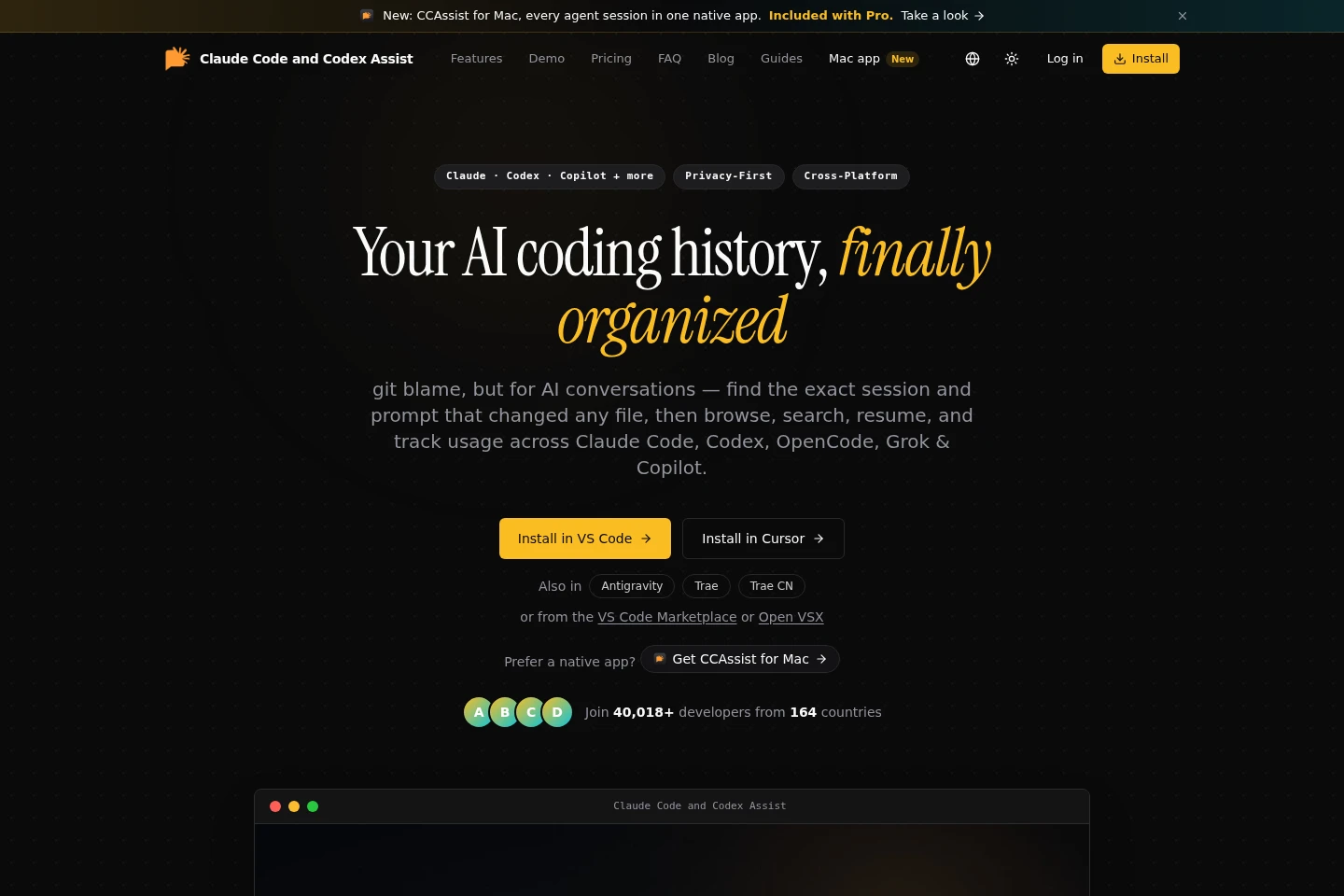
Claude Code and Codex Assist is an editor extension and Mac app for browsing coding-assistant sessions from Claude Code, Codex, OpenCode, Grok, and Copilot. Search conversation history, inspect file diffs, resume sessions, and review token usage, costs, and quotas. Session data is processed locally according to the product pages.
- AI Productivity
- AI Chat Organizers
- AI Usage Management
- Code Review
- Software
- AI coding session history
- Claude Code session viewer
- coding assistant usage tracker
Capabilities
Coding assistant session history
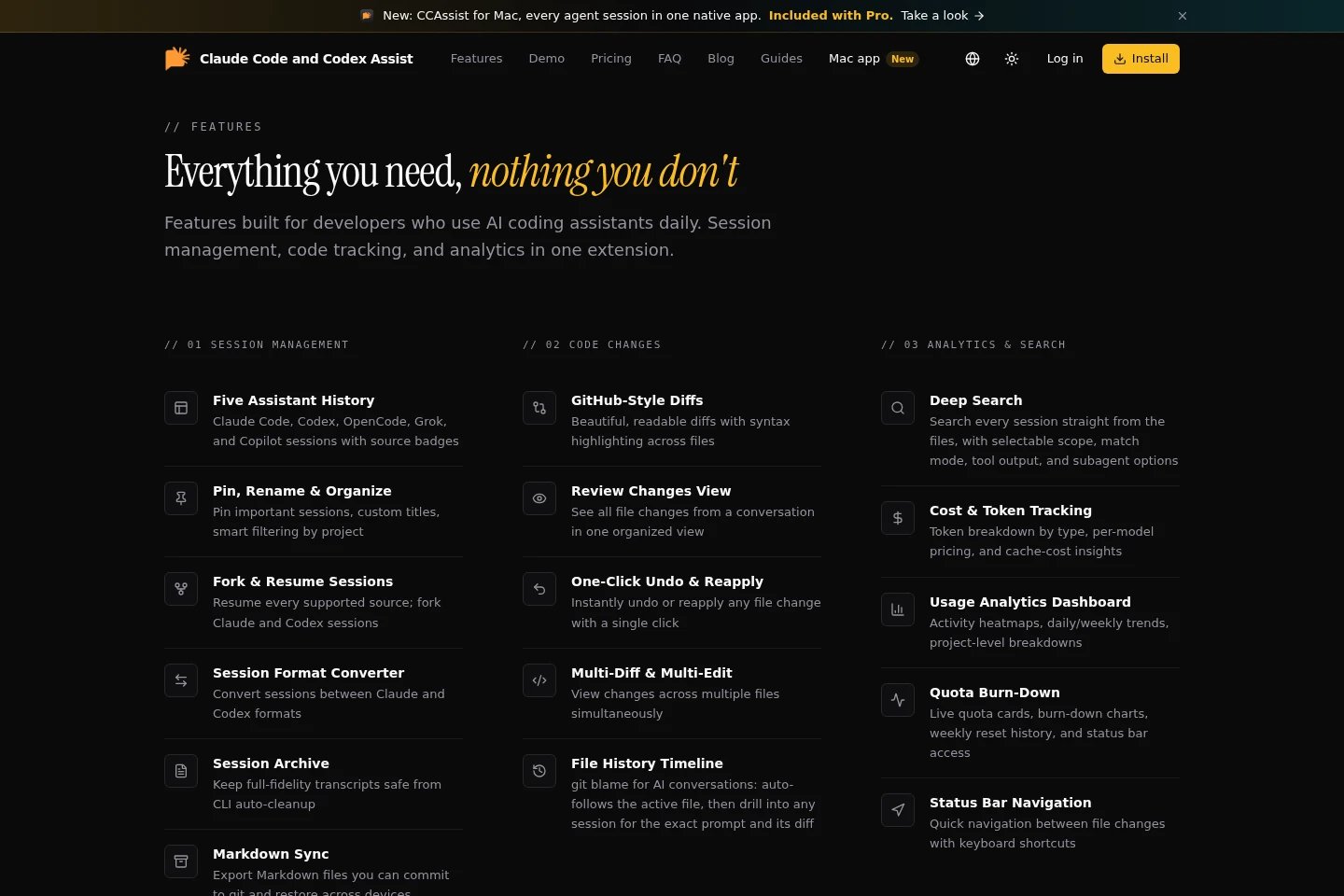
Browse and organize sessions from Claude Code, Codex, OpenCode, Grok, and Copilot. Filter by project, model, or source; pin, rename, hide, tag, and resume supported sessions.
Conversation search
Search prompts and replies across sessions, with results grouped by session. Choose search scope and matching mode, and optionally include tool output and subagent transcripts.
File change review
Inspect file edits and diffs linked to coding sessions. Review changes by turn or conversation, then undo or reapply edits; available history and actions depend on the plan.
Usage and quota analytics
View token and cost breakdowns, activity trends, project analytics, and quota cards. Data includes model and cache details where available, with some historical ranges limited by plan.
Pricing
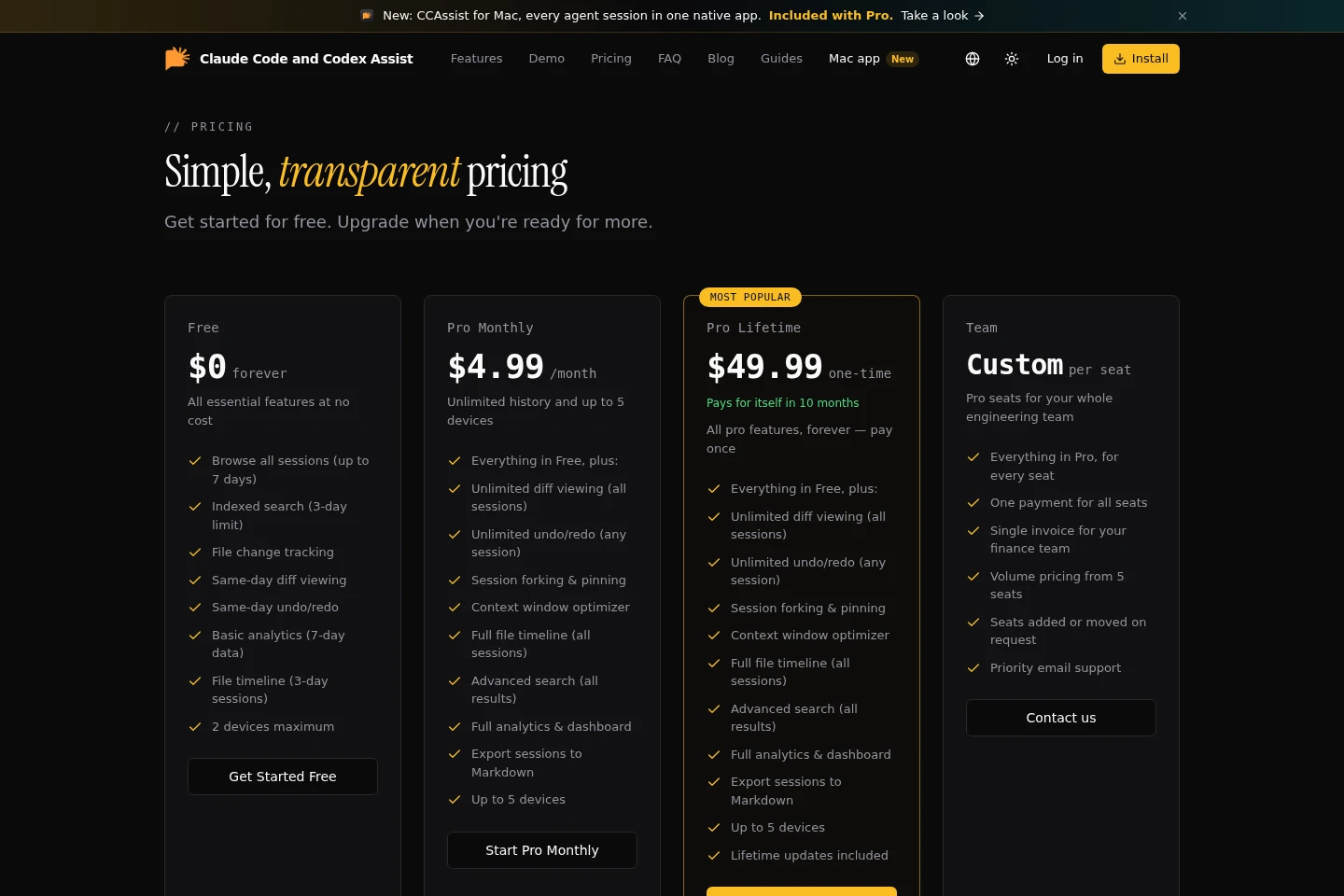
The product offers a free plan, recurring monthly Pro, a one-time Pro purchase, and custom per-seat Team pricing. Compare history limits, device limits, Pro features, and whether the purchase is recurring or one-time.
| Plan | Price | Included features and limits |
|---|---|---|
| Free | $0 forever |
|
| Pro Monthly | $4.99/month |
|
| Pro Lifetime | $49.99 one-time |
|
| Team | Custom per seat |
|
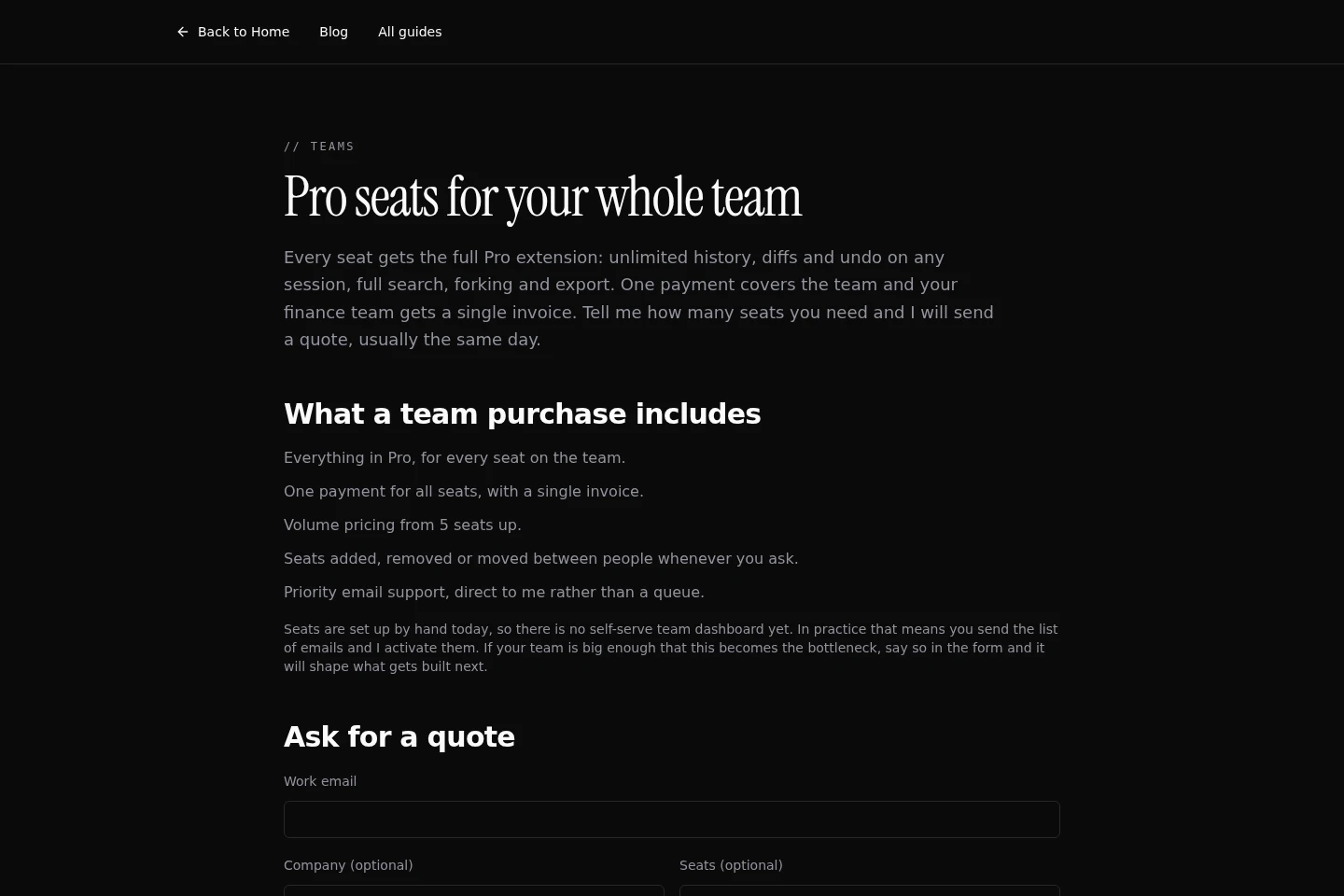
Team seats are configured manually after the team provides the seat email addresses. Seats can be added, removed, or moved on request.
Use cases
Find a past coding assistant conversation
When you need to locate a prompt or reply from earlier coding work, search session history by words, exact phrase, or regular expression. Results show the matching message and its session context.
Trace a file edit to its originating prompt
When examining a changed code file, open its timeline to find sessions that edited it. Expand a session to read the relevant prompt and inspect the associated diff.
Review and manage session file edits
When checking edits made during an assistant session, view the touched files and diffs in a consolidated change view. Undo or reapply an edit where the plan and session history allow it.
Review coding assistant usage and quotas
When comparing usage across coding sessions, inspect token counts, costs, activity, and available quota information. Analytics display historical data within the applicable plan limits.
Limitations
The Free plan limits browsable sessions to 7 days, indexed search to 3 days, basic analytics to 7 days of data, and file timeline sessions to 3 days.
The Free plan allows use on a maximum of 2 devices; Pro plans allow up to 5 devices.
Session forking is listed for Claude and Codex; other supported sources can be resumed, but are not stated to support forking.
Team seats are currently set up manually from supplied email addresses; the team page says there is no self-serve team dashboard yet.
Who it is for
Developers who use coding assistants and need to search past sessions or trace generated code changes.
Developers working across Claude Code, Codex, or other supported assistants who want their session histories together.
Engineering teams seeking Pro session-history features and centralized seat purchasing.
FAQ
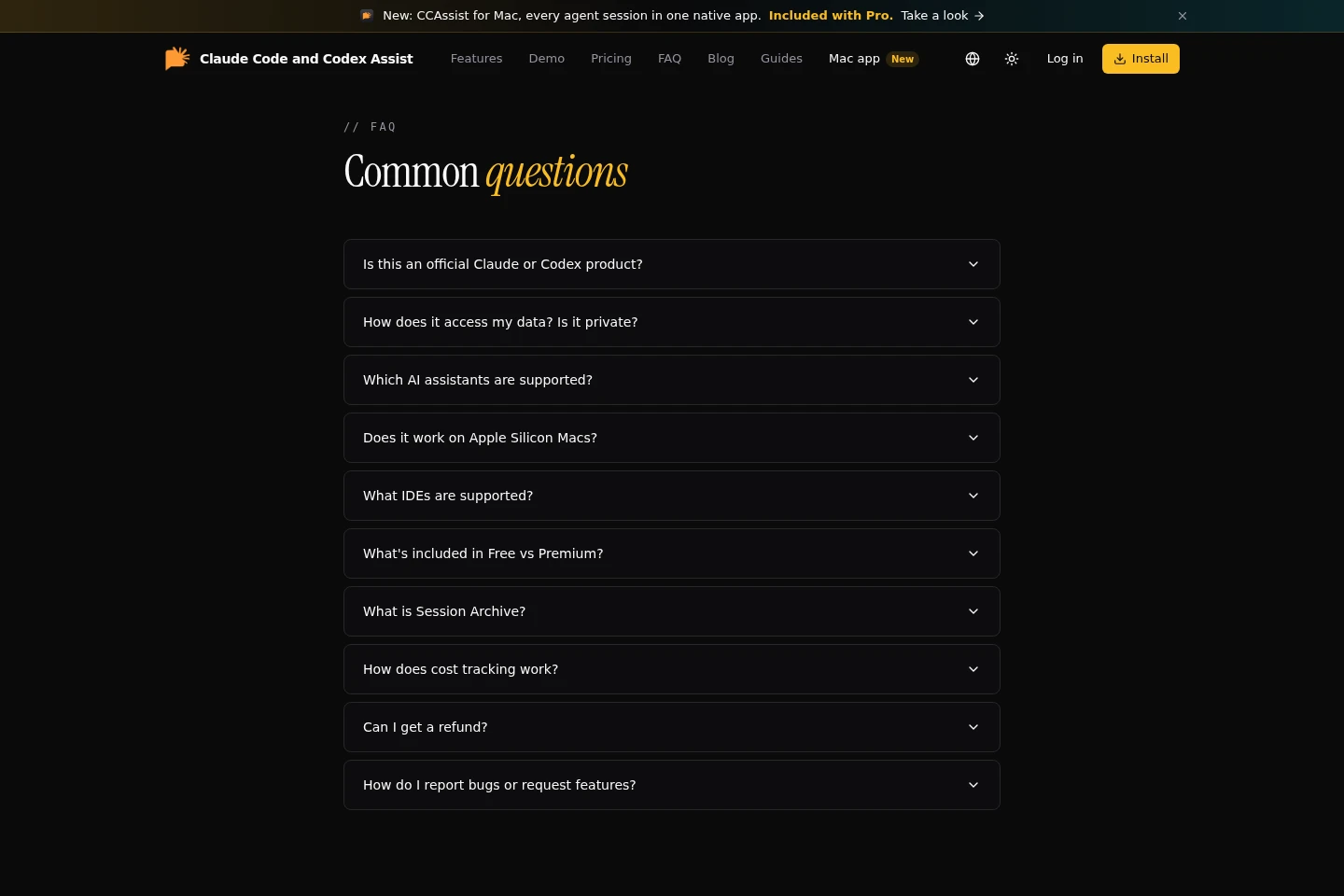
Which coding assistant histories can I browse?
The extension lists sessions from Claude Code, Codex, OpenCode, Grok, and Copilot. The session browser also describes Cursor sessions; available source features can differ.
Can I search prompts and assistant replies?
Yes. Search supports words, exact phrases, or regular expressions, with selectable scope. Tool output and subagent transcripts can optionally be included.
Can I undo changes made in a session?
Yes. The product provides diff review and undo or reapply actions for file changes. The Free plan limits these actions to same-day changes, while Pro lists unlimited history.
What does the Free plan include?
Free costs $0 forever and includes session browsing up to 7 days, indexed search with a 3-day limit, and basic analytics with 7-day data. It is limited to 2 devices.
How do Team seats and pricing work?
Team pricing is custom per seat and requires a quote. Volume pricing starts at 5 seats; one payment and a single invoice cover the team, and seats are set up manually.
Can I request a refund?
Yes. Email [email protected] within 7 days of purchase if the extension does not work for your workflow.
Official links
Official pricing · https://ccassist.dev/#pricing
Official pricing · https://ccassist.dev/teams/
GitHub · https://github.com/yashagldit/Claude-Code-History-VSCode
Download · https://marketplace.visualstudio.com/items?itemName=agsoft.claude-history-viewer
Download · https://open-vsx.org/extension/agsoft/claude-history-viewer
Comments