
- Monthly visits
- 2,637
- 2026-09
- Monthly growth +895.1%
ASMR-AI.art - Generate ASMR videos from prompts and reference images
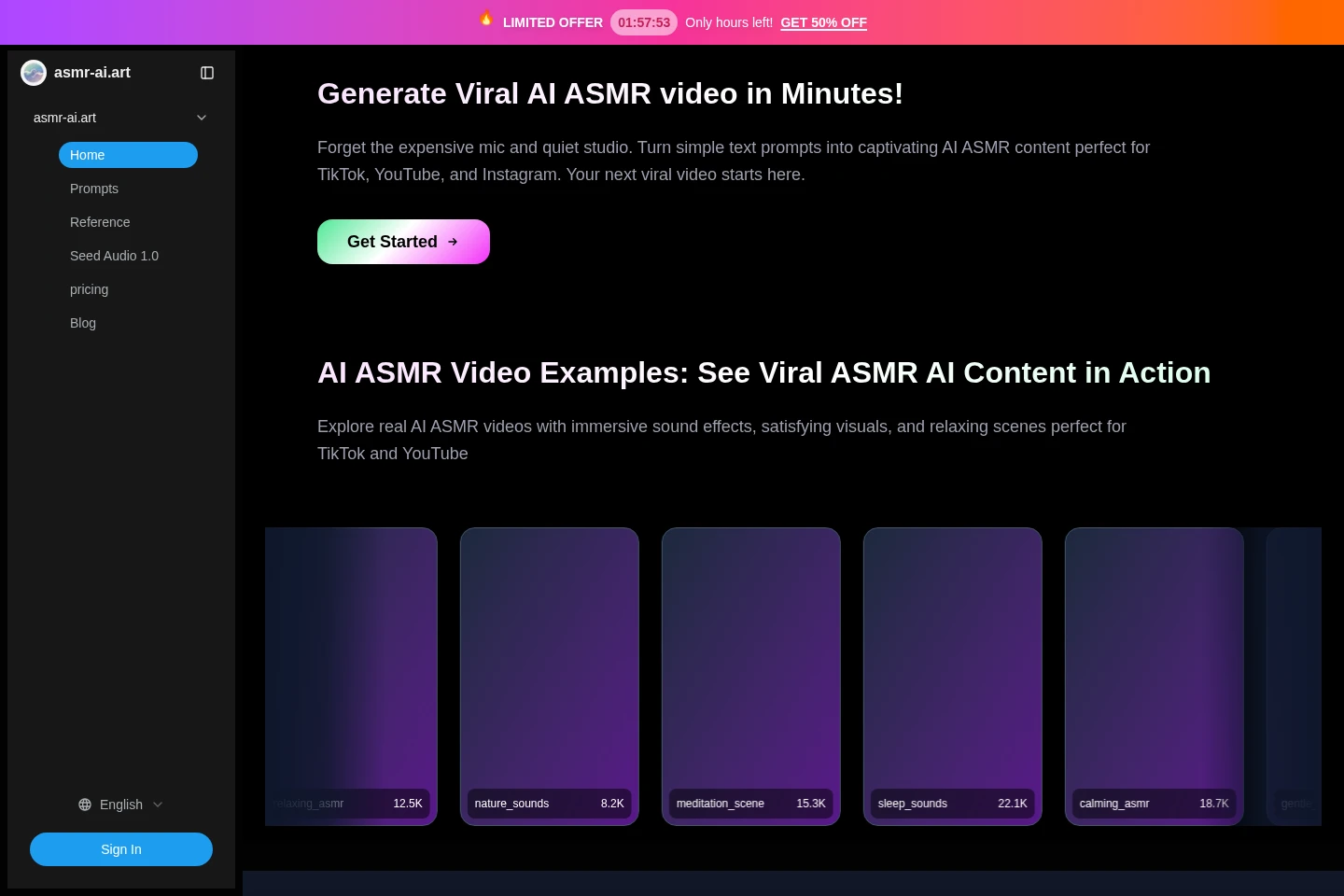
ASMR-AI.art generates short ASMR videos from text prompts or reference images using Google Veo 3.1. Choose text-to-video or image-to-video, select aspect ratio, resolution, quality, and output count, then generate videos with synchronized audio and visuals. Paid plans provide credits that do not expire.
- AI Video
- Video Generators
- Sound Effect Generation
- AI ASMR video generator
- ASMR video from text
- AI ASMR with synchronized audio
Capabilities
Prompt-to-video generation
Generate an ASMR video from a text prompt, with synchronized audio and visuals. Enter a description of the scene, choose quality, aspect ratio, resolution, and output count, then sign in to generate.
Reference-image video generation
Use reference images to guide the look of an ASMR video. Upload images and select image-to-video; the page describes multi-image references for maintaining visual style.
Video format controls
Set the output aspect ratio, resolution, quality, and number of videos. The interface lists 16:9 or 9:16, 720p or 1080p, and one to four outputs.
Frame control and extension
Control start and end frames and extend generated video sequences. The page describes these as Veo 3.1 capabilities; plan listings separately state a maximum video length of eight seconds.
Pricing
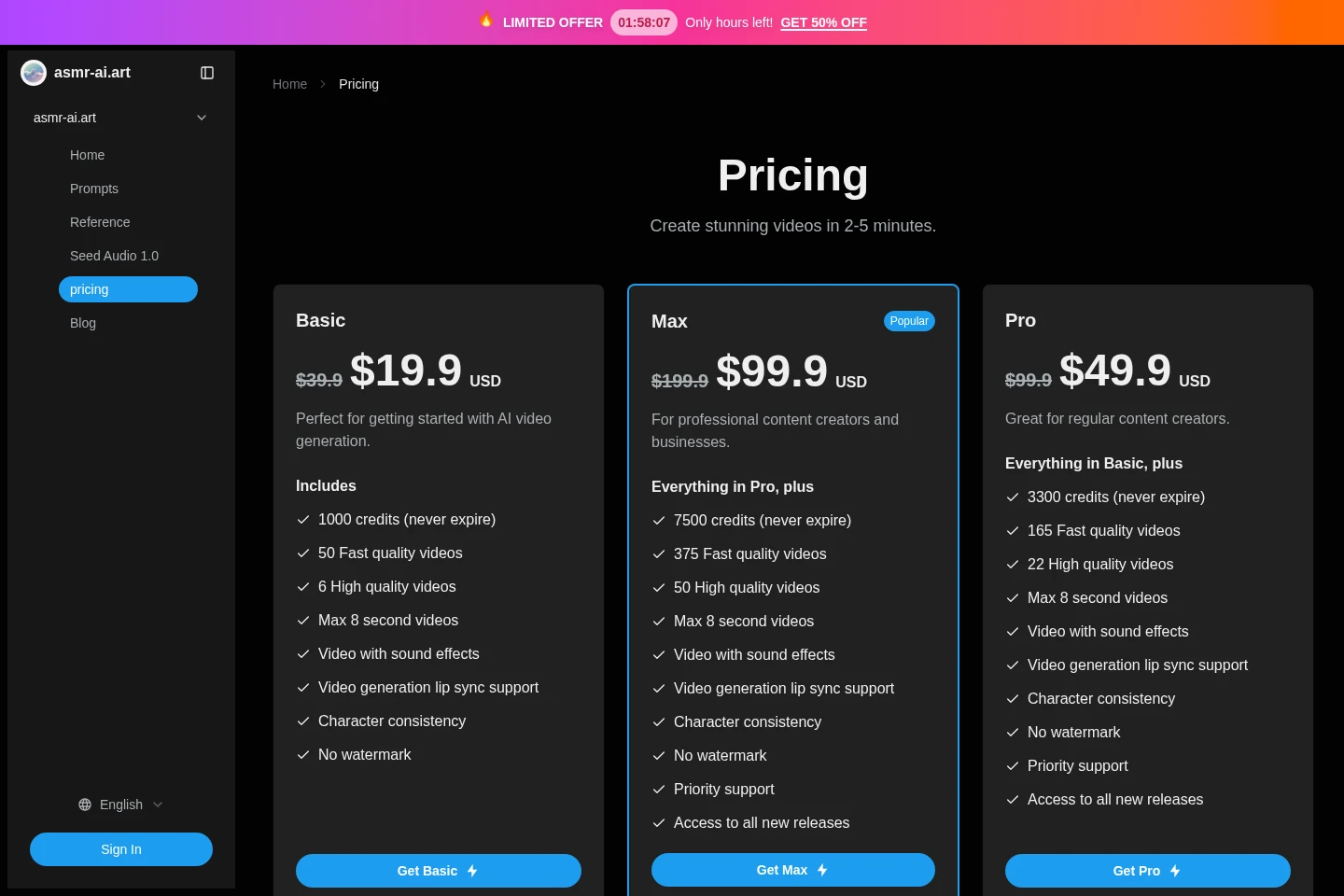
Paid plans are listed as one-time displayed prices, with no billing period stated. Compare included credits, estimated video counts, maximum length, and priority support when choosing a plan.
| Plan | Price | Included features and limits |
|---|---|---|
| Basic | $19.9 USD (displayed offer) |
|
| Max | $99.9 USD (displayed offer) |
|
| Pro | $49.9 USD (displayed offer) |
|
Each listed price appears beside a higher crossed-out price: Basic $39.9 USD, Pro $99.9 USD, and Max $199.9 USD. The pricing pages do not identify a billing period or explain offer eligibility.
Use cases
Create ASMR videos for social platforms
When preparing ASMR content for social channels, describe a scene or provide reference images, then choose portrait or landscape output and generate a video with synchronized sound and visuals for posting.
Produce relaxation and sleep content
When creating calming material for a sleep, meditation, or relaxation product, enter a scene prompt or upload reference images and generate an ASMR video with audio matched to the visuals.
Limitations
The generator requires sign-in before it can generate a video.
The listed Basic, Pro, and Max plans limit generated videos to a maximum of eight seconds.
The homepage lists output resolutions of 720p and 1080p and aspect ratios of 16:9 and 9:16.
The refund FAQ says refunds are not offered because the platform service is required for AI processing.
Who it is for
Social video creators who need short ASMR clips for TikTok, YouTube, or Instagram
Creators of sleep, meditation, and relaxation content who need generated ASMR audio and visuals
FAQ
What inputs can I use to generate a video?
You can enter a text prompt or upload reference images. The homepage presents text-to-video and image-to-video options and describes using multiple images to guide visual style.
Which formats and resolutions can I select?
The generator lists 16:9 and 9:16 aspect ratios and 720p and 1080p resolutions. You can also select output quality and generate between one and four videos.
How long are videos on the paid plans?
The Basic, Pro, and Max plan listings specify a maximum video length of eight seconds. The homepage separately describes a video extension capability, but the listed plans retain that eight-second limit.
Do credits expire?
No. The Basic, Pro, and Max pricing listings state that their included credits never expire.
Can I get a refund?
No. The refund FAQ says refunds are unavailable because the platform service is required for AI processing.
What does each plan cost?
The displayed offer prices are $19.9 USD for Basic, $49.9 USD for Pro, and $99.9 USD for Max, alongside higher crossed-out prices. The page does not state a billing period.

Comments