Flow AI Video Generator
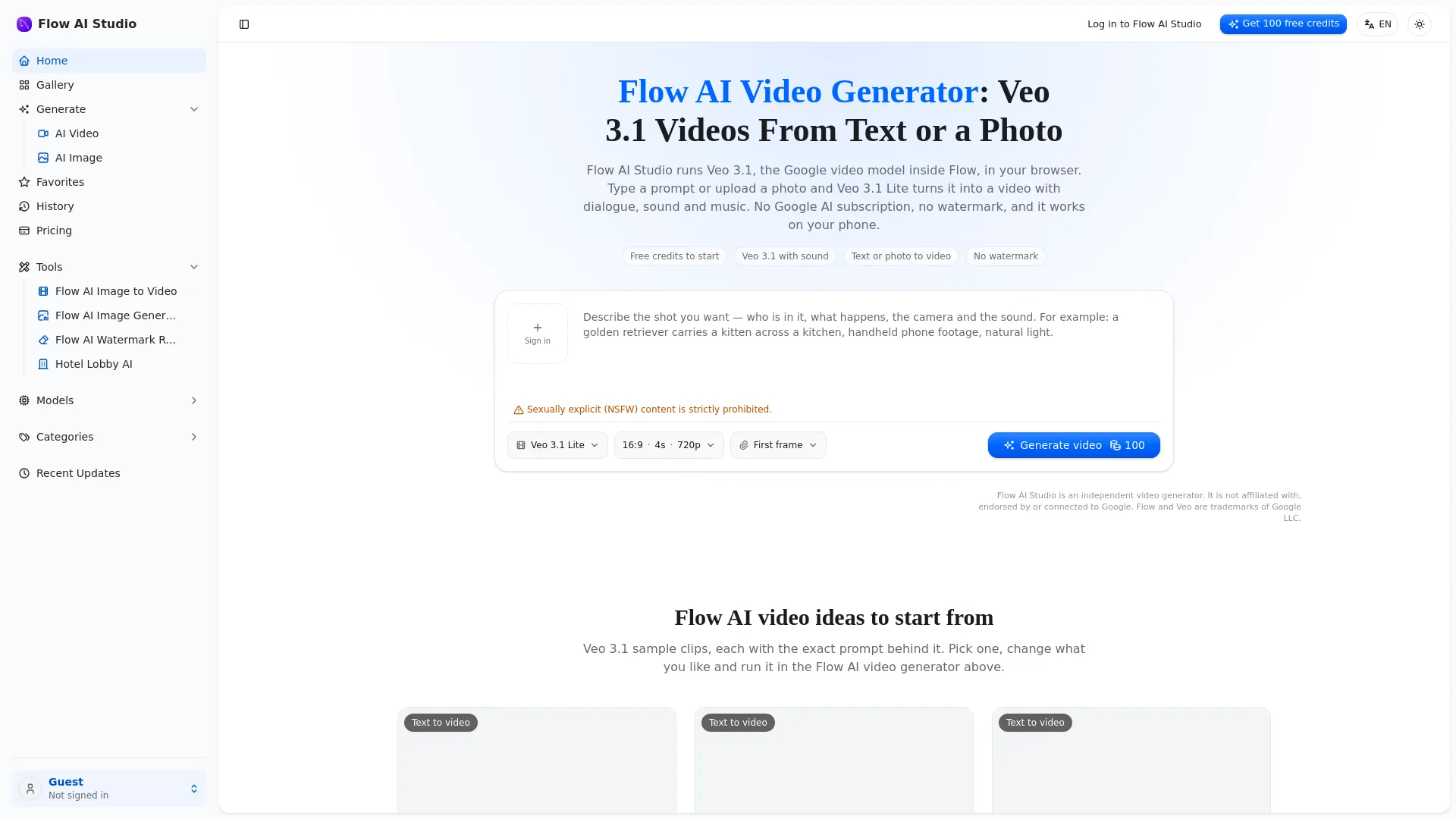
Flow AI Video Generator is an independent browser-based online video generator that runs Google’s Veo 3.1 model, allowing users to create short videos without a Google subscription, with no watermark on exported files. The tool operates entirely in web browsers, with no dedicated app required for use across devices.
Core Capabilities
The platform supports multiple input methods to generate Veo 3.1 clips:
Generate videos directly from text prompts, with support for specifying on-screen action, camera movement, and dialogue
Animate uploaded photos by setting them as the first frame of a clip
Add a second reference image as the final frame to create a smooth animated transition between two stills
Automatically sync dialogue, sound effects, and background music to match on-screen action during the generation process
Users can select from two Veo 3.1 model tiers to match their quality and budget needs:
Supported aspect ratios include 9:16 for Shorts, Reels and other vertical short-form content, and 16:9 for standard horizontal video use. The platform displays exact credit cost information for every generation before the user initiates processing, and automatically refunds credits for any failed clips. All generated videos come with full commercial use rights, applicable to both paid plans and free starting credits.
Supported Workflows
The standard generation process follows three simple steps:
Input your content: Write a text prompt describing the scene, action, and dialogue, or upload a reference photo to use as the first frame of your clip. You may optionally add a second image to define the final frame of the animation.
Configure your output: Select your preferred Veo 3.1 model tier, aspect ratio, and clip length from the available options.
Generate and download: Most clips are ready within one to two minutes, and export as watermark-free MP4 files with synced audio included.
Intended Audiences
The tool is built for a wide range of casual and professional users, including:
Content creators producing Shorts, Reels, or faceless YouTube channels
Small businesses and marketing teams creating short product ads
Individual creators making talking character content, including mascot clips and simulated interview segments
Independent filmmakers generating cinematic short film shots, establishing scenes, or trailer footage
Creators producing cartoon, anime, or 3D animation style clips
Casual users making custom birthday, holiday, or personal greeting videos
Pricing and Credits
Flow AI Video Generator operates on a freemium credit system:
All new accounts receive 100 free credits on sign-up, no payment method required
Monthly subscription plans start at $39 per month for 5,000 credits
One-time non-expiring credit packs are available for $49 for 4,000 credits
Standard credit costs for 8-second clips are 200 credits for Veo 3.1 Lite, and 600 credits for Veo 3.1 Fast
All credits, whether from free sign-ups, monthly plans, or one-time packs, include full commercial usage rights for generated content
Usage Limitations
All Veo 3.1 clips generated through the platform are limited to 4, 6, or 8 seconds in length. For longer videos, users can generate multiple matching clips and stitch them together in a separate video editor.
Unlike Google’s official Flow tool, Flow AI Video Generator does not include scene builder or clip extension features. To avoid rushed, unintelligible audio, dialogue per individual clip is recommended to be kept to 1-2 lines.
Flow AI Studio is an independent platform, and is not affiliated with, endorsed by, or connected to Google. Flow and Veo are trademarks of Google LLC.
Strictly prohibited content includes sexually explicit NSFW material.
Compatibility
The tool runs in any modern web browser, and is fully supported on mobile phones, laptops, and Chromebooks, with no separate app or APK required to install to access full functionality.




Comments