Monthly visits
2,455
2026-10

AnkhKit - Free browser-based tools for everyday file and text tasks

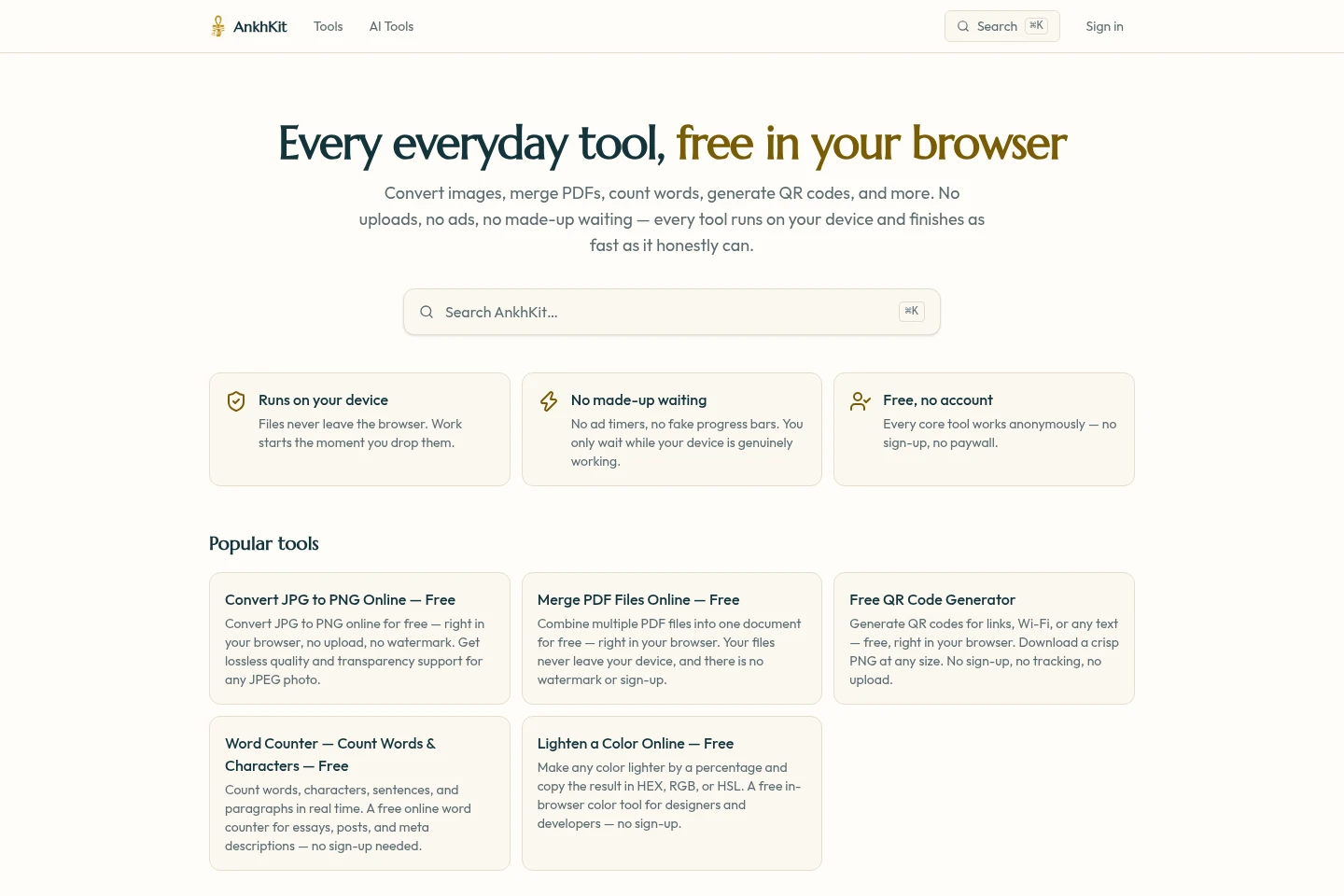
AnkhKit offers online converters, generators, calculators, and text utilities for everyday tasks. Users can convert images and data, work with PDFs, count or transform text, and create QR codes. Most tools process files in the browser; some video, audio, and ebook tasks may use servers. AI writing and social tools are also available and require an account.

Visit WebsiteUpdate this product

0Views

Capabilities

File conversion

Convert image, video, audio, ebook, and data files between supported formats. Most conversions run in the browser; some larger audio, video, or ebook jobs may be processed on servers.

PDF utilities

Merge, split, rotate, and protect PDF documents using online tools. Most PDF tools process documents in the browser, without uploading them.

Text utilities

Count, clean, sort, and transform text, including words, characters, sentences, and paragraphs. Text tools run in the browser.

Generators and calculators

Create QR codes, passwords, tokens, and placeholder content, or calculate math, dates, and percentages. Generators and calculators run in the browser.

AI writing and social tools

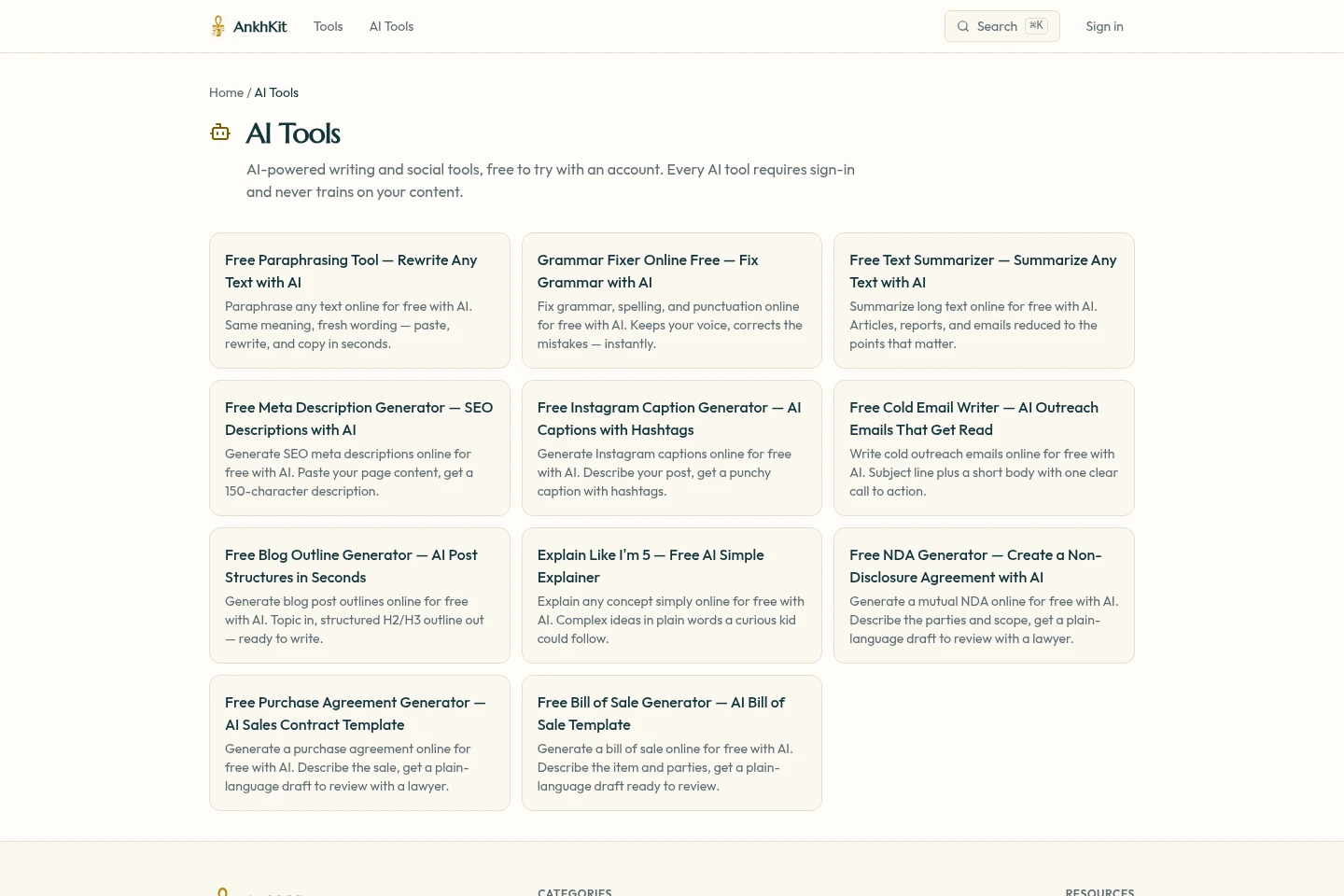
Use AI tools to paraphrase, correct grammar, summarize, and generate writing for social or web content. These tools require sign-in and are described as not training on user content.


PricingFree

The site describes its tools as free, with no paid plans listed. Compare tool availability and processing conditions, since AI tools require sign-in and some file tasks may use servers.

Use cases

Convert files between common formats

When a file needs to work in another format, choose an available converter and provide the file or data. AnkhKit converts images, audio, video, ebooks, and structured data; most conversions run in the browser, while some larger jobs may use servers.

Combine or modify PDF documents

When PDF documents need combining or basic changes, select a PDF tool to merge, split, rotate, or protect them. Most PDF tools process documents in the browser, so the files need not leave the device.

Count and transform text for publishing

When preparing text for an essay, post, or meta description, use the text utilities to count words and characters or clean, sort, and transform the content. The tools provide results in the browser.

Generate QR codes and other values

When a link, Wi-Fi detail, text, password, or token needs a corresponding generated value, choose the relevant generator. QR codes can be downloaded as PNG, and generators run in the browser.

Limitations

  • Every AI tool requires sign-in, although the site's core non-AI tools are described as usable without an account.

  • Some larger video and audio jobs can be processed on AnkhKit servers rather than entirely in the browser.

  • Files processed on servers are auto-deleted within one hour; the site also says users can delete them with one click after processing.

Alternatives

FussFreeTools

Free browser tools for files, text, images, and everyday tasks

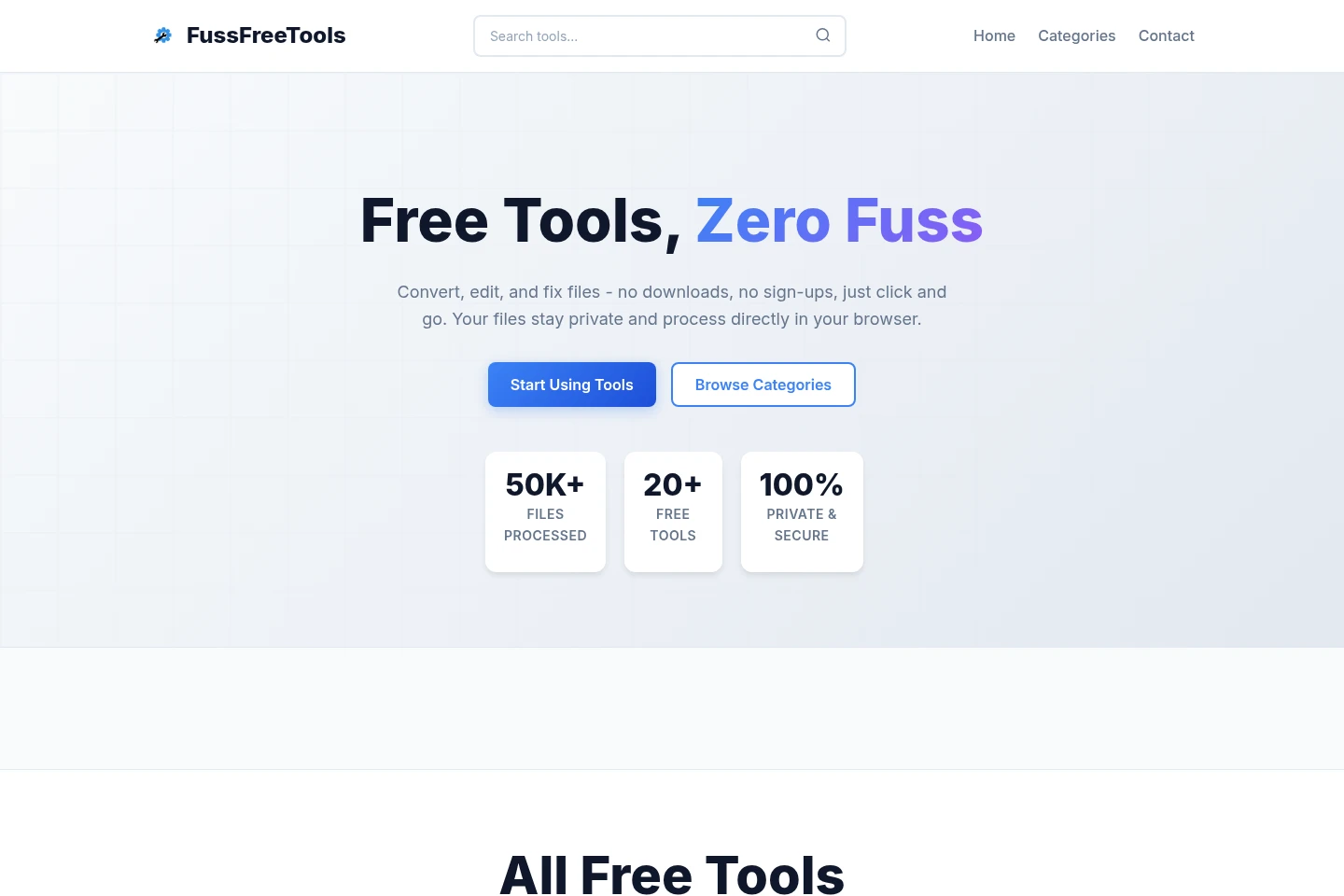
FussFreeTools offers free online tools for editing and converting PDFs, processing images, working with text, and generating QR codes, barcodes, and passwords. Tools run in the browser without sign-ups or downloads. The site also includes classroom utilities and AI name and text generators.

  • Cloud
  • Free
  1. TabTasker

    Free browser tools for everyday tasks

    Free
  2. SimplyUtils

    Free browser tools for text, files, data, and everyday tasks

    Free
  3. ConverterForAll

    Free browser tools for files, fonts, media, and documents

    Free
  4. WebTaskTools

    Free browser tools for files, media, text, and images

    Free · Free
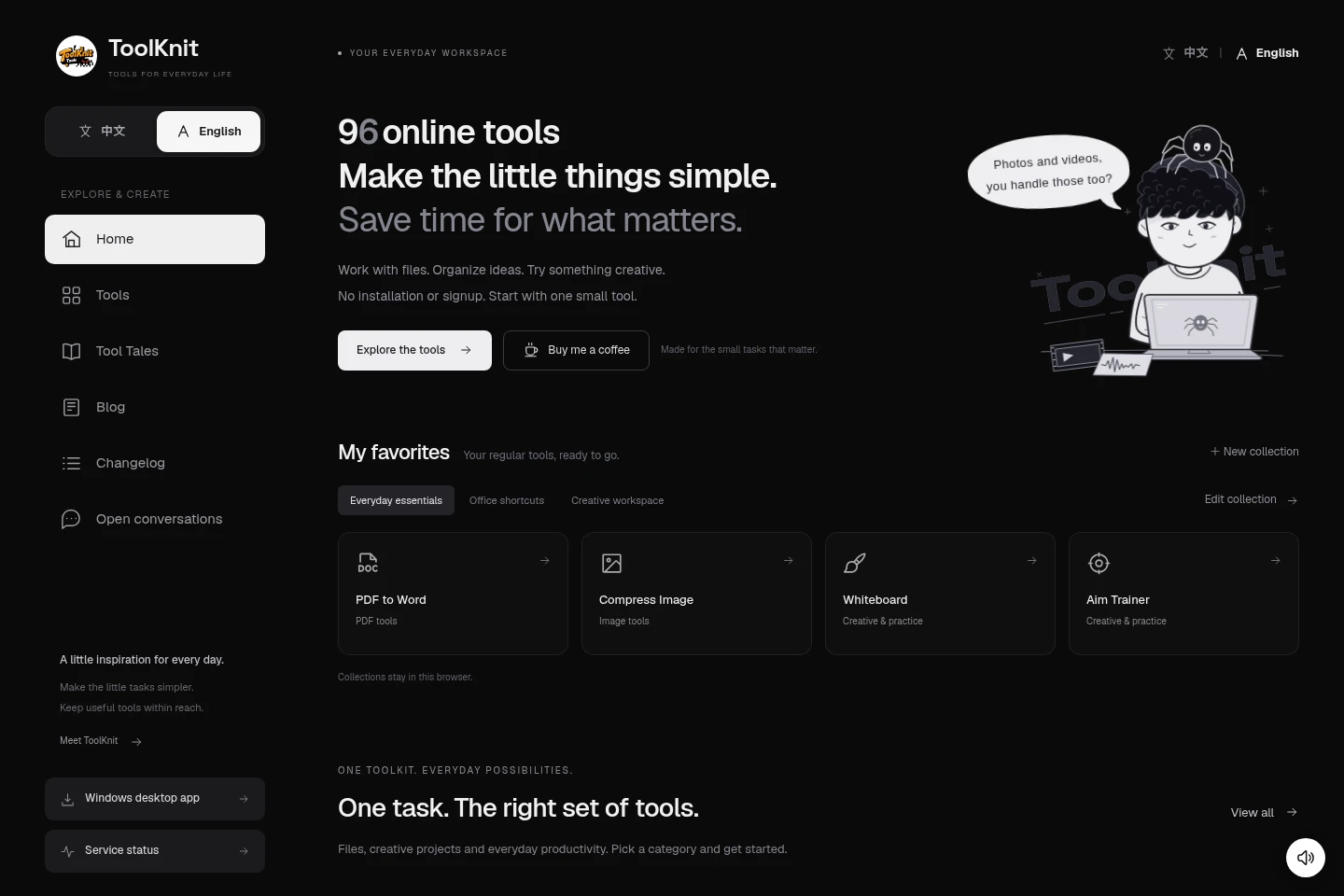
  5. ToolKnit

    Everyday tools for files, ideas, and creative tasks

    Free

Who it is for

  • People who need quick browser tools for everyday file and text tasks

  • Developers who need browser-based format, network, and security utilities

  • Designers who need image and color conversion or editing utilities

  • Social content creators who need character-counting and AI writing tools

FAQ

Do I need an account to use AnkhKit tools?

No account is needed for the core tools, which the homepage says work anonymously. AI tools are an exception and require sign-in.

Are files uploaded when I use a tool?

Most tools run in your browser, and files processed this way stay on your device. Some larger video or audio jobs, and some ebook tasks, may run on AnkhKit servers.

What happens to files processed on AnkhKit servers?

Server-processed files are auto-deleted within one hour. The site also says users can delete files with one click right after processing.

Does AnkhKit train AI tools on my content?

AnkhKit says its AI tools never train on your content. Every AI tool requires sign-in.

Comments

Please sign in to leave a comment.
No comments yet. Be the first to share your thoughts!