

- Monthly visits
- 0
- 2026-09
AIWan - Wan 3.0 AI Video Generator - Direct cinematic AI video creation with multi-reference control from text, images, documents and URLs
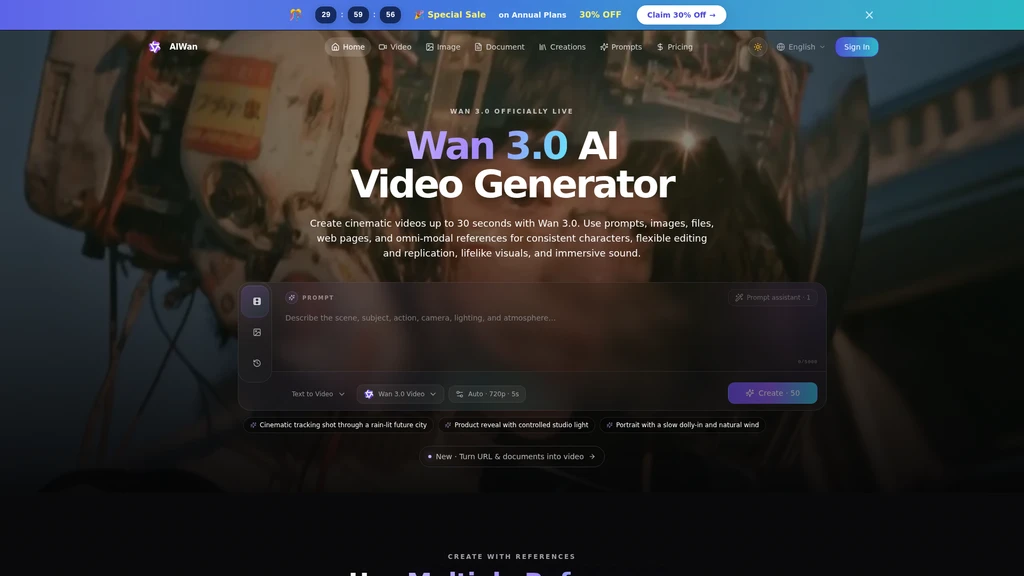
AIWan Wan 3.0 is an AI video generation platform that lets creators turn text prompts, still images, documents, and web URLs into up to 30-second cinematic moving scenes. It is built for video producers, marketers, filmmakers, and content creators who need faster iteration on visual concepts, storyboards, and previsualization shots without complex production workflows.
- AI Video
- Video Generation
- Social Media
- Document Processing
- Image Generation
- Content Creation
126Views
Core Capabilities of Wan 3.0
Wan 3.0 supports multiple reference inputs to guide your final video output. You can combine character, setting, style, and motion references to get results that match your creative direction, instead of relying solely on text prompts. The platform handles camera movement control, stylized lighting, multi-subject physics, and cinematic rhythm for both commercial and narrative video styles.
Image to Video Workflow
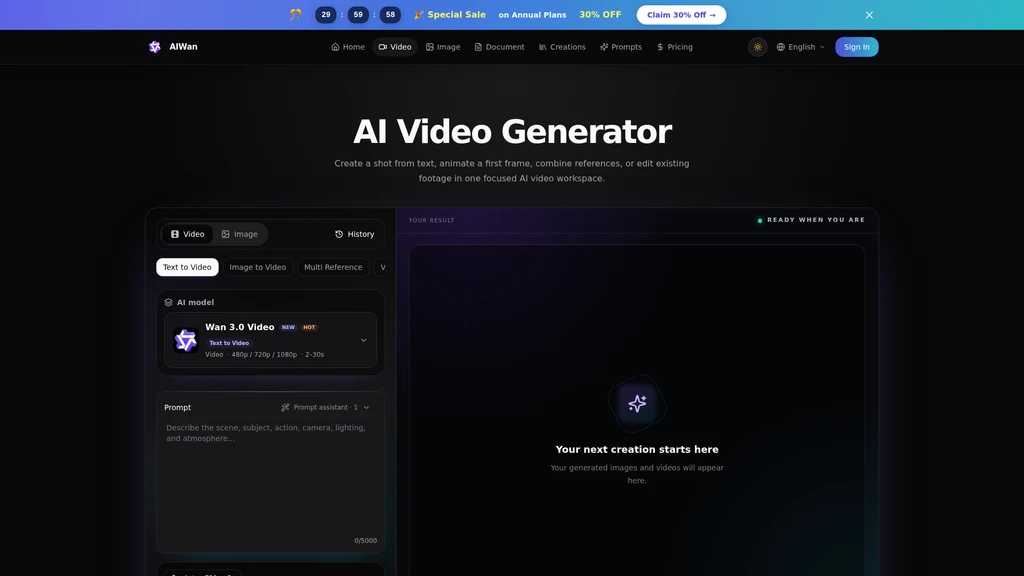
You can upload any still image or select a visual from your existing creation library as the starting frame. Add descriptions of subject action, camera travel direction, and scene atmosphere to generate a moving clip that retains the original visual foundation. After generation, you can download the file or reuse it as the starting point for your next creation.
Document and URL to Video Workflow
Wan 3.0 supports input from webpage URLs, PDF files, Word documents, PowerPoint presentations, spreadsheets, Markdown files, and plain text. The system extracts core ideas from your uploaded content, builds a structured storyboard with narration, and sets up a complete video production workflow for you.
Supported Use Cases
You can use Wan 3.0 for a wide range of video production tasks:
Product demo videos, brand content, campaign concept tests before full production shoots
Educational course clips, tutorials, and visual learning materials that explain processes faster than text
Short film segments, art projects, and storyboard drafts for narrative storytelling
Vertical social media shorts and trend content that can be iterated quickly across different formats
Choreography, action scene, and camera motion previsualization to test timing before final performance
Archviz property tours, interior concept videos, and virtual set previews for design reviews
Music video visuals, motion loops, and beat-synced performance concepts
Creator Workflow Features
The full platform workspace includes 6 core controls for creators:
Generate video directly from written prompts, existing images, or a combination of both
Use visual references to keep character identity, wardrobe, and overall visual style consistent across multiple shots
Combine multiple different reference types (character, scene, style) when a single text prompt is not enough to describe your desired result
Adjust creative direction, recreate motion, or build new variations of existing clips without restarting your entire project from scratch
Use built-in Qwen 3.8 Max prompt assistance to refine rough ideas into clear instructions for action, camera movement, lighting, and mood
View the estimated credit cost before you start generation. Any failed generations are automatically refunded through the platform's built-in process.
Three-Step Generation Process
Add your idea or reference material: Submit your text prompt, images, and supporting references that define the character, scene, and creative direction.
Direct the shot: Set motion parameters, camera paths, pacing, atmosphere, and other available generation options. Use prompt assistance only when you need it.
Generate, review, and reuse: Run the Wan 3.0 generation, keep the version that matches your needs, download the finished clip, or use it as the starting point for your next shot.
Platform Specifications
Wan 3.0 supports maximum video generation length of 30 seconds, with exact durations varying by selected generation mode. Supported modes also include audiovisual generation that outputs scene-matched audio. All your completed videos and source assets are stored in a private creation library that you can access to review, download, and reuse files at any time. Public API access is not currently available, and the platform focuses exclusively on browser-based creation experience for end users.


Comments