

- Monthly visits
- 0
- 2026-09
Luma Dream Machine - Turn text and images into cinematic AI videos
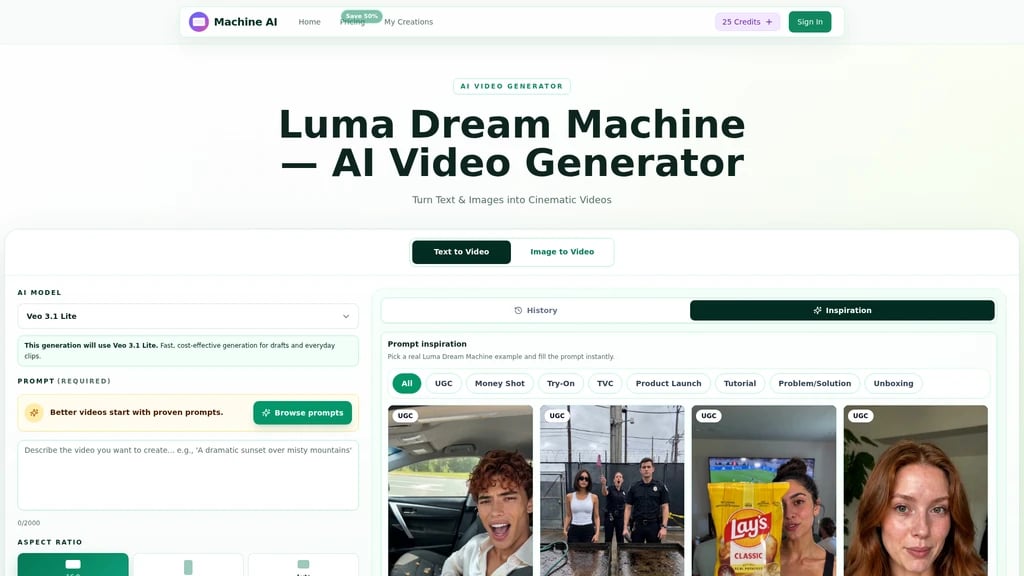
Luma Dream Machine is an AI video generator that creates cinematic, high-resolution video clips from text prompts or uploaded static images. It is built for hobbyists, professional creators, marketing teams, and e-commerce businesses who need to produce finished video content quickly without advanced editing skills. Users can generate videos in 720p or 1080p HD quality with customizable aspect ratios and durations from 4 to 8 seconds directly in the browser.
- AI Video
- Video Generation
- Social Media
- Team Workspace
- E-commerce
- Template Library
- Content Creation
134Views
Core Generation Capabilities
Luma Dream Machine supports two primary generation modes:
Text to Video: Enter a written prompt up to 2000 characters describing your desired scene, camera movement, lighting, and visual style. The AI automatically generates a complete video clip with smooth motion and cinematic styling.
Image to Video: Upload any static photo, and the AI animates it with added depth, natural camera movement, and atmospheric effects to turn still content into a moving clip.
Users can select from multiple configuration options before generation:
Aspect ratios: 16, 9, or Auto
Video quality: 720p HD or 1080p Full HD
Duration options: 4 seconds, 6 seconds, or 8 seconds
Two AI model choices: Ray3 for higher quality output, Ray2 for faster, cost-effective drafts
Veo 3.1 Lite model support for quick everyday clip generation
Prompt Library
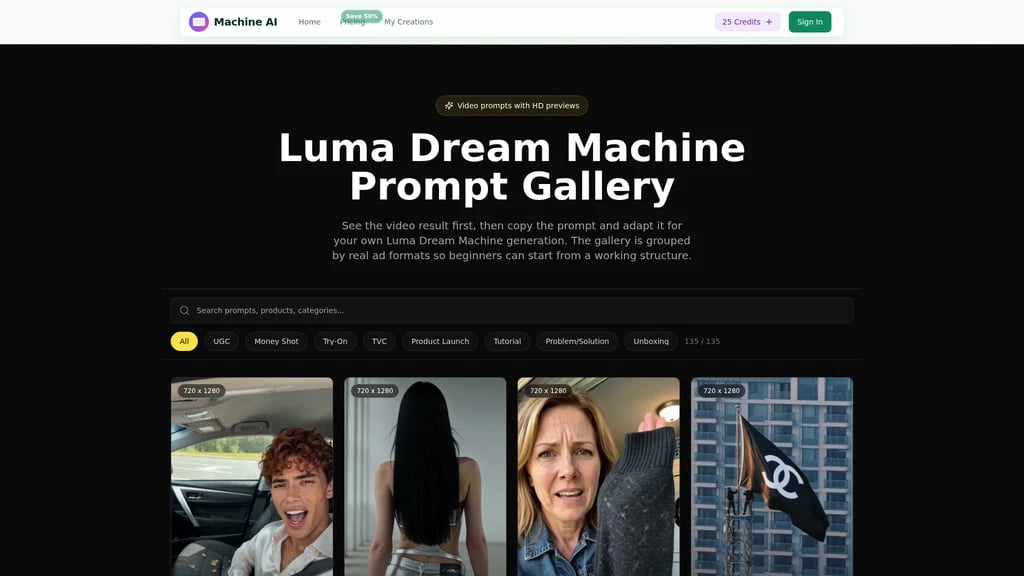
The platform includes a built-in library of pre-written, tested prompts sorted by common use cases, including UGC product clips, money shot product showcases, fashion try-on videos, TVC style ads, unboxing content, and tutorial clips. Users can select any example to populate the prompt field instantly, to reduce trial and error for first-time users.
Step-by-Step Workflow
Pick your preferred generation model from the available options
Write a detailed prompt or upload a static photo to use as the base
Adjust aspect ratio, quality, and duration settings to match your intended use case
Click generate to start the process. Most clips render in seconds to a few minutes depending on settings.
Download the final MP4 file, or tweak your prompt and re-generate to iterate on the result.
All generations are saved to a permanent personal history in the user account for easy access later.
Available Plans and Features
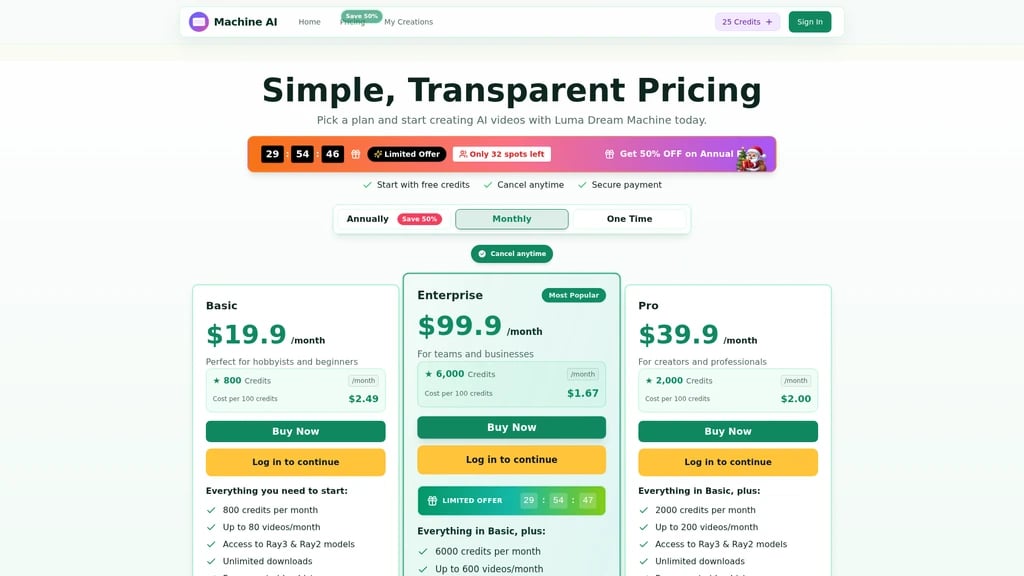
New users get free trial credits when they sign up, with no credit card required to start generating. Paid plans include:
Basic ($19.9/month): 800 credits per month, up to 80 videos per month, access to both Ray3 and Ray2 models, unlimited downloads, permanent history, AI image enhancer, AI background remover, priority generation queue, no watermarks, and priority customer support.
Pro ($39.9/month): 2000 credits per month, up to 200 videos per month, all features from Basic, plus higher monthly limits.
Enterprise ($99.9/month): 6000 credits per month, up to 600 videos per month, all features from Pro, plus a full commercial use license for business and client projects.
Annual plans are currently offered with a 50% discount, with limited spots remaining for the promotion. All subscriptions can be cancelled at any time by contacting the support team.
Intended Audience
This tool is designed for:
Hobbyists and new creators who do not have advanced video editing skills
Professional content creators who need to produce social media content quickly
E-commerce brands creating product showcase clips for store pages and ads
Marketing teams producing campaign assets and ad creative
Agencies that need to generate multiple video concepts for clients in minutes


Comments