Monthly visits
2,571
2026-10
Monthly growth +225.9%

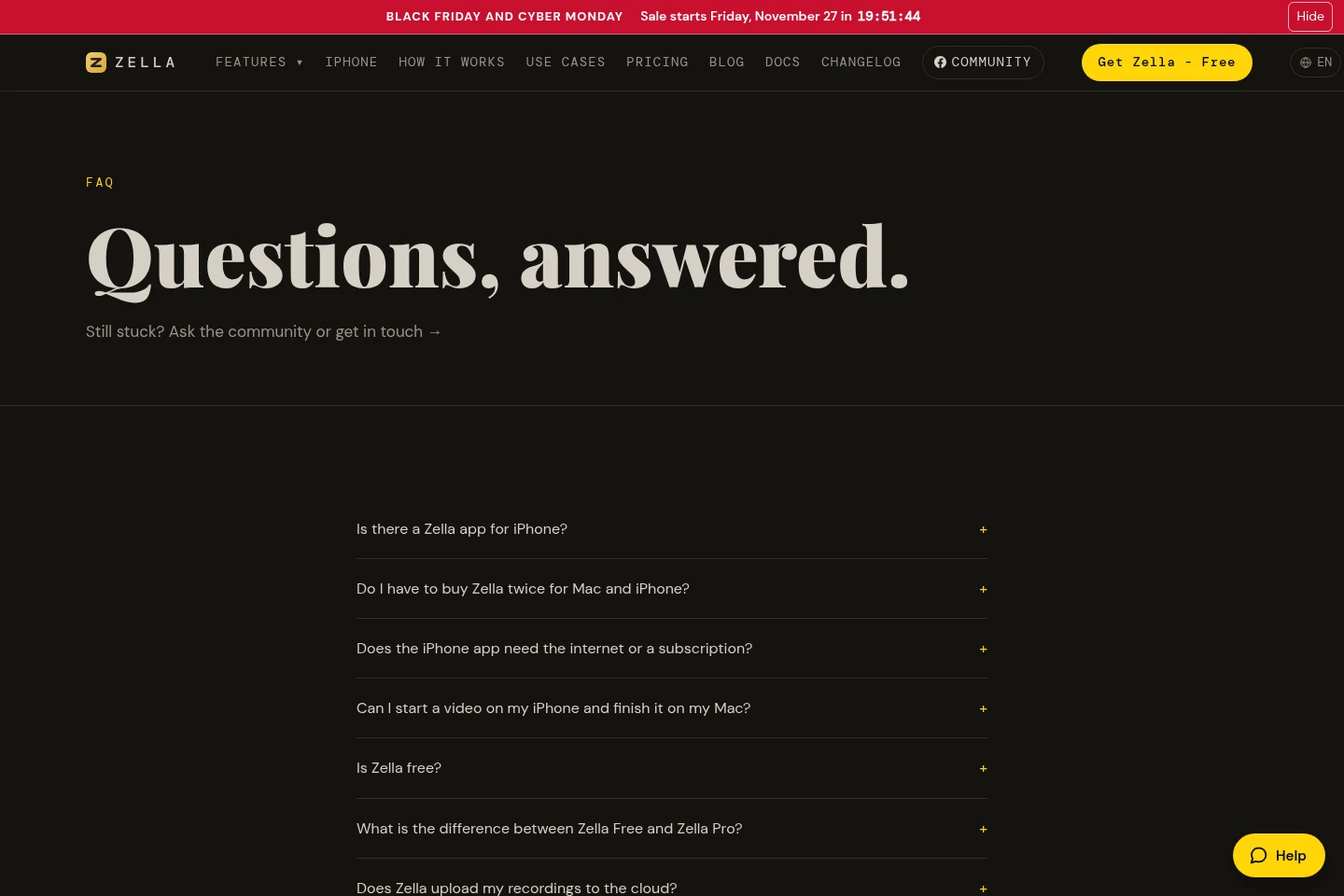
Zella - Record and edit videos on Mac and iPhone, entirely on-device

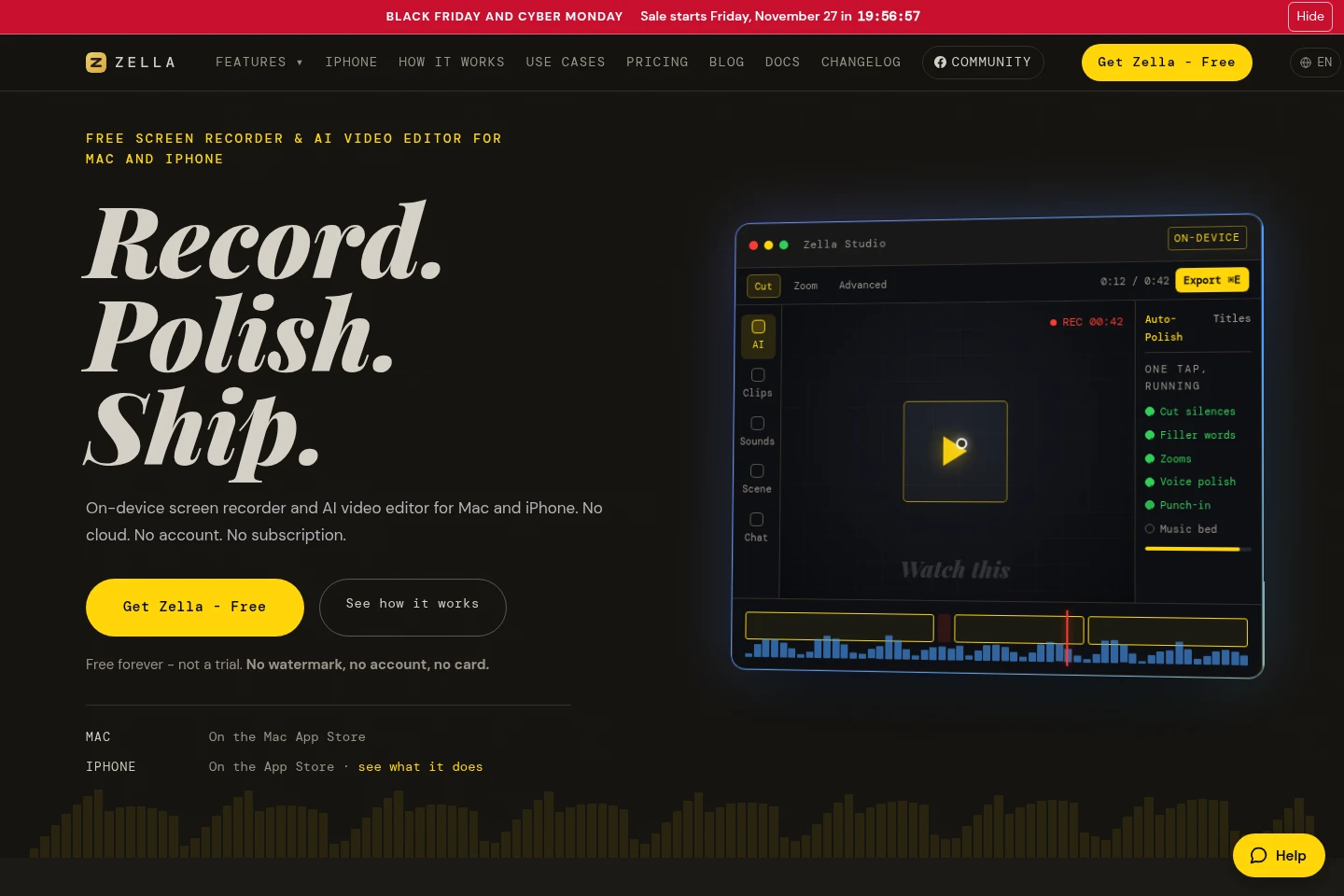
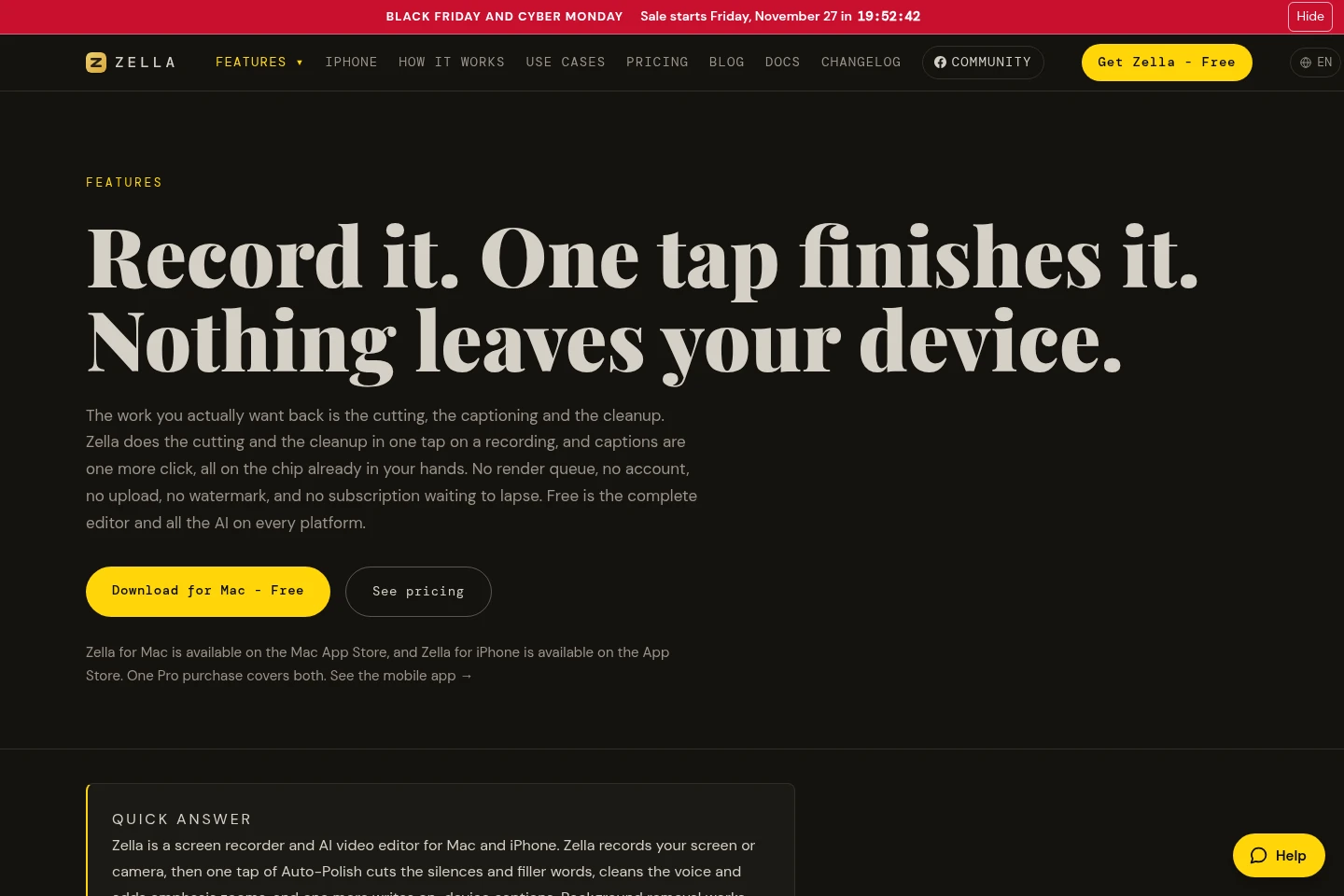
Zella is a screen recorder and video editor for Mac and iPhone. Record a screen or camera, then use Auto-Polish to cut silences and filler words, clean up voice audio, and add emphasis zooms. Create captions, remove backgrounds, edit on a timeline, and export on-device without an account or upload. Free exports are limited to two minutes and 1080p.

Visit WebsiteUpdate this product

0Views

Capabilities

Screen and camera recording

Records a screen, selected region, or camera on Mac, and the camera, screen, or whole device on iPhone. Capture is performed in the app on the supported device.

Auto-Polish editing

Cuts silences and filler words, cleans voice audio, and adds zooms and other edits to a recording. Run it with one click or tap; the operation runs on-device and can be undone.

On-device captions

Generates captions from recorded audio on the device. The standard captions model is included; additional language models can be downloaded, and some languages have device or timing conditions.

Timeline video editing

Edits clips on a timeline by trimming, deleting, reordering, and undoing changes. The editor also provides transitions, effects, audio tools, and background removal on Mac and iPhone.

Video reframing and export

Reframes a video to 9:16, 1:1, or 16:9 and exports it with a platform preset. Free exports are limited to two minutes and 1080p; Pro removes the length cap and adds higher-resolution options.

PricingFreemium

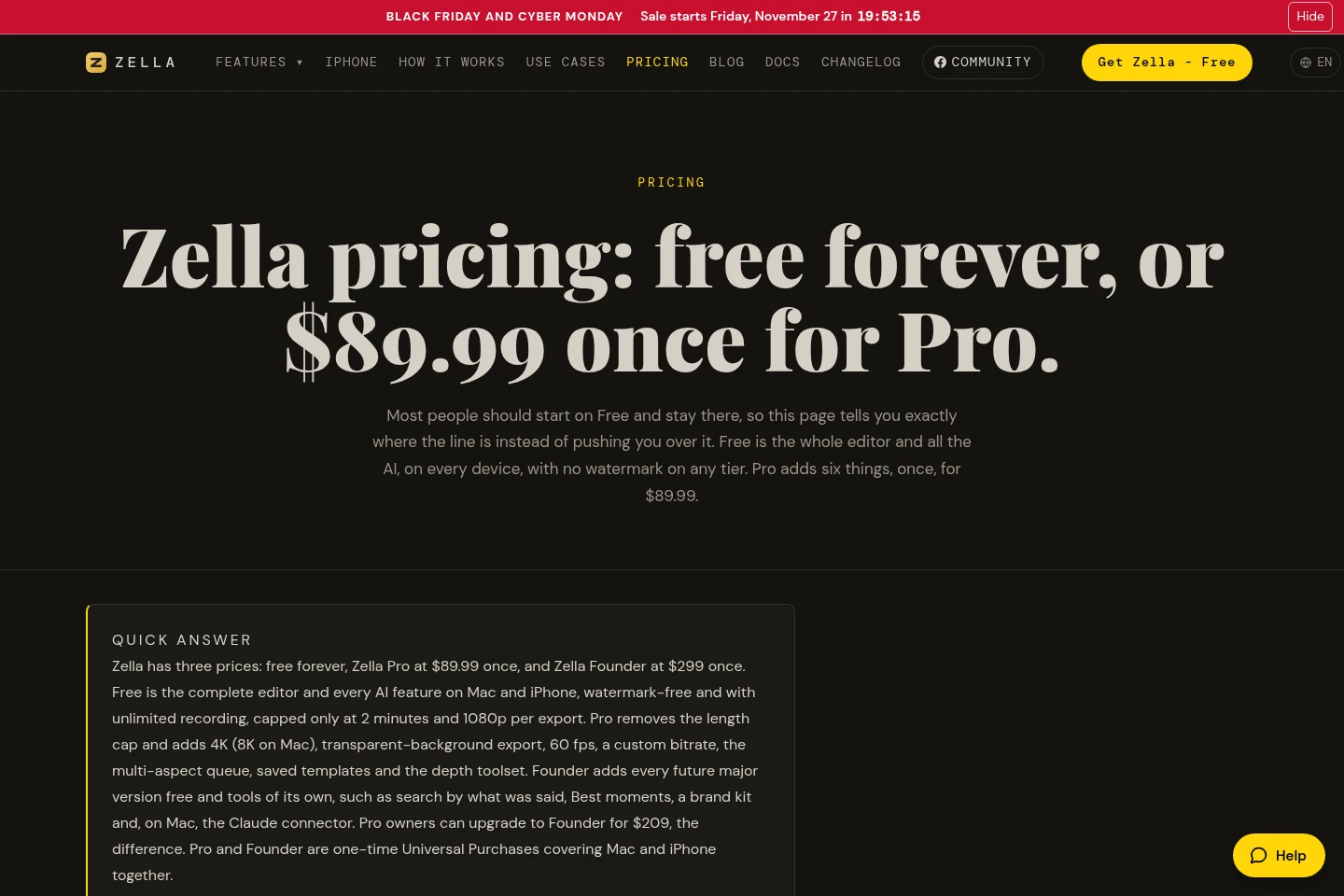
Zella offers an ongoing free plan and one-time purchases for Pro and Founder. Compare export limits, added editing and export features, and whether you need Founder’s future major-version coverage.

PlanPriceIncluded features and limits
Zella Free

$0, free forever

  • Complete editor and AI features on Mac and iPhone

  • Unlimited recording; exports up to two minutes

  • Exports up to 1080p with no watermark

  • No account, cloud upload, or subscription

Zella Pro

$89.99 one-time

  • Universal Purchase for Mac and iPhone

  • Unlimited export length and 4K; 8K on Mac

  • Transparent-background export and 60 fps

  • Custom bitrate, multi-aspect queue, and saved templates

  • Depth tools including keyframes, luma scopes, and speed ramps

Zella Founder

$299 one-time

  • Includes everything in Pro

  • Covers every future major version

  • Additional Founder tools; page evidence names search by spoken content, Best moments, a brand kit, and a Mac Claude connector

A Pro owner can upgrade to Founder for $209, the difference. The pricing page also describes a Black Friday offer of Pro for $69 and Founder for $229, one payment, until Monday, November 30; that promotion is time-limited.

Use cases

Record and clean up a screen recording

When a screen or camera recording needs editing, capture it in Zella and run Auto-Polish to cut silences and filler words, clean the voice, and add emphasis zooms. The edited result stays on the device and can be adjusted in the timeline.

Add captions to a recorded video

When a video needs spoken-word captions, generate them from its audio using Zella’s on-device captioning. The standard model works offline; some additional language models require a download, and caption timing may be estimated if the timing model is not installed.

Prepare a video for social formats

When one edit needs versions for different screen shapes, reframe it to 9:16, 1:1, or 16:9 and export with a platform preset. Pro can queue multiple aspect ratios from one edit; export duration and resolution depend on the selected plan.

Limitations

  • Zella Free exports are limited to two minutes per export and a maximum resolution of 1080p; recording itself is unlimited.

  • The AI Assistant sends the typed request to the selected AI provider and requires the user’s own API key; the video is not sent.

  • Additional Bangla and Hindi caption models require an internet download; on iPhone these downloads are Wi-Fi only.

  • On iPhone, caption timing uses an estimate if the optional word-timing model has not been downloaded.

Alternatives

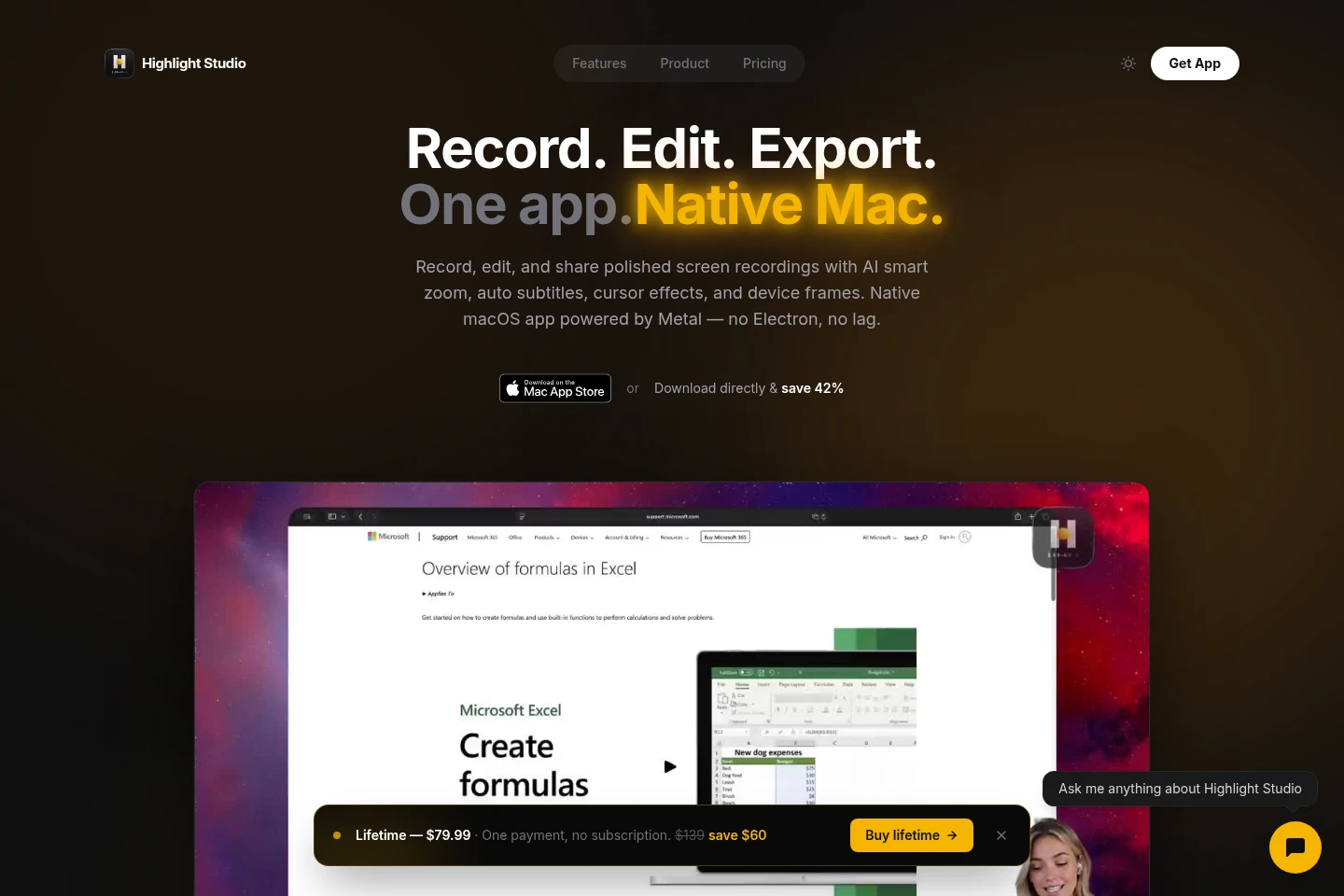
Highlight Studio

Record, edit, and export screen videos on Mac

Highlight Studio is a native macOS app for recording screens and editing the resulting videos. It offers a multi-track timeline, AI-generated zooms and subtitles, cursor effects, camera overlays, and device frames. Recordings can be exported as MP4 or GIF, with options including 4K video and vertical reframing.

  • Contact Sales
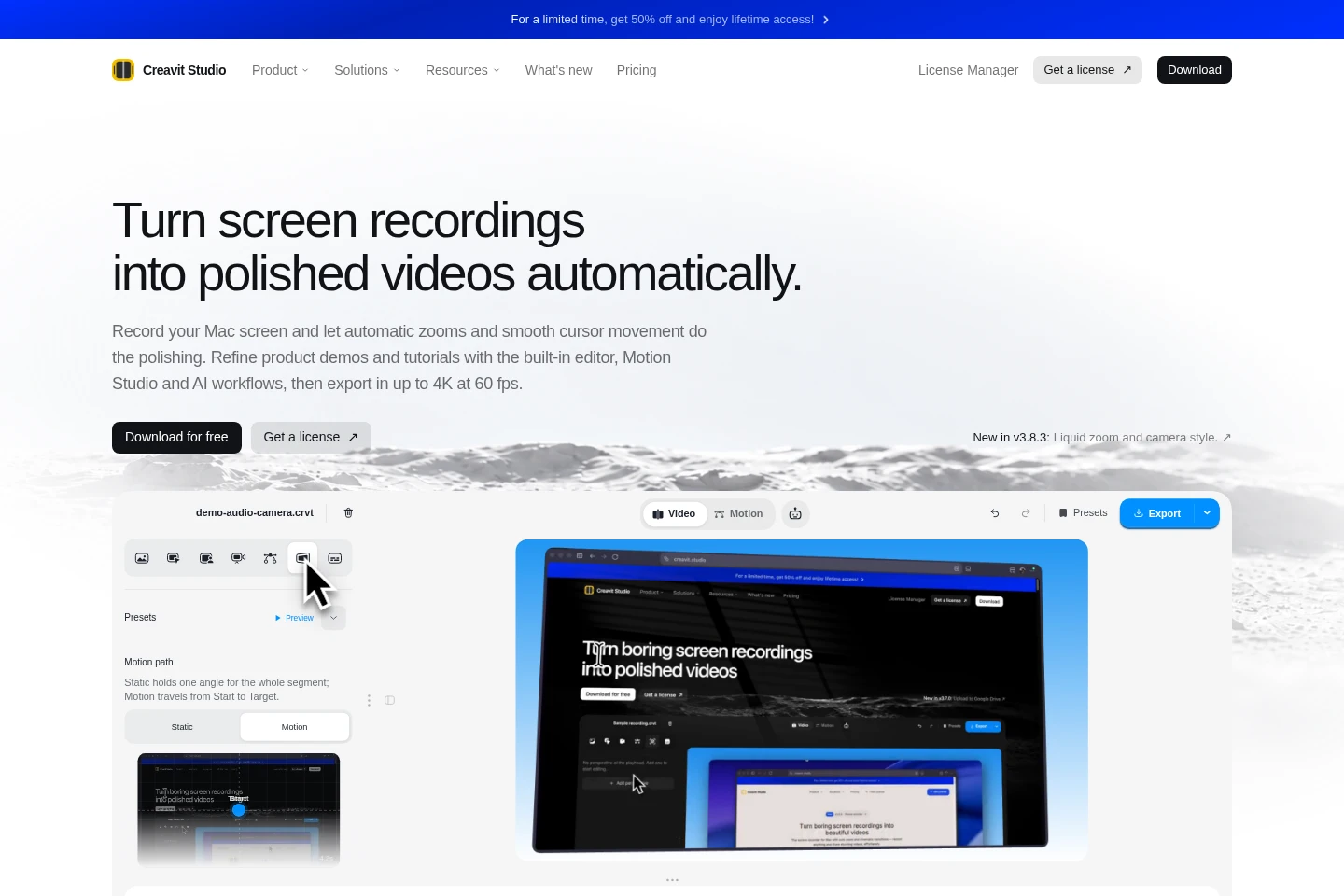
  1. Creavit Studio

    Record your Mac screen and edit polished videos in one app

    Free trial · $0 to get started
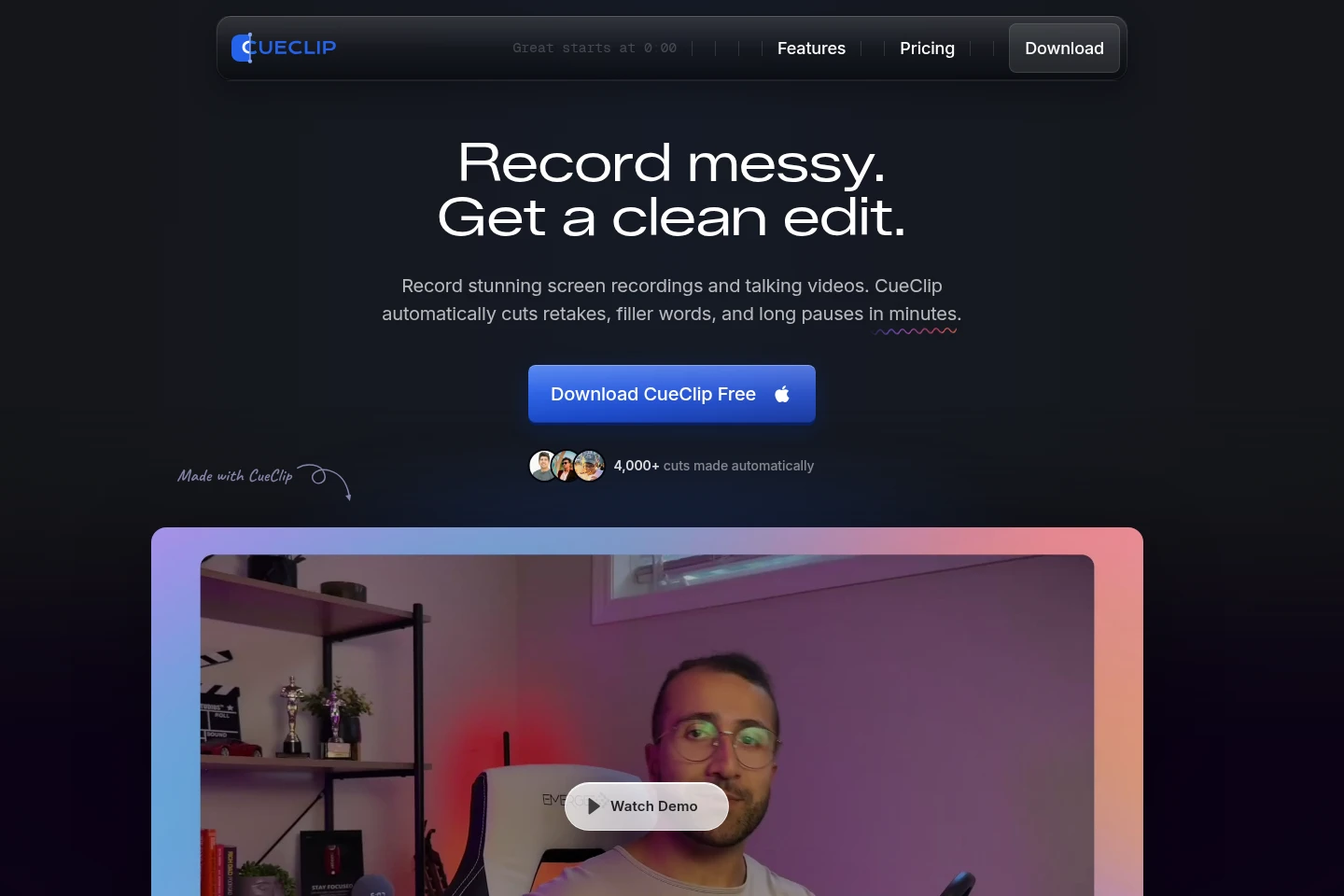
  2. CueClip

    Record and clean up videos on macOS

    Monthly · $29 per month
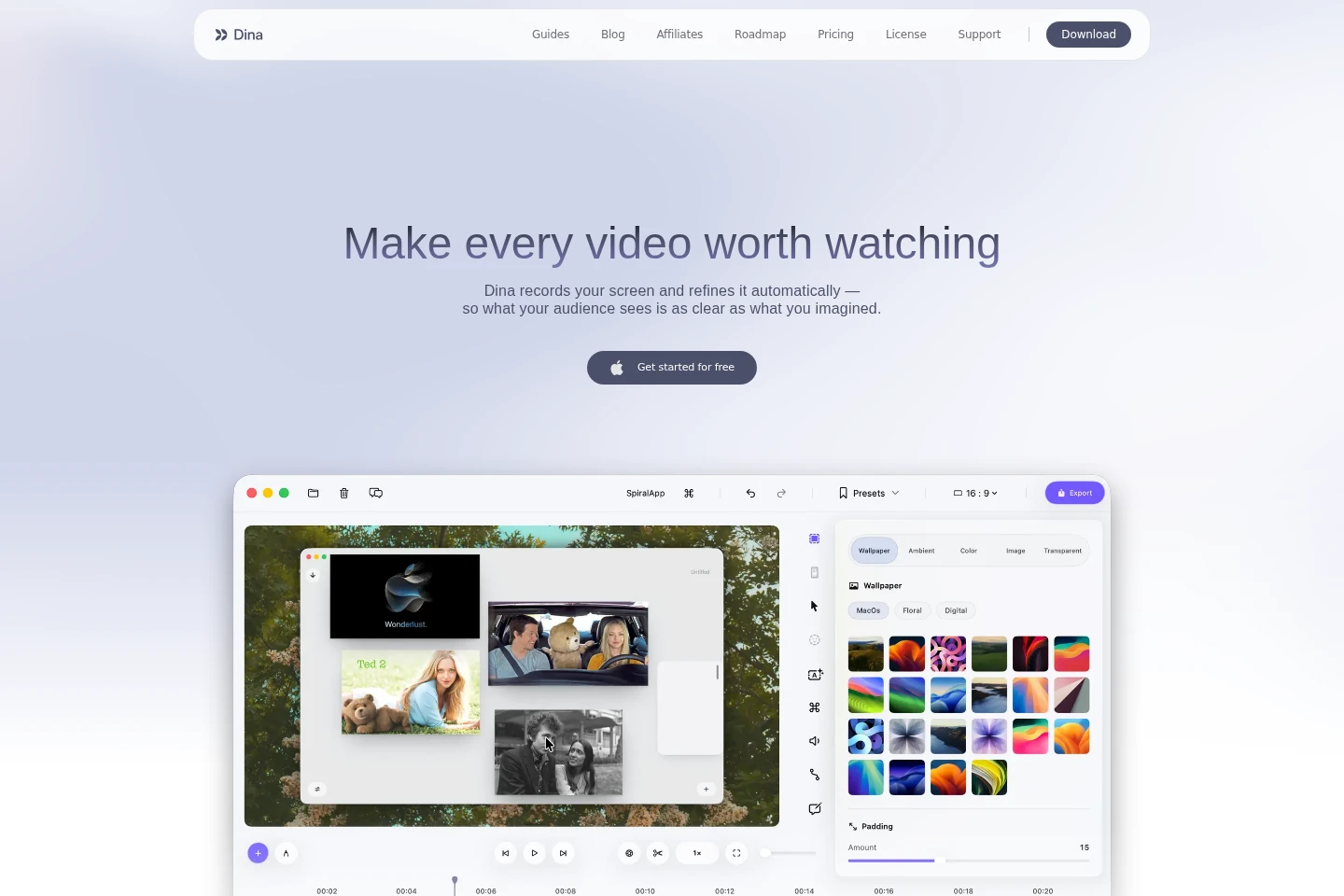
  3. Dina

    Record and refine screen videos on macOS

    Mac licence · $58 per device, one-time
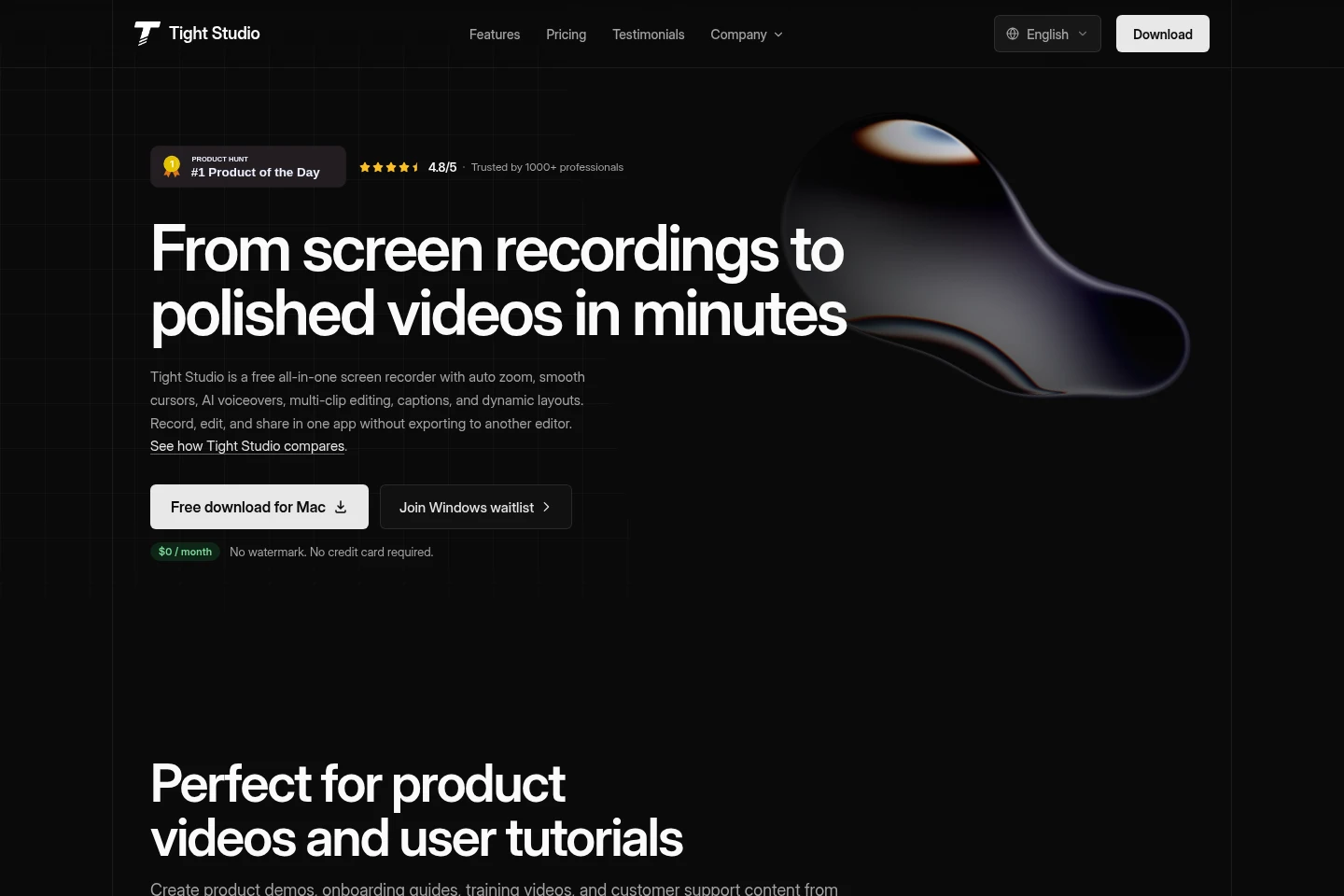
  4. Tight Studio

    Record and edit polished screen videos on Mac

    Free · $0 per month
  5. ScreenKite

    Record Mac screens and edit videos with transcripts or AI agents

    Free · $0 forever

Who it is for

  • Video creators recording screen or camera footage on Mac or iPhone

  • People making tutorials who need captions, voice cleanup, and screen recording

  • Creators preparing edited videos for vertical, square, and widescreen platforms

FAQ

Is Zella Free a trial?

No. Zella Free is an ongoing free plan, not a trial, and it does not expire. Free exports are limited to two minutes and 1080p; recording is unlimited and exports have no watermark.

What does Zella Pro cost, and how is it billed?

Zella Pro is $89.99 as a one-time purchase covering Mac and iPhone. It is a Universal Purchase, not a subscription; the pricing page may also show limited-time promotional prices with their stated expiry conditions.

Does Zella upload recordings to the cloud?

No. Recording, editing, captions, background removal, and export run on the device, and the app can work offline. If you use the AI Assistant, your typed request is sent with your own API key, but your video is not.

What changes when I buy Zella Pro?

Pro removes the two-minute export limit and adds 4K export, plus 8K on Mac, transparent-background export, 60 fps, custom bitrate, a multi-aspect export queue, saved templates, and the depth toolset.

Is there a free trial of Pro?

Yes. Every new install runs the complete Pro feature set free for its first seven days, without a card or account. When the week ends, the app switches to the Free tier; no payment is taken.

Comments

Please sign in to leave a comment.
No comments yet. Be the first to share your thoughts!