

- Monthly visits
- 30,480
- 2026-09
- Monthly growth +8.8%
YouTube Transcript Pro - Extract and export transcripts from YouTube videos, playlists, and channels
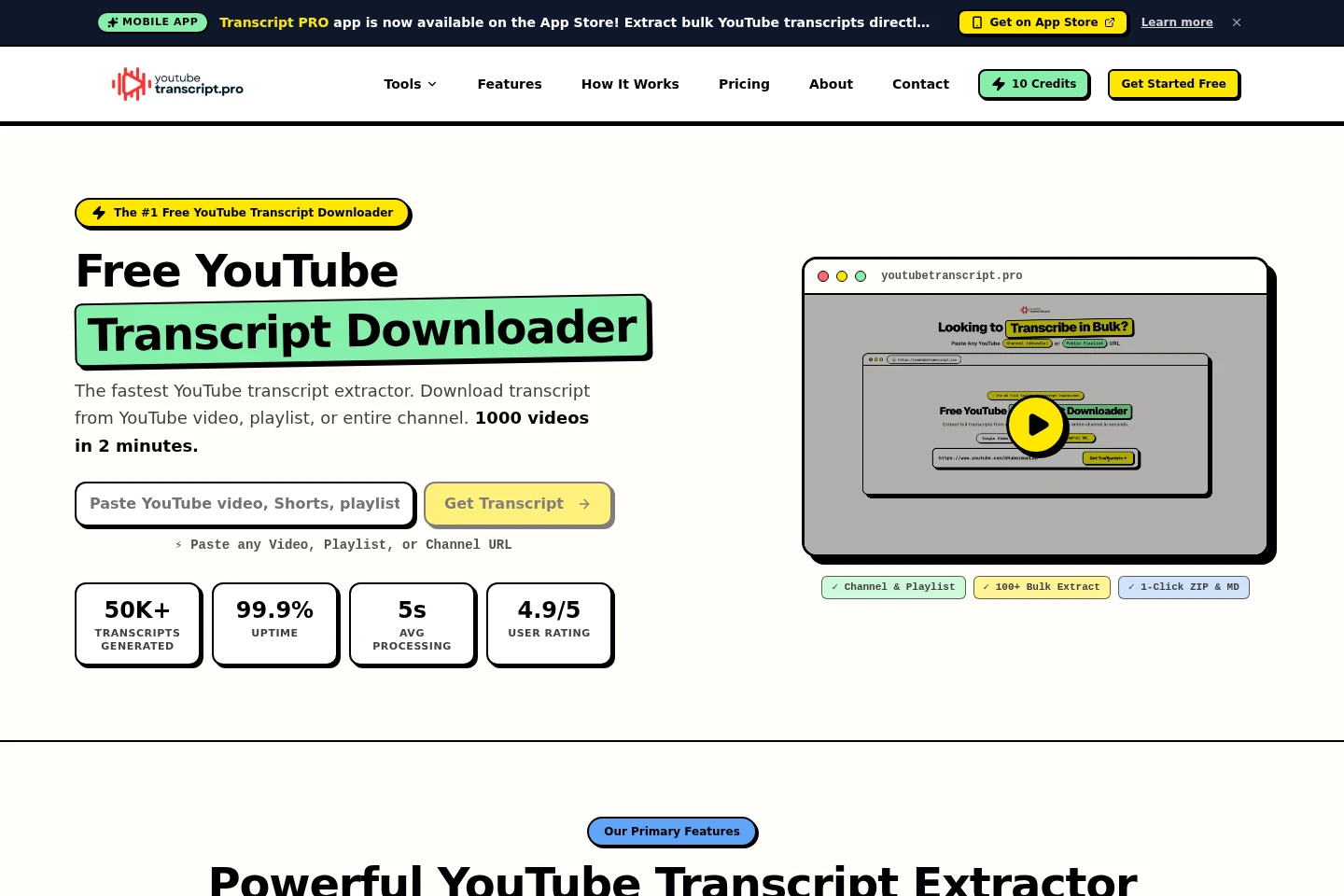
YouTube Transcript Pro extracts captions from public YouTube videos, playlists, and channels. Download individual transcripts or process multiple videos in bulk, with timestamps and exports in formats including TXT, SRT, VTT, JSON, and LLM-ready text. A free tier provides 10 credits each month; paid plans add larger monthly credit allowances.
- AI Audio
- Transcription
- YouTube transcript downloader
- bulk YouTube transcripts
- YouTube captions export
Capabilities
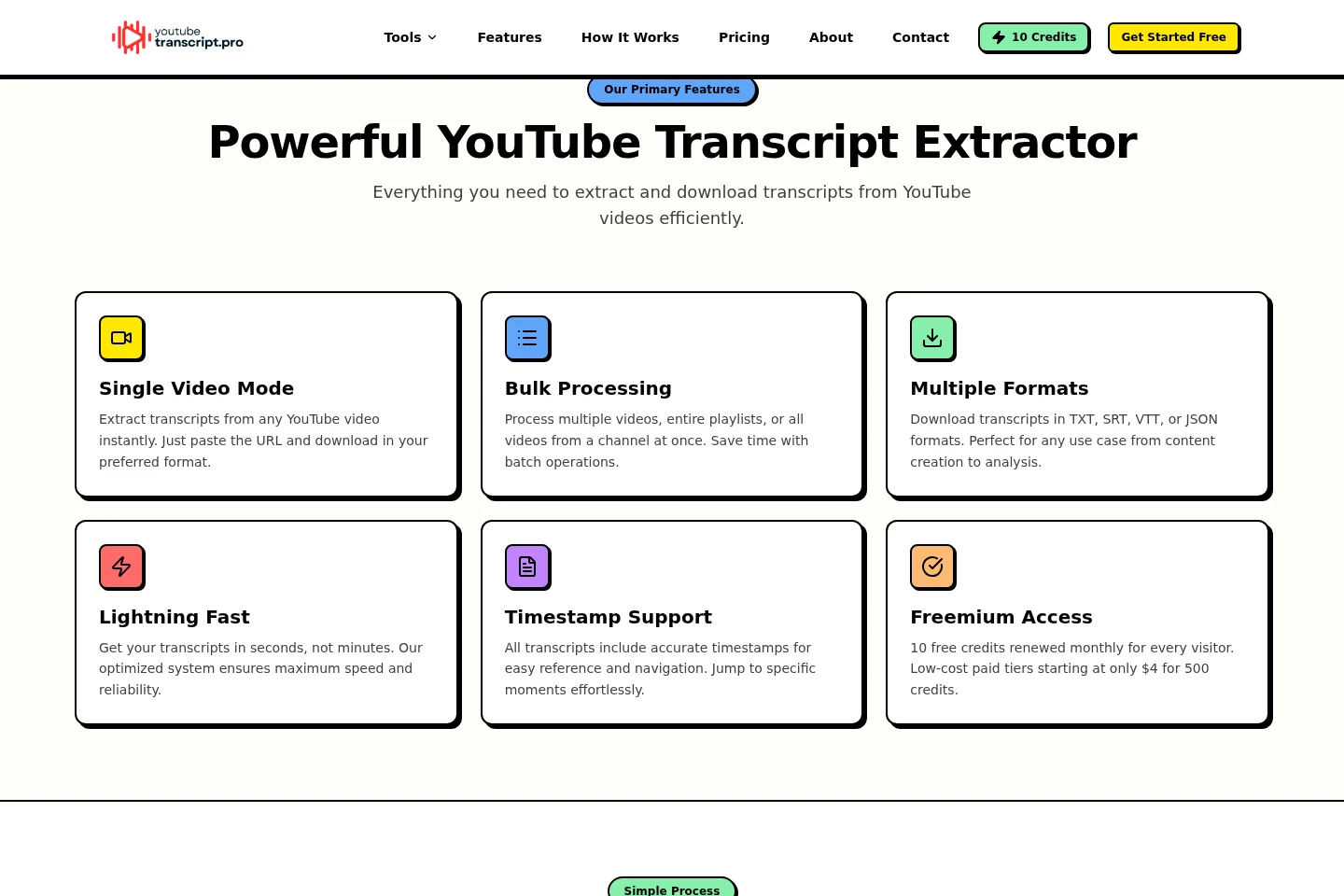
Transcript extraction
Extracts captions and transcript text from YouTube videos. Paste a video URL to retrieve available captions; the video must have accessible public captions.
Bulk channel and playlist processing
Processes videos from a YouTube playlist or channel in batches. Paste the playlist or channel URL to extract transcripts for accessible public videos, using credits for each successfully transcribed video.
Transcript format exports
Downloads transcript text in supported file formats. Available formats include TXT, SRT, VTT, JSON, and LLM-ready text; timestamp and language-track options depend on the available captions and export settings.
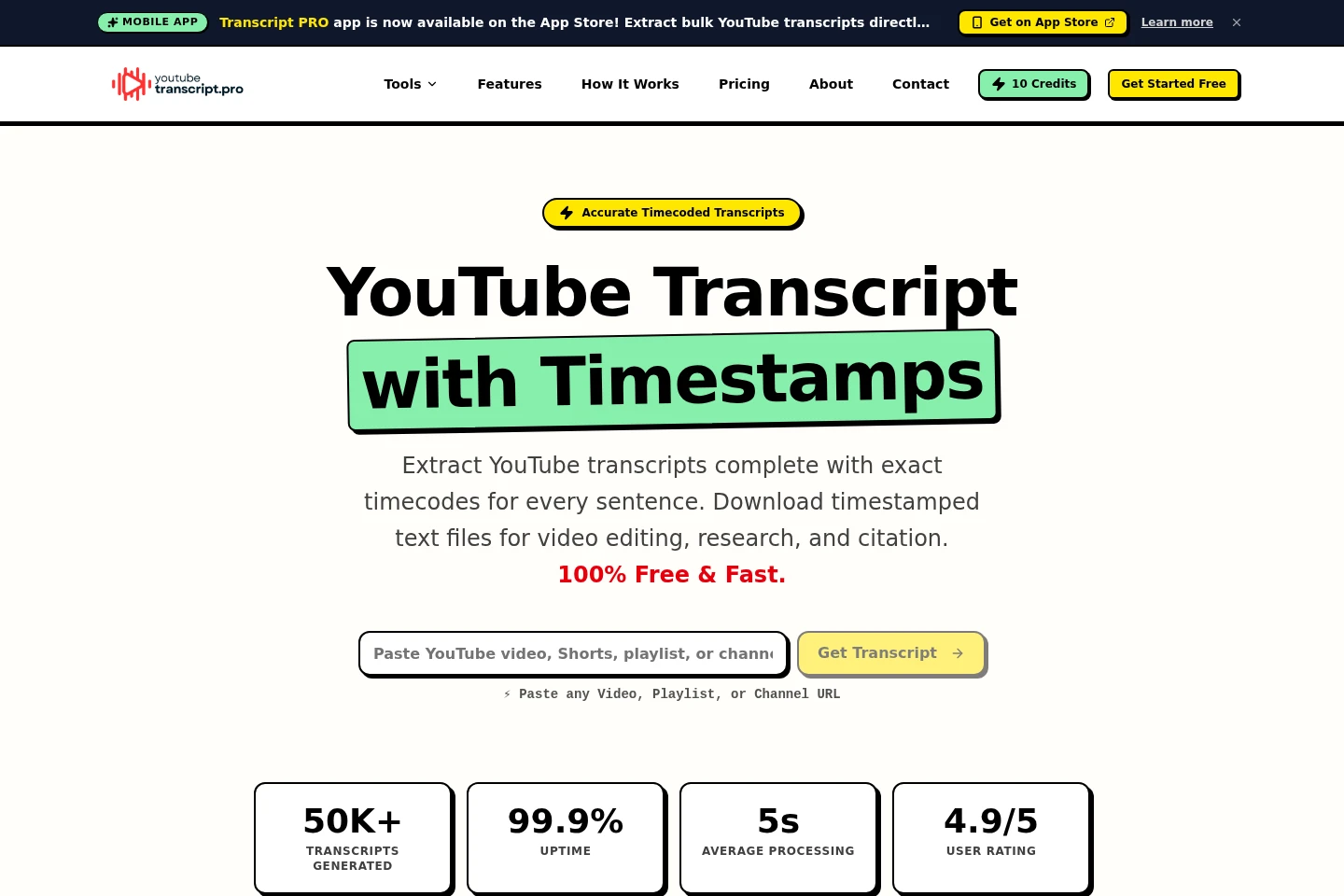
Timestamped transcripts
Adds time markers to transcript text for reference and navigation. Timestamps can be included or excluded in export settings, and are available when the video has accessible captions.
Pricing
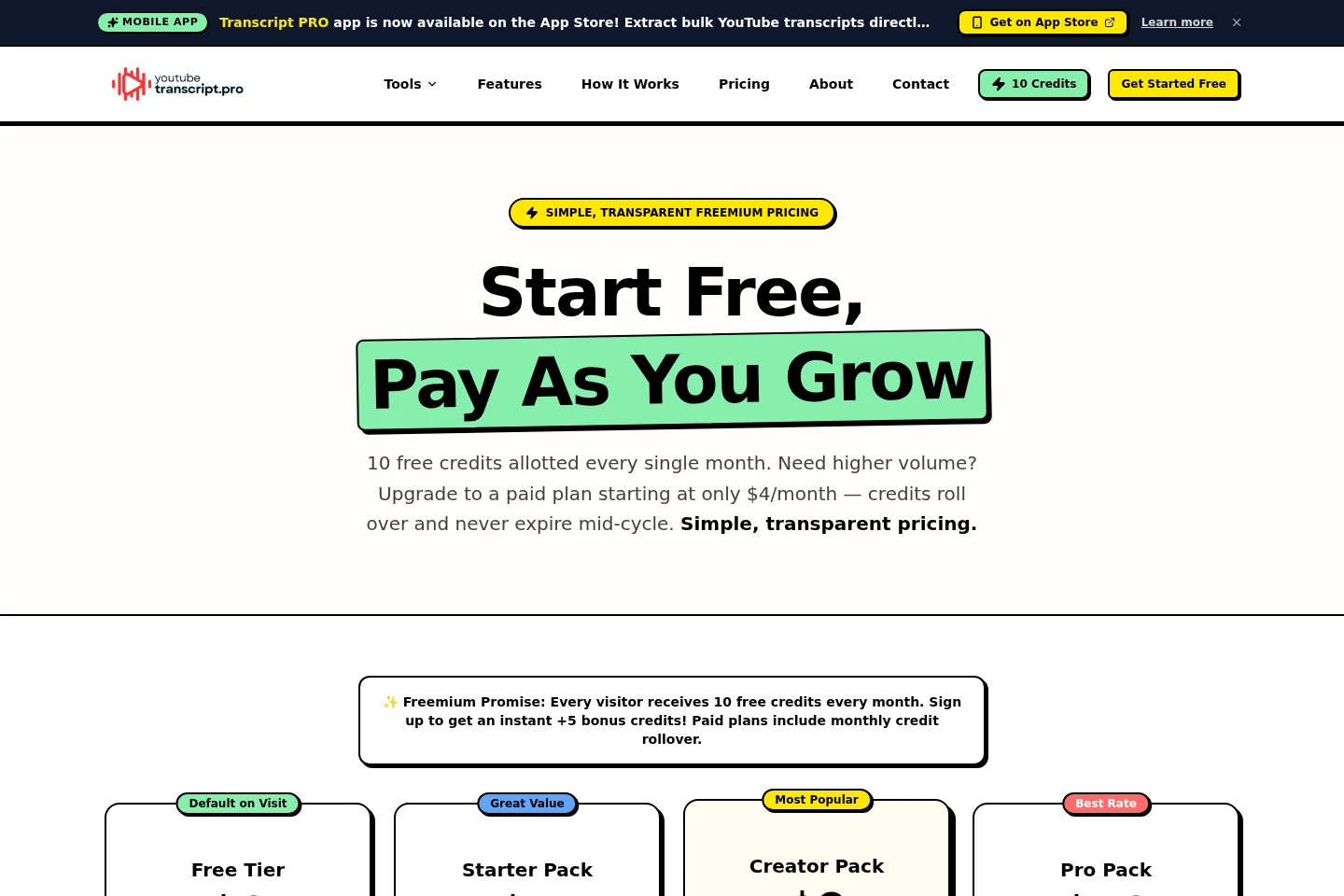
The product has a free monthly-credit tier and paid monthly subscriptions. Compare included credits, bulk extraction access, support level, and rollover when choosing a plan.
| Plan | Price | Included features and limits |
|---|---|---|
| Free Tier | $0 per month |
|
| Starter Pack | $4 per month |
|
| Creator Pack | $9 per month |
|
| Pro Pack | $19 per month |
|
Paid plans renew monthly and can be canceled at any time. Unused paid-plan credits roll over while the plan remains active. One credit is used for each successfully transcribed video.
Use cases
Archive transcripts from a YouTube channel
When collecting captions across a public YouTube channel, paste its channel URL to process available videos in bulk. Download the resulting transcripts in supported formats, with one credit deducted for each successfully transcribed video.
Export a transcript from one video
When you need the text of a public YouTube video, paste its URL and choose an export format. The service returns available captions as a downloadable transcript, with timestamps and language tracks where available.
Locate specific moments in a video
When citing, editing, or reviewing a video, export its transcript with timestamps enabled. The time markers let you find corresponding moments in the video, provided captions are available.
Limitations
Private or unlisted YouTube videos and their captions are not accessible to the tool.
A transcript cannot be extracted when a video has no publicly available captions or subtitles.
The Free Tier is limited to 10 credits per month, with a one-time 5-credit bonus for account registration.
Who it is for
Video creators who need captions for repurposing or reviewing their own and other public videos
Researchers and note-takers who need searchable text from public videos, playlists, or channels
Students who want transcripts and timestamped text from public educational videos
FAQ
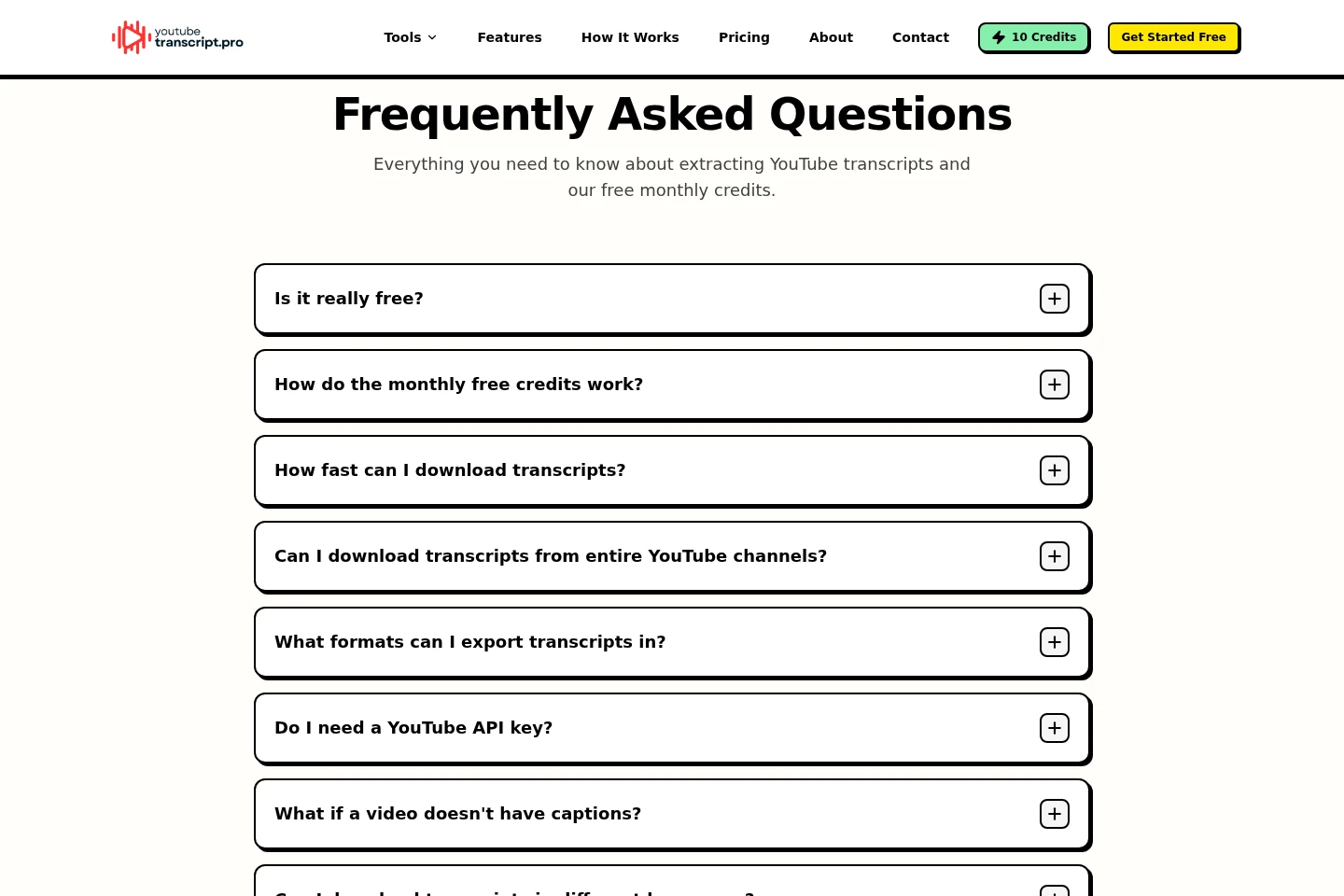
How many credits does one transcript download use?
One credit covers one complete YouTube video transcript download, regardless of video length. For a playlist or channel, one credit is deducted for each successfully transcribed video.
Can I extract transcripts from private or unlisted videos?
No. The tool can access only publicly available YouTube videos and their captions, so private and unlisted content cannot be processed.
What happens if a video has no captions?
The system notifies you when a video has no available public captions or subtitles. You can then try another video with accessible captions.
Which transcript formats can I download?
Exports include TXT, SRT, VTT, JSON, and LLM-ready formats. Available options can vary by export setting; timestamps can be included or excluded.
How do monthly credits and rollover work?
Free visitors receive 10 credits that renew on the first of each month, and registering adds a one-time 5-credit bonus. Unused paid-plan credits roll over while the subscription remains active.
Can I cancel a paid subscription?
Yes. Paid plans renew monthly and can be canceled at any time from the account dashboard without a cancellation fee.
Comments