Monthly visits
0
2026-10

WordCam - Practice languages with photos, scenes, voice, and AI

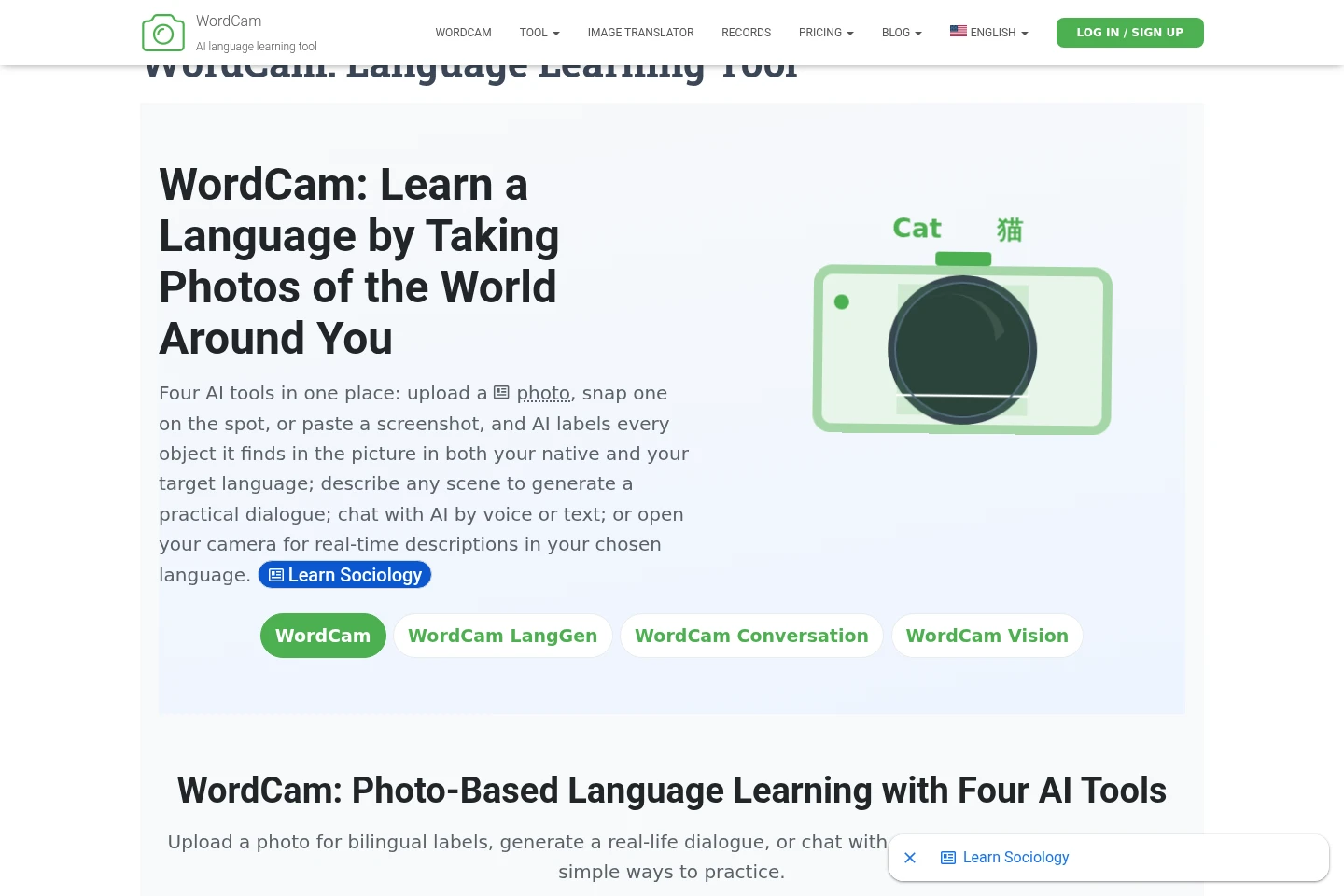
WordCam is a browser-based language-learning service with four AI tools. Label objects in photos or screenshots in two languages, generate dialogues from described scenes, chat by voice or text, and hear real-time camera descriptions. Image analysis requires an account. Points are sold in packs and consumed by some tools.

Visit WebsiteUpdate this product

0Views

Capabilities

Bilingual photo labeling

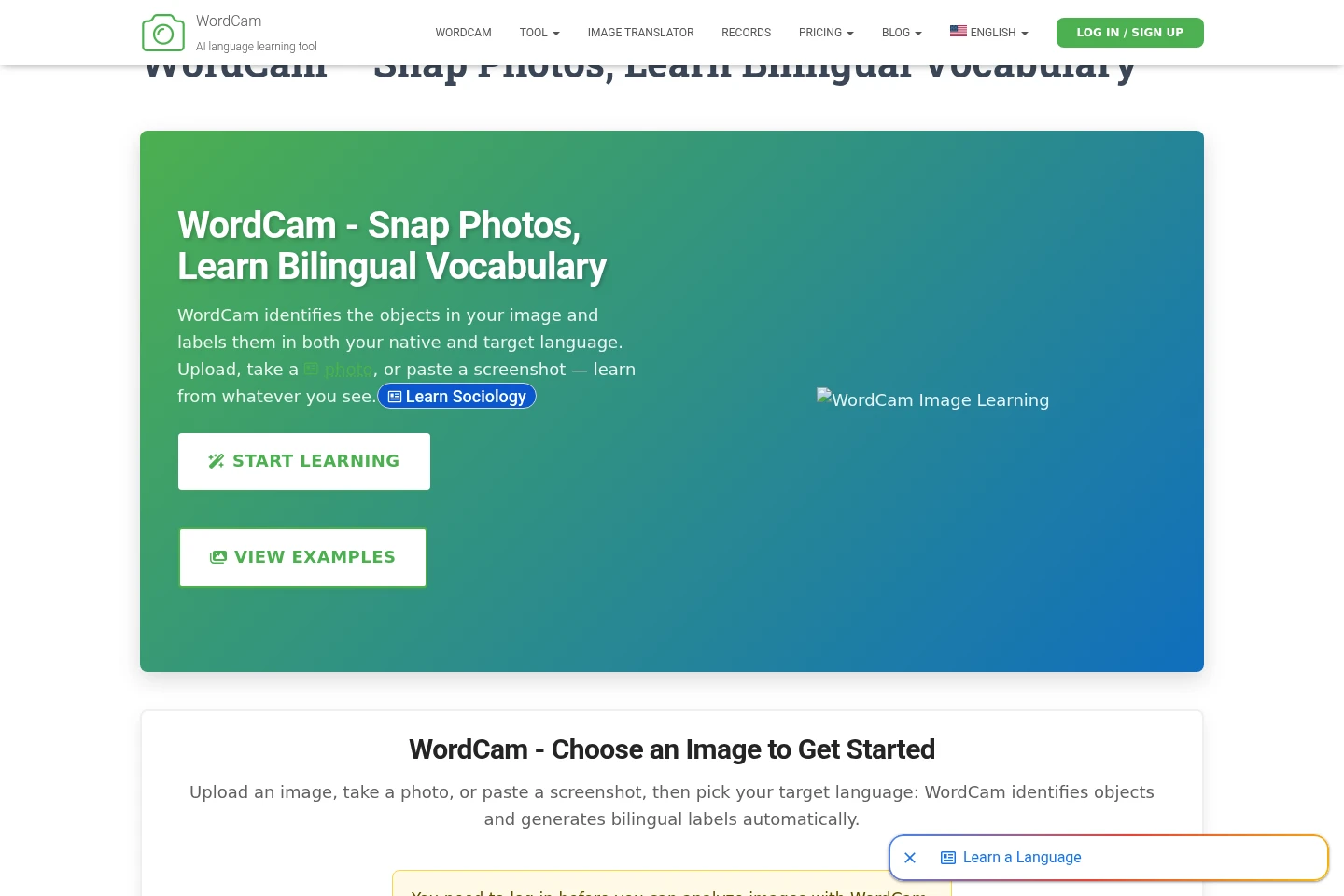
Identifies objects in an uploaded or captured photo, or pasted screenshot, and labels them directly in the image in the user's native and target languages. Image analysis requires logging in, and uploaded files are limited to 10 MB.

AI scene dialogues

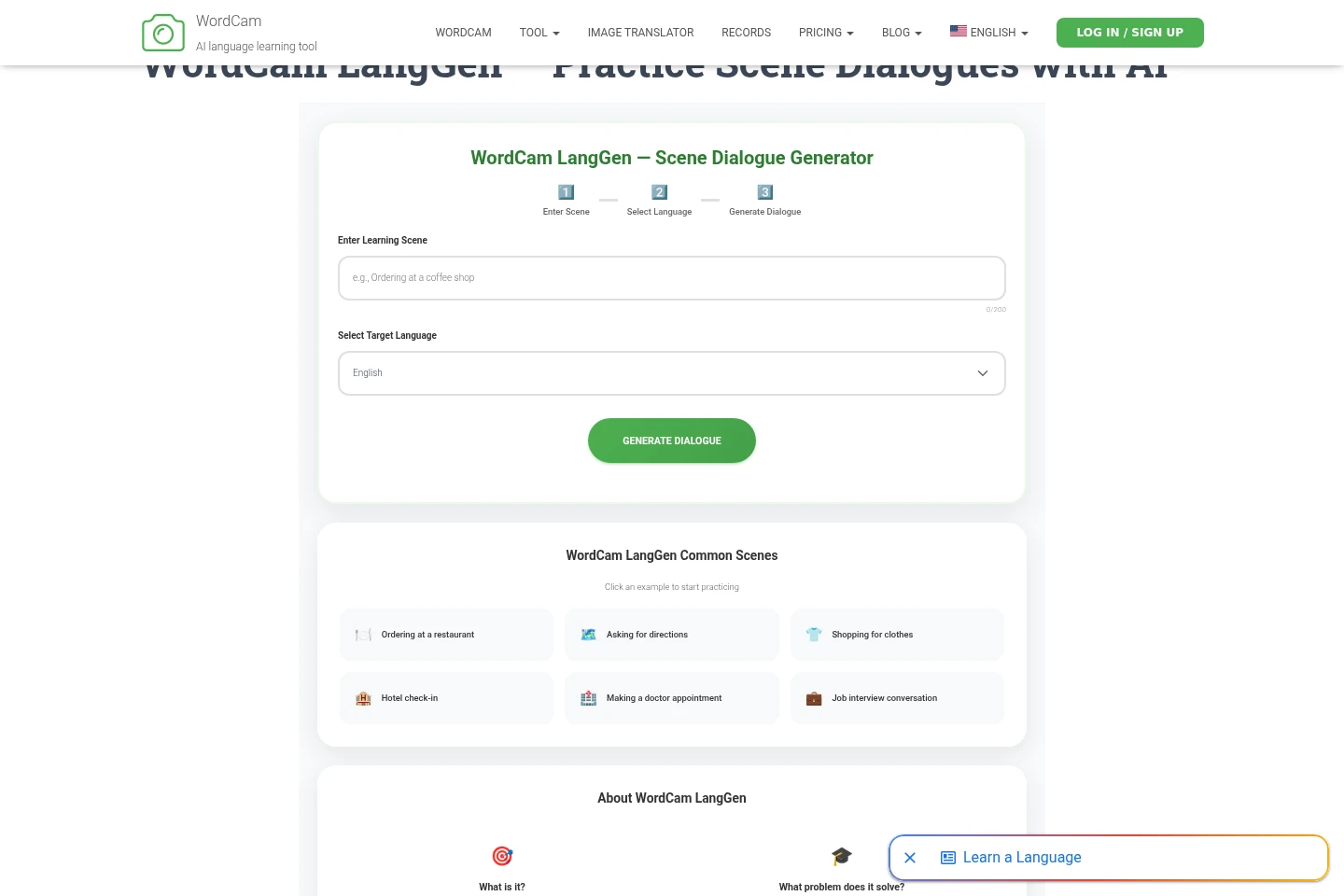
Generates a multi-turn practice conversation from a described scene and selected target language. Each line pairs a target-language sentence with a native-language translation; audio playback is available, and scene input is limited to 200 characters.

Voice and text chat

Supports language practice by voice or text, with AI replies first in the selected foreign language and then explanations in the native language. It can also answer questions about grammar, usage, expressions, and cultural customs.

Real-time camera descriptions

Describes what appears in the camera in the selected language so learners can listen and practice. The pricing page charges 2 points per minute for WordCam Vision.


Pricing

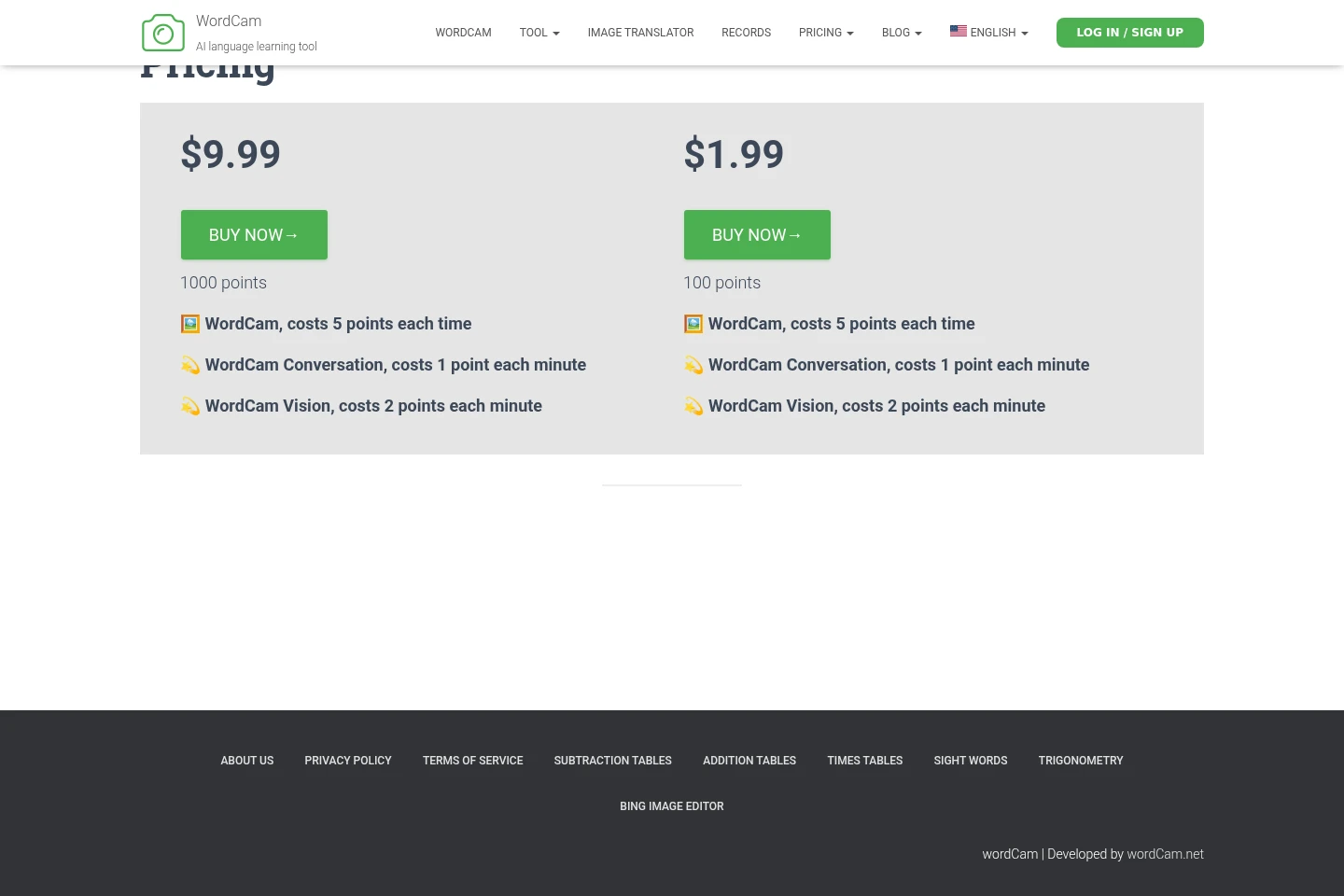
WordCam sells point packs as one-time purchases; compare the number of points with each tool's stated point cost. The pricing page lists 100-point and 1000-point packs.

PlanPriceIncluded features and limits
1000 points

$9.99

  • Includes 1000 points. WordCam photo analysis costs 5 points per use.

  • Conversation costs 1 point per minute.

  • Vision costs 2 points per minute.

100 points

$1.99

  • Includes 100 points. WordCam photo analysis costs 5 points per use.

  • Conversation costs 1 point per minute.

  • Vision costs 2 points per minute.

Use cases

Learn vocabulary from objects in photos

When a learner wants names for objects around them, they upload or capture a photo or paste a screenshot. WordCam identifies objects and displays labels in the learner's native and target languages directly on the image.

Rehearse dialogues for real-life situations

When preparing for travel, work, or everyday conversations, learners describe a scene and select a target language in LangGen. It generates a translated, multi-turn dialogue with audio for practice; scene input is limited to 200 characters.

Practice speaking and language questions

When learners need conversation or help understanding language use, they chat with WordCam by voice or text. The AI responds in the selected foreign language and then explains in the native language, including answers about grammar and expressions.

Limitations

  • Image analysis requires users to log in, and each uploaded image file must be no larger than 10 MB.

  • LangGen scene descriptions are limited to 200 characters before a dialogue can be generated.

  • WordCam charges points for some tools: photo analysis costs 5 points per use, Conversation costs 1 point per minute, and Vision costs 2 points per minute.

WordCam alternatives

CapWords

Snap and learn new languages

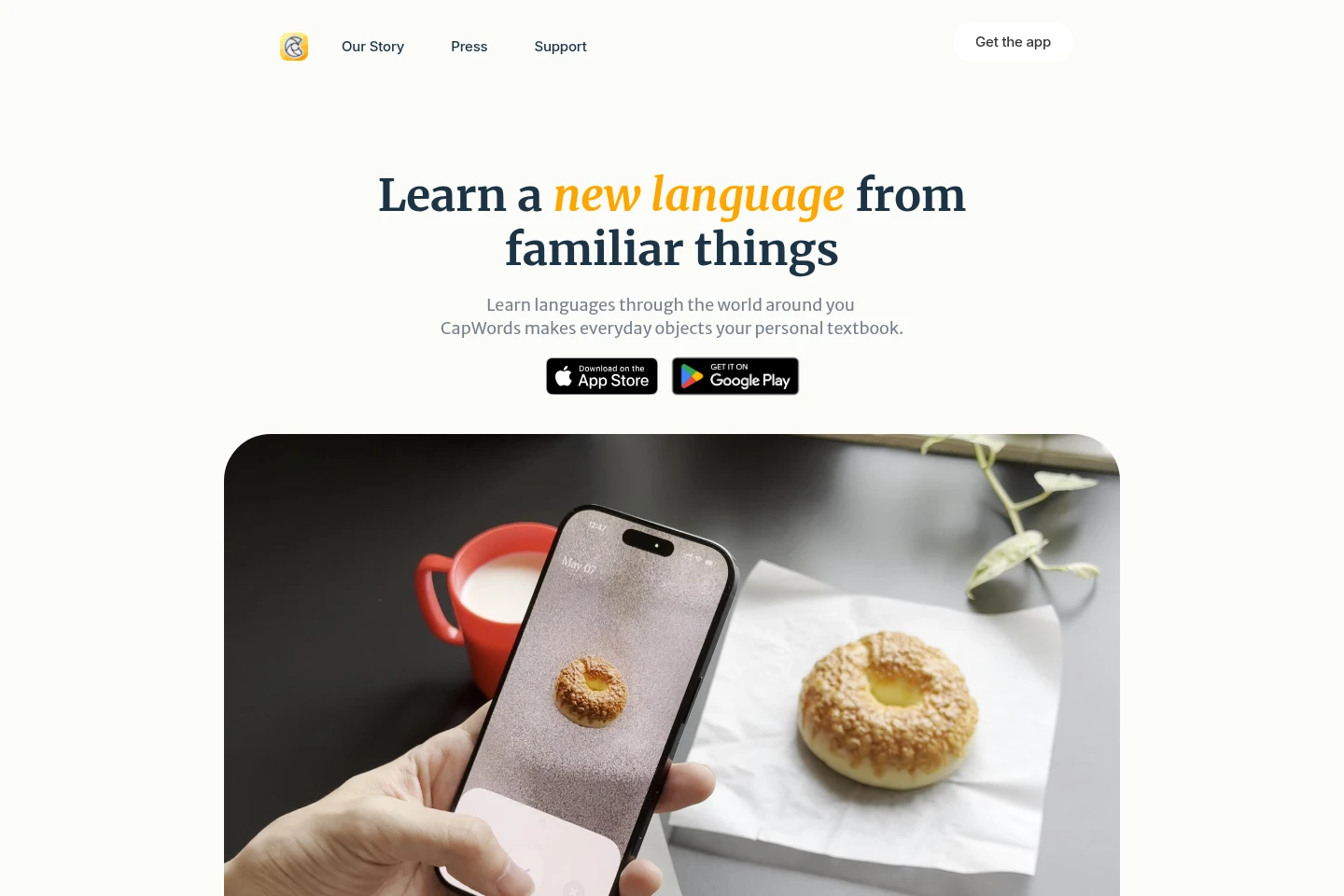
CapWords transforms everyday objects into multilingual teachers. By simply pointing and snapping, users can turn their surroundings into a language playground. The app offers instant bilingual cards, contextual learning with AI, and supports 27 languages. Whether you're a parent teaching kids or a professional learning industry terms, CapWords adapts to your needs with accurate AI recognition and adaptive learning algorithms.

  • Free
  1. Langchats

    Practice languages through AI-powered conversations

    Free
  2. Vocalo

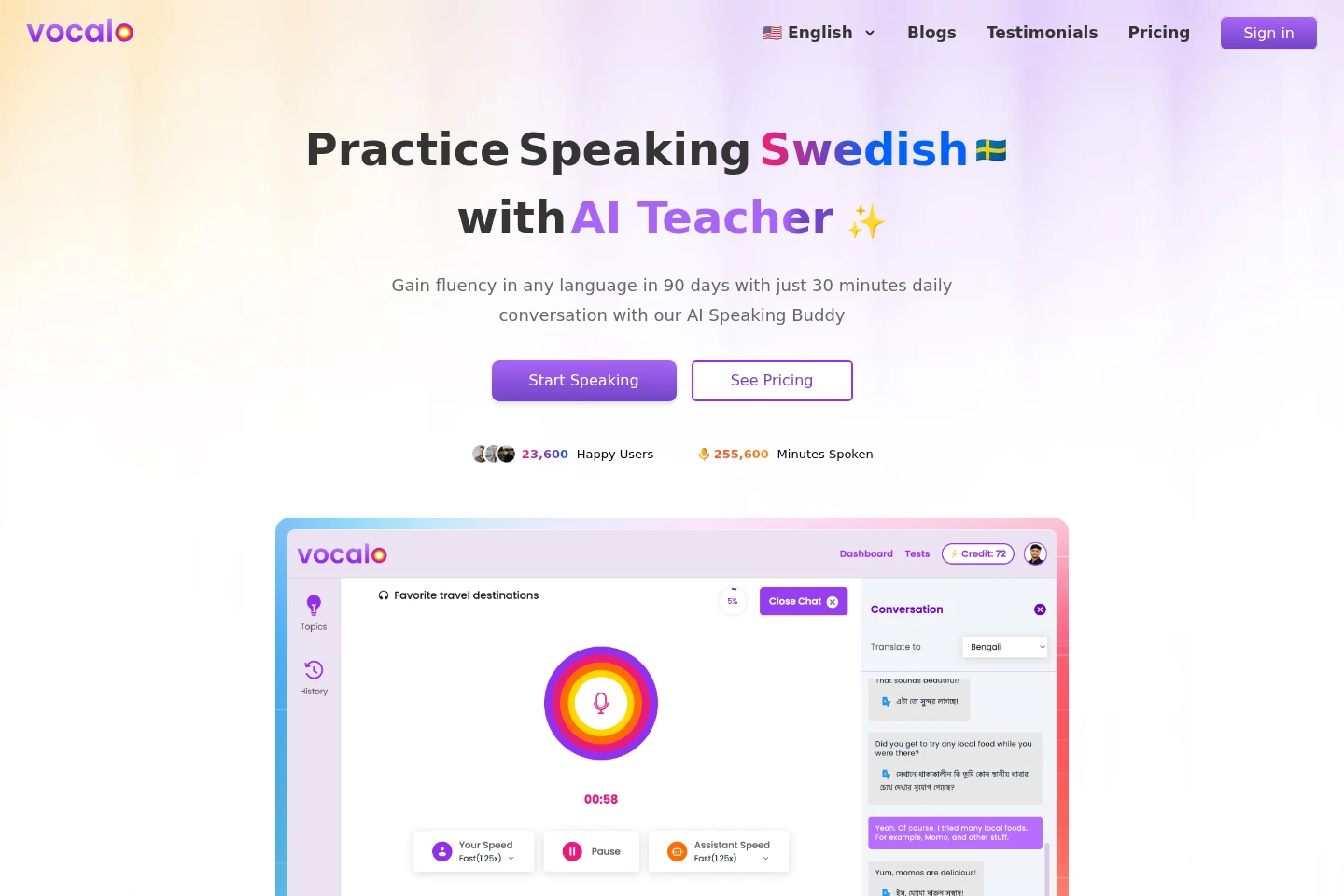
    Transform your English speaking with AI

    Freemium
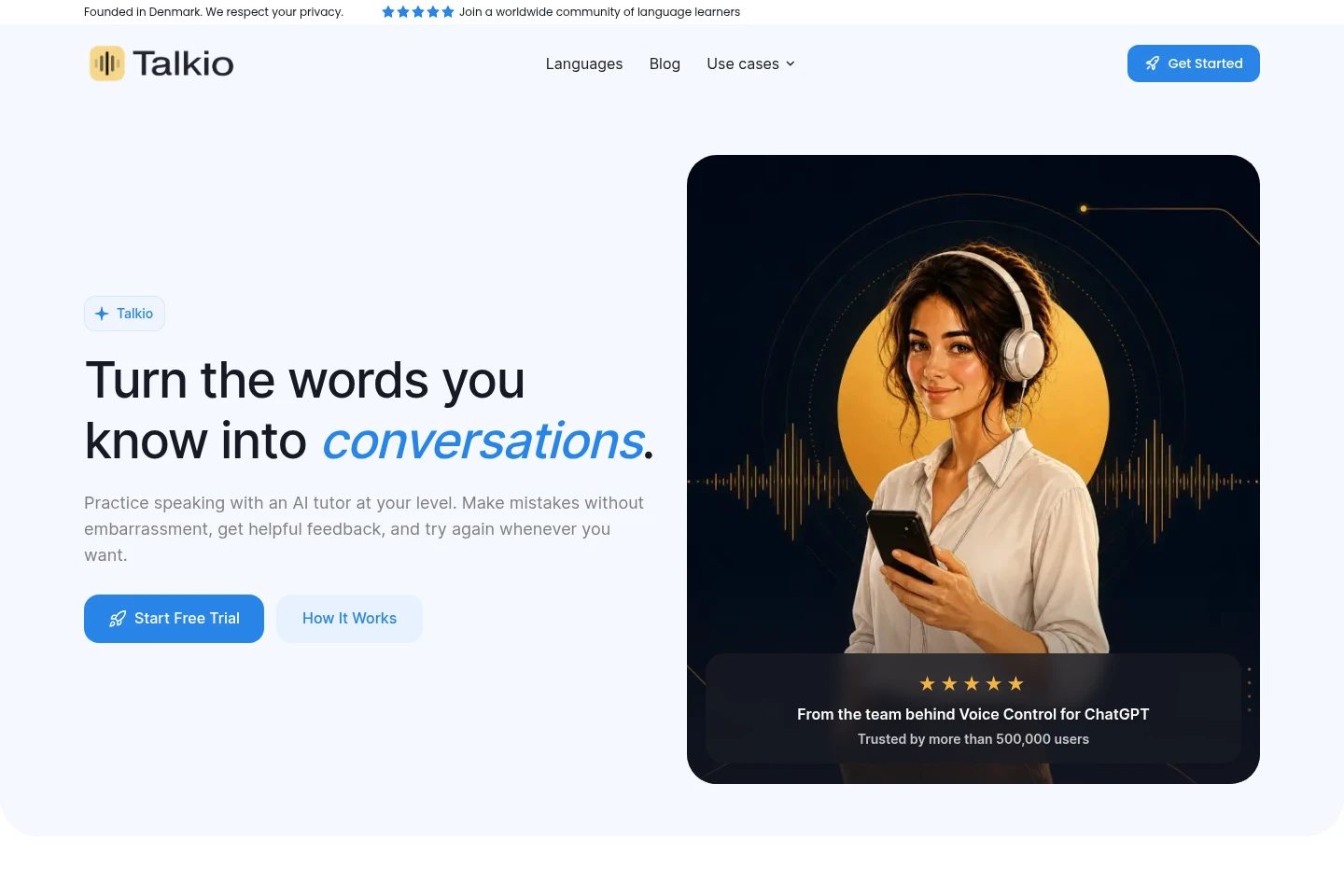
  3. Talkio

    Practice spoken languages with AI tutors

    Talkio Pro 3 Months · $11.40 per month, billed quarterly
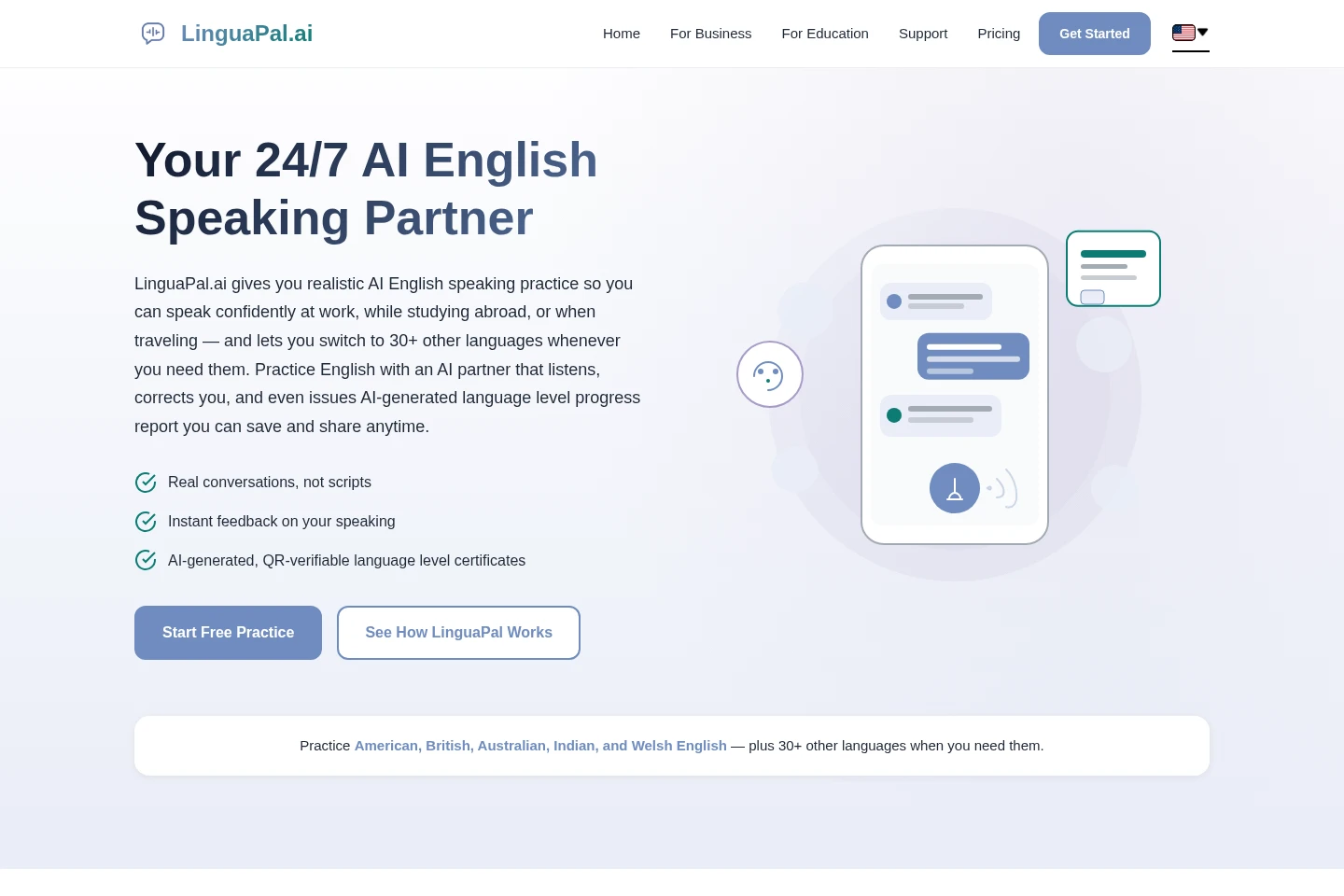
  4. LinguaPal.ai

    AI conversation practice with speaking feedback and level reports

    Always Free to Use · Free, ongoing
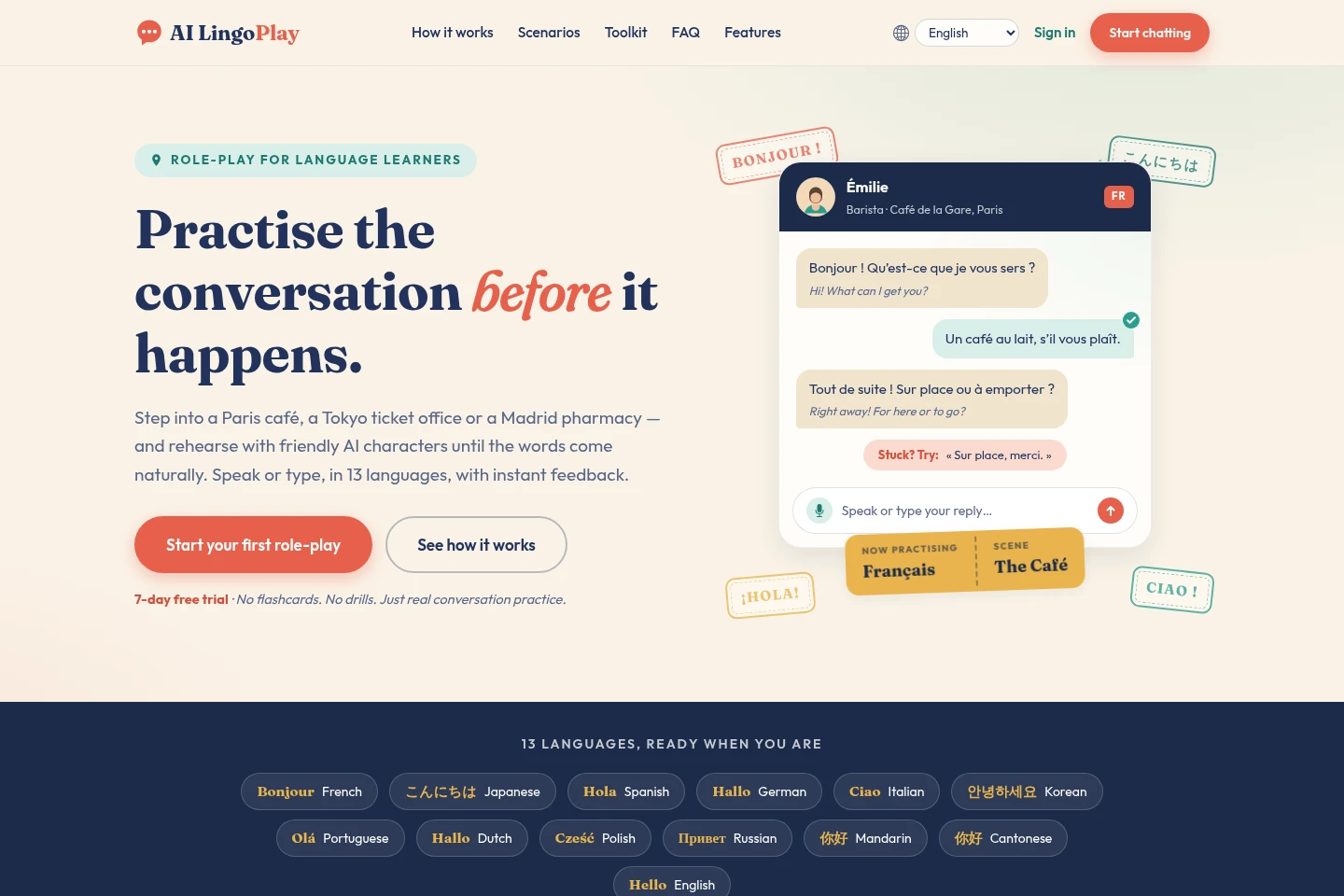
  5. AI LingoPlay

    Rehearse real conversations with AI characters.

    Paid

Who it is for

  • Language learners who want practical vocabulary and conversation practice

  • Travelers preparing language for common situations abroad

  • Language teachers seeking image-based vocabulary materials for classroom activities

FAQ

Which languages does photo recognition support?

The site lists Chinese, English, Japanese, Korean, French, Spanish, German, Italian, Portuguese, Russian, and Arabic. Photo labels pair the selected target language with the user's native language.

How do I label objects in a photo?

Log in, then upload an image, take a photo, or paste a screenshot and select a target language. WordCam identifies objects and places bilingual labels on the image; file size is limited to 10 MB.

How does LangGen create a practice dialogue?

Enter a scene of up to 200 characters, select a target language, and generate the dialogue. The generated lines show target-language text with native-language translations, and audio pronunciation is available.

How are points used and purchased?

The pricing page offers 100 points for $1.99 and 1000 points for $9.99. It lists photo analysis at 5 points per use, Conversation at 1 point per minute, and Vision at 2 points per minute.

Can I practice with voice or text?

Yes. Conversation accepts voice or text, replies first in the selected foreign language, and then explains in the native language. The homepage also describes asking about grammar and expressions.

Comments

Please sign in to leave a comment.
No comments yet. Be the first to share your thoughts!