

- Monthly visits
- 0
- 2026-09
Wheel of Names Picker - Free online spinner wheel for fair random selection from lists
Wheel of Names Picker is a browser-based free tool that generates fair random selections from user-added lists using the Web Crypto API. It requires no sign-up or installation, and works across desktop, mobile, and classroom display devices. The tool supports unlimited entries, multiple color styles, results history with timestamps, and optional sound and confetti effects. It is designed for teachers, streamers, groups, and individuals who need a transparent, engaging way to pick random entries for classroom activities, giveaways, and everyday decisions.
- AI Productivity
- Education
- Privacy Focused
3Views
Wheel of Names Picker
Wheel of Names Picker is a free browser-based online tool that generates fair random selections from user-added lists using the browser's Web Crypto API. It runs entirely locally on the user's device, requires no sign-up or software installation, and is compatible across desktop, mobile, and classroom display devices.
Core Capabilities
The tool supports a full set of features for transparent, engaging random selection:
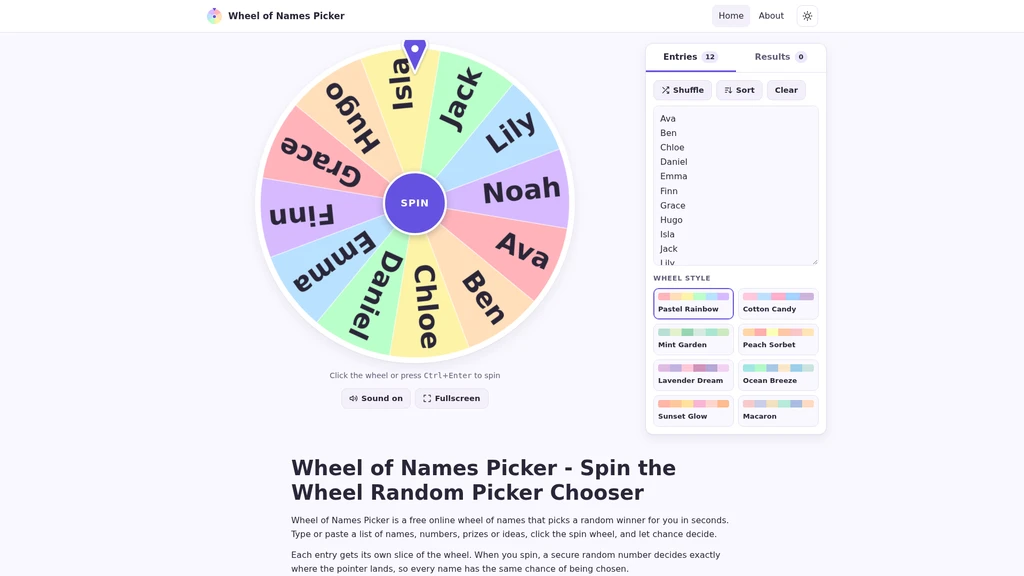
Add unlimited entries including names, numbers, prizes, or custom ideas, with automatic text resizing to fit the wheel slices
Choose from eight pastel color styles for the wheel: Pastel Rainbow, Cotton Candy, Mint Garden, Peach Sorbet, Lavender Dream, Ocean Breeze, Sunset Glow, and Macaron
Shuffle entry lists into a random order, or sort entries alphabetically with a single click
Automatically save all spin results to a dedicated results tab with timestamps for full audit of past selections
Enable optional sound effects during spinning and a confetti animation for the winning entry, with a one-click sound muting option
Toggle fullscreen mode to display the wheel on large shared screens, and switch to dark mode for use in dimly lit spaces
Adapt its layout natively for desktop, mobile touchscreen, and classroom interactive display use cases
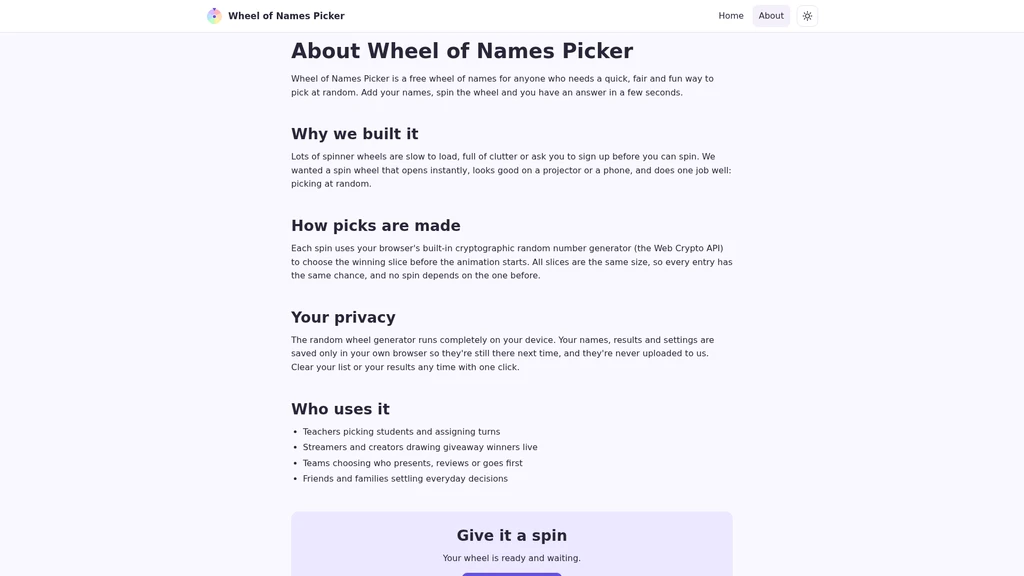
Generate secure, cryptographically random results with equal probability for every entry, with no correlation between separate spins
Clear all entry lists and stored results at any time with no residual data left on the device
Step-by-Step Workflow
Using the tool takes three simple, no-setup steps:
Add your entries: Type or paste your full list of items into the Entries box, with one entry per line. There are no pre-defined restrictions on what type of content you can add.
Customize your setup: Select your preferred pastel color style, shuffle or sort your entry list to match your needs, and toggle sound, confetti, fullscreen, or dark mode settings as required.
Spin the wheel: Click or tap the wheel, or use the Ctrl+Enter keyboard shortcut to start the spin. The wheel will gradually slow to a stop on a randomly selected entry, which is immediately displayed and saved to the results tab with a timestamp. The winning entry is selected via the Web Crypto API before the spin animation begins, ensuring no bias during the visual effect.
Intended Audiences
The tool is built to support use cases for a wide range of user groups:
Teachers: For cold-calling students, assigning turn order, picking classroom helpers, or running in-class games and quizzes
Streamers: For drawing giveaway, raffle, or contest winners live for their audience to view in real time
Casual groups: For deciding on shared plans including dining locations, movie selections, or group activities to eliminate extended debate
Individual users: For settling quick decisions, breaking ties, or assigning random tasks and chores
Party and game groups: For running icebreakers, truth or dare challenges, team activities, or casual game rounds
Pricing
Wheel of Names Picker is 100% free to use. No payment is required to access all core functionality, and there are no hidden paywalls, premium tiers, or mandatory in-app purchases.
Supported Limitations
While the tool does not enforce a fixed maximum number of entries, there are practical use case constraints to note:
Text on wheel slices will automatically shrink to accommodate very long entry lists, which can make individual entries difficult to read from across a large room
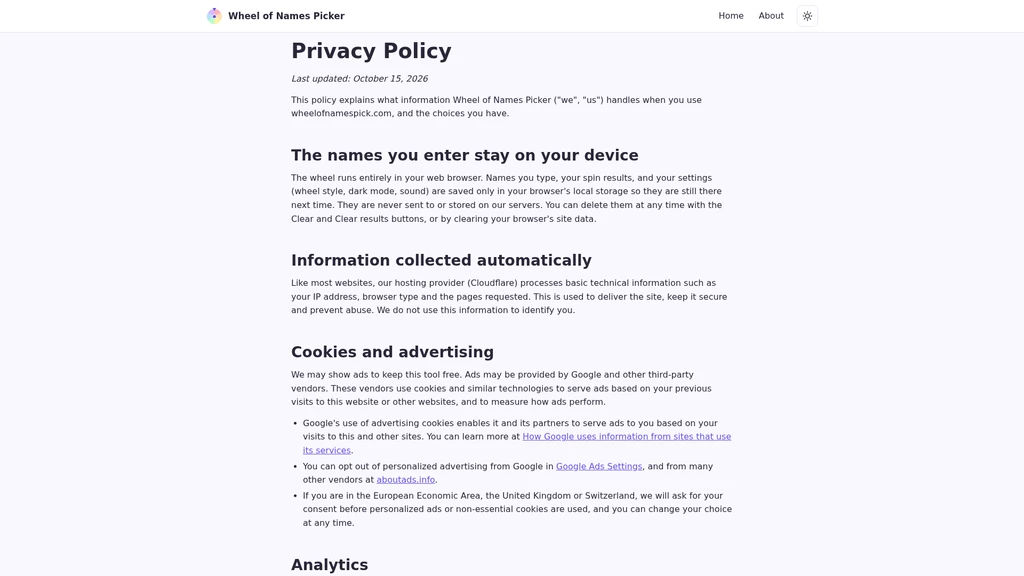
For optimal readability on shared classroom or event displays, the tool is best used with lists containing 10 to 40 entries. All user entry data remains stored locally on the user's browser and is never transmitted to external servers, so no data is retained by the tool provider after a user clears their local browser storage.


Comments