
- Monthly visits
- 131,598
- 2026-09
- Monthly growth +53.6%
VoiceDash - Turn natural speech into polished text across your apps
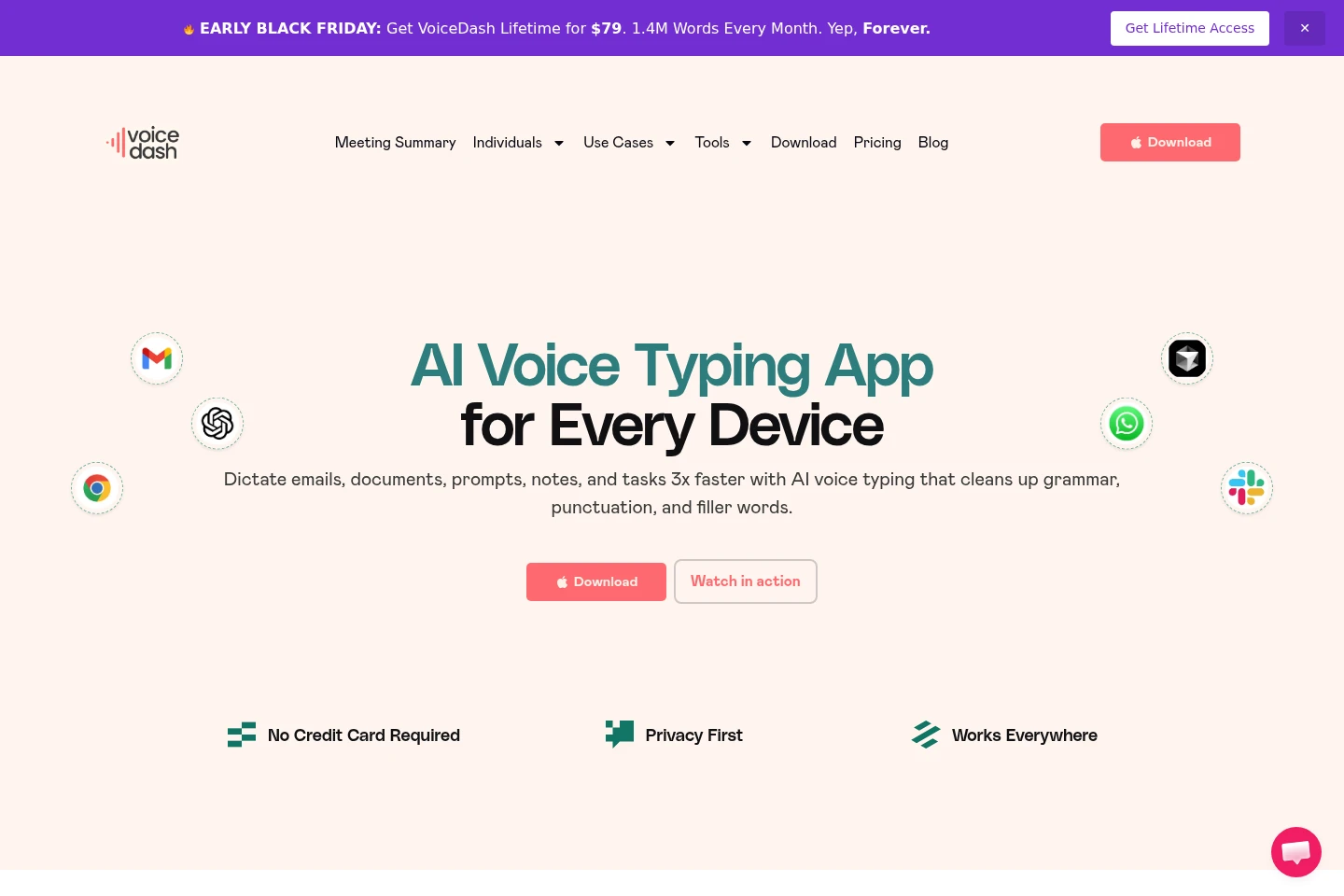
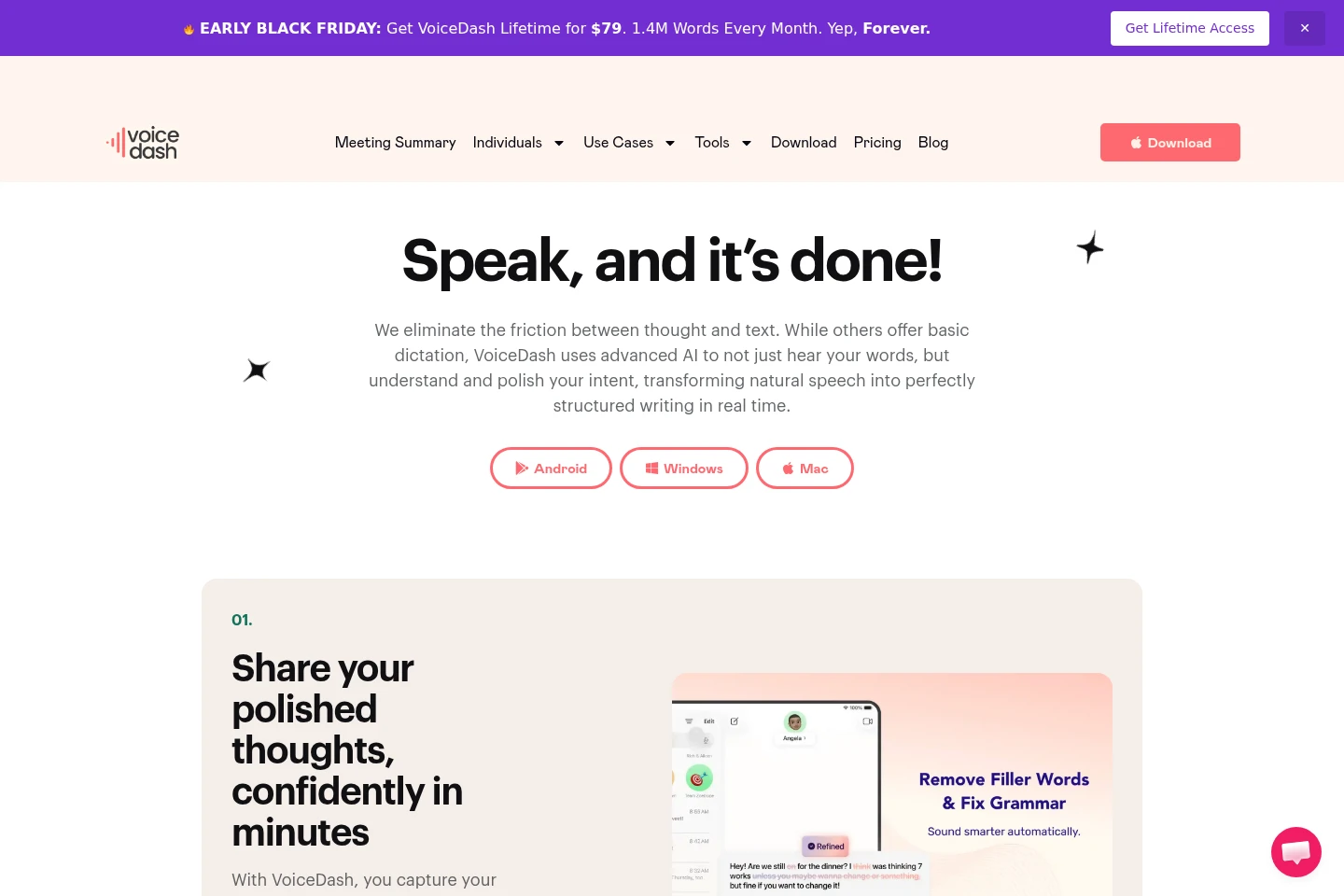
VoiceDash is an AI voice-typing and speech-to-text app for Mac, Windows, iPhone, and Android. Speak naturally to transcribe words into applications, with AI editing that can correct grammar and punctuation and remove filler words. Plans differ by monthly word allowance, editing features, platform access, and team tools.
- AI Productivity
- Voice Dictation
- Grammar Checkers
- Paraphrasing Tools
- AI voice typing
- speech to text app
- voice dictation software
Capabilities
Speech-to-text dictation
Turns natural speech into text that appears in the active application. Speak after opening VoiceDash and pressing its hotkey; the product describes transcription as real-time.
AI text editing
Refines dictated text and outputs corrected, polished writing. VoiceDash can fix grammar and punctuation and remove filler words; advanced AI editing is listed for Pro.
Personal dictionary
Stores personal vocabulary for use during dictation. The personal dictionary is listed as a Pro feature.
Snippet libraries
Provides reusable text snippets during writing. A snippet library is listed for Pro, and shared snippet libraries are listed for Teams.
Pricing
VoiceDash has a free tier and paid Pro and Teams plans, with monthly and yearly payment options shown. Compare word allowances, editing and dictionary features, platform access, and team size and support.
| Plan | Price | Included features and limits |
|---|---|---|
| Free | $0; billed once yearly |
|
| Pro | $15 or $12; save $36 per year |
|
| Teams | $29 or $24; save $69 per year |
|
The pricing page offers monthly and yearly payment selections and advertises a 3-day free trial. It does not unambiguously associate each displayed Pro and Teams amount with a billing period.
Use cases
Dictate text into everyday apps
When writing emails, documents, notes, prompts, or messages, users speak instead of typing and let VoiceDash place dictated text in the application. AI editing can clean grammar, punctuation, and filler words.
Draft structured lecture notes
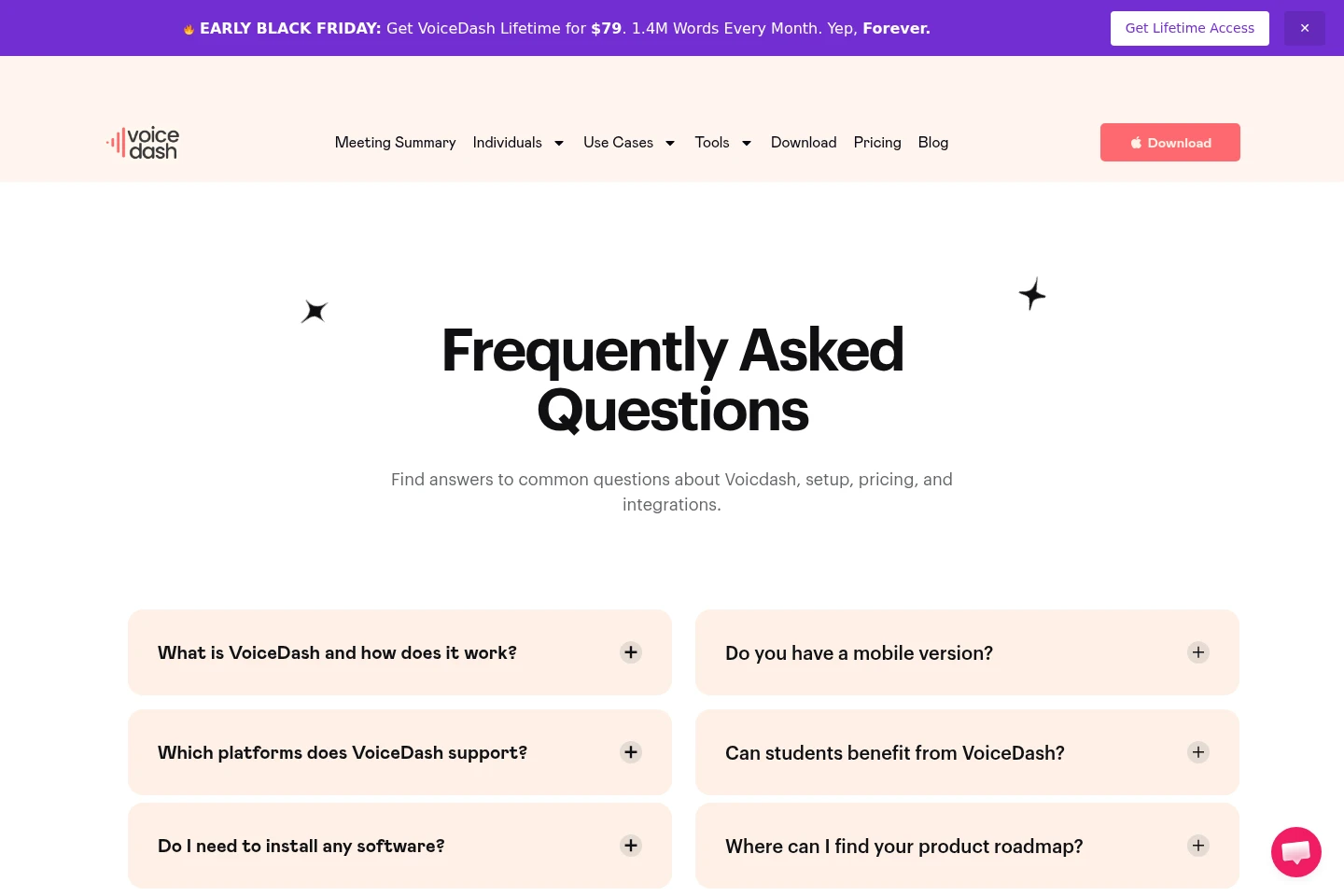
When students need to capture lecture material, they can dictate notes using VoiceDash. The FAQ identifies structured lecture notes as a student use; the product transcribes speech into text.
Write in apps with voice dictation
When composing in applications such as Notion, Microsoft Word, ChatGPT, Slack, or Google Docs, users dictate through VoiceDash rather than switching to a separate transcription workflow. Text appears in the application.
Limitations
The Free plan is limited to 1,000 words per month; unlimited words are listed for Pro.
Teams includes up to 5 team members, with an option to add more.
Who it is for
Professionals who dictate written work regularly
Students who need to draft essays and capture lecture notes by voice
Teams that need shared snippet libraries and multiple member access
FAQ
What does VoiceDash do?
VoiceDash is an AI speech-to-text and voice-dictation app. It transcribes natural speech into written text and can refine grammar, punctuation, and filler words.
Which platforms are listed?
The pages identify Mac, Windows, iPhone, and Android availability. The homepage FAQ also mentions Linux, but the supplied download and pricing details do not establish a Linux download.
Does VoiceDash offer a free trial?
Yes. The pricing page advertises a 3-day free trial. It also lists a Free plan with 1,000 words per month; the trial and ongoing Free plan are separate offers.
What are the plan prices and word limits?
Free costs $0 and includes 1,000 words per month. Pro lists $15 and $12 with unlimited words; Teams lists $29 and $24 and supports up to 5 members. The page labels the lower prices with yearly savings but does not clearly state each billing period beside every amount.
Comments