
- Monthly visits
- 2,489
- 2026-09
- Monthly growth +915.9%
VidMachine - Generate, schedule, and publish AI videos on autopilot
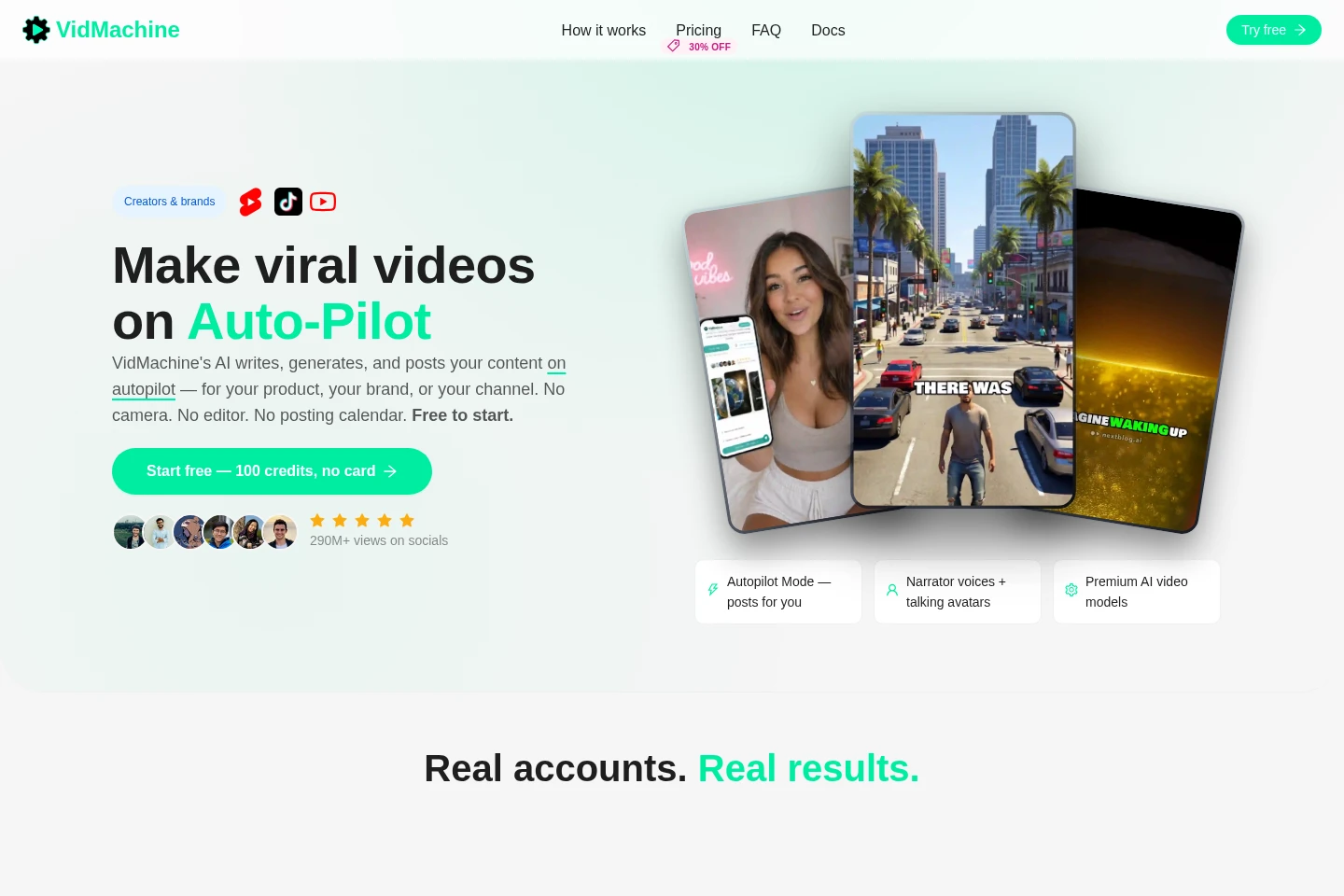
VidMachine creates videos for creators and brands, from ideas and scripts to generated clips and scheduled publishing. It supports vertical Shorts and long-form YouTube videos, AI presenters with voice, and direct posting to TikTok, Instagram Reels, and YouTube. Users can also generate video or speech from prompts and text, download finished MP4s, or automate video creation through the REST API.
- AI Video
- Video Generators
- AI Avatars
- Social Media Management
- E-commerce
- AI video generator
- automated video publishing
- AI video for TikTok and YouTube
Capabilities
Automated video publishing
Generates, schedules, and publishes videos according to a configured cadence. Users connect publishing channels and describe their niche or brand; they can pause automation at any time.
AI video generation
Creates video from a text prompt and optional starting frame, with selectable model, duration, and aspect ratio. Generation uses credits at the rates shown in the app.
AI presenter studio
Creates photorealistic presenters with lip-synced voice for use in videos. Users can reuse a consistent presenter face, voice, and style across videos and channels.
Social channel publishing
Publishes finished videos to TikTok, Instagram Reels, YouTube Shorts, and YouTube. Users connect their channels; finished MP4 videos can also be downloaded.
REST API video automation
Automates video generation through VidMachine's REST API. The site describes generating from events, prompts, or scheduled jobs, and the Hobby plan includes Full REST API Access.
Pricing
VidMachine offers 100 free credits without a card and paid monthly subscriptions. Compare monthly credit allowances, estimated short-video output, included bonus credits, publishing features, and support to choose a plan.
| Plan | Price | Included features and limits |
|---|---|---|
| Hobby | $19 per month |
|
| Starter | $39 per month |
|
Use cases
Run faceless video channels
When publishing Shorts or TikToks without filming, users can generate ideas, scripts, captions, and videos, then schedule and autopublish them across connected channels.
Publish product and brand videos
When a brand needs product updates, launch clips, ads, or UGC variations, users can create videos and publish them to connected social channels or download MP4s for paid ads.
Automate video creation from software
When an application or agent needs videos from events, prompts, or scheduled jobs, developers can use the REST API to generate videos through an automated workflow.
Limitations
Video generation uses credits, and the credit rate depends on the selected model and settings.
Autopilot publishing requires users to connect the social channels where videos will be published.
Generating through the AI video and speech tools requires signing in; the free signup allowance is 100 credits.
Who it is for
Video creators who need to produce and schedule Shorts or long-form channel content
Brand and product marketers who need recurring social videos and ad variations
Agencies and channel operators managing video publishing across multiple accounts
Developers who need to generate videos programmatically through a REST API
FAQ
How many free credits are included?
A new account can try the workflow with 100 free credits and no card. The site does not state that this allowance renews.
Which social channels can VidMachine publish to?
VidMachine lists TikTok, Instagram Reels, YouTube Shorts, and YouTube. Users need to connect the channels they want to use.
Can I download videos instead of publishing them?
Yes. The site says finished videos can be downloaded as MP4 files, including for use in paid ads.
Does VidMachine provide an API?
Yes. The site describes a REST API for automated video generation, and the Hobby plan explicitly lists Full REST API Access.
Can I pause automated publishing?
Yes. The Autopilot workflow lets users generate and post on a schedule, and the site says users can pause anytime.
Comments