

- Monthly visits
- 3,697
- 2026-09
- Monthly growth +185.9%
VClip - Create AI avatar reels and faceless videos in 9:16
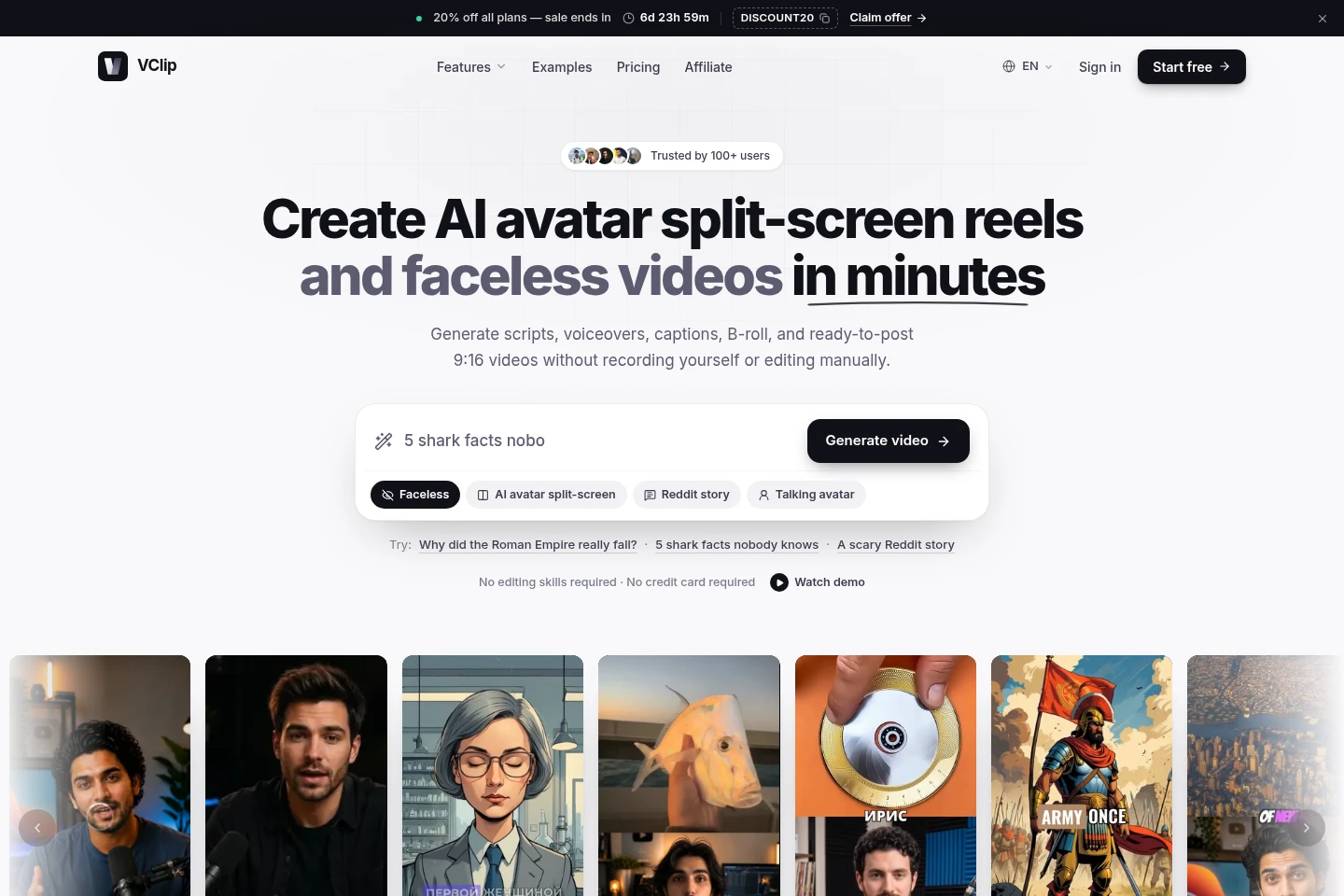
VClip turns a topic, script, clip, or photo into short-form video. It can generate scripts, AI voiceovers, B-roll, animated captions, and talking avatars, then export videos in 9:16 for platforms including TikTok, YouTube Shorts, and Instagram Reels. Users can edit scenes before export.
- AI Video
- Short Video Generators
- AI Avatars
- Video Editors
- AI avatar video maker
- faceless video generator
- split-screen reels
Capabilities
AI short video generation
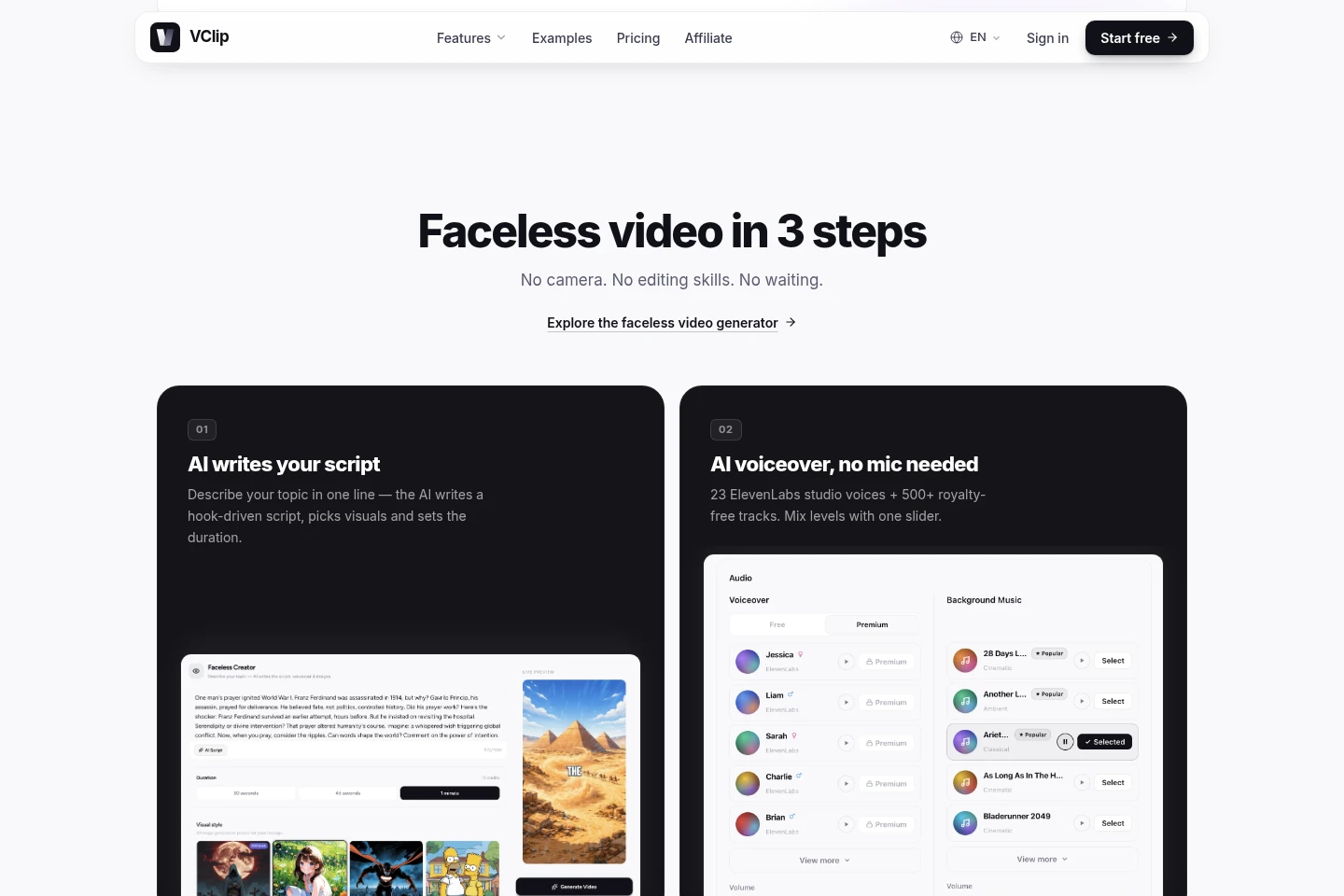
Generate short videos from a topic or script, with a script, voiceover, B-roll, and animated captions. Users can choose styles and caption appearance; the output is a ready-to-post vertical video.
AI avatar split-screen videos
Combine an uploaded clip with a talking AI avatar that narrates underneath. VClip detects the clip's source language, lets the user choose the narration language, and syncs, crops, and exports the result in 9:16.
Talking avatar creation
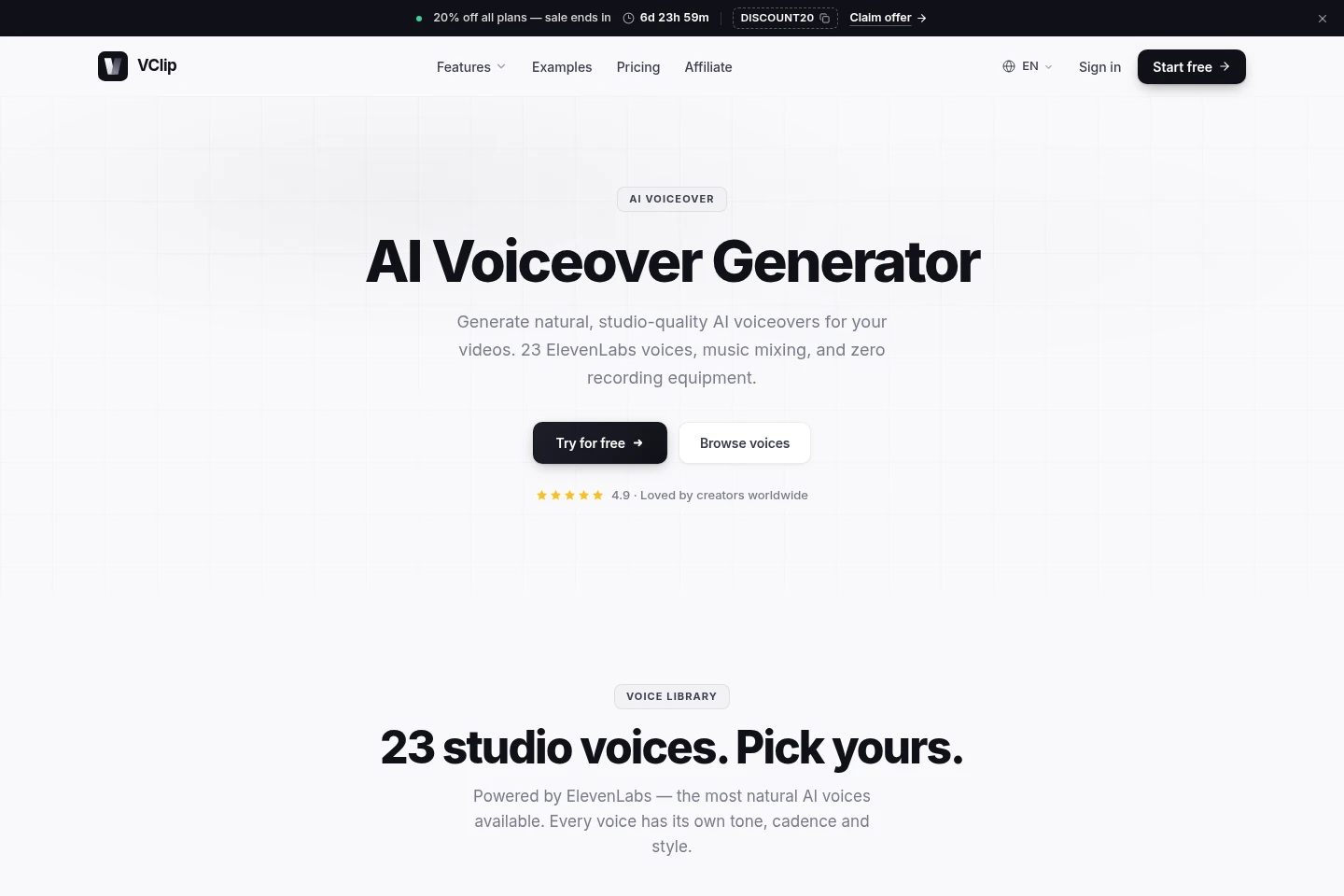
Create a talking avatar video from a photo, written script, and selected voice, or upload audio instead. Short Forge can also make a lip-synced avatar from a 30-second clip and produce speech in 20+ languages.
Video scene editing
Review and refine a video before export by editing captions, changing visuals, placing an avatar in a scene, and scrubbing the timeline. The export follows the user's edits.
Pricing
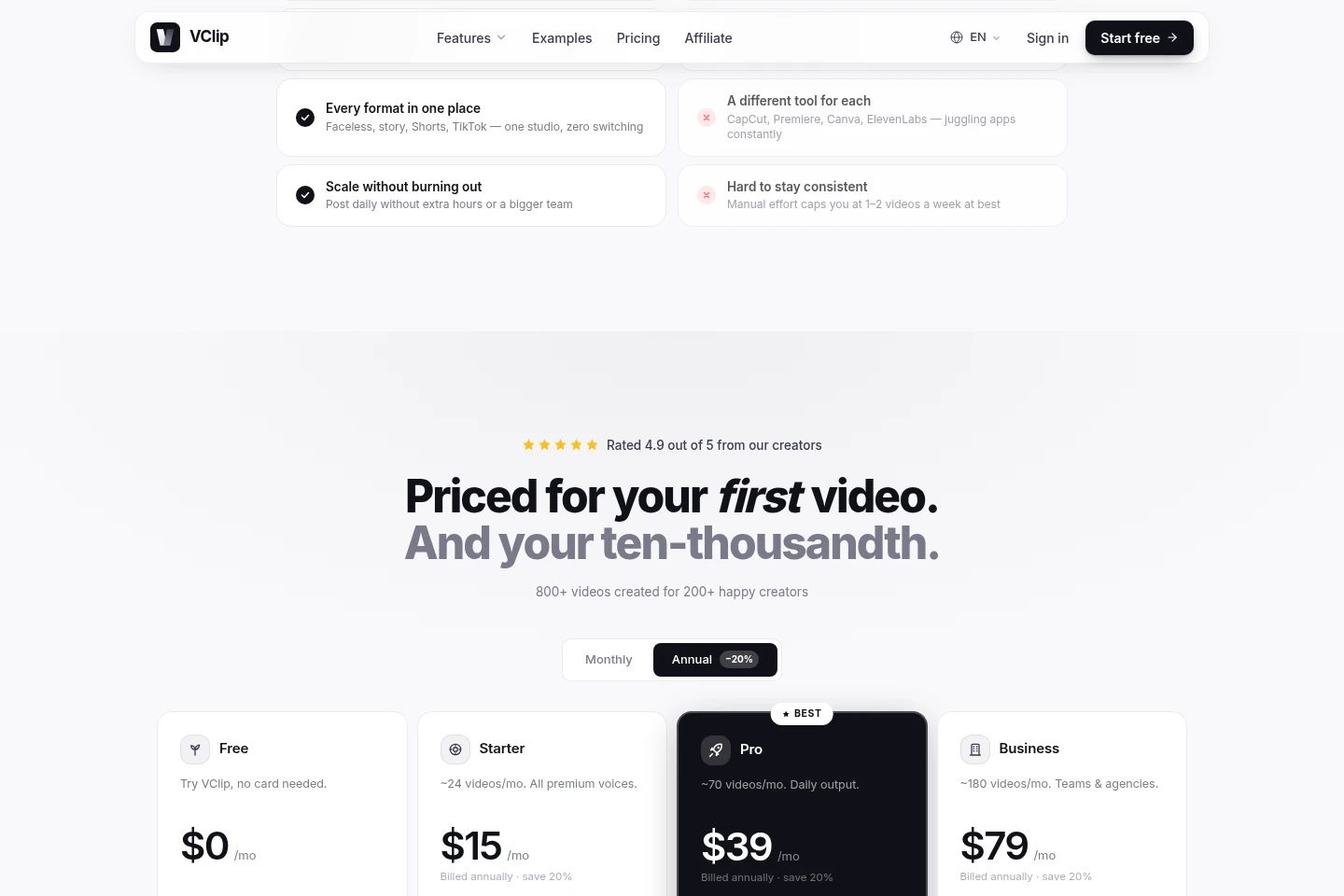
VClip offers a free plan and paid monthly subscriptions. Compare monthly credits and approximate video volume, included tools and voices, rendering priority, team features, and support when choosing a plan.
| Plan | Price | Included features and limits |
|---|---|---|
| Free | $0/mo |
|
| Starter | $15/mo, billed annually; $19/mo with monthly billing |
|
| Pro | $39/mo |
|
| Business | $79/mo |
|
The pricing page advertises annual billing with 20% savings. The FAQ specifies Starter at $15/mo billed annually or $19/mo with monthly billing. Paid plans can be canceled anytime.
Use cases
Create faceless short-form videos
When making short videos without filming yourself, enter a topic or script and let VClip generate narration, B-roll, and animated captions. Export the finished video in 9:16 for short-form platforms.
Turn an existing clip into a split-screen reel
When you have footage to pair with an AI narrator, upload the clip and choose the narration language. VClip pairs it with a talking avatar, syncs and crops the layout, and exports a vertical video.
Make a talking avatar video from a photo
When a video needs a speaking avatar but no new camera recording, upload a photo, write a script, and choose an AI voice or provide audio. VClip generates a talking avatar video ready to post.
Limitations
Autopilot posting and analytics are marked Soon on the product pages, so those functions are not presented as currently available.
Who it is for
Short-form video creators who need scripts, narration, captions, and vertical exports in one workflow
Creators producing faceless or story-based videos without appearing on camera
Agencies and teams producing recurring social videos and needing team seats or custom brand voices
FAQ
What can VClip generate?
VClip generates AI avatar split-screen reels and faceless short videos from a topic, script, uploaded clip, or photo. Video workflows can include AI voiceover, B-roll, captions, and 9:16 export.
Can I make Reddit story videos with VClip?
Yes. Story Video mode supports Reddit-style narration. Paste a story or have AI generate one, choose a voice and background, and produce a captioned short-form video.
Do I need to appear on camera?
No. Faceless videos can be generated from a topic or script without a camera recording. For a talking avatar, you can upload a photo and select a voice or provide audio.
What video format does VClip export?
Videos export as 9:16 MP4 at 1080x1920. The product describes this as a format for TikTok, short-form videos, and Instagram Reels.
Is there a free plan?
Yes. Free includes 10 credits per month, approximately two videos, and does not require a credit card. Paid plans offer larger credit allowances and additional features.
Can I use videos commercially?
Yes. The pricing page says every paid plan includes a full commercial license. The FAQ says creators keep revenue from ad views, sponsorships, and brand deals.
Comments